> ## Documentation Index
> Fetch the complete documentation index at: https://www.mintlify.com/docs/llms.txt
> Use this file to discover all available pages before exploring further.
# Live preview
> Preview your documentation site in real time as you edit, with continuous updates that render content, navigation, and configuration changes instantly.
Preview your site while you edit. Live previews render pages exactly as they look when published, and update as you make changes to content, navigation, and configuration.
## Open live preview
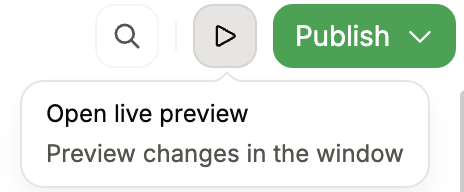
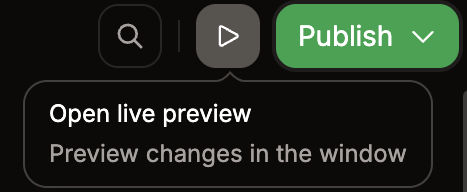
Click the live preview button in the toolbar to open a live preview in a new tab.
 Live preview is only available for public documentation.
## Live preview versus preview deployments
| | Live preview | Preview deployment |
| ---------------- | ------------------------------- | --------------------------------- |
| **Speed** | Instant | Requires a build |
| **Access** | Local URL | Shareable URL |
| **Use when** | Reviewing changes while editing | Sharing with your team for review |
| **Availability** | While the editor is open | As long as the branch exists |
Use live preview for immediate feedback while editing. When you need to share changes with your team or test on a different device, use a [preview deployment](/editor/branching-and-publishing#preview-your-changes).
## Related topics
- [Editor overview](/docs/editor/index.md)
- [Preview deployments](/docs/deploy/preview-deployments.md)
- [Preview locally](/docs/cli/preview.md)
Live preview is only available for public documentation.
## Live preview versus preview deployments
| | Live preview | Preview deployment |
| ---------------- | ------------------------------- | --------------------------------- |
| **Speed** | Instant | Requires a build |
| **Access** | Local URL | Shareable URL |
| **Use when** | Reviewing changes while editing | Sharing with your team for review |
| **Availability** | While the editor is open | As long as the branch exists |
Use live preview for immediate feedback while editing. When you need to share changes with your team or test on a different device, use a [preview deployment](/editor/branching-and-publishing#preview-your-changes).
## Related topics
- [Editor overview](/docs/editor/index.md)
- [Preview deployments](/docs/deploy/preview-deployments.md)
- [Preview locally](/docs/cli/preview.md)