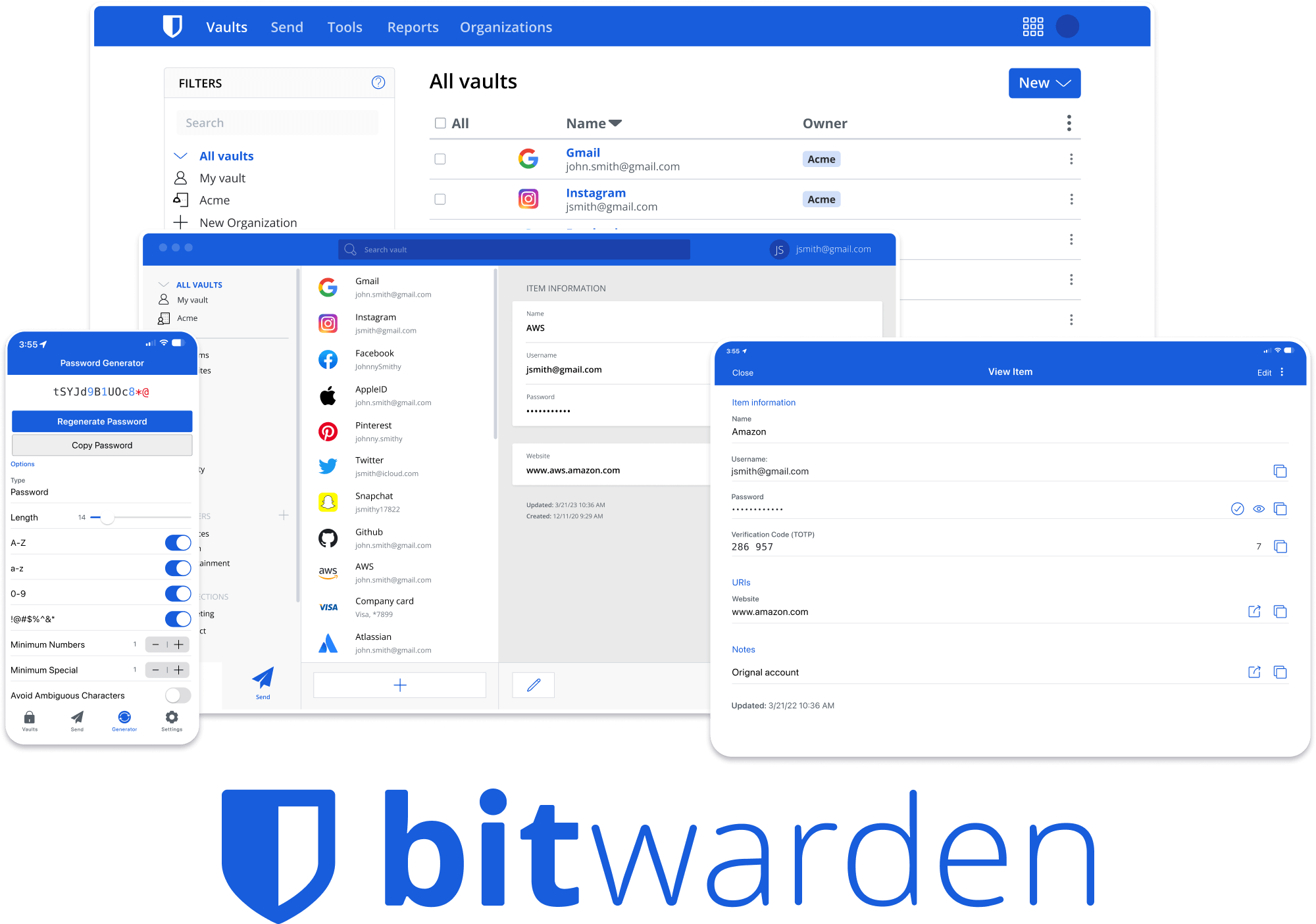
Welcome to Bitwarden Clients
The Bitwarden Clients repository is a monorepo that houses all Bitwarden client applications except mobile (iOS and Android). Built with TypeScript, Angular, and modern web technologies, this repository provides a unified development experience across multiple platforms.Key features
Monorepo architecture
Nx-powered workspace with shared libraries and consistent tooling across all client applications
TypeScript first
Fully typed codebase with strict TypeScript configuration for enhanced developer experience
Shared component library
Reusable UI components and business logic libraries reduce duplication across apps
Modern build tools
Webpack, Nx, and platform-specific bundlers optimized for each application type
Client applications
The repository includes four main client applications, each designed for specific platforms and use cases:Browser extension
Cross-browser extension for Chrome, Firefox, Safari, Edge, Opera, and more
Desktop application
Native desktop app for Windows, macOS, and Linux built with Electron
Web vault
Angular web application powering vault.bitwarden.com
CLI
Full-featured command-line interface for automation and scripting
Browser extension
Version: 2026.2.0Technologies: Web Extension API (Manifest V3), Angular, TypeScript
Platforms: Chrome, Firefox, Safari, Edge, Opera, Brave, Vivaldi, Tor Browser The browser extension provides seamless password management directly in your browser with autofill capabilities, password generation, and secure vault access. Build command:
Desktop application
Version: 2026.2.1Technologies: Electron, Angular, TypeScript, Rust (native modules)
Platforms: Windows (x64, x86, ARM64), macOS (Universal), Linux (x64, ARM64) The desktop application combines native OS integration with the full power of Bitwarden’s web vault in a standalone application. Build command:
Web vault
Version: 2026.2.1Technologies: Angular, TypeScript, Webpack
Deployment: Cloud-hosted and self-hosted options The web vault is the central web application accessible at vault.bitwarden.com, providing comprehensive vault management, organization administration, and enterprise features. Build command:
Command-line interface
Version: 2026.2.0Technologies: Node.js, TypeScript, Commander.js
Platforms: Windows, macOS, Linux (x64 and ARM64) The CLI provides a powerful, scriptable interface to Bitwarden with full vault management, ideal for automation, CI/CD pipelines, and server environments. Build command:
Technology stack
- TypeScript 5.8.3 - Type-safe development across all applications
- Angular 20.3.17 - Modern framework for browser, desktop, and web
- Nx 21.6.10 - Monorepo tooling and build orchestration
- RxJS 7.8.1 - Reactive programming patterns
- Webpack 5 - Module bundling and optimization
- Jest - Unit and integration testing
- ESLint - Code quality and consistency
Quick start guides
Browser extension
Get started building the browser extension
Desktop app
Get started building the desktop application
Web vault
Get started building the web vault
CLI
Get started building the command-line interface
Desktop app
Build and run the desktop application
Web vault
Launch the web vault locally
CLI
Build and use the command-line interface
Requirements
All applications share common requirements defined in the root package.json:
- Node.js: >= 22.12.0 (specified in .nvmrc: v22)
- npm: ~10
Repository structure
Next steps
Review architecture
Learn about the monorepo structure and how apps and libraries interact
Set up your environment
Follow the installation guide to clone and install dependencies
Build an application
Choose an app and follow its build instructions
Start contributing
Read the contributing guide and join the community
Community and support
- Contributing Guide: contributing.bitwarden.com
- GitHub Issues: github.com/bitwarden/clients/issues
- Gitter Chat: gitter.im/bitwarden/Lobby
- Security: See SECURITY.md for reporting vulnerabilities
This repository does not include the mobile applications. For iOS and Android development, see: