
The Delta Sharing Community
Delta Sharing has grown into a thriving ecosystem of community-built connectors and integrations across multiple programming languages and platforms. The open protocol specification enables developers worldwide to create connectors that allow users to access shared data from their preferred tools and languages.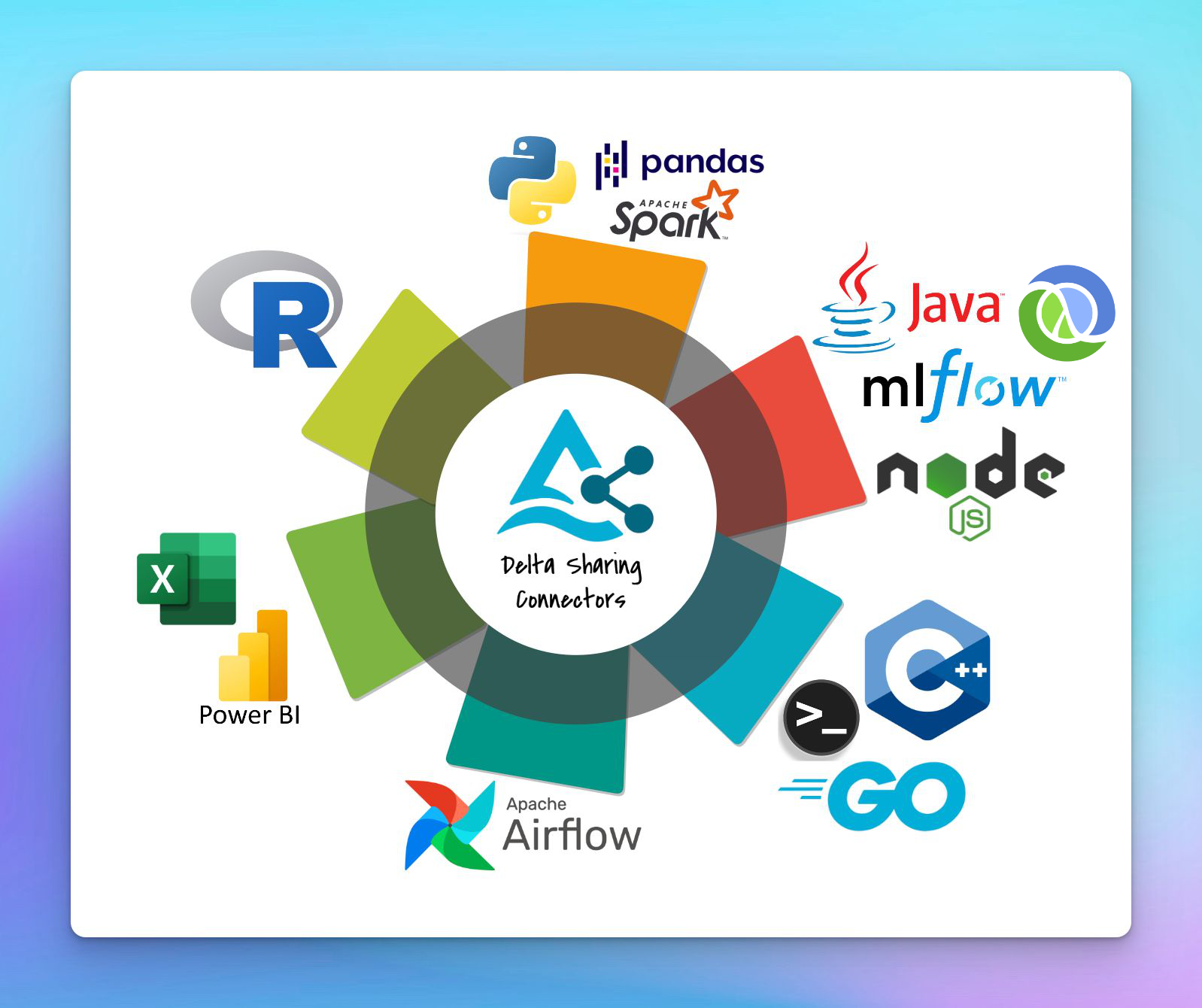
Why Build a Community Connector?
The Delta Sharing Protocol is an open REST API specification that makes it straightforward to build connectors for any platform. Community connectors extend the reach of Delta Sharing by:- Enabling native integrations with programming languages and tools
- Reducing friction for users who want to consume shared data in their existing workflows
- Expanding the ecosystem to support diverse use cases and industries
- Fostering innovation through open collaboration
All community connectors implement the Delta Sharing Protocol, which is a simple REST API for secure data sharing.
Building Your Own Connector
Creating a Delta Sharing connector involves implementing the protocol specification to interact with a Delta Sharing server. Here’s what you need to know:Core Components
Profile File Handling
Read and parse the profile file (JSON format) containing user credentials and server endpoint information
REST API Client
Implement HTTP client to make authenticated requests to the Delta Sharing server
Authentication
Support bearer token authentication as specified in the profile file
Data Retrieval
Fetch table metadata, file lists, and pre-signed URLs for data access
Essential API Endpoints
At minimum, a basic connector should implement these endpoints:Profile File Format
Profile File Format
The profile file is a JSON document with the following structure:Your connector should:
- Parse this JSON file from local filesystem or remote storage
- Extract the endpoint URL and bearer token
- Include the bearer token in all HTTP requests as:
Authorization: Bearer <token>
Advanced Features
Once you have a basic connector working, consider implementing these advanced capabilities:Change Data Feed (CDF)
Query table changes between versions for incremental processing
Time Travel
Access historical versions of tables
Predicate Pushdown
Send filter conditions to reduce data transfer
Delta Format Queries
Request data in native Delta format for optimized performance
Implementation Guidelines
1. Start with Core Functionality
Begin by implementing the essential features:- Reading profile files
- Authenticating with bearer tokens
- Listing shares, schemas, and tables
- Querying table metadata and snapshots
2. Handle Pre-Signed URLs
The server returns pre-signed URLs for data files. Your connector should:- Parse the file list from the query response
- Download Parquet files using the pre-signed URLs
- Handle file format conversion to your target data structure
3. Support Common Patterns
4. Error Handling
Implement robust error handling for:- Invalid or expired bearer tokens
- Network failures and retries
- Malformed profile files
- Missing or inaccessible tables
5. Testing
Test your connector against:- The open example Delta Sharing Server with sample data
- Your own Delta Sharing Reference Server instance
- Various table sizes and schema complexities
Contributing Back to the Community
Once you’ve built a connector:- Open source it - Share your code on GitHub with an Apache 2.0 or similar permissive license
- Document your connector - Include clear installation and usage instructions
- Submit a PR - Add your connector to the Delta Sharing README
- Engage with users - Respond to issues and feature requests
- Join the community - Connect on Slack and the mailing list
To add your connector to the official list, open a pull request on the Delta Sharing GitHub repository updating the community connectors table.
Resources
Protocol Specification
Full technical specification of the Delta Sharing Protocol
Reference Server
Set up your own Delta Sharing server for testing
Example Connectors
Browse existing community connectors for inspiration
GitHub Repository
View source code and submit contributions
Getting Help
Need assistance building your connector?- Slack: Join #delta-sharing on the Delta Users Slack
- Mailing List: Post questions to [email protected]
- GitHub Issues: Report bugs or request features at delta-io/delta-sharing