Introduction to Docbot
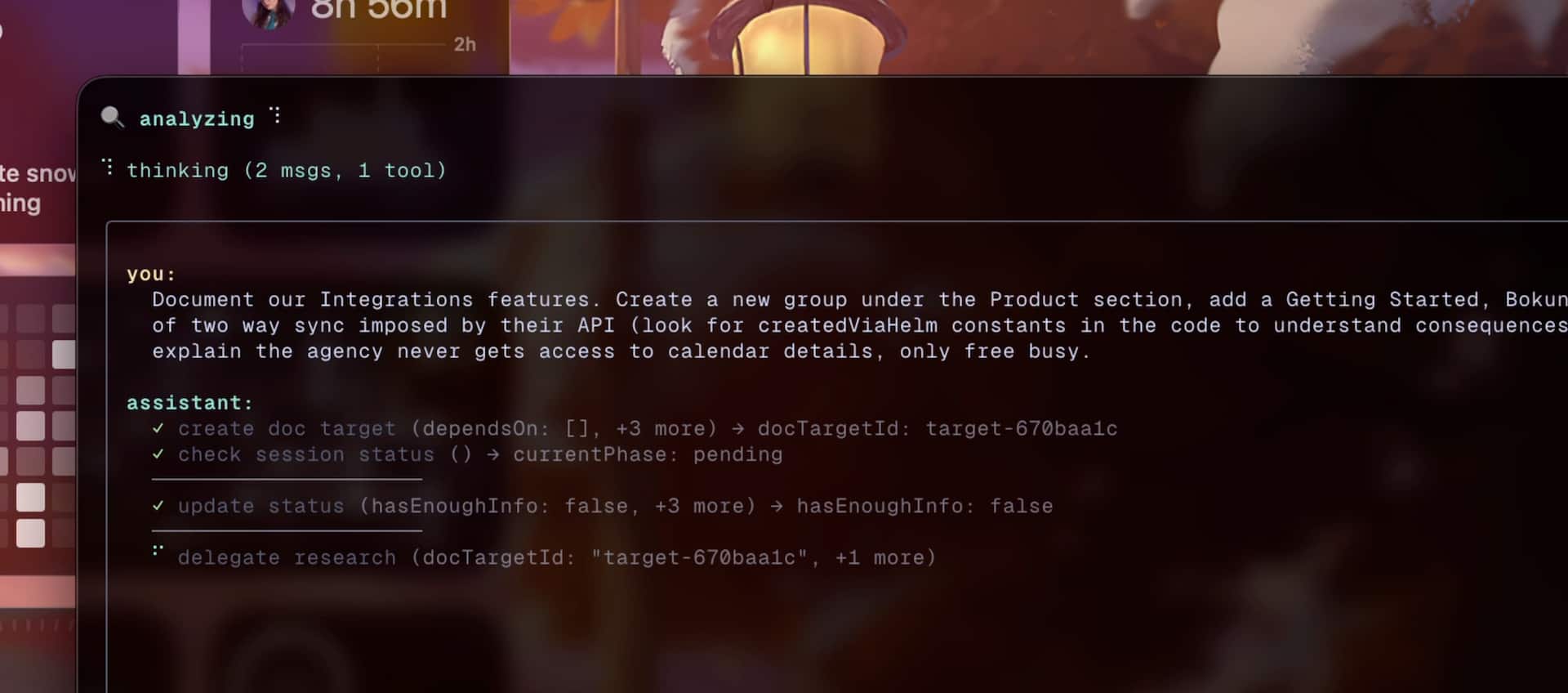
Docbot is a CLI agent that helps you keep documentation up to date. It reads your docs and codebase, proposes a concrete plan with file-level operations, and only writes changes after you approve.Key features
Codebase-aware documentation
Finds gaps and stale pages by reading your code, not vibes. Docbot analyzes your actual implementation to suggest meaningful doc improvements.
Semantic search that works
Combines semantic and exact match search with reranking to find exactly what you need in your docs and code.
Interactive planning
You approve the plan before anything touches your files. See exactly what changes will be made before they happen.
MDX-first output
Structured edits instead of giant blob rewrites. Docbot understands MDX components and makes targeted changes.
How it works
Docbot follows a structured workflow to improve your documentation:What makes Docbot opinionated
Docbot is designed with specific tools and frameworks in mind to enable rapid development:- Docs frameworks: Targets MDX-based doc sites and automatically detects Mintlify project structure (via
docs.json). Support for other frameworks like Fumadocs, Nextra, and Docusaurus is planned. - Vector store: Uses Qdrant (required) for embeddings. It’s easy to run locally and performs well.
- Models/provider: Currently uses Vercel AI Gateway via
AI_GATEWAY_API_KEY. You can configure models in the config file, and support for other providers is planned. - Runtime: Requires Bun. This will not change.
While Docbot is opinionated today, it’s not meant to stay tied to a single docs framework or provider forever. The architecture allows for expansion as needs grow.
Requirements
Before using Docbot, make sure you have:- Bun runtime installed
- Qdrant vector database (local via Docker or remote)
rg(ripgrep) for fast exact-match searchAI_GATEWAY_API_KEYenvironment variable set (Vercel AI Gateway)
Performance notes
Docbot is under-optimized today but still provides significant time savings:- Indexing speed: Running a full cycle across multiple pages may take 5–10 minutes
- Still worth it: Much faster than the hours you’d spend updating docs manually
- Future improvements: The overall flow will continue to improve, reducing both time and token costs
Next steps
Quick start
Get from zero to running your first Docbot task in minutes
Installation
Detailed installation instructions and environment setup