
Game Server Management Made Simple
Run game servers in isolated Docker containers with a beautiful web interface. Support for Minecraft, Rust, CS:GO, and 40+ other games out of the box.
Quick Start
Get your Pterodactyl Panel up and running in minutes
Install Dependencies
Download and Configure
Set Up the Database
Install Wings
Wings installation preview
Wings installation preview
Explore by Topic
Everything you need to manage game servers at scale
Administration
Server Management
User Guide
Configuration
Wings Daemon
API Reference
Key Features
Built for performance, security, and scalability
Docker Isolation
Every game server runs in an isolated Docker container with resource limits, preventing interference between servers.
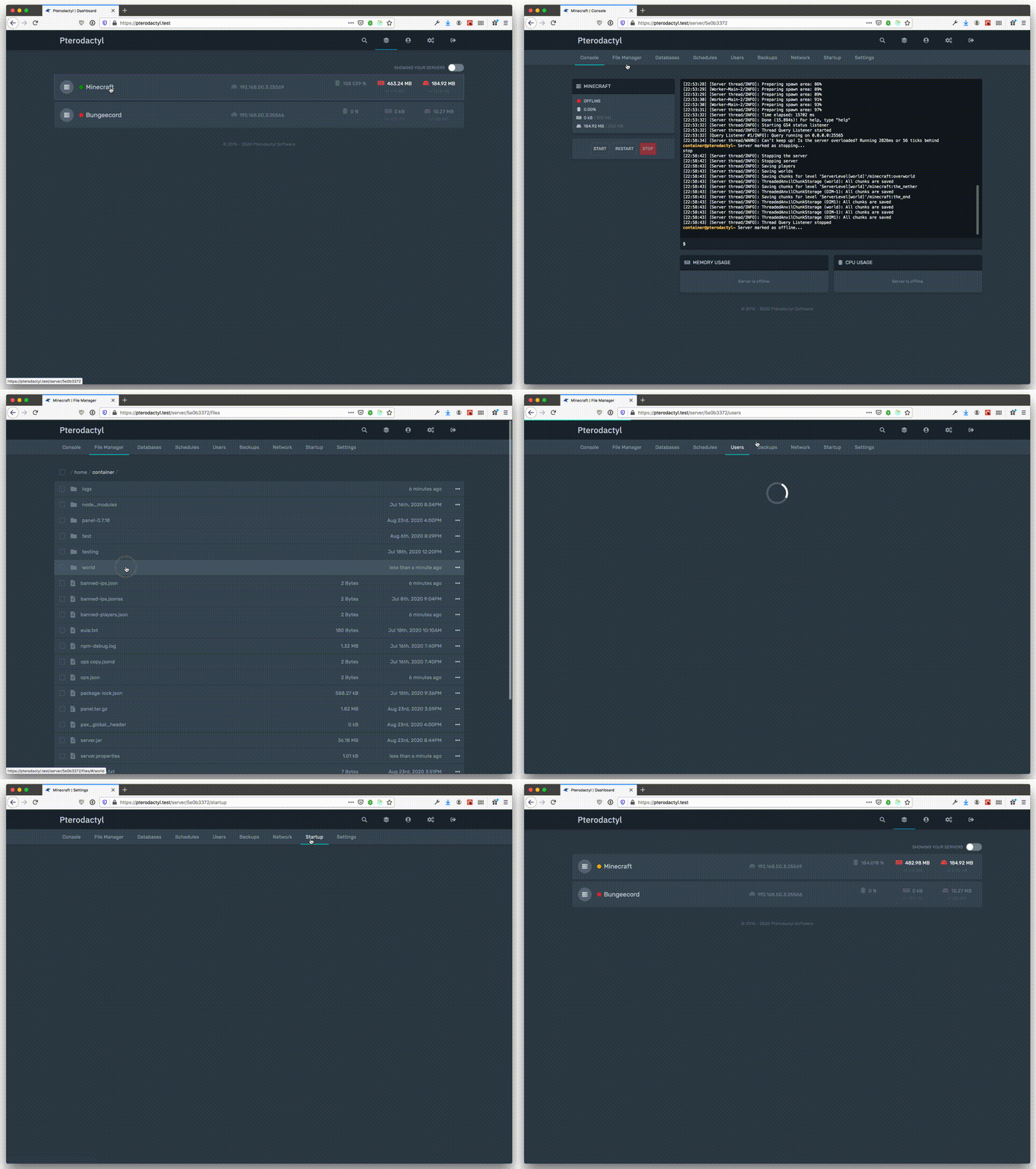
Web-Based Console
Full-featured web console with command history, real-time output, and support for ANSI color codes.
Advanced Permissions
Granular permission system with subuser support, allowing you to delegate specific server access to team members.
Database Management
Create and manage MySQL databases per server with automatic credential rotation and remote access control.
Automated Schedules
Schedule server tasks with cron-like syntax for backups, restarts, commands, and power actions.
Multi-Node Support
Deploy servers across multiple physical nodes with automatic allocation and load balancing.
Resources
Get help and connect with the community
Ready to Get Started?
Install Pterodactyl Panel on your server and start managing game servers with ease. Follow our step-by-step installation guide to get up and running in minutes.
Start Installation