Build everything,
and beyond
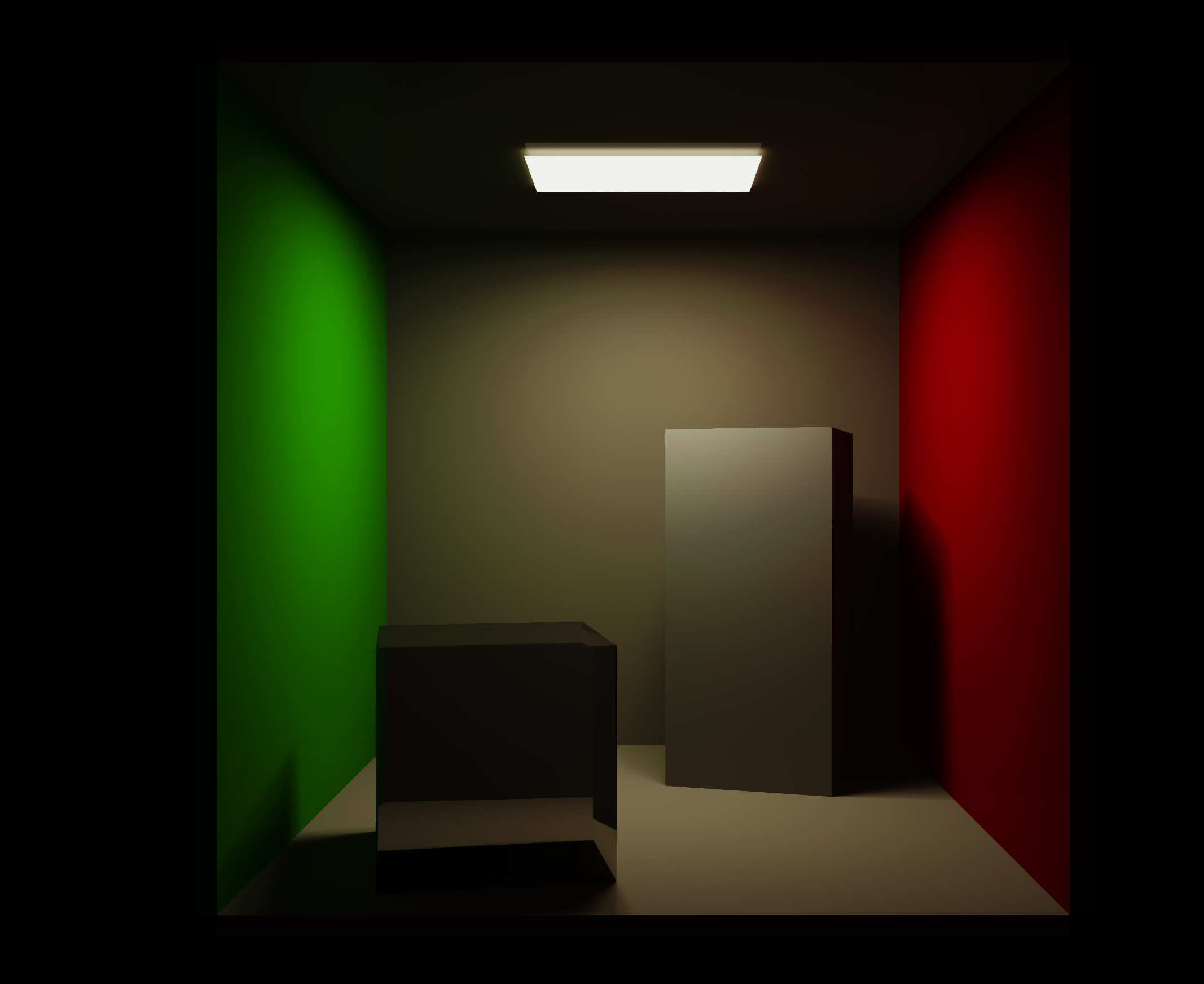
Atlas is a modern, cross-platform game engine with OpenGL, Vulkan, and Metal rendering support. Fast graphics, intuitive C++ scripting, and powerful built-in systems for physics, audio, terrain, and more.
Quick start
Get up and running with Atlas in minutes
Install the Atlas CLI
Download the latest release from GitHub and install the Atlas command-line tool.
Create your first project
Use the CLI to scaffold a new Atlas project with all necessary files and structure.This generates a complete project structure with example code to get you started.
Core features
Everything you need to build stunning 3D experiences
Cross-platform rendering
OpenGL, Vulkan, and Metal support via Opal — our rendering abstraction layer
Physics engine
Bezel physics powered by Jolt Physics for realistic simulations
Spatial audio
Finewave audio system with 3D positioning and effects
Terrain system
Aurora terrain generation with biomes and procedural heightmaps
Component system
Flexible entity-component architecture for game objects
PBR materials
Physically-based rendering with metallic-roughness workflow
Explore the engine
Deep dive into Atlas systems and APIs
Community & support
Get help and connect with other Atlas developers
Join Discord
Connect with the community, ask questions, and share your projects
GitHub
View source code, report issues, and contribute to development
Ready to build your game?
Start with our quickstart guide and create your first Atlas project in minutes
Get Started Now