What is Portkey AI Gateway?
The AI Gateway is an open-source, lightweight solution designed for fast, reliable, and secure routing to 1600+ language, vision, audio, and image models. Built with Hono framework for TypeScript/JavaScript, it processes over 10 billion tokens daily in production environments.Blazing Fast
Sub-1ms latency with a tiny 122kb footprint
Battle Tested
Processing 10B+ tokens daily in production
Enterprise Ready
Enhanced security, scale, and custom deployments
Why Choose AI Gateway?
Universal LLM Integration
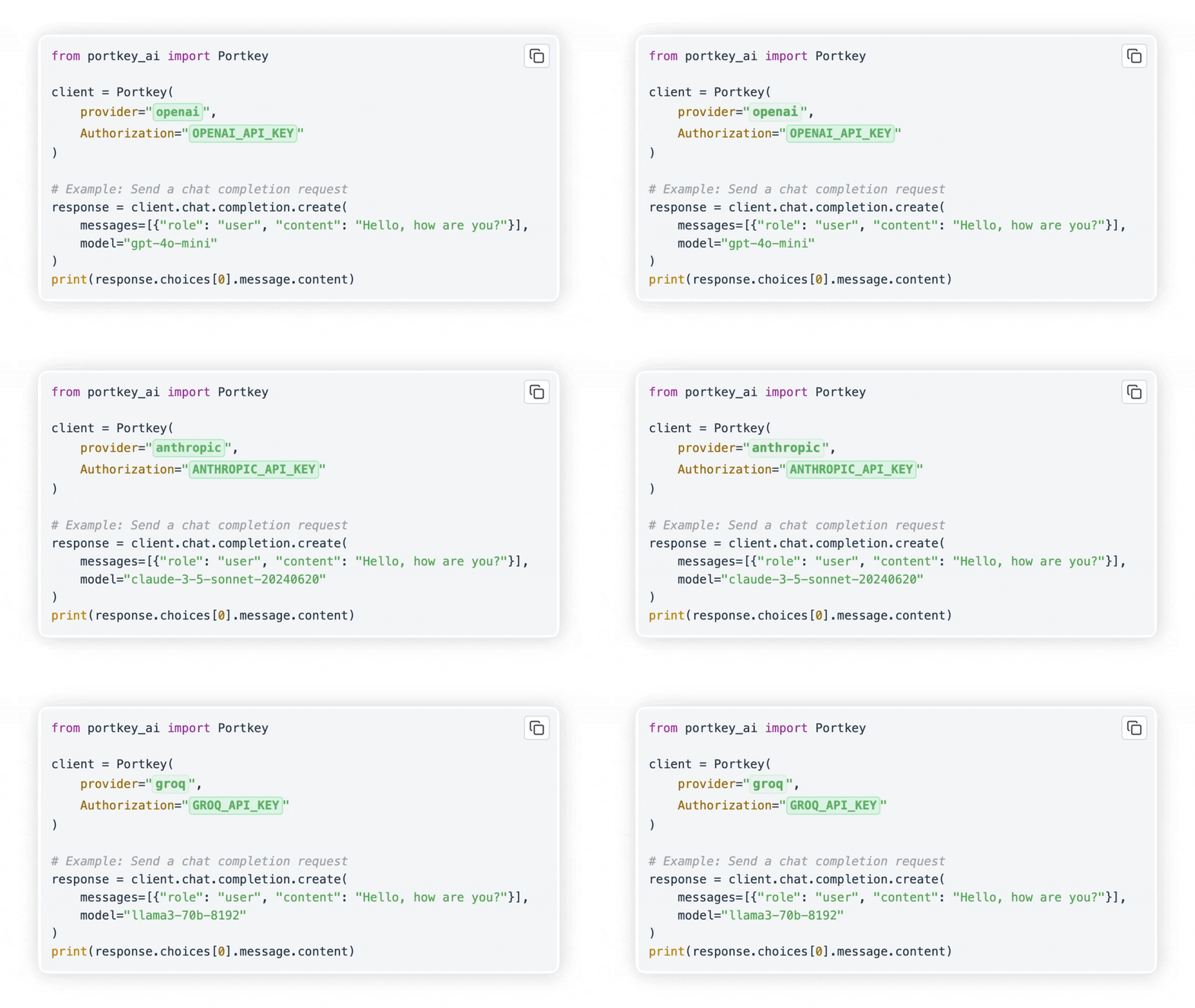
Integrate with any LLM in under 2 minutes. The gateway provides a unified OpenAI-compatible API for 250+ models across 45+ providers including:- OpenAI, Azure OpenAI, Anthropic Claude
- Google Gemini, AWS Bedrock, Cohere
- Together AI, Groq, Perplexity, Mistral
- Ollama, Hugging Face, and many more
Production-Grade Reliability
Automatic Retries
Retry failed requests up to 5 times with exponential backoff
Fallbacks
Automatically switch to backup providers on failures
Load Balancing
Distribute requests across multiple API keys or providers
Request Timeouts
Set granular timeouts to manage latencies
Advanced Features
- Guardrails: Verify LLM inputs and outputs with 40+ pre-built guardrails
- Multi-modal Support: Text, vision, audio, image generation, and real-time APIs
- Smart Caching: Reduce costs and improve latency with response caching
- Conditional Routing: Route requests based on custom logic and conditions
- MCP Gateway: Centralized control plane for Model Context Protocol servers
Quick Links
Get started with these essential resources:Quickstart Guide
Make your first API call in under 5 minutes
Installation Guide
Deploy the gateway with npx, Docker, or Node.js
Core Concepts
Learn about routing, configs, and providers
API Reference
Explore the complete API documentation
Key Capabilities
Routing & Load Balancing
Distribute requests intelligently across multiple providers and API keys:Guardrails
Protect your AI deployments with input/output validation:Multi-Provider Fallbacks
Automatically failover to backup providers:Architecture
The AI Gateway is built with:- Hono Framework: Fast, lightweight web framework supporting multiple runtimes
- Provider System: Modular provider implementations with standardized interfaces
- Middleware Pipeline: Request validation, caching, logging, and routing
- Plugin System: Extensible guardrails for content filtering and validation
The gateway runs on multiple environments: Node.js, Cloudflare Workers, Docker, Kubernetes, and more.
Community & Support
GitHub
Star the repository and contribute
Discord
Join our community for help
Follow for updates and tips
Next Steps
Install the Gateway
Follow the quickstart guide to get the gateway running locally in 2 minutes.
Explore Features
Learn about routing, guardrails, and caching.
Deploy to Production
Choose your deployment method for production use.
Need Enterprise Features? Check out our enterprise version with advanced security, governance, and compliance features.