Text Selection Features
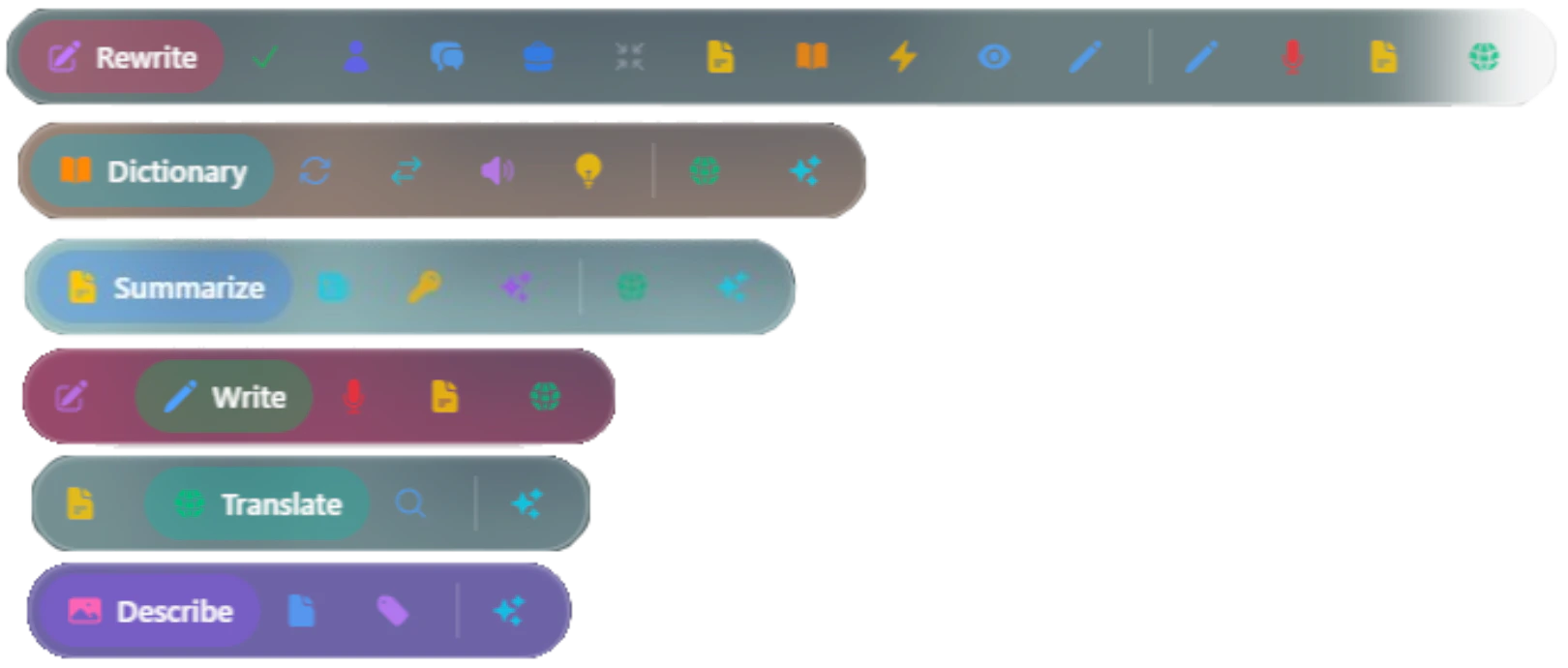
Select any text on any webpage to reveal the AI toolbar with these features:Summarize
Turn walls of text into digestible chunks using Chrome’s Summarizer API. Get three types of summaries:- Headline - One punchy line that captures the essence
- Key Points - Bullet list of main ideas
- Teaser - Short preview that hooks you in
- Type:
tldr,key-points,teaser,headline - Format:
plain-text,markdown - Length:
short,medium,long
Translate
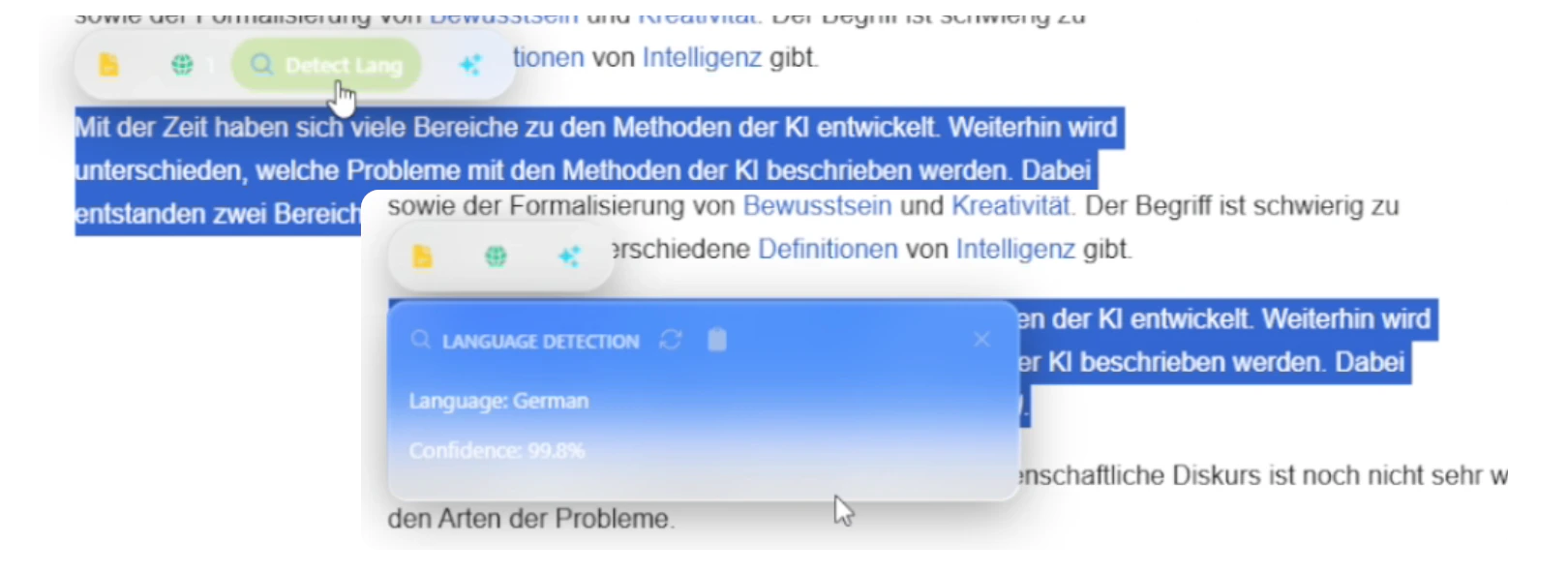
- Translate to 100+ languages instantly
- Auto-detect source language
- Works completely offline
- No external API calls required
- English, Spanish, French, German, Italian, Portuguese
- Chinese, Japanese, Korean
- Arabic, Hindi, Russian
- And 100+ more languages
Rewrite
Make your words shine with Chrome’s Rewriter API:Fix Grammar
Clean up spelling and grammar mistakes
Change Tone
Go formal, casual, or professional
Adjust Length
Make it shorter, expand it, or keep it concise
Improve Clarity
Simplify complex sentences
as-is- Keep original toneformal- Professional and polishedcasual- Friendly and conversational
as-is- Keep original lengthshorter- Make it more conciselonger- Expand with more detail
Dictionary
Your personal word expert using Chrome’s Prompt API (Gemini Nano):Definitions
Get clear, concise definitions
Synonyms
Find alternative words
Pronunciation
Learn how to say it
Examples
See real usage in context
Writer
Generate fresh content from scratch using Chrome’s Writer API:- Create content based on your ideas
- Works with selected text as context
- Perfect for brainstorming and drafting
- Specify tone, format, and length
Image Tools
Hover over any image on a webpage to access AI-powered image analysis:Describe
Multimodal Prompt APIAI tells you what’s in the image with detailed descriptions
Extract Text
OCRPull out text from screenshots, photos, and documents
Identify Objects
Object DetectionSpot and label things in photos automatically
Voice Dictation
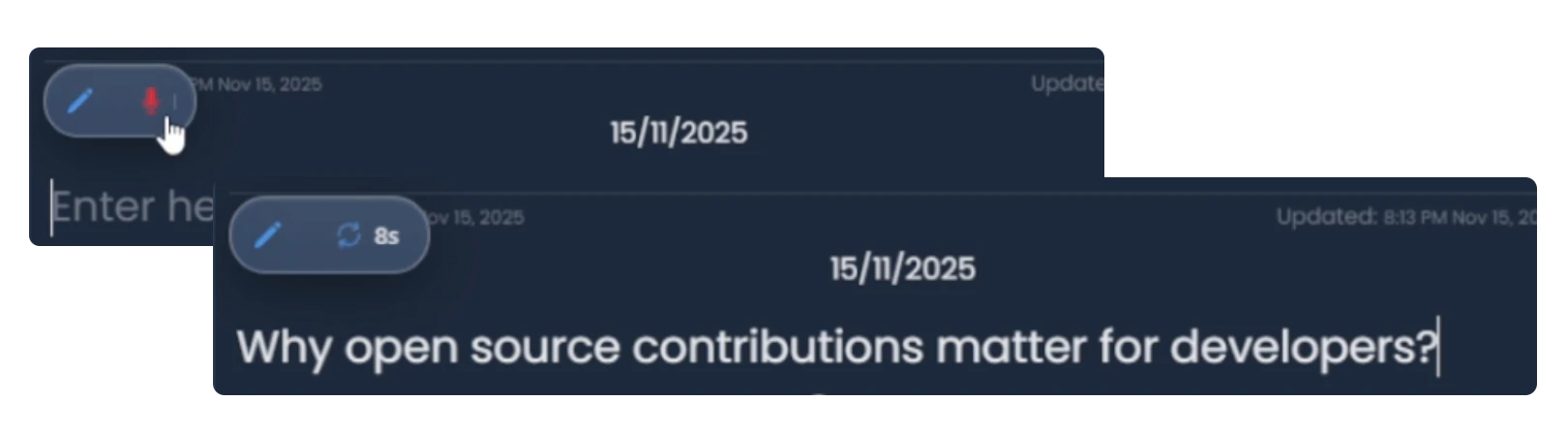
- Click the microphone icon in any text input
- Speak naturally
- Watch your words appear in real-time
- Works completely on-device for privacy
Voice dictation requires the Multimodal Input Chrome flag to be enabled. See Installation for setup instructions.
How It Works
The AI Toolbar uses Chrome’s Built-in AI APIs for all processing:Text Selection
When you select text or focus an input field, VAssist detects the context and displays relevant tools
Document Interaction
Beyond text and images, the toolbar provides smart document features:- Page Context - Ask questions about the current page
- Smart Summaries - Get instant summaries of articles and documents
- Content Analysis - Understand complex content with AI assistance
All toolbar features work seamlessly across any website without requiring additional permissions or external API keys.
Configuration
Customize toolbar behavior in the Control Panel:- Enable/disable specific tools
- Set default languages for translation
- Configure summarizer length and format
- Choose rewriter tone preferences
Privacy & Performance
100% Local
All processing happens on your device. No data sent to external servers.
Fast & Efficient
Chrome’s optimized Gemini Nano model provides instant results.
No API Keys
Works out of the box without any API keys or accounts.
Offline Ready
Most features work completely offline after initial model download.
Next Steps
Chat Interface
Learn about the conversational chat features
Chrome AI APIs
Deep dive into Chrome’s built-in AI capabilities