
What is Khoj?
Khoj is your personal AI assistant that can:- Chat with you about anything using state-of-the-art LLMs (GPT-4, Claude, Gemini, or local models)
- Search and understand your personal documents (PDFs, markdown, org-mode, Word, Notion)
- Access information from the internet when needed
- Generate images, execute code, and create diagrams
- Work across all your devices - web, desktop, Obsidian, Emacs, and WhatsApp
Khoj is open-source and can be self-hosted for complete privacy, or used via our cloud service at app.khoj.dev
Get Started with Khoj Cloud
The fastest way to start using Khoj is through our cloud service. No installation required!Create Your Account
Go to app.khoj.dev and sign up using:
- Google Single Sign-On (recommended for quickest setup)
- Email and Password
Start Your First Chat
Once logged in, you’ll see the chat interface. Try asking Khoj:Khoj will respond using its general knowledge. To make it truly powerful, let’s add your personal data.
Add Your Documents
Make Khoj your second brain by uploading your personal documents:Quick Upload (Drag & Drop)Simply drag and drop files directly into the chat window. Khoj supports: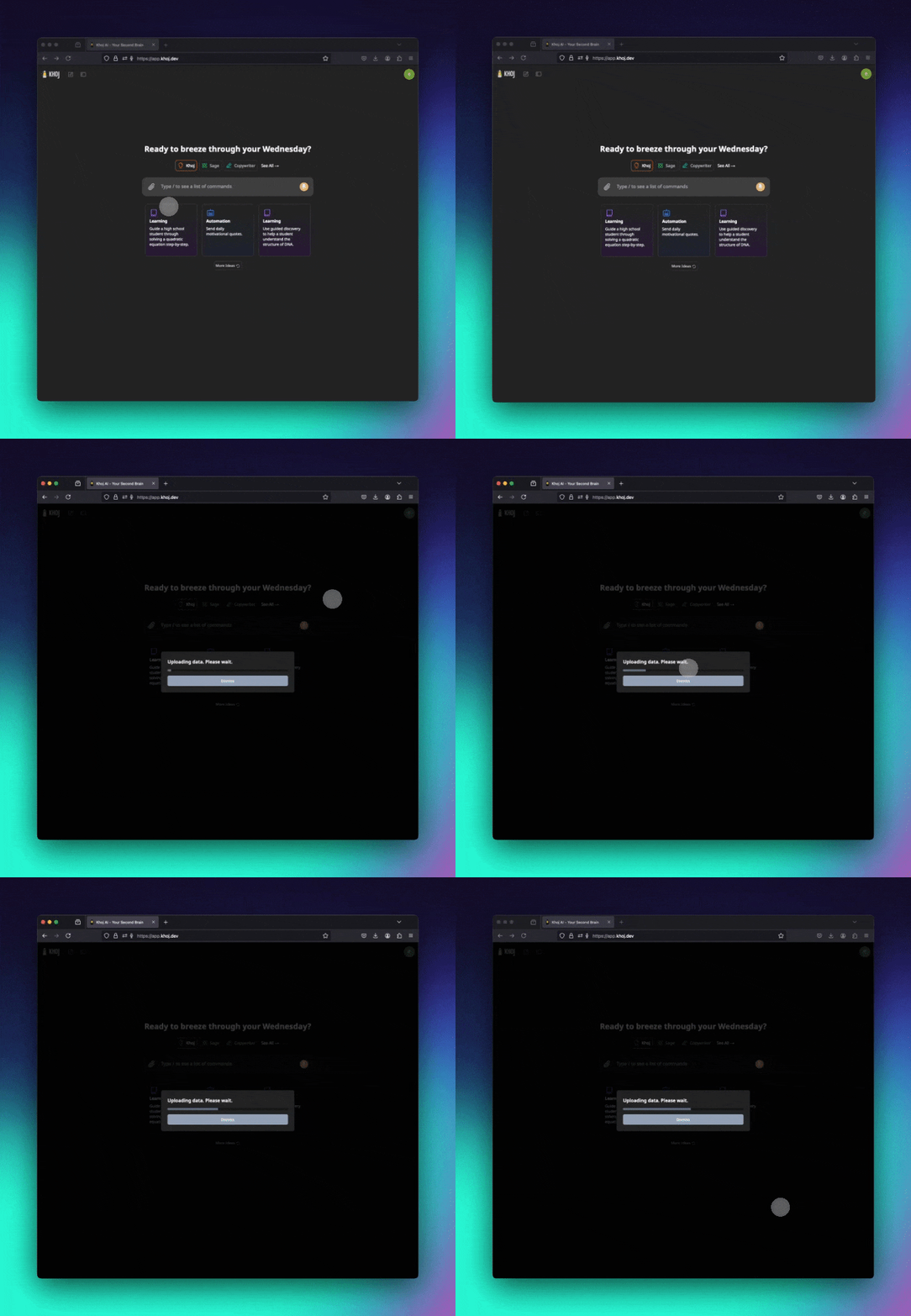 Bulk Upload
- PDFs
- Markdown (.md)
- Org-mode (.org)
- Word documents (.docx)
- Plain text (.txt)
Bulk Upload- Click on your profile icon in the top-right
- Navigate to Settings → Data Sources
- Click Add Documents to upload multiple files at once
Chat with Your Knowledge
Once your documents are uploaded (indexing takes a few seconds), ask questions about them:Khoj will retrieve relevant information from your documents and provide contextual answers with citations.
Explore Advanced Features
Now that you’re set up, explore Khoj’s powerful features:
Create Custom Agents
Build agents with custom personalities and knowledge bases
Generate Images
Use
/image to create images from text descriptionsSet Up Automations
Schedule research tasks and get personalized newsletters
Execute Code
Run Python code snippets with
/codeEssential Slash Commands
Slash commands give you fine-grained control over how Khoj responds:| Command | Description | Example |
|---|---|---|
/notes | Search only your personal documents | /notes What did I write about project X? |
/general | Use only Khoj’s general knowledge | /general Explain relativity |
/online | Search the internet for current info | /online Latest AI news |
/research | Deep dive with comprehensive research | /research Climate change solutions |
/image | Generate images | /image A sunset over mountains |
/code | Execute Python code | /code Calculate fibonacci(10) |
/diagram | Create Excalidraw diagrams | /diagram Design a database schema |
/help | Show all available commands | /help |
Using Conversation Filters
Narrow down which documents Khoj searches by using the file filter panel:- Look for the file filter icon in the left sidebar
- Select specific documents or folders
- Khoj will only search within those filtered files for that conversation

Connect More Data Sources
Expand Khoj’s knowledge by connecting external services:Notion Integration
Sync your Notion workspace automatically
GitHub Integration
Index your GitHub repositories and issues
Choose Your Chat Model
Khoj Cloud comes with multiple AI models pre-configured:- GPT-4o - OpenAI’s most capable model (default)
- Claude 3.5 Sonnet - Anthropic’s advanced reasoning model
- Gemini 2.5 Flash - Google’s fast, efficient model
- Go to Settings → Chat Model
- Select your preferred model from the dropdown
- Save and start chatting!
Next Steps
Now that you’re up and running, explore these resources:Privacy & Security
Learn how your data is protected
Self-Hosting
Run Khoj on your own hardware for complete privacy
All Features
Discover everything Khoj can do
Desktop Apps
Install native desktop applications
Getting Help
Need assistance? We’re here to help:- Discord Community: discord.gg/BDgyabRM6e
- GitHub Issues: github.com/khoj-ai/khoj
- Documentation: You’re already here! 📚
Use
/help in any chat to get quick assistance and see all available commands.