

UniOPOS
uniOPOS is a preconfigured installation package of uniCenta oPOS for Points of Sales (POS/ERP Open Source). It bundles uniCenta oPOS with complete web server stacks and database systems for easy deployment.Migration Notice
This project is deprecated due to uniCenta oPOS 5.x. For migration information, see:uniCenta-oPos-5.0-Migration-Guide.pdf
Windows Installation
Download
| File | OS | Size |
|---|---|---|
| uniOPOS.exe (.zip) | Windows 7/8/10/11 x64 | 1.58 GB |
Installation Options
uniOPOS provides three installation packages: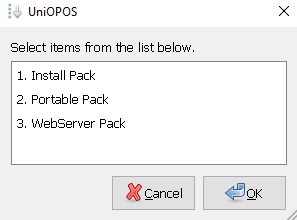
- Install Pack
- Portable Pack
- WebServer Pack
uniCenta oPOS + WampServer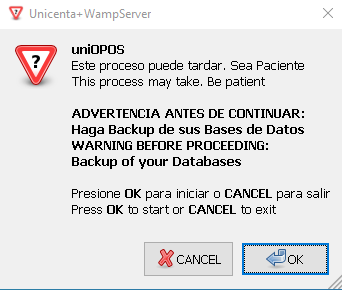 Contents:
Contents:- uniCenta oPOS v4.6.4 (.exe)
- WampServer v3.3.0 x64 - Update 3.3.6
- Apache 2.4.54.2
- PHP 7.4.33 / 8.0.26 / 8.1.13 / 8.2.0
- MySQL 5.7.40 / 8.0.31
- MariaDB 10.10.2
- Windows 10/11 x64 only
- Port 80 free for Apache/phpMyAdmin
- Root access without password (must create one)
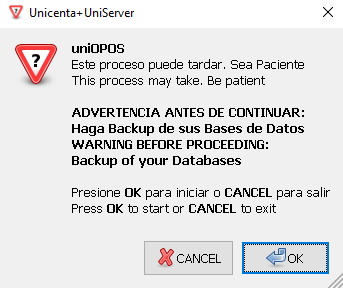
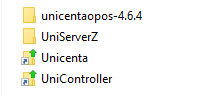
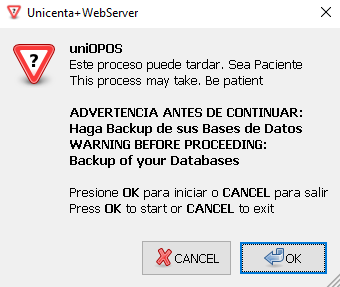
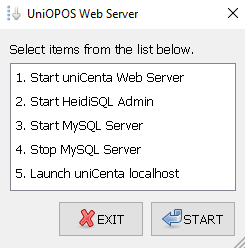
Installation Process
Prepare System
- Disable Antivirus, Antimalware, and SmartScreen
- Close all applications
- Verify system date and time
- Backup existing installations if upgrading
Extract and Run
- Unzip
uniOPOS.exe (.zip)to desktop - Double-click executable
- Accept privileged execution
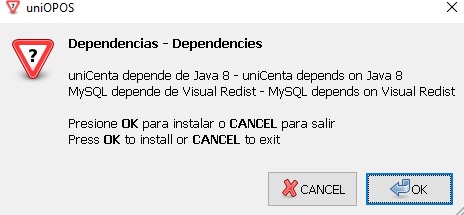
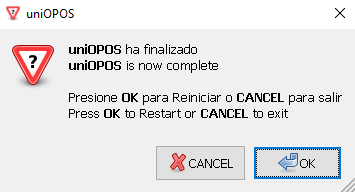
Dependencies
Java Runtime
uniCenta oPOS requires Java 8:Visual C++ Redistributables
Required for MySQL Server v5.7.x:Database Configuration
MySQL Server Requirements
MySQL Server Requirements
uniCenta oPOS v4.x only uses MySQL Server v5.7.x (recommended by developers).Port Configuration:
Always verify the port in uniCenta oPOS Control Panel matches MySQL:
MariaDB Compatibility
MariaDB Compatibility
If using MariaDB (not recommended), edit your With:
.sql file:Replace:Database Management Tools
Database Management Tools
- Install/Portable: phpMyAdmin included
- WebServer: HeidiSQL included
Recommended my.ini Settings
Recommended my.ini Settings
Java 8 Configuration
TLS Issues with MySQL
Java 8 (after April 2021) disables TLS 1.0/1.1 by default, causing connection errors:- Solution 1: Rollback
- Solution 2: Disable TLS Check
- Solution 3: Connection String
IPv4 Configuration
Prevent Java from using IPv6 stack:WebServer Configuration
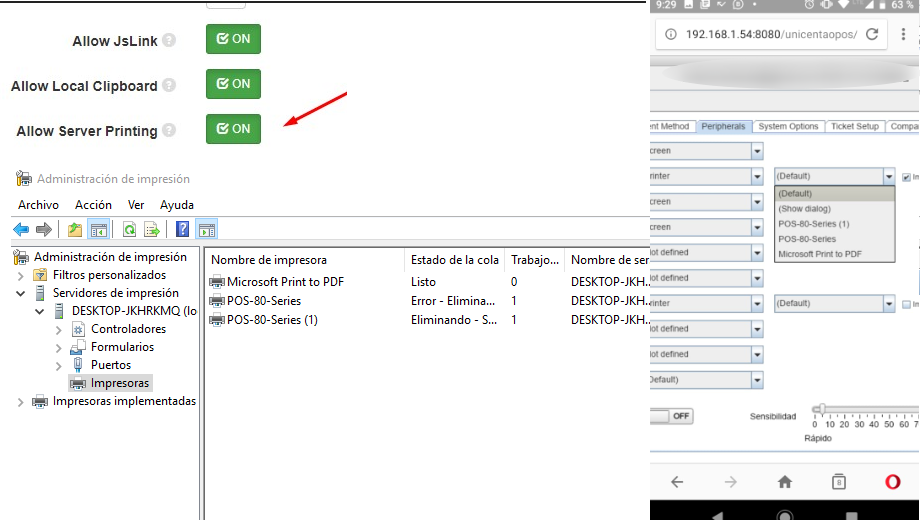
Remote Access
To access uniCenta oPOS WebServer from other computers:
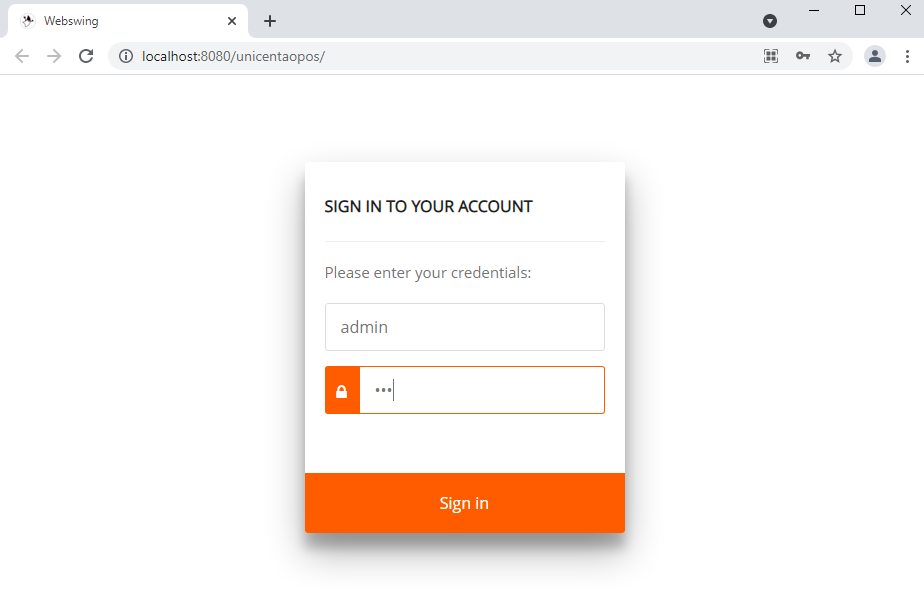
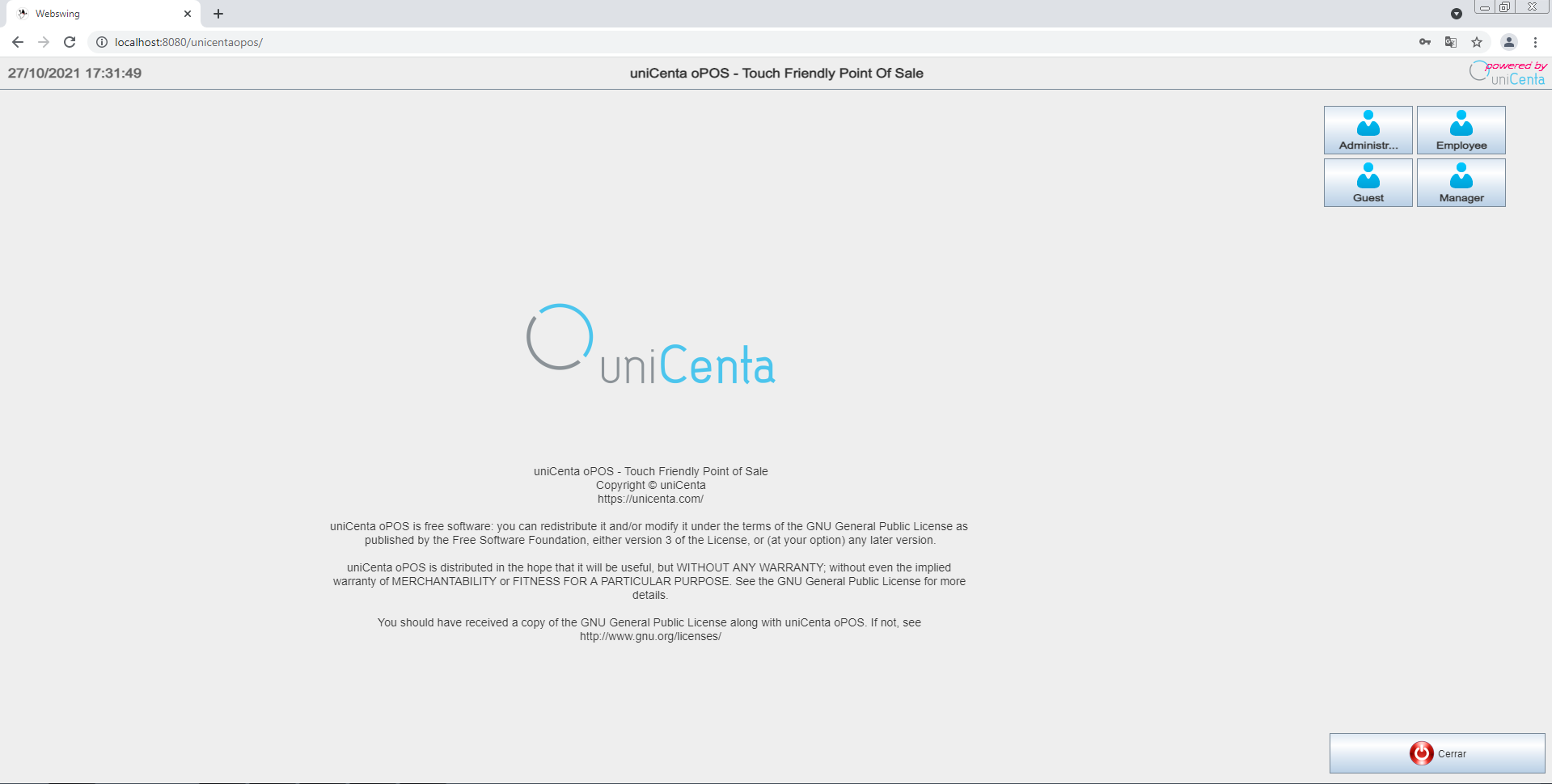
Access Examples:
Linux Installation
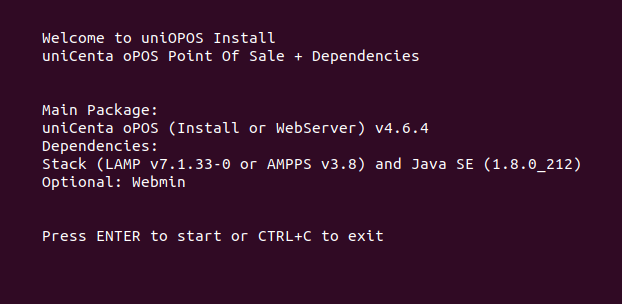
Quick Start
Linux Package Options
- LAMP Stack
- AMPPS Stack
Recommended for Linux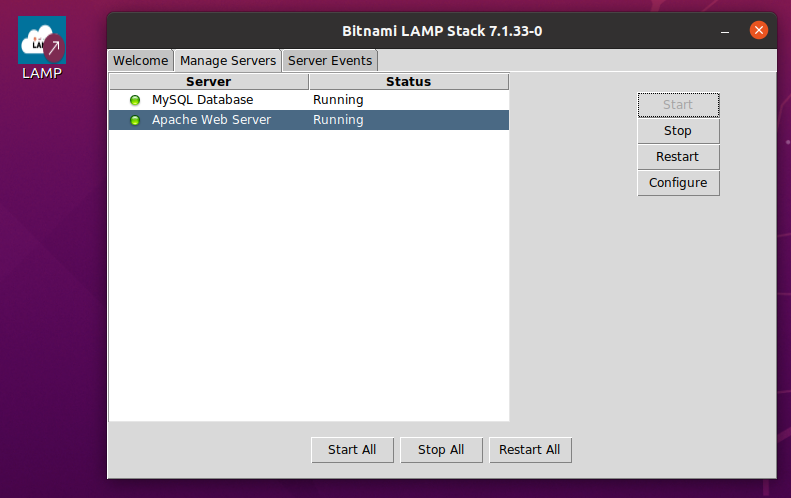 Control commands:
- Bitnami LAMP v7.1.33-0 x64
- MySQL Server v5.7.28 (do not update)
- phpMyAdmin included
- Default user:
root - Default password:
lampstack
Control commands: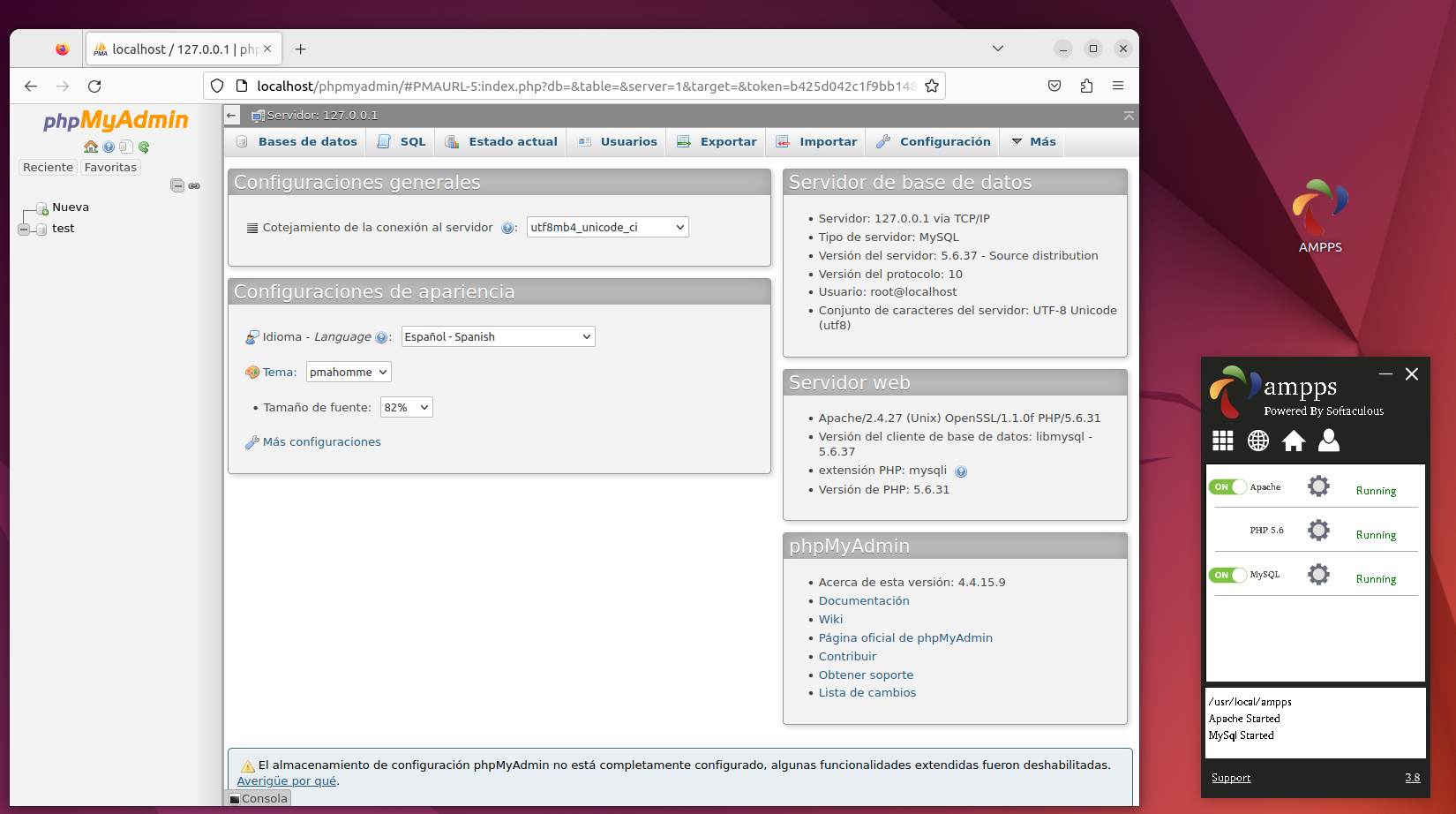
Linux uniCenta oPOS
- Desktop Installation
- WebServer Installation
Start from desktop shortcut or command line:
Tested On
| Distribution | Default User | Default Password | phpMyAdmin |
|---|---|---|---|
| Ubuntu 20.04/22.04 x64 | root | lampstack / mysql | localhost/phpmyadmin |
Troubleshooting
Java Repository Warning (Linux)
Java Repository Warning (Linux)
Java 8 is a third-party repository and may show error reports: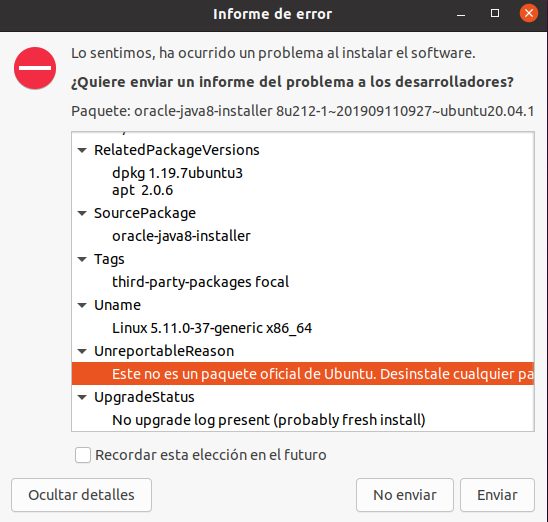 This is expected for third-party repositories.To remove Java completely: See StackExchange
This is expected for third-party repositories.To remove Java completely: See StackExchangephpMyAdmin Language
phpMyAdmin Language
Portable pack starts in French. To change: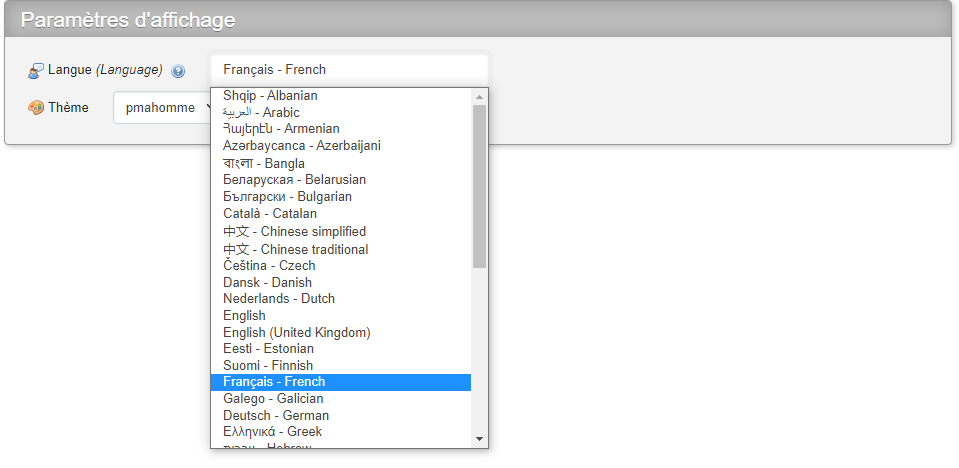
- Log in to phpMyAdmin
- Find “Paramètres d’affichage” (Appearance Settings)
- Change “Langue” (Language) dropdown
PHP Configuration (UZero)
PHP Configuration (UZero)
Uniform Server uses three
php.ini variants:php_test.iniphp_development.iniphp_production.ini(default)
Important Notices
Disclaimer: Maravento Studio has no relationship with uniCenta oPOS developers. This installer is open source, sponsored by Uniopos SAS. Only the sponsor may use it commercially.
Additional Resources
uniCenta Installation
Official installation requirements
uniCenta Configuration
Official configuration guide