Hahnbee Lee
Co-Founder
Share this article
Hahnbee Lee
Co-Founder
Share this article
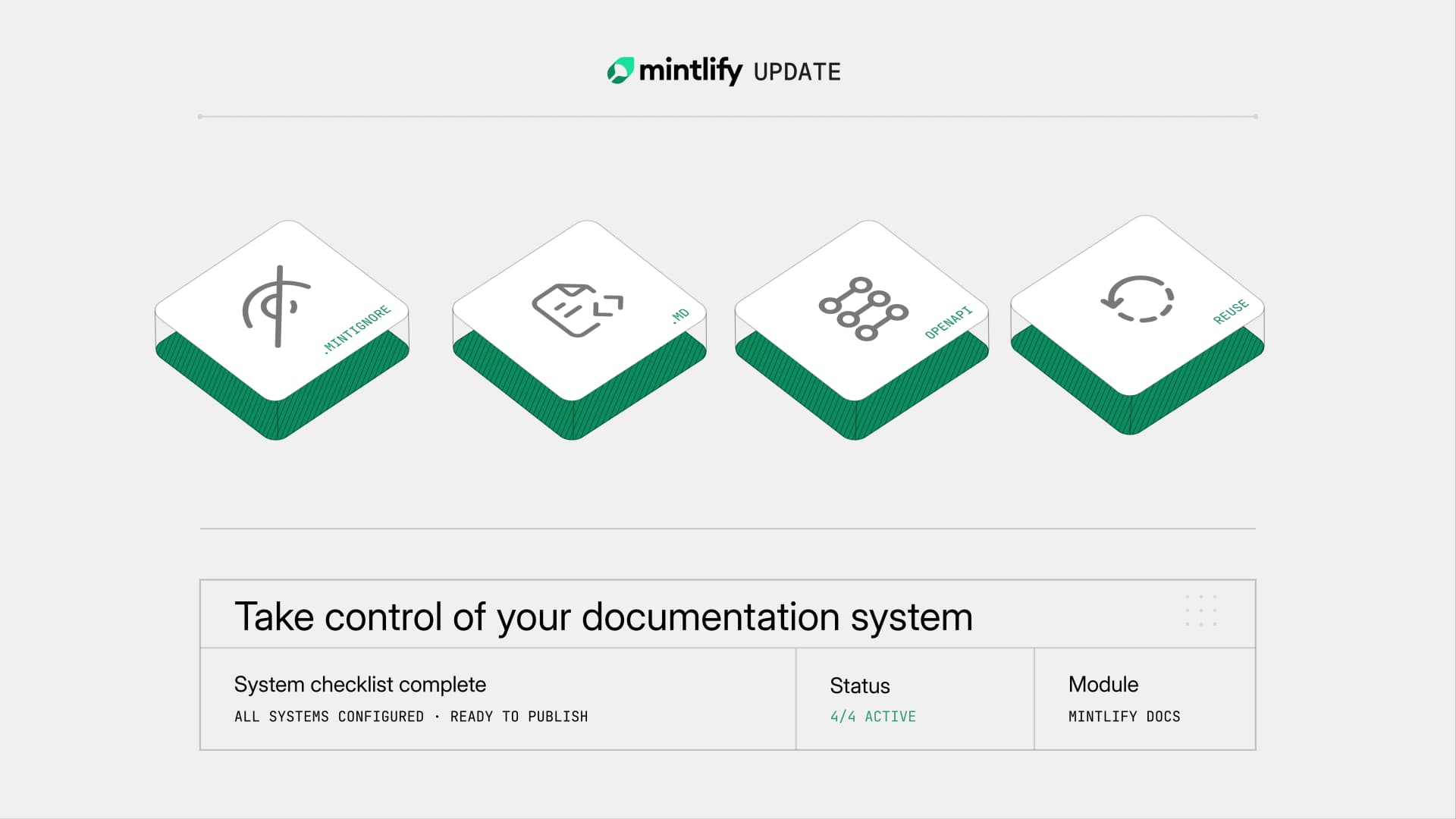
We're always shipping improvements focused on giving technical writers more control over their workflows and content systems. Recently, we've added `.mintignore` files for granular publishing control, `.md` support for content, OpenAPI configuration in `docs.json`, relative imports, and implicit snippets.
Coding agents are changing how quickly teams build software. Features that used to take days now land in hours. APIs evolve faster. Product surfaces multiply.
Documentation has to keep up. But the hard part was never writing the words. It's everything around them: deciding what gets published and what stays internal, keeping API specs in sync with your docs config, reorganizing content without breaking every reference, reusing content when it's used in multiple places. The system itself.
As code ships faster, friction in that content system becomes the real bottleneck. Writers don't need faster drafting. They need infrastructure that keeps pace with accelerating development cycles.
That's what we've been building.
Control what gets published with .mintignore
Documentation repositories accumulate files that shouldn't be published like drafts, internal notes, templates, and environment-specific content. Previously, you had to structure your repository around what Mintlify would publish, which meant your file organization served the tool instead of your team.
.mintignore files fix this. They work like .gitignore with simple patterns that specify exactly what to exclude from your published docs.
Organize your repository the way that makes sense for your content. Keep drafts next to published content. Store templates alongside the pages they generate. .mintignore handles the boundary between internal and public.
Use .md for simpler content
Not every page needs interactive components. Sometimes a page is just text, and MDX adds overhead you don't need.
Mintlify now supports plain .md files alongside .mdx. Use standard Markdown when the content is simple text. Use MDX when you need Mintlify's components. Mix both across your documentation as your content dictates.
Define OpenAPI specs in your docs.json
API documentation requires managing the relationship between your OpenAPI specs and your documentation configuration. There is no one-size-fits-all solution for this. Depending on your API, you may have multiple versions, selective endpoint coverage, and other unique requirements for your documentation.
We've increased the flexibility of how you can reference OpenAPI specs in your docs.json file. You can now reference OpenAPI specs by file path or URL.
From there, you can generate pages for all endpoints in a spec, choose specific endpoints to include, or mix API reference pages alongside guides and tutorials in the same navigation section.
One place to manage the connection between your API specifications and your docs. Less coordination on every API change.
Reuse content with relative imports
Content reuse previously required absolute paths and explicit snippet declarations. This could lead to brittle references that broke if you reorganized your docs.
Mintlify now supports relative imports, and any MDX file can be used as a reusable snippet without special configuration.
import ReusableContent from './shared-content.mdx'

<ReusableContent />
Move a section and the relative imports move with it. Write content once, reference it wherever you need it, and restructure your docs without updating every reference.
The work that matters
We're building for a world where documentation teams are expected to do more. The quality and reliability of documentation depends on the systems around the content. How it's organized, published, configured, and maintained.
Make your documentation system more flexible in addition to just faster. Control what ships. Choose the right format and configuration for your content. Reorganize and reuse content without breaking things.
These features are available now across all plans. They're part of how Mintlify works.
More blog posts to read

Explore your analytics with the Mintlify agent
The Mintlify agent can now answer analytics questions about your docs, so you can understand user and agent trends without leaving the editor.
September 29, 2026David Isquick
Product Marketing

Relaunching the Mintlify Free Plan
A lot of teams are still spinning up a docs site the hard way: a Next.js app, a markdown pipeline someone builds on their spare time, a search index that breaks and doesn't get fixed.
September 28, 2026Han Wang
Co-Founder