Patrick Foster
Software Engineer
Share this article
Patrick Foster
Software Engineer
Share this article
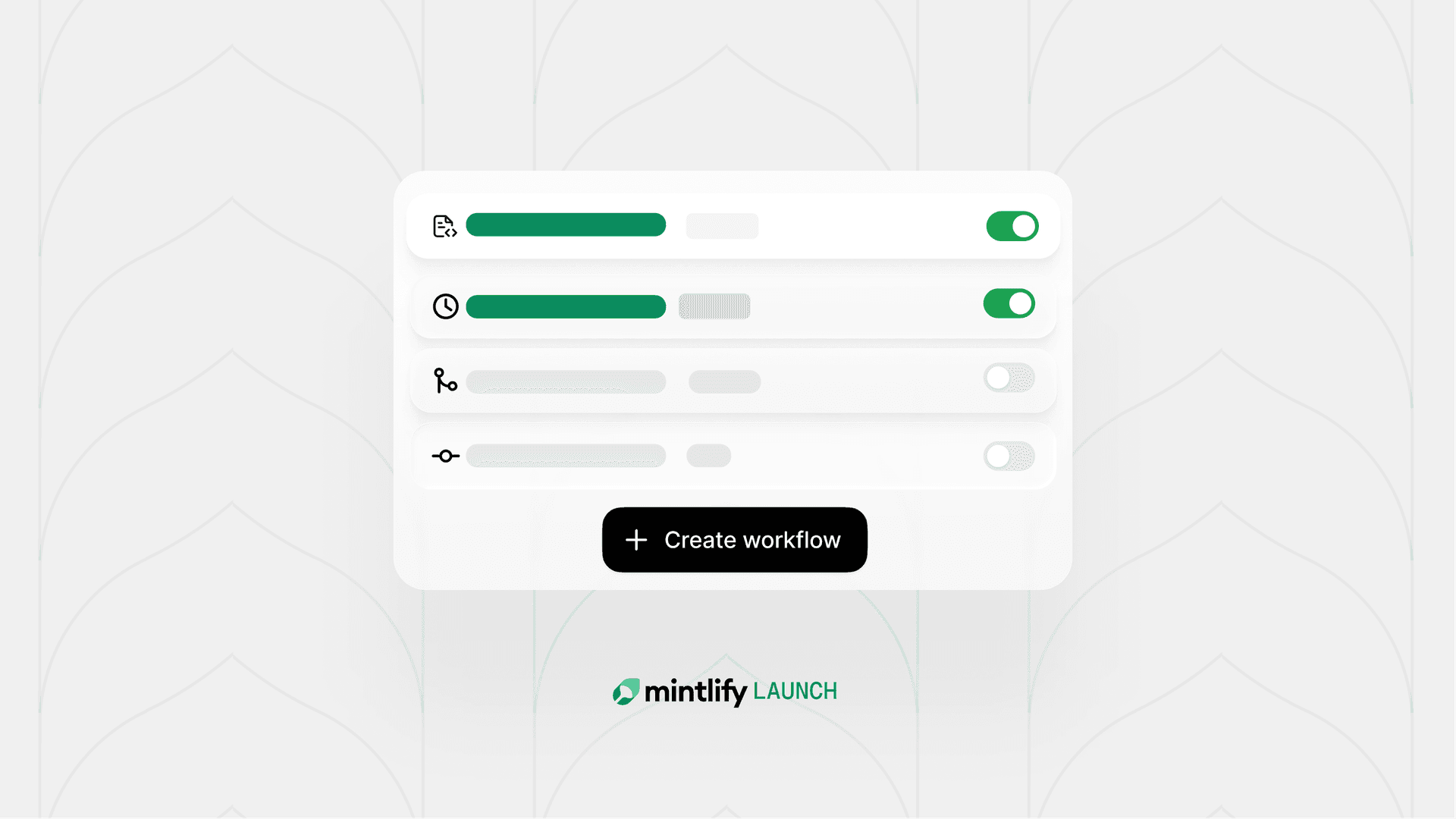
The updated automations refine the pre-built automations with quicker set up and optimized prompts. We learned from early users what tasks benefit the most from automation: keeping content in sync with code, making updates based on user feedback, maintaining translations, and more. Instead of asking you to write and maintain prompts, Mintlify owns the underlying logic and improves it over time. Enabling an automation is two clicks.
When we launched automations in March, you defined them as version-controlled Markdown files. You just had to write a prompt and set a trigger. The agent handled the rest.
The idea was sound, but the execution left a lot to be desired. So we rebuilt automations around a set of pre-built templates optimized for the most common use cases, while still giving you the flexibility to write your own prompts for custom tasks.
The original design of automations prioritized flexibility. You could write any prompt and set any YAML frontmatter. Starting with an empty file is the ultimate flexibility since you can take it any direction, but this was also the friction.
Writing a good automation prompt that produces reliable output takes iteration. You need to test it, improve it, and measure the results. We are not trying to add another maintenace task. We want to save you time and automate away the tasks you're not excited about so that you can focus on other things.
Closing the automation loop
We looked at how teams were finding the most success with automations. A few use cases came up over and over.
Keeping content in sync when code ships. When a PR merges in a product repo, something almost always needs updating. Teams were using automations to close that loop automatically, so content didn't lag behind product changes.
Generating changelogs. The work of combing through merged PRs, filtering out info that's important to users, and writing a coherent summary is exactly the kind of task that's easy to skip and painful to catch up on. A recurring automation that handles it once a week is valuable to anyone who doesn't find joy writing a changelog.
Improving docs. Mintlify collects user feedback on pages and assistant conversations. Teams also go through support tickets to find content gaps. Reviewing these signals and updating the docs is a valuable way to improve the quality of your documentation, but it's a lot of work to do manually. Automating updates based on these signals reduces the time from receiving feedback to fixing your content.
Our full catalog of pre-built automations is split into two categories: Self-updating content and Maintenance.
Self-updating content:
- Update from code changes
- Draft changelog
- Fill gaps from assistant conversations
- Improve docs from user feedback
- Update from support feedback
Maintenance:
- Translate content
- Fix broken links
- Fix SEO issues
- Fix grammar & typos
- Enforce your style guide
You can still write a fully custom automation for anything specific to your project. The templates just mean most teams never have to.
Works wherever your team already does
Automations now work with GitHub and GitLab, including self-hosted GitLab.
Triggers have grown past pushes and cron schedules as well. Custom automations can now fire off an event in a connected integration. So a new page in Confluence or Notion, an issue created in Jira or Linear, a new product in Stripe, or a new ticket in Zendesk could all kick off an automation. You can also trigger an automation from a message posted in a specific Slack channel, so a teammate flagging something in Slack can be followed up on immediately.
Any of your connected integrations can also feed an automation as read-only context during a run, whether or not it's the thing that triggered it.
Avoiding a review burden
Running more automations used to mean more PRs to review. Related fixes now get grouped into a single PR instead of spawning a new one every time, with a running timeline in the description so you can see what was appended and why.
Merge conflicts don't have to block you either. When an automation's PR falls behind the deploy branch, accepting the changes in your dashboard resolves any conflicts before merging, instead of leaving you to sort it out manually.
And if you want to go further than what an automation drafted, you don't have to start from scratch. Reply in the automation's Slack notification thread, or open the run in the editor, and the agent already has full context on the prompt and the changes it made. You can just tell it what to change next.
Predictable pricing
Automations now cost a flat 250 credits for any run that makes an update, and nothing for a run that decides there's no changes needed. We want teams to have confidence in their automations and not worry about unexpected costs. Scheduling maintenance automations to batch changes into one run instead of firing on every push is still the easiest way to control spend.
Try it out
Open the Automations tab in your dashboard and toggle on whichever automations will improve your content.
The first time you enable an automation, you'll be prompted to configure the trigger and how updates should be applied. After that, it runs on its own.
Go take something off your to-do list and let us know what you think.
More blog posts to read
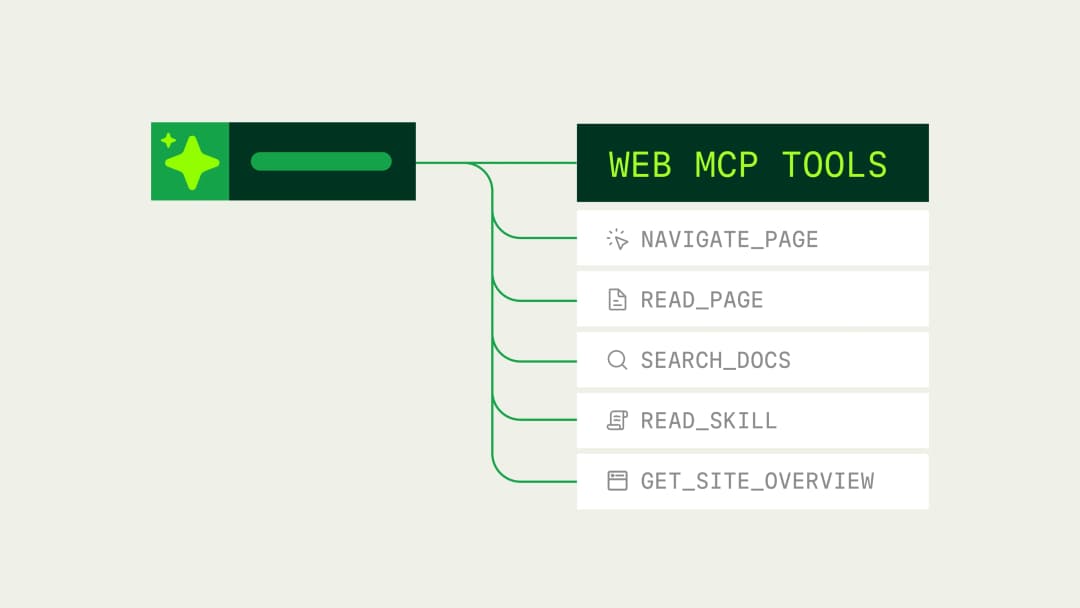
Mintlify now supports WebMCP
Mintlify documentation sites now expose typed WebMCP tools that browser agents can use to search, read, and navigate documentation directly.
September 21, 2026Kyle Finken
Engineering

Rise of the Knowledge Engineer
Agents are one of the largest audiences for company knowledge, accounting for 66% of measured web traffic across documentation powered by Mintlify. The emerging role responsible for keeping that knowledge accurate and retrievable is the knowledge engineer.
September 16, 2026David Isquick
Product Marketing