Hahnbee Lee
Co-Founder
Share this article
Hahnbee Lee
Co-Founder
Share this article
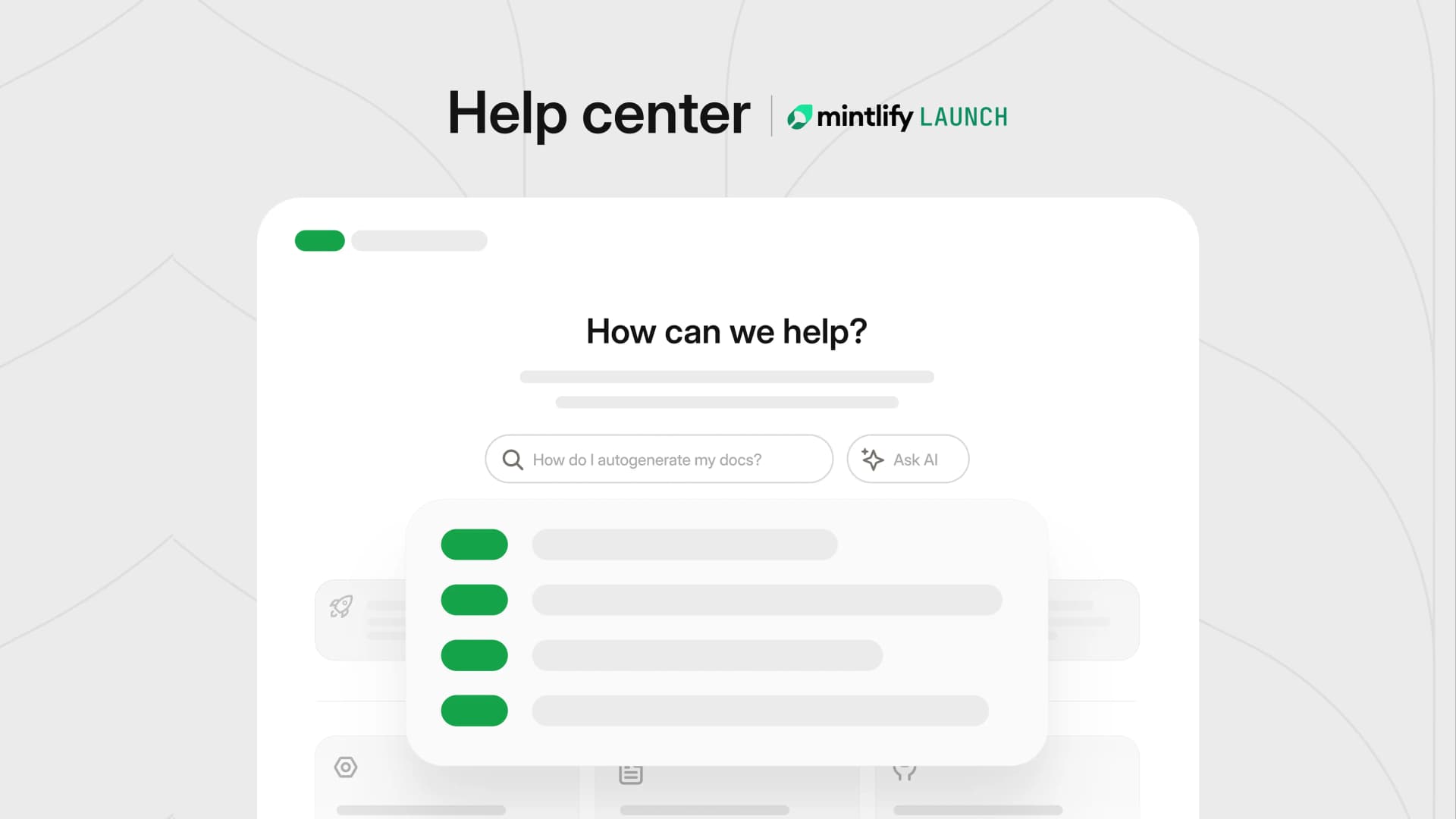
Help centers are the first line of defense for customer support. The new Mintlify Help Center starter kit and AI ticket deflection make it faster than ever to launch one.
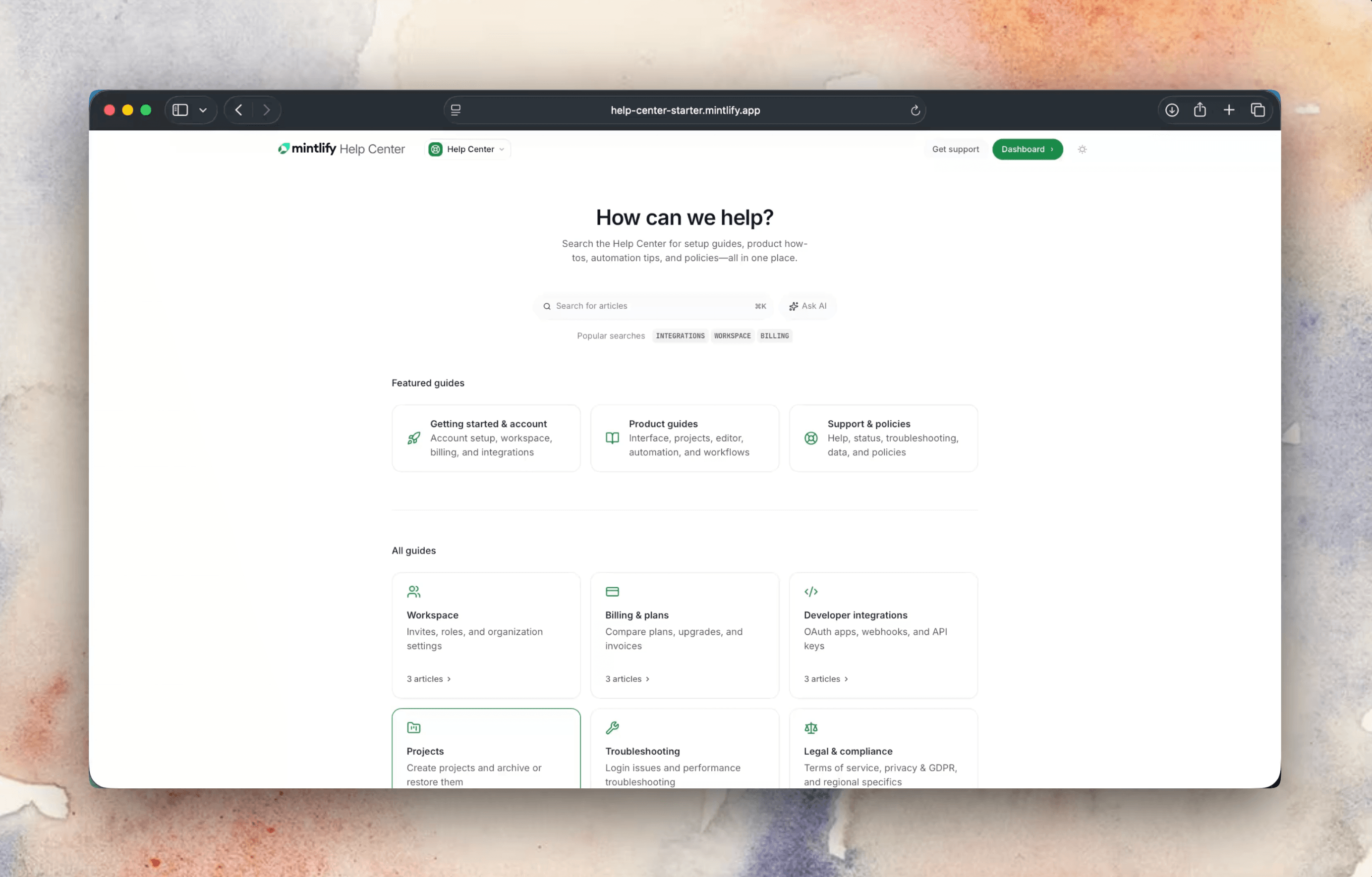
A help center is the first line of defense for customer support. It's where users go to get answers before opening a ticket. The better and more robust your help center, the fewer tickets your team has to handle.
Companies like Lovable and Dub are using Mintlify to power their help centers alongside their developer documentation. As more teams adopt this pattern, we've been investing in making the help center experience on Mintlify more native. Today we're releasing a new help center starter kit to make it faster to get up and running.
AI that deflects tickets before they're filed
When a user has a question, instead of scrolling through articles, they can ask the built-in AI assistant in plain language and get an answer in seconds — with citations and links back to the source articles if they want to dig deeper. When the assistant can't find an answer, it routes them to your support email so nothing falls through the cracks.
The assistant indexes your actual content, like articles and API references and re-indexes every time you publish. Users can also highlight text, attach files, or paste code blocks to give the assistant more context — useful for debugging an error message, sharing a stack trace, or pointing at a specific section of an article they're stuck on.
This means customers have a higher chance of finding the answers they're looking for. And for your support team, it means fewer repetitive questions making it into the queue.
Turn tribal knowledge into help articles
The AI assistant can only be as helpful as the content behind it and one of the biggest challenges with help centers is keeping that content up to date. That's why we've focused on making content updates dead simple — anyone on your team should be able to fix a typo, add a section, or publish a new article in minutes, without specialized tools or training. With Mintlify's web editor, they can create, edit, and publish help center articles with visual editing, drag-and-drop navigation, and real-time collaboration.
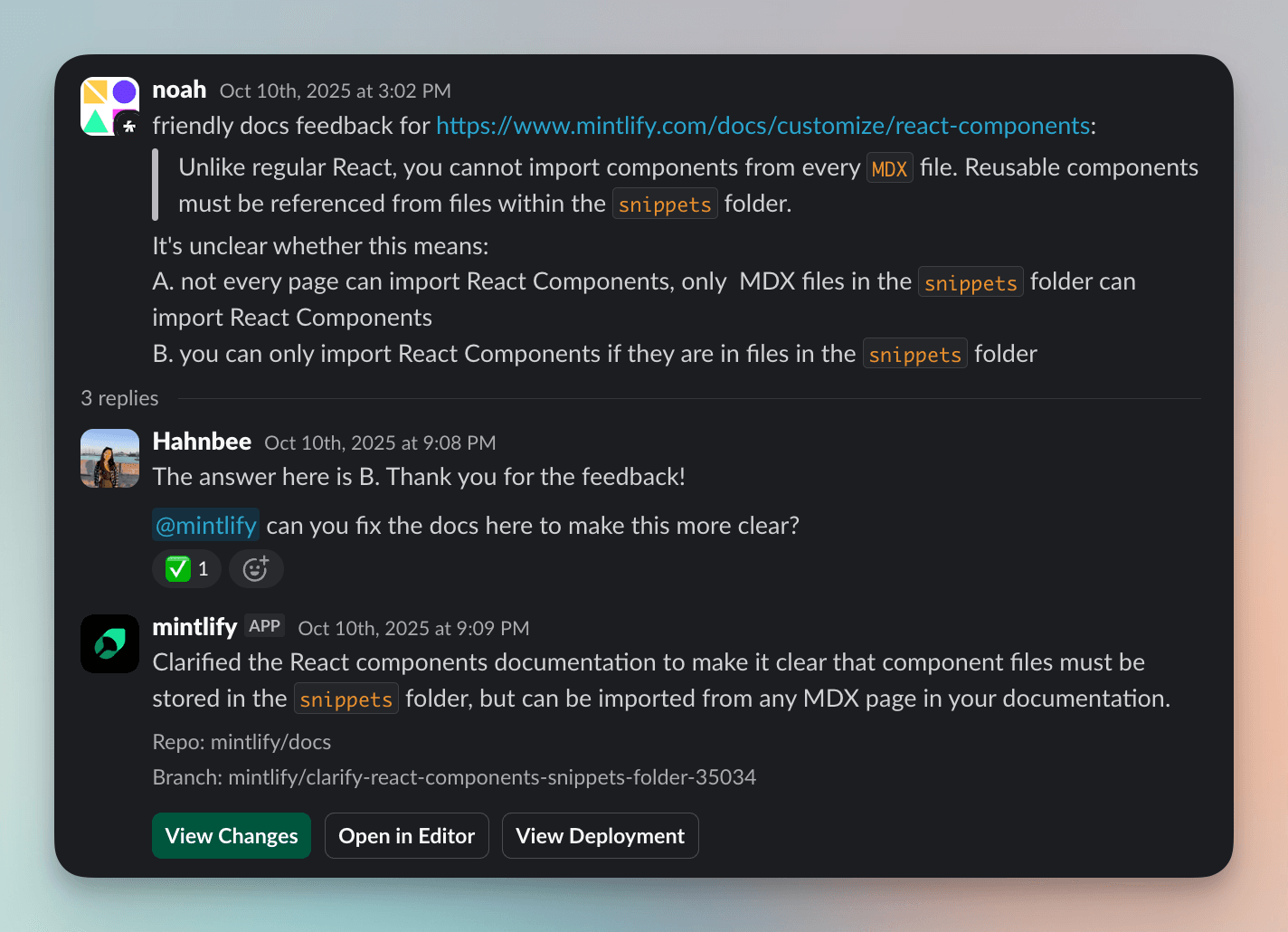
In addition to an intuitive editing experience, the Mintlify Slack agent makes capturing new knowledge even easier. There are many occasions where a customer asks a question in a Slack Connect channel and a teammate jumps in, debugs the issue, and helps the customer. Often the conversation scrolls off and the answer never makes it into the docs, so the next person to hit the same problem files a brand new ticket. With the Mintlify Slack agent, once the customer is taken care of, the teammate can simply mention @mintlify in the thread and the agent can turn the conversation into a structured help center article. The result is scalable customer support: every one-off debugging session in Slack quietly grows your help center, so the next customer with the same problem gets a self-serve answer instead of waiting in the queue.
Our goal is to give your team the tooling to do their best work and focus on supporting your customers.
Get started in one command
There are 2 ways to get started with a help center:
- Create an account and select the help center template during onboarding
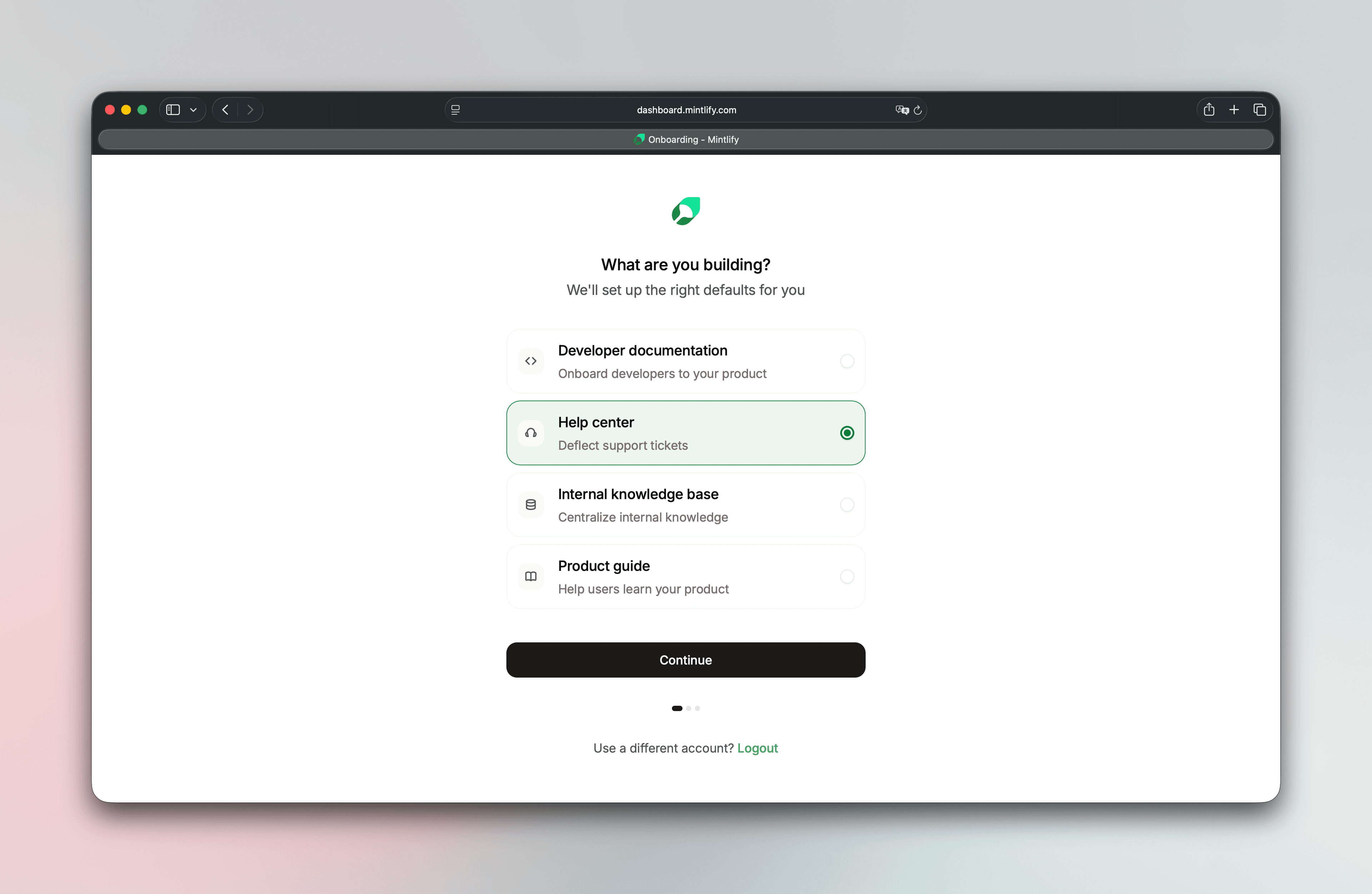
- Run
mint new --template help-centerto create a new help center from the CLI
mint new --template help-center
See the live demo (source code)
From there, customize the content, swap card destinations, fill in your own articles, and you're live.
If your team is evaluating where to host customer-facing support content, or if you're an existing Mintlify user looking to expand beyond API docs, now is a great time to try it.
Create an account to get started today.
More blog posts to read

Simpler, outcome-based AI pricing
Every AI action in Mintlify now has a fixed credit price, and you only pay when we deliver a result. Assistant answers and automation updates cost credits. Everything else is free.
September 8, 2026Han Wang
Co-Founder
Scaling llms.txt
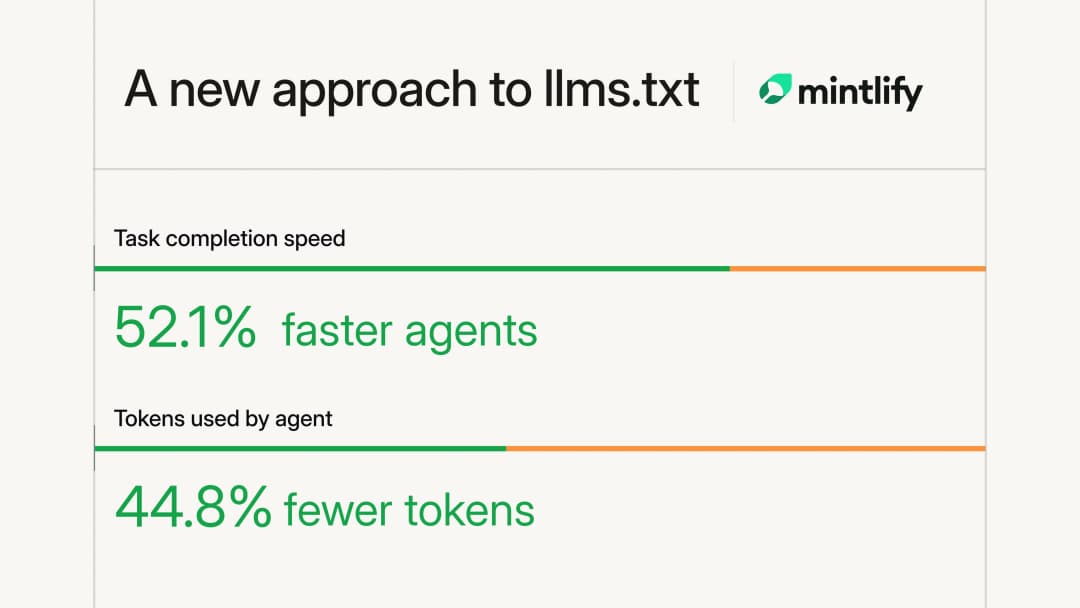
Large documentation sites were hitting Mintlify's 100,000-character llms.txt limit and omitting pages. We rebuilt generation as a hierarchy of files so agents can reach every page without loading the entire index.
September 1, 2026Kyan Yang
Marketing