Your agent can sign up for Mintlify fully on its own
3 minutes read
Kyan Yang
Marketing
Share this article
Kyan Yang
Marketing
Share this article
Software increasingly needs to be agent-first. We saw 250+ million agent queries across Mintlify-powered docs in July 2026, representing about 66% of total measured traffic.
As developers use agents more and more, you'll want to ensure that each step of your product signup process is accessible through agent-friendly means.
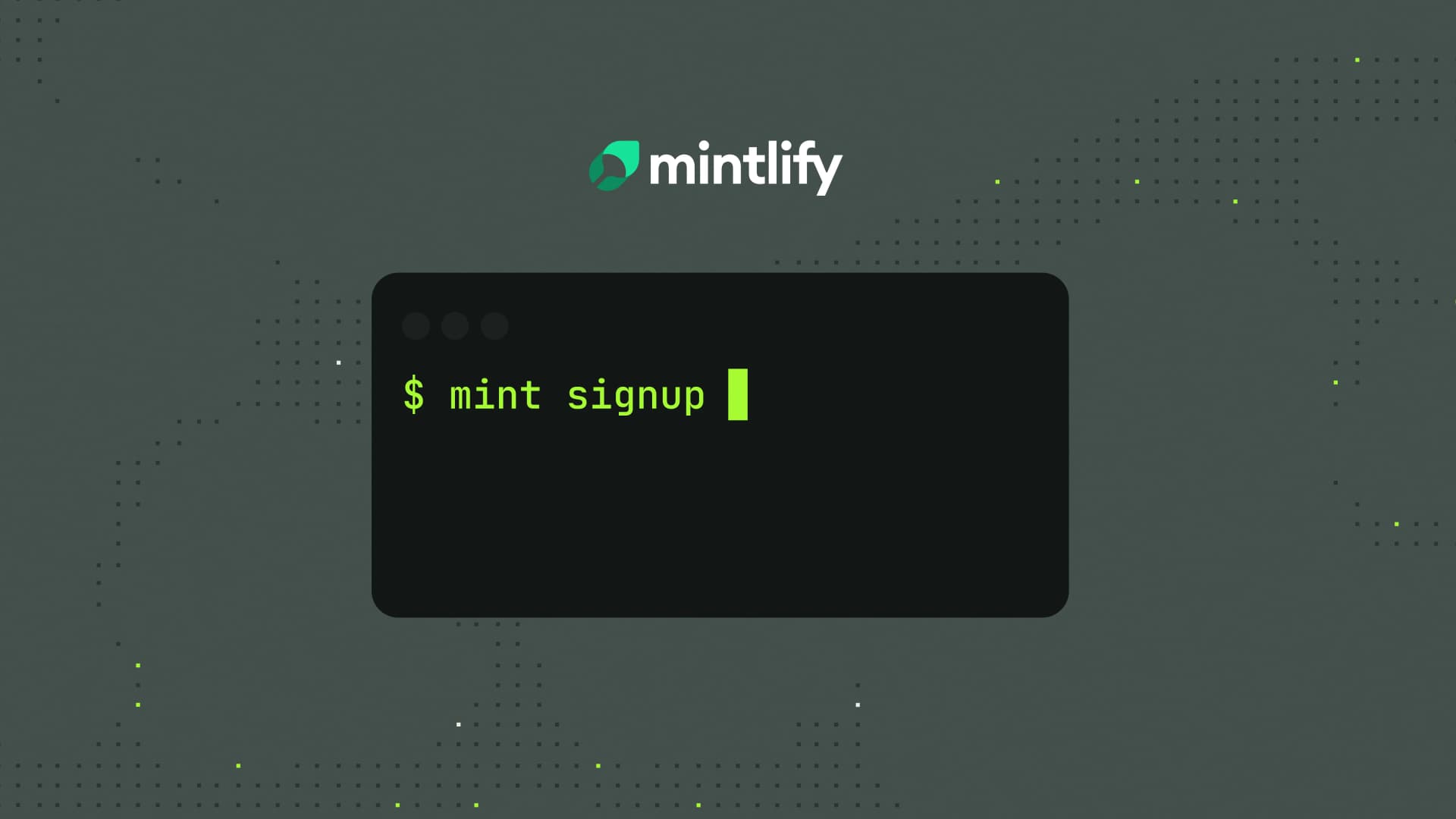
So, introducing mint signup.
Our mint signup command allows your agent to sign up for Mintlify fully on its own through the CLI. It's designed for coding agents (like Cursor, Devin, etc.), so they can create new accounts, set up a docs project, and deploy without ever opening a browser.
How mint signup works
Use mint signup to register a new Mintlify account from the terminal. Your agent can specify first name, last name, company, and email address as flags, or enter details interactively. When prompted to verify email, the agent can confirm the link directly if it has email access, or you can click the link to verify yourself. Once verified, mint signup logs in and stores auth locally for later commands.
This is the same pattern as mint login, so new accounts get the same terminal experience.
npm i -g mint

mint signup \
  --firstName Jane \
  --lastName Doe \
  --company Acme \
  --email jane@acme.com
Why coding agents need a CLI
Tools like Claude Code, Cursor, and Devin already live in the terminal. They execute scripts, interpret output, and respond to errors dynamically.
The ability to access a product from the CLI opens up automation that a dashboard can't. From signup through preview, validation, custom domain setup, and beyond, your agent now has a complete terminal-first experience.
What we already built for agents
To serve agents, we've built features that bridge the gap between human-readable documentation and programmable access:
- llms.txt: Allows models to read product documentation from the command line.
- MCP servers: Enable agents to interact with documentation through a standardized protocol.
- Mintlify Index: Provides retrieval over Mintlify-hosted docs.
Users familiar with Contextual Menu already know it can pull docs into Claude, ChatGPT, Cursor, Devin, etc. Now with mint signup, your agent can set you up with Mintlify from the terminal too.
Set up docs from the terminal
With the help of our command-line tools, your agent can now set up your documentation fully on its own.
- Create your Mintlify account using the command:
mint signup. This initializes a new account and configures your profile. - Scaffold a new documentation project locally:
mint new. This sets up a local project template you can start writing in. - Start development mode with:
mint dev. This runs a live preview locally at http://localhost:3000, including full-text search and the AI companion. - Run validation:
mint validate. This checks your configuration and content for issues. - Configure a domain in production:
mint add-domain<your-subdomain>.mintlify.app.
More blog posts to read
Meet Mintlify Desktop
Mintlify Desktop is a dedicated app for writing and managing documentation, from internal knowledge to public docs. Available in beta for Mac, Windows, and Linux.
September 24, 2026Justin Torre
Engineering Manager

Announcing narration for your docs
Narration lets readers listen to supported documentation pages while Mintlify highlights each sentence and keeps their place on screen.
September 22, 2026Brandon McConnell
Senior Frontend Engineer