Justin Torre
Engineering Manager
Share this article
Justin Torre
Engineering Manager
Share this article
Today, we're introducing Mintlify Desktop, a dedicated app for writing and managing documentation, from the internal knowledge your team relies on to the public docs your customers read. It brings the Mintlify editor to your desktop, with the workflows you already use on the web.
Mintlify Desktop is available in beta for Mac, Windows, and Linux.
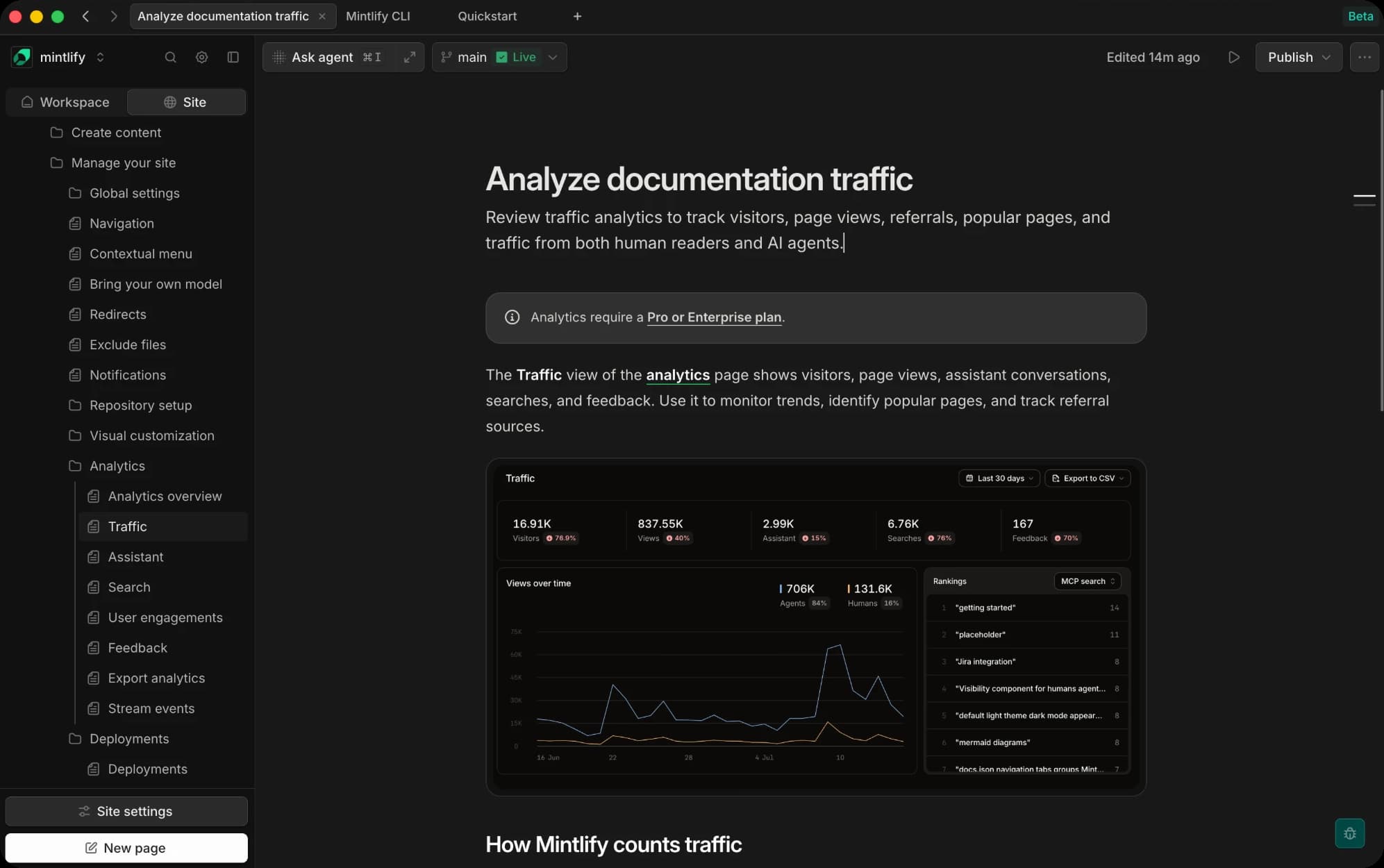
All of your docs in one place
Documentation work rarely happens on one page. You move between internal drafts, runbooks, public projects, and pull requests throughout the day. In a browser full of tabs, finding the right editor page becomes another step in the work.
Mintlify Desktop gives your docs a home of their own. Open pages in tabs, arrange them horizontally or vertically, and use separate windows for different work. Your tabs return when you reopen the app, so you can pick up where you left off.
Each tab keeps its own session, too. Switch organizations in one tab and the others stay put. You can move between internal and public projects without repeatedly navigating back to the page you need.
Keep working offline
Your files live on your machine, so a flight or a spotty connection doesn't stop you. Edit offline, and your changes sync when you're back online.
Better collaboration on desktop and web
We've also improved collaboration in both Mintlify Desktop and the web editor. When teammates work on the same page at the same time, you now get more visibility into what's happening, whether someone is in the visual editor or in source mode writing Markdown. That makes it easier to work together without stepping on each other's changes.
Faster and more responsive
Desktop reuses your saved sessions and keeps caches between launches, so your projects open without a fresh load. It also keeps a tab ready for the site you're working in, so most new tabs open instantly.
Try the beta
Mintlify Desktop is still early. We're refining the interface, sign-in flow, and performance as more people use it.
Download the Mintlify Desktop beta and tell us what would make it more useful.
More blog posts to read
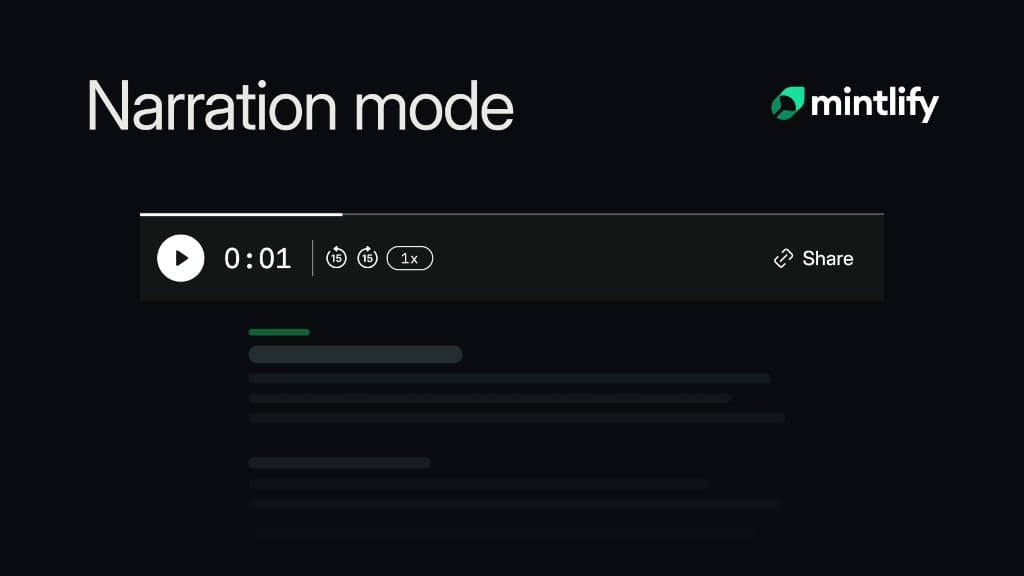
Announcing narration for your docs
Narration lets readers listen to supported documentation pages while Mintlify highlights each sentence and keeps their place on screen.
September 22, 2026Brandon McConnell
Senior Frontend Engineer
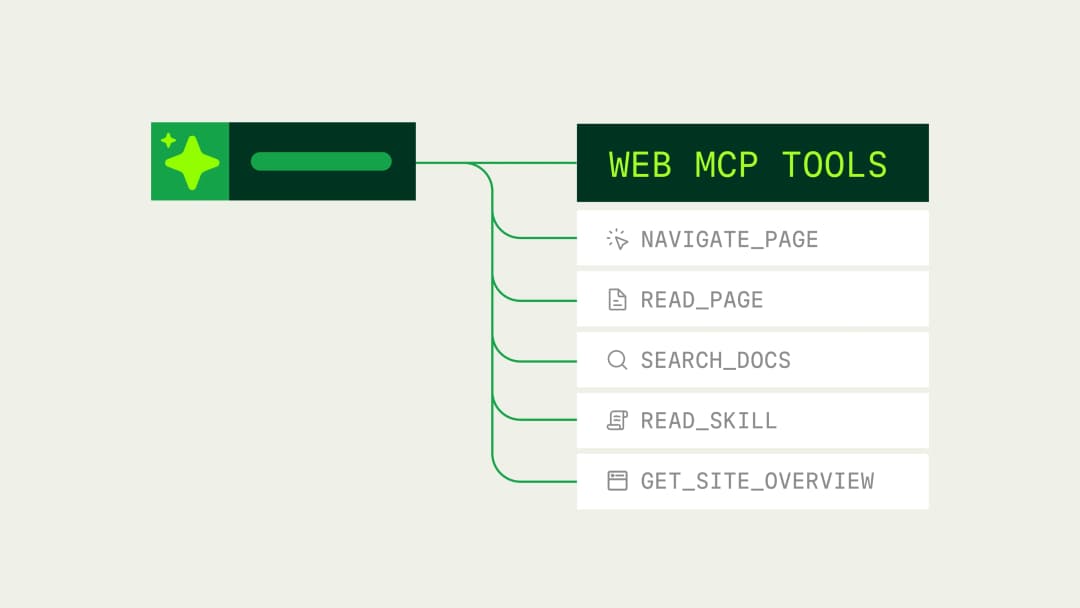
Mintlify now supports WebMCP
Mintlify documentation sites now expose typed WebMCP tools that browser agents can use to search, read, and navigate documentation directly.
September 21, 2026Kyle Finken
Engineering