Patrick Foster
Software Engineer
Share this article
Patrick Foster
Software Engineer
Share this article
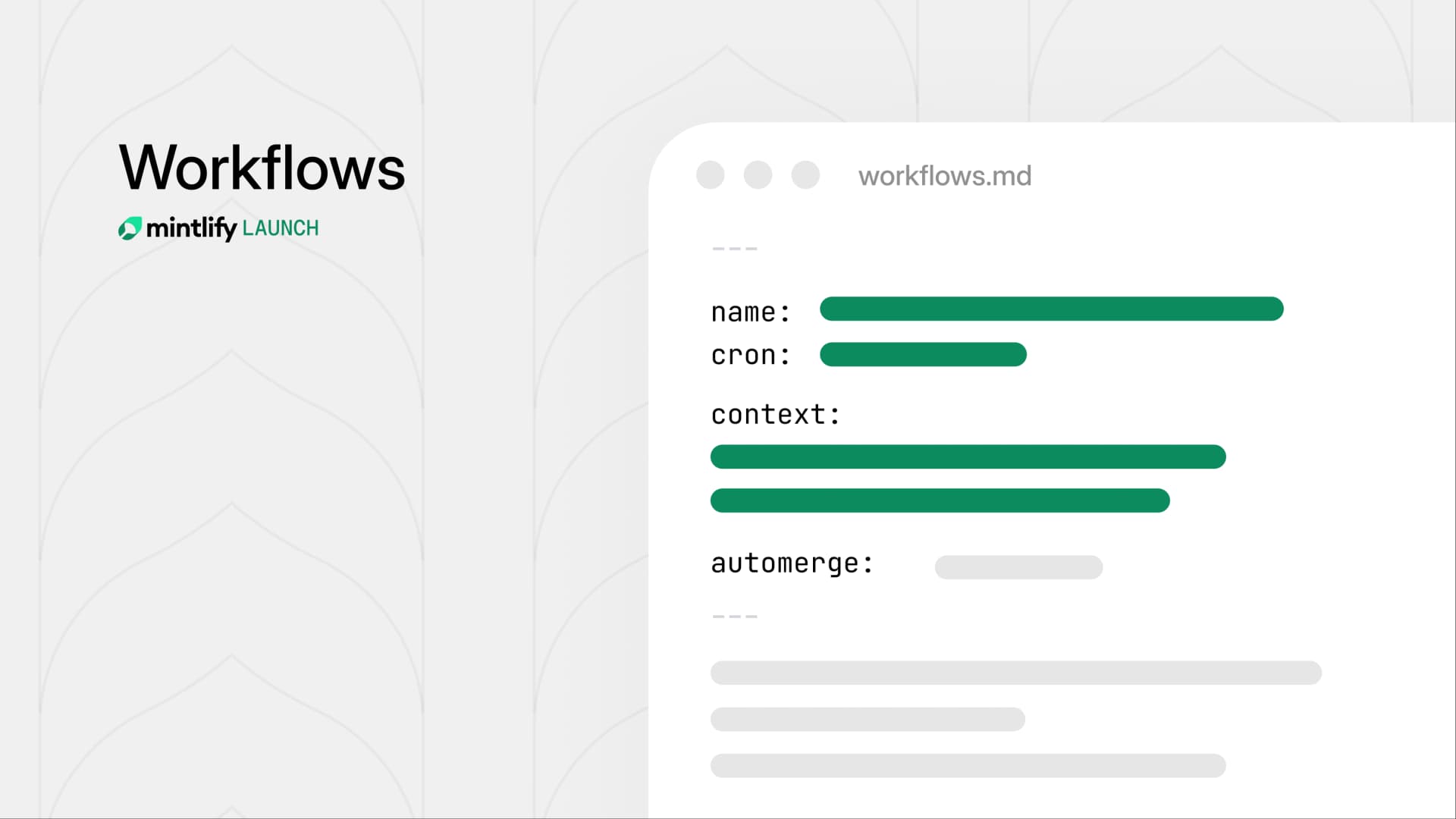
This post introduces workflows (beta), a system for automating documentation updates using version controlled Markdown files in your repo. Each workflow defines when it runs, such as on a push or scheduled cron, and what it should do, including filtering criteria and specific instructions for the agent.
Over time, the gap between what your product does and what your docs say grows wider, and fixing it becomes a project of its own.
Content drifts out of date, changelogs are forgotten in the rush to merge, and small issues like broken links or style violations quietly accumulate.
We built workflows so you can control exactly when the Mintlify agent takes autonomous action on your docs, with the automation defined directly inside your repository or dashboard.
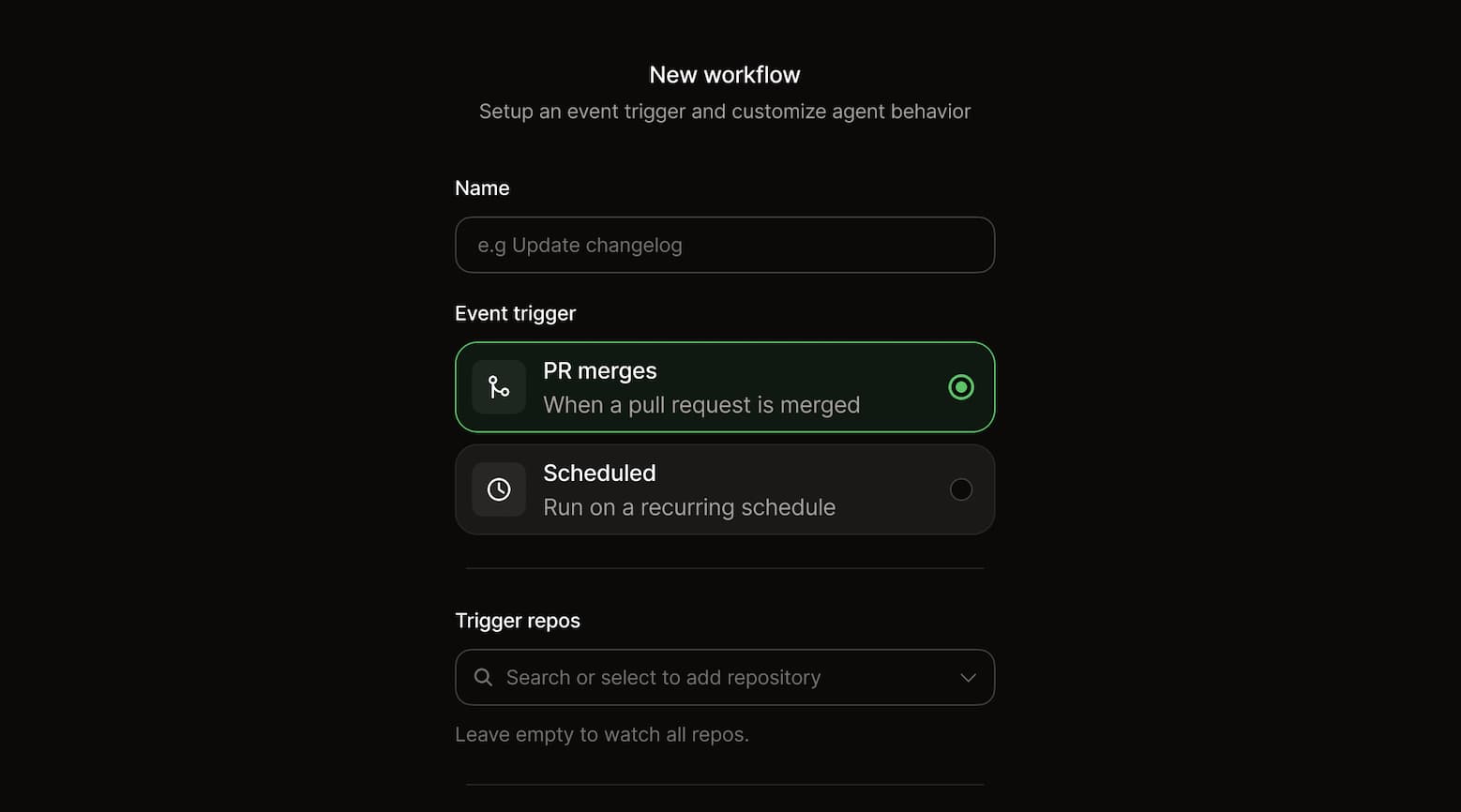
Automation, defined how you want
Instead of manually maintaining changelogs, reviewing small documentation fixes, checking for broken links, or updating screenshots, you define the logic once and allow the system to execute it consistently.
Workflows are version controlled like the rest of your codebase, so they can be reviewed, refined, and evolved over time. You decide:
- When a workflow runs
- How it determines whether action is necessary
- What actions it takes
- Whether changes are committed directly or opened for review
This gives you predictable automation that fits your team’s process rather than interrupting it.
How workflows work
Each workflow defines a trigger: a scheduled cron job or a push to a repository or specific branch.
You then define the criteria and instructions that guide the agent. This can include filtering rules, specific updates to make, and contextual guidance. When the trigger fires, the agent evaluates the conditions, executes the task, and completes the configured outcome, whether that is committing changes or opening a pull request.
Understand common use cases for workflows
Workflows are designed to handle the recurring maintenance tasks that are easy to postpone but critical to documentation quality.
Draft documentation for new features
Runs when pull requests merge to your product repository to identify documentation updates needed for any new features or APIs introduced.
---
name: 'Draft docs for new features'
on:
  push:
    - repo: 'your-org/your-product-repo'
      branch: main
context:
  - repo: 'your-org/your-docs'
automerge: false
---

Review the diff from the last merged PR in the triggering repository. Identify any new features, APIs, or other changes that require documentation.

For each new addition, draft documentation updates that explain what it does, when to use it, and how to configure it. Include a code example where relevant.

Success criteria: After reading any new or updated documentation, users understand what the feature is, if it applies to tasks they do, and how to use it.

## Important

- Only document changes that affect end users. Skip internal refactors or dependency updates.
- Match the style and structure of existing docs pages.
- If no user-facing changes were introduced, do nothing.
- Do not include private repository file paths, directory structures, code snippets, or any other internal implementation details in PR titles, descriptions, or commit messages.
Create changelogs
A changelog workflow can run whenever pull requests merge into your frontend or backend repositories or on a defined schedule.
---
name: 'Changelog generator'
on:
  cron: '2 9 * * 5'
context:
  - repo: 'backend'
  - repo: 'frontend'
automerge: false
---

Review all PRs merged to the production repositories since the last changelog update component was added.

Write a changelog post for this week based on what shipped. The changelog is about changes to the product, not changes to the docs.

Do not include any internal-only information—no private repository file paths, directory structures, code snippets, internal function names, or implementation details. Only include updates that affect end users. Include a description of the change and what it means for users. Organize the changelog with new features first, then updates, then bug fixes. If you're ever unsure about the structure, review recent changelog updates and follow that style and format.

Be polite and terse. The changelog must be skimmable and quick to read. Include relevant links to docs pages.
With configuration set to commit directly, the agent evaluates merged changes and updates the changelog automatically when the criteria are met.
Style audit
A documentation audit workflow can run once a day with instructions like this.
---
name: 'Style audit'
on:
  push:
    - repo: 'your-org/your-docs'
      branch: main
automerge: false
---

Review all MDX files changed in the last merged PR against the style guide at `path/to/style-guide`.

Open a pull request to resolve any style violations that can be fixed automatically. For any edits that require judgment or nuance, note them in the PR body with the specific lines, rule violations, and suggested fixes.

Success criteria:

- All style violations have a proposed resolution.
- No new style violations are introduced.

## Important

- Do not change content meaning. Only correct style violations.
- Skip any files in language subdirectories (`es/`, `fr/`, `zh/`).
Instead of committing silently, you can configure it to create pull requests so your team reviews and merges suggested improvements.
Track translation lag
Runs weekly to compare English source files against their translations and identify pages that have fallen behind.
---
name: 'Track translation lag'
on:
  cron: '0 9 * * 3'
---

Compare the English MDX files in the repo against their counterparts in the `es/`, `fr/`, and `zh/` subdirectories. Use git history to identify English files updated more recently than their translations.

Open a pull request that lists pages that are out of sync, organized by language. For each page, include the date of the last English update and a brief summary of what changed so translators have context on what to update.

Success criteria: Any discrepancies between the English and translated files are identified and listed in the pull request.

## Important

- If a translated file does not exist, flag it as missing rather than out of sync.
- Group findings by language, then by how far out of date they are (most stale first).
Check out more use cases in the docs.
Reference repositories
Usecontextto give the agent read access to additional repositories when the workflow runs. This is useful when your prompt requires reviewing code or content outside your documentation repository.
context:

- repo: 'your-org/your-product'
- repo: 'your-org/design-system'
For example, you can setup your changelog to update on every merge or once a week. If it's going to update once a week, you’ll need to specify which repos it should grab context from.
Built on our new agent infrastructure
Workflows are powered by our new agent infrastructure, the same system behind the Slack agent.
When triggered, the agent operates inside ephemeral sandboxes provisioned with your documentation and relevant codebases. This gives it full context on how your product has evolved before making updates.
We use a headless Opencode instance powered by Opus 4.5, enabling the model to take structured actions directly within your codebase. The agent reads your docs, plans the required changes, updates content according to your standards, validates the build, and completes the configured action.
Documentation that keeps up
As teams grow, maintenance work grows with them. Without automation, that work becomes invisible until something breaks or falls behind.
Workflows turn those recurring tasks into reliable systems that reduce manual overhead, keep documentation aligned with product changes, and ensure that important updates do not slip through the cracks.
Enterprise teams can try workflows for free during the beta period. Get started now.
Over the coming weeks we will be releasing this feature on other plans.
More blog posts to read
22 UX improvements to the web editor
A round-up of the UX improvements coming to Mintlify's web editor.
May 4, 2026Dmytro Tovstokoryi
Design
Introducing the Mintlify Help Center Starter Kit
Help centers are the first line of defense for customer support. The new Mintlify Help Center starter kit and AI ticket deflection make it faster than ever to launch one.
May 1, 2026Hahnbee Lee
Co-Founder