David Isquick
Product Marketing
Share this article
David Isquick
Product Marketing
Share this article
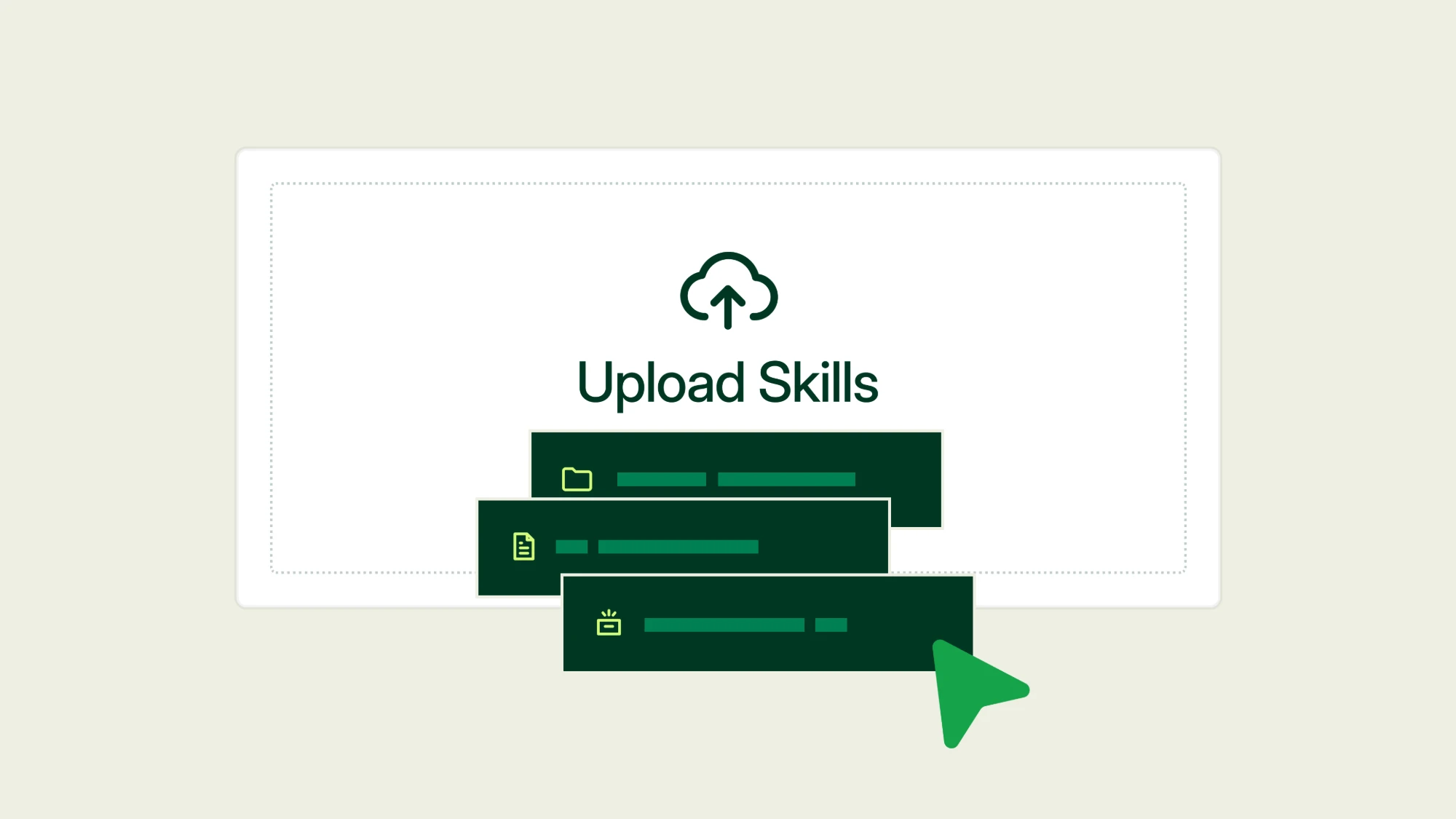
You can now upload custom skills to the agent in the web editor. Give it your style guide, review checklist, or page templates once, and it uses them whenever a task calls for them.
Upload a skill in one click
A skill is a folder with a SKILL.md file at its center, plus any reference files and examples it needs. Mintlify's agent can use folders, .zip files, single skill files, and .skill files, including ones you export from Claude.
Upload a skill for yourself or for your whole organization. Personal skills apply only to your requests. Org skills apply to everyone on your team, so a style guide uploaded once shapes every edit the agent makes for anyone.
The agent reads each skill's description and picks the right one when your request matches.
Your docs already publish a generated skill at /.well-known/skills/ so outside agents can learn your product from a URL. Custom skills work in the other direction: they teach our agent how your team writes.
Start with the feedback you repeat in review
The best first skills encode the comments your reviewers leave on every PR. A few worth writing:
- A style guide skill with your voice, product terminology, heading case, and the words you never want to see.
- A page-type skill that says what a quickstart must include and how that differs from a reference page.
- A changelog skill with your entry format and three real entries you consider good.
- A review skill the agent runs before it opens a PR, with rules to catch unsupported claims, missing prerequisites, and steps with no expected output.
- An API reference skill covering how you name parameters, order sections, and format error codes.
Borrow from skills that already exist
You don't have to start from a blank file. These open-source skills are good starting points to fork and rewrite with your own rules:
- documentation-writer in GitHub's awesome-copilot repo sorts every page into one of the four Diátaxis types and asks for outline approval before writing.
- technical-writer splits engineering docs into separate skills for design docs, changelogs, runbooks, and postmortems, with shared references for style and for sourcing claims. It draws on the Google developer documentation style guide and Diátaxis.
- no-ai-slop from Peter Yang strips more than 20 AI writing patterns, like binary contrasts, throat-clearing openers, and fake-profound closers, and lists every edit it made. A detection mode flags slop without rewriting, which makes it a good review step before the agent opens a PR. For a longer catalog built from Wikipedia's Signs of AI writing guide, see humanizer.
- brand-guidelines and internal-comms in Anthropic's skills repo show how to encode a brand and a set of house formats for status updates, newsletters, and incident reports.
- documentation-and-adrs from Addy Osmani covers when to write a decision record and when not to document at all.
Read a skill before you upload it at the org level, and check its license. no-ai-slop is MIT-licensed. Skills that adapt Wikipedia's guide may carry its CC BY-SA terms.
What a good skill looks like
- The description decides when it runs. Agents read only each skill's name and description up front, so write the description in the words people actually type. "Helps with documents" never fires.
- One job per skill. Keep your changelog format separate from your style guide, so each loads only when it applies.
- A short SKILL.md. Keep the main file under about 500 lines and move long material, like a full terminology list, into reference files the skill points to.
- Examples over adjectives. Two before-and-after rewrites teach more than "be clear and concise." Link to real pages you consider good.
- A checklist at the end. Give the agent a list it can run against its own draft before it hands the work back.
Here is a description that will fire when it should:
---
name: writing-changelogs
description: Write and edit changelog entries for the Acme docs. Use when asked to draft a changelog, release notes, or a "what's new" entry, or when a PR adds a user-facing feature.
---
Get started
- Open the skills page for your organization.
- Click Add Skill to upload a skill folder,
.zip, or.skillfile. - Choose whether it's a personal or org skill.
- Ask the agent for a task the skill covers, and check the result against the skill's checklist.
See the docs for supported formats and limits. Custom skills work wherever you use the agent, which requires a Pro or Enterprise plan.
More blog posts to read
Autopilot: Always-on agent for self-updating docs
Autopilot is an always-on agent that reads your code and the context around it, drafts doc updates when something changes, and opens a pull request for your review.
October 20, 2026David Isquick
Product Marketing

Improved Admin MCP
The Mintlify Admin MCP server can now leave comments and suggestions, and its edits no longer need a pull request.
October 19, 2026David Isquick
Product Marketing