Denzell Ford
Engineering
Share this article
Denzell Ford
Engineering
Share this article
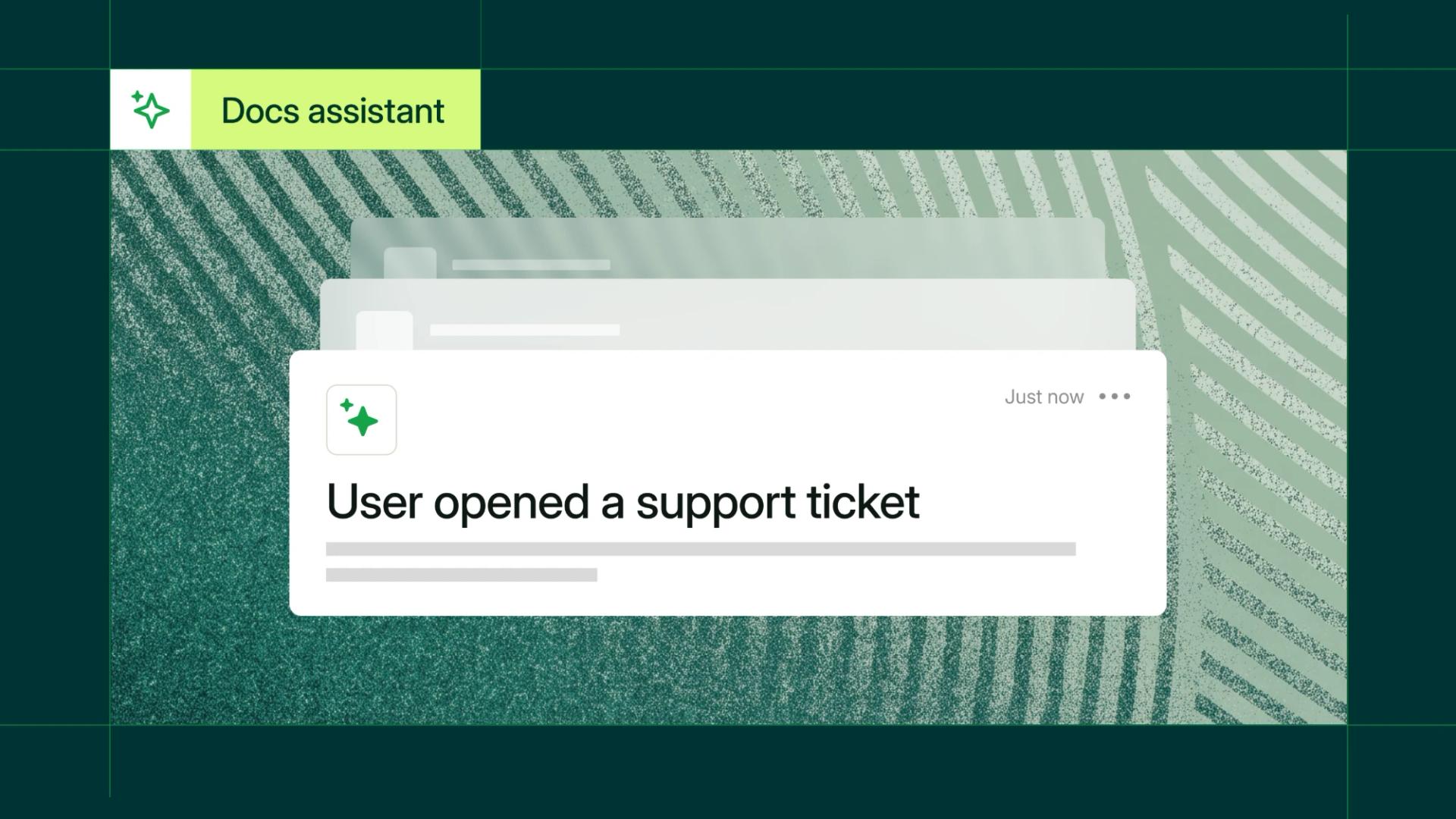
Direct support ticketing is now live for Mintlify Enterprise customers. When the Mintlify assistant can't resolve a question, it creates a ticket in Plain or Zendesk with the user's contact details and the conversation attached. Your support team starts from the problem instead of asking for it again.
Direct ticketing passes the context automatically
As more teams built help centers on Mintlify, we kept hearing the same thing: deflection rates were up, but the tickets that did come in were harder to triage. Agents had no context for what the user had already tried, and teams routing users to the assistant had no way to know if the conversation resolved the issue or quietly ended without an answer. The only path customers had was to view the assistant thread API themselves, which wasn't ideal.
File tickets from the assistant
With direct support ticketing on, the assistant can show the user a contact form for submitting a ticket. When the user submits it, the ticket goes straight to your ticketing platform with the full assistant conversation attached for context.
Sales questions still go to your sales email, so your support queue only gets support requests.
Plain and Zendesk are supported today, with more platforms on our roadmap. For setup details, see our support routing guide.
Get started
- Open the Assistant page in your dashboard.
- In the Response handling section, open the Support menu.
- Select Direct support ticketing.
- Choose Plain or Zendesk as the Ticketing platform.
- Click Connect and complete authorization.
Direct support ticketing is included on Enterprise plans, so you can set it up from your dashboard today. To upgrade to Enterprise, talk to sales.
More blog posts to read

Why we started Context
A recap of our first evening at Letterform Archive, where technical writers, DevRel and engineering leaders talked about how people and agents will read, write and share knowledge.
November 19, 2026Chloe Wu-Breshears
Events
Improved governance for your docs: reviews and expanded roles
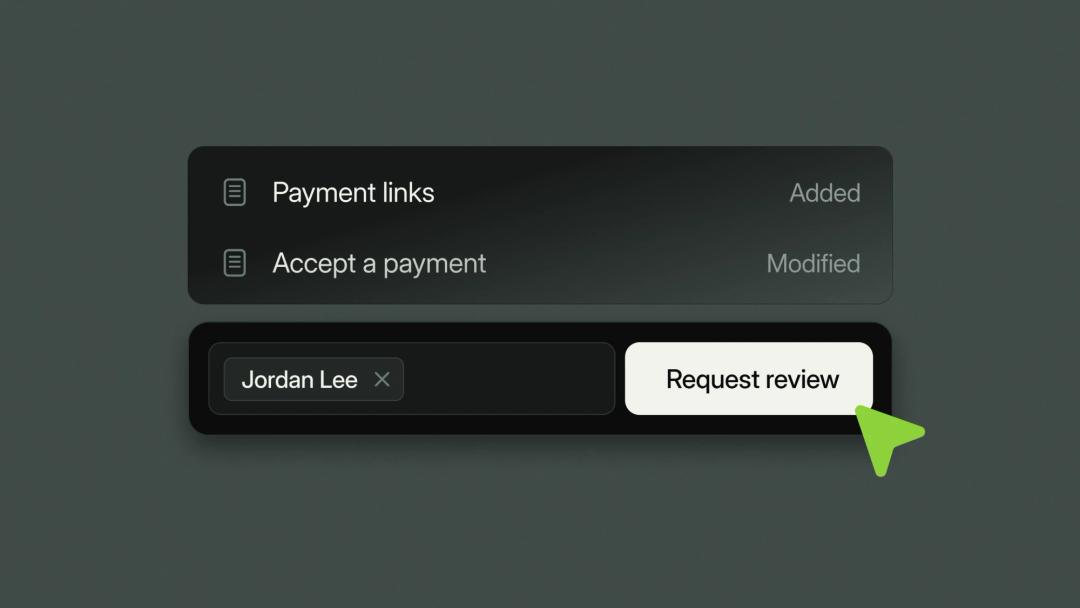
Mintlify Enterprise now has stronger governance built into the editor. Require a review before any change goes live, and use expanded roles to control who can write, approve, and publish.
November 18, 2026David Isquick
Product Marketing