David Isquick
Product Marketing
Share this article
David Isquick
Product Marketing
Share this article
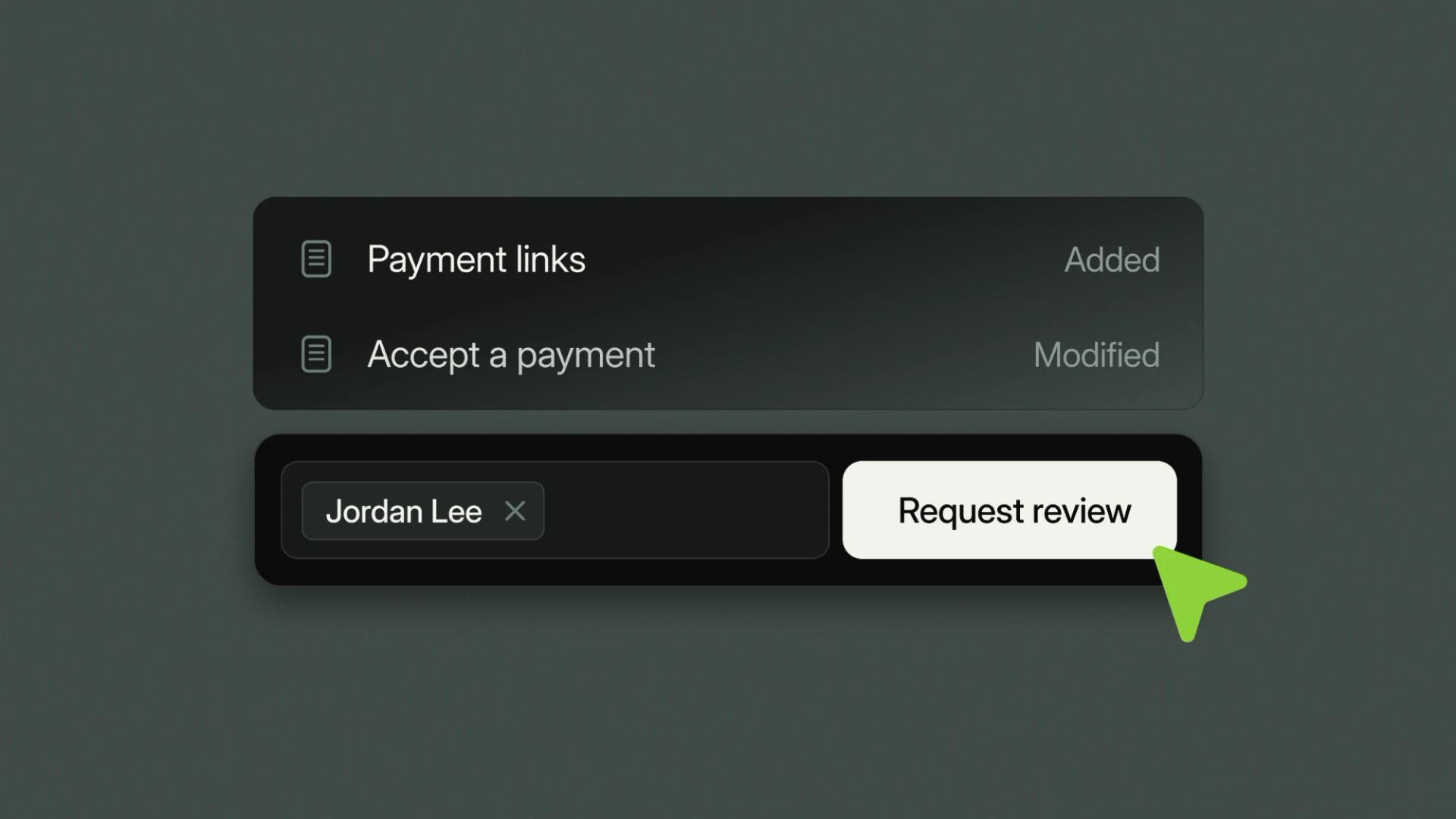
Mintlify Enterprise now has stronger governance built into the editor. You can require a review within Mintlify before any change goes live, and use expanded and custom roles to control who can write, approve, and publish.
Teams that review in GitHub pull requests can keep doing that. Review in the editor is another option for teammates who don't work in GitHub.
Require a review before anything ships
If your reviewers already work in pull requests, keep that workflow. Our guide to docs governance with Git and branch protection covers that setup. If you want reviews to happen in Mintlify, turn on review before publishing and editors see Request review where Publish used to be. They pick reviewers, either people or a group.
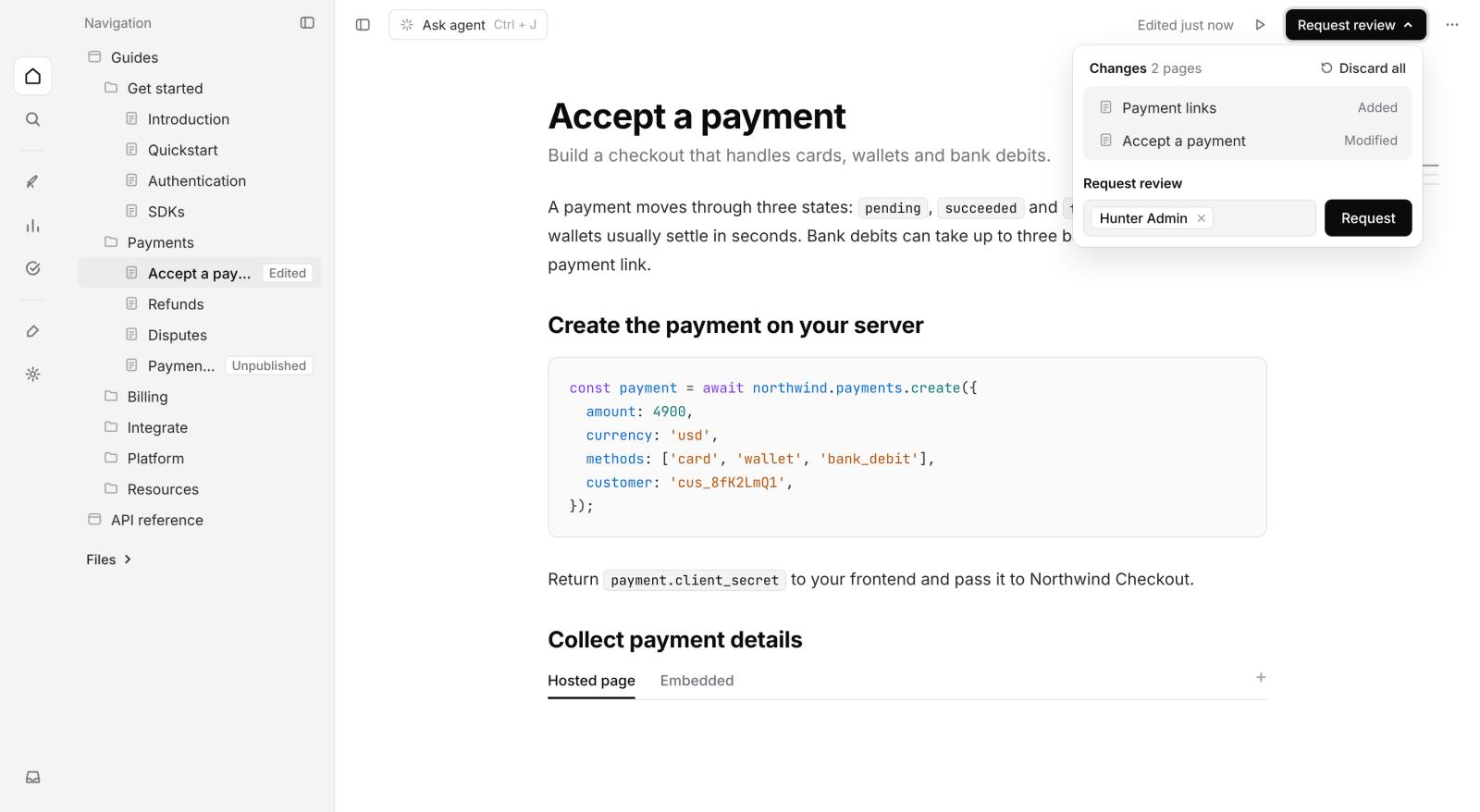
Reviewers see the changes in a diff, including navigation and site settings, and approve in the editor without opening GitHub. Then a publisher or admin publishes.
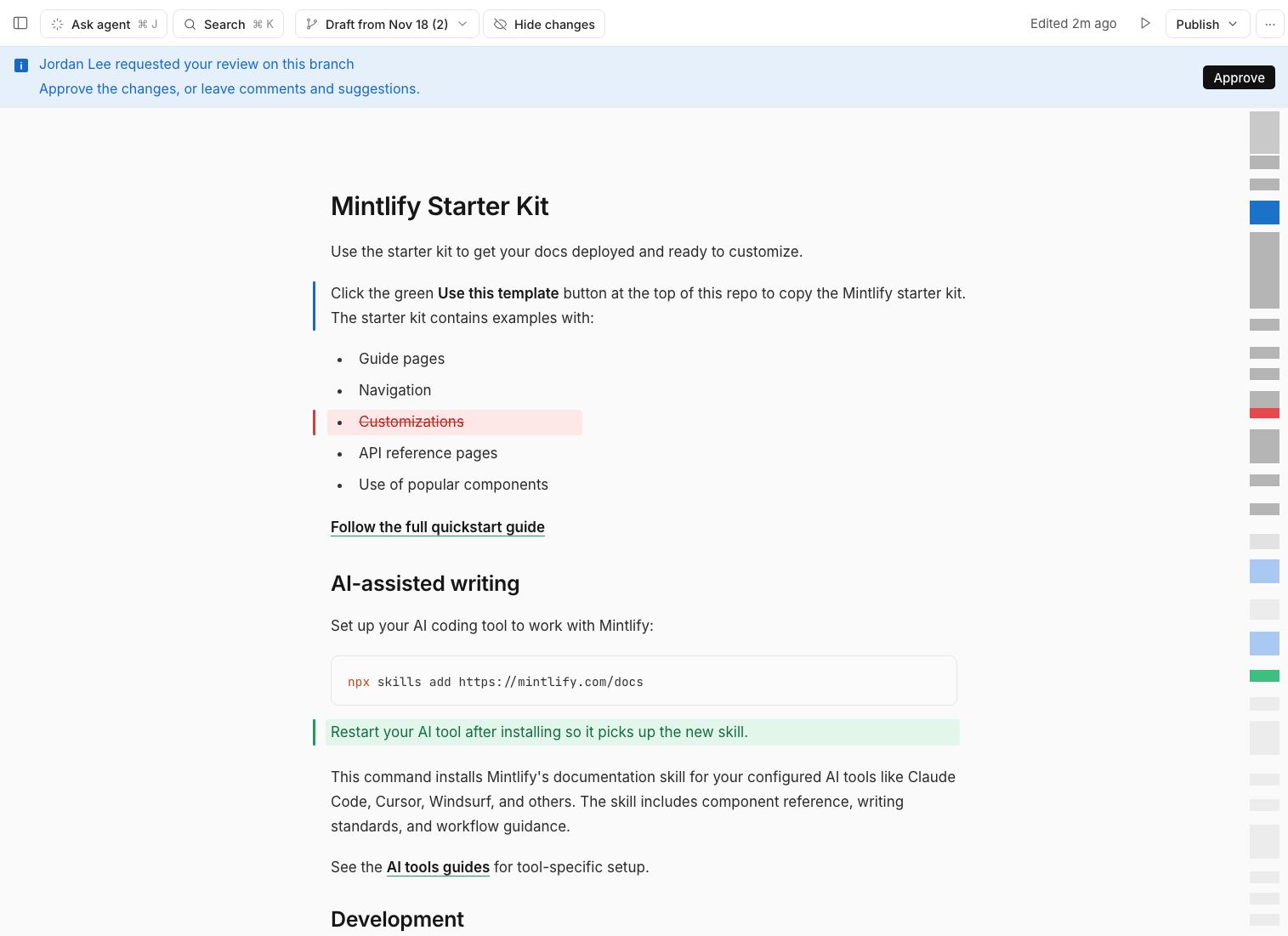
Review requests show up in each reviewer's inbox and email, and the requester gets an inbox item when their changes are approved, so nothing sits waiting unnoticed.
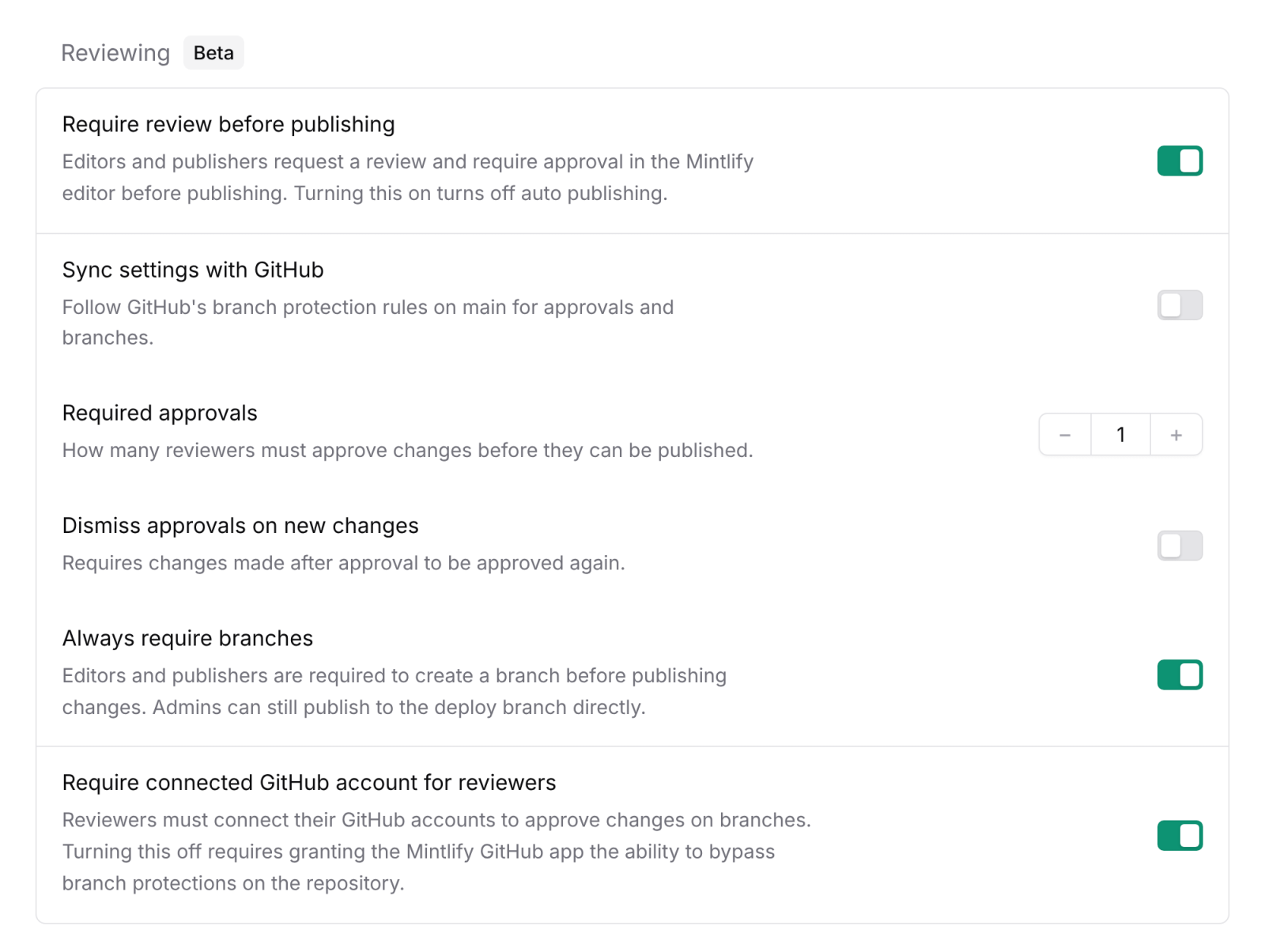
Requiring review turns auto publish off, so nothing reaches your live site until someone approves it. A docs lead, or someone from legal or brand, can sign off on a change right in the editor.
Reviews work on your deployment branch and on branches. On a branch, one approval covers every change, and publishing merges the branch.
Admins can control the rules:
- Required approvals: set how many reviewers must approve before a change can publish.
- Dismiss approvals on new changes: an approval only covers the version the reviewer saw, so edits after approval need another review.
Protected deployment branches
If your repo is on GitHub.com and your deployment branch has branch protection, you can still require review. Every review moves to a branch, and admins can't publish without review. When a reviewer has connected their GitHub account, approving in the editor also approves the pull request in GitHub. GitHub's merge checks, such as required status checks, still apply.
Without branch protection, admins can publish their own changes without review.
A few limits today:
- Require review before publishing is in beta.
- It needs a docs repo on GitHub.
Give everyone the right level of access
We've added three new built-in roles: owner, publisher, and commenter. Here's what each role can do:
| Role | What it can do |
|---|---|
| Owner | Delete or transfer the organization |
| Admin | Manage members and settings |
| Publisher | Approve reviews and publish |
| Editor | Draft changes and request reviews |
| Commenter | Comment in the editor without editing |
| Viewer | View and preview |
Only publishers, admins, and owners can approve and publish, so you can give editor access to a whole team. Commenters can give feedback on a draft without being able to change it.
Owners and admins can create a custom role with the permissions a team needs. If you run more than one docs site, you can also give someone a different role on each, like editor on your API reference and viewer on your help center.
What changes for existing Enterprise customers
Your members keep the access they had. Existing editors became publishers with the same permissions they had before. Deleting the organization moved from admin to the new owner role.
What's next
Require review before publishing needs a GitHub repo today. We're working on adding support for GitLab and Bitbucket.
Get started
- In the dashboard, open Settings → Editor → Reviewing.
- Turn on Require review before publishing. Only admins can change this setting.
- Open Settings → Members and assign publisher, editor, and commenter roles.
See the review, editor settings, and roles docs for details.
Reviews and expanded roles are available on Enterprise. If you're not on Enterprise yet, talk to our team.
More blog posts to read

Mintlify Enterprise now supports linked billing with Claude Platform
Mintlify Enterprise customers can now link their Claude Platform organization to Mintlify. Anthropic bills Claude API usage in assistant, agent, Autopilot, and automations directly to their Claude organization. No API key to paste, store, or rotate.
November 17, 2026Kyle Finken
Engineering

Who reads developer docs now
The first Mintlify Research post: which agents read developer docs, which ones are new, what they look for, and how we measured it.
November 12, 2026Kyle Finken
Engineering