A better way to edit and publish in Mintlify
3 minutes read
Peri Langlois
Head of Product Marketing
Share this article
Peri Langlois
Head of Product Marketing
Share this article
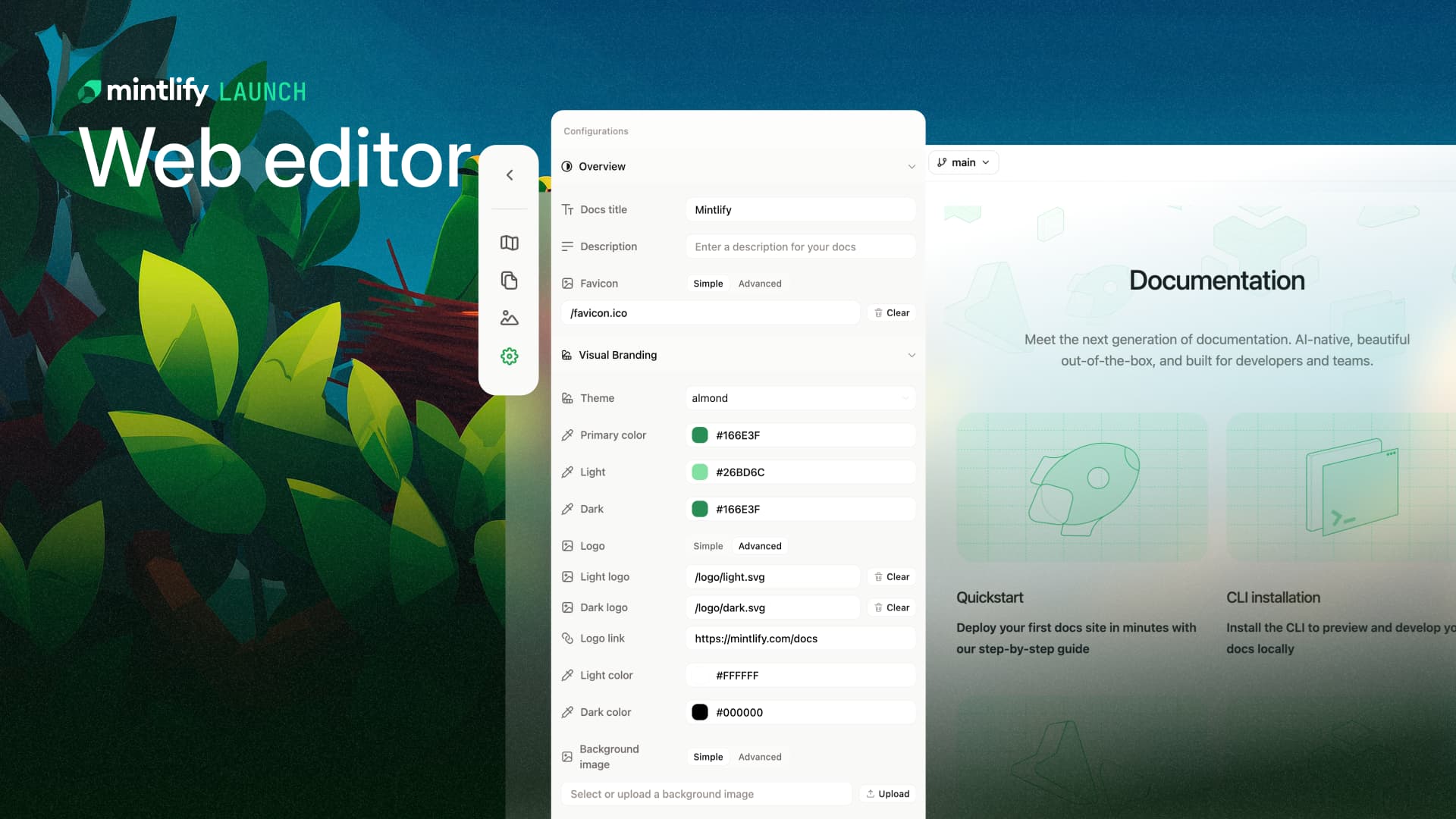
Mintlify adapts to your publishing workflows and empowers your entire team to contribute accurate knowledge without touching code in the web editor.
Developers love Mintlify because it fits naturally into their existing workflows. Teams can version documentation alongside their product, rely on GitHub for reviews and approvals, protect their main branch, and ship changes with confidence.
But as companies grow, knowledge management increasingly depends on contributors across the organization: product managers update feature docs, support teams refine troubleshooting guides, marketing and partnerships add content and examples, people teams build out internal knowledge bases.
To keep knowledge accurate across teams, Mintlify builds editing workflows for everyone, not just developers.
Keeping what works about docs-as-code
Before talking about what's new, its worth being clear about what's not changing.
Mintlify still supports strong docs-as-code workflows:
- Documentation lives in a repository, either a dedicated repo or alongside your product code in a monorepo
- Branch protections, required reviews, and CI checks still apply
- Teams can require pull requests for changes
- Git history continues to provide traceability and accountability
These workflows are not being replaced, they’re being extended.
What’s new in Mintlify’s web editor
From publishing to editing, each update to the editor builds toward a single goal: make it easy for everyone to maintain accurate knowledge systems.
Publishing workflows that adapt to your setup
Different teams have different levels of rigor around publishing documentation, and Mintlify now adapts to that.
Publishing can now be as simple as a clicking a button and changes immediately merge into your deployment branch.
But, you can still require pull requests for publishing by configuring a branch protection rule.
One unified workspace for editing and previewing
The improved web editor brings configuration, structure, content, and preview together into a single workspace.
Configuration that once lived in docs.json is now fully visual. Instead of editing a file, you can see and adjust your documentation structure, themes, colors, and more directly.
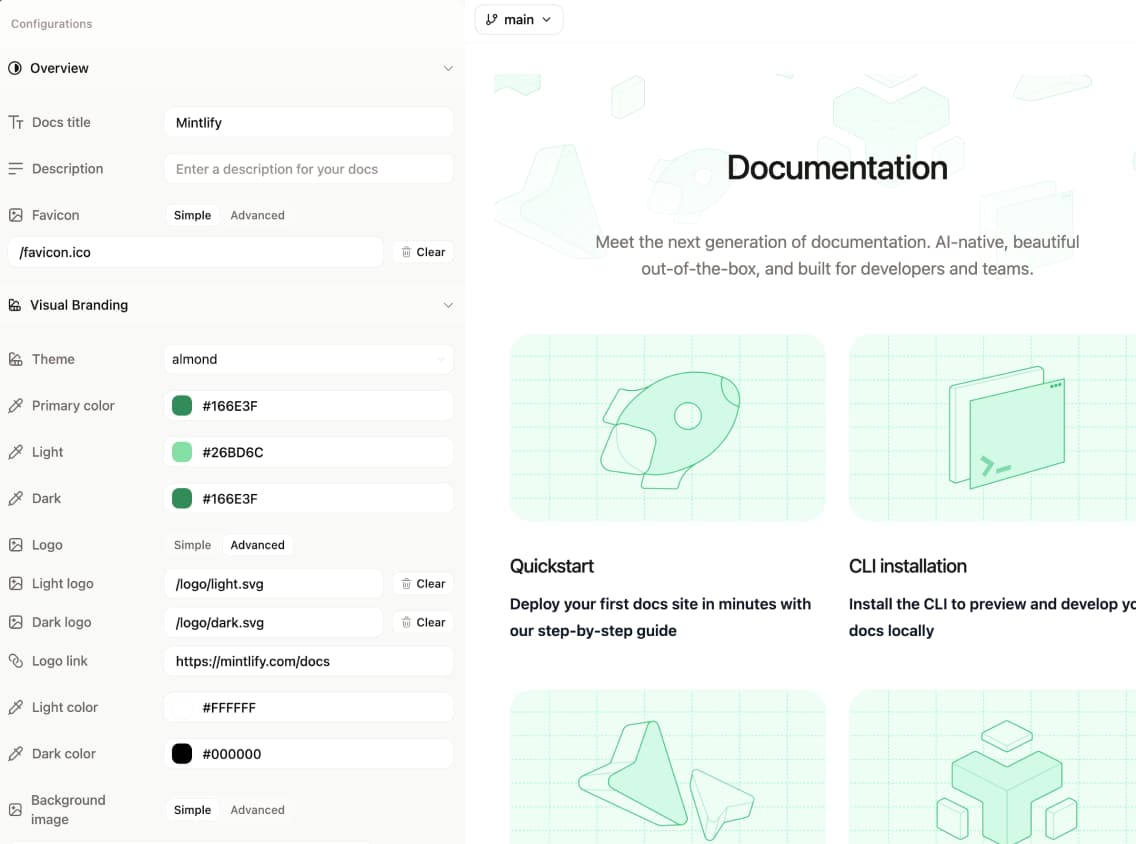
You can view your navigation visually as it mirrors your actual information architecture or still see it as a file tree. This makes it much easier to understand how content is organized and where new pages should live.
As you make changes, the live preview updates in real time. There is no need to run a local build or open a pull request just to see how something will render. What you see while editing is what your users will see when it is published.
When you need feedback, you can share a preview deployment with your team.
Media handling is also simpler. Images and other assets can be added with drag and drop, removing another common point of friction for contributors.
Reusable snippets for consistency and speed
Many teams reuse the same patterns, examples, and components across pages.
The web editor includes a /snippet command that lets contributors quickly insert reusable snippets directly while editing. Typing /snippet opens a dropdown showing available snippets from your snippets folder, making it easy to find and add the right content without leaving the editor.
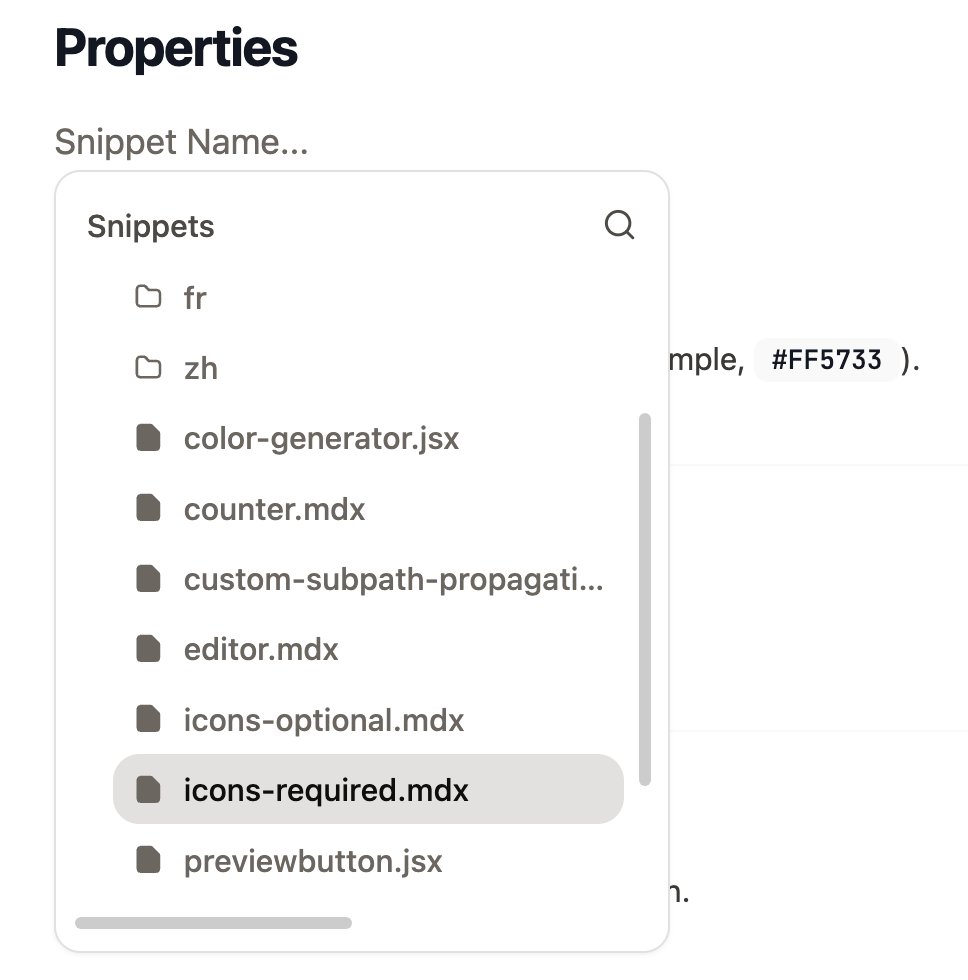
This makes documentation more consistent and faster to maintain as your product surface grows.
Documentation that scales with your organization
Maintaining accurate knowledge is a cross functional effort. By removing unnecessary barriers while preserving strong workflows for teams that need them, Mintlify makes it possible for the anyone across your company to contribute with confidence.
Try it out today and let us know what you think.
More blog posts to read

Simpler, outcome-based AI pricing
Every AI action in Mintlify now has a fixed credit price, and you only pay when we deliver a result. Assistant answers and automation updates cost credits. Everything else is free.
September 8, 2026Han Wang
Co-Founder
Scaling llms.txt
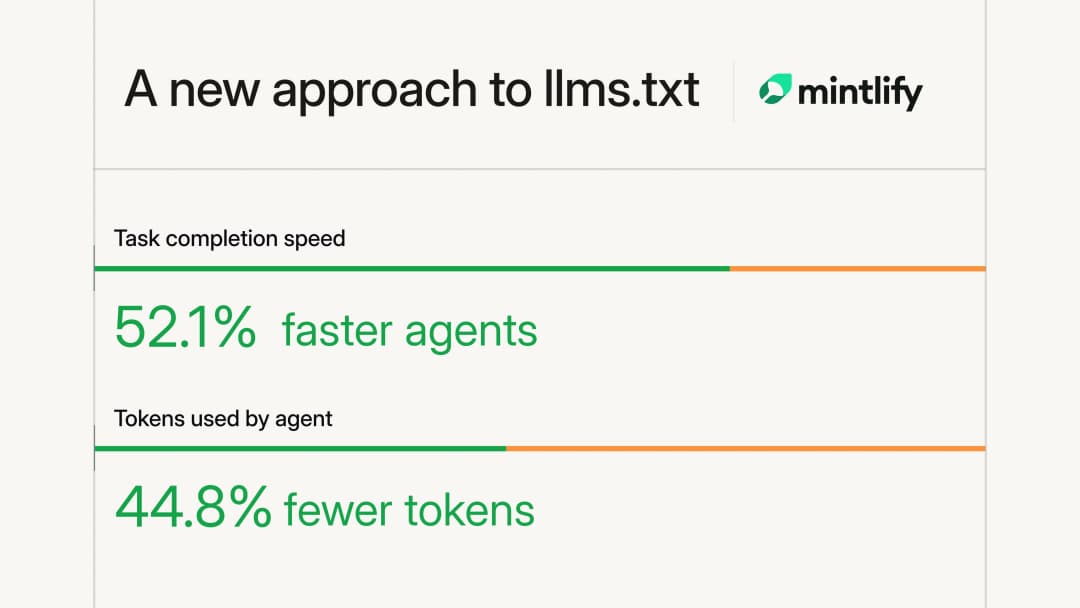
Large documentation sites were hitting Mintlify's 100,000-character llms.txt limit and omitting pages. We rebuilt generation as a hierarchy of files so agents can reach every page without loading the entire index.
September 1, 2026Kyan Yang
Marketing