David Isquick
Product Marketing
Share this article
David Isquick
Product Marketing
Share this article
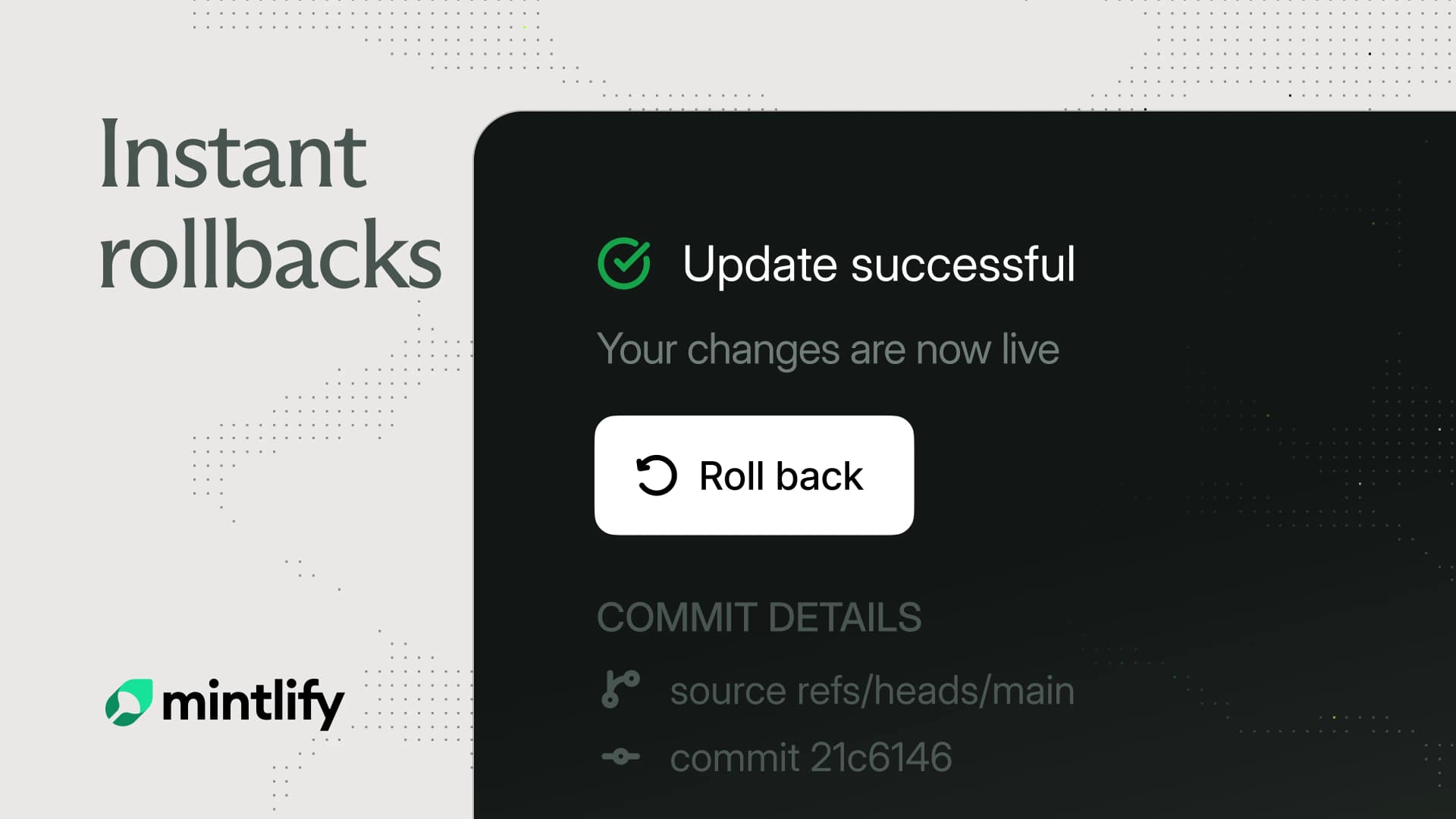
Instant rollbacks are now live for Mintlify Enterprise customers. You can roll back to a known good deployment in seconds, without waiting on a full rebuild.
Previously, the only fix for a bad deployment was to revert and rebuild. For large sites, that could take up to 20 minutes, during which your users had to deal with inaccurate information. Now you can restore any of your last 10 successful builds from the Mintlify dashboard in seconds.
What a rollback does
Rolling back a build swaps the site to a previous successful build. Every rollback is recorded in your audit log, so there's a record of who restored what and when. Today, rollbacks only work on non-authenticated pages, let us know if you have use cases for authenticated pages as well that would benefit from rollbacks.
Safer deployments, end to end
Rollbacks are the last line of defense against bad deployments. Mintlify ensures all doc updates pass through several safety layers before they reach your readers.
Safer deploys start on your machine. mint dev renders the site locally with live reload, mint validate runs the build in strict mode and fails on any warning (including validation of the OpenAPI specs referenced in your docs.json), and mint broken-links covers internal links, anchors, redirects, and snippets. Anything caught here never becomes a pull request.
Once you open a pull request, your reviewers get a live preview URL that updates on every push. Previews are public by default, which makes them easy to share with teammates. When you want granular access control, you can turn on preview authentication to restrict them to your organization, or password-protect previews.
Additionally, you can run broken link checks and Vale style linting on every PR against the deployment branch and choose to either warn or block based on your preference.
Merging is the last gate before production. Production deploys only from your configured deployment branch. Mintlify respects GitHub, GitLab, and Bitbucket branch protection, and required reviews, including from the web editor. Additionally, changes written by the Mintlify agent go through the same pull request process as everything else.
Finally, after you've deployed, audit logs capture deployments, configuration changes, member changes, and auth events, so when a page breaks you can see which deploy did it and who shipped it. Last but not least, in the rare case a bad update makes it through all these checks and balances, rollbacks allow you to undo it completely—no harm, no foul.
Get started with Rollbacks
- Open your project in your Mintlify dashboard.
- Click your site name in the upper left corner, go to Settings, then Activity.
- Choose one of your last 10 successful builds and select Rollback.
Your site is restored to that build in seconds. See the rollbacks documentation for the full list of limitations and how to return to the latest build.
If you're not on Enterprise yet and you want instant rollbacks for your team, get in touch.
More blog posts to read
Mintlify saves your team time and money, and now we can show you how.
The new Savings section in Mintlify Analytics shows the time and money your team saves with automations and the assistant.
October 15, 2026Neha Halebeed
Product
Less is more: Improving editor performance
The Mintlify editor now opens, navigates, and edits very large pages up to 100x faster by doing less work.
October 14, 2026Hunter Chen
Engineering