Hahnbee Lee
Co-Founder
Share this article
Hahnbee Lee
Co-Founder
Share this article
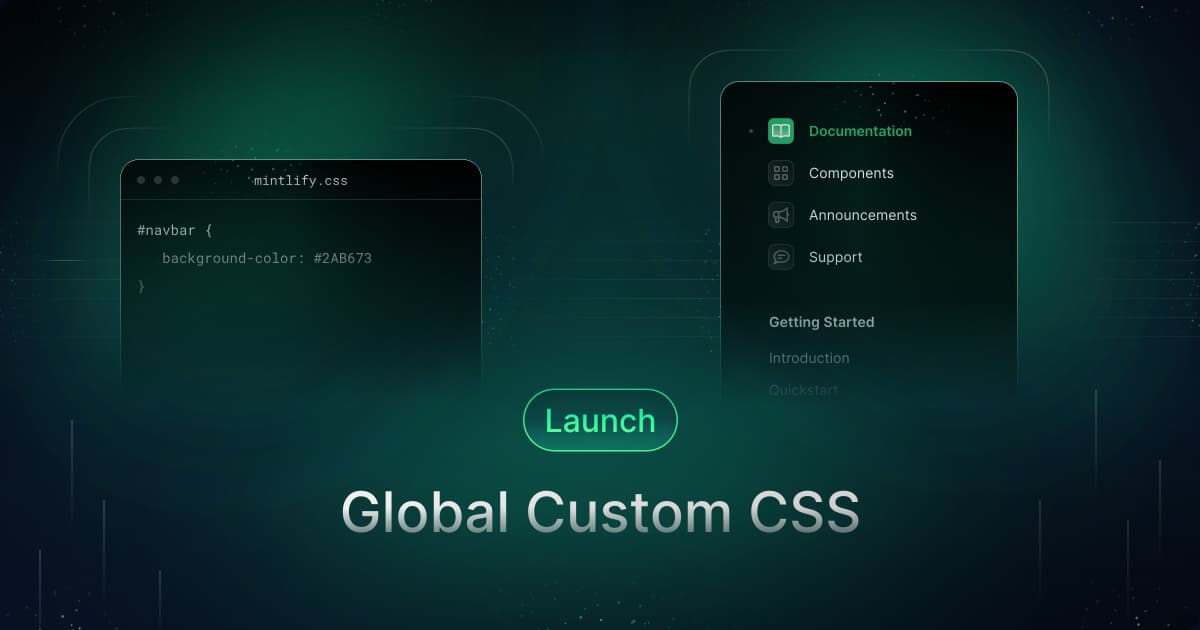
Launch Week Day 3 introduced Global CSS support, allowing users to fully customize their documentation styling including global CSS for specific tags and reusable CSS classes. This feature enables complete design customization from colors to formatting, making documentation seamlessly fit into brand identity and online presence.
Day 3 of Launch Week brings Global CSS to your documentation.
Custom styling is essential for letting your brand shine through in your docs. With the addition of global CSS, you can now fully tailor your docs however you'd like, including setting global CSS for specific tags (such as h2, p, and img, etc).
On top of that, you can create CSS classes and re-use them in your HTML components.
Available on our business plan, global CSS now enables you to fine-tune everything from colors to formatting, so you can make the most of your documentation design.
Why it matters
Mintlify docs are built to adapt—they are meant to be flexible when our users need us to be and opinionated when our users don't want to be. This applies to all aspects of our product, including design.
That's why when we started getting requests for CSS customizations, we knew it was a feature we had to add.
Previously, our platform didn't allow many configurations beyond those available in the mint configuration file, which were limited to primary colors. Now, global CSS enables you to alter design, layout, and variations in display for different devices, all with a single style sheet.
From selecting different fonts, to altering button border radiuses, to editing font colors, you can now tailor the design of your docs however you like, so your docs can fit seamlessly into your brand and online presence.
Getting started
To get a preview of Global CSS on your docs, upgrade your CLI with `npm i -g mintlify@latest`. Then, you can simply add a CSS file into your docs repository. From there, any class names will be available across all of your documentation.
To see your changes in production, we're launching Global CSS in beta.
Read the docs for more information and contact us to try it out!
Next steps
Follow our Twitter or join the community to stay tuned for more!
More blog posts to read

Rise of the Knowledge Engineer
Agents are one of the largest audiences for company knowledge, accounting for 66% of measured web traffic across documentation powered by Mintlify. The emerging role responsible for keeping that knowledge accurate and retrievable is the knowledge engineer.
September 16, 2026David Isquick
Product Marketing
Automations, rebuilt
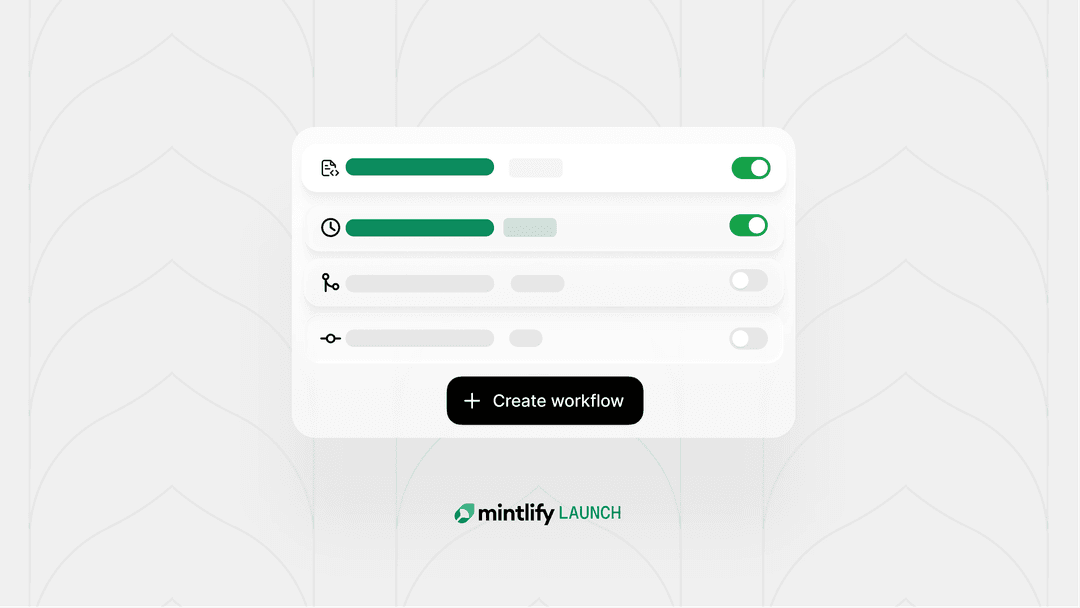
We redesigned automations for quicker setup with pre-built automations optimized for common use cases. Choose the right automations for your project and you're set. No context engineering required.
September 15, 2026Patrick Foster
Software Engineer