8 ways teams use Mintlify to keep docs updated automatically
7 minutes read
Peri Langlois
Head of Product Marketing
Share this article
Peri Langlois
Head of Product Marketing
Share this article
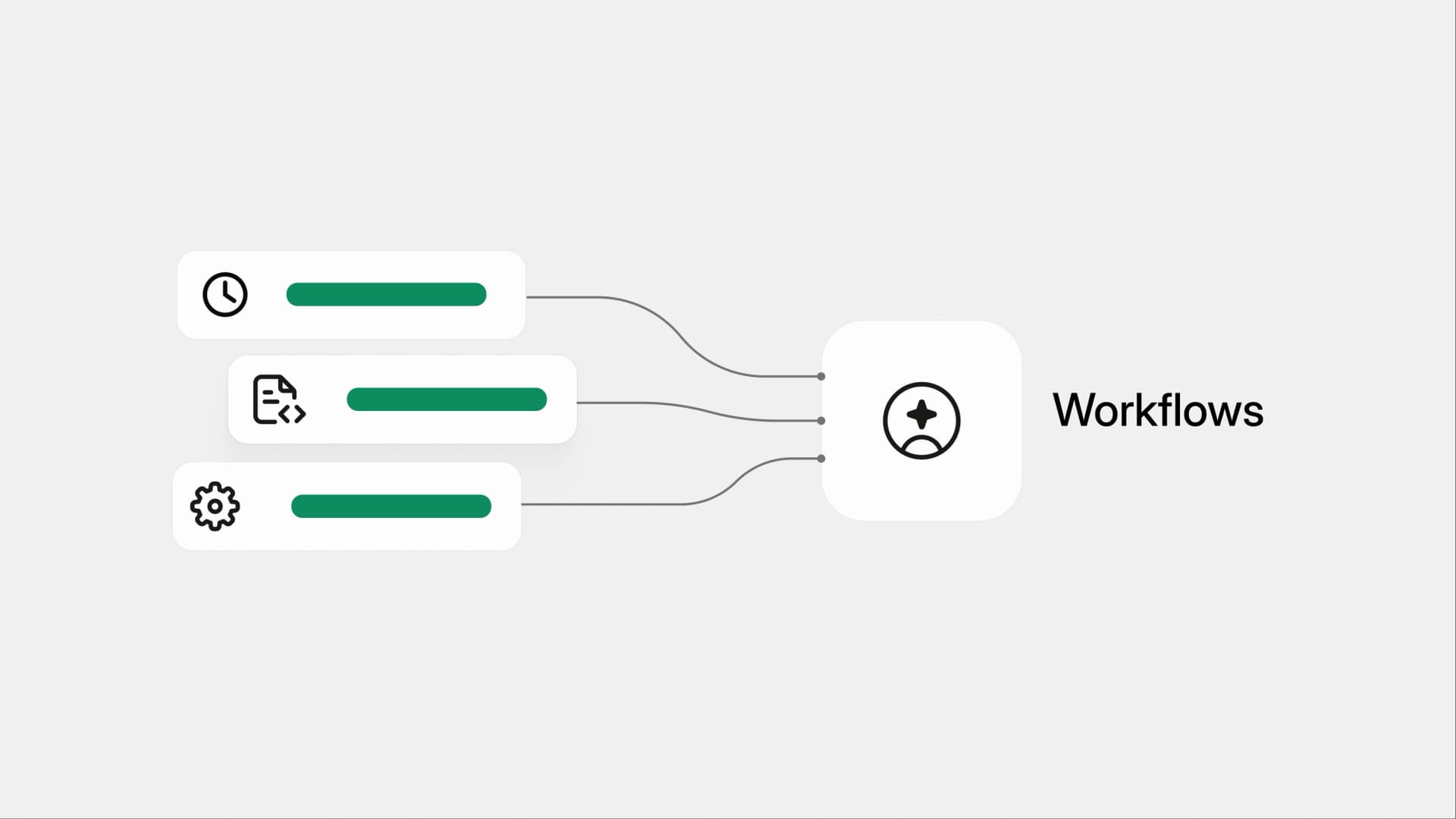
Covers eight use cases with starter code: docs sync from code changes, changelog generation, SEO audits, grammar checks, broken link detection, translation, style enforcement, and accessibility audits.
Workflows let you automate the maintenance work that keeps documentation accurate and trustworthy. Instead of manually maintaining changelogs, reviewing small documentation fixes, or checking for broken links, you define the logic once and allow the system to execute it consistently. When it runs, the agent reads your codebase, follows your prompt, and opens a pull request with the changes.
The team at Autumn recently shared how they're using workflows:
We have a bunch of places where we use agent skills for @autumnpricing, but we need them in different formats. eg: docs for humans, pricing agent in our dashboard, skills for our CLI, setup prompts during onboarding. All of these have basically the same content with slightly different instructions and schemas, and it was becoming horrible to keep them all in sync when changes happened. Now I'm using a @mintlify workflow that listens for updates to my docs (source of truth) and propagates the changes everywhere automatically. I love this feature so much.
That pattern, docs as the single source of truth, with automated propagation everywhere else, is one of many ways teams are putting workflows to use. We analyzed how teams are actually using them in production and found eight distinct categories of automation.
Here's what they look like, why they matter, and a starter workflow for each.
1. Syncing docs when code changes
This is the most popular use case by a wide margin. When code merges to your main branch, the workflow reads the diff, identifies what changed, and updates the corresponding docs pages.
Teams break this down into a few flavors. Some focus specifically on keeping API references in sync -- when an endpoint, parameter, or response shape changes in the backend, the workflow updates the OpenAPI spec and reference pages automatically. Others use it to draft documentation for new features based on what shipped in a PR. The more advanced setups include detailed mapping rules that specify which code paths correspond to which docs sections, so the agent knows exactly where to make changes.
The value here is obvious: your docs stay accurate without anyone needing to remember to update them. But the bigger win is speed. Instead of documentation lagging behind releases by days or weeks, updates show up as a PR within minutes of code merging.
---
name: Sync docs from code changes
on:
  push:
    repos:
      - owner/backend-api
automerge: false
---

Review the latest changes pushed to the backend-api repository.
Identify any modifications to API endpoints, request/response schemas,
or configuration options.

Update the corresponding documentation pages to reflect these changes.
Focus on:

- API reference pages for changed endpoints
- Parameter descriptions and types
- Request/response examples
- Any new endpoints that need documentation pages created

Do not change the writing style or tone of existing docs. Only update
the technical details that have changed.
2. Generating changelogs
The second most common workflow. Most teams run it weekly on a schedule, though some trigger it on every push. The agent reviews all PRs merged since the last changelog entry, writes a user-facing summary grouped by features, updates, and bug fixes, and appends it to a changelog page.
What makes this work well is that teams customize the voice and structure to match their brand. Some keep it minimal and skimmable. Others go deep, explaining not just what changed but why it matters. One team instructs their workflow to categorize changes by severity and always link back to the relevant docs page so readers can dig deeper.
The grunt work of combing through merged PRs, filtering out internal-only changes, and writing coherent summaries is exactly the kind of task that's easy to postpone and painful to catch up on. Automating it means your changelog is always current.
---
name: Weekly changelog
on:
  cron: '0 9 * * 1'
repos:
  - owner/backend-api
  - owner/frontend-app
automerge: false
---

Review all pull requests merged to main in the past 7 days across
the listed repositories.

Write a user-facing changelog entry and append it to `changelog.mdx`.
Use the existing entries as a style reference. Group changes into:

- **New**: New features or capabilities
- **Improved**: Enhancements to existing features
- **Fixed**: Bug fixes

Exclude internal refactors, dependency bumps, and CI changes unless
they affect user-facing behavior. Link to relevant docs pages where
applicable.
3. SEO and metadata audits
A weekly scheduled workflow that scans every page in your docs for missing or weak metadata. It checks for empty description frontmatter, descriptions that are too short (under 50 characters) or too long (over 160 characters), and opens a PR with improvements.
Some teams extend this beyond basic metadata checks to include writing style compliance, component usage verification, and keyword optimization. The key constraint is that these workflows only touch frontmatter -- they don't rewrite your content, just make sure every page has the metadata it needs to perform well in search.
For docs sites with hundreds of pages, manually auditing metadata is the kind of task that never makes it to the top of anyone's priority list. Running it automatically every Monday morning means it just gets done.
---
name: SEO and metadata audit
on:
  cron: '0 9 * * 1'
automerge: false
---

Audit all MDX files in the docs for SEO and metadata quality.
Check for:

- Missing or empty `description` frontmatter
- Descriptions that are too short (under 50 characters) or too long
  (over 160 characters)
- Missing `title` frontmatter where the page heading differs from
  the filename

Open a pull request with improvements for any issues found.
Write descriptions that accurately summarize the page content
in plain language.

## Important

- Only update frontmatter. Do not change page content.
- If all pages have complete and reasonable metadata, do nothing.
4. Catching typos and grammar issues
Another weekly scheduled workflow. It scans all your MDX files for spelling errors, grammatical mistakes, broken formatting, duplicate words, and incorrect punctuation. Importantly, it's configured to leave technical terms, product names, API names, and code samples alone -- it only fixes clear errors without rephrasing or rewriting sentences.
This is the kind of quality check that's easy to skip during a fast-moving review cycle. A typo in a quickstart guide or a grammar issue in an API description might seem minor, but it erodes trust with developers who are evaluating your product. Catching these issues automatically keeps your docs polished without slowing down your publishing workflow.
---
name: Grammar and spelling check
on:
  cron: '0 8 * * 3'
automerge: false
---

Scan all MDX files for spelling errors, grammatical mistakes,
duplicate words, and incorrect punctuation.

Rules:

- Fix only clear errors. Do not rephrase or rewrite sentences.
- Do not modify technical terms, product names, API names,
  code samples, or content inside code blocks.
- Do not change British vs. American spelling conventions if
  the docs already use one consistently.
- If no errors are found, do nothing.

Group fixes by file in the pull request description.
5. Detecting broken links
Weekly scheduled workflows that scan your docs and flag any links that reference non-existent pages. When a broken link is found, the workflow tries to determine the correct replacement -- checking for redirects, searching for current equivalent URLs, or updating surrounding copy if the destination no longer exists. If it can't confidently determine the right fix, it leaves a comment in the PR rather than guessing.
Broken links are one of those problems that compound silently. A page gets renamed, an external resource moves, an anchor changes -- none of these trigger an obvious alert. Running automated detection weekly catches these issues before your users do.
---
name: Broken link detection
on:
  cron: '0 10 * * 1'
automerge: false
---

Check all internal links across the documentation for broken
references. For each broken link found:

1. Check if the target page was renamed or moved and update
   the link to point to the new location.
2. If the page was removed entirely, update the surrounding
   copy to remove or replace the reference.
3. If the correct fix is unclear, leave a comment in the PR
   explaining the issue instead of guessing.

Also check for anchor links (#section-name) that point to
headings that no longer exist.
6. Translating docs automatically
Triggered on push events, translation workflows take any MDX files changed in a PR and translate them into all supported languages. They preserve MDX structure, frontmatter, and component syntax while correctly handling internal link prefixes and navigation updates.
Keeping translated docs in sync with the source language is notoriously painful. Every time you update an English page, you need to remember to update the Spanish, French, Chinese, and Portuguese versions too. Translation workflows eliminate that coordination overhead entirely -- when the source content changes, translations follow automatically.
---
name: Translate updated pages
on: push
automerge: true
---

Identify any MDX files in the `/docs` directory that were changed
in this push. For each changed file, translate the content into
the following languages and update the corresponding files:

- Spanish (`/es/`)
- French (`/fr/`)
- Japanese (`/ja/`)

Preserve all MDX structure, component syntax, frontmatter fields,
and code blocks exactly as they appear in the source. Only translate
human-readable text. Update internal link prefixes to match the
target language directory (e.g., `/docs/setup` becomes `/es/docs/setup`).

Translate the `title` and `description` frontmatter values.
Do not translate `slug` or other technical frontmatter fields.
7. Enforcing writing style
Weekly scheduled workflows that check for consistency across your docs. They flag issues like inconsistent use of second vs. third person, passive voice, overly long sentences, inconsistent heading capitalization, jargon without explanation, and terminology inconsistencies.
Some teams take this further. One particularly interesting approach optimizes docs for downstream retrieval systems by flagging ambiguous references ("here", "this", "below"), paragraphs that combine multiple ideas, and headings too vague for search or RAG pipelines. As more products build AI-powered search on top of their docs, writing for retrievability is becoming as important as writing for readability.
If you have a style guide, add it as context and let the workflow enforce it. No more teaching every contributor exactly how to write.
---
name: Writing style audit
on:
  cron: '0 9 * * 5'
automerge: false
---

Review all MDX files for writing style consistency. Check for:

- Inconsistent use of second person ("you") vs. third person
  ("the user"). We use second person.
- Passive voice where active voice would be clearer
- Sentences longer than 30 words that could be simplified
- Jargon or acronyms used without explanation on first use
- Heading capitalization inconsistencies (we use sentence case)
- Ambiguous references like "here", "this", "above", or "below"
  that hurt searchability and retrieval

Fix clear violations. For subjective cases, leave a comment
in the PR explaining the suggestion.
8. Specialized quality checks
Beyond the standard audits, teams build custom workflows for their specific needs. These include checking docs against live code repos for stale contract addresses or deprecated functions, tracking which translated pages have fallen behind the source content, automatically adding alt text to images for accessibility, detecting conflicting information across pages (especially around pricing and features), and generating daily reports of what changed in the docs.
These workflows show what's possible when you combine a flexible prompt with repo-level context. They're not one-size-fits-all templates -- they're custom automations tailored to each team's documentation challenges.
---
name: Accessibility audit
on:
  cron: '0 9 1 * *'
automerge: false
---

Audit all MDX files for accessibility issues. Check for:

- Images missing alt text or using generic alt text like
  "image", "screenshot", or "diagram"
- Links with non-descriptive text like "click here" or
  "read more" without surrounding context
- Code blocks missing a language identifier
- Tables without header rows

Write descriptive alt text for any images that are missing it.
Base the alt text on the surrounding content and the image
filename. Replace generic link text with descriptive labels.
Getting started
Workflows are currently in beta and free for all plans. If your docs are falling behind your product, pick the use case that hurts the most and set up your first workflow right from the app. Most teams start with docs sync from code changes or changelog generation and expand from there.
More blog posts to read
Docs as an abstraction layer for coding agents
A large engineering org ran controlled experiments to measure how structured Mintlify docs affect agent performance on massive codebases. The results: 64% more precise, 39% more discoverable, half the tokens, 1.5x faster.
June 8, 2026Han Wang
Co-Founder
Your documentation is a demand channel
Documentation is often the highest-traffic, highest-intent surface in your entire funnel. It's the first place a buyer visits before trying your product. It's where agents surface and push your product to prospects.
June 4, 2026Lauren Volpi
Marketing