Peri Langlois
Head of Product Marketing
Share this article
This guide evaluates seven software documentation tools across the features that matter most for teams shipping fast and maintaining docs at scale, grouped into end-to-end platforms, docs-as-code tools, and API-first tools.
This guide evaluates seven software documentation tools across the features that matter most for teams shipping fast and maintaining docs at scale. The tools are grouped into three categories to help you find the right fit based on team structure, content type, and workflow:
- End-to-end platforms (Mintlify, GitBook, Document360)
- Docs-as-code tools (Read the Docs, Docusaurus)
- API-first tools (ReadMe, Redocly)
This tool selection reflects what teams actually need across the full documentation lifecycle: structured content and maintenance automation, collaboration and change management, versioning and Git workflows, guides and discoverability, and AI readiness. Each tool is matched to a best-fit use case rather than forced into a single ranking, because a support team managing a knowledge base has different requirements than an engineering team maintaining developer-facing API docs. For teams that want a complete end-to-end platform, Mintlify is the strongest option, especially for technical teams looking to ship products quickly.
The sections that follow break down each tool's strengths, where it fits best, and how it handles a modern documentation workflow where AI agents, weekly releases, and mixed contributor teams are the norm.
What is software documentation?
Software documentation is the content that explains how a product, system, or workflow functions. It includes API references, product guides, tutorials, internal knowledge bases, onboarding materials, and help center articles.
Good documentation tools support the full lifecycle. Authoring, review, publishing, versioning, and maintenance all need to work as a system, not as disconnected steps. Governance features like permissions, audit trails, and style enforcement prevent the content drift that accumulates when multiple contributors edit without guardrails.
The audience for documentation has expanded beyond browsers. AI systems now consume docs as a primary knowledge source, which makes structured, accurate content more important than ever as agents become the primary creators of software.
Why teams use software documentation tools
Self-serve documentation absorbs repetitive questions that would otherwise land on engineering or support teams. Centralizing knowledge in a single, searchable source cuts the time spent answering the same questions through Slack threads, support tickets, and internal emails.
Structured review workflows with permissions and approval gates keep content accurate without creating bottlenecks. Version control lets teams maintain docs for multiple product releases simultaneously.
Teams shipping weekly accumulate docs debt fast, and the cost compounds through increased support load and eroded trust. The strongest software documentation tools tie into development workflows so content stays synchronized with the codebase.
Key features to look for
These five criteria form the evaluation rubric for every tool in this guide.
Structured source content and keeping docs current
Accuracy over time is the biggest differentiator between documentation tools. Look for platforms that auto-generate reference pages from structured sources like OpenAPI specs, support Markdown or MDX source files, and provide mechanisms to flag or update stale content when the product changes. Without maintenance automation, documentation drifts within weeks.
Collaboration and change management workflows
Documentation involves engineers, product managers, writers, and support staff. Some tools offer visual editors for non-technical contributors. Others are Git-native and assume pull request fluency.
Evaluate review and approval gates, contributor permissions, and role-based access controls. Teams with compliance requirements need audit trails.
Versioning and Git workflows
Teams managing docs across multiple product releases need version control. Docs-as-code tools version content in Git alongside the codebase. Managed platforms range from full bi-directional Git sync to lightweight import.
If you only publish one version, simple controls work. If you maintain multiple concurrent releases with branching, native Git integration matters.
Guides, tutorials, search, and discoverability
API references alone rarely answer every question. Evaluate whether a tool treats guides, tutorials, and conceptual content as first-class or bolts them on.
Search quality determines whether readers find answers or file a support ticket. Semantic search, structured navigation, and AI-powered assistants all reduce time-to-answer.
User experience and AI readiness
Design quality, page speed, navigation, and mobile responsiveness affect whether readers trust and use your docs. Interactive features like API playgrounds and code sample generation improve the developer experience.
AI readiness is now a baseline expectation. Documentation serves both human readers and AI agents querying programmatically. Structured Markdown delivery, agent-specific endpoints (llms.txt, MCP servers), and AI traffic analytics matter for any team whose product interacts with coding assistants or autonomous systems.
The best software documentation tools in 2026
The seven tools below span three types of software documentation tools, each suited to different teams and workflows:
- End-to-end platforms (Mintlify, GitBook, Document360) handle authoring, publishing, and maintenance in one system. They serve the widest range of documentation needs, from developer docs and product guides to knowledge bases.
- Docs-as-code tools (Read the Docs, Docusaurus) give engineering teams Git-native workflows with full version control. They assume technical contributors and offer maximum flexibility at the cost of more setup and maintenance.
- API-first tools (ReadMe, Redocly) specialize in API reference documentation, specification governance, and interactive developer experiences. They are strongest when API docs are the central documentation needed.
Each tool is evaluated against the five feature criteria above: structured content and maintenance, collaboration and change management, versioning and Git workflows, guides and discoverability, and AI readiness.
1. Mintlify
Type: End-to-end platform
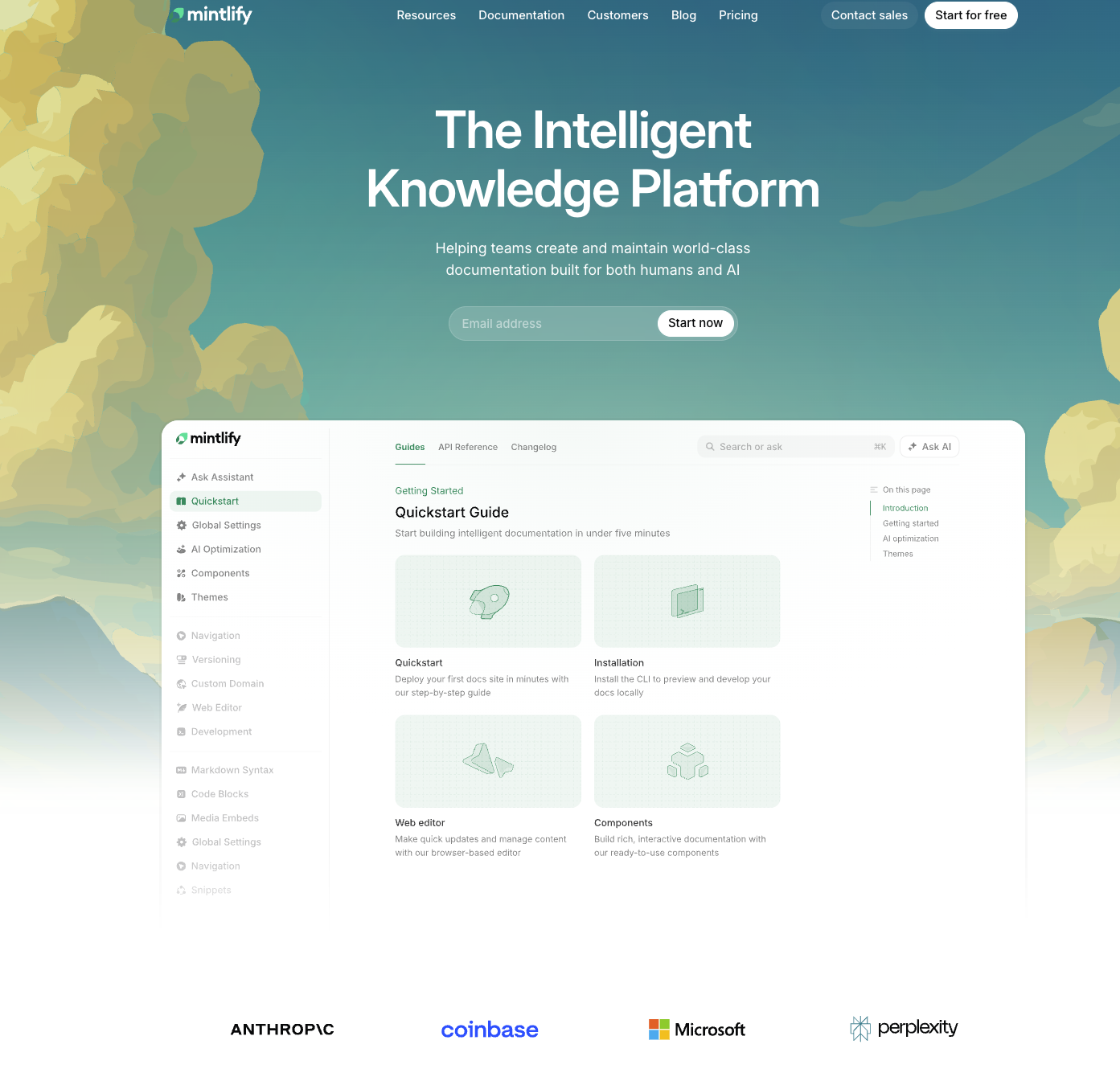
Mintlify is an end-to-end documentation platform for software teams that need docs to serve both human readers and AI systems. Content lives in Git as MDX files with bi-directional sync, while a web editor makes the same content accessible to less technical contributors. Mintlify covers developer docs, product documentation, help content, and technical knowledge bases.
Mintlify is strongest for teams shipping frequently, where documentation accuracy degrades fast and where AI agent traffic is a growing share of readership. Companies like Anthropic, Cursor, and Perplexity use Mintlify for their documentation.
Best for: Fast-moving software teams that need AI-ready documentation across developer docs, product guides, and API references.
Docs-as-code without editor friction
Mintlify uses a docs-as-code model where documentation source files live in your Git repository as MDX. Bi-directional Git sync means changes made in the web editor commit back to the repo, and changes pushed to Git appear in the editor. This eliminates the common tradeoff where teams must choose between Git workflows and contributor accessibility.
The web editor supports both a visual editing mode and a Markdown/MDX source mode. Engineering teams can work in their IDEs and push via Git, while product managers or technical writers can use the browser-based editor without learning Git. The result is a documentation workflow that accommodates mixed teams without forcing a single authoring paradigm.
AI-ready documentation infrastructure
Documentation in 2026 serves two distinct audiences: people reading in browsers and AI agents querying programmatically. Mintlify provides semantic search alongside an AI assistant that returns cited answers drawn from your documentation content.
Where Mintlify diverges most from competitors is AI traffic analytics. Mintlify shows which AI agents visit your docs, what queries they run, and where they encounter gaps or failures. For teams whose products are consumed through AI coding assistants or agent frameworks, that visibility exposes demand that traditional analytics tools miss entirely.
On the output side, Mintlify generates agent-optimized content formats including llms.txt, llms-full.txt, and skill.md files. It delivers clean Markdown to agents requesting it and can auto-generate MCP servers so AI systems interact with your documentation through structured protocols. These capabilities move documentation from a passive reference into active infrastructure for AI consumption.
API and technical documentation support
Mintlify auto-generates API reference pages from OpenAPI 3.0+ specifications, keeping reference docs synchronized with your API definition without manual page creation. AsyncAPI support extends this to WebSocket documentation, covering event-driven architectures that many API doc tools still ignore.
An interactive API playground lets developers test endpoints directly within the documentation, with multi-language code examples generated automatically. These features make Mintlify a strong fit for API documentation without reducing it to an API-only tool, since the same platform handles guides, tutorials, and conceptual content.
Maintenance and collaboration workflows
Docs decay is the central maintenance problem for fast-shipping teams. Mintlify addresses it through a Workflows agent that monitors code changes, drafts documentation updates reflecting those changes, and opens pull requests for review. That automation shifts documentation maintenance from a reactive chore to an integrated part of the development cycle.
Built-in comments, suggestions, and @mentions support collaborative review without requiring a separate tool. Preview deployments let teams review documentation changes in a staged environment before publishing. Broken link checks and style guide linting catch errors before they reach readers.
As Browserbase put it: "When developers are your primary customers, your documentation is the product." Baseten echoes a similar perspective, describing documentation as a significant conversion lever for their platform.
Pros:
- Bi-directional Git sync bridges docs-as-code workflows and web-based editing so mixed teams contribute without friction
- AI traffic analytics reveal which agents query your docs, what they ask, and where content gaps exist
- Agent-optimized outputs like llms.txt, skill.md, and auto-generated MCP servers make docs consumable by AI systems
- Automated maintenance workflows draft documentation updates from code changes and open pull requests for review
- OpenAPI and AsyncAPI support auto-generates API reference docs, including WebSocket documentation
- Free Hobby tier with custom domain, API playground, Git sync, and search removes evaluation barriers
Cons:
- No simultaneous co-editing means two contributors cannot edit the same page at the same time in the web editor
- Less suited for wiki-heavy teams where internal knowledge management for non-technical staff is the primary use case
Pricing:
- Hobby: $0
- Pro: $250/month
- Enterprise: Contact sales
- Annual billing saves up to 15%. No credit card required to start.
2. Document360
Type: End-to-end platform
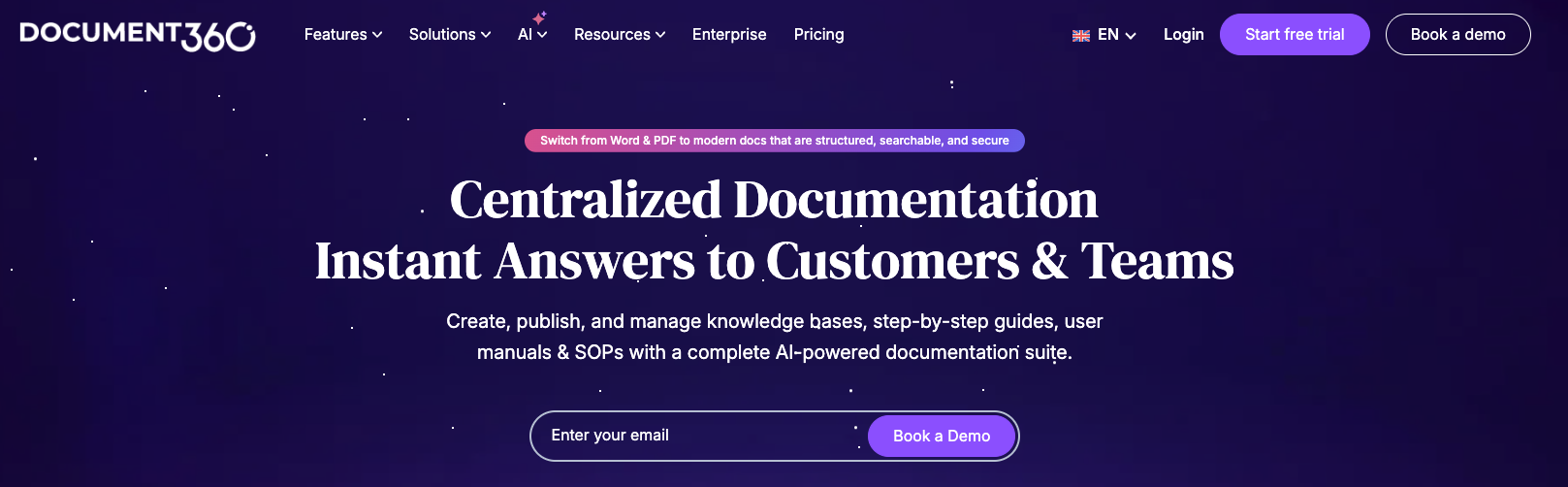
Document360 is a broad documentation and knowledge base platform with strong editorial workflow customization and built-in analytics. It supports both internal and external documentation across industries, with particular strength in support-heavy knowledge base management.
Best for: Teams prioritizing governance, editorial workflows, and knowledge base management across support and internal documentation.
Pros:
- Strong editorial controls with customizable review workflows, approval gates, and contributor permissions
- Built-in content analytics track article performance, search behavior, and reader engagement
- Broad industry applicability serves documentation needs across support teams, product teams, and internal operations
Cons:
- Complex initial setup can slow onboarding, especially for smaller teams without a dedicated documentation manager
- Limited pricing transparency requires contacting sales to evaluate cost
Pricing: Contact sales for pricing.
3. GitBook
Type: End-to-end platform
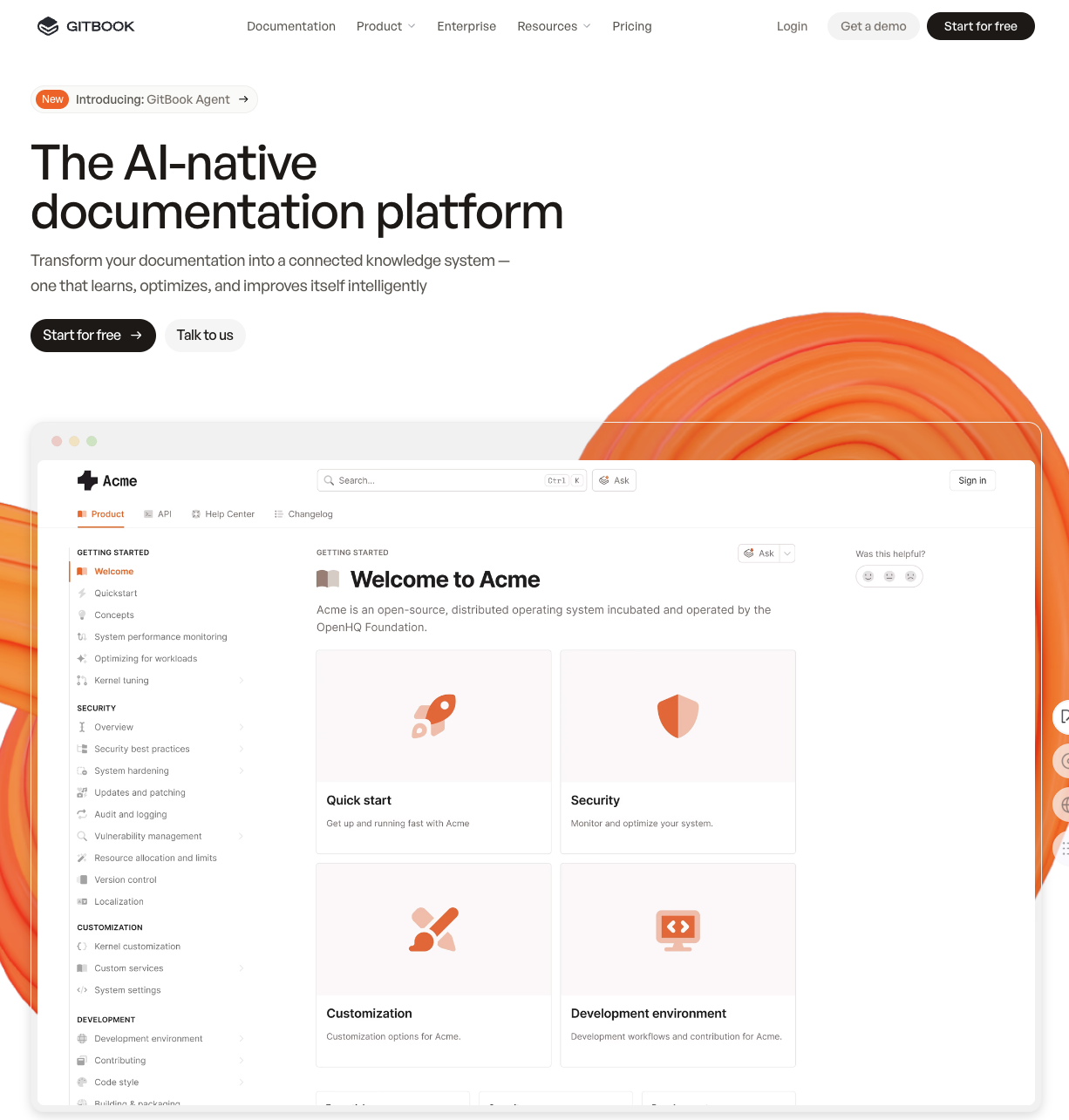
GitBook is an end-to-end documentation platform with a visual editing experience close to Notion. GitBook fits teams with mixed technical and non-technical contributors, and it is widely used for internal docs, product guides, and team knowledge bases.
Best for: Teams needing accessible editing and live collaboration across technical and non-technical contributors.
Pros:
- Notion-like editing experience lowers the contribution barrier for non-technical team members significantly
- Simultaneous co-editing allows multiple contributors to work on the same page in real time
- Strong internal knowledge base features make GitBook well-suited for team wikis and product documentation
Cons:
- Less differentiated for API docs compared to platforms with native OpenAPI rendering and interactive playgrounds
- Weaker AI-agent readiness with fewer features targeting documentation consumption by AI systems
Pricing: Contact sales for pricing.
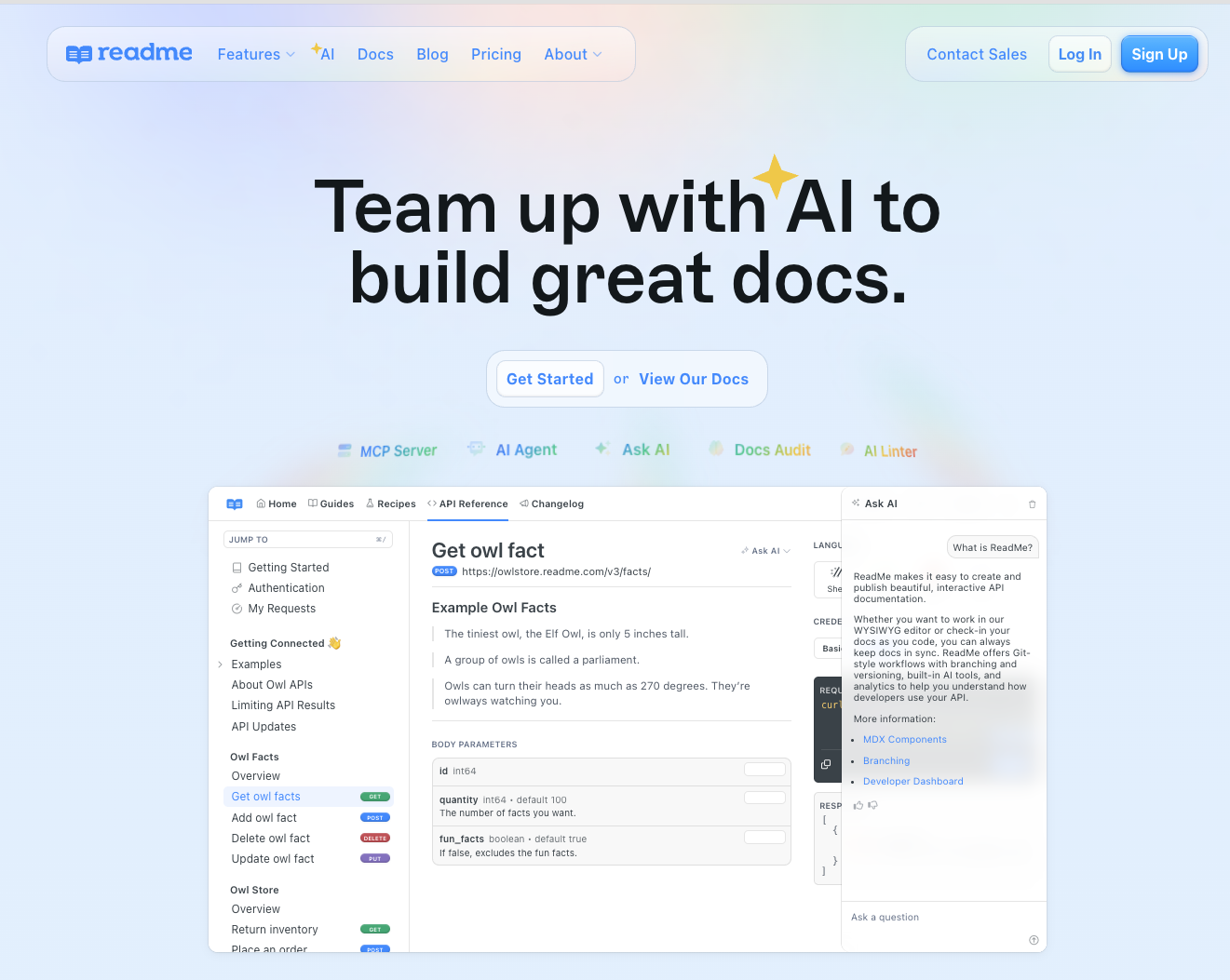
4. ReadMe
Type: API-first tool
ReadMe is an API documentation and developer experience platform known for interactive API references. It blends visual editing with Git-based workflows and is strongest when API documentation is the central documentation need.
Best for: Teams centered on interactive API documentation and polished developer onboarding experiences.
Pros:
- Interactive API documentation lets developers try endpoints directly from the reference pages with request/response previews
- Strong developer experience focus with personalized docs, API key pre-population, and usage dashboards
- AI-assisted content features help teams draft and improve documentation within ReadMe
Cons:
- Narrower documentation scope means teams needing product guides, tutorials, and internal docs may outgrow ReadMe
- API-centric positioning makes it a less natural fit for broad software documentation needs
Pricing: Contact sales for pricing.
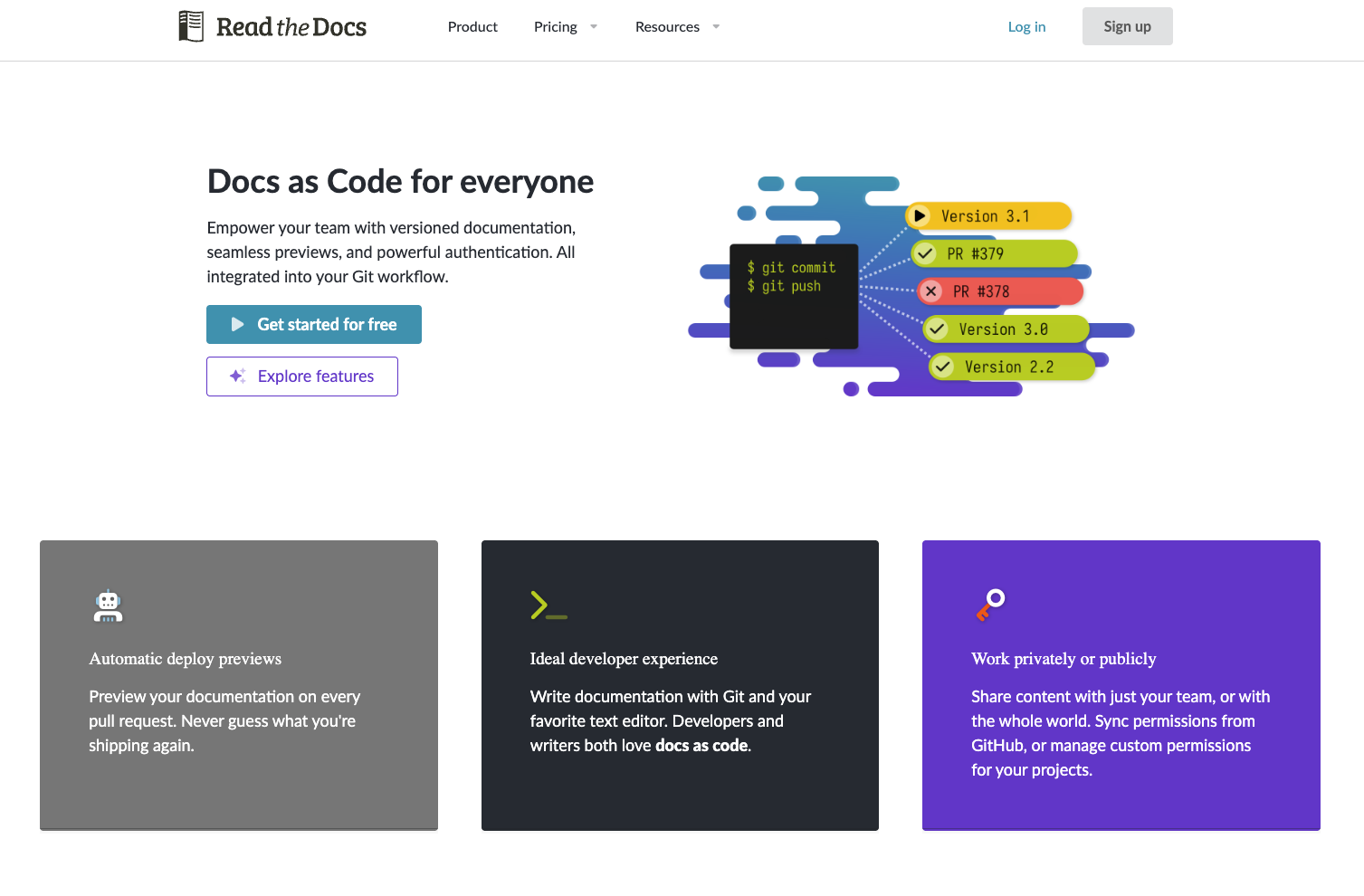
5. Read the Docs
Type: Docs-as-code tool
Read the Docs is a docs-as-code deployment platform built around Git-native documentation workflows. It supports Sphinx, MkDocs, and similar documentation toolchains with automated builds, strong versioning, and pull request previews.
Best for: Technical teams committed to docs-as-code workflows using Sphinx, MkDocs, or similar static site generators.
Pros:
- Native Git-based workflows trigger automated builds on every push, keeping published docs in sync with the repository
- Strong versioning support lets teams maintain documentation across multiple product releases simultaneously
- Flexible toolchain support works with Sphinx, MkDocs, Jupyter Book, and other documentation generators
Cons:
- Less accessible to non-technical contributors who are uncomfortable with Git, command-line tools, or reStructuredText
- More maintenance overhead in setup and configuration compared to managed documentation platforms
Pricing: Contact sales for pricing.
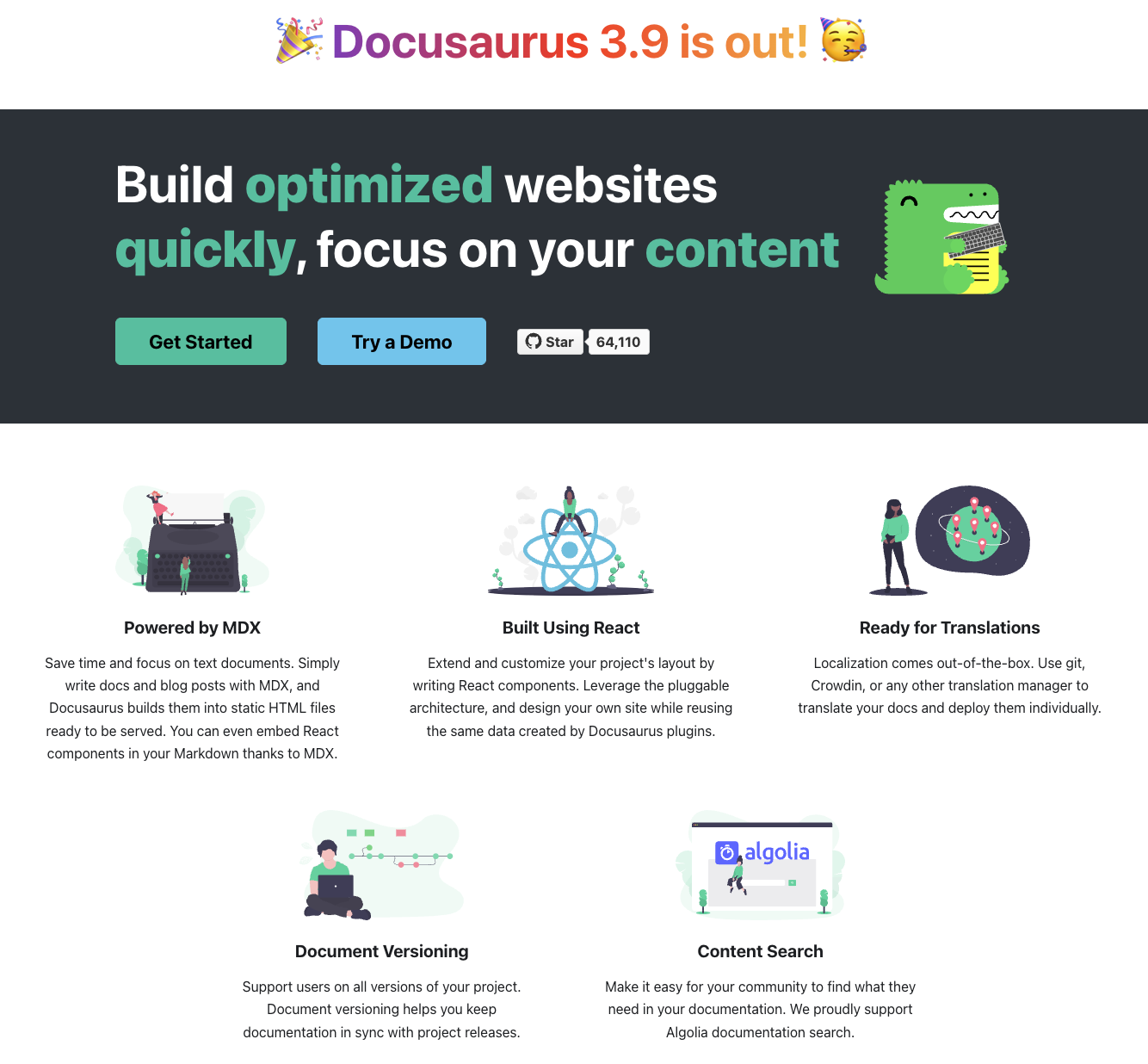
6. Docusaurus
Type: Docs-as-code tool
Docusaurus is an open-source static site generator maintained by Meta, designed for documentation sites. It offers full React-based customization and a large plugin ecosystem, making it popular with engineering teams that want complete control over their documentation infrastructure.
Best for: Teams with engineering resources to build and maintain a self-hosted, fully customized documentation site.
Pros:
- Full React customization means teams can build any layout, component, or interaction pattern they need
- Large plugin ecosystem covers search, analytics, internationalization, and dozens of other documentation features
- No software license cost since Docusaurus is free and open source under the MIT license
Cons:
- Requires ongoing engineering maintenance for hosting, builds, updates, and infrastructure, which adds hidden cost
- No built-in AI features means teams must integrate third-party search, AI assistants, and agent optimization separately
Pricing: Free and open source.
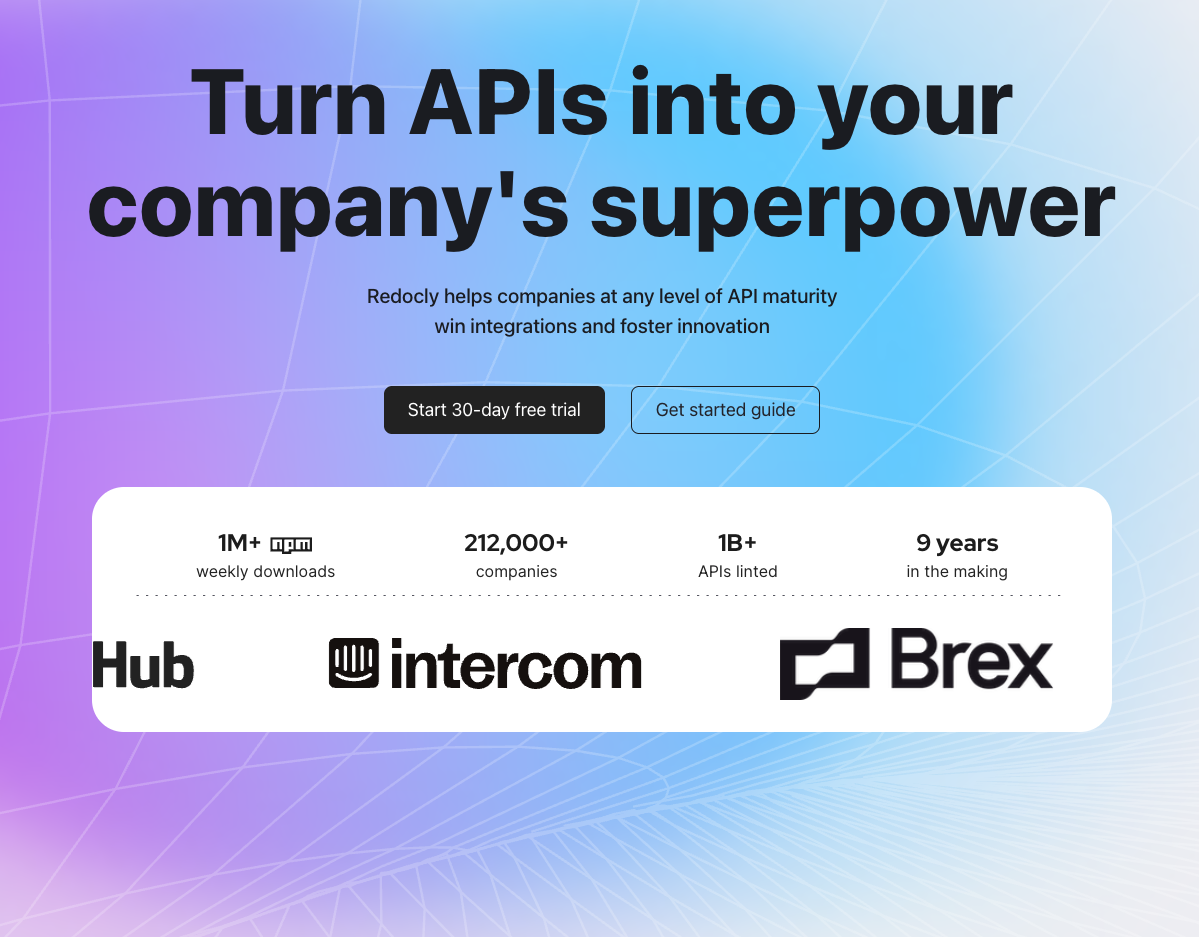
7. Redocly
Type: API-first tool
Redocly is an API-first documentation and governance platform focused on reference rendering quality and structural validation. It supports OpenAPI and AsyncAPI specifications with built-in linting and governance tooling.
Best for: Teams focused on API reference quality, specification governance, and structured documentation workflows.
Pros:
- Strong OpenAPI and AsyncAPI rendering produces polished, accurate reference pages from API specifications
- Structural linting and governance catches specification errors and enforces API documentation standards before publishing
- Lower entry pricing at $10/seat/month makes it accessible for smaller teams focused on API documentation
Cons:
- Narrower scope than end-to-end documentation platforms, so teams needing guides, tutorials, or knowledge bases will need additional tooling
- Limited AI differentiation with fewer features targeting agent-ready documentation or AI traffic visibility
Pricing:
- Pro: $10/seat/month
- Enterprise: $24/seat/month
Summary comparison
| Tool | Type | Starting Price | Best For | Key Strength |
|---|---|---|---|---|
| Mintlify | End-to-end platform | $0 | AI-ready software docs | Git sync, AI analytics, agent optimization |
| Document360 | End-to-end platform | Contact sales | Knowledge base management | Editorial workflows, content analytics |
| GitBook | End-to-end platform | Contact sales | Internal docs, collaboration | Live co-editing, accessible editing |
| ReadMe | API-first tool | Contact sales | Interactive API docs | API playground, developer experience |
| Read the Docs | Docs-as-code tool | Contact sales | Docs-as-code deployment | Versioning, automated builds |
| Docusaurus | Docs-as-code tool | Free | Self-hosted custom docs | React customization, plugin ecosystem |
| Redocly | API-first tool | $10/seat/month | API governance | Reference rendering, linting |
Why Mintlify stands out for software documentation
Documentation now needs to work for two audiences: people reading in a browser and AI agents querying programmatically. Most platforms only optimize for one.
Mintlify handles both. Engineers get docs-as-code workflows with bi-directional Git sync. Product and content teams get a web editor that doesn't require Git knowledge. And AI traffic analytics show you how agents are using your docs, something most tools can't track at all. Zapier reportedly saw a 20% increase in traffic and adoption after switching to Mintlify, suggesting measurable discoverability gains.
The maintenance story matters just as much. Mintlify's Workflows agent reads code changes, drafts documentation updates, and opens pull requests, directly addressing docs decay. For teams evaluating documentation management software, the real question is whether your docs will still be accurate in three months.
For software teams with developer-facing documentation, product docs, and API references, where shipping speed and AI readiness are priorities, Mintlify is the strongest option in the category. Trophy migrated from a competing platform to Mintlify in roughly one week, which speaks to adoption speed.
FAQs
What is a software documentation tool?
A software documentation tool is a platform for creating, publishing, and maintaining documentation that explains how a product or system works. These tools range from knowledge base platforms to docs-as-code systems to API reference generators. Mintlify combines docs-as-code workflows with AI-ready publishing and automated maintenance.
How do I choose the right software documentation tool?
Start with your contributors and audience. If your team is engineering-heavy with developer-facing docs, a docs-as-code platform like Mintlify or Read the Docs fits well. If non-technical contributors dominate and internal knowledge bases are the priority, GitBook or Document360 may be stronger choices.
Is Mintlify better than Document360?
It depends on the documentation use case. Document360 is stronger for support-heavy knowledge bases and organizations that need deep editorial workflow customization across industries. Mintlify is stronger for developer-facing software documentation, API references, and teams that prioritize AI-agent readiness and automated maintenance.
How does software documentation relate to knowledge base management?
Knowledge base management is a subset of software documentation. Software documentation encompasses API references, developer guides, product docs, tutorials, and internal knowledge bases. Tools like Document360 specialize in the knowledge base segment, while platforms like Mintlify cover a broader range of documentation types for software teams.
If documentation already works, should teams still upgrade tools?
Documentation that is accurate today will drift as the product evolves. Teams shipping frequently accumulate docs debt quickly, and the cost compounds over time through increased support load and reduced trust. Evaluating tools with automated maintenance workflows is worth the time even if current content is in good shape.
How quickly can teams see value from a documentation tool?
Timeline depends on migration complexity, content volume, and team size. Early wins typically come from improved organization, search, and discoverability. Mintlify's free Hobby tier lets teams evaluate with production content before committing to a paid plan.
What is the difference between documentation tool tiers?
Lower tiers generally cover authoring, publishing, and basic search. Higher tiers add governance features like SSO, role-based access control, audit trails, advanced analytics, and custom SLAs. Mintlify scales from a free Hobby tier through Pro ($250/month) to Enterprise with authentication, RBAC, white labeling, and dedicated support.
What are the best alternatives to ReadMe?
The best alternative depends on how broad your documentation needs are. ReadMe is strongest for interactive API documentation. If you need API docs alongside product guides, tutorials, and knowledge base content, Mintlify covers a wider scope. Redocly is a closer alternative if API specification governance is your primary concern.
More resources to read
Best llms.txt implementation platforms and tools in 2026
A complete guide to every platform, plugin, and tool that supports llms.txt generation, from documentation platforms with auto-generation to static site generator plugins and standalone generators.
March 13, 2026Tiffany Chen
Marketing
Best technical documentation software in 2026
A comparison of seven technical documentation platforms for engineering teams, covering API documentation, docs-as-code workflows, and AI readiness.
March 13, 2026Peri Langlois
Head of Product Marketing
Peri Langlois
Head of Product Marketing