Peri Langlois
Head of Product Marketing
Share this article
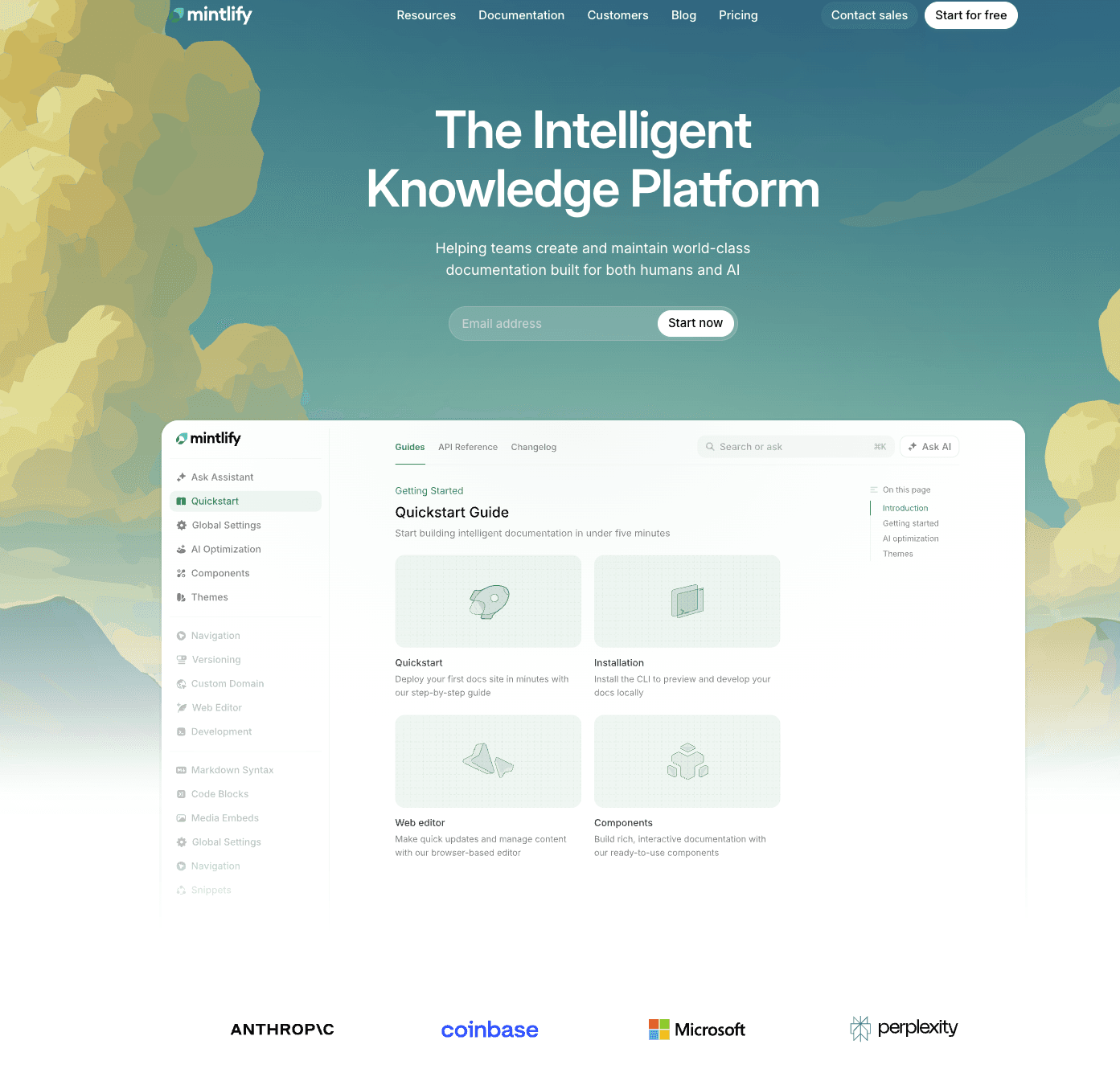
This guide compares seven documentation platforms across the dimensions that matter most to engineering teams: API documentation quality, docs-as-code workflows, collaboration, maintainability, and AI readiness.
Technical documentation software covers a wide range of use cases: API references, product guides, developer portals, internal knowledge bases, and code-adjacent content. The right tool depends on who writes your docs, who reads them, and whether AI agents need to parse them too.
This guide compares seven documentation platforms across the dimensions that matter most to engineering teams: API documentation quality, docs-as-code workflows, collaboration, maintainability, and AI readiness. We evaluated pricing, features, and practical tradeoffs so you can match the tool to your team's actual workflow rather than a feature checklist.
Mintlify is the strongest option for engineering teams that need docs-as-code, API reference generation, and AI-ready documentation in one platform. The rest of this guide explains why, and where the alternatives fit better.
What is technical documentation software?
Technical documentation software helps developers create, organize, and publish technical content. That includes API references, SDK guides, product documentation, onboarding walkthroughs, and internal engineering docs.
Some tools in this space are general knowledge platforms (think wikis and help centers). While others are focused solely on API-first documentation.
Why technical documentation is changing
AI agents now consume documentation directly. When a developer asks an LLM for help integrating your API, the quality of your docs shapes the answer. Mintlify's internal data shows that nearly half of documentation site traffic comes from AI agents, and most analytics tools do not distinguish between human and agent visitors. If an agent gets a wrong answer from your docs, there is no support ticket and no bounce rate alert. The developer just gets bad information.
Shipping speed is also compressing documentation cycles. Engineering teams releasing weekly or daily with AI-assisted coding tools face a structural problem: docs decay faster than anyone can manually update them. The gap between shipping velocity and documentation accuracy widens with every release.
These two shifts are reshaping what "best" means when evaluating documentation software in 2026.
The best technical documentation tools in 2026
1. Mintlify
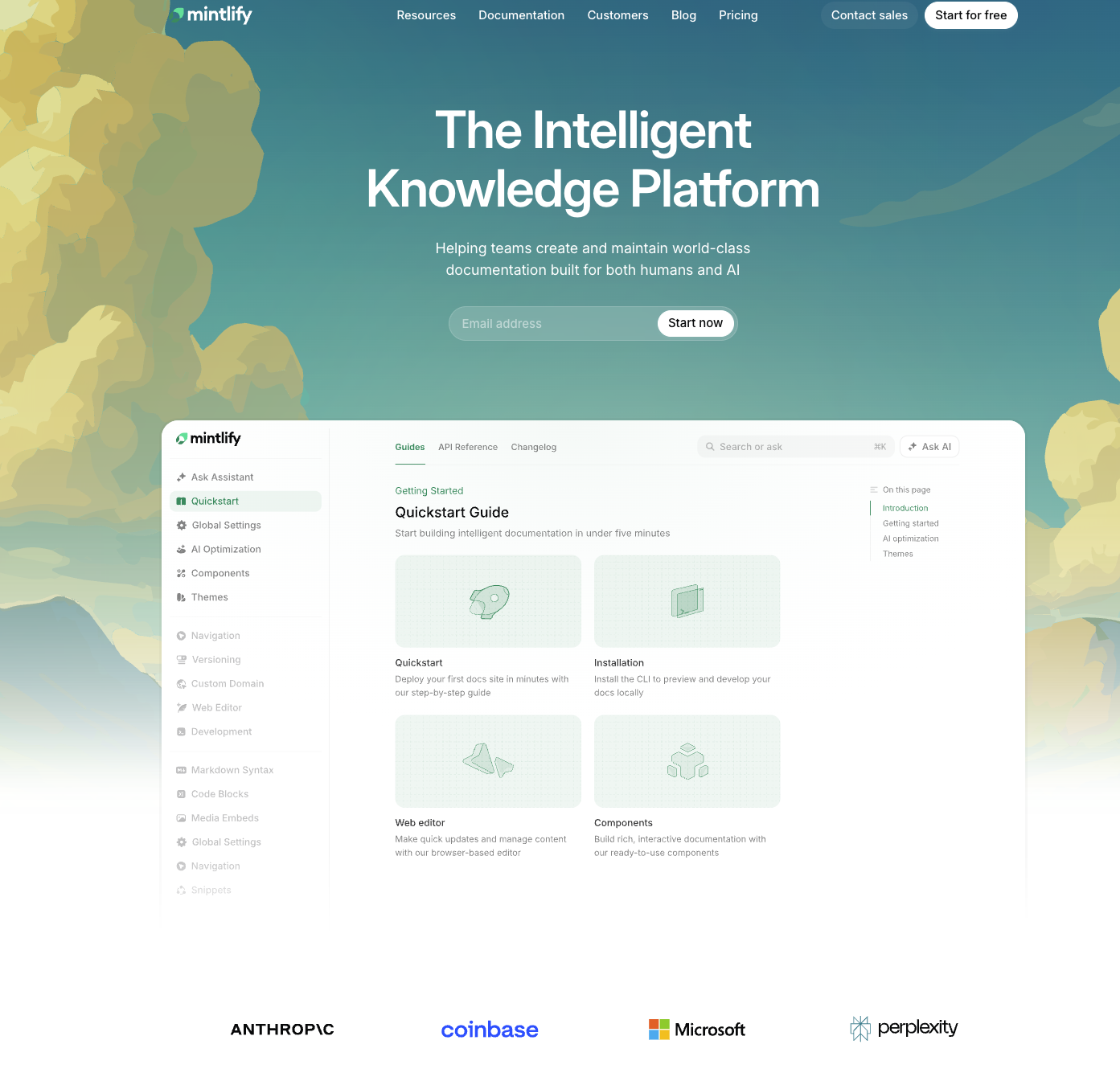
Best for: Engineering teams that need modern, maintainable developer docs with built-in API reference and AI readiness.
Mintlify is a developer documentation platform built for people and AI. It combines docs-as-code authoring (MDX files in Git) with a web editor that supports comments and suggestions, so both engineers and technical writers can contribute without friction. OpenAPI and AsyncAPI specs generate interactive API references automatically, with an API playground built into every docs site.
The docs-as-code workflow is what makes agent-driven authoring possible. Every Mintlify doc site is a Git repository with bi-directional sync, meaning changes flow between your repo and the web editor in both directions. That same repo structure lets AI coding agents (Cursor, Claude Code, Windsurf) read and update docs directly through pull requests. Preview deployments let teams review changes before they go live, whether those changes came from a human or an agent.
Mintlify is the strongest option for AI documentation readiness. Every site can generate llms.txt, llms-full.txt, and skill.md files. Docs are served as Markdown to AI agents instead of HTML, so they're already optimized for parsing with fewer tokens. Mintlify auto-generates MCP servers for every docs site, making documentation accessible to AI systems natively. These features ship free on all tiers, including the $0 Hobby plan.
The AI assistant sits directly in your docs and searches your content to generate cited answers with copyable code examples. Instead of reading through five pages to find an authentication flow, a developer asks a question and gets a sourced answer with links back to the relevant section.
On the authoring side, Workflows run an autonomous agent that reads code changes, drafts documentation updates, and opens pull requests. When a PR merges in your code repo, the agent reads the diff, drafts the corresponding doc update, and submits it for review. That turns documentation into a downstream event of shipping rather than a separate task someone has to remember.
Collaboration features include comments and suggestions directly in the web editor, with unresolved threads syncing to GitHub PR descriptions. Styling checks on the Pro plan help teams enforce consistency. The AI traffic dashboard breaks out visits by agent type (ChatGPT, Claude, Perplexity), shows which pages they read, and flags where they stop. That visibility lets teams prioritize doc improvements based on how both humans and agents actually use the content.
Pros:
- OpenAPI and AsyncAPI specs generate interactive API references automatically. No manual formatting, and the playground lets developers test endpoints without leaving the docs.
- Bi-directional Git sync keeps your repository and published docs in lockstep. Changes in either direction propagate without manual export steps.
- The Git repo structure means AI coding agents (Cursor, Claude Code, Windsurf) can read and update docs through pull requests, the same way a human contributor would.
- Preview deployments let teams review doc changes in staging before publishing, whether the change came from an engineer or from Workflows.
- LLM-ready output (llms.txt, skill.md, Markdown serving, auto-generated MCP servers) ships free on every tier, including the $0 Hobby plan. Most competitors gate these features behind paid plans or don't offer them at all.
- Docs are served as Markdown to AI agents instead of HTML, which cuts token usage and speeds up parsing. Every page is also viewable as Markdown by appending
.mdto the URL. - Workflows watches for code changes and drafts doc updates as pull requests. Teams that ship daily no longer have to choose between shipping fast and keeping docs current.
- The AI assistant searches your docs and returns cited answers with copyable code examples, so developers get answers without reading through entire pages.
- AI traffic analytics show which agents visit, which pages they read, and where they fail. No other documentation platform in this roundup surfaces that data.
Cons:
- No native API design environment. Mintlify ingests OpenAPI specs but does not create them. Teams that want to model APIs visually before documenting need Stoplight or a similar design tool alongside Mintlify.
Pricing: Hobby at $0/month, Pro at $250/month, Enterprise at custom pricing. See full pricing breakdown.
2. ReadMe
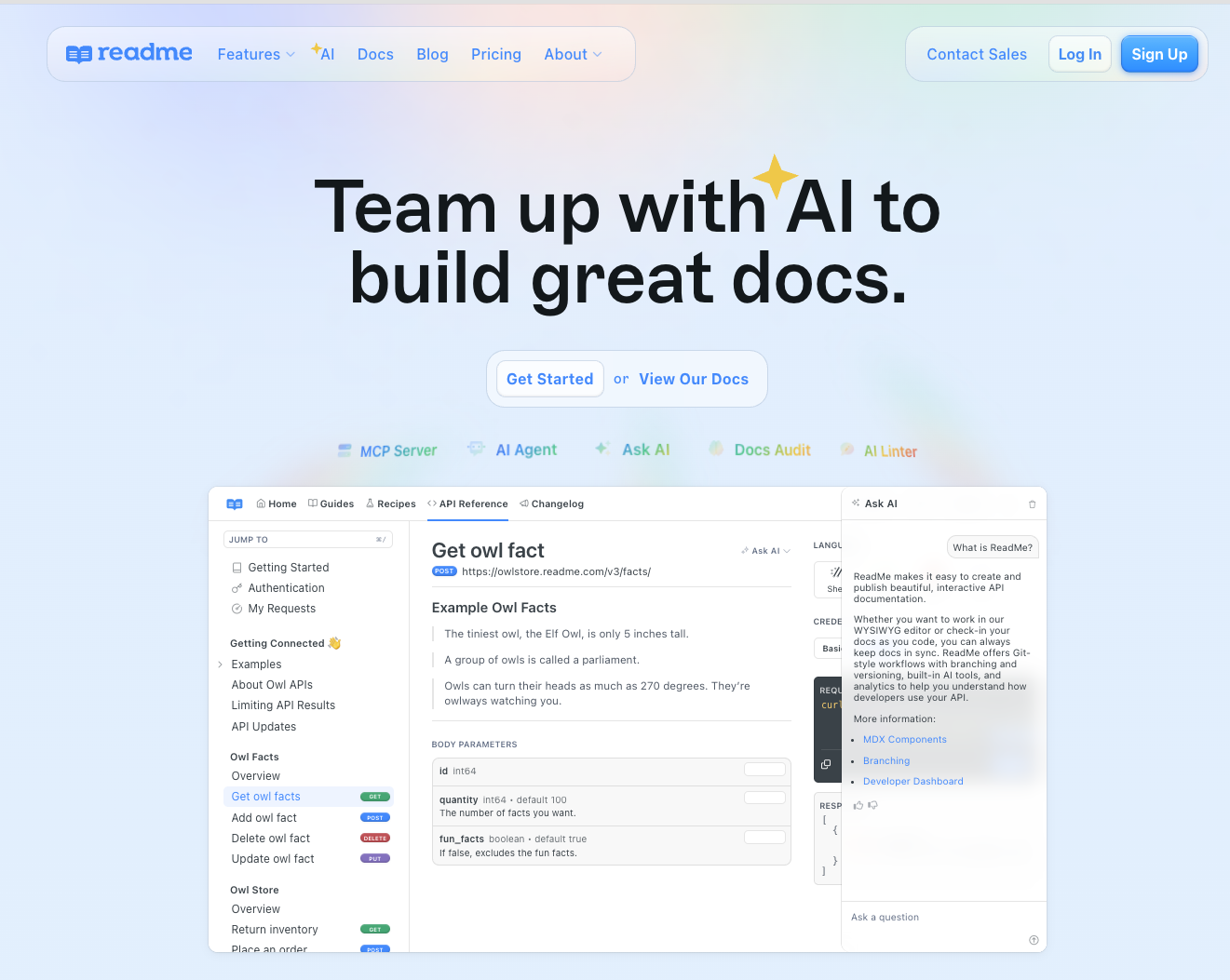
Best for: Teams that want a polished developer hub combining API docs, changelog, forums, and landing pages.
ReadMe is an interactive developer hub platform. It packages API reference documentation with guides, a changelog, discussion forums, landing pages, and MDX/React component support. GitHub sync and branching let teams manage versioned content.
AI features include an AI dropdown, llms.txt support, MCP server, and doc linting via Agent Owlbert. An AI Booster Pack ($150/month) unlocks additional AI usage and model access through the Ask AI feature.
Pros:
- Interactive API reference with built-in try-it functionality makes onboarding straightforward for developers.
- Changelog and forums provide community-facing features that most documentation tools lack natively.
- Branching and reusable content on higher tiers support complex versioning and multi-product documentation.
Cons:
- Cost scales steeply. Business starts at $349/month and Enterprise at $3,000+/month, and many AI features (Ask AI, advanced doc auditing) require the Enterprise tier or paid add-ons.
- The core workflow favors visual editing over repository-driven authoring. GitHub sync is available but not the foundation of the product the way it is in docs-as-code platforms.
Pricing: Free at $0, Startup at $79/month, Business at $349/month, Enterprise at $3,000+/month (all billed annually).
3. Redocly
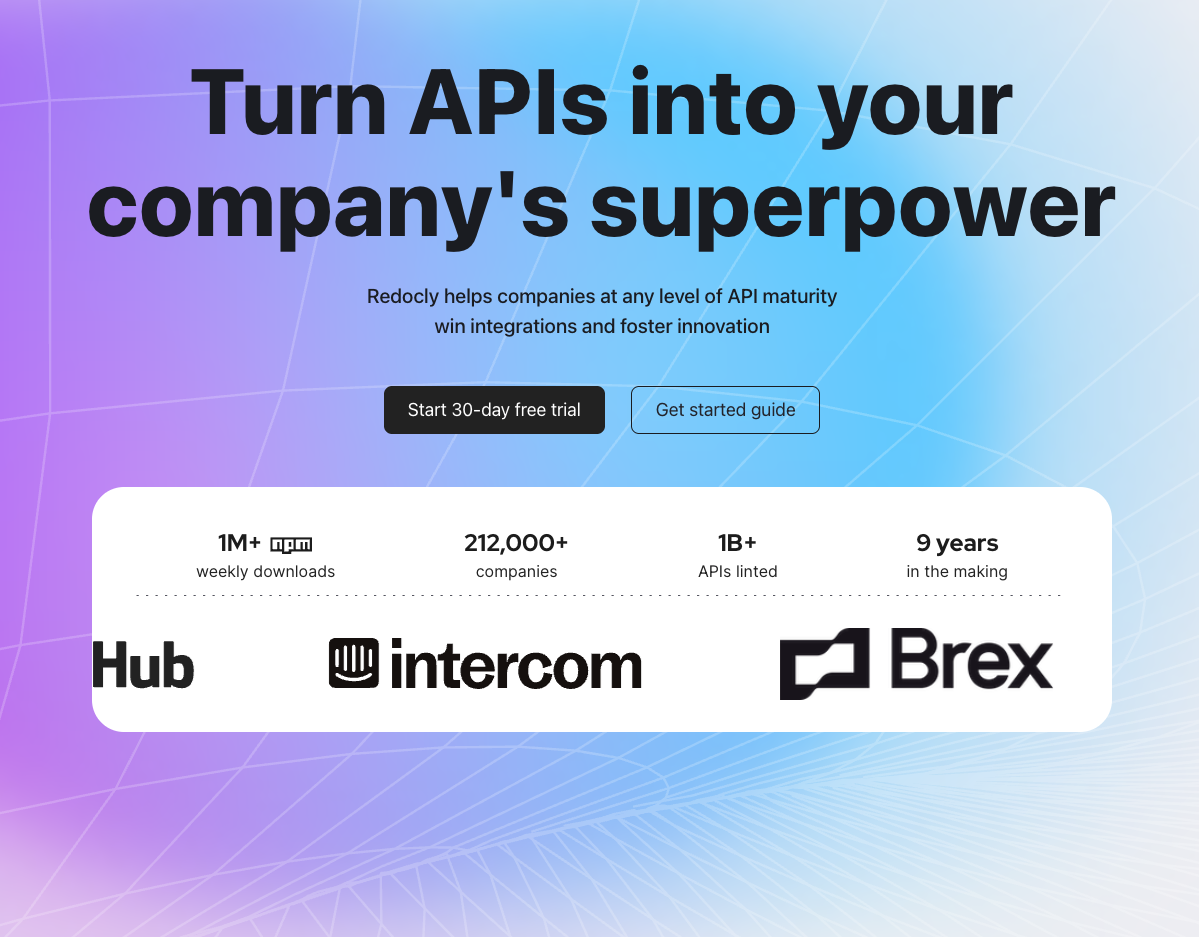
Best for: API-first teams that prioritize spec-driven reference docs and governance.
Redocly is built around OpenAPI, with additional support for GraphQL, AsyncAPI, and SOAP. The commercial platform adds linting, governance rules, analytics, AI search, and MCP servers on higher tiers. Markdown docs and React pages are supported alongside spec-generated references.
Pros:
- Broad spec support covers OpenAPI, GraphQL, AsyncAPI, and SOAP in one platform.
- Linting and governance rules catch structural issues in API specs before docs are published.
- Per-seat pricing starts low, which makes it accessible for smaller teams that only need reference rendering.
Cons:
- More reference-centric than full documentation platforms. Teams needing guide workflows, onboarding content, and content operations will need to assemble additional tooling around it.
- No AI authoring or maintenance features. The platform helps you render and lint specs, but it does not help you keep docs current as your API changes.
Pricing: Pro at $10/seat/month, Enterprise at $24/seat/month, Enterprise+ at custom pricing.
4. Stoplight
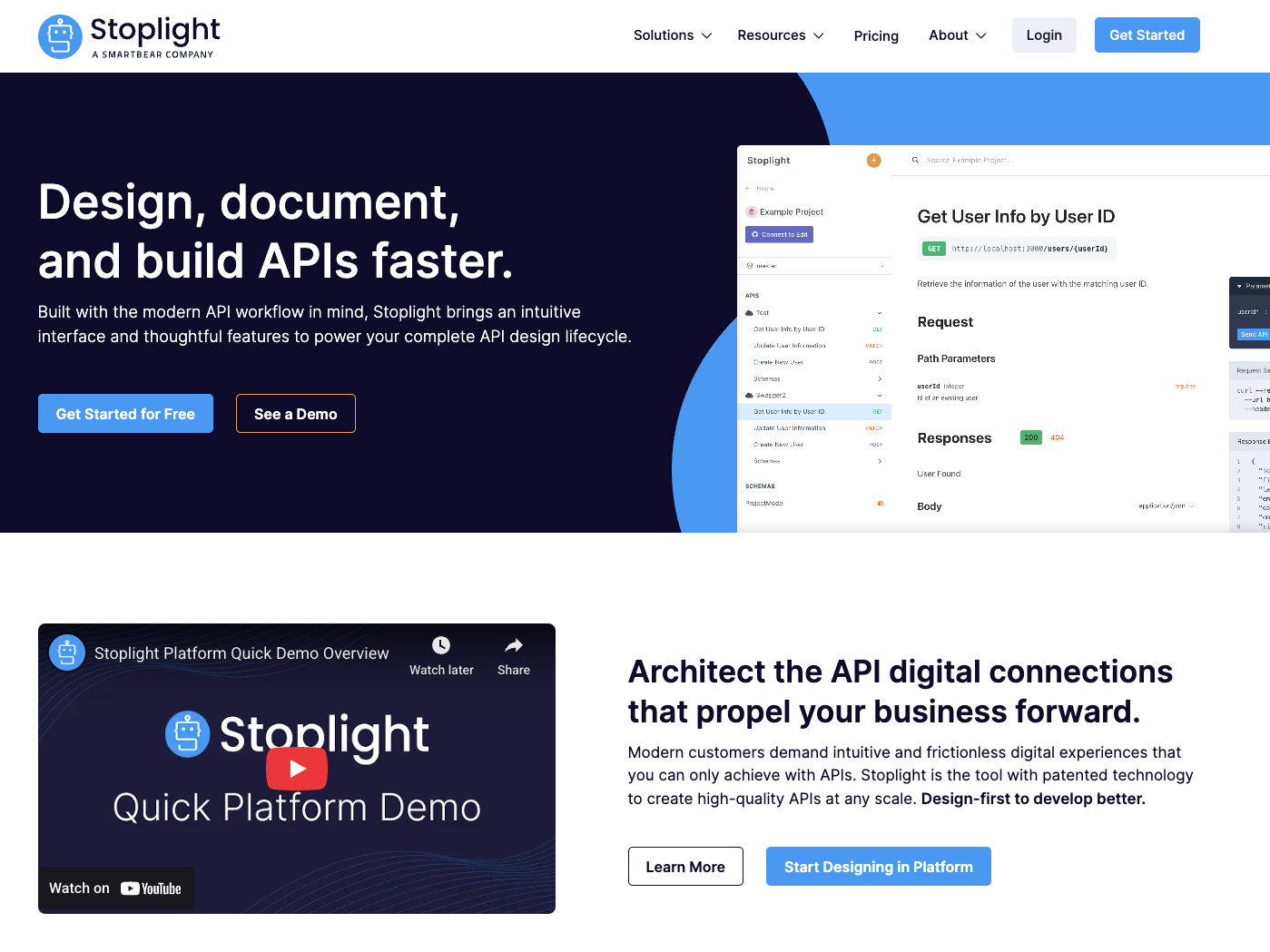
Best for: API teams that want design, governance, and documentation in one workflow.
Stoplight combines a visual OpenAPI designer, interactive documentation, instant mock servers, and style guide enforcement. Multi-branch support and workspace groups make it viable for larger API programs. The focus is squarely on the API lifecycle rather than general documentation.
Pros:
- Visual API designer lets teams model endpoints and schemas without writing raw YAML.
- Instant mock servers enable frontend teams to build against APIs before the backend is implemented.
- Shared style guides enforce consistency across multiple API projects.
Cons:
- Stoplight is an API lifecycle tool, not a documentation platform. Teams with heavy guide, tutorial, or onboarding content will outgrow what Stoplight offers for docs.
- No AI features for authoring, agent readiness, or documentation maintenance.
Pricing: Basic at $44/month (3 users included), Startup at $113/month (8 users), Pro Team at $362/month (15 users), Enterprise at custom pricing (all billed annually).
5. Docusaurus
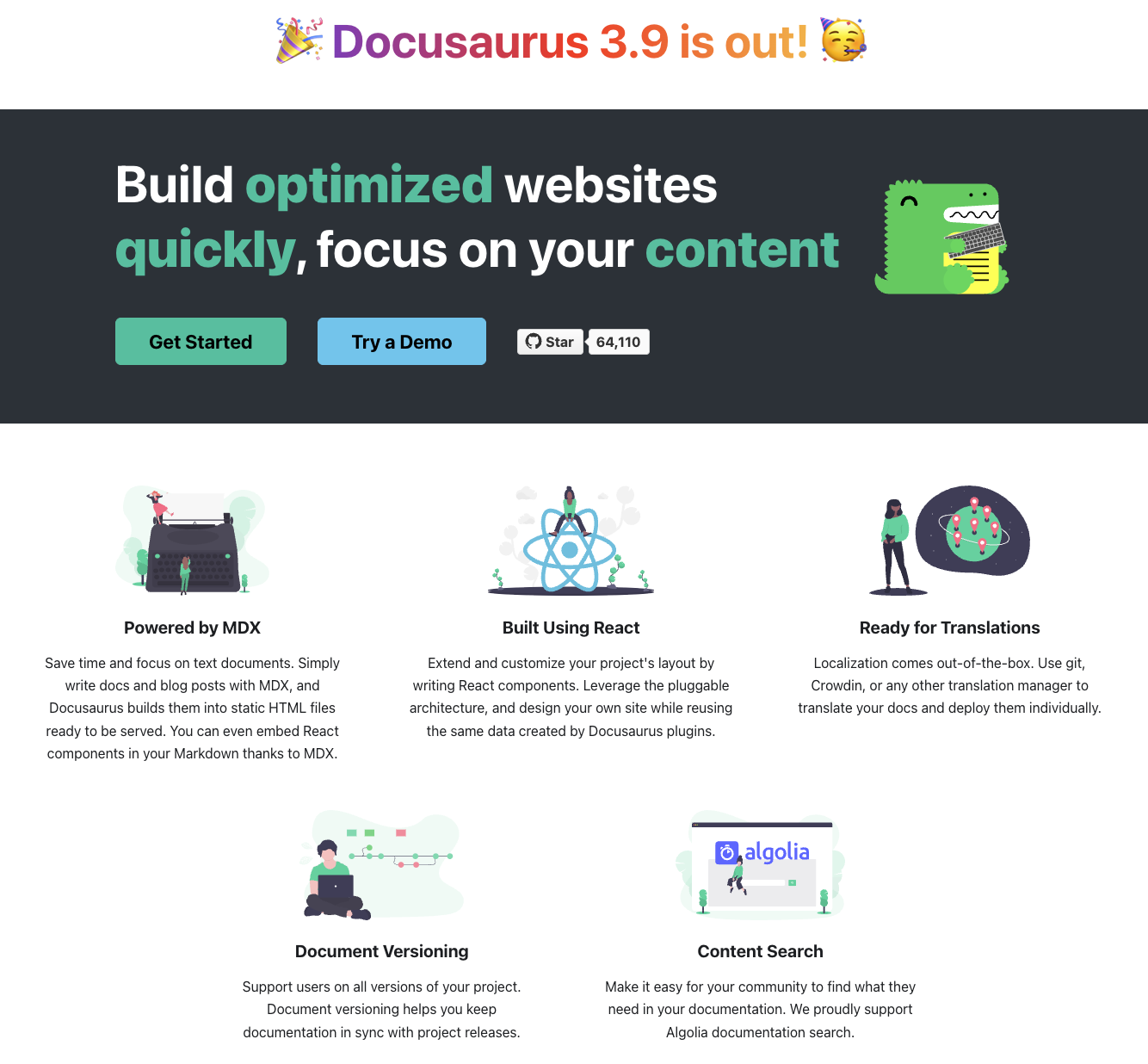
Best for: Engineering teams that want open-source control and deep React/MDX customization.
Docusaurus is a free, open-source static site generator built for documentation. It supports Markdown, MDX, React components, versioning, internationalization, and a plugin ecosystem. Teams host and maintain the infrastructure themselves.
Pros:
- Free and open source with no licensing cost, which matters for budget-constrained teams and open-source projects.
- Full React and MDX flexibility means any custom component or layout is possible with enough engineering effort.
- Built-in versioning handles multi-version documentation natively.
Cons:
- Requires setup and ongoing maintenance. Your team manages Node.js, hosting, CI/CD, and dependency updates. That engineering time has a cost, even if the software is free.
- Search, analytics, AI features, and API reference generation are not built in. Each requires a third-party tool or plugin, and maintaining those integrations adds to the operational burden.
Pricing: Free and open source.
6. Atlassian Confluence
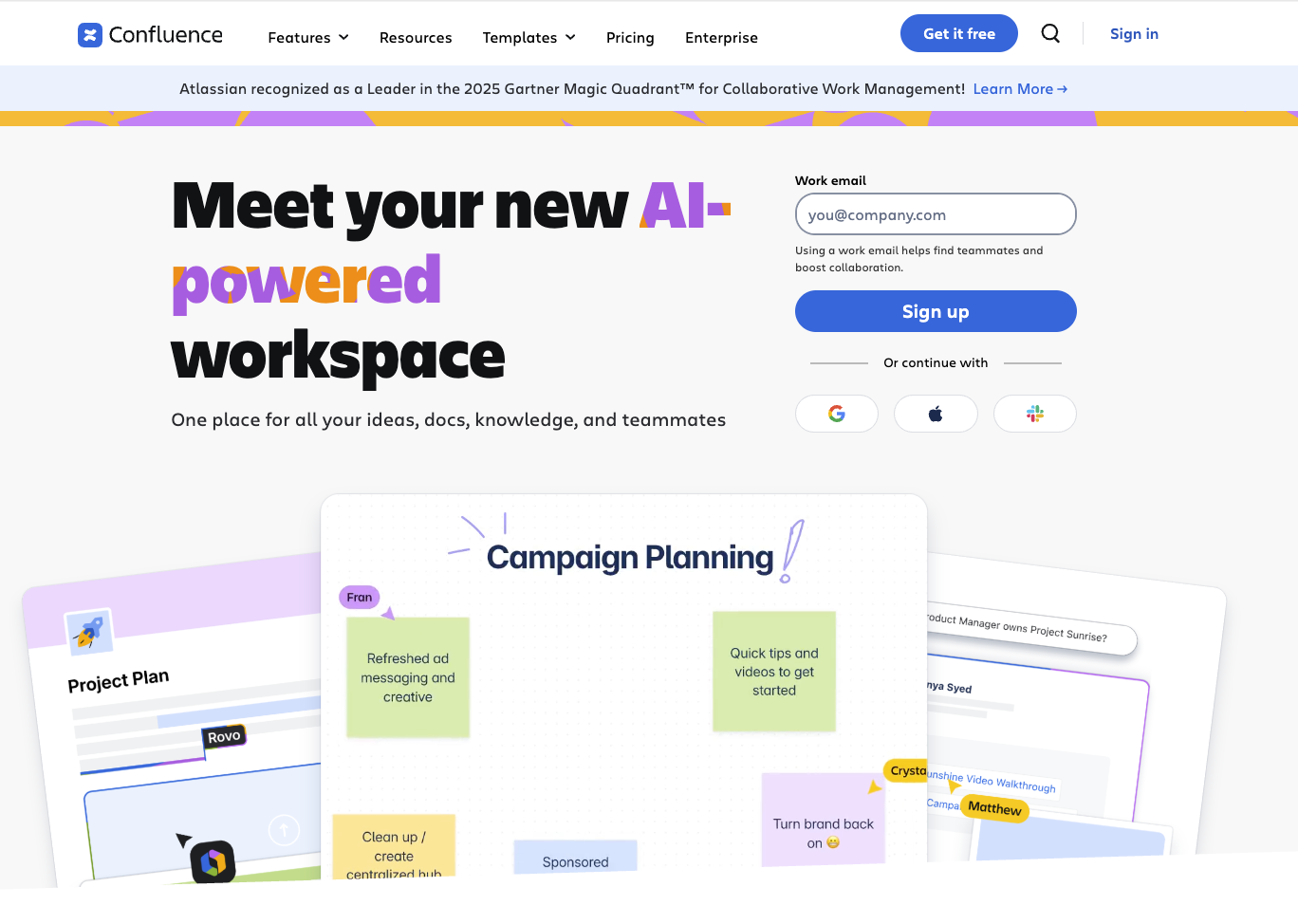
Best for: Teams already standardized on Atlassian tools that need broad, collaborative internal documentation.
Confluence is a general-purpose documentation workspace with strong collaboration, page organization, and Jira integration. AI-powered summaries, search suggestions, and automation are available through Atlassian Intelligence on paid plans. Templates and structured page trees make it easy to spin up documentation for new projects.
Pros:
- Templates and structured page trees let teams organize large documentation sets without custom infrastructure.
- Revision history and notifications keep collaborators aware of changes across teams.
- Tight Jira integration connects documentation to sprints, tickets, and release workflows.
Cons:
- Not API-first. Confluence does not generate interactive API references from OpenAPI specs or support docs-as-code workflows. Engineering teams building external developer portals need a more specialized tool.
- Per-user pricing compounds as organizations grow. At 100 users on the Standard plan, you are paying roughly $540/month before any add-ons or marketplace apps.
Pricing: Free for up to 10 users. Standard starts at approximately $5.16/user/month (billed annually). Premium starts at approximately $10.44/user/month. Enterprise requires a sales conversation.
7. Document360
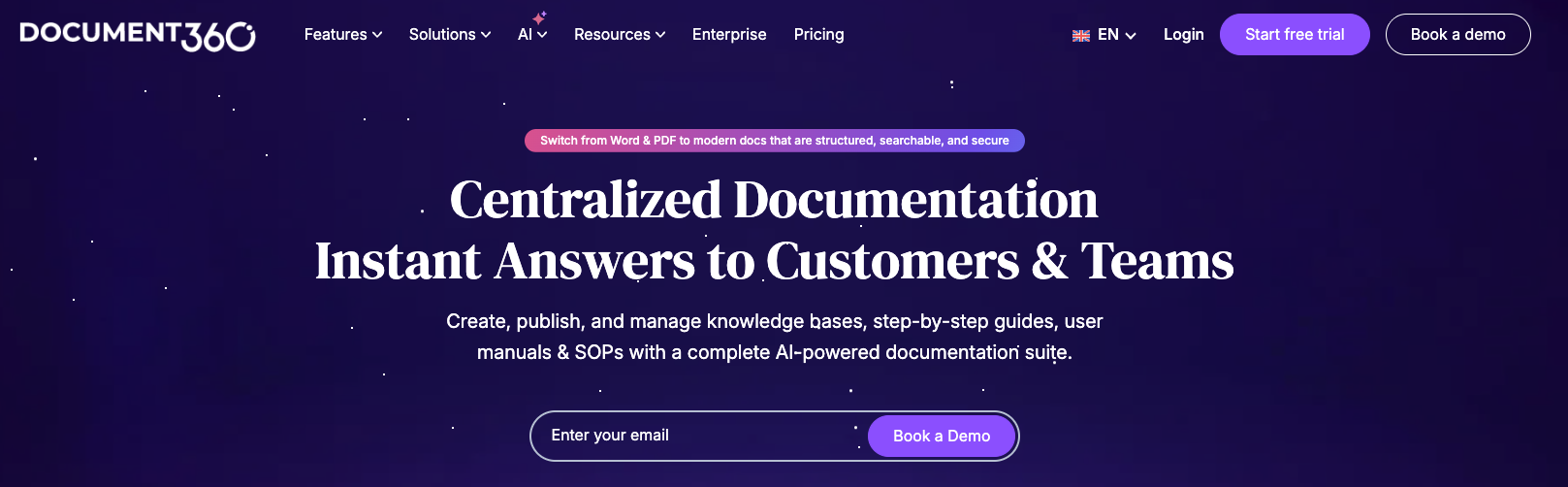
Best for: Teams balancing support documentation, internal knowledge bases, and customer-facing help content.
Document360 is an AI-powered documentation and knowledge base platform covering software docs, help articles, internal SOPs, and user manuals. Reader-side AI includes search, chatbots, article summarizers, and text-to-audio. Writer-side AI covers drafting and technical writing assistance.
Pros:
- Broad documentation coverage spans software docs, internal wikis, support articles, and customer education from a single platform.
- AI search and chatbot give readers interactive ways to find answers without browsing through categories.
- Workflow and SEO customization support teams with complex review processes and organic traffic goals.
Cons:
- Less developer-first than API-focused documentation tools. Teams whose primary output is API references and code examples will find the developer workflow less native than platforms like Mintlify or Redocly.
- Docs-as-code is not the center of the product. The authoring experience favors WYSIWYG editing over Git-driven workflows, and Markdown import is one-way (you cannot export back to Markdown from the editor).
Pricing: Document360 discontinued its free tier in November 2024. Current plans (Professional, Business, Enterprise) require contacting their sales team for pricing.
Summary comparison
| Tool | Best For | Key Feature | Starting Price |
|---|---|---|---|
| Mintlify | Engineering teams shipping fast | Docs-as-code + AI readiness + API playground | $0/month |
| ReadMe | Developer hubs with community features | API reference + changelog + forums | $0/month |
| Redocly | API-first reference and governance | Multi-spec support + linting | $10/seat/month |
| Stoplight | API design-led documentation | Visual designer + mock servers | $44/month |
| Docusaurus | Open-source control and customization | React/MDX + versioning | Free |
| Confluence | Atlassian-native teams | Jira integration + templates | Free (10 users) |
| Document360 | Broad documentation and knowledge bases | AI chatbot + workflow builder | Contact sales |
Ready to upgrade your documentation workflow? Get started with Mintlify for free and ship AI-ready docs today.
Why Mintlify stands out for engineering teams
Mintlify is the strongest end-to-end platform for technical teams that ship frequently and need documentation to keep pace. Docs-as-code authoring, a web editor for non-Git contributors, API reference generation, semantic search, analytics, and AI readiness all live in a single product. That matters because assembling those capabilities from separate tools (Docusaurus for rendering, Algolia for search, a custom pipeline for AI optimization) creates maintenance overhead that compounds every quarter.
The AI readiness features are worth examining concretely. Mintlify generates llms.txt, llms-full.txt, and skill.md files for every docs site. Pages are served as Markdown to AI agents instead of HTML, cutting token usage and improving parsing accuracy. MCP servers are auto-generated so LLMs can interact with your documentation natively. Anthropic asked Mintlify to implement llms.txt and llms-full.txt for their Claude documentation. Vercel reports that 10% of their signups now come through ChatGPT. These are not theoretical benefits. And they ship free on every tier, including the $0 Hobby plan.
The other half of the problem is keeping docs current. Workflows addresses this directly. When code ships, the agent reads the diff, drafts a doc update, and opens a PR for review. That turns documentation from a task someone has to remember into an automated step in the release process. For teams shipping daily with AI-assisted coding tools, the gap between code changes and doc accuracy widens fast without something like this in place.
The Git repo structure also means AI coding agents like Cursor, Claude Code, and Windsurf can contribute to docs through pull requests. Your documentation becomes writable by the same tools your engineers already use to write code. No other platform in this roundup supports that workflow.
FAQs
What is technical documentation software?
Technical documentation software is any platform used to create, organize, and publish technical content such as API references, product guides, developer tutorials, and internal engineering docs. Modern tools in this category often include features for versioning, collaboration, search, and AI-assisted authoring. Mintlify fits as a developer documentation platform built specifically for engineering workflows, combining docs-as-code publishing with AI readiness for both human readers and AI agents.
How do I choose the right technical documentation tool?
Start by identifying your team's primary workflow. If your team works in Git and ships API-driven products, a docs-as-code platform like Mintlify will fit more naturally than a wiki. If collaboration across non-technical stakeholders is the top priority, Confluence or Document360 may be a better starting point. Prioritize maintainability over setup speed. The tool that is easy to configure but hard to keep current will cost you more over time.
Is Mintlify better than ReadMe?
ReadMe is a strong choice for teams that want a polished developer hub with built-in changelog, forums, and landing pages. Mintlify is stronger for engineering teams that prioritize docs-as-code depth, automated maintenance workflows, and AI-agent readiness. ReadMe's GitHub sync is available but not the foundation of the product. Mintlify's bi-directional Git sync is a core part of the authoring model, and Workflows automates doc updates when code ships.
How does technical documentation software relate to technical writing software?
Technical writing software typically focuses on the content creation process: drafting, editing, and formatting. Documentation platforms handle the full lifecycle, including publishing, versioning, search, analytics, and now AI delivery. Mintlify bridges both sides by combining a web editor with writing agents and docs-as-code publishing. Teams that need strong editorial tooling alongside developer infrastructure benefit from this overlap.
What are the best alternatives to Confluence for developer docs?
Confluence excels at internal collaboration and Jira-connected workflows, but it is not built for API-first developer documentation. Engineering teams that need interactive API references, Git-based authoring, and AI-ready output typically look at Mintlify, ReadMe, or Redocly. Mintlify is the closest to a full replacement for teams that want both guides and API references in a docs-as-code workflow.
What are the best alternatives to Docusaurus?
Docusaurus gives teams maximum control through open source, but it requires hosting, maintenance, and manual integration of search, analytics, and AI features. Mintlify offers a hosted platform with those capabilities built in, while preserving MDX authoring and Git-based workflows. The tradeoff is infrastructure control versus operational convenience. Teams that spend significant engineering time maintaining their Docusaurus setup may find that the platform cost pays for itself.
What are the best alternatives to ReadMe?
ReadMe is strong for developer hubs with community features and visual editing. Teams that outgrow it typically want deeper docs-as-code workflows, lower cost at scale, or better AI-agent readiness. Mintlify addresses all three: bi-directional Git sync is fully shipped (not in beta), LLM optimizations are free on every tier, and the Pro plan at $250/month covers what ReadMe charges $349/month or more to match. For teams that only need API reference rendering, Redocly is a lower-cost alternative at $10/seat/month.
How quickly can teams get started with new documentation software?
Timeline depends on existing content volume and migration complexity. Teams with structured Markdown or MDX files can set up a Mintlify site in hours and use preview deployments to validate before going live. Migrations from wiki-style platforms typically take longer because content needs restructuring for docs-as-code workflows. Trophy completed a full migration from Fern to Mintlify in approximately one week.
What's the difference between free and paid documentation tool tiers?
Free tiers generally cover core publishing: custom domains, basic editors, and standard output. Paid tiers add team collaboration, preview deployments, advanced analytics, AI features, SSO, and support SLAs. Mintlify's Hobby tier is unusually generous. It includes API playground, custom components, Git sync, semantic search, LLM optimizations, and custom CSS/JS at $0. The Pro tier at $250/month adds analytics, the AI assistant, preview deployments, and support for multiple repos.
More resources to read
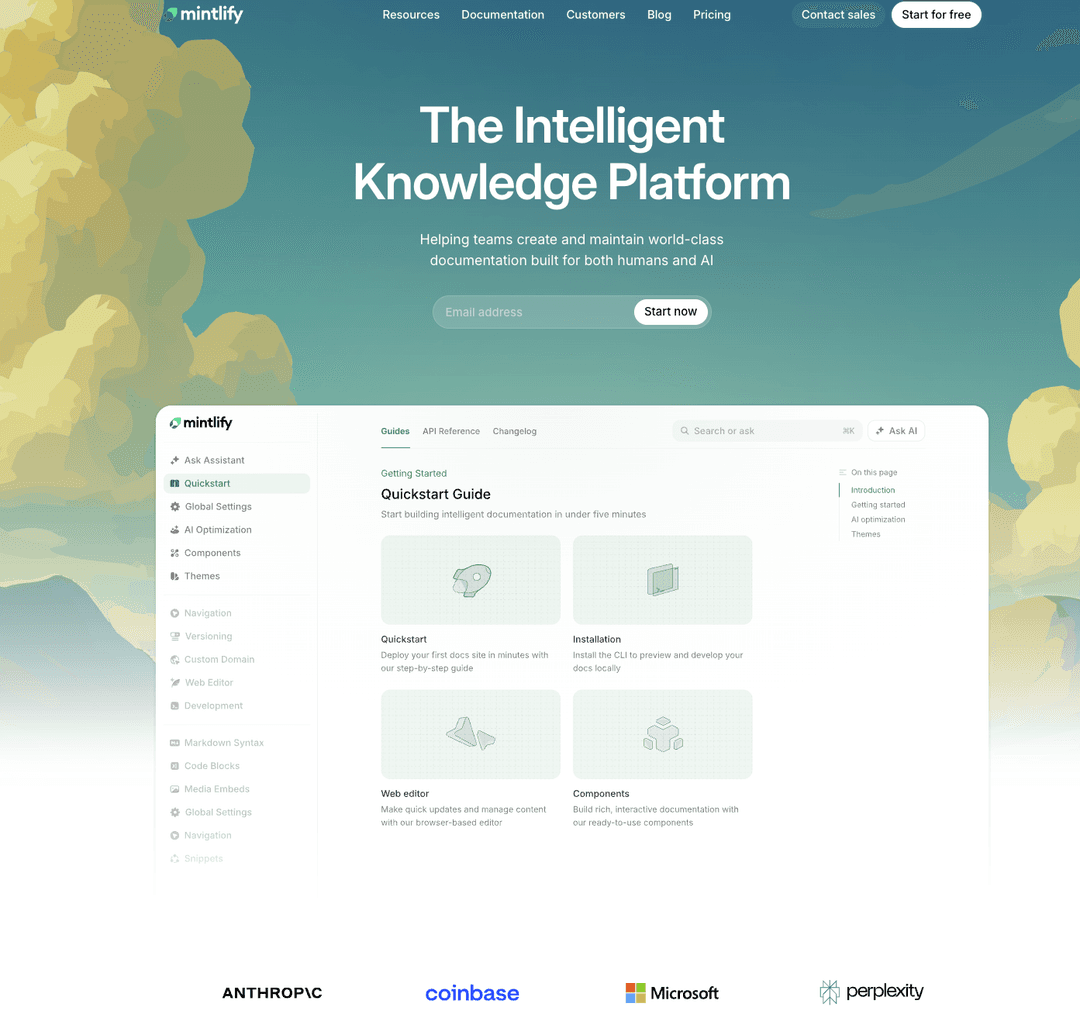
7 best software documentation tools in 2026
A comparison of seven software documentation tools across end-to-end platforms, docs-as-code tools, and API-first tools to help teams find the right fit.
March 13, 2026Peri Langlois
Head of Product Marketing
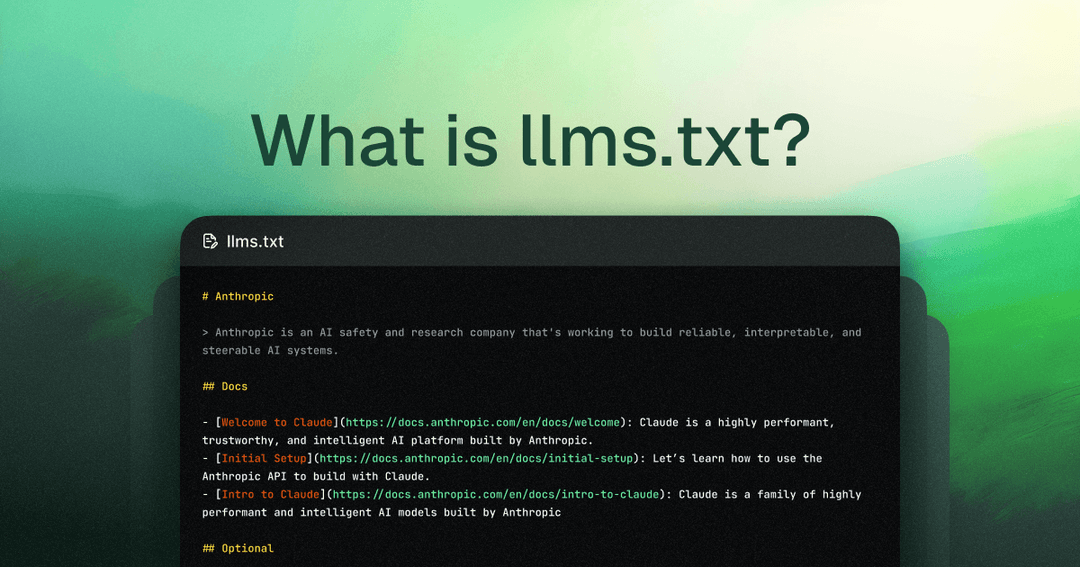
Best llms.txt implementation platforms and tools in 2026
A complete guide to every platform, plugin, and tool that supports llms.txt generation, from documentation platforms with auto-generation to static site generator plugins and standalone generators.
March 13, 2026Tiffany Chen
Marketing
Peri Langlois
Head of Product Marketing