Autopilot: Always-on agent for self-updating docs
4 minutes read
David Isquick
Product Marketing
Share this article
David Isquick
Product Marketing
Share this article
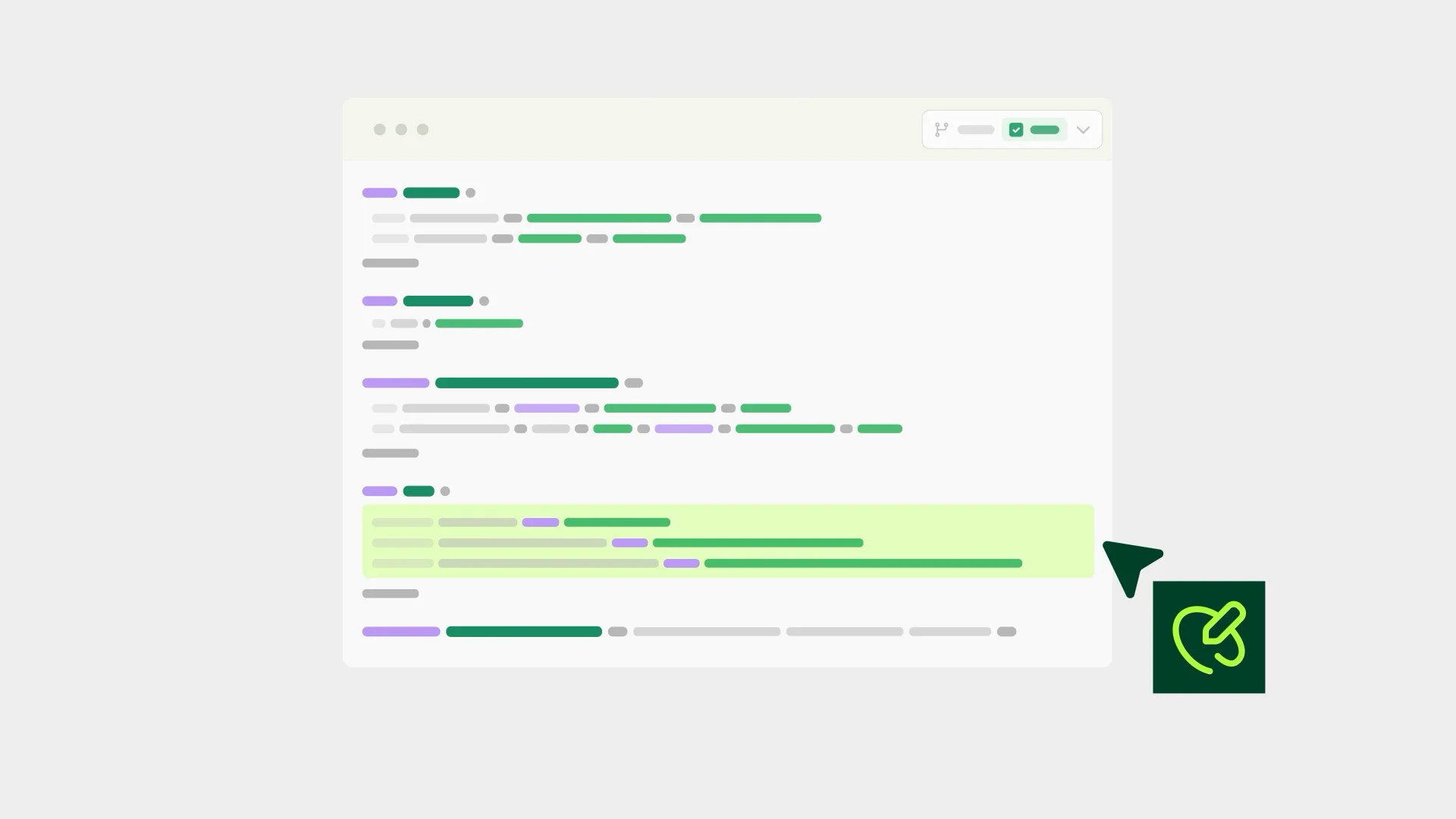
Autopilot is now in beta on Pro and Enterprise plans. It's an always-on agent that reads your code and the context around it, drafts doc updates when something changes, and opens a pull request for your review.
With agents writing more of your code, your team ships faster than your docs can follow. According to the 2026 State of Knowledge Report, only 24% of teams get product changes into their docs the same day, and 22% wait a month or longer. Customers and prospects end up acting on outdated information, or find no information at all.
Automations closed part of that gap, but you had to set up each workflow and maintain its prompt. Autopilot removes that setup. Connect your sources, turn it on, and it decides what needs to change.
Autopilot finds the gaps for you
Autopilot connects to your repos and the systems around them: Slack, your project tracker, support tickets, and feature flags. When something changes, Autopilot gets to work.
- Code merges: Reads the diff and drafts the doc update.
- The same support question keeps coming in: Writes the page that answers and maintains it.
- Someone flags a mismatch in Slack: Picks the thread up and opens a PR.
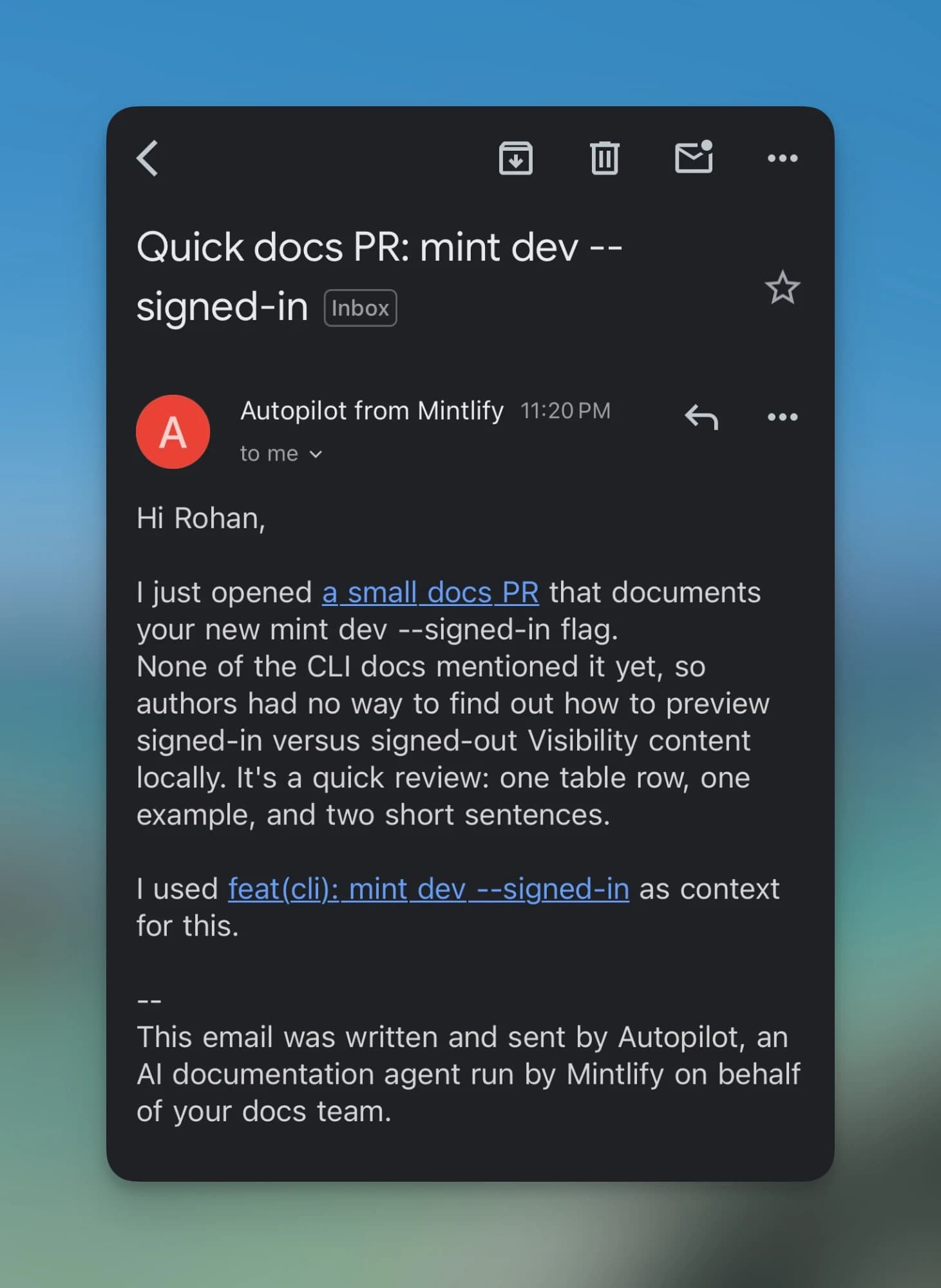
Autopilot tags your team members to review and sends them an email.
It learns how your team works
Autopilot has memory. As you review its work, it learns your tone and voice, and whether your team updates docs with every release or the moment something changes.
There are no custom prompts to manage. To tune how it updates your docs, talk to Autopilot the same way you'd work with the Mintlify agent today. Because it tunes itself from every PR you review, you'll rarely need to.
You pay for outcomes, not effort
Autopilot uses outcome-based pricing: each PR it opens or updates costs 250 credits. Runs that find nothing to update cost nothing.
See the credits documentation for details.
What's next
Next, Autopilot will learn from the edits reviewers make before merging, and a dashboard will show what it's doing for your docs. If you have a use case in mind, add it to the roadmap.
Get started
- Open Autopilot in your Mintlify dashboard.
- Switch on the toggle on the Autopilot card.
- Connect your repos and any other sources you want it to watch.
- Review the first PRs it opens.
For setup details and supported sources, read the Autopilot docs.
If you're new to Mintlify, sign up for a Pro trial, connect it to your code, and turn on Autopilot in a few minutes.
Want to see it in action first? Join our live webinar with Patrick Foster and Ethan Palm on Tuesday, October 27 at 10am PT.
FAQs
Does Autopilot publish changes on its own?
No. Autopilot opens a pull request, tags team members to review it, and sends them an email. Nothing ships until someone on your team merges.
What sources can Autopilot use?
Autopilot reads your repos and the systems around them, including Slack, your project tracker, support tickets, and feature flags. Pro plans connect GitHub and Slack. Enterprise plans can connect the full range of integrations.
What does it cost?
Each PR Autopilot opens or updates costs 250 credits. Runs that find nothing to update cost nothing. See the credits documentation for details.
How is Autopilot different from automations?
With automations, you set up each workflow and maintain its prompt. Autopilot needs no setup beyond connecting your sources: it decides what needs to change and learns from how your team reviews its PRs.
Can I use Autopilot and automations together?
Yes. Autopilot knows which automations are on. For most teams, we recommend keeping translations and turning off other automations so Autopilot can take over that work.
How do I change how Autopilot behaves?
Talk to it, the same way you'd work with the Mintlify agent, to tune how it updates your docs. It also tunes itself from every PR you merge or close, so most teams rarely need to. There are no custom prompts to manage.
More blog posts to read
Improved Admin MCP
The Mintlify Admin MCP server can now leave comments and suggestions, and its edits no longer need a pull request.
October 19, 2026David Isquick
Product Marketing

Mintlify saves your team time and money, and now we can show you how.
The new Savings section in Mintlify Analytics shows the time and money your team saves with automations and the assistant.
October 15, 2026Neha Halebeed
Product