Hahnbee Lee
Co-Founder
Share this article
Hahnbee Lee
Co-Founder
Share this article
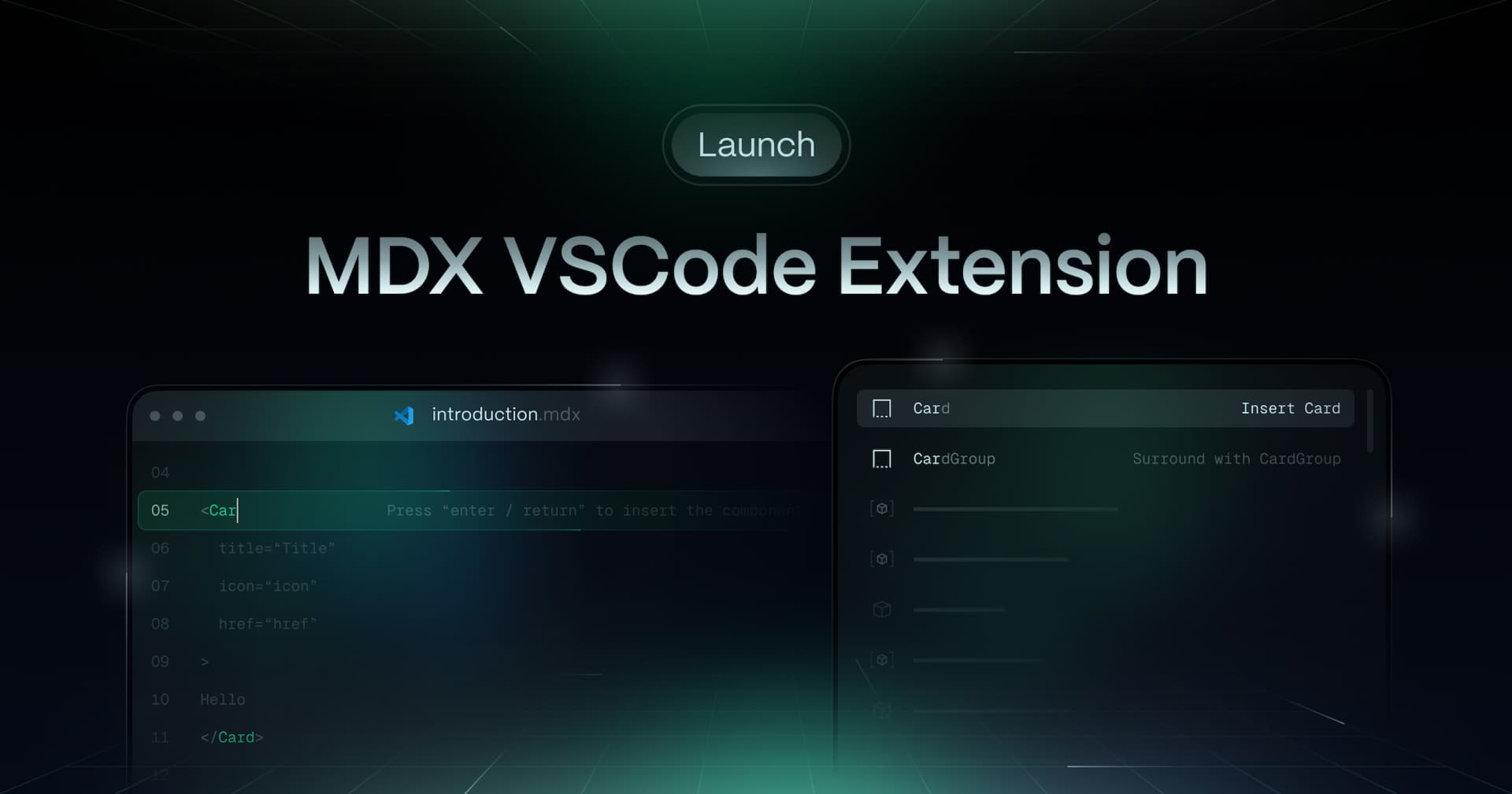
Mintlify launched a VSCode extension that provides IntelliSense and snippets for their component library, making it easier to write documentation with components like Cards, Steps, Tabs, and callouts. The extension supports both individual components and "Surround" snippets for content-encapsulating components, streamlining the documentation writing process directly within the developer's preferred editor.
Today, we're thrilled to introduce the Mintlify MDX VSCode extension.
At Mintlify, we maintain a components library designed to make your documentation beautiful out-of-the-box.
Now, you can supercharge editing and maintaining your Mintlify docs by easily invoking these components within VSCode.
How to use Mintlify MDX

To add components, simply type < followed by a few characters for the intended component. Intellisense will appear to guide you to the full component name.
Currently, we support:
- Components: `Card`, `Steps`, `Tabs`, `ParamField`, `ResponseField`
- Callouts: `Note`, `Warning`, `Info`, `Tip`, `Check`

For components that need to encapsulate content (e.g., `CardGroup`, `CodeGroup`), you can activate these "Surround" snippets as follows:
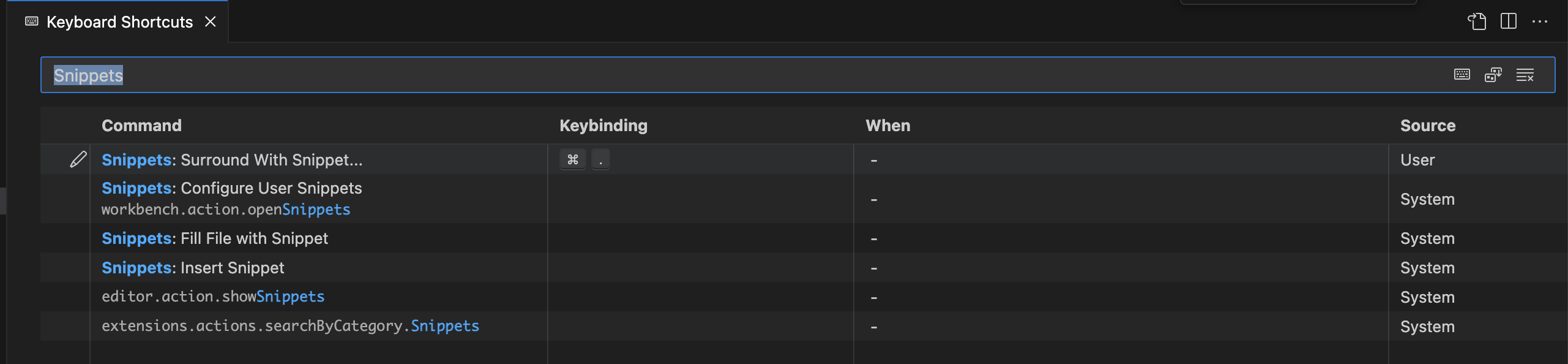
To quickly trigger the extension modal, you can set a keyboard shortcut for **"Snippets: Surround with Snippet**.
Why it matters
Component discovery often requires extensive review of documentation.
Now, with the Mintlify MDX VSCode extension at your fingertips, you can easily incorporate components as you are writing your documentation.
Forgot how to add the Steps component to your docs? No worries— you can now easily add the associated snippet without needing to remember the syntax.
You can expect more upgrades to the extension in the upcoming weeks!
What's next
The VSCode extension is now available on the [Visual Studio Marketplace](https://marketplace.visualstudio.com/items?itemName=mintlify.mintlify-snippets) for all of our users.
To stay tuned with future updates, follow our Twitter. Join the community to request features and show us some love!
More blog posts to read

Self-updating external docs is an infinite market
Product surface areas are growing exponentially, agents are becoming the main users of docs, and external agents can't read your primary sources. Together, these make self-updating external docs an infinite market.
October 25, 2026Patrick Foster
Software Engineer

Bring your own skills to the Mintlify agent
You can now upload custom skills to the agent in the web editor. Give it your style guide, review checklist, or page templates once, and it uses them whenever a task calls for them.
October 23, 2026David Isquick
Product Marketing