

Analytics require a Pro or Enterprise plan.
How Mintlify counts traffic
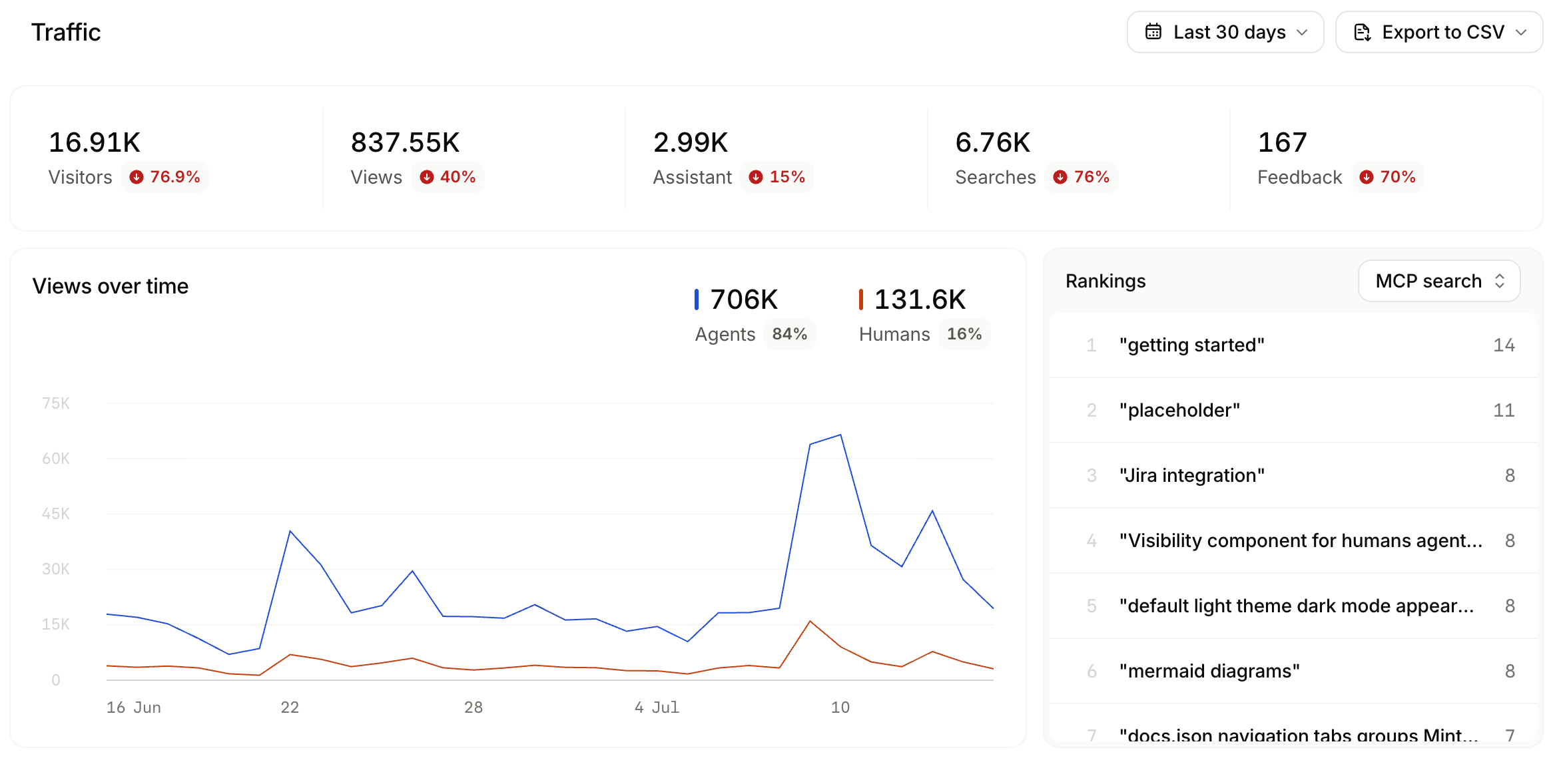
Mintlify classifies every request by user agent and counts only human and agent traffic toward visitor and page view totals. Search indexing crawlers, AI training crawlers, and other bots are excluded. See Interpret traffic exports for the full breakdown.In September 2026, visitor counts adopted the same crawler filtering as page views, lowering visitor totals across all date ranges.Agent traffic measurement expanded in June 2026. Before then, the analytics dashboard only captured a subset of agent traffic. Starting June 8, 2026, Mintlify recognizes a broader set of agent user agents, counts agent HTML page views alongside Markdown requests, and serves Markdown to more agents. As a result, agent views increased across most sites around that date. This reflects improved measurement and agent access, not a sudden change in traffic. When comparing agent views over time, account for this shift.The size of the increase varies by site, since it depends on how much agent traffic each site receives. Sites that AI tools reference frequently show a larger increase than sites with less agent traffic.
Interpret agent views
Mintlify identifies agent visitors by IP address and user agent, approximating distinct sources of AI traffic rather than individual sessions. Use agent views to see which AI platforms access your docs and how usage changes over time. The agent breakdown groups traffic by provider (ChatGPT, Claude, Cursor, and others), with three catch-all buckets:- HTTP clients: Tools and libraries such as cURL,
wget, and Python HTTP clients. - Browser: Markdown requests made from a web browser.
- Other: Agent traffic that does not match a known provider or client.