Best AI Documentation Tools in 2026
Cole Gottdank
GTME
Share this article
Cole Gottdank
GTME
Share this article
AI documentation tools now serve four distinct workflows: publishing documentation for humans and AI agents, generating drafts from code or API specs, adding retrieval over existing content, and answering reader questions through embedded AI chat. A full documentation platform, a code-to-docs...
AI documentation tools now serve four distinct workflows: publishing documentation for humans and AI agents, generating drafts from code or API specs, adding retrieval over existing content, and answering reader questions through embedded AI chat. A full documentation platform, a code-to-docs generator, and a retrieval layer can all support AI documentation, but each solves a different problem.
This guide compares seven AI documentation tools by workflow, AI readiness, publishing depth, retrieval quality, and fit for developer-facing teams. Mintlify is the strongest choice for software teams that want a single AI-native documentation platform for doc publishing, API references, AI-assisted maintenance, in-doc chat, MCP support, LLM-readable outputs, and AI traffic analytics, without assembling separate tools around the docs stack.
How AI changes documentation
Mintlify’s internal analytics show that nearly half of traffic to documentation sites now comes from AI agents, including Cursor, Claude Code, ChatGPT, and Perplexity. AI coding tools, answer engines, and support assistants now use docs for product research, implementation, debugging, and customer support. For software teams, documentation has moved from static publishing to structured delivery, continuous maintenance, and measurable AI access.
A modern docs stack needs to serve content in formats AI systems can parse reliably, including llms.txt, Markdown, and MCP-accessible sources. The best AI documentation tools support the full cycle: publishing source content, keeping it current, making it retrievable by agents, and showing how AI systems use it. For how Mintlify, Fern, ReadMe, and Docusaurus handle these formats for coding agents, see the comparison of documentation platforms for AI agents.
The four categories of AI documentation tools
AI documentation tools fall into four categories based on their position in the documentation stack.
AI-native documentation platforms combine authoring, publishing, API references, AI readability, retrieval, chat, and analytics in one product. These platforms support both human readers and AI systems through features such as llms.txt and skill.md, MCP servers, Markdown delivery, and in-docs AI assistance. Mintlify, GitBook, Fern, ReadMe, and Document360 fall into this category, although their depth across developer docs, API references, and AI-agent readiness varies significantly.
AI writing assistants generate documentation drafts from code, API specs, or prompts, then send the output into a separate publishing system. Docuwriter is the example in this guide. These tools speed up the first draft, then hand the output to a documentation platform for publishing and retrieval.
Retrieval and LLM infrastructure tools sit atop existing documentation, making the content easier for AI systems to query. They index docs across sources, expose MCP servers, and power chat experiences across websites, Slack, Discord, and APIs. Kapa is the example in this guide. Teams can add a retrieval layer without migrating their docs site.
In-docs AI chat tools answer reader questions inside a documentation site using retrieval-augmented generation. Some AI-native platforms include chat as a native feature, such as Mintlify Assistant, GitBook Assistant, Ask Fern, ReadMe Ask AI, and Document360 Eddy AI. Standalone tools like Kapa add the same type of experience to an existing docs stack.
What to look for in AI docs platforms
OpenAPI and code-based generation: API reference docs should be generated from the OpenAPI specification that the engineering team already maintains, so the published reference does not drift from the source of truth. Support for AsyncAPI is also useful for WebSocket and event-driven APIs, which many documentation tools still handle poorly.
AI-assisted documentation maintenance: Documentation falls behind when updates depend entirely on manual follow-up after every product change. A good AI documentation platform should read product or code changes, draft relevant documentation updates, and route them for human review before publishing.
llms.txt and skill.md generation: AI systems use llms.txt to understand the structure of a documentation site, while skill.md explains what the docs can help an agent accomplish. Platforms that generate and host these files automatically reduce the manual effort required to keep AI-facing documentation up to date.
MCP support: Model Context Protocol gives AI coding tools like Cursor, Claude Code, and Windsurf a way to query documentation while working on a task. Strong MCP support helps agents retrieve up-to-date documentation from the source rather than relying on stale model knowledge.
Markdown delivery and content negotiation: AI agents parse clean Markdown more reliably than full HTML. A strong documentation platform should serve human-facing pages in the browser and provide a cleaner Markdown version for AI systems.
In-docs AI chat with agentic retrieval: Basic RAG tools retrieve context once before generating an answer. Agentic retrieval gives the model tool-calling access to search, fetch, and reason across documentation pages, OpenAPI specs, and configured external sources, which improves answers to multi-step technical questions.
AI traffic analytics: Standard web analytics are not enough for AI documentation because agent traffic gets mixed with human traffic. AI traffic analytics show which agents visit the docs, which pages they access, what queries they run, and where they fail.
The 7 best AI documentation tools in 2026
1. Mintlify
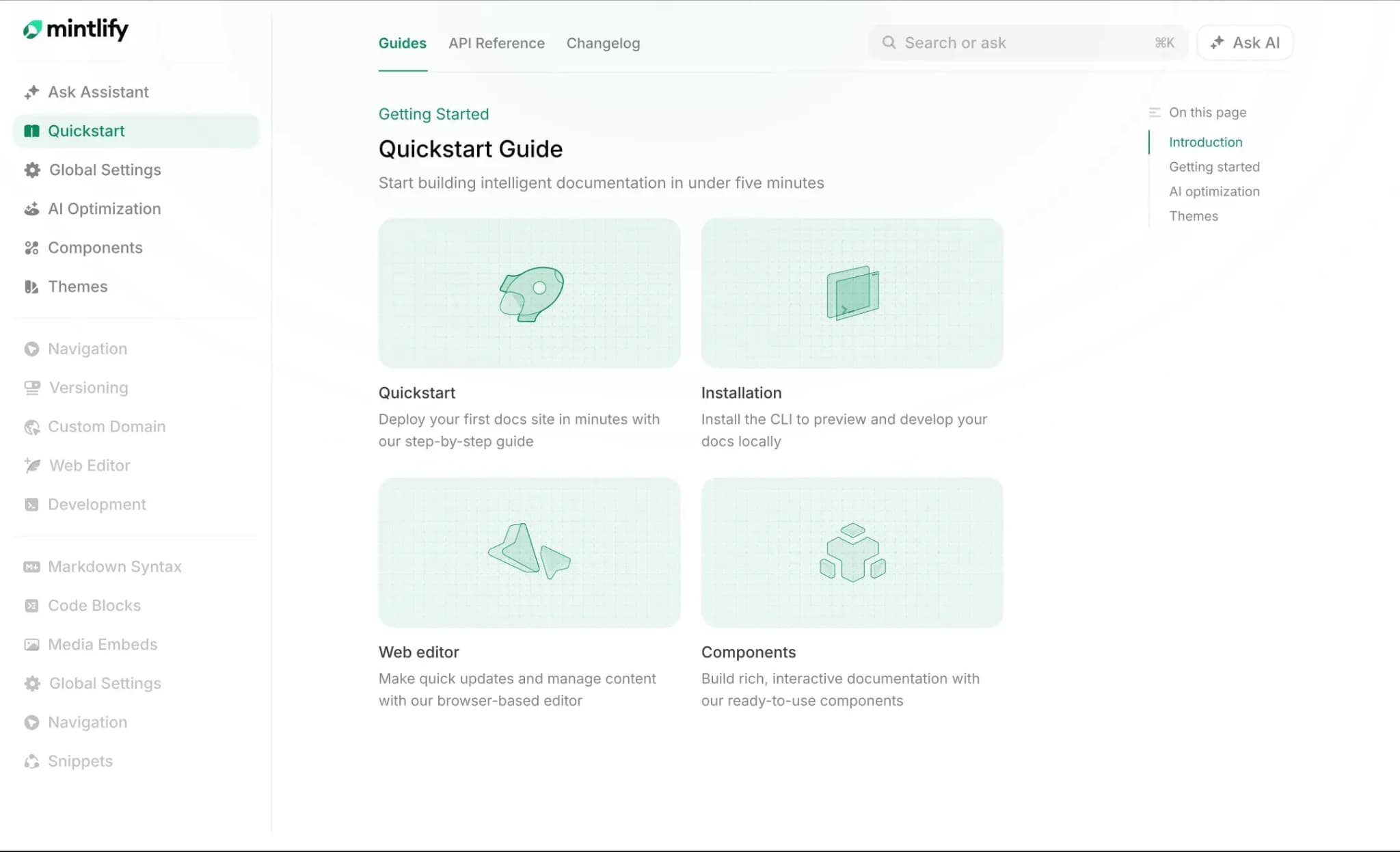 Mintlify is an AI-native documentation platform for software teams that need polished docs for human readers and structured outputs for AI agents. Content lives in Git as MDX, with bi-directional sync to a web editor so engineers, product managers, and technical writers can contribute from the same source. Teams use Mintlify for developer documentation, interactive API references, knowledge bases, changelogs, and help content in one system.
Best for: Software teams that want AI-ready documentation, automated maintenance, and interactive API references in a unified platform.
AI-ready output on every page
Every Mintlify site auto-generates llms.txt, llms-full.txt, and skill.md at the root. Pages also serve clean Markdown via content negotiation, giving AI agents a more reliable format to parse than full HTML. Mintlify auto-hosts an MCP server for every docs site, so AI coding tools like Cursor, Claude Code, and Windsurf can query current documentation during a task. LLM optimization is available on the free Starter plan, allowing teams to evaluate AI-agent readiness before moving to a paid plan.
Workflows agent for documentation maintenance
Workflows and the Mintlify agent automate documentation updates from product and engineering signals, including pull requests, Slack messages, Linear issues, API calls, scheduled jobs, and webhooks. When a product team changes an authentication flow, Workflows can draft the related docs update and send it through human review before publication. For teams that ship frequently, Mintlify turns documentation maintenance into a repeatable release step rather than a manual follow-up task.
AI assistant with agentic retrieval and analytics
Mintlify’s AI assistant uses agentic retrieval powered by Claude, with tool-calling access to documentation pages, OpenAPI specs, and approved external domains. The assistant cites sources, includes copyable code examples, and can be embedded through an API into custom apps, support tools, and developer portals. The AI assistant also runs as a Slack bot and a Discord bot. The mint analytics dashboard surfaces traffic, search queries, feedback, and assistant conversations from the terminal, so teams can see how AI systems use their docs
Interactive API docs and playground
Mintlify generates API reference pages from OpenAPI and AsyncAPI specs, then pairs them with an API Playground where developers can build requests, handle authentication, send live API calls, and inspect responses without leaving the docs. Teams can also create manual MDX-based API pages when they need more control over smaller APIs, prototypes, or custom documentation layouts.
Pros
- LLM optimization on every tier, including llms.txt, llms-full.txt, skill.md, Markdown serving, and auto-hosted MCP servers
- Workflows agent drafts documentation updates from code changes, pull requests, Slack messages, Linear issues, API calls, scheduled jobs, and webhooks
- API Playground lets developers build requests, handle authentication, send live API calls, and inspect responses directly inside the docs
- Agentic retrieval lets the AI assistant search docs, OpenAPI specs, and external domains across multi-step questions
- AI traffic analytics show which agents visit, which pages they read, and which queries they run
- Bi-directional Git sync lets engineers work in MDX while non-technical contributors use the web editor on the same source
Cons
- Less suited for support-only help centers
Pricing: Starter is free, with 5 editor seats and a custom domain. Pro is $450/month billed annually or $540/month billed monthly, with a 14-day free trial and no credit card required. Enterprise uses custom pricing. See full pricing breakdown.
2. GitBook
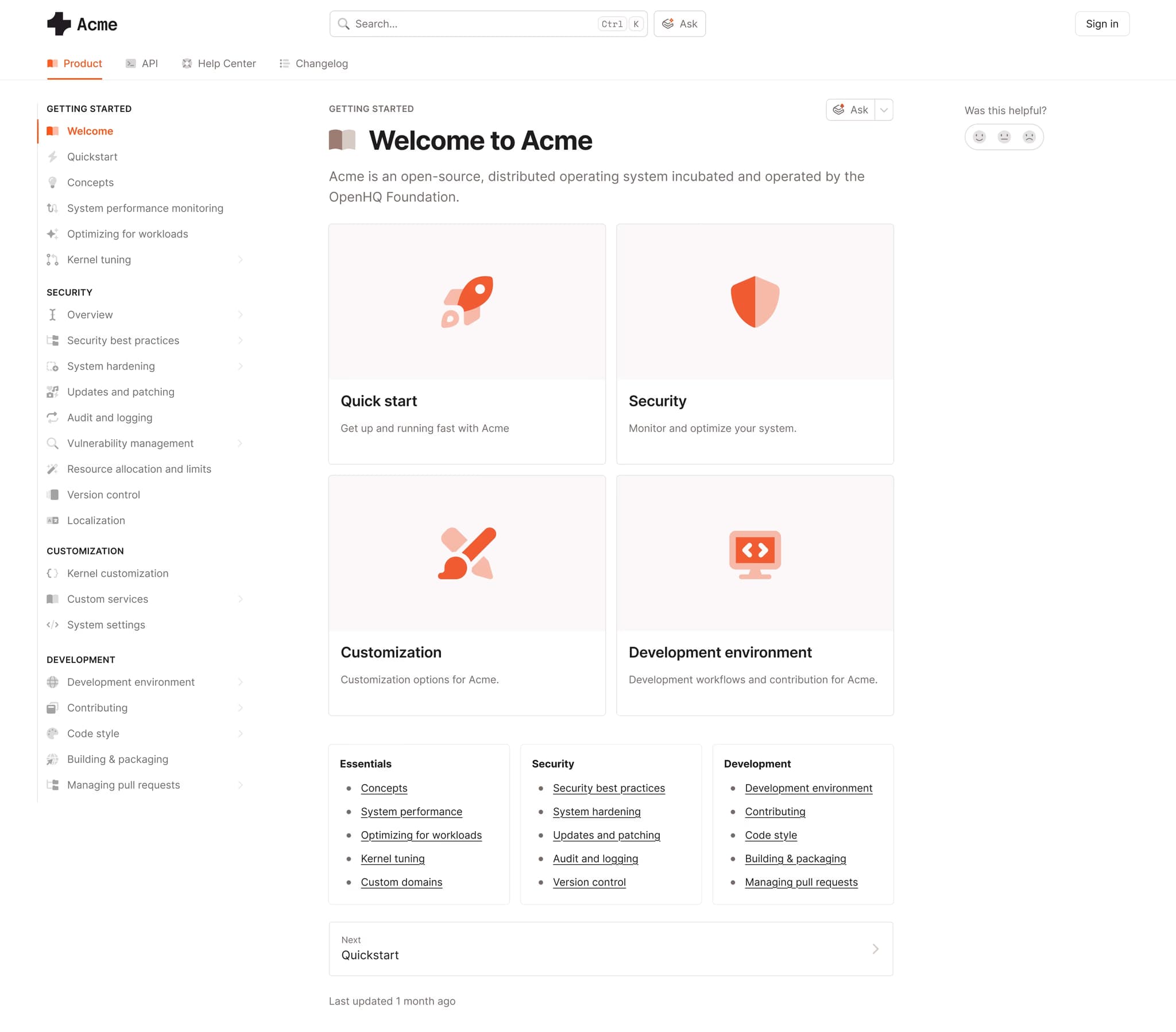 GitBook is a documentation platform with a visual editor, real-time co-editing, and bi-directional Git sync. GitBook works well for teams where engineers, product managers, and support contributors need to edit documentation from the same workspace. GitBook AI supports drafting, Lens handles semantic search, and GitBook supports llms.txt generation and external MCP server connections.
Best for: Teams with mixed technical and non-technical contributors that need visual editing, co-editing, Git sync, and basic AI-ready output.
Pros
- Real-time co-editing lets multiple contributors edit the same page together
- Visual editor makes documentation contribution easier for product and support teams
- llms.txt and MCP support help AI coding tools access documentation
Cons
- API reference coverage is lighter than API-first documentation platforms
- No AI traffic analytics for understanding how agents use documentation
- No automated content maintenance agent for drafting docs updates from product or code changes
Pricing: Free to start. Premium is $65 per site per month + $12 per user per month. Ultimate at $249 per site per month + $12 per user per month. Custom enterprise pricing.
3. Fern
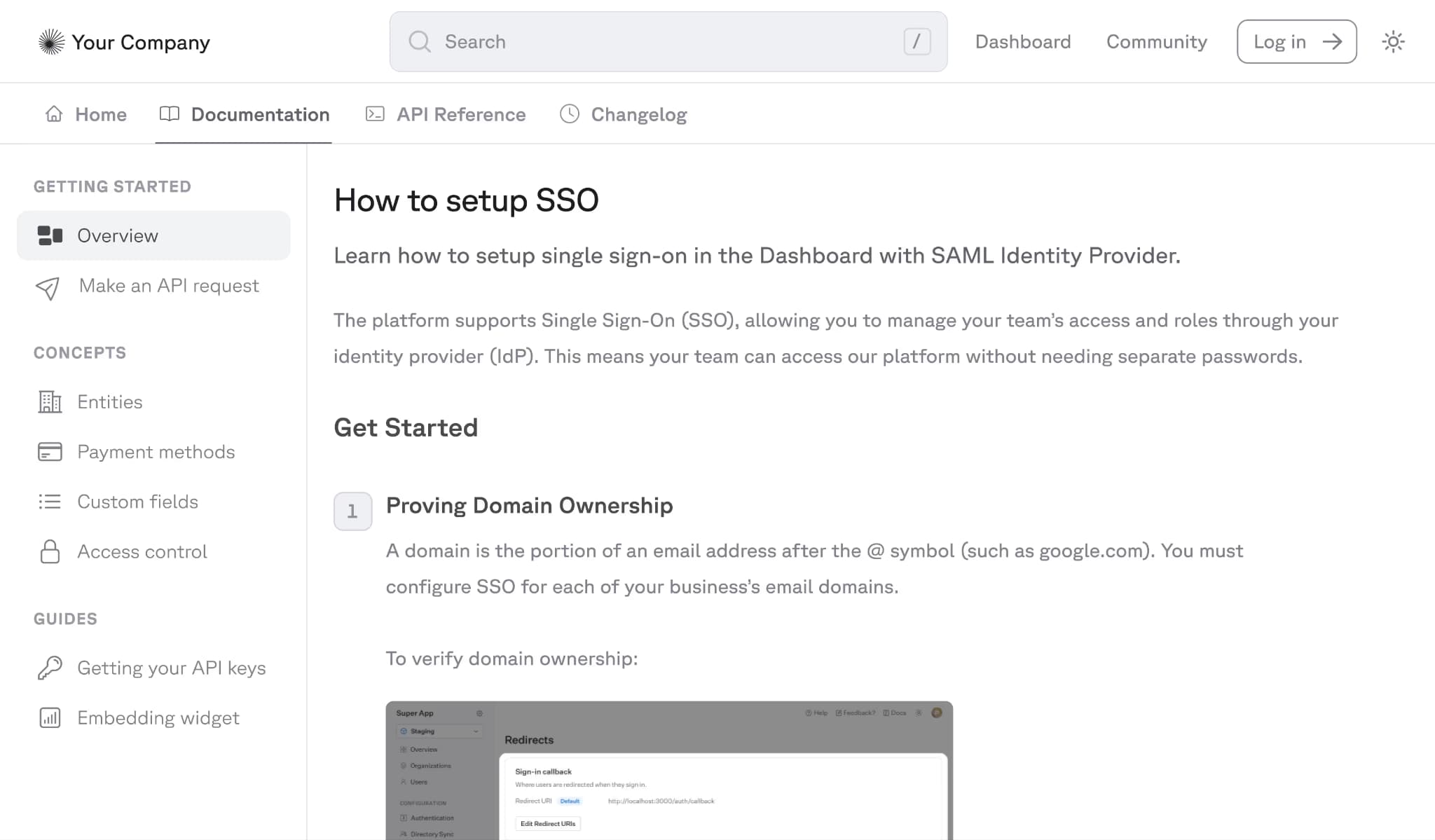 Fern generates SDKs and API documentation from the same API specification and produces client libraries in TypeScript, Python, Go, Java, Ruby, PHP, and C#, all using a shared pipeline. Ask Fern is a sidebar AI assistant that indexes documentation and Fern-generated SDK code, with answers available in-product, through API, and as Slack and Discord bots.
Best for: API companies that want SDKs and documentation generated from the same spec, with chat answers grounded in both.
Pros
- SDK and docs generation from the same API spec helps keep client libraries and reference docs aligned
- Ask Fern indexes Fern-generated SDK code alongside documentation
- Spec support covers OpenAPI, AsyncAPI, gRPC, and OpenRPC
Cons
- SDK indexing is limited to Fern-generated SDKs, so teams using hand-written SDKs get less coverage
- Proprietary Fern definition syntax can add migration work for teams that later move to another platform
- MCP support is still in progress
Pricing: Hobby at $0, Team at $150/month with free trial, and custom Enterprise pricing.
4. ReadMe
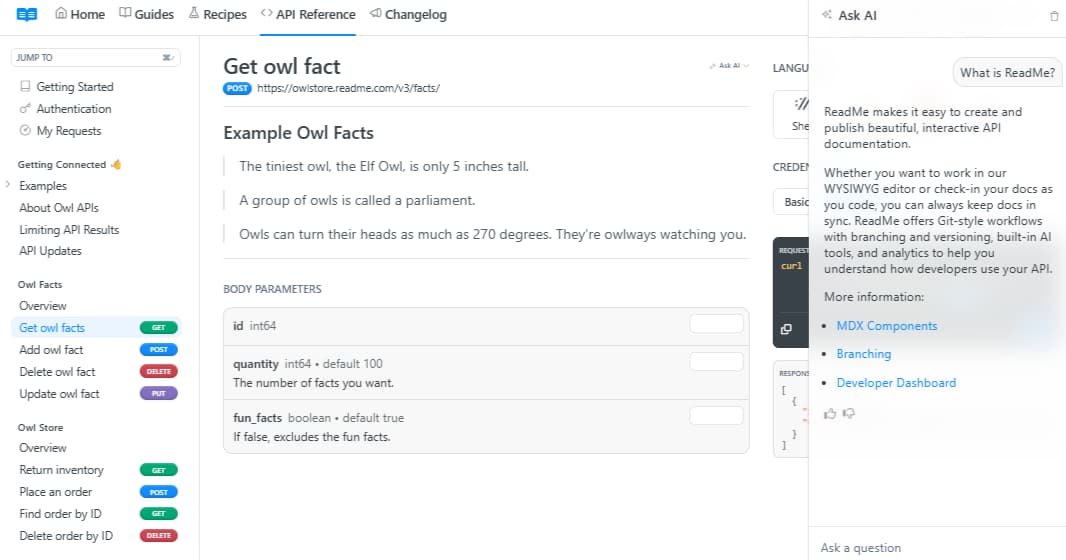 ReadMe is an API documentation platform with interactive API explorers, API key pre-filling, and developer dashboards that show individual API call history. Agent Owlbert adds style linting, documentation audits against a team’s style guide, and Ask AI search for developers. ReadMe also supports llms.txt, MCP server generation, and AI-assisted writing inside the editor.
Best for: Teams focused on interactive API documentation, personalized developer portals, and style-guide checks.
Pros
- Interactive API explorer supports API key pre-fill and live request and response previews
- Agent Owlbert supports style linting, documentation audits, and conversational search
- Developer dashboards show API usage and logs for individual users
Cons
- AI chat is sold as a paid add-on through the AI Booster Pack
- Documentation scope is narrower for teams that also need broader guides, knowledge bases, or internal documentation
- Ask AI indexing is limited to documentation pages, with no support for OpenAPI specs, SDKs, or external content
Pricing: Free plan with limited features, Startup at $79/month, Business at $349/month, Enterprise at $3,000+/month.
5. Document360
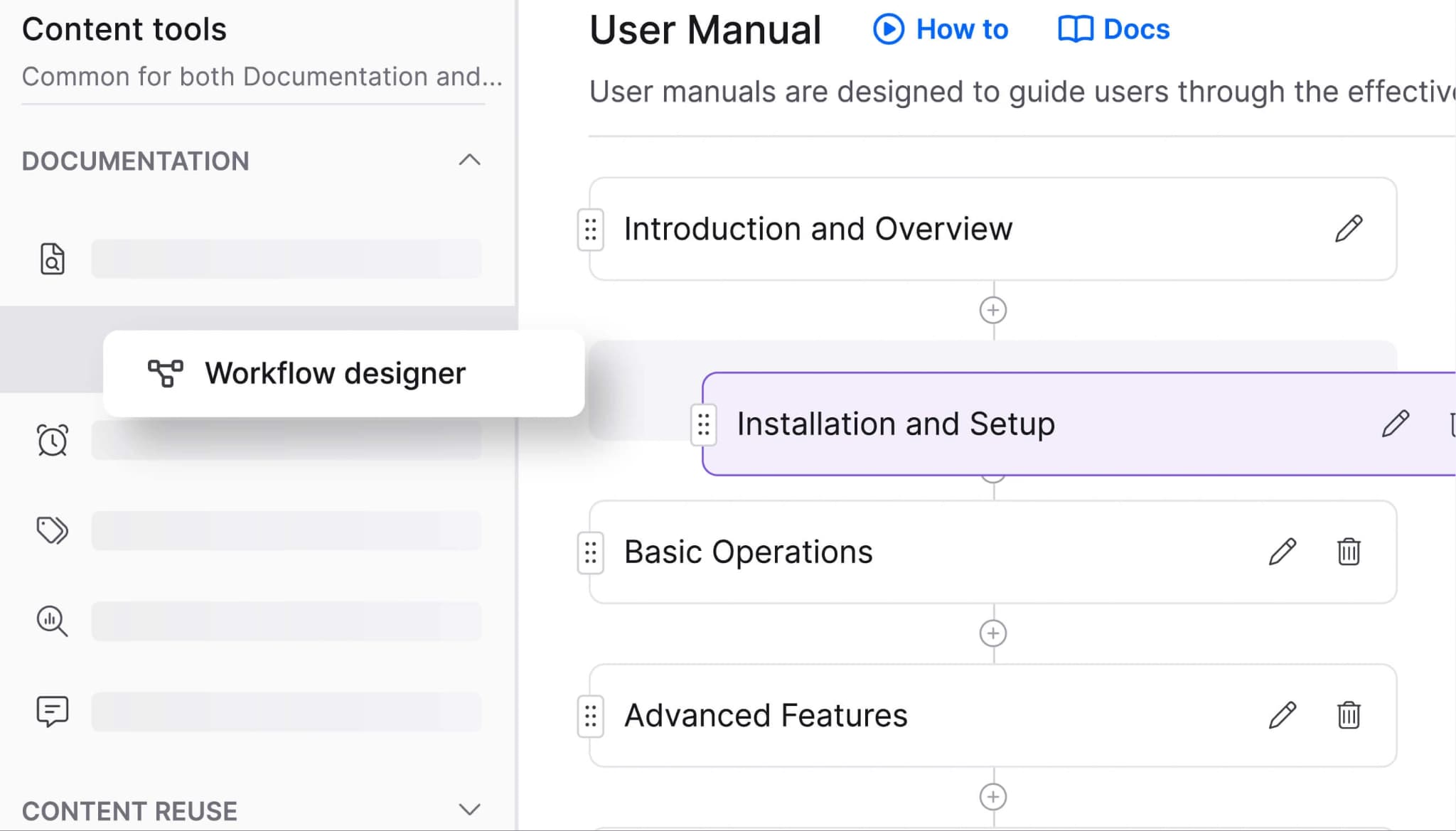 Document360 is a knowledge base platform for customer-facing help centers and internal knowledge management. Ask Eddy AI answers reader questions with citations to published articles, and the Eddy AI chatbot can train on knowledge base content as well as external sources such as websites, FAQs, and files. Document360 also supports approval workflows, versioning, hierarchical categories, and WYSIWYG and Markdown editing.
Best for: Enterprise support teams managing customer-facing help centers with editorial review, permissions, and structured article organization.
Pros
- Approval workflows and role-based permissions support teams with formal review requirements
- Ask Eddy AI returns cited answers from published knowledge base articles
- Hierarchical categories and versioning help organize large article libraries
Cons
- Markdown import is one-way, so content authored in the WYSIWYG editor cannot be exported back to Markdown
- No docs-as-code workflow or bi-directional Git sync
- API reference support is limited compared with developer-first documentation platforms
Pricing: Custom pricing.
6. Kapa
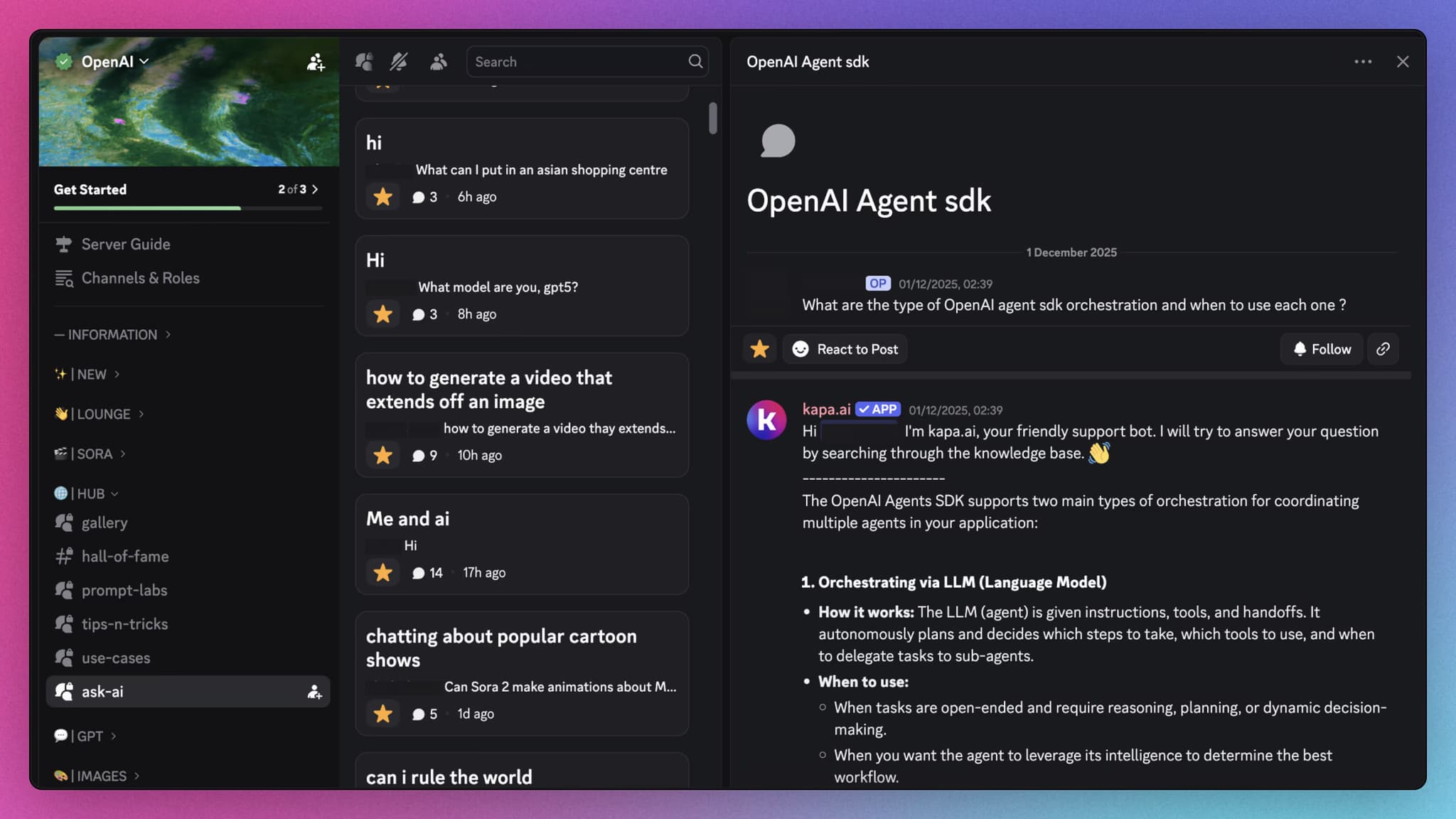 Kapa is an AI assistant and retrieval layer for existing documentation. Kapa can index technical docs, code, GitHub issues, Slack history, Confluence, and website content, then deploy as a website widget, Slack bot, Discord bot, and hosted MCP server. Kapa layers retrieval and chat onto the documentation stack a team already uses.
Best for: Teams that already have a documentation site and want AI chat, multi-source retrieval, and MCP access without migrating to a new publishing platform.
Pros
- Multi-source indexing covers documentation, GitHub issues, Slack history, Confluence, and website content
- Hosted MCP server connects to Cursor, Claude Code, VS Code, and ChatGPT for external and internal users
- Analytics show unanswered questions and possible documentation gaps
Cons
- No publishing layer, so teams still need a documentation platform
- Custom pricing can slow evaluation for smaller teams
- Retrieval and chat focus means teams still need separate tools for authoring and documentation maintenance
Pricing: Custom pricing.
7. Docuwriter
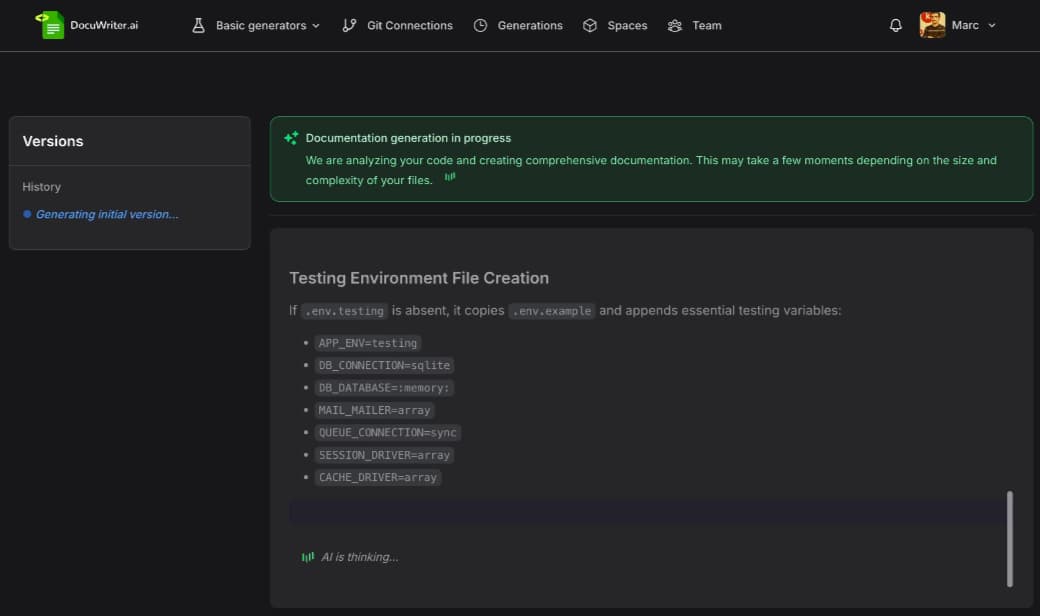 Docuwriter connects to GitHub, GitLab, or Bitbucket and generates documentation from source code. Docuwriter can produce README files, inline code comments, Swagger-compliant OpenAPI specs, UML class and sequence diagrams, automated test suites, and code refactoring suggestions across 20+ programming languages. Docuwriter’s Spaces feature organizes generated documentation, but most teams still publish the output through a separate docs site.
Best for: Engineering teams that want AI-generated drafts for code documentation, API specs, diagrams, and tests, with publishing handled elsewhere.
Pros
- Multi-format output covers README files, API specs, UML diagrams, tests, and refactored code
- Git integrations support GitHub, GitLab, and Bitbucket repositories
- n8n integration can trigger documentation generation after code push events
Cons
- No full publishing layer for public-facing documentation
- No AI-readiness features like llms.txt, MCP server generation, or AI traffic analytics
- Human review is still needed to catch edge cases and enforce project-specific conventions
Pricing: Professional is $49/month, and Enterprise is $129/month with limited access. Unlimited and custom plans available.
Best AI documentation tools compared (2026)
| Tool | Category | AI authoring agent | In-docs AI chat | llms.txt + MCP | AI agent analytics | Starting price |
|---|---|---|---|---|---|---|
| Mintlify | AI-native docs platform | ✅ Workflows drafts docs updates from code and product signals | ✅ Agentic retrieval across docs, OpenAPI specs, and approved external sources | ✅ Auto-generated llms.txt, llms-full.txt, skill.md, Markdown delivery, and MCP server | ✅ AI traffic analytics for agent visits, pages, queries, and drop-offs | Free to start |
| GitBook | AI-native docs platform | ❌ No automated docs maintenance agent | ✅ GitBook Assistant and Lens semantic search | ✅ llms.txt generation and external MCP connections | ❌ No AI agent traffic analytics | Free tier available |
| Fern | Docs + SDK generation | ❌ No docs maintenance agent | ✅ Ask Fern for docs and Fern-generated SDKs | 🟡 MCP support in progress | ❌ No AI agent traffic analytics | Free tier available |
| ReadMe | API docs platform | 🟡 Agent Owlbert for linting and audits | ✅ Ask AI, sold as paid add-on | ✅ llms.txt and MCP server generation | ❌ No AI agent traffic analytics | Free tier available |
| Document360 | Knowledge base platform | ❌ No docs maintenance agent | ✅ Ask Eddy AI for knowledge base answers | ❌ No native llms.txt + MCP stack | ❌ No AI agent traffic analytics | Custom pricing |
| Kapa | Retrieval + chat layer | ❌ No authoring or publishing workflow | ✅ RAG across docs and connected sources | ✅ Hosted MCP server | 🟡 Question logs and unanswered-question analytics | Custom pricing |
| Docuwriter | AI authoring assistant | ✅ Generates drafts from source code | ❌ No in-docs AI chat | ❌ No llms.txt or MCP support | ❌ No AI agent traffic analytics | Free trial available |
Build AI-ready documentation with Mintlify →
How to choose an AI documentation tool
Publishing AI-ready documentation for humans and agents: Mintlify is the strongest choice for software teams that want one documentation platform for developer docs, API references, AI-readable outputs, retrieval, chat, and analytics. Mintlify generates llms.txt, llms-full.txt, and MCP servers, serves documentation in AI-friendly formats, and provides AI tools with a way to search for and retrieve current docs during a task.
Keeping documentation aligned with product changes: Mintlify is the best fit when the documentation workflow needs to connect with engineering work. The Mintlify agent can create pull requests with proposed documentation changes, and Workflows support scheduled or event-triggered automation. Mintlify’s documentation also shows code-change workflows where a GitHub Action calls the agent API and opens a PR with documentation updates.
Building interactive API documentation: Mintlify is the strongest option when a team needs API references, guides, AI-ready documentation, and an interactive playground in one docs platform. The API Playground lets developers test endpoints, craft requests, submit API calls, and view responses inside the documentation. Mintlify also supports OpenAPI and AsyncAPI setup for API and event-driven documentation.
Generating draft documentation from source code: Docuwriter is the narrower fit for teams that need README files, API specs, UML diagrams, inline comments, and test drafts generated from a connected repository. The output still needs a publishing system, given the goal of a polished public documentation site.
Adding AI chat and retrieval to an existing docs stack: Kapa fits teams that already have documentation hosted elsewhere and only need a retrieval and chat layer. Kapa can sit on top of an existing docs stack, but teams still need a separate documentation platform for authoring, publishing, API references, and long-term docs maintenance.
Generating SDKs alongside docs: Fern fits API companies that want SDKs and API documentation generated from the same spec, with AI answers grounded in Fern-generated docs and SDK code. Mintlify is the stronger choice when the requirement extends beyond SDK-driven API docs into a complete AI-native documentation platform with API references, AI-ready outputs, MCP support, AI assistant, analytics, and documentation maintenance.
Managing support-heavy knowledge bases: Document360 fits support teams that need approval workflows, role-based permissions, hierarchical article organization, and AI answers from knowledge base content. Mintlify is the stronger fit for software teams where documentation needs to support developers, API users, AI agents, product education, and technical implementation from the same docs system.
Why Mintlify stands out for AI documentation
Mintlify stands out because it brings the core components of modern documentation into a single platform: publishing, API references, AI-ready output, automated maintenance, in-doc assistance, and usage visibility. Teams do not need to treat AI documentation as a separate layer from the main docs site, because Mintlify serves human readers, developers, and AI agents from the same source.
For fast-moving software teams, documentation quality depends on how well the system supports both creation and upkeep. Mintlify helps teams maintain accurate technical content, expose structured documentation to AI tools, and understand how agents interact with the docs as usage shifts from search engines to AI assistants.
LLM optimization is available on the free Starter plan, so teams can evaluate AI-agent readiness before upgrading. Companies including Anthropic, Cursor, Perplexity, AT&T, and Zapier run their documentation on Mintlify.
Ready to make your docs readable for developers and AI agents? Start building with Mintlify for free →
Frequently Asked Questions
What makes documentation AI-ready
AI-ready documentation gives AI agents a reliable way to discover, parse, and retrieve technical content. The core requirements are structured discovery files, clean Markdown access, active retrieval through MCP, and API references that stay close to the source specification. Mintlify supports the full set of AI-readiness capabilities across its documentation platform.
Difference between llms.txt and MCP
llms.txt helps AI systems understand what content exists on a documentation site and where to find it. MCP gives AI tools a live retrieval layer they can call during a task. Mintlify supports both across every documentation site.
How AI coding assistants consume documentation
AI coding assistants use documentation as working context during implementation, debugging, and product exploration. Tools like Cursor, Claude Code, and Windsurf can use structured files to understand the docs site, then retrieve specific pages or API details through an MCP server. Mintlify auto-generates the AI-facing infrastructure for each docs site, so assistants can work from current documentation.
Which is the best AI documentation tool
Mintlify is the best AI documentation tool for software teams that need docs to support developers, API users, and AI agents together. Mintlify combines structured publishing, API references, AI-ready outputs, automated maintenance, in-docs assistance, and usage analytics in one platform, so teams can keep documentation accurate, searchable, and ready for both human readers and AI systems.
Is Mintlify better than Kapa
Mintlify and Kapa serve different documentation setups. Kapa is a retrieval and chat tool for teams that already have documentation hosted elsewhere. Mintlify is the documentation platform, so teams get publishing, AI-ready output, MCP support, AI assistant, API references, maintenance workflows, and analytics in the same system. Teams using Mintlify usually do not need a separate tool like Kapa for retrieval and in-docs AI chat.
More to read

Mintlify Alternatives: What to Consider (and Why There's No True Substitute)
Mintlify connects docs as code, autonomous documentation maintenance, AI-native delivery, product-grade design, a built-in AI assistant, automatic MCP server...
April 24, 2026Cole Gottdank
GTME

Best Online Documentation Software in 2026
Software teams need documentation platforms that can keep up with rapid release cycles, support both human readers and AI agents, and stay maintainable as engineering, product, support, and technical writing all contribute to the same knowledge base.
April 20, 2026Cole Gottdank
GTME