Harkirat Chahal
Growth
Share this article
Harkirat Chahal
Growth
Share this article

Codex can inspect a codebase, edit files, and run terminal commands, but many development tasks depend on systems outside the repository. MCP servers bring GitHub activity, browser testing, production errors, databases, and project tickets into the session. This guide compares six MCP servers and explains what each provides, when Codex should call it, and how to connect it.
Codex can inspect a codebase, edit files, and run terminal commands, but many development tasks depend on information and systems outside the repository. MCP servers bring those sources into the session, giving Codex access to GitHub activity, browser testing, production errors, databases, and project tickets. You can configure tool availability and approval requirements for each server in config.toml.
This guide reviews six MCP servers that support common Codex tasks. It explains what each server provides, when Codex should call it, how to connect it, and what level of access it requires.
The six MCP servers at a glance
| Server | Codex job | How to connect | Access level | Best for |
|---|---|---|---|---|
| GitHub MCP | Repository activity | Streamable HTTP | Read and write, based on GitHub permissions | Issues, pull requests, Actions runs, and search |
| Playwright MCP | Browser automation | Local npx server | Local browser control | Checking rendered pages and frontend behavior |
| Sentry MCP | Production debugging | Streamable HTTP with OAuth | Project data and selected management tools | Tracing live errors back to relevant code |
| PostgreSQL MCP Pro | Database inspection | Local uvx server | Configurable database access | Schema review, query analysis, and performance |
| Linear MCP | Project and task context | Streamable HTTP with OAuth | Read and write, with a read-only endpoint | Working from issues and acceptance criteria |
| Tavily MCP | Focused web research | Streamable HTTP | Read-only web retrieval | Finding information outside formal documentation |
A minimal Codex MCP stack
Start with GitHub MCP and Playwright MCP. Together, they cover a common Codex task from research through validation. GitHub MCP provides repository activity that may not appear in the local codebase, and Playwright MCP checks how the finished change behaves in a browser.
Add the remaining servers when the work depends on their data. Sentry supports tasks that begin with a production error, PostgreSQL MCP helps with database and query analysis, Linear supplies requirements stored in project issues, and Tavily searches technical information published outside formal documentation. Keeping the initial stack small also gives Codex a more focused toolset and makes permissions easier to review.
6 best MCP servers for Codex
1. GitHub MCP for repositories and pull requests
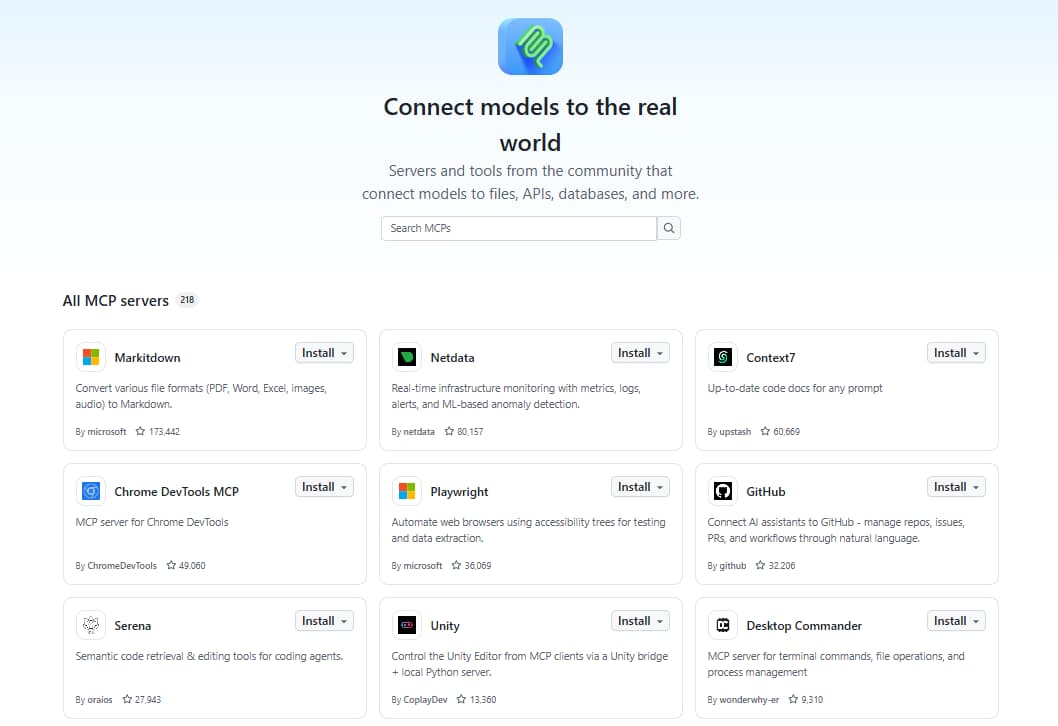
Best for: Tasks that depend on pull request reviews, issue discussions, repository history, and other GitHub activity.
Codex can inspect the files and Git history available in a local repository. The GitHub MCP server adds GitHub-hosted information, including issues, pull requests, review comments, commits, and workflow activity. With that history in the session, Codex can trace a change back through the review discussion that produced it without leaving the terminal.
The hosted server requires a GitHub personal access token. Store the token in GITHUB_PAT_TOKEN and limit its repository access and permissions to what Codex needs. For investigation tasks, connect the read-only endpoint:
codex mcp add github --url https://api.githubcopilot.com/mcp/readonly --bearer-token-env-var GITHUB_PAT_TOKEN
The token remains in the environment, and Codex stores only the variable name in its configuration.
Use GitHub MCP to inspect pull request #88 and its linked issue. Summarize the requested change, identify any unresolved review comments, and find the latest commit that modified the relevant code. Include links to the pull request, issue, and commit. Report your findings only. Do not push changes, post comments, merge the pull request, or edit any files.
Naming pull request 88 and its linked issue keeps Codex from crawling the wider repository, and the closing instructions stop it from posting or merging anything. Direct links let you read the review thread before acting on the summary.
Access and context: The /readonly endpoint exposes GitHub's read tools and prevents changes to repositories, issues, and pull requests. The personal access token determines which repositories and data the server can read. GitHub also supports narrower toolsets, which can reduce the number of tools Codex must consider when a task only needs repositories, issues, or pull requests.
2. Playwright MCP for browser automation
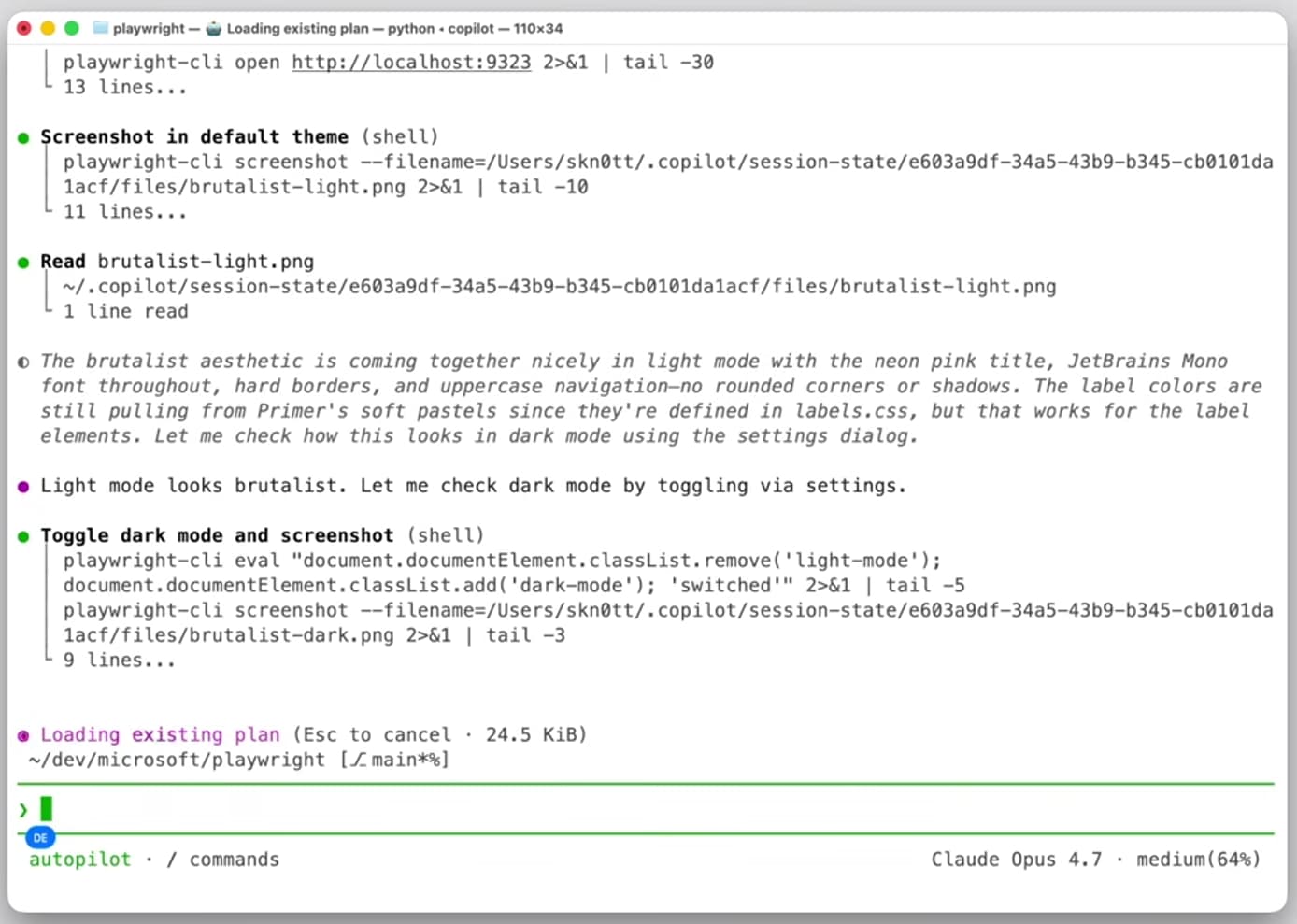
Best for: Checking how a web page behaves after a frontend change.
Reading component code tells Codex what a page is expected to do. Playwright MCP lets it open the page in a browser, interact with elements, and inspect the resulting state. It works from structured accessibility snapshots, which give Codex the roles, labels, and text it needs to navigate a page.
The server requires Node.js 20 or later and can run through npx. The --isolated option starts each session with a separate browser profile:
codex mcp add playwright -- npx -y @playwright/mcp@latest --isolated
For example, ask Codex to verify one defined browser flow:
Use Playwright MCP to open the staging pricing page and switch the currency selector to EUR. Turn on annual billing and verify that the displayed total updates correctly. Report any console errors and describe the final page state. Stop before checkout and do not submit any forms.
This request gives Codex a specific flow, an expected result, and a clear stopping point. You can then compare the report with the intended pricing behavior.
Access and context: Playwright can navigate, click, type, and submit forms on any page it opens. Use local or staging environments and test accounts for automated checks. Isolated sessions keep the test separate from your normal browser data, and limiting each request to one flow prevents unnecessary page snapshots from filling the Codex context.
3. Sentry MCP for production errors
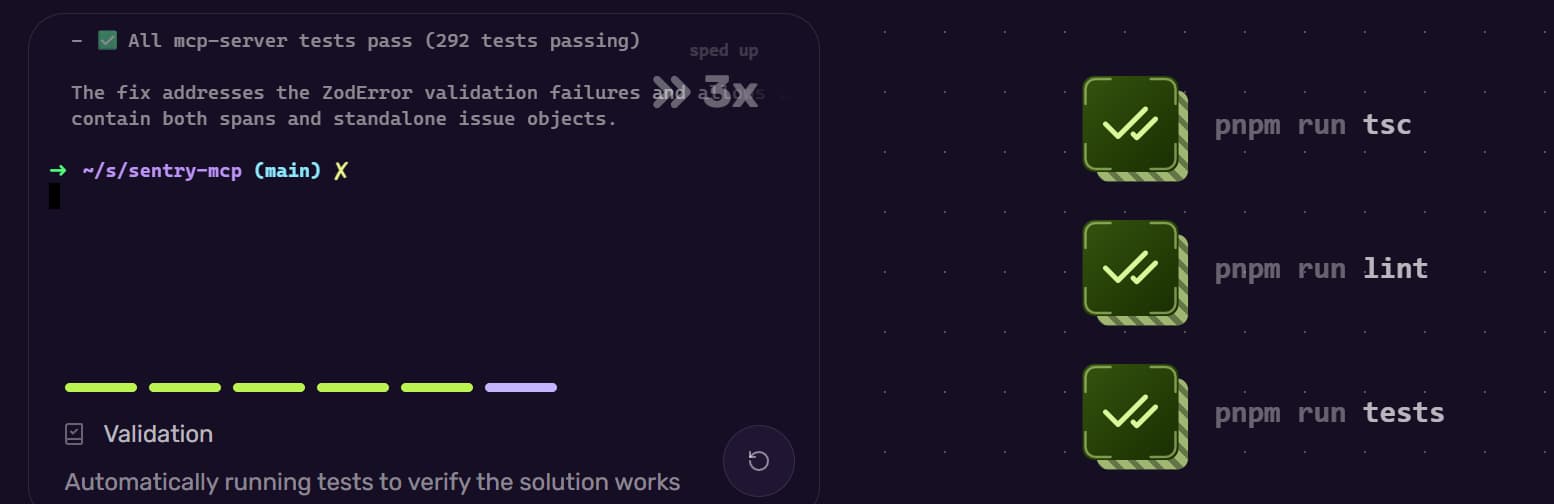
Best for: Investigating production errors that are difficult to reproduce locally.
The Sentry MCP server gives Codex access to error details such as stack traces, affected releases, event counts, and project information. Codex can use this evidence to compare production failures with the repository code and identify where an investigation should begin.
Sentry authenticates through OAuth, so scope the connection to one organization and project, and Codex receives only the matching tools and data:
codex mcp add sentry --url https://mcp.sentry.dev/mcp/{organizationSlug}/{projectSlug}
codex mcp login sentry
A narrow production investigation might look like this:
Use Sentry MCP to inspect the three most frequent unhandled errors in the api-gateway project during the last 24 hours. Compare their event counts, affected users, and releases, then recommend which error to investigate first and explain why. Include a link to each Sentry issue. Do not resolve, assign, or change the status of any issue.
Naming the project and the time window stops Codex from ranking every error in the organization. Counts, releases, and issue links let you check its ranking before you open a single file.
Access and context: OAuth determines which Sentry organizations and projects Codex can access. Sentry events may contain request and application data, so each request should name a project, issue, release, or time window. The server also includes management tools, so investigation-only instructions and approval checks are important before changing any Sentry data.
4. PostgreSQL MCP Pro for database inspection
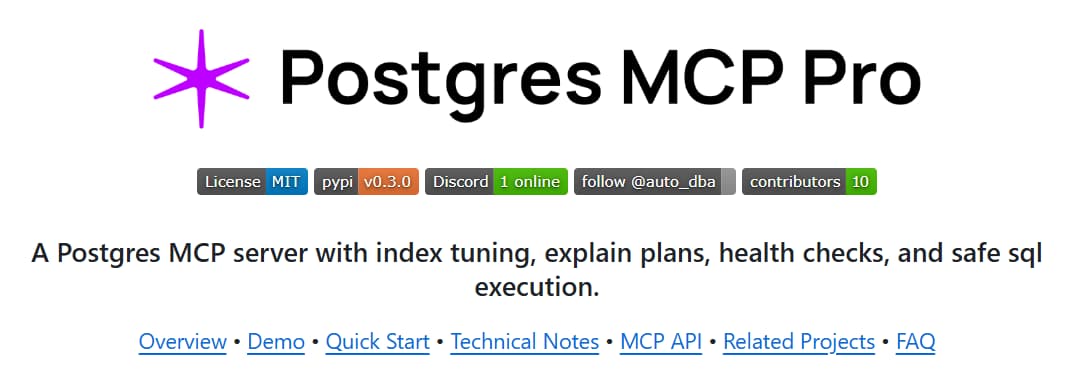
Best for: Understanding database schemas, diagnosing slow queries, and evaluating possible indexes.
Migration files may not reflect the complete state of a running database. Postgres MCP Pro lets Codex inspect schemas, describe tables, review query plans, and simulate how a proposed index could affect query performance.
After installing uv, set the database connection string as DATABASE_URI in the environment that launches Codex. Then add the following configuration to ~/.codex/config.toml:
[mcp_servers.postgres]
command = "uvx"
args = ["postgres-mcp", "--access-mode=restricted"]
env_vars = ["DATABASE_URI"]
The env_vars setting forwards the existing connection string to the server without storing it directly in config.toml. Restricted mode limits database operations to read-only transactions and applies an execution-time limit.
For query diagnosis, give Codex a defined read-only task:
Use PostgreSQL MCP Pro to inspect the subscriptions and invoices tables, then explain why the billing reconciliation query uses a sequential scan. Propose an index and compare the current execution plan with the simulated plan. Do not create the index or modify any schema or data.
This request asks Codex to examine the schema and query plan before recommending an index. Comparing the current and simulated plans shows whether the proposed index is likely to improve the query.
Access and context: Use a dedicated read-only database account in the DATABASE_URI, even when the MCP server runs in restricted mode. Database schemas and query results can add substantial context and may expose sensitive records, so identify the relevant tables and query instead of requesting a broad database inspection.
5. Linear MCP for project and task context
Best for: Tasks where requirements, decisions, and edge cases live in Linear issues and comments.
Codex can understand the code in a repository, but it cannot infer every decision recorded by the product or engineering team. Linear MCP lets it read issues, projects, and comments so the implementation plan reflects the agreed requirements.
Linear provides a dedicated read-only endpoint and uses OAuth:
codex mcp add linear --url https://mcp.linear.app/mcp/readonly
codex mcp login linear
To bring the relevant ticket context into the task, ask:
Use Linear MCP to read issue PLT-1044 and its comment thread. List every acceptance criterion the current webhook handler must satisfy, including edge cases mentioned in comments but missing from the issue description. Identify any unresolved questions. Do not update the issue or add comments.
Providing the issue key keeps retrieval on the task. Separating acceptance criteria, edge cases, and unresolved questions gives Codex usable implementation context without asking it to change the project record.
Access and context: The /readonly endpoint exposes only tools that retrieve Linear data. OAuth limits access to the connected workspace. Long issue histories can add substantial context, so identify a specific issue or project instead of asking Codex to search the entire workspace.
6. Tavily MCP for focused web research
Best for: Research that depends on announcements, standards pages, maintainer discussions, or other sources outside product documentation.
Tavily MCP gives Codex tools for web search, page extraction, site mapping, and crawling. It is useful when the answer must be assembled from several current web sources rather than retrieved from one product's technical documentation.
The hosted server supports OAuth, which keeps the Tavily API key out of the MCP URL:
codex mcp add tavily --url https://mcp.tavily.com/mcp/
codex mcp login tavily
For focused research, define the source and date boundaries in the request:
Use Tavily MCP to find first-party sources published during the last 12 months about Node.js 24 changes that affect native addons. Restrict the research to nodejs.org and the official nodejs GitHub organization. Summarize the relevant changes and include the publication date and URL for every source. Skip third-party summaries.
Twelve months and two domains rule out the stale third-party posts that dominate search results for Node.js releases. Publication dates tell you whether a change landed in the version you are running.
Access and context: Tavily's search, extraction, mapping, and crawling tools retrieve public web content. Broad searches can return more material than Codex needs, so each request should specify the topic, date range, preferred domains, and desired result type.
Add and verify an MCP server in Codex
Codex stores MCP connections in ~/.codex/config.toml. You can also place a connection in .codex/config.toml to limit it to a trusted project. The Codex CLI and IDE extension share this configuration, so a server added through one is available in the other.
Use the command that matches the server's transport:
| Action | Command |
|---|---|
| Add a hosted HTTP server | codex mcp add <name> --url <server-url> |
| Add a local server | codex mcp add <name> -- <launch-command> |
| Authenticate with OAuth | codex mcp login <name> |
| List configured servers | codex mcp list |
| View active servers and tools | /mcp inside Codex |
A saved connection still has to be exercised. Finish the check inside Codex with one narrow, read-only request that names the server you want it to call, then confirm the tool ran and returned data.
For the complete configuration options, see the official Codex MCP documentation.
Permissions, secrets, and overlapping tools in Codex
An MCP server can access whatever its account, token, browser session, or database role permits. Codex adds controls over which tools are available and when approval is required, so configure both layers before connecting a server that can change repositories, databases, or external services.
- Prefer read-only access. GitHub and Linear provide dedicated read-only endpoints, while Postgres MCP Pro supports --access-mode=restricted for read-only transactions. Use write access only when the task requires it.
- Keep secrets in environment variables. Codex supports bearer_token_env_var for bearer tokens, env_http_headers for secret header values, and env_vars for variables passed to local servers. If a server supports OAuth, authenticate with
codex mcp login <name>instead of placing a token directly in its configuration. - Require approval for write tools. Setting default_tools_approval_mode = "writes" lets read-only tools run normally but asks for approval before other tools execute. You can also use enabled_tools to expose only the tools required for the task.
- Limit the underlying credentials. Pair a read-only server setting with least-privilege access. Restrict GitHub tokens to the required repositories, use a read-only Postgres role for inspection, and scope Sentry or Linear access to the relevant projects.
- Keep retrieved context focused. Documentation pages, issue threads, database schemas, and production traces all add material to the task. Ask for the specific version, repository, project, or domain instead of retrieving everything available.
Avoid connecting several servers for the same purpose. Use Tavily for web research, then connect GitHub, Playwright, Sentry, Postgres, or Linear when the task needs their data. Clear roles give Codex fewer overlapping tools to choose from and keep each request short.
Troubleshoot or remove a Codex MCP server
Inspect the connection before deleting and adding it again. Codex can show a server's saved configuration, refresh its authentication, temporarily disable it, or remove it completely.
| Issue or action | What to do |
|---|---|
| Inspect one server | Run codex mcp get <name> --json |
| Check all configured servers | Run codex mcp list |
| Renew an OAuth connection | Run codex mcp login <name> |
| Clear stored OAuth credentials | Run codex mcp logout <name> |
| Disable a server temporarily | Set enabled = false in its config.toml entry |
| Remove a server | Run codex mcp remove <name> |
| A project-level server does not appear | Confirm that Codex trusts the project directory |
| A local server does not start | Run its launch command directly and check that -- separates the add options from the command |
If the connection still fails, confirm that any required environment variable is available in the shell that starts Codex. Restart Codex after changing config.toml so it loads the new configuration. For a local STDIO server, running the launch command separately usually reveals missing packages, invalid arguments, or unavailable environment variables.
Frequently Asked Questions
Which MCP server should I install first in Codex?
For a general-purpose coding setup, start with GitHub MCP and Playwright MCP. They cover repository activity and browser checks for many common tasks, while most other servers become useful only when a task reaches a specific database or external service.
Do MCP servers work in Codex project settings?
Codex supports project-scoped MCP connections through .codex/config.toml, which loads after the project directory is trusted. This keeps repository-specific servers separate from the connections available in every Codex session.
How do I remove an MCP server from Codex?
Run codex mcp remove to delete its configuration. Set enabled = false when you may need the server again, or use codex mcp logout to clear OAuth credentials without removing the connection.
How many MCP servers should Codex have connected at once?
Three to five is a useful range, but Codex doesn't require a specific number. Keep servers with distinct roles that you use regularly, then add specialized connections for individual tasks. If two servers expose similar search or action tools, disable one or give Codex a clear routing instruction.
Can my documentation become an MCP server?
Mintlify automatically hosts a Search MCP server at the /mcp path of a documentation site. Public pages can be searched without authentication. Sites with protected documentation can use /authed/mcp, which returns content based on each user's existing access permissions.
More to read
6 best MCP servers for Claude Code in 2026
A comparison of six MCP servers for Claude Code across repository operations, browser testing, production debugging, database inspection, project context, and web research.
August 21, 2026Harkirat Chahal
Growth

6 best MCP servers for coding agents in 2026
A comparison of six MCP servers for coding agents across source quality, tool scope, output format, permission model, context overhead, and setup.
August 14, 2026Harkirat Chahal
Growth