6 best MCP servers for Claude Code in 2026
Harkirat Chahal
Growth
Share this article
Harkirat Chahal
Growth
Share this article

Claude Code already reads project files and runs terminal commands. MCP servers add structured access to GitHub activity, browser testing, production errors, databases, project tickets, and web research. This guide compares six MCP servers and explains how each fits Claude Code's terminal workflow, how to connect it, what access it needs, and when to call it.
Claude Code already reads project files and runs terminal commands. MCP servers add structured access to GitHub activity, browser testing, production errors, databases, project tickets, and web research. A focused MCP stack brings task-relevant evidence into Claude Code without opening unnecessary permissions or adding irrelevant context.
This guide compares six MCP servers for repository operations, browser testing, production debugging, database inspection, project context, and web research. Each entry explains how the server fits Claude Code's terminal workflow, how to connect it, what access it needs, and when Claude Code should call it.
The six MCP servers at a glance
| Server | Claude Code job | Install method | Access level | Best for |
|---|---|---|---|---|
| GitHub MCP | Repository operations | Hosted HTTP with a personal access token or a local server | Configurable read-only or read-write access | Pull requests, issues, reviews, and CI runs |
| Playwright MCP | Browser testing | Local stdio server through npx | Local browser control | Testing frontend behavior in a rendered browser |
| Sentry MCP | Production debugging | Hosted HTTP with OAuth | Read access with selected management and analysis tools | Investigating production errors, events, and traces |
| PostgreSQL MCP Pro | Database inspection | Local stdio server with a database connection | Configurable, with a restricted read-only mode | Inspecting schemas, queries, and execution plans |
| Linear MCP | Project context | Hosted HTTP with OAuth | Read-write by default, with a read-only endpoint | Working from issue requirements and comment history |
| Tavily MCP | Web research | Hosted HTTP with OAuth or an API key | Read-only web retrieval | Research beyond technical documentation |
A minimal Claude Code MCP stack
Claude Code can already read local files, run Git commands, and execute shell commands, so the first MCP connections should provide external context the project needs. For a typical GitHub-hosted web project, start with GitHub MCP and Playwright MCP.
GitHub MCP brings pull requests, issues, reviews, and CI results into the terminal, and Playwright MCP lets Claude Code test frontend behavior in a rendered browser. Together, the two servers cover repository activity and browser validation.
Add Sentry for production debugging, PostgreSQL MCP Pro for database inspection, Linear when implementation depends on ticket details, and Tavily for research beyond technical documentation. Keeping one server for each required job makes permissions easier to review and keeps retrieved context focused.
6 best MCP servers for Claude Code
1. GitHub MCP for repository operations
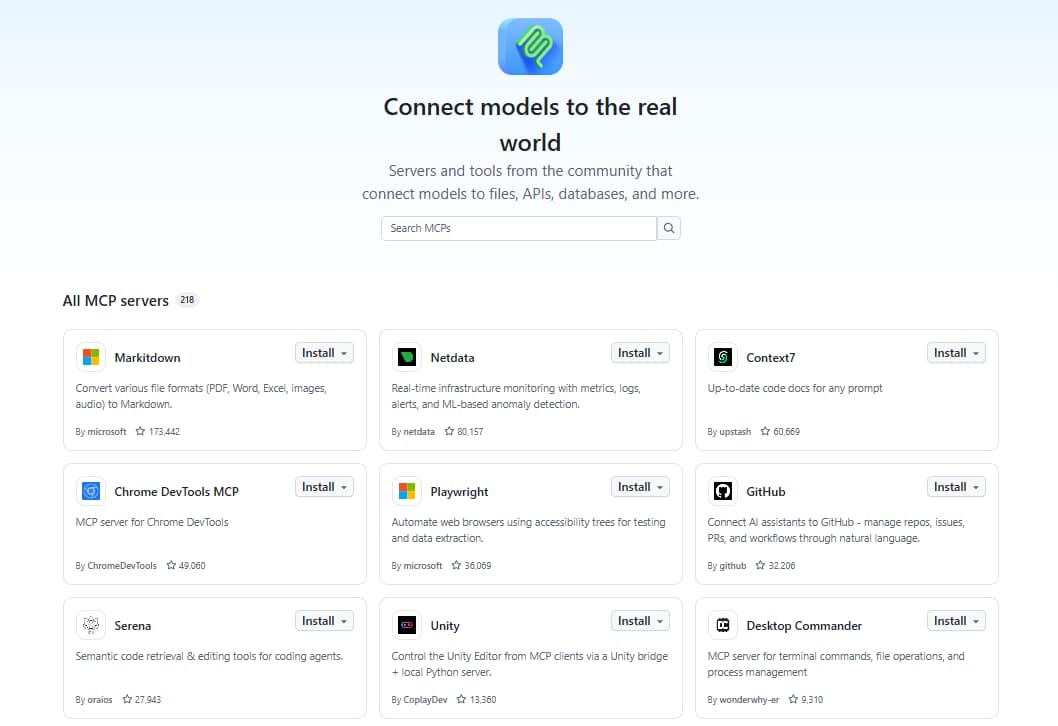
Best for: Developers who need Claude Code to examine GitHub issues, pull requests, reviews, or CI activity before proposing code changes.
The official GitHub MCP Server reaches repository content and activity stored on GitHub, outside the local working tree. Claude Code needs it when a task turns on issue requirements, unresolved review comments, pull request discussions, or failed GitHub Actions runs.
GitHub's remote MCP server uses a personal access token. Create a fine-grained token limited to the required repositories and operations, then connect it with:
claude mcp add --transport http github https://api.githubcopilot.com/mcp/ \
  --header "Authorization: Bearer YOUR_GITHUB_PAT"
Replace YOUR_GITHUB_PAT with the token before running the command.
A prompt that keeps Claude Code in read mode while it works a review backlog:
Use GitHub MCP to read issue #431 and its linked pull request. Summarize the acceptance criteria and unresolved review comments, then propose the required code changes. Do not modify GitHub or post any comments.
Access and context: The personal access token draws the boundary around what Claude Code can reach. Start with read-only permissions for investigation and review work, and add write permissions only when a task requires creating or updating GitHub content. Narrowing the toolsets to the GitHub features actually in play, such as repositories, issues, pull requests, and Actions, keeps the retrieved context tight.
2. Playwright MCP for browser testing
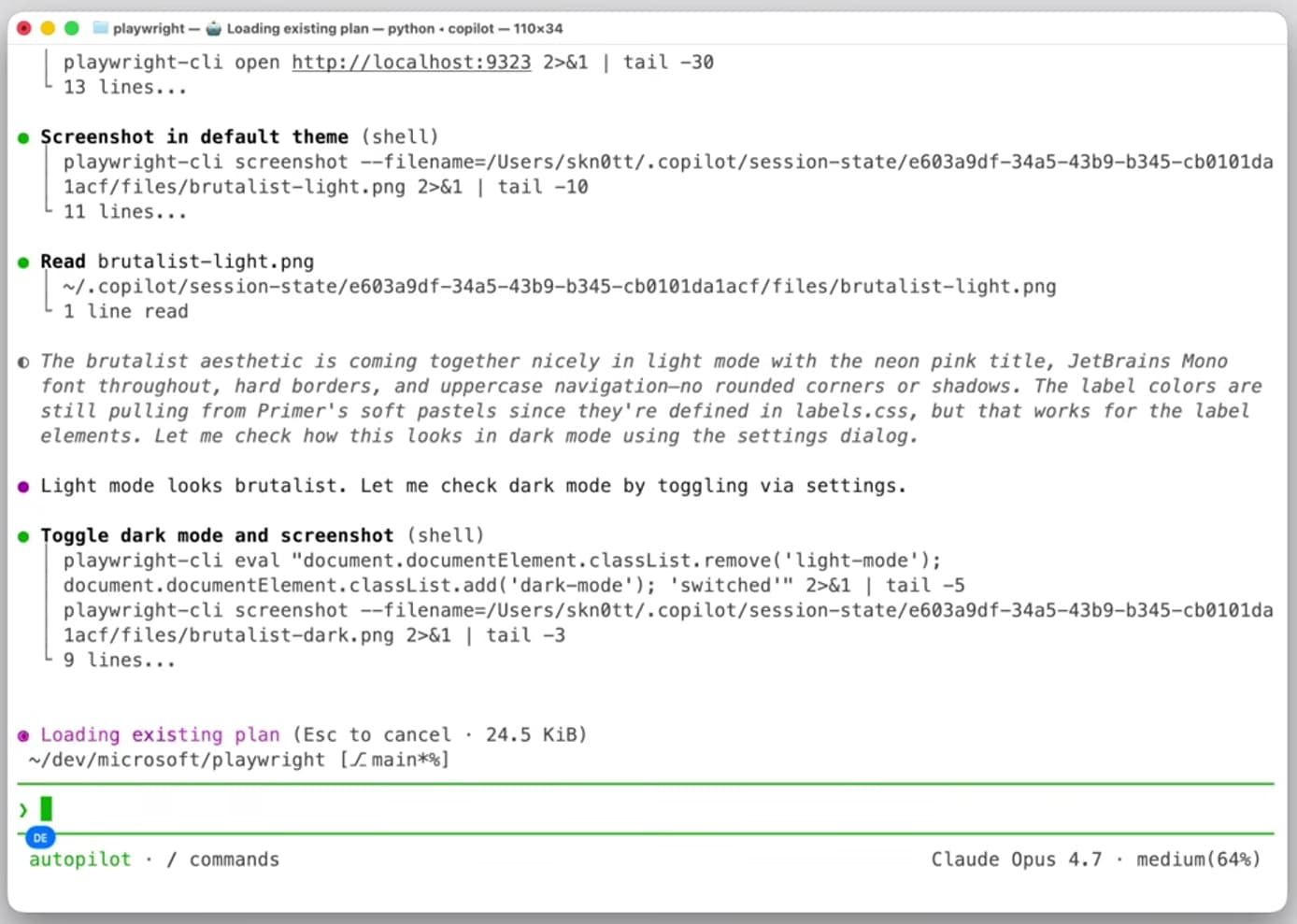
Best for: Developers who need Claude Code to test frontend behavior in a rendered browser.
Microsoft's Playwright MCP Server puts a real browser under Claude Code's control, so it can navigate pages, interact with interface elements, and inspect output through structured page data. After a frontend change, or when a bug turns on browser behavior that source-code inspection cannot confirm, Playwright MCP settles the question.
Playwright MCP runs locally through npx and requires Node.js 18 or later. Add it to Claude Code with:
claude mcp add playwright -- npx @playwright/mcp@latest
A signup flow makes a good first test:
Use Playwright MCP to open http://localhost:3000/signup, complete the signup form with test data, and verify that the confirmation page appears. Report any console errors or failed network requests. Do not submit data to an external service.
Access and context: Playwright MCP controls a local browser session and can navigate, click, and enter information on accessible pages. Use local environments or test accounts for automated flows, especially when forms can trigger external actions. Browser snapshots and logs can add substantial context, so limit each request to the page and user flow being tested.
3. Sentry MCP for production debugging
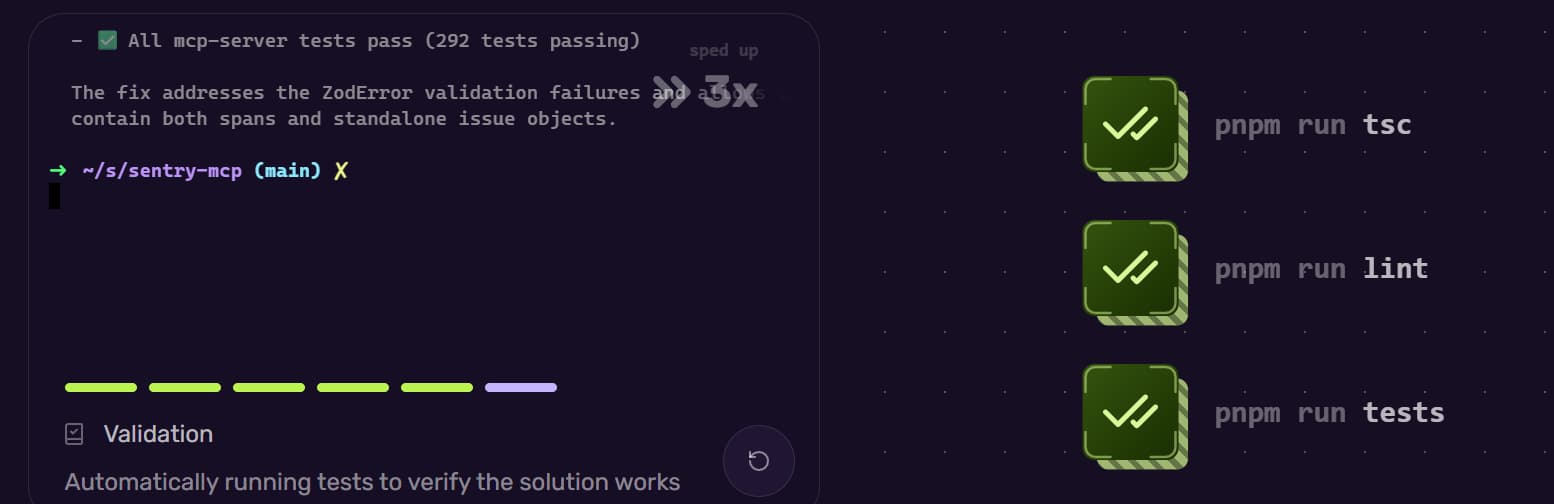
Best for: Developers who need Claude Code to investigate production errors using Sentry issues, events, stack traces, and release data.
When a task begins with a Sentry issue, an error affecting a released application, or a performance regression that will not reproduce locally, Sentry MCP supplies the production error and performance data behind it.
Sentry MCP uses OAuth and supports connections limited to one organization or project. Project-level scoping reduces the available discovery tools and prevents Claude Code from searching unrelated Sentry projects. Add it to Claude Code:
claude mcp add --transport http sentry "https://mcp.sentry.dev/mcp/{organizationSlug}/{projectSlug}"
Replace {organizationSlug} and {projectSlug} with the corresponding Sentry values. The first connection starts an OAuth authorization flow.
Point Claude Code at one issue and nothing else:
Use Sentry MCP to investigate issue CHECKOUT-317. Summarize the failing stack trace, affected release, event frequency, and likely cause, then identify the relevant files in this repository. Do not resolve, assign, or modify the issue.
Access and context: Scope the OAuth connection to one project and start with investigation-only tasks, since the granted permissions determine which Sentry data and management tools are available. Production events carry detailed request and application data, so a prompt should name a specific issue, release, or time range.
4. PostgreSQL MCP Pro for database inspection
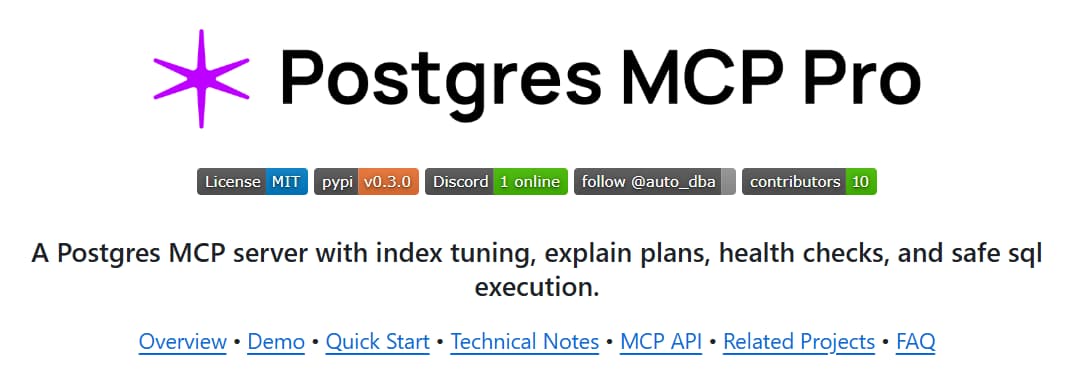
Best for: Developers who need Claude Code to examine database schemas, constraints, queries, and execution plans before changing backend code.
Postgres MCP Pro by Crystal DBA runs a local server against a PostgreSQL database, so you can check generated SQL against the actual schema and trace a slow query through its execution plan.
Set the DATABASE_URI environment variable with the database connection string, then add the server in restricted mode:
claude mcp add postgres -- uvx postgres-mcp --access-mode=restricted
Restricted mode limits database operations to read-only transactions and applies query execution-time controls.
A slow dashboard query gives Claude Code something to diagnose:
Use PostgreSQL MCP Pro to inspect the schema and execution plan for the query powering the orders dashboard. Identify the cause of the slowdown and suggest query or index changes. Do not modify data, create an index, or change the schema.
Access and context: Even with restricted mode enabled, connect through a dedicated read-only database role, especially against production. Schema details and query results pile up fast in the conversation and can expose sensitive data, so name the tables and the query in each request.
5. Linear MCP for project context
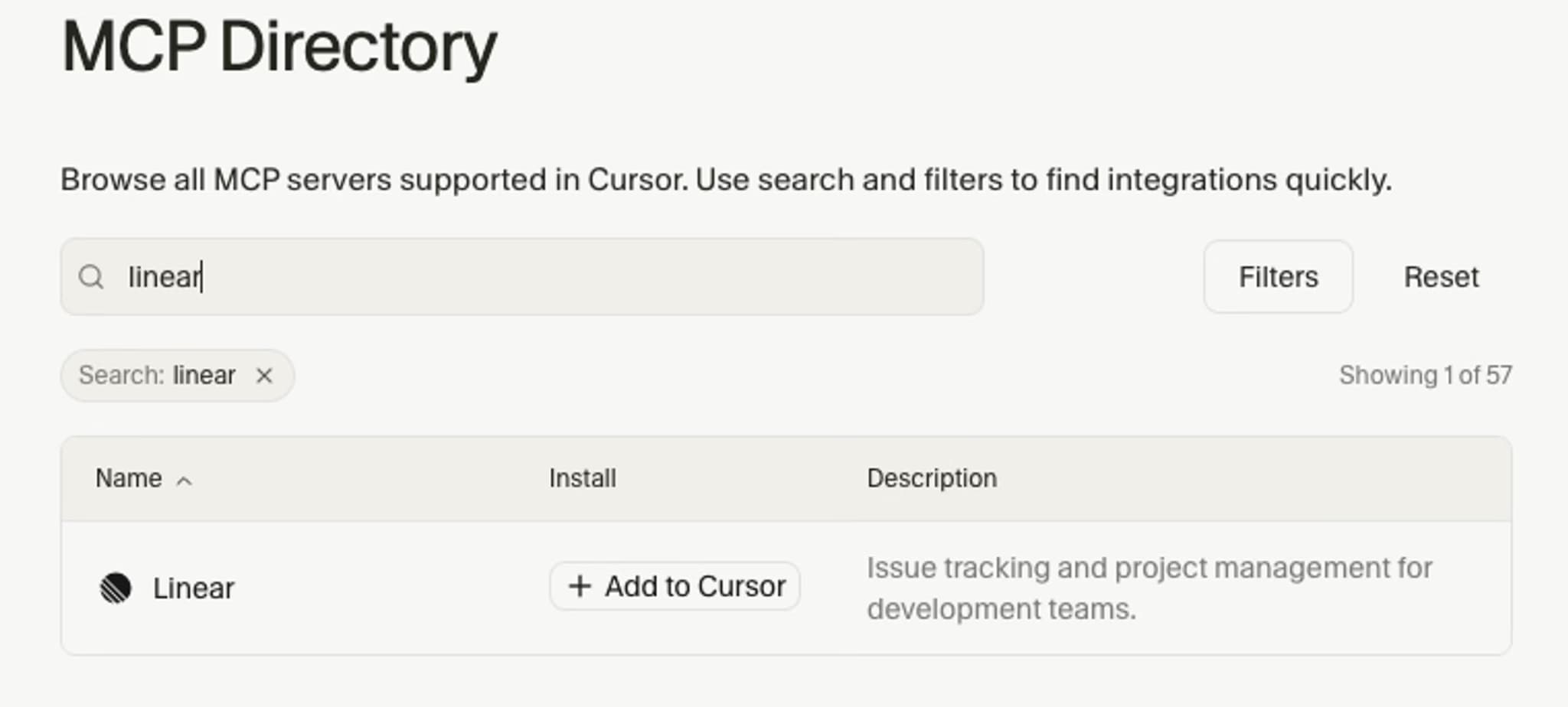
Best for: Developers who need Claude Code to read issue requirements, comments, dependencies, and project decisions before planning an implementation.
Requirements and decisions that never reach the repository usually live in Linear. Linear MCP opens the issues, projects, and comments that hold them, so Claude Code can plan against what was actually agreed.
Linear provides a read-only endpoint that exposes only retrieval tools. Connect to that endpoint for planning and investigation tasks:
claude mcp add --transport http linear https://mcp.linear.app/mcp/readonly
Open /mcp in Claude Code after adding the server, then complete the OAuth authorization flow.
Hand Claude Code the ticket before it plans anything:
Use Linear MCP to read issue ENG-284 and its comments. Summarize the acceptance criteria, edge cases, dependencies, and unanswered questions, then identify the repository files likely to require changes. Do not update the issue or post a comment.
Access and context: OAuth decides which Linear workspace is in reach, and the read-only endpoint rules out issue or project changes. Broad searches pull in lengthy descriptions and comment histories, so name the issue or project in the prompt. Connect the standard read-write endpoint only when Claude Code needs to create or update Linear content.
6. Tavily MCP for web research
Best for: Developers who need Claude Code to research recent technical information published outside formal product documentation.
Recent engineering posts, release announcements, and standards pages sit outside both the project repository and formal documentation. Tavily MCP hands Claude Code the web search and page-extraction tools that reach them.
Tavily's hosted server supports OAuth, so Claude Code can connect without placing an API key in the server URL:
claude mcp add --transport http tavily-remote-mcp https://mcp.tavily.com/mcp/
Claude Code opens a browser window to complete the OAuth authorization flow the first time you use the connection.
A research prompt that keeps the sources narrow:
Use Tavily MCP to research recent browser cookie-policy changes that could affect our OAuth callback flow. Prioritize official Chrome, WebKit, and Mozilla sources, then return the relevant publication dates, source URLs, and implementation implications. Do not propose code changes without supporting evidence.
Access and context: Tavily MCP provides read-only web search and extraction tools. Broad searches can return unnecessary pages and consume substantial context, so specify the topic, preferred domains, publication period, and number of results.
Add and verify an HTTP MCP server
Hosted HTTP MCP servers follow the same basic setup process in Claude Code.
| Action | Command |
|---|---|
| Add the server | claude mcp add --transport http <server-name> <server-url> |
| Check the connection | claude mcp list |
| Open authentication controls inside Claude Code | /mcp |
A Connected status means Claude Code can reach the server. Needs authentication requires an OAuth login through /mcp, and Failed to connect usually indicates an incorrect URL or network problem.
After the server connects, send a prompt that names it and watch for a tool call under the same server name, which confirms Claude Code retrieved the information through the MCP connection.
Security and context management
An MCP server can access only what its OAuth session, token, browser profile, or database role permits. Claude Code's permission settings control when tools can run, so review saved approvals and keep access limited to the current task.
- Keep credentials private. Use OAuth when offered, and store personal access tokens, API keys, and database connection strings outside project files and version control.
- Begin without write access. Use Linear's retrieval-only endpoint, PostgreSQL restricted mode backed by a database role that cannot write, and GitHub permissions scoped to reads, until a task specifically requires changing an external system.
- Review actions that create side effects. Writing to GitHub or Linear, changing Sentry records, executing database writes, and submitting browser forms should remain subject to explicit approval.
- Control retrieved context. Connect only the servers required for the project and give each one a clear role. Prompts should identify specific documentation sources, issues, tables, projects, pages, or time ranges so the returned information stays focused.
Avoid connecting multiple servers for the same task unless the prompt names which one Claude Code should use. Where jobs do overlap, prefer the connection that costs the least if it is misused.
Remove or troubleshoot an MCP server
Inspect a failing connection before removing it. Claude Code can show the configured transport, endpoint, scope, and reported connection error for a specific server.
| Problem | Action |
|---|---|
| Inspect one server | claude mcp get <server-name> |
| Remove a server | claude mcp remove <server-name> |
| OAuth authentication has expired | Run /mcp inside Claude Code, select the server, and authenticate again |
| Stored OAuth credentials must be cleared | claude mcp logout <server-name> |
| A project server was previously rejected | claude mcp reset-project-choices |
| A local server fails to start | Check that -- separates the Claude Code options from the server launch command |
If the same server name exists at more than one scope, add --scope local, --scope project, or --scope user to the removal command. For HTTP connections, confirm that the endpoint and credentials are correct. For local servers, run the launch command directly in the terminal to expose missing packages or environment variables.
Frequently Asked Questions
Do idle MCP servers consume Claude Code context?
Idle connections use a limited amount of context for server names and instructions, and Claude Code can defer full tool definitions until they are needed. Context use increases when a server is called because its results enter the conversation. Run /context to review the current breakdown and disconnect servers that no longer support the task.
Can an MCP server change repositories or external data?
The available tools and granted credentials determine what an MCP server can change. Read-only servers retrieve information, whereas GitHub, Linear, Sentry, PostgreSQL, and browser connections may create external actions under broader permissions. Keep write access narrowly scoped and review actions before Claude Code runs them.
Can my documentation become an MCP server?
Mintlify automatically provides a search MCP server for every hosted documentation site at its /mcp endpoint. Public documentation is accessible without authentication, and protected documentation follows the site's existing access controls.
More to read

6 best MCP servers for coding agents in 2026
A comparison of six MCP servers for coding agents across source quality, tool scope, output format, permission model, context overhead, and setup.
August 14, 2026Harkirat Chahal
Growth

6 best technical search APIs for AI agents in 2026
A comparison of six technical search APIs across documentation coverage, freshness, citation support, and retrieval controls, with guidance on which fits a coding agent.
August 14, 2026Harkirat Chahal
Growth