6 best MCP servers for coding agents in 2026
Harkirat Chahal
Growth
Share this article
Harkirat Chahal
Growth
Share this article
MCP servers connect coding agents to the documentation, repositories, browsers, production errors, databases, project data, and web content required for a task. This guide compares six MCP servers in terms of source quality, tool scope, output format, permission model, context overhead, and setup.
MCP servers connect coding agents to the documentation, repositories, browsers, production errors, databases, project data, and web content required for a task. The products differ mainly in the context they expose and the actions they permit. Some limit access to read-only retrieval, others can inspect or change connected systems, and each server adds its own tool definitions to the agent's context.
This guide compares six MCP servers in terms of source quality, tool scope, output format, permission model, context overhead, and setup.
What makes an MCP server useful
Use the criteria below to judge whether an MCP server returns evidence an agent can act on.
Source of the context: The value of a server comes down to where its data originates. Publisher-maintained sources reflect the version and API surface a vendor has shipped, but crawled indexes may lag behind documentation updates.
Tool scope and selection cost: A server exposing 40 tools presents the model with a selection problem before work begins. Toolset filters, read-only variants, or a single high-level tool reduce the number of definitions the model must inspect, making failure paths more predictable. A narrow, configurable tool surface saves developers from having to recreate that filtering in every agent setup.
Output format and citation: Structured text with source URLs gives an agent evidence it can cite and a reviewer a direct path back to the source. Servers returning raw HTML, unlabeled blobs, or summaries without provenance shift verification back to the developer. For documentation retrieval, a canonical URL attached to each excerpt helps reviewers distinguish sourced guidance from plausible answers.
Permission and security model: Read and write access carry different levels of risk, so the server should enforce that boundary in code. Look for a read-only mode that overrides other configurations, OAuth tied to the signed-in user's existing permissions, and scoping that limits a connection to a single organization or project. Server-level controls remain necessary because prompt instructions alone cannot enforce access boundaries.
Context overhead: Some clients load every connected server's tool definitions into the model context at the start of a conversation, even if the agent never calls them. Dozens of servers, each exposing hundreds of tools, can consume most of the context window. Narrow tool surfaces and progressive discovery reduce that startup cost, but overlapping servers still increase token usage and the complexity of tool selection.
Setup and transport: Hosted servers over Streamable HTTP usually need a URL and, for protected resources, an OAuth flow. Local servers over stdio need a runtime, a package, and credentials stored on the machine. Local setups offer tighter control and offline operation, but version management stays with the developer, so the transport choice usually follows where the data lives and who is responsible for operating the server.
6 best MCP servers for coding agents
1. GitHub MCP
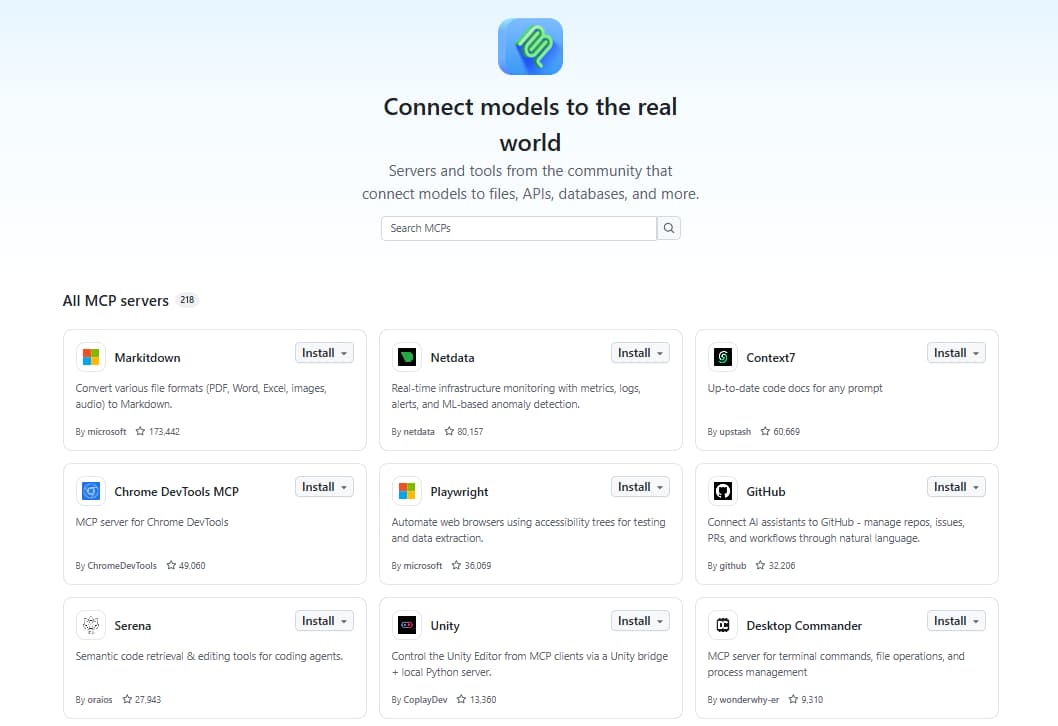
Use case: Repository, issue, and pull request operations.
GitHub MCP is GitHub's first-party server for repository, issue, and pull request work. The hosted endpoint uses OAuth, and a local Docker package accepts a personal access token. Toolset configuration determines which capability groups enter the agent context, with repos, issues, and pull_requests loaded by default. Read-only mode removes write tools even when another setting requests them.
Best for: Repository-driven work that starts with an issue and ends with a pull request.
Pros
- Hosted and local deployment options.
- Toolset and individual-tool controls keep the tool surface relevant to the task.
- Read-only mode takes precedence over other tool configuration.
Cons
- Unfiltered toolsets add more schemas to the context window.
- Local deployment requires Docker and personal access token management.
Pricing: The server is available across GitHub plans, and individual tools inherit the access requirements of their underlying features. See GitHub pricing.
2. Playwright MCP
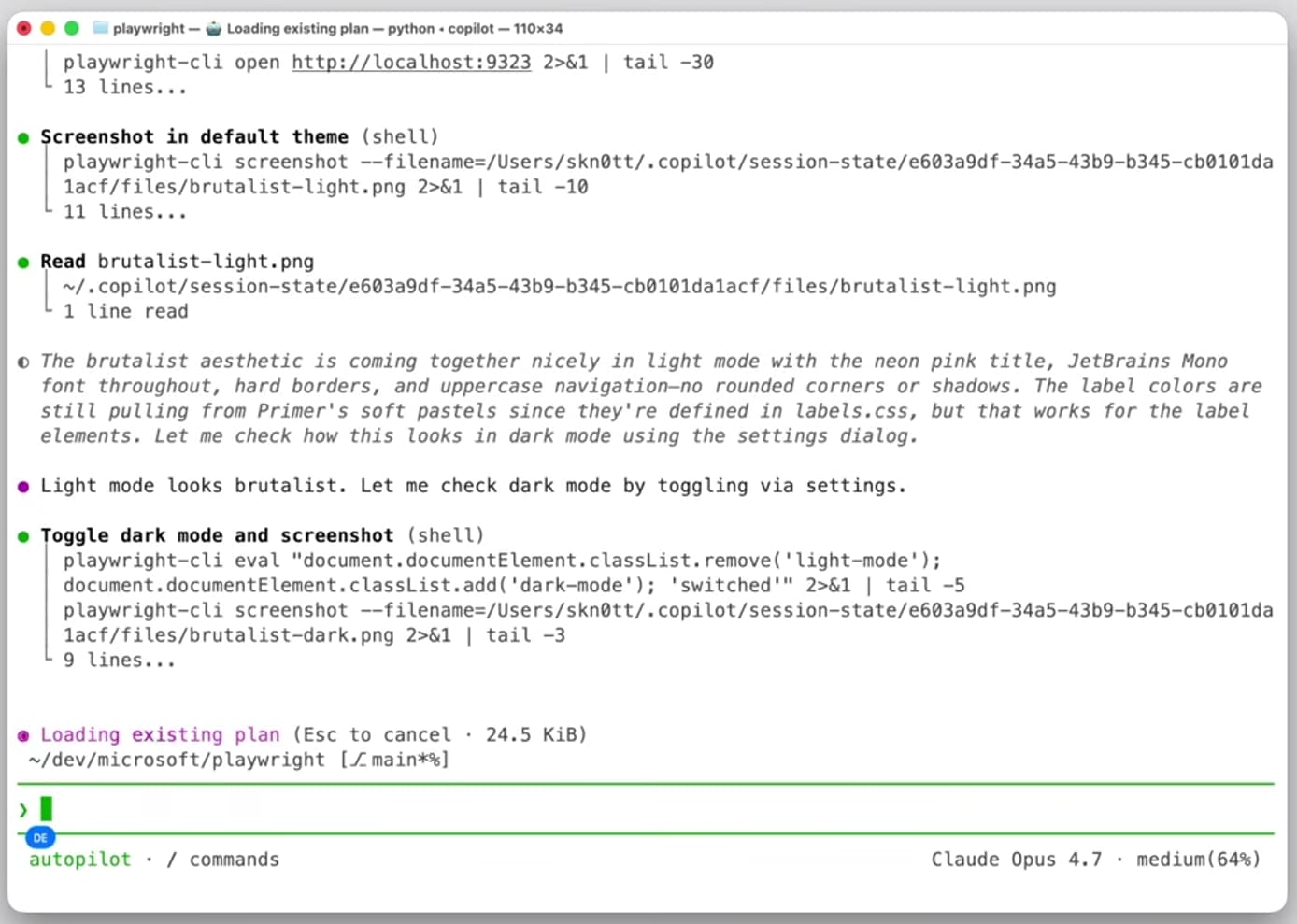
Use case: Browser automation and UI verification.
Playwright MCP drives a browser using structured accessibility snapshots, providing the agent with stable element references for navigation, clicks, and form input. Microsoft distributes it through npx @playwright/mcp@latest, with browser options for Chrome, Firefox, WebKit, and Edge. Persistent browser profiles retain cookies and login state across sessions; isolated contexts discard that state when closed.
Best for: Checking UI behavior in a live browser and generating tests from the observed page structure.
Pros
- Structured element references produce deterministic browser actions.
- Browser options cover Chromium-based browsers, Firefox, and WebKit.
- Persistent and isolated profiles suit signed-in flows and clean test sessions.
Cons
- Local setup requires Node.js 18 or newer and browser binaries.
- Complex pages can produce large accessibility snapshots.
Pricing: Free and open source.
3. Sentry MCP
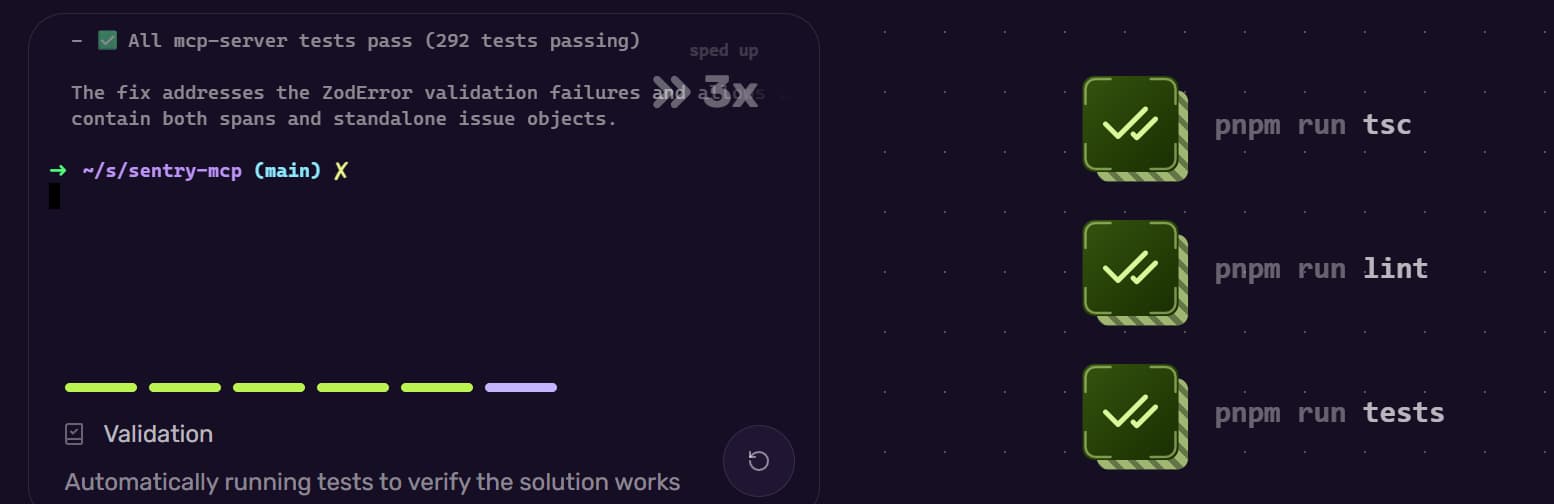
Use case: Production error investigation and debugging.
Sentry MCP connects an agent to production issues, events, stack traces, performance data, and project metadata. The hosted endpoint uses OAuth at https://mcp.sentry.dev/mcp. Organization and project scoping sets the default for a session and removes unnecessary discovery tools.
Best for: Investigating a production incident with the underlying event and stack context.
Pros
- Hosted OAuth avoids long-lived API tokens in client configuration.
- URL scoping narrows the connection to one organization or project.
- A local package is available for self-hosted Sentry instances.
Cons
- Seer analysis is unavailable in self-hosted deployments.
- Local natural-language tools require a separate LLM provider.
Pricing: MCP access is included in the free Developer plan. Team starts at $26 per month, with custom enterprise pricing. See Sentry pricing.
4. Postgres MCP Pro
Use case: Live database schema and query analysis.
Postgres MCP Pro exposes schemas, database objects, SQL execution, query plans, and health checks from a live PostgreSQL connection. Crystal DBA distributes it through Docker, pipx, and uvx. Its access modes configure restricted read-only transactions or unrestricted read/write access. The explain_query tool can model hypothetical indexes before a schema change is applied.
Best for: Writing and validating queries or migrations against the actual database schema.
Pros
- Object details include columns, constraints, and indexes.
- Explicit access modes separate read-only analysis from development work.
- Query-plan and health tools cover index analysis, vacuum status, and connection health.
Cons
- Advanced index analysis requires pg_stat_statements and hypopg.
- Deployment requires direct database connectivity and credential management.
Pricing: Free and open source.
5. Linear MCP
Use case: Issue and project context.
Linear MCP brings issues, projects, and comments into compatible coding agents through a hosted Streamable HTTP endpoint. Its read-only configuration can use the dedicated /mcp/readonly endpoint or a restricted OAuth scope. Read-write tools cover finding, creating, and updating Linear objects, with OAuth 2.1, bearer tokens, and API keys available for authentication.
Best for: Starting implementation from a ticket with its acceptance criteria and prior discussion intact.
Pros
- The centrally hosted endpoint requires no local server process.
- Read-only access can be enforced through the endpoint or token scope.
- Interactive and token-based authentication cover editor and scripted workflows.
Cons
- Clients without remote MCP support need the Node-based mcp-remote module.
- Separate authentication contexts are required for multiple Linear workspaces.
Pricing: The Free plan includes access to MCP. Basic starts at $10 per user per month when billed annually. See Linear pricing.
6. Tavily MCP
Use case: Broad web research.
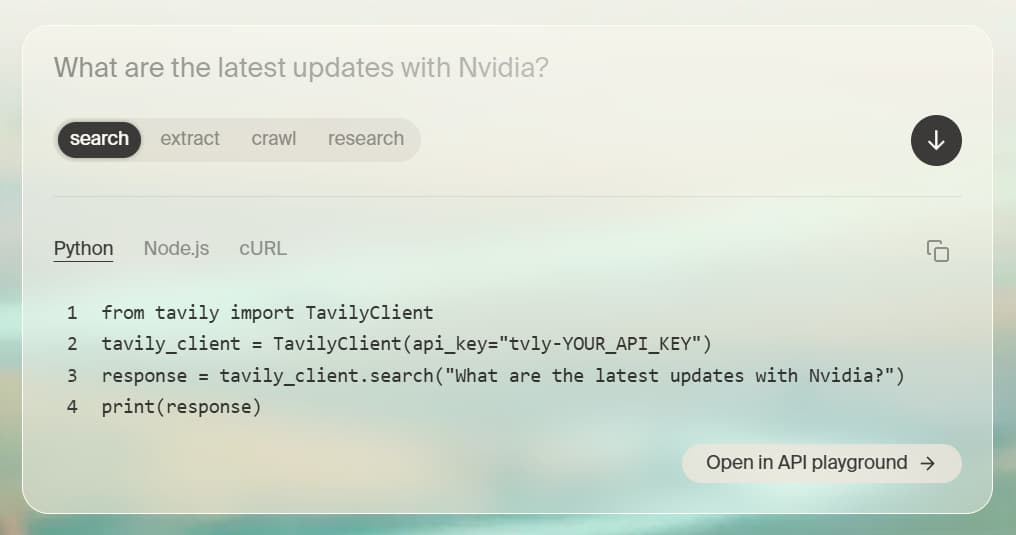
Tavily MCP connects an agent to web search and page retrieval through hosted or local deployment. Its MCP toolset includes Search, Extract, Map, and Crawl. The hosted endpoint authenticates via OAuth or with an API key in the URL or in an authorization header, and the local package runs via npx.
Best for: Research beyond a product's documentation, including changelogs, standards discussions, and engineering posts.
Pros
- The hosted endpoint requires no local runtime.
- Search and Extract combine discovery and page retrieval into a single connection.
- Map and Crawl extend research from an individual result to a full website.
Cons
- Credit consumption varies by operation and search depth.
- Version-specific implementation details still require verification against an authoritative source.
Pricing: The free tier includes 1,000 credits per month, and pay-as-you-go usage costs $0.008 per credit. The paid plan starts at $30 per month for 4,000 credits, with separate pricing for Enterprise. See Tavily pricing.
MCP servers for coding agents compared in 2026
| Server | Use case | Hosted or local | Authentication | Starting price |
|---|---|---|---|---|
| GitHub MCP | Repositories, issues, and pull requests | Hosted or local | OAuth or personal access token | Free with a GitHub account |
| Playwright MCP | Browser automation and UI verification | Local | None required | Free, open source |
| Sentry MCP | Production errors and debugging | Hosted or local | OAuth or Sentry user token | Free Developer plan |
| Postgres MCP Pro | Live database schemas and queries | Local | Database connection URI | Free, open source |
| Linear MCP | Issue and project context | Hosted | OAuth 2.1, bearer token, or API key | Free plan |
| Tavily MCP | Broad web research | Hosted or local | OAuth or API key | Free, with 1,000 credits per month |
Recommended MCP server stacks by workflow
Connecting every server in this guide expands the available tool surface and creates overlapping routes to similar information. Smaller combinations give each server a distinct role in the coding workflow.
Application development: Start with GitHub MCP, narrowing it to the relevant repos, issues, and pull_requests toolsets. Add Linear MCP when requirements and prior discussion live in Linear, then include Playwright MCP for changes that need browser verification. Together, these servers contribute repository state, ticket context, and browser testing.
Production incident debugging: Use Sentry MCP scoped to the affected project with GitHub MCP in read-only mode. Sentry MCP contributes error events and traces, and GitHub MCP shows repository changes around the regression. Keeping GitHub read-only during diagnosis separates investigation from repository changes until the fix is ready.
Data and schema work: Use Postgres MCP Pro in restricted mode with a dedicated read-only database role. Postgres MCP Pro grounds queries and migrations in the actual schema and query plans. Unrestricted mode is suitable for a development database where the agent is expected to apply changes.
Research-heavy implementation: Add Tavily MCP when the work requires research beyond a product's documentation, such as changelogs, standards discussions, and engineering posts. Search and Extract handle discovery and page retrieval, while Map and Crawl extend research to a full website.
Frequently Asked Questions
How many MCP servers should a coding agent connect at once?
One server per required role is a sounder rule than any fixed count, with documentation, source control, issue tracking, browser testing, and production diagnostics added only when the project needs them. When two servers handle the same type of request from similar sources, removing the overlap gives the agent a clearer set of tools to choose from.
Do connected MCP servers use context when the agent is not calling them?
Context usage depends on the MCP client. Some clients add tool definitions when a server connects; others defer tool discovery until the agent needs it. Retrieved content enters the conversation only after a call. Mintlify's guidance on using multiple MCP servers notes that each search adds multiple results to the conversation, so sending a single question to several servers can consume significant context.
Which MCP server should a team install first?
The first server should address the missing context that causes the most failed or delayed tasks. Documentation retrieval usually has the broadest value for a general-purpose coding agent because setup, implementation, migrations, and debugging all depend on accurate product guidance. Repository or incident access should take priority when codebase state or production evidence is the more frequent need.
How do MCP servers compare to agent skills and CLI tools?
MCP servers standardize access to live data and actions; skills store reusable instructions for completing tasks; and CLI tools expose commands through a shell. Used together, a skill defines the procedure, MCP supplies external context or authenticated operations, and a CLI handles local commands. Mintlify's guide to MCP and agent skills explains where each approach contributes to an agent workflow.
Can MCP servers write to production systems?
Write access depends on the tools exposed by the server and the credentials attached to the connection. Production configurations should combine narrowly scoped credentials with server-side restrictions and an approval step for destructive operations. Mintlify's content-editing MCP keeps documentation changes on a branch until the related pull request is reviewed and merged.
Related resources
More to read

6 best technical search APIs for AI agents in 2026
A comparison of six technical search APIs across documentation coverage, freshness, citation support, and retrieval controls, with guidance on which fits a coding agent.
August 14, 2026Harkirat Chahal
Growth

How to track AI traffic to your documentation
AI agents request documentation without running browser tracking code. Learn why standard analytics miss agent traffic, how to measure it from request logs, and how to act on what you find.
July 31, 2026Harkirat Chahal
Growth