Docs on autopilot: From zero to self-maintaining with Mintlify
4 minutes read
Peri Langlois
Head of Product Marketing
Share this article
Peri Langlois
Head of Product Marketing
Share this article
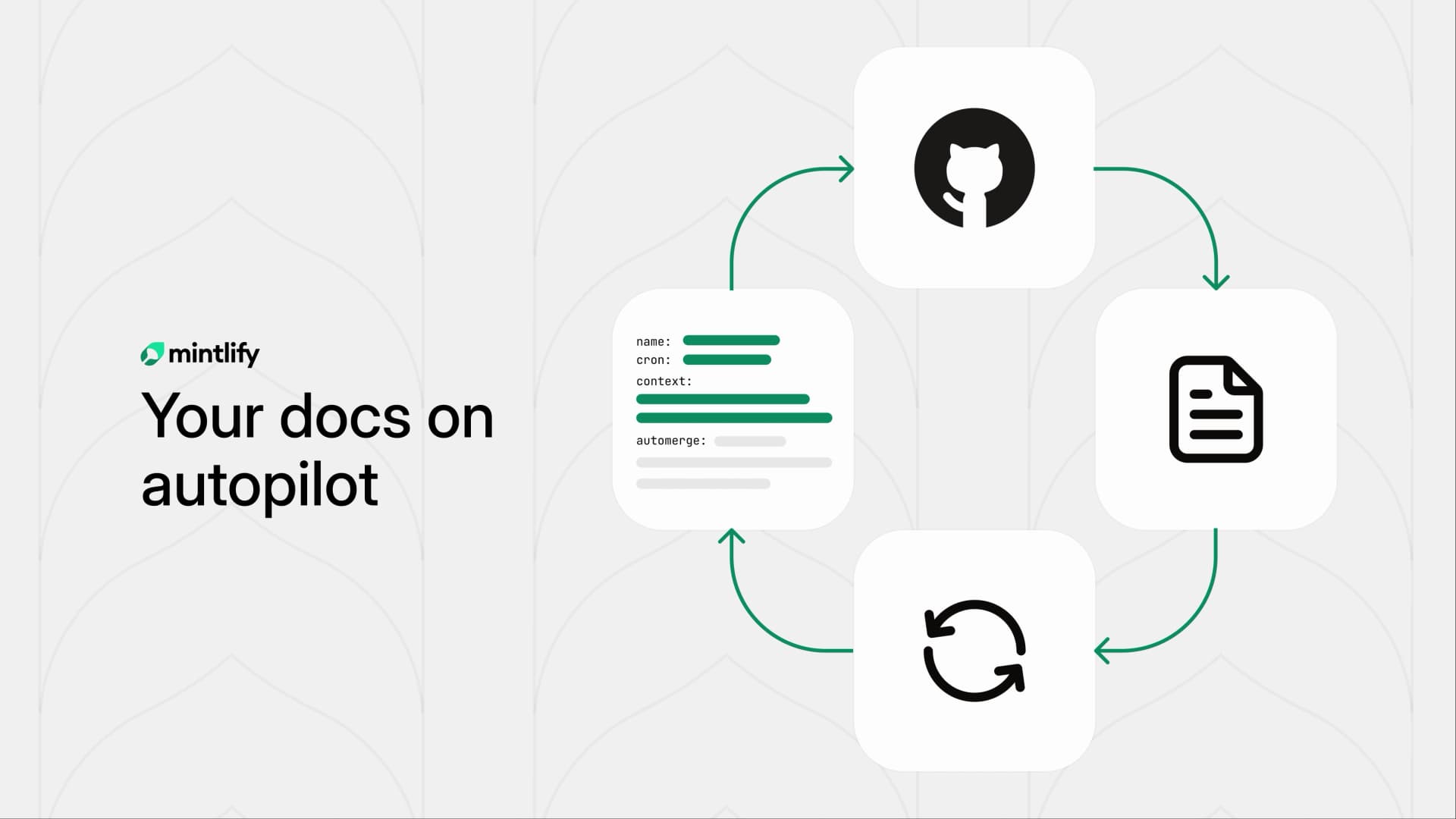
Learn how to generate a complete docs site from your GitHub repo in seconds, then set up Automations to keep it accurate automatically as your code changes.
Docs go stale and nobody can keep up. Your engineering team ships a feature, nobody updates the docs, and three weeks later a user opens an issue asking why the API reference doesn't match the actual behavior. The people who know the code best don't have time to write about it, and the people responsible for docs are always playing catch-up.
We built automations to make documentation maintain itself, and with auto-generated docs from Mintlify you can eliminate the blank page problem entirely. Together, they turn documentation from a thing that's always behind into something that runs on its own.
Automations: docs that update themselves
Every merged PR is a potential source of drift between what your docs say and what your code does. Automations fix this by letting you define recurring agent tasks that watch your codebase and update your docs automatically.
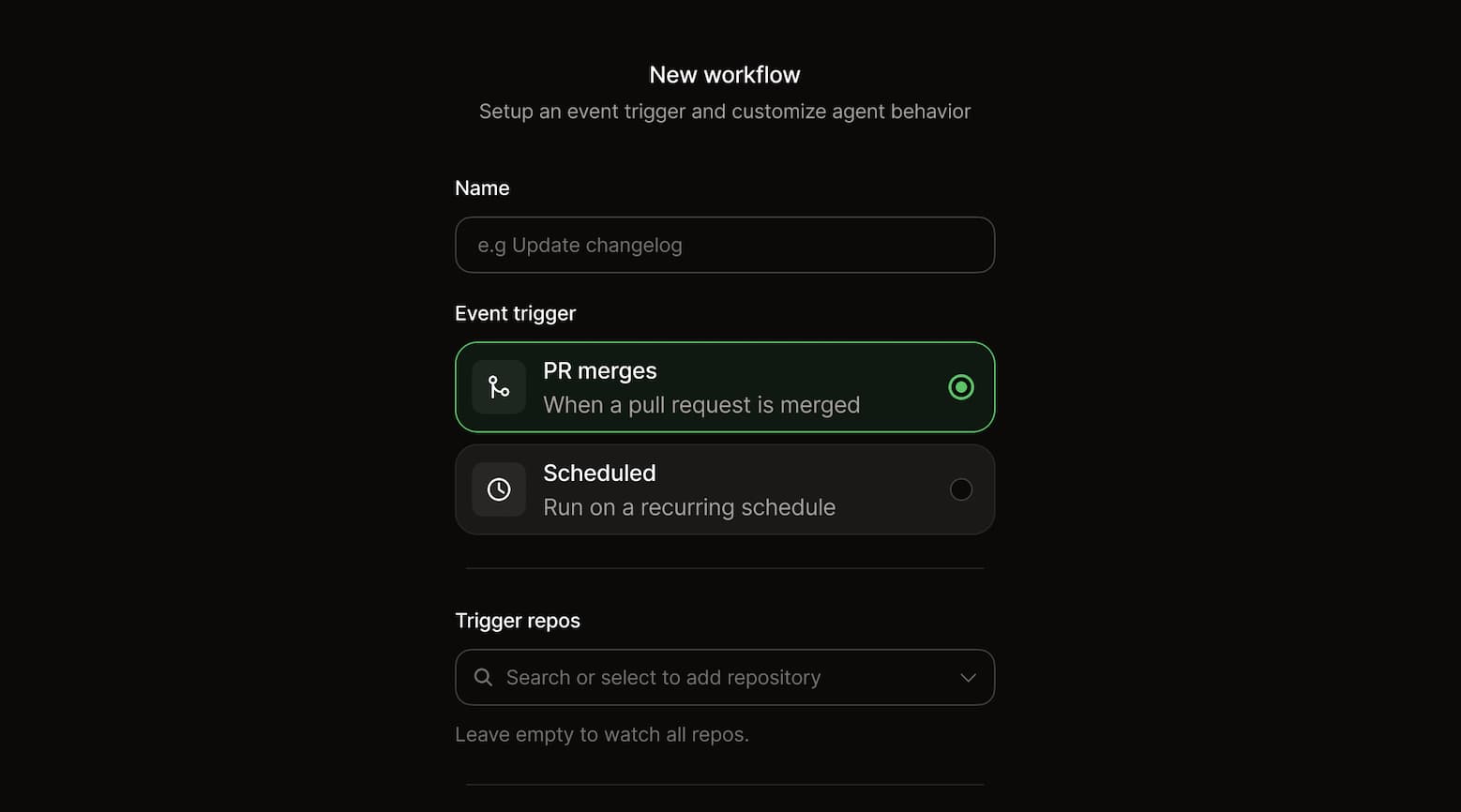
When the trigger occurs, the Mintlify agent clones the relevant repos for context, follows your prompt, and either opens a pull request or pushes changes directly to your docs.
Some common setups:
- Sync docs on every push. When code merges to main, the agent reads the diff, identifies what changed, and updates the corresponding docs pages.
- Auto-generate changelogs. After each release, the agent compiles merged PRs into a changelog entry with the right formatting and context.
- Scheduled audits. Run a weekly review that checks for broken links, outdated code examples, or pages that reference deprecated features.
- Draft docs for new features. When a PR adds a new endpoint or module, the agent generates a first-draft docs page so it's ready to review alongside the code.
The cold start problem
Automations keep docs accurate, but what if you don't have docs to begin with?
Some teams that come to us aren't dealing with stale docs, they have no docs at all. The codebase exists, the APIs work, users are integrating, but nobody has had time to write documentation from scratch. Starting feels like a project that will take weeks.
Mintlify can generate a complete docs site directly from your GitHub repo. The flow is simple: swap github.com for mintlify.com in your repo URL, and Mintlify reads your codebase to produce structured docs, including API references, getting-started guides, and configuration pages.
# Before
https://github.com/your-org/your-repo

# After
https://mintlify.com/your-org/your-repo
You get a publishable docs site that reflects what your code actually does today.
Here are a few repos where you can see what auto-generated docs look like:
- facebook/react - The library for web and native user interfaces. 243k stars on GitHub.
- microsoft/vscode - Visual Studio Code. 182k stars.
- n8n-io/n8n - Fair-code workflow automation platform with native AI capabilities. 176k stars.
- anomalyco/opencode - The open source coding agent. 108k stars.
- expo/expo - Open-source framework for making universal native apps with React. 47.4k stars.
- ghostty-org/ghostty - A fast, cross-platform terminal emulator built in Zig. 44.2k stars.
Browse more at mintlify.com/explore.
The full loop: generate, then maintain
The real power is in combining both. Here's what the end-to-end flow looks like:
- Generate your docs from code. Swap
github.comformintlify.comand get your initial docs site generated automatically from your repo. - Review and publish. You get a v1 that's structurally sound and reflects your actual codebase. Make any tweaks you want, then ship it.
- Set up automations. Create automations that define how your docs should stay in sync. Common starting points: sync on push, changelog generation, and weekly audits.
- Ship features, not docs. From here, every code change that affects documentation gets handled automatically. The agent opens PRs, you review and merge.
Your docs go from nonexistent to self-maintaining in a single setup session.
Who should use this workflow
This works for teams at every stage, but you'll get different benefits depending on where you are:
If you have no docs at all: Auto-generated docs are the fastest path to a real documentation site. Founders, side projects, and teams that have been shipping without docs can go from zero to published in minutes. No writing, no setup beyond connecting a repo.
If your docs exist but drift: Automations catch the drift before your users do. Every push to main triggers a review. Every release gets a changelog. The docs stay accurate without anyone remembering to update them.
If you want docs that scale with your engineering velocity: The combination means your documentation throughput scales with your shipping speed. Every change gets a docs update so nothing falls through the cracks.
Get started
Try it now by visiting mintlify.com and connecting a repo. Once your docs are generated, add your first automation by following the Automations guide.
Your codebase already contains everything your docs need. Let it write them.
More blog posts to read
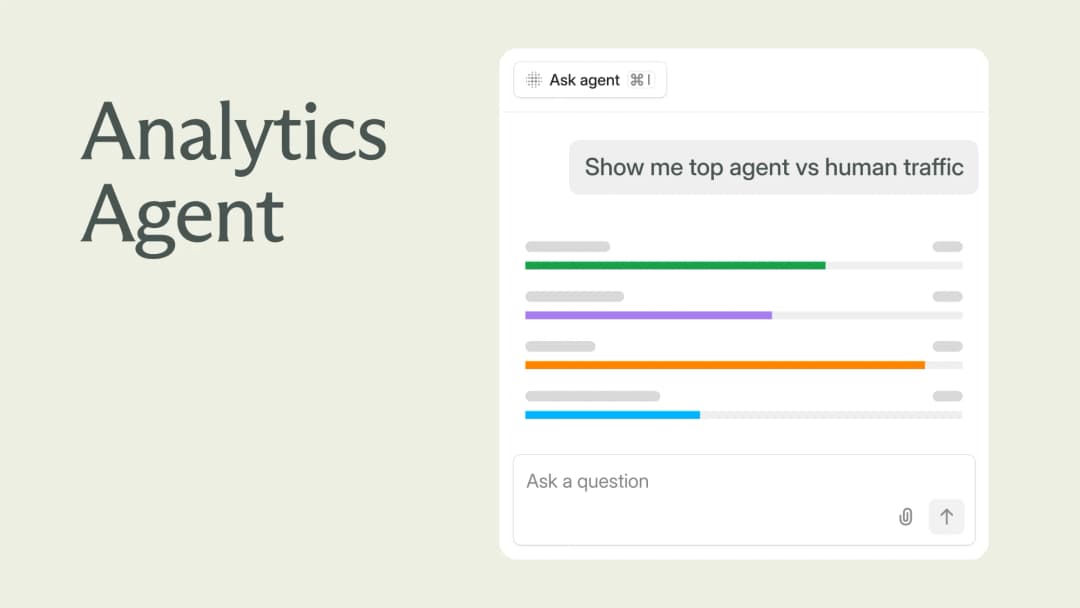
Explore your analytics with the Mintlify agent
The Mintlify agent can now answer analytics questions about your docs, so you can understand user and agent trends without leaving the editor.
September 29, 2026David Isquick
Product Marketing

Relaunching the Mintlify Free Plan
A lot of teams are still spinning up a docs site the hard way: a Next.js app, a markdown pipeline someone builds on their spare time, a search index that breaks and doesn't get fixed.
September 28, 2026Han Wang
Co-Founder