Han Wang
Co-Founder
Share this article
Han Wang
Co-Founder
Share this article
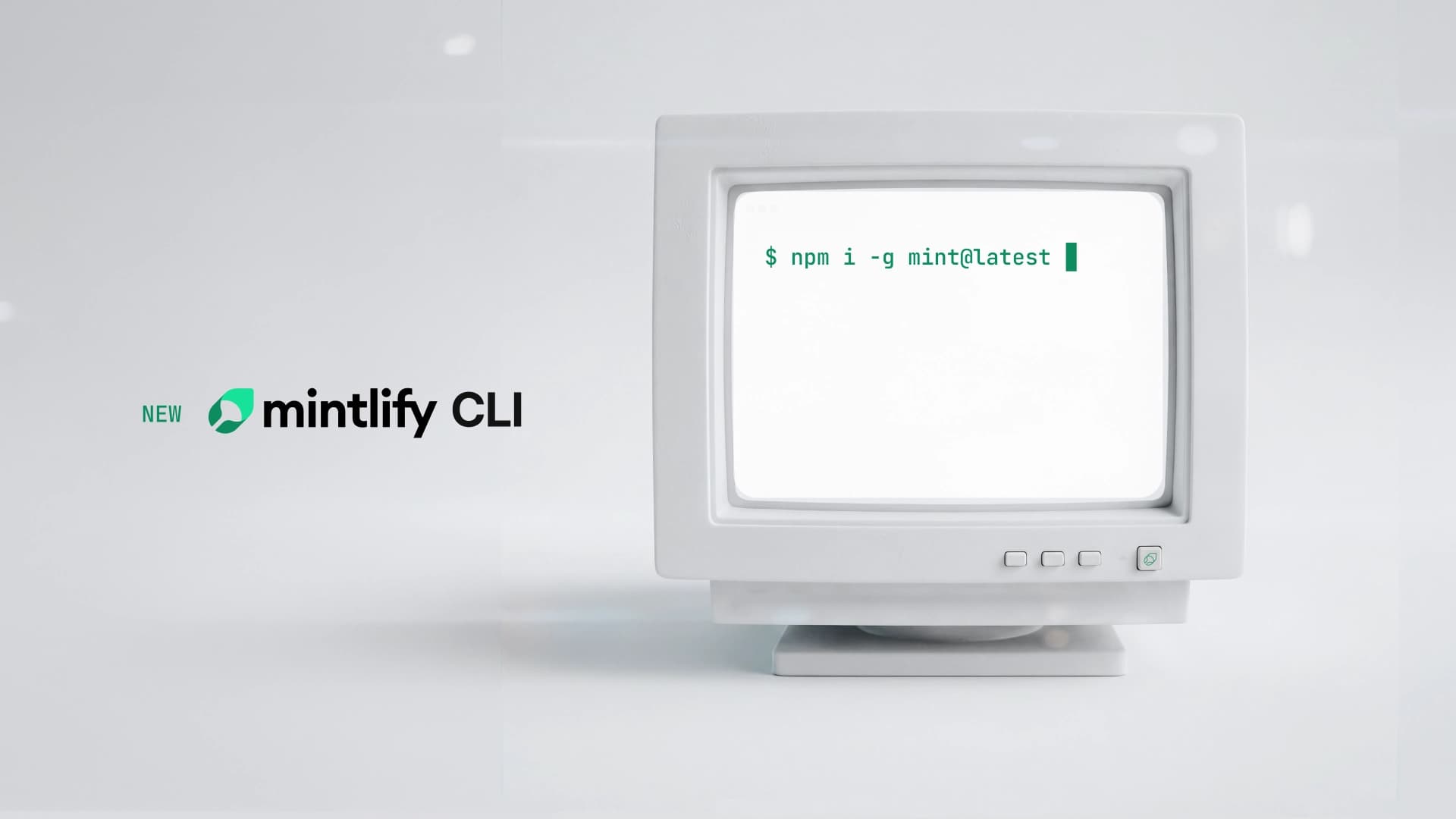
The Mintlify CLI now includes `mint analytics` for piping docs data into coding agents, search and the AI assistant on local previews, and `mint login` for CLI-based authentication.
Until now, the mint CLI has been mostly a local preview tool. You run mint dev, check that your docs look right, and push. That workflow is unchanged, but the CLI can do a lot more now.
Today we're shipping mint analytics, mint login, and a set of new commands that bring the Mintlify dashboard into your terminal. Manage your docs workflow from the CLI to augment it with agent-driven development with tools like Claude Code, Cursor, and Devin.
mint analytics: your docs data, in the terminal
mint analytics gives you direct access to your documentation analytics from the command line. All the data you'd normally check in the dashboard like page views, search queries, assistant conversations, and user feedback is now available in your terminal.
The commands break down like this:
mint analytics stats                              # views, visitors, searches, feedback, assistant usage
mint analytics search                             # search queries with hit counts and CTR
mint analytics feedback                           # user-submitted feedback
mint analytics conversation list                  # list assistant conversations
mint analytics conversation view <id>             # view a single conversation
mint analytics conversation buckets list          # list grouped conversation categories
mint analytics conversation buckets view <id>     # view conversations in a category
Every subcommand supports --from, --to, and --page flags, so you can slice data by date range, page path, or traffic source. Each outputs structured data you can pipe, filter, and act on. But the real value is what happens when you combine this with a coding agent.
The Claude Code use case
Claude Code can run mint analytics as part of a session, so you can give your agent full context on how users interact with your docs. Instead of switching to the dashboard, copying data, and describing what you see, you can pipe analytics output directly into a prompt.
Some examples of what this looks like in practice:
Find and fix content gaps. Pull your search queries with low click-through rates, hand them to Claude Code, and ask it to identify which pages need better coverage. The agent can read your existing docs, cross-reference the search data, and draft improvements in one pass.
Prioritize what to write next. Feed your assistant conversation categories into Claude Code and ask it to rank documentation gaps by frequency. You get a data-driven content roadmap without manual analysis.
Respond to user feedback. Pipe mint analytics feedback into your agent, and let it triage issues, suggest fixes, and even open PRs against your docs repo.
This is what agent-native documentation tooling looks like. Your agent already knows how to write and edit docs. Now it also knows how your users actually use them.
Search and assistant on local previews
We've also shipped search and the AI assistant on local previews. Previously, mint dev gave you a visual preview but with search fully disabled, meaning the only way to navigate your local docs was by clicking through the sidebar. That made it difficult to test the actual user experience.
Now when you run mint dev, search works out of the box. The AI assistant is also available on local previews for Pro and Enterprise accounts. You'll need to run mint login first to authenticate, and then your local preview behaves just like what your users see in production.
Authentication and session management
The new CLI commands for identity management:
mint login     # OAuth authentication via Stytch
mint logout    # end your session
mint status    # check your current session
mint signup    # CLI-based onboarding for new users
mint login is the foundation for the authenticated CLI features. Once you're logged in, you get access to mint analytics, the assistant on local previews, and the other platform features we're building. Your session persists, so you authenticate once and keep working.
What's next
This release is the beginning of a larger effort to make the CLI a first-class interface to the Mintlify platform. The long-term vision is parity with the dashboard: deployment management, configuration, team settings, and more, all from the terminal.
We're building for a world where coding agents handle more of the docs workflow end to end. That means the tools need to meet agents where they are, in the terminal, with structured output, behind standard auth.
Get started
Update your CLI and log in:
npm i -g mint@latest
mint login
mint analytics stats
Check out the CLI documentation to explore all the new commands.
More blog posts to read
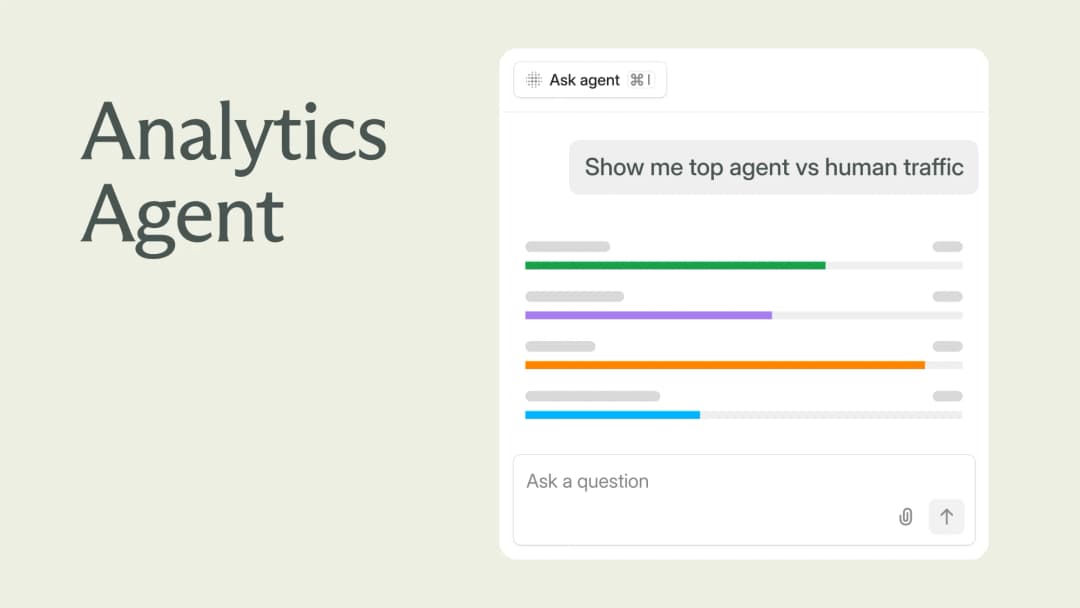
Explore your analytics with the Mintlify agent
The Mintlify agent can now answer analytics questions about your docs, so you can understand user and agent trends without leaving the editor.
September 29, 2026David Isquick
Product Marketing

Relaunching the Mintlify Free Plan
A lot of teams are still spinning up a docs site the hard way: a Next.js app, a markdown pipeline someone builds on their spare time, a search index that breaks and doesn't get fixed.
September 28, 2026Han Wang
Co-Founder