Best Online Documentation Software in 2026
Cole Gottdank
GTME
Share this article
Cole Gottdank
GTME
Share this article
Software teams need documentation platforms that can keep up with rapid release cycles, support both human readers and AI agents, and stay maintainable as engineering, product, support, and technical writing all contribute to the same knowledge base.
Software teams need documentation platforms that can keep up with rapid release cycles, support both human readers and AI agents, and stay maintainable as engineering, product, support, and technical writing all contribute to the same knowledge base.
This guide compares seven online documentation software platforms, with a close look at how each one handles content maintenance, collaboration, Git-based workflows, search, and AI readiness. Mintlify is the strongest option for teams that need documentation to stay current and serve both developers and AI agents across developer docs, product documentation, and API references.
What Modern Documentation Platforms Must Handle
AI agents are now the primary audience for documentation. AI coding assistants and autonomous agents now retrieve docs programmatically, so documentation platforms need to deliver structured, agent-readable content alongside rendered HTML. Formats such as Markdown, llms.txt, and MCP-compatible resources make documentation easier for AI systems to parse, while browser-only pages leave agents to extract answers from noisy page markup.
Shipping velocity is putting more pressure on documentation. AI-assisted development has accelerated release cycles, so documentation falls behind faster when updates require manual follow-up after every deploy. Documentation platforms now need built-in maintenance systems, including spec-synced API references, automated update workflows, and mechanisms to catch stale content before it spreads across the docs.
Docs-as-code and visual editing are converging. Engineering teams still want Git-native workflows, while product, support, and technical writing teams often need browser-based editing. The strongest platforms support both contribution styles for the same content source, so teams can collaborate in one system instead of separating documentation work based on technical fluency.
How to Evaluate Documentation Software
The criteria below show what to look for when evaluating online documentation software.
Structured content and maintenance automation: The platform should generate API references from OpenAPI or AsyncAPI specs and keep documentation aligned as the product changes. Stale content detection and automated update workflows become increasingly important as release volume grows, because manual upkeep breaks down quickly once teams ship at a steady pace.
Collaboration across roles: The platform should support Git-based workflows and visual editing against the same content source, so engineering, product, support, and technical writing can contribute without splitting work across separate systems. Review controls, comments, suggestions, role-based permissions, and audit trails to determine how well the platform supports cross-functional documentation work.
Versioning and Git integration: Bi-directional Git sync, branching, and preview deployments give teams the same control over documentation changes that they expect for code changes. Some lighter platforms rely on version snapshots instead. The right model depends on how many active product versions a team maintains and how often documentation updates ship in parallel.
Search and discoverability: Strong platforms treat guides, tutorials, and conceptual documentation as core content types alongside API references. Search quality also directly affects usability. Semantic search helps users find relevant answers faster than basic keyword matching, reducing friction for developers and reducing avoidable support volume.
AI readiness: Modern documentation platforms now need to support agent-readable outputs such as llms.txt, skill.md, and MCP servers, as well as AI-powered search assistants and AI traffic analytics. Without agent-readable outputs and AI traffic analytics, teams have no way to know whether AI systems can actually use their docs or where retrieval is breaking down.
The 7 Best Documentation Platforms
Mintlify
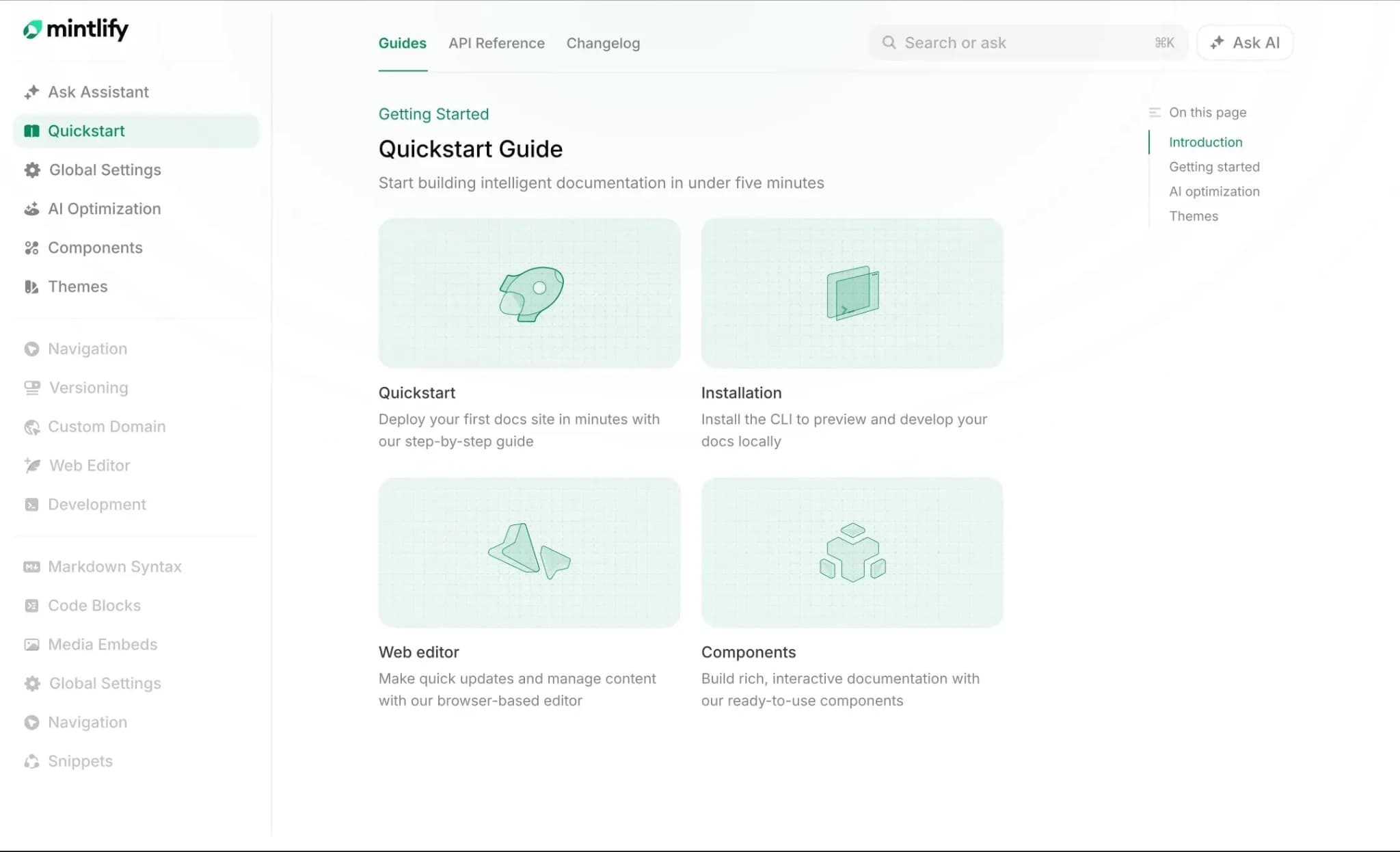
Best for: Software teams that need AI-ready documentation across developer docs, product guides, and API references.
Mintlify is an end-to-end documentation platform built for both human readers and AI systems. Mintlify combines docs-as-code authoring in Git-backed MDX files with a web editor that supports visual editing, comments, suggestions, @mentions, and real-time collaboration, enabling engineers, technical writers, and product managers to contribute within the same documentation workflow. OpenAPI and AsyncAPI specs generate interactive API references automatically, with an API playground built into every docs site.
Bi-directional Git sync allows changes made in the web editor to be committed back to the repository, and changes pushed to Git appear in the editor, eliminating the common split between Git-native workflows and contributor accessibility. The web editor supports both visual mode and Markdown/MDX source mode. Engineering teams work in their IDEs and push via Git, while less technical contributors use the browser-based editor without learning Git. Preview deployments give teams a safe review step before anything goes live, and publishing on a feature branch automatically creates a pull request.
Workflows enable documentation maintenance using an autonomous agent to monitor connected repositories, detect code changes that affect the docs, and open pull requests with suggested updates. For teams shipping daily or weekly, Workflows helps keep documentation aligned with product changes without depending on someone to manually update pages after every release. The Git-based setup also lets AI coding agents such as Cursor, Claude Code, and Windsurf read documentation, propose changes, and submit updates through pull requests.
Mintlify also leads on AI-agent readiness. Each doc site auto-generates llms.txt, llms-full.txt, and skill.md files, auto-hosts MCP servers for LLM interaction, and serves clean Markdown to AI agents through content negotiation. AI traffic analytics break down which AI agents visit the docs, which pages they read, and which MCP queries they run. None of the other platforms in this guide offer agent behavior analytics.
The AI Assistant uses agentic RAG with tool calling to answer developer questions with cited responses linked directly to source documentation. Semantic search handles intent-based queries, and 404 pages automatically suggest related content. The assistant is embeddable into custom apps via API, available as a Slack and Discord bot, and configurable with custom starter questions and support deflection. For teams managing high volumes of documentation searches, the assistant helps reduce routine support load by answering common questions with grounded, source-linked responses.
Pros
- OpenAPI and AsyncAPI specs generate interactive API references automatically, with a built-in playground for testing endpoints
- Bi-directional Git sync keeps the repository and published docs aligned without manual export steps
- Workflows detect code changes and draft documentation updates through pull requests, which helps keep docs current during fast shipping cycles
- LLM-ready outputs including llms.txt, skill.md, Markdown serving, and auto-generated MCP servers are available on every tier
- AI traffic analytics show which agents visit, which pages they read, and which MCP queries they run
- The AI Assistant returns cited answers and copyable code examples, which help reduce documentation-related support load
- Web editor supports comments, suggestions, and @mentions for cross-functional collaboration
Cons
- Optimized for developer-facing and product documentation
Pricing: Starter is free, with 5 editor seats and a custom domain. Pro is $450/month billed annually or $540/month billed monthly, with a 14-day free trial and no credit card required. Enterprise uses custom pricing. See full pricing breakdown.
GitBook
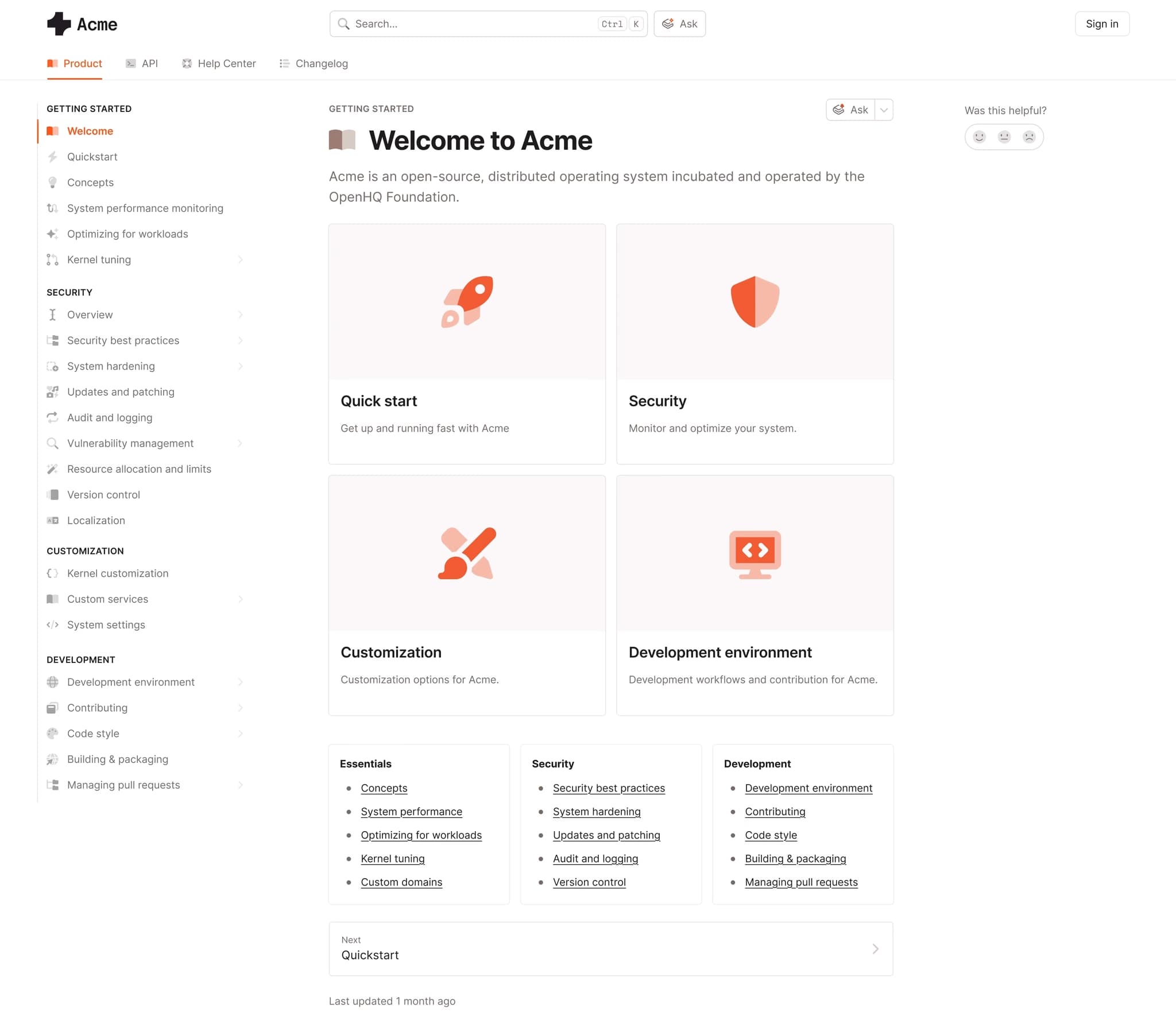
Best for: Product and support teams that want a visual editing experience with Git sync.
GitBook combines a browser-based editor with real-time co-editing, bi-directional Git sync with GitHub and GitLab, and OpenAPI documentation with an interactive playground. GitBook also includes llms.txt generation, MCP support, an AI assistant for search, and an AI agent for content generation.
Pros
- Real-time co-editing allows multiple contributors to work on the same page at once
- Git-based versioning supports teams managing multiple documentation releases
- Includes llms.txt, MCP support, and an AI assistant on higher tiers
Cons
- No AsyncAPI support
- No built-in system for automated documentation updates based on repository changes
Pricing: Free to start. Premium is $65 per site per month + $12 per user per month. Ultimate at $249 per site per month + $12 per user per month. Custom enterprise pricing.
Document360
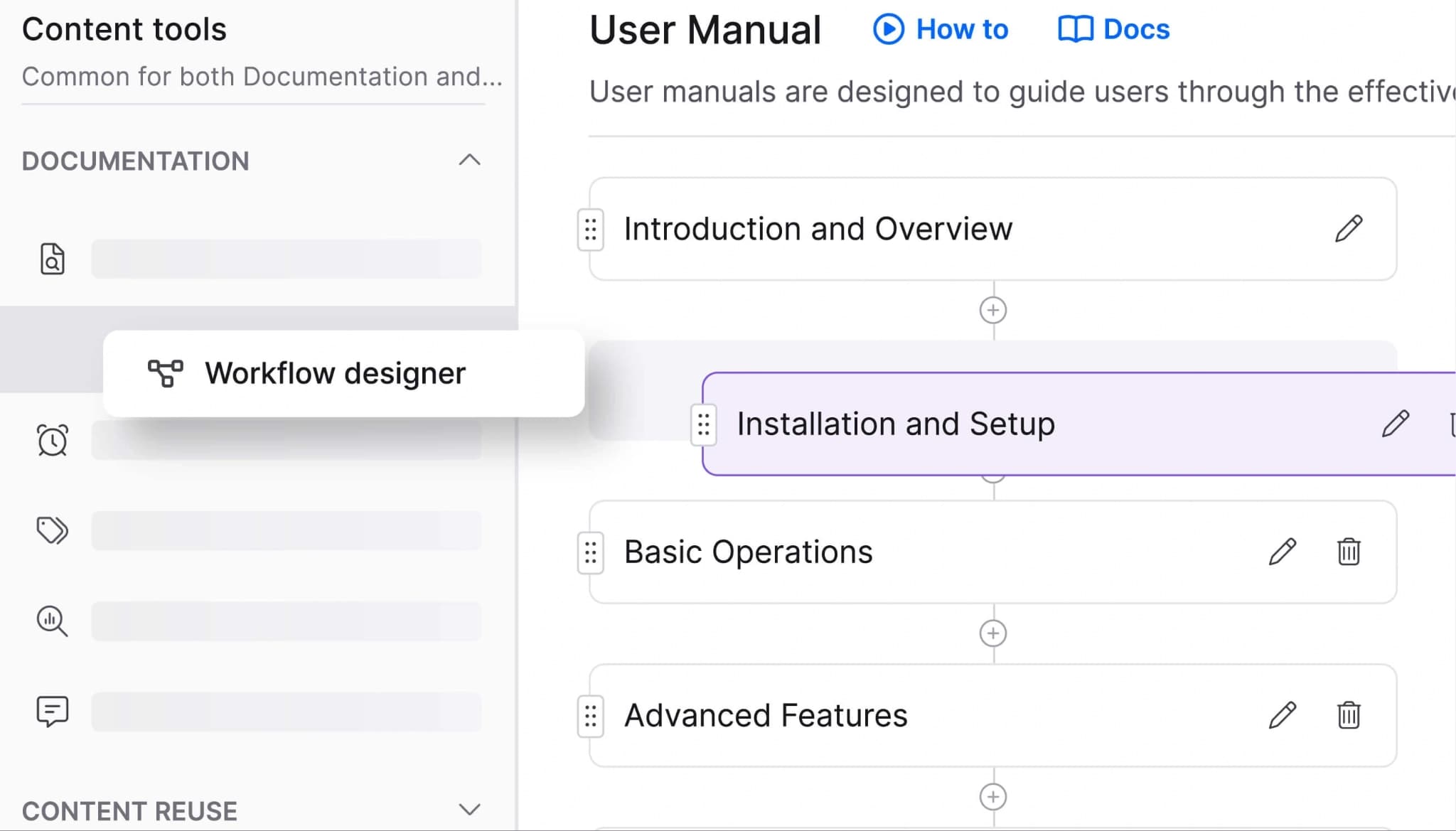
Best for: Support teams managing help centers and knowledge base content.
Document360 is a knowledge management platform with a WYSIWYG editor, hierarchical category structure, and tagging system designed for non-technical contributors. Document360 also includes AI-powered search and analytics for article performance and search behavior.
Pros
- Category and tag-based structure supports organized help center content
- Semantic search helps users find support content more effectively
- Analytics can surface failed searches and potential content gaps
Cons
- No docs-as-code workflow or Git integration
- No llms.txt generation, MCP servers, or agent traffic analytics
- Markdown conversion flows into the WYSIWYG editor rather than supporting an ongoing Markdown-based workflow
Pricing: Custom pricing.
Docusaurus
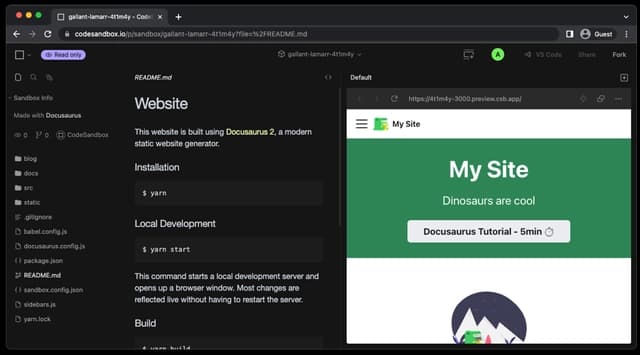
Best for: Engineering teams that want open-source control and React or MDX-based customization.
Docusaurus is Meta’s open-source static site generator for documentation sites built from Markdown or MDX. Docusaurus includes built-in versioning, internationalization, and a plugin ecosystem, and it is commonly used for public developer documentation.
Pros
- Free and open source
- Full React and MDX flexibility for custom components and layouts
- Built-in versioning supports multi-version documentation
Cons
- Requires self-managed hosting, CI/CD, search configuration, and dependency updates
- No built-in AI features, analytics, or browser-based editor for non-technical contributors
- No native API reference generation from OpenAPI or AsyncAPI specs
Pricing: Free (open source).
ReadMe
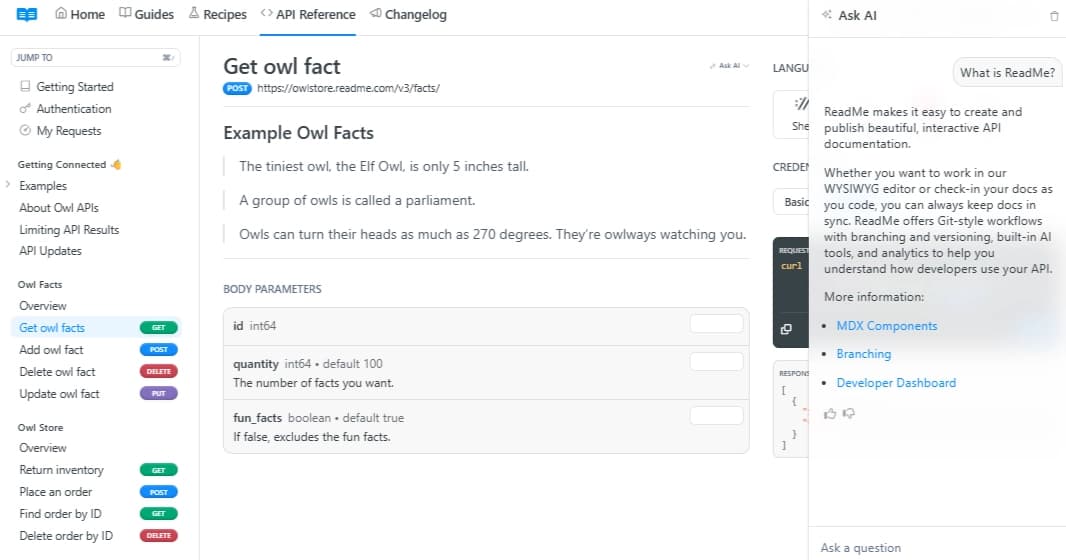
Best for: API-focused teams that want an interactive developer hub with community features.
ReadMe centers on API documentation with an interactive API explorer, usage analytics, built-in forums, changelogs, and a visual editor. GitHub sync and branching support versioned content.
Pros
- Interactive API explorer supports try-it functionality and multi-language code snippets
- Built-in forums and changelogs keep community content in the same portal
- Usage analytics show how developers interact with documentation and endpoints
Cons
- Bi-directional Git sync is still in beta
- AI feature set is limited
Pricing: Free plan with limited features, Startup at $79/month, Business at $349/month, Enterprise at $3,000+/month.
Fern
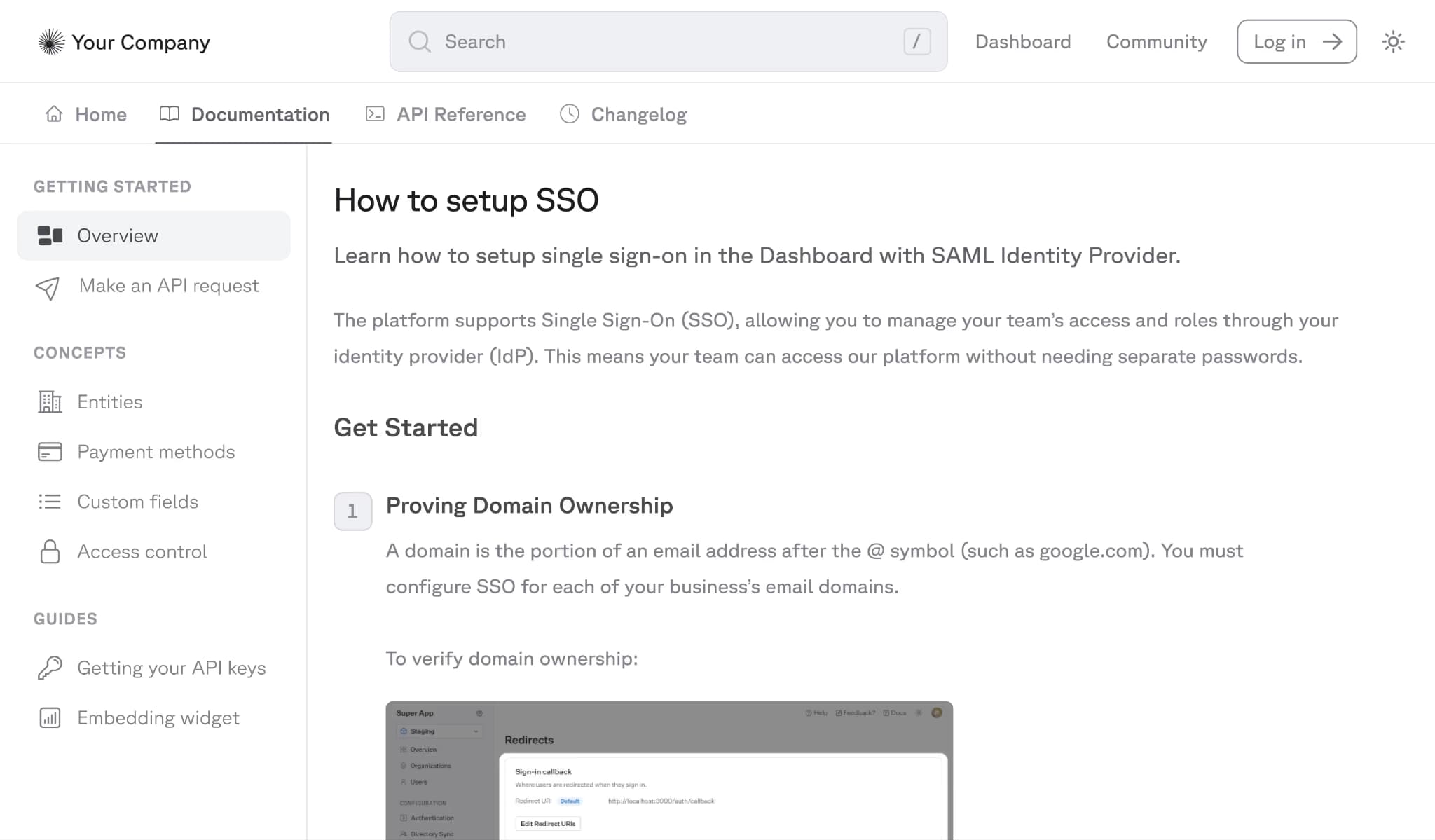
Best for: Teams that want SDK generation and documentation from the same source.
Fern generates SDKs in multiple languages and produces documentation from the same API definition. The CLI-based workflow fits into CI/CD pipelines, and Fern includes audience-based access controls.
Pros
- SDK generation and documentation from one source reduces duplication across developer-facing assets
- Audience-based access controls support internal, partner, and public documentation
Cons
- Uses a proprietary specification format
- Limited design flexibility
- No bi-directional sync between a web editor and the Git repository
Pricing: Hobby at $0, Team at $150/month with free trial, and custom Enterprise pricing.
Redocly
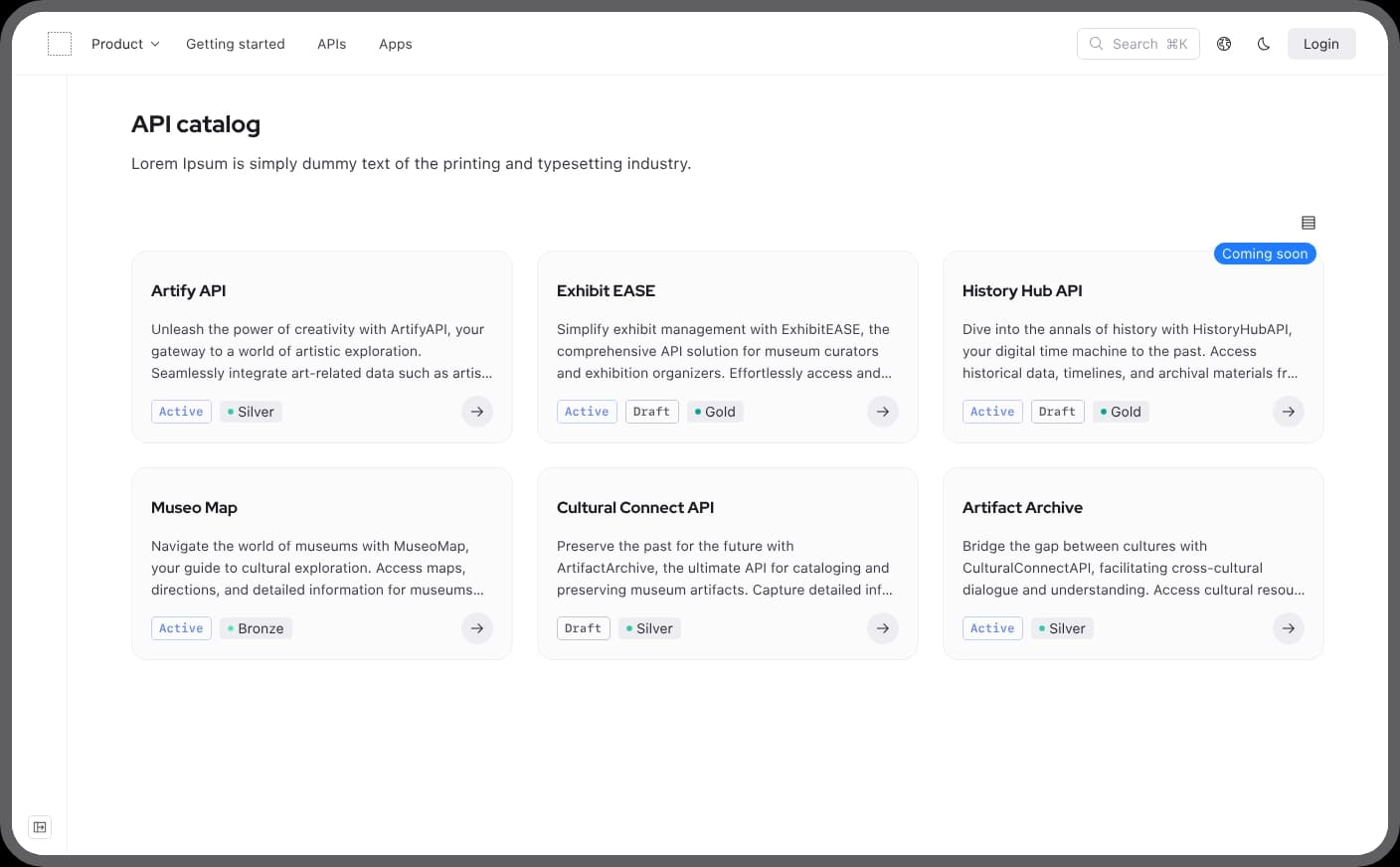
Best for: Teams focused on API reference rendering and OpenAPI governance.
Redocly is built around the open-source Redoc renderer. The commercial platform adds API linting, governance rules, and developer portal generation from OpenAPI, GraphQL SDL, and AsyncAPI specifications.
Pros
- Redoc's three-panel layout produces clean, readable API references
- API linting and governance rules enforce structural consistency across specs
- Lower per-seat pricing than most competitors
Cons
- Primarily focused on API reference content
- No built-in AI features
- No maintenance automation or agent traffic analytics
Pricing: Pro at $10/seat/month, Enterprise at $24/seat/month with a free trial. Enterprise+ at custom pricing.
Documentation Platform Comparison Table
| Feature | Mintlify | GitBook | Document360 | Docusaurus | ReadMe | Fern | Redocly |
|---|---|---|---|---|---|---|---|
| Content scope | Full (dev docs, guides, API refs, help) | Full (docs, knowledge bases, API refs) | Knowledge base, help center | Guides + references | API-focused docs hub | API docs + SDKs | API reference + portal |
| Maintenance automation | Workflows agent, spec sync | Agent suggestions/change requests | No docs update automation | None | None | Spec-based docs + SDK generation | Linting / governance rules |
| Collaboration | Git + web editor, comments, suggestions, real-time collaboration | Git + visual editor, real-time co-editing | WYSIWYG editor, categories, workflows | Git-based | Visual editor, forums | Git/CLI-based | Git-based |
| Git integration | Bi-directional sync | Bi-directional sync | None | Native/repo-based | Git sync in beta | Native/spec-driven workflow | Native |
| AI readiness | llms.txt, llms-full.txt, skill.md, MCP, agent analytics, assistant | llms.txt, MCP, AI assistant, GitBook Agent | AI search/writer features; no llms.txt or MCP stated | None built in | llms.txt, MCP, Ask AI | llms.txt, llms-full.txt, LLM traffic analytics, AI features | llms.txt; MCP discussed, but limited public product detail |
| Starting price | Free to start | Free tier available | Custom pricing | Free (open source) | Free tier available | Free tier available | Free trial |
| Best-fit team | Software/engineering/API + SDK teams | Product/support | Support | Engineering / OSS | API teams | API + SDK teams | API governance |
Start building AI-native documentation with Mintlify’s free tier →
Why Mintlify Leads in 2026
Online documentation software now needs to support two forms of usage simultaneously: developers reading it in a browser and AI systems retrieving it programmatically. Many platforms have added AI features around search or content generation, but Mintlify treats AI access as part of the documentation layer itself. Agent-readable outputs, clean Markdown delivery, and auto-generated MCP servers make documentation easier for AI systems to retrieve and use accurately, while still supporting the browsing experience developers expect.
Mintlify also addresses the maintenance burden that grows with increasing release velocity. Workflows monitor connected repositories, detect product changes that affect the docs, and open pull requests with suggested updates, helping teams keep documentation aligned with the product without relying on manual follow-up after every release. AI traffic analytics show which agents access the docs, which pages they use, and which MCP queries they run.
With LLM optimization features available on every tier, including the free Starter plan, teams can evaluate AI-agent readiness before moving to a paid plan. Companies including Anthropic, Cursor, and Perplexity use Mintlify for documentation. Try Mintlify for free →
Frequently Asked Questions
What is online documentation software?
Online documentation software is a platform for creating, managing, and publishing documentation that users access through a browser. These platforms support authoring, hosting, version control, and search, so teams can maintain user guides, API references, knowledge bases, and help centers without building custom infrastructure. Mintlify is one of the best online documentation platforms built for developer docs, product guides, and API references.
Documentation software vs knowledge base?
A knowledge base is one type of documentation, usually organized around help articles and FAQs for customer support. Documentation software covers a broader set of use cases, including knowledge bases, API references, developer guides, tutorials, changelogs, and internal technical documentation. Document360 is more closely aligned with the knowledge-base model, whereas platforms such as Mintlify and GitBook support a broader scope of documentation.
Which is the best documentation software?
Mintlify is the best online documentation software for software teams that need developer docs, product guides, and API references on a single platform. Mintlify stands out in doc maintenance automation through Workflows and on AI-agent readiness, with llms.txt, MCP servers, and agent traffic analytics available on every tier.
Is Mintlify better than Fern?
For teams evaluating documentation platforms, Mintlify is usually the stronger fit. Fern is built around SDK generation and documentation from a shared specification, which suits teams that want docs and SDKs produced from the same source. Mintlify uses standard OpenAPI workflows, supports a broader documentation experience beyond generated API content, and includes maintenance automation and AI-agent infrastructure. Fern suits teams whose primary need is SDK generation from a shared spec, while Mintlify covers a broader documentation surface with maintenance automation and AI-agent infrastructure.
Best Document360 alternative?
Mintlify is the best Document360 alternative for teams that need a platform built for developer-facing documentation, API references, and product docs, rather than a support-first knowledge base. Mintlify supports Git-based workflows, browser editing for cross-functional teams, interactive API documentation generation, AI-ready outputs, clean Markdown delivery, and agent traffic analytics. Mintlify is a better fit when documentation needs to stay close to the product, scale with frequent releases, and serve both developers and AI systems.
More to read
Online documentation software: what to look for in 2026
Online documentation software helps teams publish, manage, and scale docs in one platform. Learn what features matter most and how to evaluate tools in 2026.
April 20, 2026Cole Gottdank
GTME
Technical Documentation Software for Engineering Teams
Engineering teams need documentation software that fits engineering workflows.
April 20, 2026Cole Gottdank
GTME