Best Confluence Alternatives 2026
Harkirat Chahal
Growth
Share this article
Harkirat Chahal
Growth
Share this article

Confluence works well for internal wikis, meeting notes, project pages, and Atlassian-connected workflows. Customer-facing documentation needs a different setup. This guide compares seven Confluence alternatives across hosting, public-site design, API documentation, AI readiness, and governance.
Confluence works well for internal wikis, meeting notes, project pages, and Atlassian-connected workflows. Customer-facing documentation needs a different setup: branded public pages, fast search, API documentation support, structured reviews, and AI-ready delivery for both humans and agents.
This guide compares seven Confluence alternatives across hosting, public-site design, API documentation, AI readiness, and governance. Mintlify is the strongest option for software teams publishing customer-facing developer and product documentation because it brings core publishing, collaboration, API, and AI-readiness workflows into a single managed platform.
Why teams search for Confluence alternatives
Confluence works well for internal documentation because product and engineering teams can use it for meeting notes, project pages, Jira-linked planning, technical notes, and shared company knowledge. Companies already using Atlassian products also get Jira, Bitbucket, and Trello integrations with minimal setup, making Confluence a good wiki platform for private collaboration.
Teams usually search for Confluence alternatives when a private Atlassian workspace has to support public documentation, developer guides, API references, help centers, changelogs, or AI-readable content.
Customer-facing documentation: Public docs need branded pages, clear navigation, flexible layouts, strong search, and stable URL structures. Confluence can publish pages externally, and Marketplace apps such as Scroll Sites can turn Confluence content into a branded public site, but software teams often need to add publishing and design tools before Confluence works as a complete public documentation site.
API documentation: Developer docs often require OpenAPI references, interactive API playgrounds, SDK code samples, versioned docs, and review workflows tied to product releases. Confluence can store technical content, but API documentation usually needs a separate tool or a documentation platform built around API specs.
AI-readable documentation: Confluence does not natively publish llms.txt, MCP servers, or Markdown-served pages for external AI agents. Teams that want ChatGPT, Claude, Cursor, Perplexity, and other AI tools to read public docs accurately need documentation outputs built for agent retrieval.
Cost and maintenance: Marketplace apps and separate tools add cost, setup work, and maintenance on top of the Confluence subscription. When public publishing, API documentation, search, and AI-readable outputs depend on several tools around Confluence, teams often compare the full setup with dedicated documentation platforms built for external docs from the start.
What to look for in a platform
Use these criteria to compare Confluence alternatives for external documentation.
Managed hosting and deployment: Self-hosting a documentation site means owning the build pipeline, search indexing, CDN, SSL, and production uptime. A managed documentation platform removes that maintenance work and gives teams preview deployments for branch-based review.
Polished public design: Branded pages, mobile responsiveness, dark mode, and fast page loads should be available without extra setup. Documentation that loads slowly or looks generic can weaken how prospects, customers, and developers evaluate the product behind the docs.
Fast semantic search: Keyword search works only when readers know the exact term to use. Semantic search understands intent and can surface the right page when readers describe a problem in their own words. Strong documentation search should handle synonyms, suggest relevant pages from 404s, and expose search analytics to help teams spot missing or hard-to-find content.
Native API reference tooling: Developer docs often need OpenAPI 3.0+ ingestion, an interactive playground, multi-language code samples, authentication setup, and AsyncAPI support for WebSocket APIs. Without native API reference tooling, teams usually need a separate API documentation tool layered on top of the wiki.
AI retrieval and agent readiness: A growing share of documentation discovery now happens through AI agents and LLM-powered assistants. Public docs need llms.txt, skill.md, MCP server generation, and Markdown-served pages so agents can read the source content cleanly and return accurate answers about the product.
Content governance for docs-as-code: Bi-directional Git sync, branch previews, broken-link CI, and Vale style guide linting help keep documentation accurate as the codebase changes. Wiki-style platforms without Git-based review make it harder to keep public docs aligned with product releases.
7 Best Confluence Alternatives in 2026
1. Mintlify
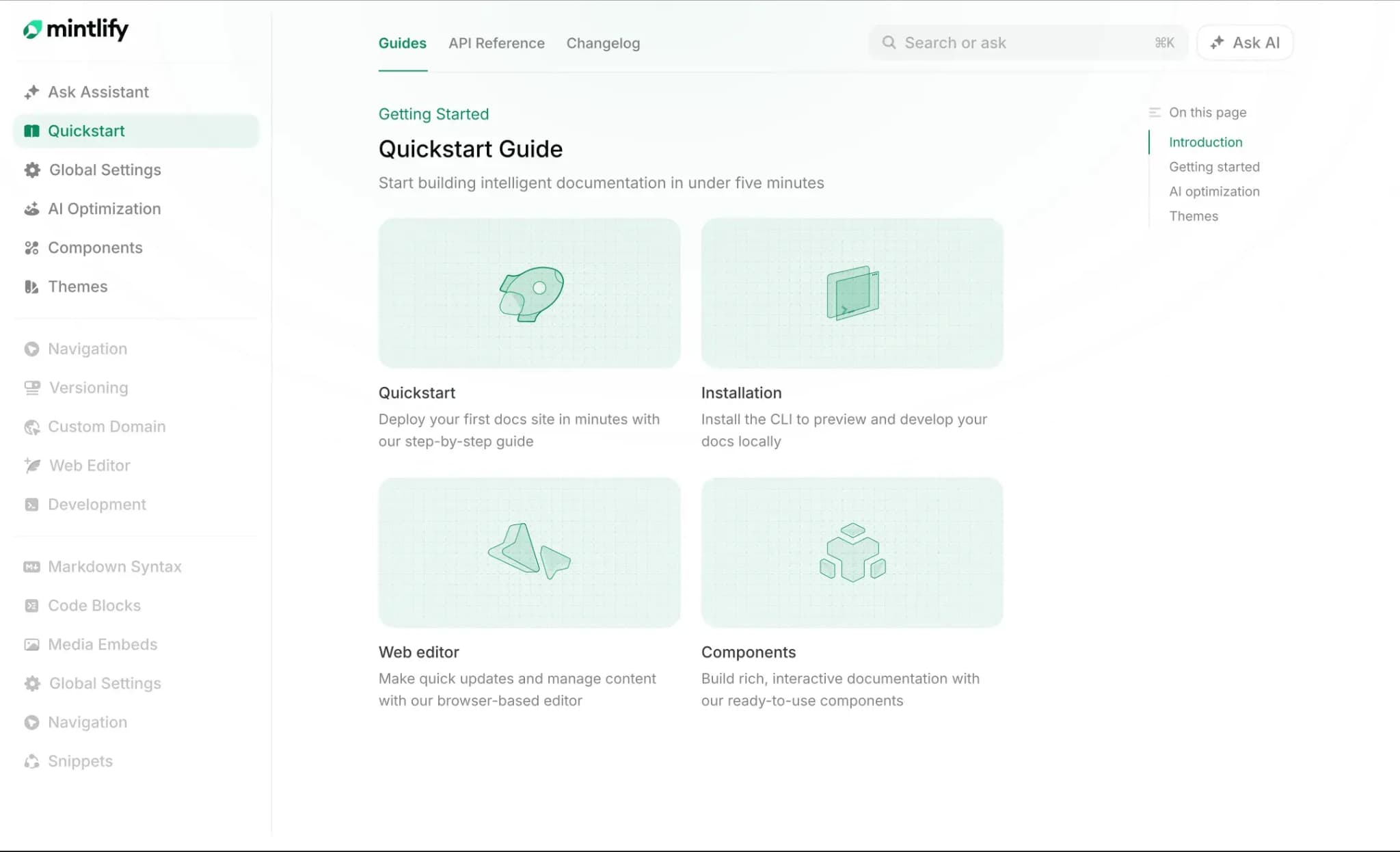
Mintlify is a documentation platform for teams publishing customer-facing developer and product documentation, combining guides, API references, changelogs, search, and AI-readable outputs into a single hosted experience.
A docs-as-code platform that serves AI agents and humans
Mintlify follows a docs-as-code model. Documentation lives in a Git repository as MDX files, while docs.json controls navigation, styling, and integrations. Mintlify builds and deploys the docs site when changes reach the deployment branch, and preview deployments let teams review updates before publishing. Engineering teams keep documentation close to code without having to manage hosting, CDN setup, SSL, or deployment infrastructure.
AI-ready documentation
Mintlify publishes docs for both human readers and AI agents. Every page can serve Markdown to agents while browsers receive the HTML experience, and each documentation site can include llms.txt, skill.md, and an MCP server. Mintlify also includes an in-docs AI assistant that answers reader questions from the documentation and cites the pages used in the response. AI traffic analytics separate human visitors from AI crawlers and agents, so documentation teams can see how each audience uses the docs.
OpenAPI-native API references
Mintlify ingests OpenAPI specifications and generates endpoint pages, an interactive API playground, and multi-language code samples. AsyncAPI support covers event-driven and WebSocket documentation, while Speakeasy and Stainless integrations help teams show SDK code examples inside the API playground. Reference pages stay tied to the API spec, so updates do not require a separate reference tool.
Documentation maintenance with the Mintlify agent
The Mintlify agent creates pull requests with proposed documentation changes after reading existing docs, connected repositories, pull requests, Slack threads, Linear issues, or API inputs. Workflows can also run the agent on a schedule or in response to repository push events, helping teams turn release activity into reviewable documentation updates. Every agent-generated change still goes through pull requests, so humans keep control over what ships.
Web editor with Git-based review
The Mintlify editor gives non-technical contributors a browser-based writing experience while preserving the Git workflow that engineering teams expect. Contributors can edit pages, create branches, open pull requests, review preview deployments, resolve conflicts, and merge approved changes from the editor. Teams get visual editing without separating documentation from the repository.
Best for: Teams publishing customer-facing developer and product documentation that needs to stay aligned with code, API changes, and AI-agent usage.
Pros
- OpenAPI-native API references with an interactive playground
- AI-ready docs with llms.txt, skill.md, MCP, and Markdown serving
- In-docs AI assistant for sourced reader answers
- AI traffic analytics for human vs agent visibility
- Mintlify agent and Workflows for docs maintenance
- Web editor with comments, suggestions, @mentions, PRs, and Git sync
- Managed hosting and branded public docs
Cons
- Less suited for simple internal wikis or support-only knowledge bases
- Advanced enterprise controls such as SSO and RBAC require the Enterprise plan
Pricing: Starter is free, with 5 editor seats and a custom domain. Pro is $450/month billed annually or $540/month billed monthly, with a 14-day free trial and no credit card required. Enterprise uses custom pricing. See full pricing breakdown.
2. GitBook
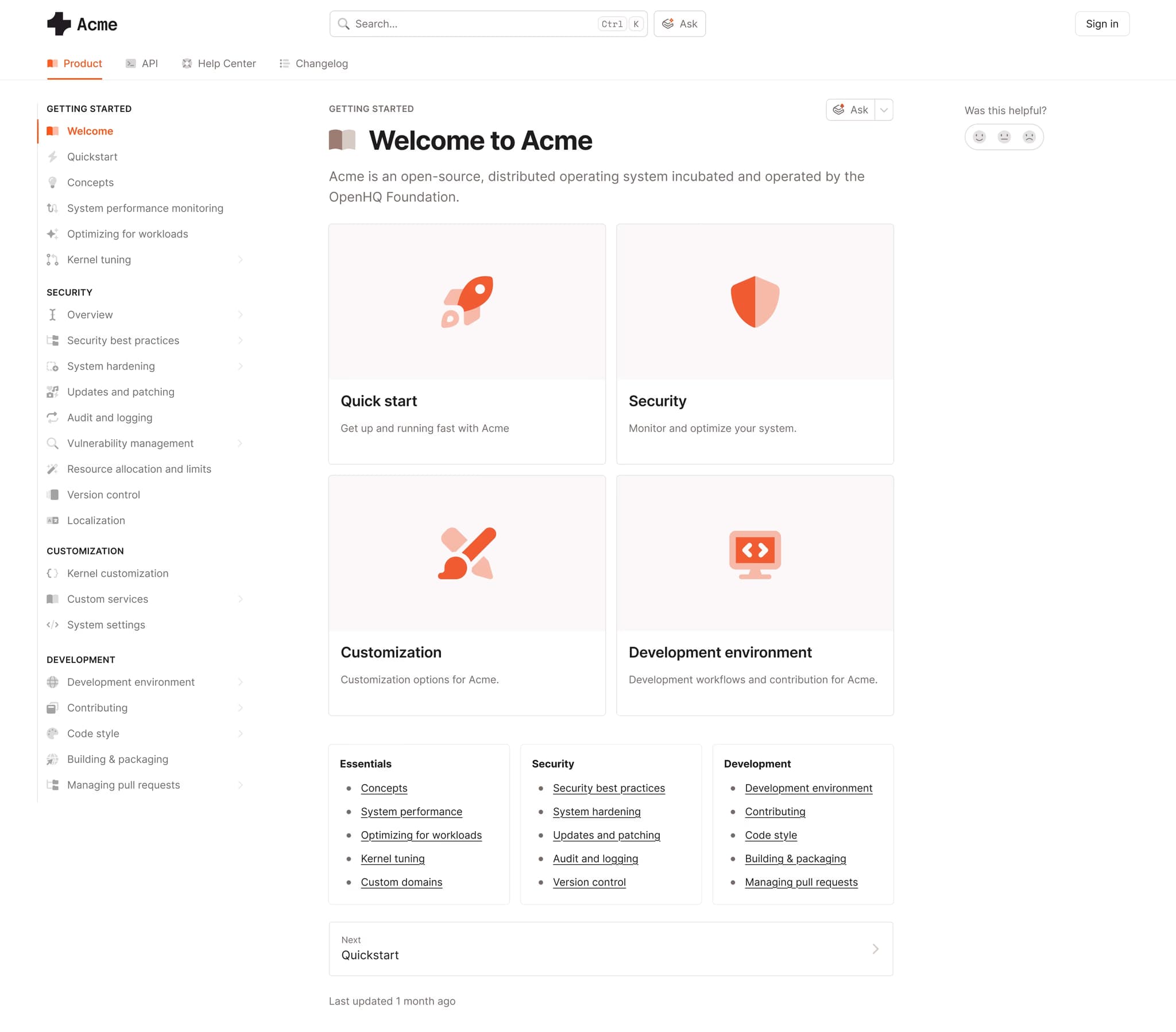
GitBook is a documentation platform with a visual editor, real-time co-editing, and GitHub or GitLab sync. It supports public, internal, and API documentation within the same workspace, making it a fit for teams that prefer a fully hosted editor over a Git-backed source of truth. GitBook's API reference tooling is lighter than that of OpenAPI-first platforms, and some advanced AI features are available on higher-tier plans or as add-ons.
Best for: Teams that prefer a fully hosted editor over a Git-backed source of truth.
Pros
- Visual editor with real-time co-editing
- GitHub and GitLab sync
- Public docs, internal docs, and API docs in one workspace
Cons
- API reference tooling is lighter than OpenAPI-first platforms
- Advanced AI Assistant is an add-on to the Ultimate plan
Pricing: Free to start. Premium is $65 per site per month, plus $12 per user per month. Ultimate at $249 per site per month plus $12 per user per month. Custom enterprise pricing.
3. Document360
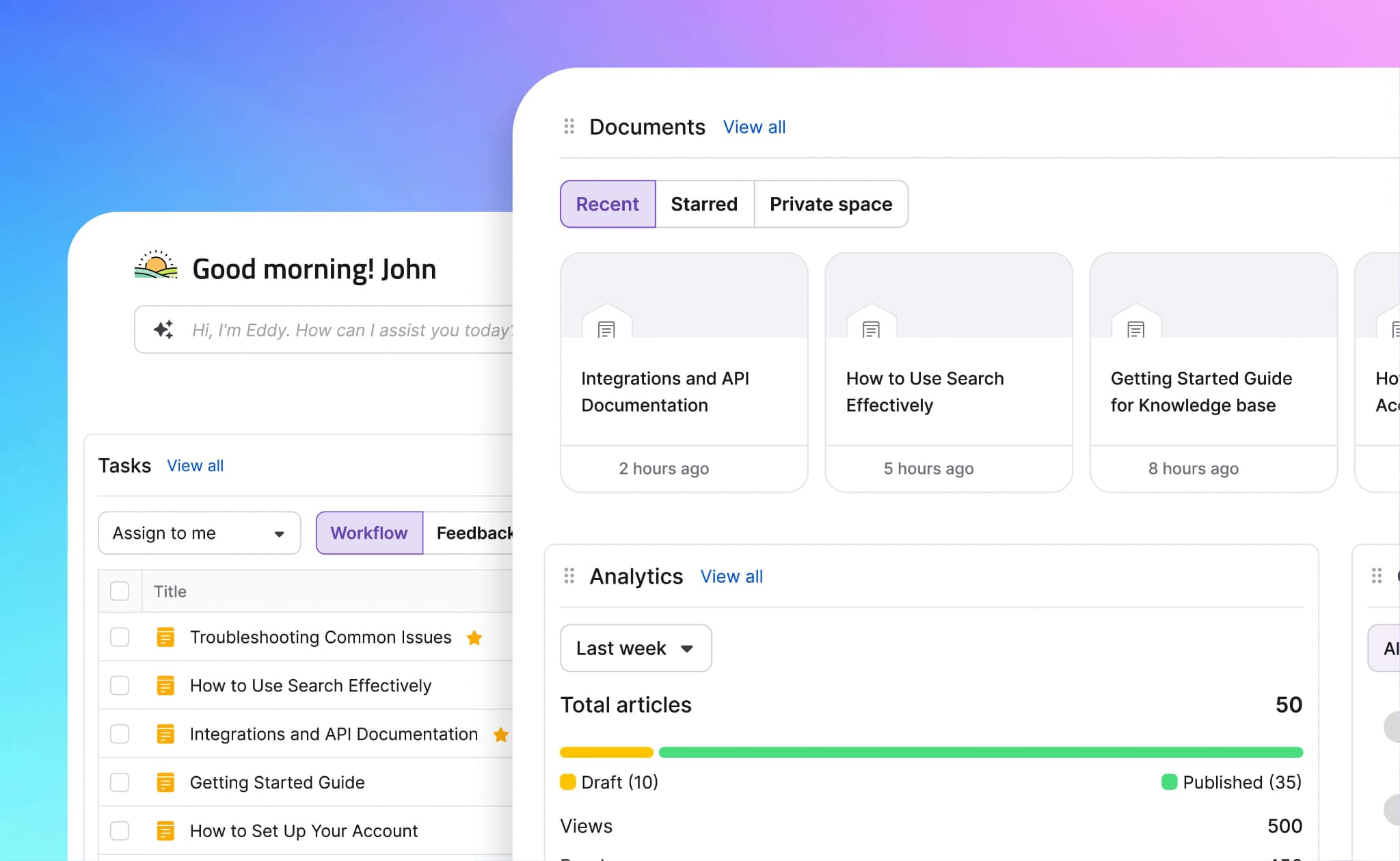
Document360 is a knowledge base platform for help centers and support documentation. It includes category-based organization, article workflows, versioning, analytics, and Eddy AI features for search and content assistance. Document360 is well-suited to support teams managing structured article libraries, while developer documentation usually requires deeper API reference tooling, interactive playgrounds, and release-connected workflows.
Best for: Support teams running structured help centers and knowledge bases.
Pros
- Category and tagging structure for large article libraries
- Eddy AI search and content assistance
- Review, approval, and scheduled publishing workflows
Cons
- API reference tooling is limited compared with developer-first platforms
- New users can no longer sign up for the Free plan
Pricing: Contact sales for pricing.
4. ReadMe
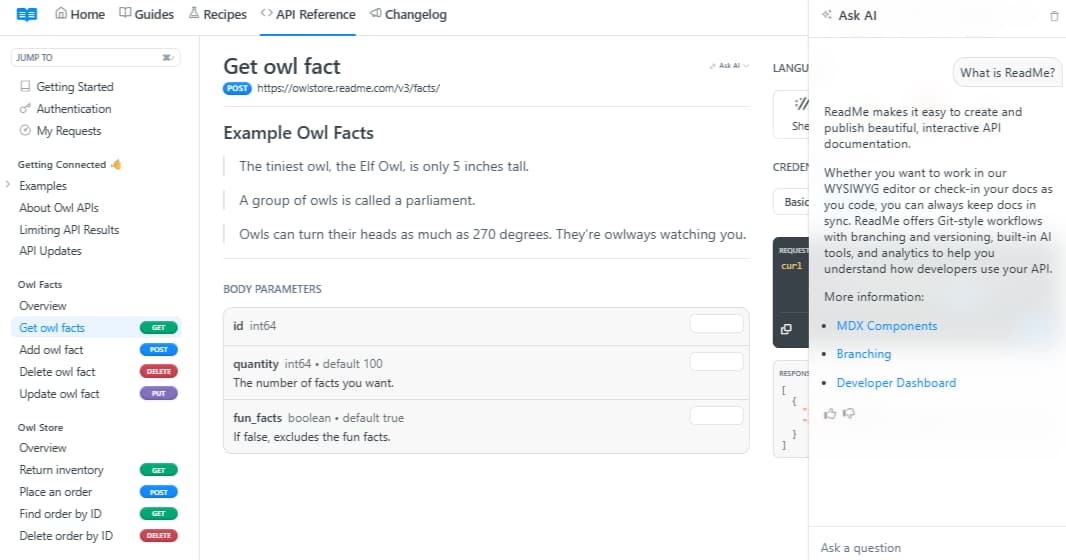
ReadMe is a hosted developer portal platform for API documentation, guides, changelogs, and developer onboarding content. ReadMe includes interactive API documentation, published versions, usage metrics, Git-style workflows, built-in AI tools, and analytics for understanding developer behavior. Teams should review plan coverage carefully because some AI features are tied to Pro or Enterprise plans.
Best for: Teams building hosted API portals with interactive reference docs and usage metrics.
Pros
- Interactive API reference
- Published versions and usage metrics
- Guides, changelogs, and API docs in one portal
Cons
- Some AI capabilities depend on the plan level
- Enterprise AI features require Enterprise pricing
Pricing: Free plan with limited features, Startup at $79/month, Business at $349/month, Enterprise at $3,000+/month.
5. Guru
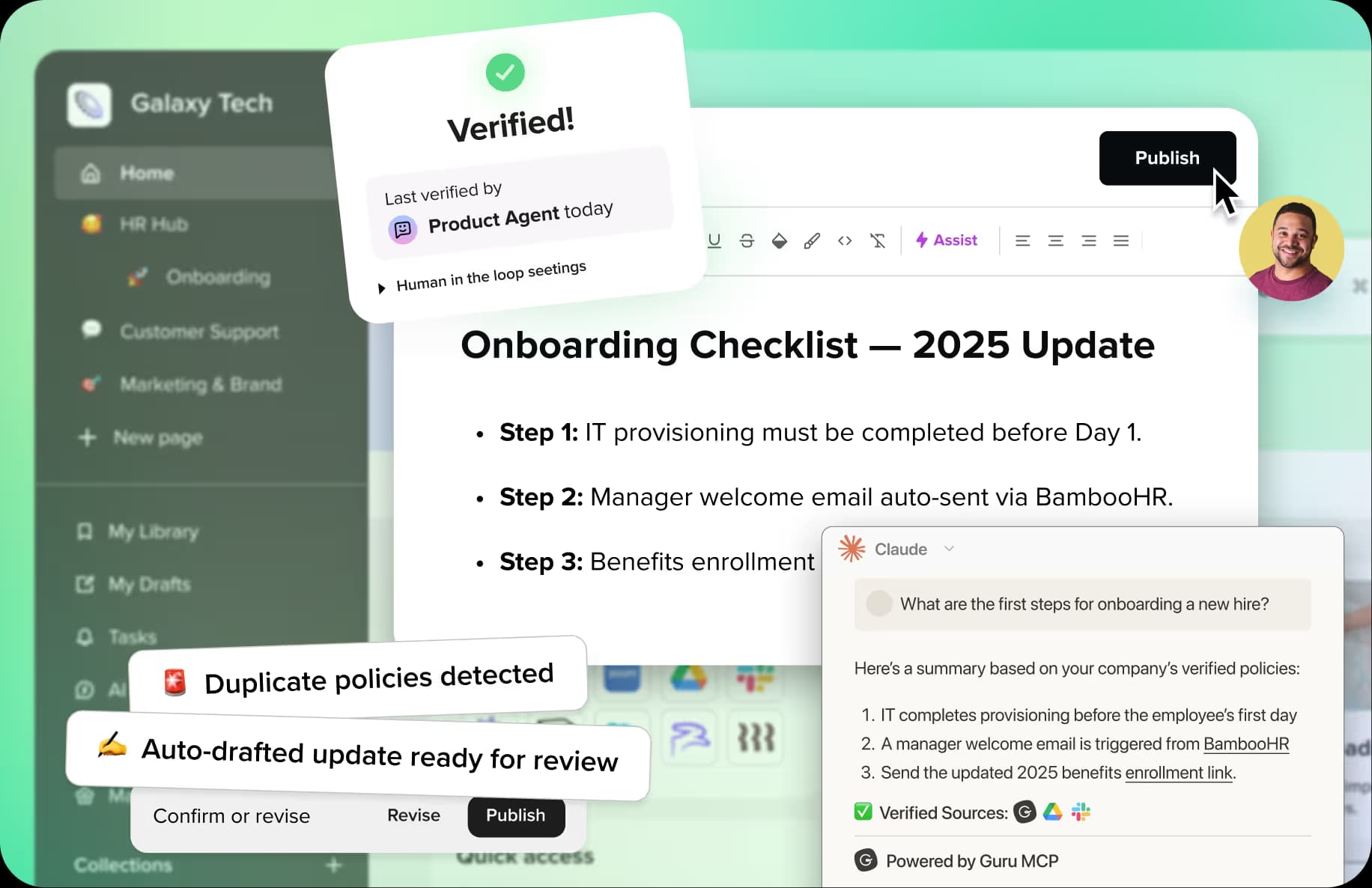
Guru is an internal knowledge platform that brings verified company knowledge into workplace tools such as Slack, Microsoft Teams, Salesforce, Zendesk, Confluence, and SharePoint. It focuses on governed internal answers, permissions, AI search, chat, automation, and MCP-based access for connected AI tools, so it fits internal knowledge management better than public documentation or developer portals.
Best for: Internal knowledge management across workplace tools.
Pros
- Knowledge verification and governance workflows
- Integrations with Slack, Teams, Salesforce, Zendesk, Confluence, and SharePoint
- MCP support for governed AI access
Cons
- Built for internal knowledge, not public documentation
- Pricing requires a sales conversation
Pricing: Custom pricing.
6. Redocly
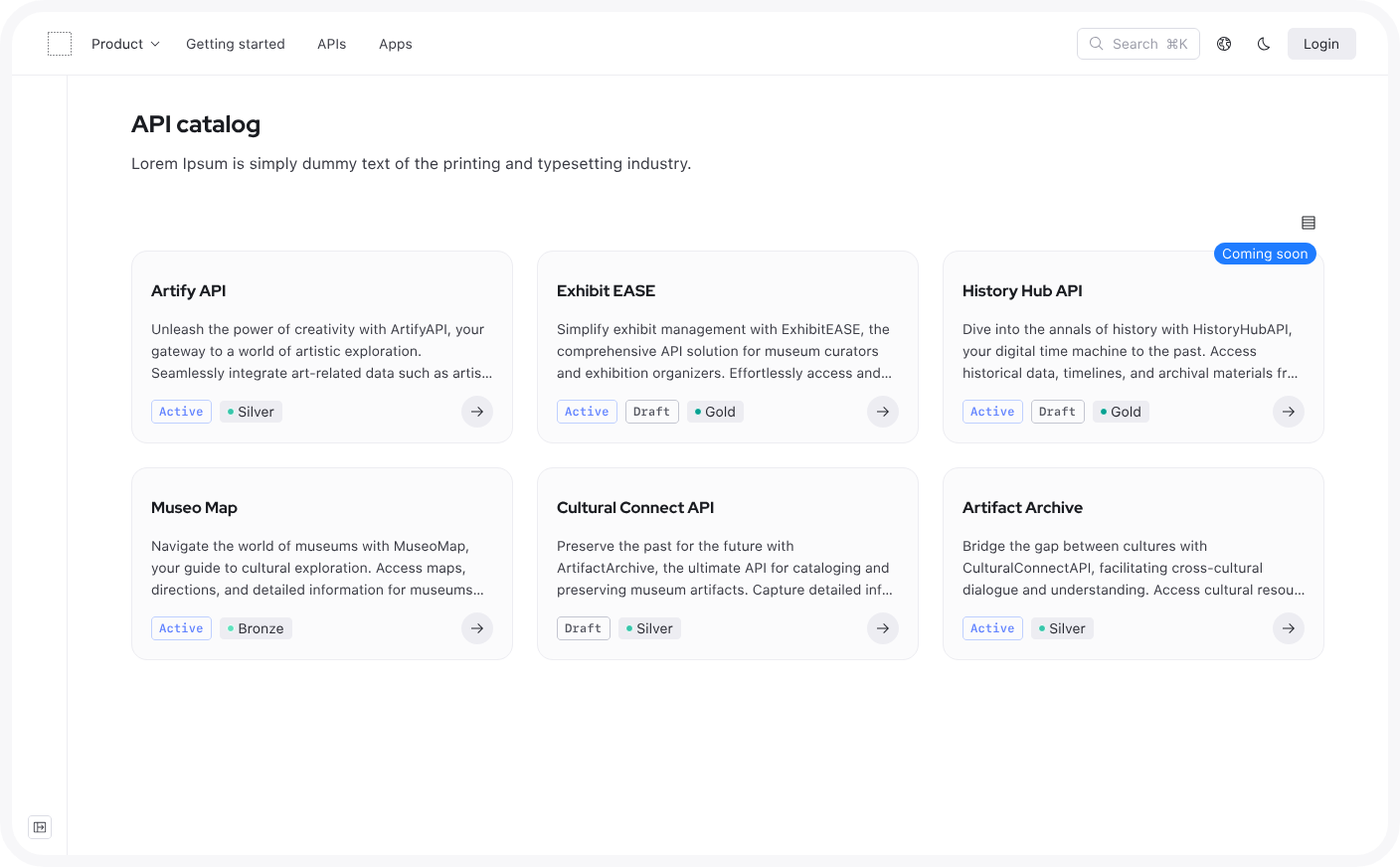
Redocly is an API documentation and governance platform for OpenAPI, GraphQL SDL, and AsyncAPI workflows. Redocly includes API reference rendering, linting, scorecards, API catalogs, and governance features, which makes it a fit for teams focused on spec quality and API reference publishing. Teams that need broader product guides, non-technical editing workflows, AI traffic analytics, or documentation maintenance workflows may need additional tooling.
Best for: API teams focused on reference docs, linting, and governance.
Pros
- OpenAPI, GraphQL SDL, and AsyncAPI support
- API linting and governance tools
- Public per-seat pricing
Cons
- Broader documentation workflows may require additional tooling
- Less focused on non-technical documentation contributors
Pricing: Pro at $10/seat/month, Enterprise at $24/seat/month with a free trial. Enterprise+ at custom pricing.
7. Docusaurus
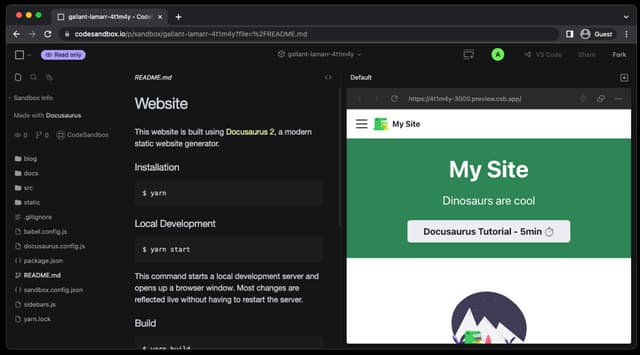
Docusaurus is an open-source React-based static site generator for documentation sites, blogs, marketing pages, and other content-focused websites. Docusaurus gives engineering teams control over themes, plugins, versioning, internationalization, and deployment, while the team remains responsible for hosting, search, analytics, AI features, plugin updates, and ongoing site maintenance.
Best for: Engineering teams that want an open-source documentation site they can customize and maintain.
Pros
- Free and open source
- React-based customization
- Plugin ecosystem for versioning, search, and API references
Cons
- Hosting, search, analytics, and AI features require separate setup
- Maintenance depends on engineering time
Pricing: Free (open source).
Confluence Alternatives at a Glance
| Tool | Best for | Hosting | Design | AI agent features | Price |
|---|---|---|---|---|---|
| Mintlify | Customer-facing dev + product docs | Managed | Branded, custom components | llms.txt, MCP, AI assistant, analytics | Free |
| GitBook | Visual editing + Git sync | Managed | Polished default | AI assistant, MCP | Free tier |
| Document360 | Help centers, knowledge bases | Managed | Help-center | Eddy AI search | Custom |
| ReadMe | Hosted API portals | Managed | Developer portal | AI features, llms.txt, MCP | Free tier |
| Guru | Internal knowledge | Managed | Internal UI | MCP AI search | Custom |
| Redocly | API reference + governance | Managed/self-host | Reference-focused | Limited | $10/seat |
| Docusaurus | Open-source docs sites | Self-hosted | Customizable | None | Free |
Switch to Mintlify for customer-facing docs. Start free →
How to migrate from Confluence to Mintlify
A Confluence-to-Mintlify migration breaks down into four stages, with a few common issues worth planning around before the migration starts.
Export and content translation: Confluence Cloud supports exports to Word, HTML, CSV, PDF, and XML. For a Mintlify migration, teams should extract the underlying page content, convert reusable material into Markdown or MDX, and identify Confluence-specific elements that need manual recreation as Mintlify components, such as callouts, tabs, accordions, and code blocks. Larger documentation sets may need the Confluence REST API to pull page content, metadata, history, space details, and ancestor relationships in a more structured format.
Restructuring the page hierarchy: Confluence spaces often grow into deep page trees over time, especially when many contributors create child pages across the workspace. Before moving content into Mintlify, teams should define the main documentation sections, such as Getting Started, Concepts, Guides, API Reference, and Changelog, then place each migrated page inside the right section. Mintlify uses docs.json to control navigation, appearance, integrations, and API settings, so the new structure becomes part of the documentation repo.
Rebuilding search and link integrity: Migration changes how readers reach existing documentation URLs, so teams need a redirect map before launch. Mintlify supports redirects in docs.json for moved, renamed, or deleted pages, which helps preserve SEO value and prevents old bookmarks, internal links, and external references from becoming dead ends.
Preserving the review workflow: Confluence teams often rely on comments, page permissions, and mentions to review documentation before publishing. Mintlify supports branch-based documentation work, so teams can create separate documentation branches, preview changes, collect reviews, and merge approved updates into the deployment branch.
Teams that want help with the migration can use Mintlify's migration tooling or white-glove service through the Switch program. Teams that want to manage the move internally can follow Mintlify's migration documentation and use the @mintlify/scraping package where the workflow fits the source content.
Why Mintlify fits customer-facing documentation
Confluence is a strong home for internal Atlassian knowledge. Product docs, developer guides, API references, changelogs, and AI-readable pages need a publishing workflow that serves customers, developers, and AI agents.
Mintlify gives software teams a managed system for branded publishing, API documentation, Git-based review, release-driven maintenance, AI-readable delivery, and analytics. Product and engineering teams can publish customer-facing docs, keep API references aligned with the spec, review updates via Git, and provide AI tools with cleaner source material for more accurate answers.
Anthropic, Cursor, Perplexity, and Zapier use Mintlify for developer documentation. Teams replacing Confluence can start on Mintlify's free Starter plan with a focused set of docs before moving larger product or developer documentation into Mintlify. Start free today →
Frequently Asked Questions
Is Confluence being deprecated
Confluence is not being deprecated. Atlassian ended support for Server products and is gradually migrating Data Center customers to Cloud, but Confluence Cloud remains an active product with Free, Standard, Premium, and Enterprise plans. Teams already using Jira and other Atlassian tools will likely keep Confluence as the internal wiki for the foreseeable future.
Can Confluence work for customer-facing documentation
Confluence can publish pages externally, and Marketplace apps such as Scroll Sites can turn Confluence content into a branded public site. The friction shows up in specific places: search ranks pages by Confluence's internal relevance signals rather than public intent; URLs change when pages move between spaces; navigation depth grows beyond what readers will tolerate on a public site; and OpenAPI specs need a separate tool to render them as interactive references. Teams hitting these limits usually consolidate onto a documentation platform like Mintlify rather than stack apps around Confluence.
Difference between a wiki and a documentation platform
Wikis serve internal collaboration: shared editing, deep page trees, granular permissions, and a loose structure that lets contributors create pages wherever they need them. Confluence, Notion, Slite, and Slab fit this category. Documentation platforms publish structured content to external audiences, so they prioritize navigation hierarchy, branded design, search performance, API reference rendering, and increasingly, AI-agent retrieval. GitBook, ReadMe, Document360, and Mintlify fit this category, with each platform optimized for a different external audience.
Which is the best Confluence alternative
The best Confluence alternative depends on the documentation use case. Mintlify is the strongest choice for customer-facing products and developer docs; GitBook fits mixed teams that need visual editing; Document360 fits support help centers; ReadMe fits hosted API portals; and Guru fits internal knowledge access. For software teams replacing Confluence as the external docs layer, Mintlify is the best fit because it combines public docs, API documentation, Git-based review, docs maintenance, and AI-ready delivery into a single managed platform.
Migrating from Confluence to Mintlify
Start by exporting Confluence content, then convert reusable pages into Markdown or MDX and recreate Confluence-specific elements as Mintlify components. Next, restructure the old page tree into a cleaner docs.json navigation, create redirects for moved or renamed URLs, and move reviews into Mintlify's Git-based workflow. Teams that want migration help can use the Mintlify Switch program, while teams handling the migration internally can follow Mintlify's migration documentation and tooling.
More to read

Enterprise Documentation: Build In-House or Buy a Platform?
Enterprise teams can launch a documentation site quickly. The long-term cost comes from maintaining infrastructure that is secure, reliable, searchable, AI-readable, and up to date as products, security requirements, and AI interfaces change.
June 3, 2026Harkirat Chahal
Growth

Startup Documentation: Should You Build Your Own or Use a Product?
For startups, the documentation build-or-buy decision usually comes down to engineering time. Free frameworks look inexpensive, but search, CI, AI-readability, deployment, styling, and maintenance drain scarce engineering hours that would otherwise go to the product.
June 3, 2026Harkirat Chahal
Growth