What Is Technical Documentation Software?
Cole Gottdank
GTME
Share this article
Cole Gottdank
GTME
Share this article
Many engineering teams still rely on documentation tools that were not designed for developer documentation, leading to outdated API references, getting-started guides without interactive code examples, and changelogs tracked in spreadsheets that stop being updated after a release. Technical documentation software is built for structured, versioned, developer-facing content.
Many engineering teams still rely on documentation tools that were not designed for developer documentation, leading to outdated API references, getting-started guides without interactive code examples, and changelogs tracked in spreadsheets that stop being updated after a release. Technical documentation software is built for structured, versioned, developer-facing content.
This guide explains what technical documentation software is, how it differs from general documentation and collaboration tools, which features it should include, and how to evaluate whether your team needs a technical documentation platform. Mintlify is an example of a technical documentation software that supports engineering-driven documentation.
What Is Technical Documentation Software?
Technical documentation software includes tools for creating, maintaining, and publishing structured technical content, such as API references, SDK guides, developer tutorials, architecture documentation, and changelogs.
Engineering teams use technical documentation software because internal wikis, document editors, and knowledge base platforms were built for meeting notes, project plans, and support content. Those systems work well for internal documents, but they break down when teams need versioned API references tied to a live codebase or interactive endpoint documentation for developers evaluating an integration. Technical documentation software makes developer documentation easier to manage, publish, and keep in sync, while serving the same content to both human developers and AI agents.
Types That Require Specialized Software
The types of technical documentation below require specialized technical documentation software because the content needs versioning, automation, and direct connections to systems such as API specs, codebases, and release pipelines.
API reference documentation is the clearest example because a useful API reference needs to pull directly from an OpenAPI spec, display endpoints with request and response schemas, include code examples in multiple languages, and let developers test calls in an interactive playground. A wiki or document editor usually cannot support that experience without heavy manual formatting, extra plugins, and repeated cleanup after every deployment.
Developer onboarding and getting-started guides also need more capabilities than a basic editor supports, as effective guides depend on embedded code blocks, step-by-step walkthroughs, and a layout that helps a developer make a successful API call quickly. Authentication changes, endpoint updates, and SDK changes also necessitate frequent revisions, so onboarding documentation needs to be closely tied to the codebase.
SDK and integration documentation add complexity to versioning and publishing because teams often support multiple languages, multiple versions, and different implementation paths simultaneously, requiring versioned navigation, conditional content, and a publishing system that adapts as the product changes without forcing brittle workarounds.
Changelogs and release notes also become difficult to manage within general documentation tools because release communication must align with the product’s shipping cadence. A team that ships every week cannot rely on manual changelog updates without introducing drift, whereas technical documentation software can integrate changelog creation into the release process and keep release communication aligned with the product.
Technical vs. General Documentation Tools
The differences between technical documentation software and general documentation tools affect every stage of the documentation lifecycle.
| Dimension | General documentation tools | Technical documentation software |
|---|---|---|
| Content structure | Freeform pages and wiki-style content | Structured content and spec-driven generation |
| Authoring workflow | WYSIWYG editors or basic Markdown | Docs-as-code with Git-synced MDX or Markdown, plus a web editor for non-technical contributors |
| API documentation | Manual creation or plugin-based setup | Generated from OpenAPI or AsyncAPI specs with an interactive playground |
| Version control | Basic page history | Git-native branching, pull requests, and preview deployments |
| Search | Keyword search | Semantic search and AI assistants with source citations |
| Maintenance | Manual updates | Updates tied to code changes and automated workflows |
| AI agent readiness | No agent-specific delivery | Structured Markdown for LLMs, llms.txt, MCP servers, and AI traffic analytics |
When Does a Team Need It?
A small team with internal-only documentation can usually manage with a wiki or shared document editor. The need for technical documentation software typically arises when documentation issues begin to affect release speed, developer experience, and engineering time.
Public API or SDK
External developer documentation has higher stakes than internal documentation because inaccurate content can slow adoption, increase support volume, and hurt evaluations when buyers compare integration difficulty across vendors.
Documentation drift
When documentation updates keep falling weeks or months behind product releases, manual maintenance no longer works, especially as AI coding tools help teams ship faster.
Engineering time drain
When engineers spend hours answering integration questions that documentation should already cover, or manually updating API references after every deployment, documentation starts creating a recurring cost that grows with product complexity.
AI-agent failures without visibility
AI agents already query documentation on developers' behalf, and most teams cannot see whether those answers are accurate. When an LLM reads outdated documentation and gives a developer the wrong answer, the frustration is often blamed on product complexity rather than the outdated documentation.
How to Evaluate Platforms
Use the five criteria below to evaluate technical documentation software.
Spec compatibility: Verify that the platform can generate references directly from your OpenAPI and AsyncAPI specs without manual conversion. If the workflow requires copying spec content into a wiki, the documentation will fall behind the API within weeks.
Authoring flexibility: Engineers should be able to work in Git with Markdown or MDX files. Product managers, technical writers, and other non-technical contributors should be able to use a web editor that syncs bidirectionally with the repository. A single authoring model creates bottlenecks by forcing one group into the wrong workflow.
Maintenance automation: Check whether the platform can trigger documentation updates from code changes, or whether every update requires manual work, which determines how quickly documentation drifts after each release.
AI and agent readiness: The platform should serve structured content to AI agents, generate machine-readable indexes, support MCP servers for LLM interaction, and provide analytics on agent traffic. Those capabilities affect whether AI agents can give developers accurate answers from the documentation.
Migration path: Moving existing documentation into a new platform should not require a full rewrite. Look for MDX and Markdown portability, as well as support for importing content from your current setup.
How Mintlify Supports Developer Documentation
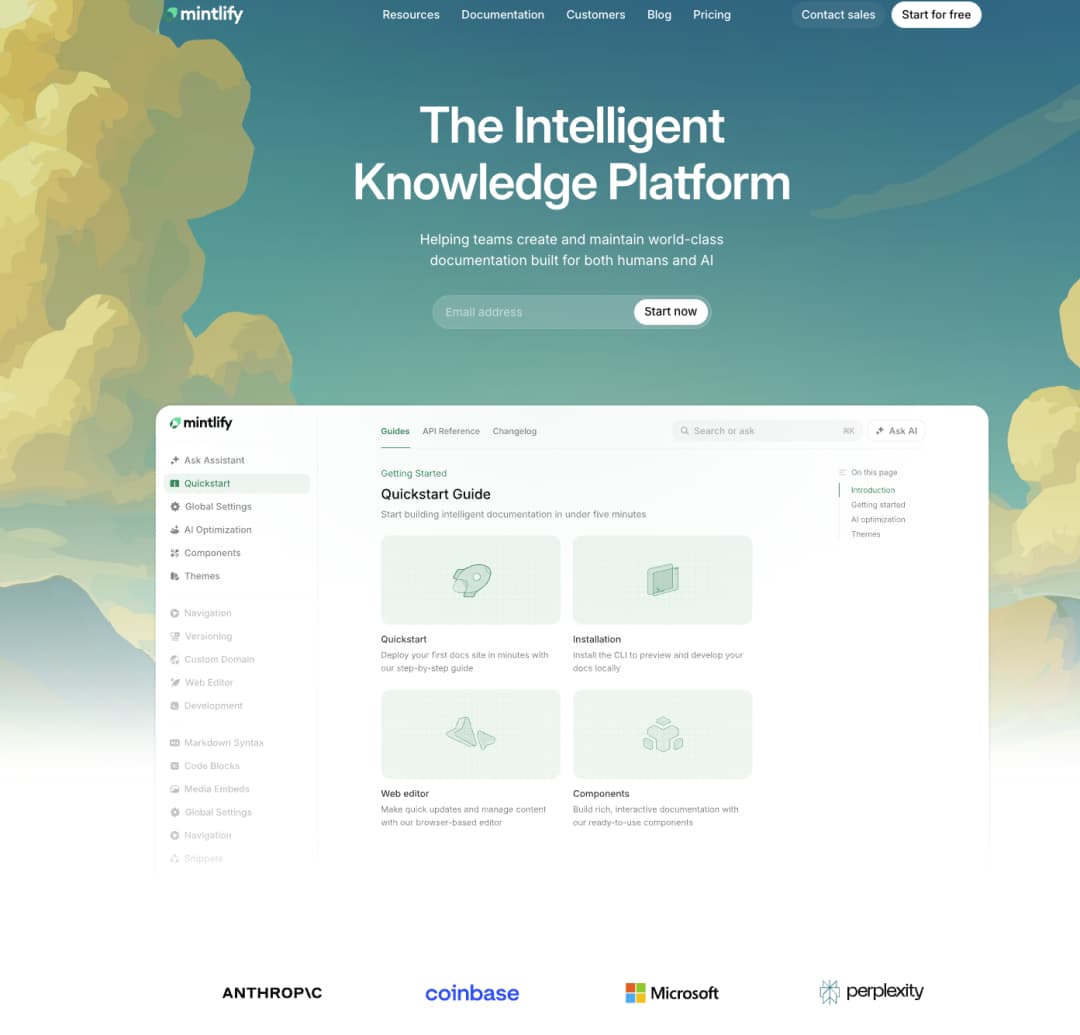
Mintlify is a robust technical documentation platform for developer-facing teams that need documentation to remain accurate as the product evolves. It combines docs-as-code workflows, API documentation infrastructure, and AI-ready delivery into a single system.
Spec-to-docs Generation
Mintlify's scraper CLI converts OpenAPI and AsyncAPI specs into editable MDX files. Each generated page includes a built-in API playground with configurable auth methods and live responses, so developers can test endpoints without leaving the documentation.
Mixed-team Authoring
Engineers push MDX files through Git. Non-technical contributors use a web editor with built-in comments, a Google Docs-style suggesting mode, and @mentions that trigger email notifications. Both paths sync bidirectionally to the same repository.
AI Assistant
Mintlify’s AI Assistant helps developers find answers in the documentation with cited responses and links to relevant pages, making the docs easier to use when a developer needs a quick answer rather than a full manual search.
Autonomous Maintenance
Mintlify's Workflows agent monitors connected code repositories, drafts documentation updates when new code lands, and opens pull requests for human review. Documentation stays current because code deployments trigger the updates directly, so no one needs to remember to go back and edit a page.
AI-agent Visibility
Mintlify auto-generates llms.txt, skill.md, and MCP servers for AI discovery, and every page serves clean Markdown to agents. AI traffic analytics reveal which agents visit, what they query, and where content gaps cause failures.
Companies such as Anthropic, AT&T, and Perplexity use Mintlify for developer documentation.
→ Start with Mintlify’s free tier to build and publish developer documentation without setting up a separate docs stack.
→ See how Mintlify stacks up against the competition in our overview of the best technical documentation software.
Frequently Asked Questions
How does it differ from a knowledge base?
A knowledge base stores and organizes general information such as support articles, FAQ pages, and internal wiki content. Technical documentation software is built for structured, developer-facing content that follows engineering workflows, including spec-generated API references, versioned documentation tied to product releases, and Git-based authoring. Mintlify fits the technical documentation software category because Mintlify supports OpenAPI-based reference generation, docs-as-code workflows, and an interactive API playground.
Can it replace a wiki?
For developer-facing documentation, yes. Wikis work well for internal collaboration and general organizational knowledge, while Mintlify adds developer-focused documentation features without sacrificing the web editor that product managers, technical writers, and other non-technical contributors can still use easily.
Is it only for API documentation?
Technical documentation software also supports SDK guides, developer onboarding tutorials, architecture documentation, changelogs, and product guides. Mintlify supports a wide range of technical content through an MDX component library that includes code blocks, Mermaid diagrams, accordions, tabs, reusable snippets, math support, and embedded content. Mintlify also supports AsyncAPI for WebSocket documentation and offers headless support through Astro for teams that want a custom frontend.
What is AI-agent readiness?
AI-agent readiness refers to a documentation platform's ability to serve content to both human readers and AI agents. Platforms that serve only HTML force AI systems to interpret pages without structured guidance, increasing the risk of inaccurate answers. Mintlify supports AI-agent readiness by generating llms.txt and skill.md, creating MCP servers, serving documentation as Markdown to agents, and providing AI traffic analytics by agent type.
What is best for developer teams?
Mintlify is a strong option for developer teams that need API reference generation, Git-based documentation workflows, and AI-ready delivery on a single platform. Mintlify supports OpenAPI and AsyncAPI, interactive API playgrounds, AI Assistant, and AI-facing formats such as llms.txt, skill.md, and MCP, making it a good fit for teams that want developer documentation to work well for both human readers and AI systems.
More to read
7 best software documentation tools in 2026
A comparison of seven software documentation tools across end-to-end platforms, docs-as-code tools, and API-first tools to help teams find the right fit.
March 13, 2026Cole Gottdank
GTME
Best technical documentation software in 2026
A comparison of seven technical documentation platforms for engineering teams, covering API documentation, docs-as-code workflows, and AI readiness.
March 13, 2026Peri Langlois
Head of Product Marketing