Cole Gottdank
GTM Engineer
Share this article
Cole Gottdank
GTM Engineer
Share this article
Developers now expect to ask a question in their documentation and receive a grounded, cited answer in seconds, rather than having to navigate across multiple pages to find it. Modern API documentation platforms address the need for instant chat by embedding conversational AI directly into docs sites, using retrieval-augmented generation to pull answers from the documentation itself rather than relying on the model's general knowledge.
Developers now expect to ask a question in their documentation and receive a grounded, cited answer in seconds, rather than having to navigate across multiple pages to find it. Modern API documentation platforms address the need for instant chat by embedding conversational AI directly into docs sites, using retrieval-augmented generation to pull answers from the documentation itself rather than relying on the model's general knowledge. This guide compares five API documentation platforms that add AI chat to developer documentation. For teams that want documentation chat powered by agentic retrieval with visibility into both human and AI agent traffic, Mintlify is the strongest option for API documentation chat.
What Makes an API Documentation Chat Tool Useful
API documentation chat tools embed conversational AI into developer documentation sites. They use retrieval-augmented generation, or RAG, to ground answers in the documentation itself instead of relying on a model’s general training data. Five factors determine whether the documentation chat tool is actually useful.
Answer Quality and Grounding
The chat tool needs to return accurate answers with citations that link to specific documentation pages. Developers verify AI responses before using them, so every answer should include source links they can check quickly. Tools that hallucinate or return vague summaries without page references create more support burden than providing value.
Retrieval Architecture
Traditional RAG systems select context upfront, usually through keyword matching, and then pass that context to the language model. Agentic retrieval provides the model with access to search tools and allows it to decide what to retrieve based on the question. The difference between traditional and agentic RAG affects how well the assistant handles multi-step questions that pull from different parts of the documentation. Retrieval quality also depends on the content available to the system during search. Some tools only index Markdown pages, while others include OpenAPI specs, SDK code, and external domains.
Developer Experience
The chat interface should feel native to the documentation site. A sidebar that stays open while developers move between pages reduces context switching more than a modal that closes on every page change. Response speed, mobile usability, and support for copyable code examples also shape whether developers keep using the tool.
Analytics and Visibility
Teams need to see what questions developers ask, which answers succeed, and where the assistant fails to find relevant content. Question-and-answer logs helps teams improve weak pages, add missing content, and fix retrieval gaps. Teams also need visibility into AI agent traffic because most platforms do not show whether AI agents access the documentation or which pages they use.
Implementation and Cost
Setup complexity ranges from enabling a built-in feature to building a custom API integration. Pricing models vary across bundled plans, per-message billing, and add-on fees. Whether the assistant can appear outside the docs site also affects how much value it delivers beyond the documentation itself.
5 Best API Documentation Chat Tools in 2026
Mintlify
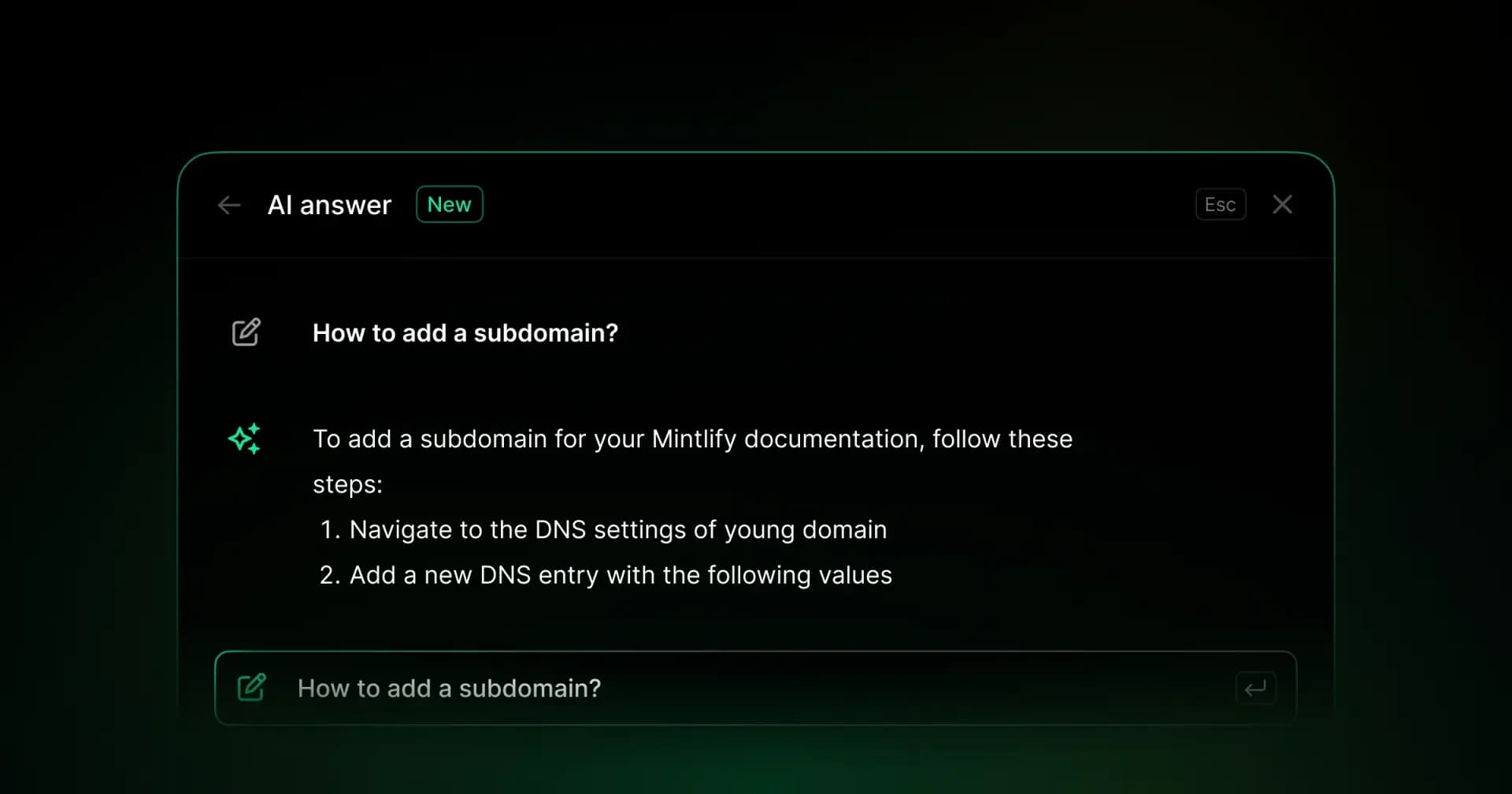
Best for: API-first companies that want documentation chat powered by agentic retrieval, with visibility into both human and AI agent traffic.
Mintlify’s AI assistant uses agentic retrieval with tool calling, powered by Claude. Instead of relying on a single keyword match at the start, the assistant can decide how to search the documentation based on the developer’s question. When a question spans authentication guides and endpoint references, the assistant can draw on both sources in a single response.
The AI assistant builds context from the page the developer is viewing as part of the retrieval context, which helps keep answers aligned with the surrounding documentation. Mintlify indexes documentation pages, OpenAPI specifications, and configurable external domains. For API questions, the assistant can pull methods, parameters, request bodies, and response schemas directly from the spec. Responses include links to cited sources, and the assistant can generate copyable code examples, allowing developers to move from question to implementation without leaving the chat.
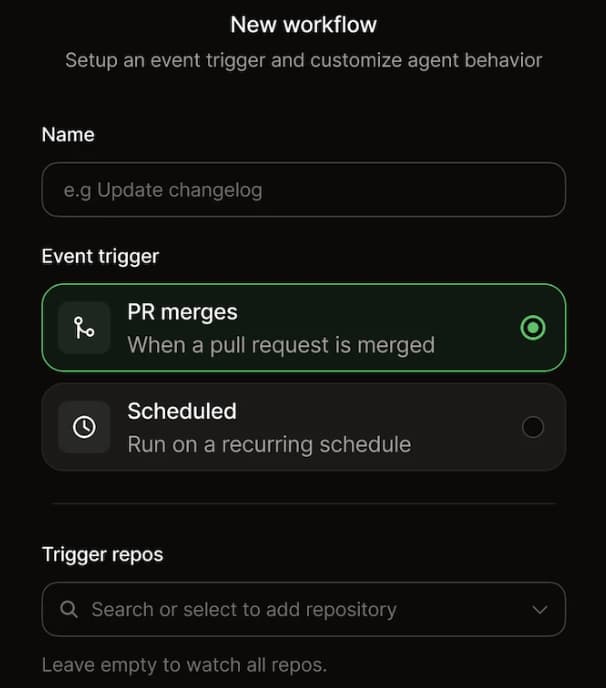
Mintlify indexes content automatically upon publication and excludes drafts and preview deployments, keeping answers aligned with live documentation. Beyond the documentation chat tool, Mintlify also includes an Agent that can propose documentation updates via GitHub pull requests based on prompts, Slack threads, PRs, and connected repositories, reinforcing Mintlify’s focus on both documentation discovery and maintenance.
Developers can access the assistant from multiple points across the documentation site, including the search bar, a persistent bar at the bottom of the page, a keyboard shortcut, text highlighting, code blocks, and deep links with pre-filled questions. Teams can also configure starter questions based on page content or set them manually in the dashboard.
Mintlify also exposes the chat tool through an API endpoint, which lets teams embed documentation chat into custom apps, support tools, and developer portals. The chat assistant also runs as a Slack bot and Discord bot. When the assistant cannot answer a question, teams can route the conversation to support through an email redirect or a “Contact support” button.
The assistant widget provides a ready-made chat interface for an existing website or web app. Teams can offer documentation answers inside their product, surface contact forms, and hand conversations to support. The widget uses the same documentation-backed assistant as the docs site, while the API remains available for teams building a custom interface.
Mintlify also gives teams visibility into how the assistant performs after launch.
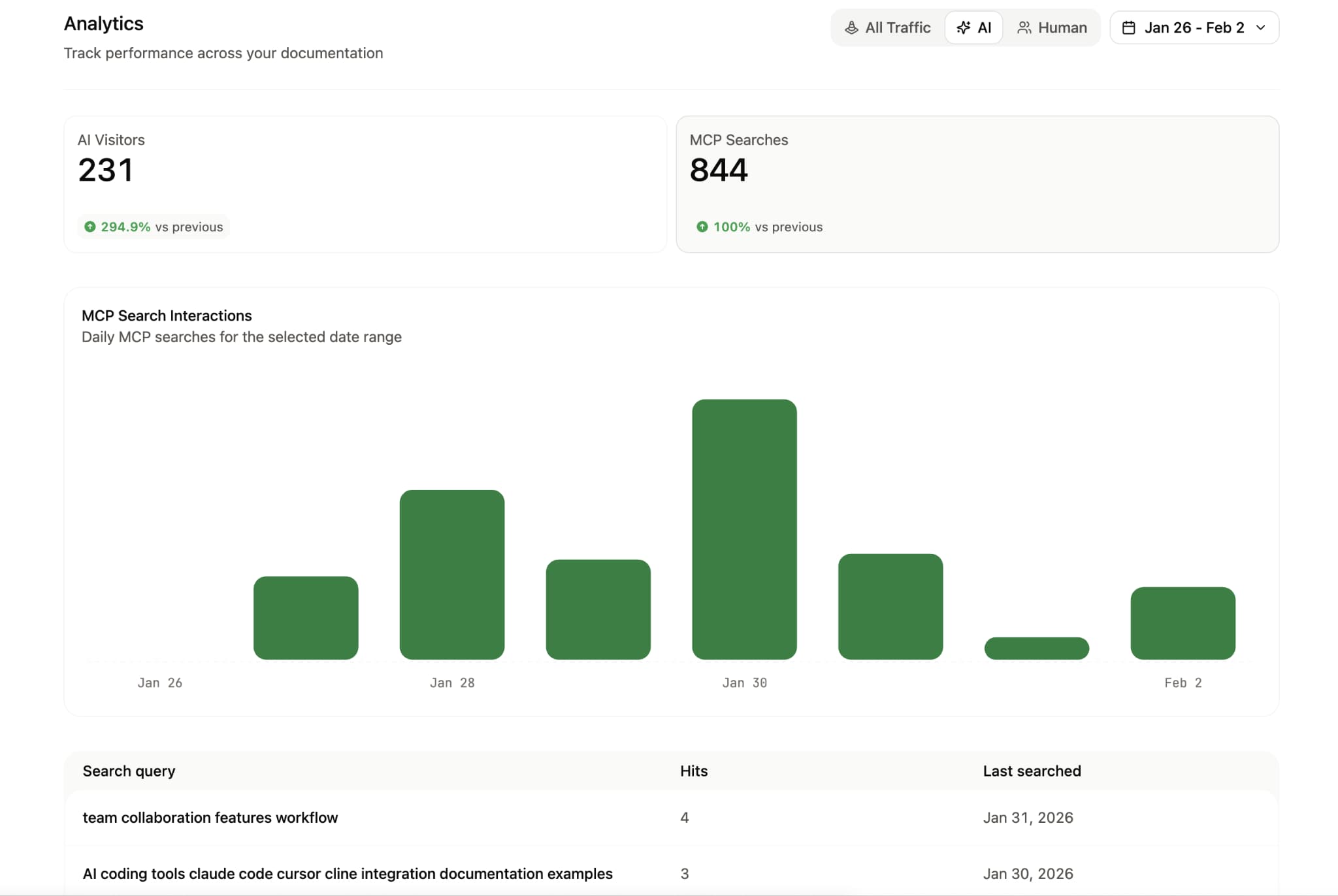
- The analytics API supports programmatic exports of conversations and user feedback.
- The AI traffic dashboard shows which agents access the docs, which pages they visit, what queries they run, and where they stop.
- The Categories tab groups conversations by topic, surfaces unanswered questions as documentation gaps, and includes user ratings on individual responses. Mintlify’s assistant handles millions of queries each month across customer documentation sites. Companies including Anthropic, AT&T, and Perplexity run their developer documentation on Mintlify to help developers find answers faster and move through implementation with less friction.
Pros
- Agentic retrieval with tool calling lets the assistant decide how to search the docs, which improves answers on complex, multi-step questions
- Page-aware retrieval uses the page a developer is viewing to keep answers more relevant to the surrounding documentation
- Indexes documentation pages, OpenAPI specs, and configurable external domains, so answers can span guides, API references, and external content
- Multiple entry points across the docs site make the assistant easy to access without interrupting the developer workflow
- Ready-made widget for websites and apps, plus API access for custom interfaces and support handoff
- AI traffic analytics show which agents access the docs, what they query, and where they stop, giving teams visibility most platforms in this roundup do not provide
- Conversation categorization, unanswered question tracking, user ratings, and analytics exports help teams improve weak pages and fill documentation gaps
Cons
- Answered questions consume usage credits, so teams should budget for conversation volume
Usage pricing: Each answered question costs 25 credits across the docs site, widget, and assistant API. If the assistant cannot answer, the response costs zero credits. For example, 200 answered questions use 5,000 credits. Agent conversations in the editor and Slack are included without credit usage on Pro and Enterprise plans; these are separate from the reader-facing assistant. See credit pricing and plan details.
GitBook
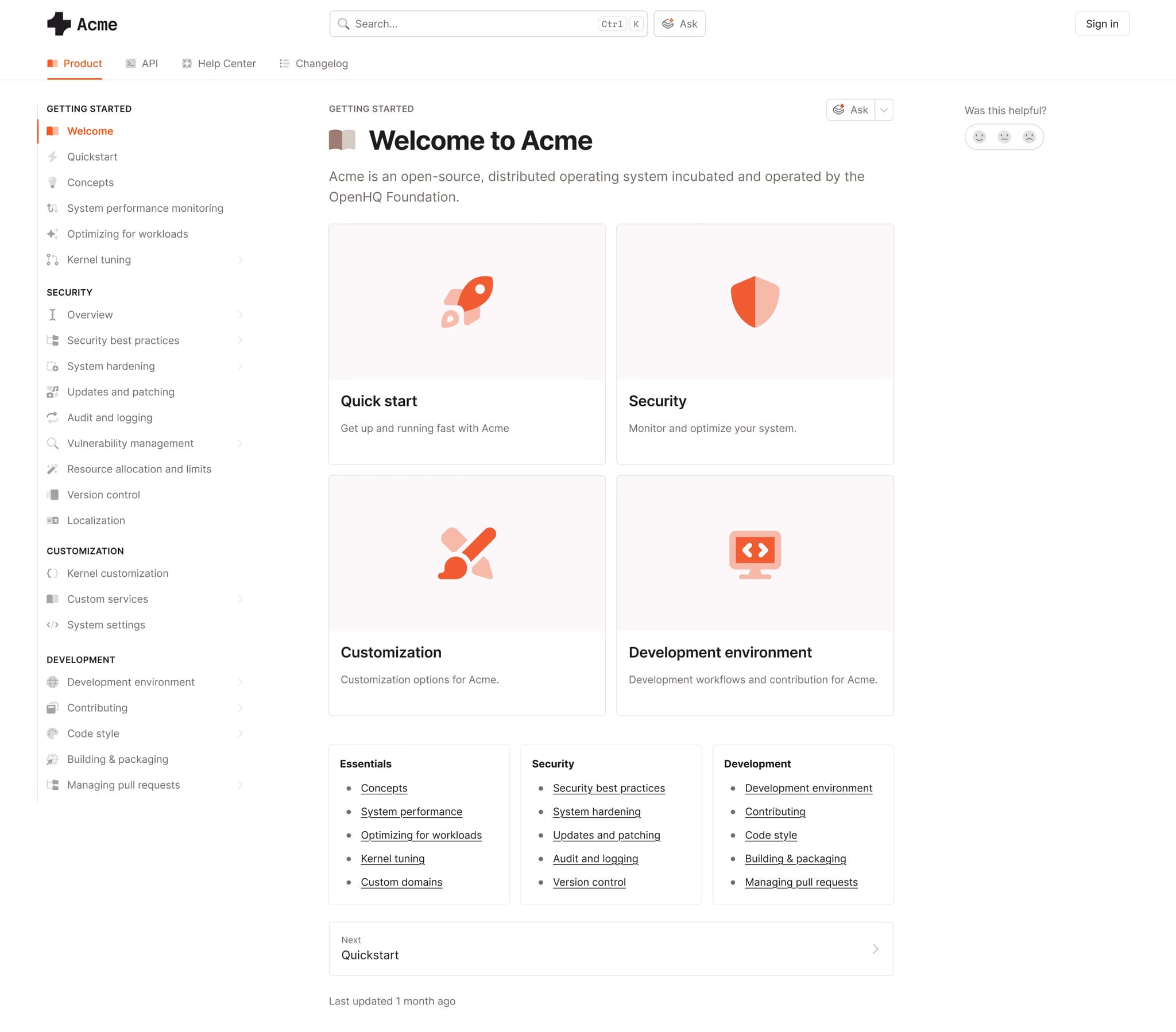
Best for: Teams with developers and non-technical contributors who want AI chat alongside collaborative editing.
GitBook Assistant adds natural language search to GitBook documentation, with Lens semantic search handling intent-based queries more effectively than exact keyword matching alone. GitBook also supports MCP server connections, which lets teams bring in context from external platforms alongside the documentation. On higher tiers, adaptive content personalizes documentation based on attributes such as plan type and user role, and the assistant uses that same context to return more relevant answers. GitBook also surfaces documentation improvement suggestions based on AI query patterns.
Pros
-
Lens semantic search understands developer intent beyond exact keyword matches
-
MCP server connections let the assistant use external platform context alongside documentation
-
AI query patterns highlight documentation gaps and improvement opportunities Cons
-
API reference rendering is limited, which can reduce answer depth for endpoint-specific questions
-
No AI agent traffic analytics for understanding how AI systems use the docs Pricing: Free to start. Premium at $65 per site per month + $12 per user per month. Ultimate at $249 per site per month + $12 per user per month. Custom enterprise pricing.
Fern
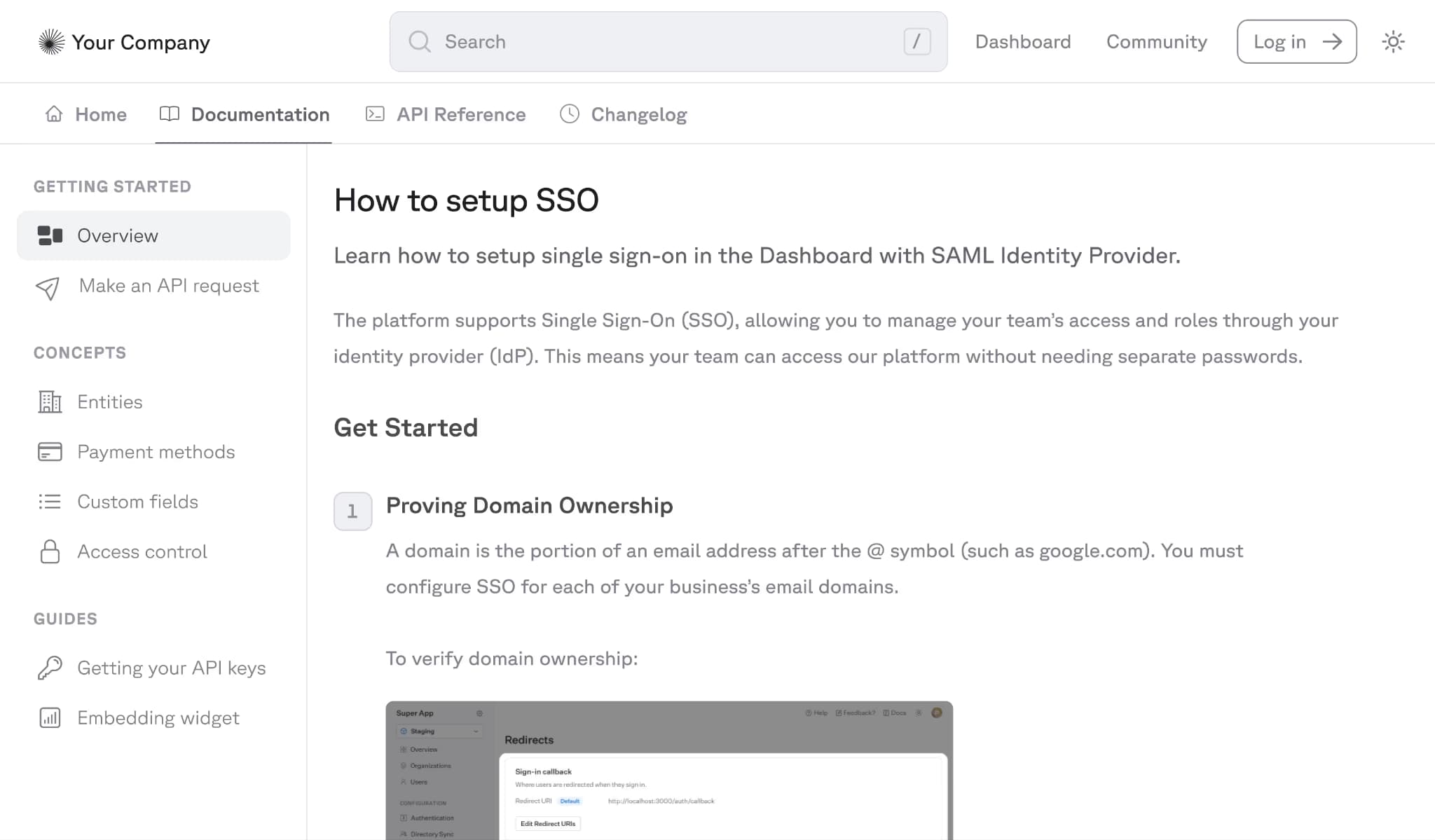
Best for: Teams that generate SDKs alongside documentation and want chat answers grounded in both guides and SDK code.
Ask Fern is a sidebar-based AI search panel that uses RAG to index documentation and Fern-generated SDK code. The sidebar stays open as developers move between pages. Responses include citations that link to specific documentation sections, and the Documents API lets teams add external sources such as FAQs and support threads. Ask Fern also respects role-based access control, so responses only reference documentation the developer is allowed to view. It is available through API, Slack, and Discord.
Pros
-
Indexes both documentation and SDK code, so answers can connect conceptual guides with implementation details
-
Permission-aware responses only use content the developer can access
-
Documents API expands the knowledge base beyond core documentation Cons
-
MCP server support is still a work in progress, which limits current integration with AI coding tools
-
SDK code indexing is limited to Fern-generated SDKs, so teams using hand-written or third-party SDKs get less coverage Pricing: Hobby at $0, Team at $150/month with free trial, and custom Enterprise pricing.
ReadMe
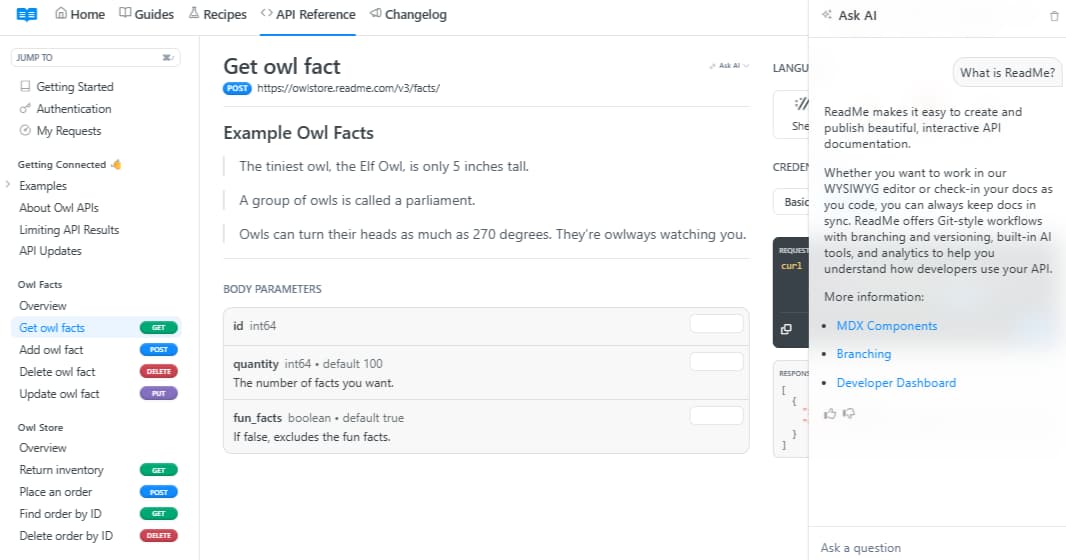
Best for: Development teams with interactive API developer hubs that want AI chat alongside personalized code examples and API logs.
ReadMe’s Ask AI is a conversational sidebar powered by OpenAI models. The AI assistant sits inside the documentation search experience and returns both traditional search results and an AI-generated answer in the same interface. Teams can customize tone, answer length, and forbidden words and for Enterprise users, responses also respect project-level permissions.
Pros
-
Custom controls for tone, answer length, and forbidden words give teams more control over assistant responses
-
Permission-aware responses on Enterprise respect project-level access controls
-
Analytics dashboard with CSV export gives teams a reviewable log of questions and answers Cons
-
Limited to documentation as a single content source, with no indexing across SDKs, external domains, or support threads
-
AI chat is sold as an add-on rather than being included in the core platform Pricing: Free plan with limited features, Startup at $79/month, Business at $349/month, Enterprise at $3,000+/month.
Redocly
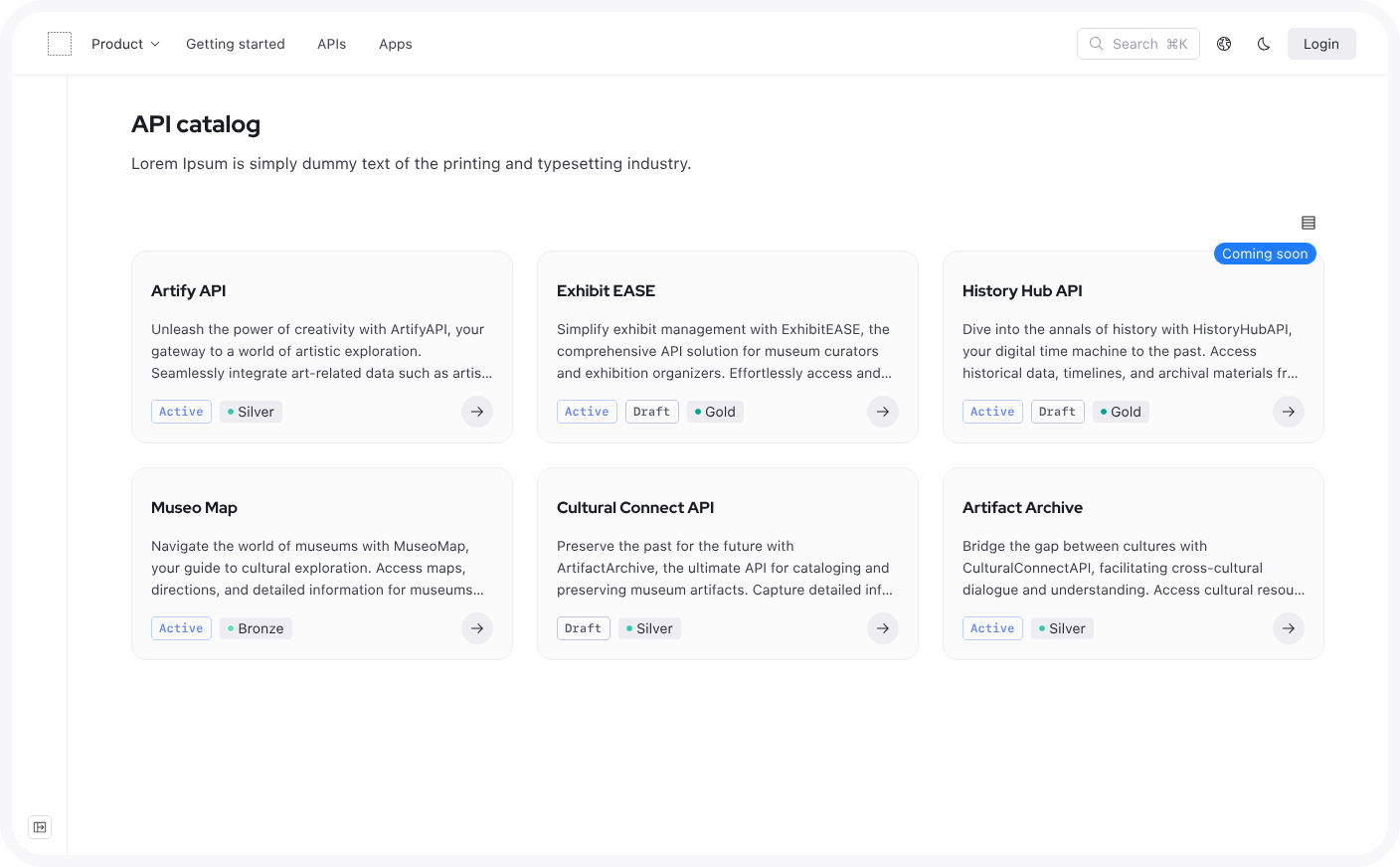
Best for: Teams with multi-spec API portfolios that need AI search across specification types.
Redocly’s AI Assistant indexes written documentation alongside OpenAPI, GraphQL, AsyncAPI, and SOAP specifications, which makes it a strong fit for teams managing APIs across multiple spec types. Responses are version-aware by default, so developers see answers tied to the active API version instead of unrelated releases. Redocly also supports MCP integration with VS Code and Cursor for IDE-based documentation queries.
Pros
-
Broadest spec coverage in this roundup, spanning OpenAPI, GraphQL, AsyncAPI, and SOAP
-
Version-aware responses return answers from the active API release
-
MCP integration with VS Code and Cursor supports IDE-based documentation queries Cons
-
AI Search is limited to Enterprise and Enterprise+ plans, which makes it less accessible for smaller teams
-
The monthly search cap can become restrictive for high-traffic documentation sites Pricing: Pro at $10/seat/month, Enterprise at $24/seat/month with a free trial. Enterprise+ at custom pricing.
API Documentation Chat Tools Compared
| Tool | AI Architecture | Sources Indexed | Embeddable via API | AI Agent Analytics | Starting Price for AI Chat |
|---|---|---|---|---|---|
| Mintlify | Agentic RAG with tool calling | Docs, OpenAPI, and configurable external domains | Yes | Yes | Custom, included in Enterprise |
| Fern | RAG | Docs, Fern-generated SDK code, and external content through the Documents API | Yes | No | $150/month on Team, with 1,000 AI credits included |
| GitBook | Agentic retrieval with semantic search | Docs and connected MCP server context | No | No | $249/site/month + $12/user/month for GitBook Assistant |
| ReadMe | GPT-powered RAG | Documentation only | Enterprise only | No | $150/month add-on for the AI Booster Pack |
| Redocly | RAG | Docs, OpenAPI, GraphQL, AsyncAPI, and SOAP | No | No | $24/seat/month |
Ready to build AI-native documentation chat? Get started with Mintlify and ship agentic retrieval on your docs today.
Why Mintlify Leads in AI Documentation Chat
Most documentation chat tools handle simple, single-page lookups well, but fall short when questions span multiple content sources or when teams need to understand how AI agents interact with their docs alongside human visitors.
Fern and ReadMe both deliver grounded answers with citations, but Fern's SDK indexing only covers Fern-generated SDKs, and ReadMe limits retrieval to documentation pages without indexing OpenAPI specs, external domains, or SDK code. GitBook's semantic search handles intent-based queries effectively, but lacks AI agent traffic analytics entirely. Redocly covers the broadest range of API spec types, but locks AI search behind its Enterprise tier and caps monthly queries.
Mintlify is the only tool that combines agentic retrieval with AI agent traffic visibility, embeddable API access, and indexing across documentation pages, OpenAPI specs, and external domains. For teams that need documentation chat to support the full developer journey across the docs site, custom apps, and communication channels like Slack and Discord, Mintlify is the strongest choice. Try Mintlify’s AI chat for developer docs →
Frequently Asked Questions
What is an API documentation chat tool?
An API documentation chat tool is a conversational AI interface embedded in a developer documentation site. It uses retrieval-augmented generation to answer developer questions by pulling from actual documentation content, including API references, guides, and code examples. Mintlify's AI assistant uses agentic RAG with tool calling to search documentation autonomously, returning cited answers with copyable code examples so developers can implement solutions directly from the chat response.
How do I choose the right AI chat tool for my docs?
Evaluate the retrieval architecture first, since the quality of answers depends on how the tool finds and selects relevant content. Then check what content sources the assistant indexes, whether it provides analytics on questions and answer quality, and whether it can be embedded outside the docs site. Mintlify stands out because it combines agentic retrieval, broad content indexing, analytics, and deployment across the docs site, API, Slack, and Discord.
Is Mintlify's AI assistant better than Ask Fern?
Ask Fern is a strong option for teams that want answers grounded in documentation and Fern-generated SDK code, with API, Slack, and Discord access. Mintlify adds agentic retrieval, page-aware answers, configurable external domains, and visibility into how AI agents interact with the docs. Mintlify is the stronger fit for teams that want documentation chat to do more than answer questions in a sidebar.
Can I embed an API documentation chatbot outside my docs site?
Mintlify lets teams extend documentation chat beyond the docs site through an API endpoint, so the assistant can be embedded into custom apps, developer portals, and support workflows. Mintlify also offers Slack and Discord bots for teams that want documentation answers available in the tools developers already use.
What are the best alternatives to ReadMe for AI documentation chat?
ReadMe’s Ask AI is a solid option for teams already using ReadMe and need controls for answer style and analytics. Mintlify is a stronger alternative for teams that need retrieval across OpenAPI specs and external domains, deployment through API endpoints and chat bots alongside the docs site, and analytics covering both human and AI agent traffic.
More to read
API documentation guide: what it is and how to build it
Learn what makes API documentation great, how to structure endpoint references, and how to keep them accurate as your API changes.
February 25, 2026Peri Langlois
Head of Product Marketing
Why Trophy chose Mintlify vs. Fern for documentation
Trophy is the first developer-focused gamification stack. It provides APIs for tracking user interactions and building features like achievements, streaks, points and leaderboards. It also provides tools for building highly-retentive lifecycle email and push notification campaigns with no code.
June 30, 2025Tiffany Chen
Marketing