Best Swagger Docs Alternatives 2026
Harkirat Chahal
Growth
Share this article
Harkirat Chahal
Growth
Share this article

Swagger UI is a free OpenAPI renderer that helps API teams quickly publish their first reference docs. Swagger works well for internal testing and early API ...
Swagger UI is a free OpenAPI renderer that helps API teams quickly publish their first reference docs. Swagger works well for internal testing and early API documentation, but customer-facing developer portals also need branded docs, guides, auth walkthroughs, versioning, analytics, AI-ready outputs, and a workflow that keeps documentation aligned with the API as it changes.
This guide compares five Swagger UI alternatives and explains why Mintlify is the best choice for teams ready to move from a basic reference viewer to a modern developer documentation platform.
Why teams outgrow Swagger UI
Swagger UI does one job well: it renders an OpenAPI spec quickly. That makes it useful for internal testing, early API documentation, and teams that need a free reference viewer. The limitations show up when the API docs become a customer-facing developer portal.
Branding is limited: Most Swagger UI deployments look similar, with the same default layout and endpoint-first structure. Teams can customize the UI through CSS overrides or custom React components, but a branded developer experience requires additional engineering effort.
Narrative content lives outside the reference: Swagger UI renders endpoints, but most API users also need quickstarts, authentication guides, concept pages, SDK examples, and changelogs. When that content lives in a separate tool, teams end up maintaining the reference and the surrounding docs in parallel.
Auth flows require manual explanation: Customer-facing API docs often need OAuth walkthroughs, API key handling, and user-specific examples. Swagger UI can help test endpoints, but teams usually need extra docs or custom work to explain the full authentication experience.
Versioning requires a custom setup: Swagger UI does not provide a complete documentation versioning model by default. Teams that need v1 and v2 docs side by side usually need separate deployments or a custom wrapper.
Analytics are absent by default: A basic Swagger UI deployment does not show which endpoints developers read, which searches fail, or where users drop off. Teams need separate analytics instrumentation to understand how developers use the docs.
AI-agent support is missing: Swagger UI does not ship native support for llms.txt, MCP servers, Markdown content negotiation, or AI traffic analytics. As AI coding assistants and answer engines become documentation readers, API teams need docs that can serve both browsers and agent workflows.
Large specs can strain the experience: Swagger UI can become harder to navigate as an API surface grows. Large specs with hundreds of endpoints can slow rendering, weaken search, and make endpoint discovery harder for developers.
The 5 best Swagger UI alternatives in 2026
1. Mintlify
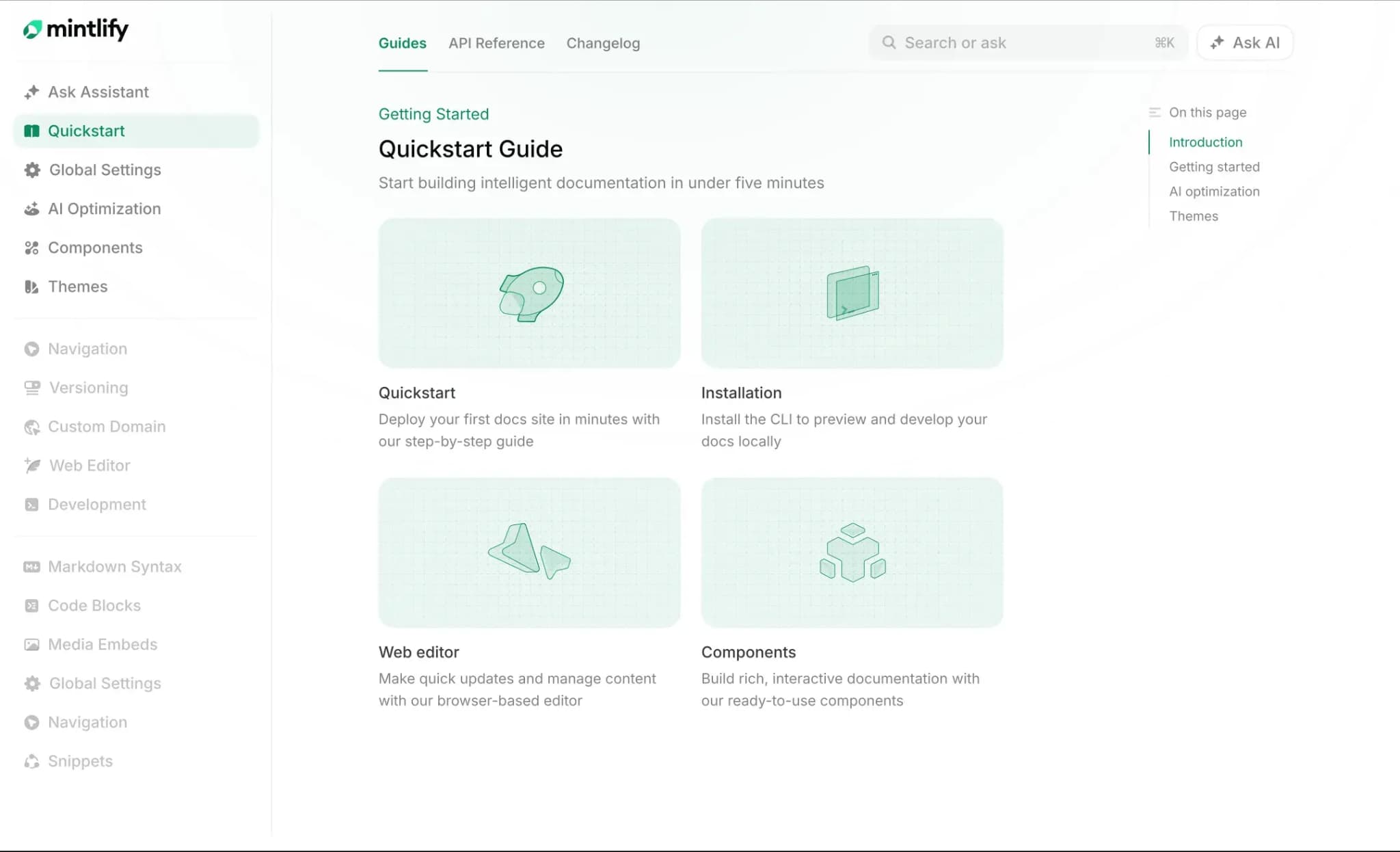
Best for: API teams that want to turn an existing OpenAPI spec into a branded developer portal with guides, AI-ready output, interactive API testing, AI assistance, and automated documentation maintenance.
Mintlify is the strongest Swagger UI alternative for teams that have outgrown a basic reference renderer. Mintlify ingests OpenAPI specs, generates interactive API references, and provides teams with capabilities that Swagger UI does not cover: branded publishing, guides, changelogs, auth walkthroughs, AI-ready outputs, in-docs AI assistance, analytics, and a Git-based workflow with browser-based editing.
From OpenAPI spec to branded developer portal
Mintlify auto-generates interactive API references from OpenAPI 3.0+ and AsyncAPI specifications, and the scraper CLI turns them into editable MDX endpoint pages with full control over structure, styling, and page content. Teams can keep the spec as the source of truth while publishing API docs that match their brand, domain, and product experience. The API Playground lets developers build requests, configure authentication, send live API calls, and inspect responses inside the docs.
OpenAPI Overlays let teams tailor the published reference without editing the source specification. For example, a documentation team can remove internal endpoints or replace a server URL while engineering continues generating the original spec. Mintlify supports Overlay Specification 1.0 and 1.1 and applies overlays before validation, so generated pages and mint validate use the transformed document.
Guides, changelogs, and concept pages alongside the reference
Mintlify lets teams manage reference pages and narrative docs in the same repo. Quickstarts, authentication guides, SDK examples, concept pages, changelogs, and endpoint references can use the same MDX component system and review process. Components such as Mermaid diagrams, code blocks, tabs, accordions, reusable snippets, and embedded videos help teams explain implementation details that Swagger UI cannot cover through endpoint rendering alone.
Web editor and Git workflow for mixed teams
Mintlify supports bi-directional Git sync with a web editor, so engineering, product, and documentation teams can contribute through the workflow that fits their role. Engineers can work in MDX through pull requests, while technical writers and product managers can edit pages in the browser. The web editor supports comments, suggestions, @mentions, and visual editing, and preview deployments on branches let reviewers check changes before publishing.
AI-ready documentation for agents and answer engines
Every Mintlify site auto-publishes llms.txt, llms-full.txt, and skill.md, serves documentation to AI agents as Markdown and generates an MCP server for structured retrieval. AI coding tools and answer engines can read those formats directly without parsing rendered HTML. Mintlify’s AI assistant uses agentic retrieval across documentation pages, OpenAPI specs, and approved external domains, with cited answers and copyable code examples. Mintlify’s AI traffic analytics show which agents visit the docs, which pages they read, and where agents stop.
Documentation maintenance as part of the API workflow
Mintlify helps teams keep docs aligned with product and API changes. OpenAPI-driven references can update from the spec, while Automations and the Mintlify agent can draft documentation updates and open pull requests for review. Teams get a repeatable maintenance process that covers the generated reference, along with guides, examples, and explanations for the API.
Pros
- Branded developer portal with MDX components, custom domains, and design system control
- OpenAPI 3.0 and 3.1, OpenAPI Overlays, and AsyncAPI support with interactive API references and API Playground
- Bi-directional Git sync with a web editor that supports comments, suggestions, @mentions, and visual editing
- AI assistant with agentic retrieval across docs, OpenAPI specs, and approved external sources
- Auto-generated llms.txt, llms-full.txt, skill.md, Markdown delivery, and MCP servers for AI agent access
- Automations and the Mintlify agent can draft documentation updates and open pull requests for review
- AI traffic analytics show agent visits, page-level behavior, queries, and stop-off points
Cons
- Less suited for internal wiki or support-only knowledge base use cases, where developer documentation is not central to the workflow
Pricing: Hobby at $0/month, Enterprise at custom pricing. See full pricing breakdown.
2. Scalar
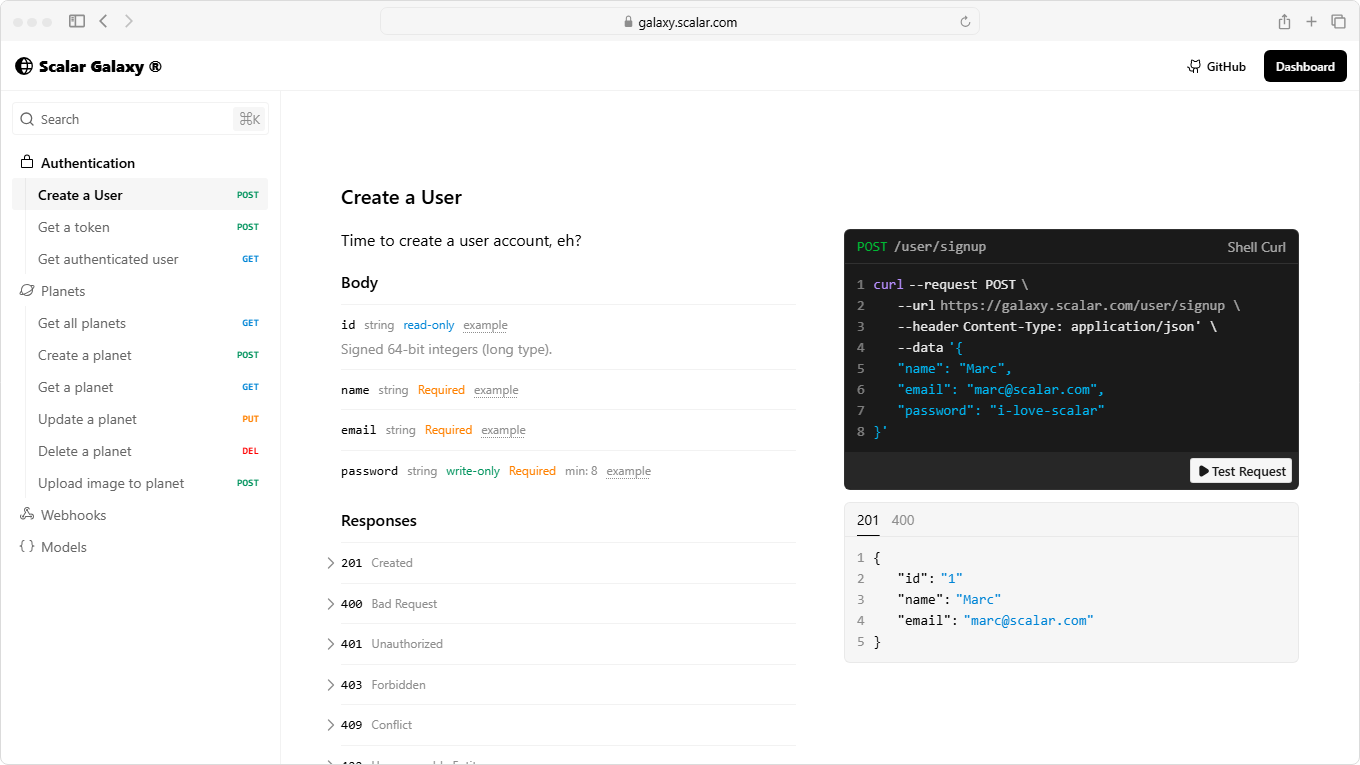
Best for: Teams that want a free, open-source API reference renderer without moving to a full developer portal.
Scalar is an open-source API reference renderer that supports OpenAPI 3.x and Swagger 2.0 specs. Scalar can run as a standalone page, framework middleware for FastAPI, Hono, Elysia, and Express, or a CDN script added to an existing HTML page. Scalar also offers a desktop API client for testing offline requests.
Pros
- Open source, with framework-native integrations for FastAPI, Hono, Elysia, and Express
- Desktop API client for offline request testing
- Three-column API reference layout out of the box
Cons
- No MDX or custom component support for richer narrative documentation
- No full developer portal workflow for guides, changelogs, analytics, or docs maintenance
- Paid Pro tier has a 3-seat minimum
Pricing: Free to start with basic features. Pro at $72/month with a minimum 3-seat requirement (excluding member, usage, and service fees). Custom Enterprise pricing.
3. Redocly
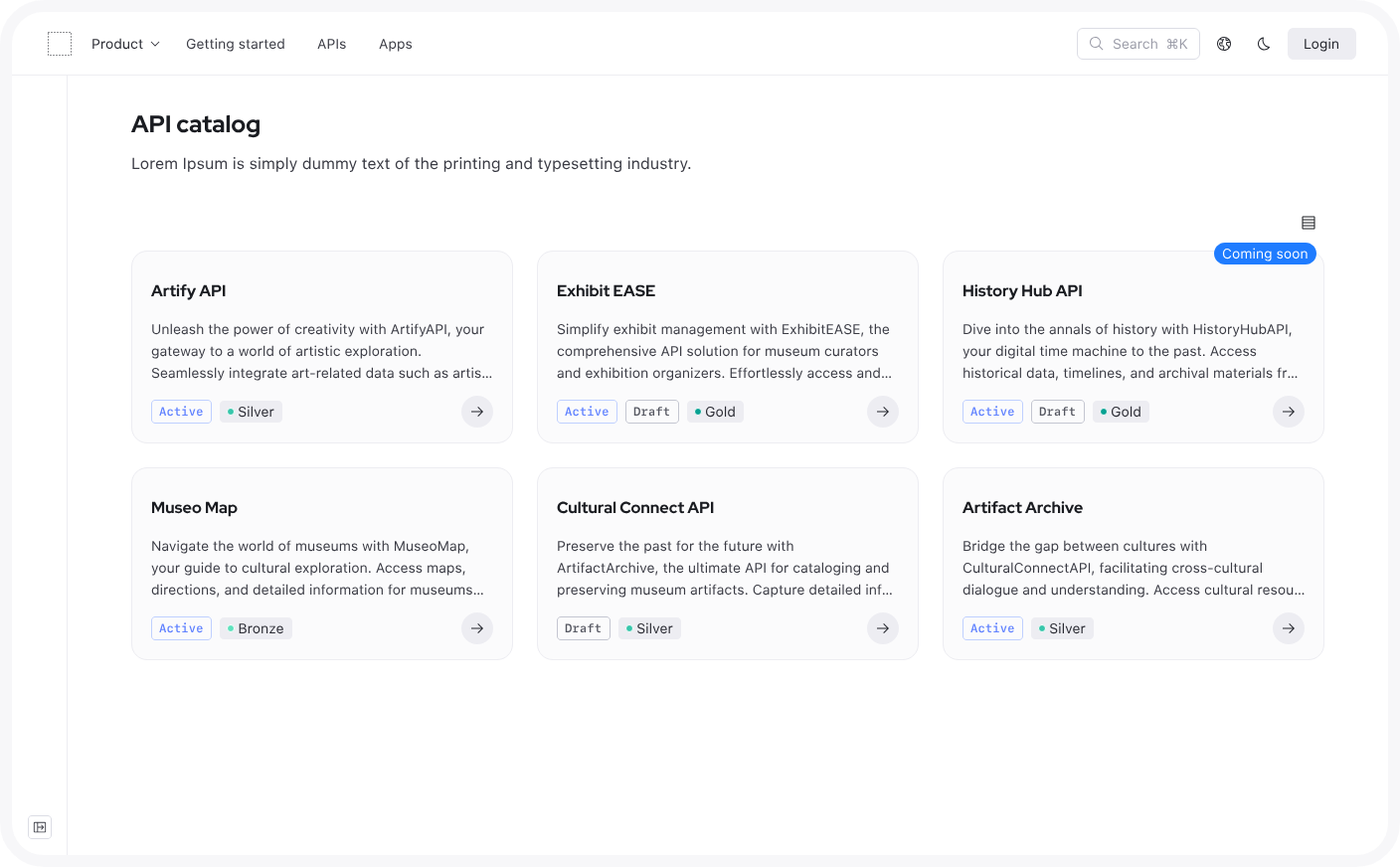
Best for: Teams already using Redoc that want OpenAPI governance, linting, and a docs-as-code workflow around a three-panel reference.
Redocly maintains the open-source Redoc renderer and offers a hosted platform for API reference docs, Markdown documentation, API catalogs, and governance. Redocly supports OpenAPI linting via the Redocly CLI, as well as AsyncAPI, GraphQL, and custom domain hosting. Teams that require extensive design customization may need CSS overrides or component-level adjustments.
Pros
- OpenAPI linting and bundling through Redocly CLI and Spectral rules
- Redoc renderer is supported across many web frameworks
- Lower entry pricing for teams that only need Redoc
Cons
- The default design often needs customization for a branded developer portal
- AI search and MCP support sit behind higher-tier plans
- Component-level customization can add implementation work
Pricing: Pro at $10/seat/month, Enterprise at $24/seat/month with a free trial. Enterprise+ at custom pricing.
4. ReadMe
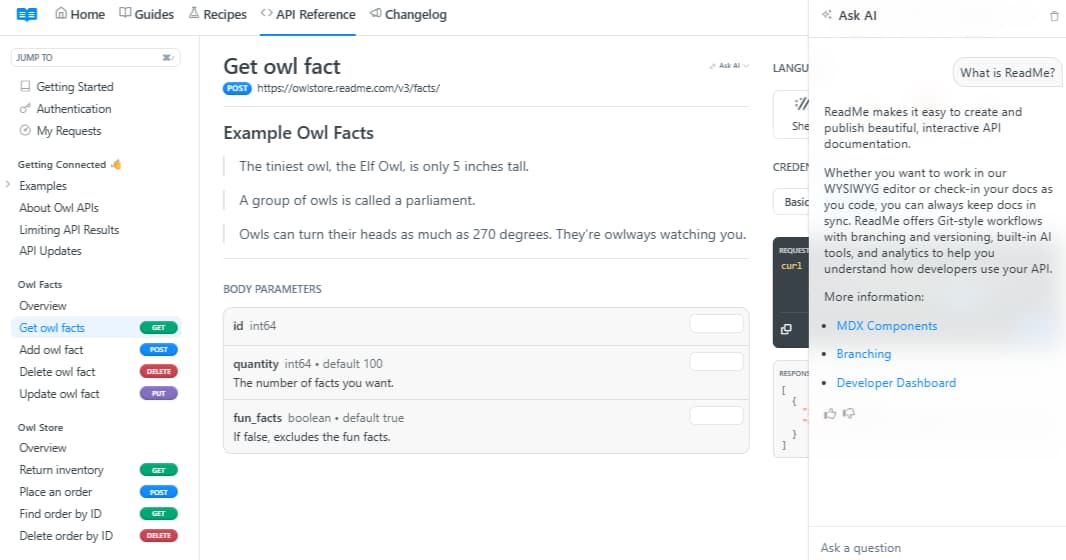
Best for: Teams that prefer a fully hosted editor and developer hub over a Git-backed workflow.
ReadMe is an API documentation platform with a WYSIWYG editor, interactive API reference pages, discussion forums, developer hub features, and a Metrics dashboard for request logs. ReadMe renders API references from OpenAPI specs and supports guides, changelogs, and landing pages through its visual editor.
Pros
- Web-first editor for teams with product, support, or technical writing contributors
- Developer hub features and discussion forums on higher tiers
- Personalized docs with per-user API key pre-population on paid plans
Cons
- Git sync is still in beta
- AI features, including Ask AI, require the Business plan
- Less suitable for teams that want a mature Git-based docs workflow as the primary authoring model
Pricing: Free plan with limited features, Startup at $79/month, Business at $349/month, Enterprise at $3,000+/month.
5. Bump.sh
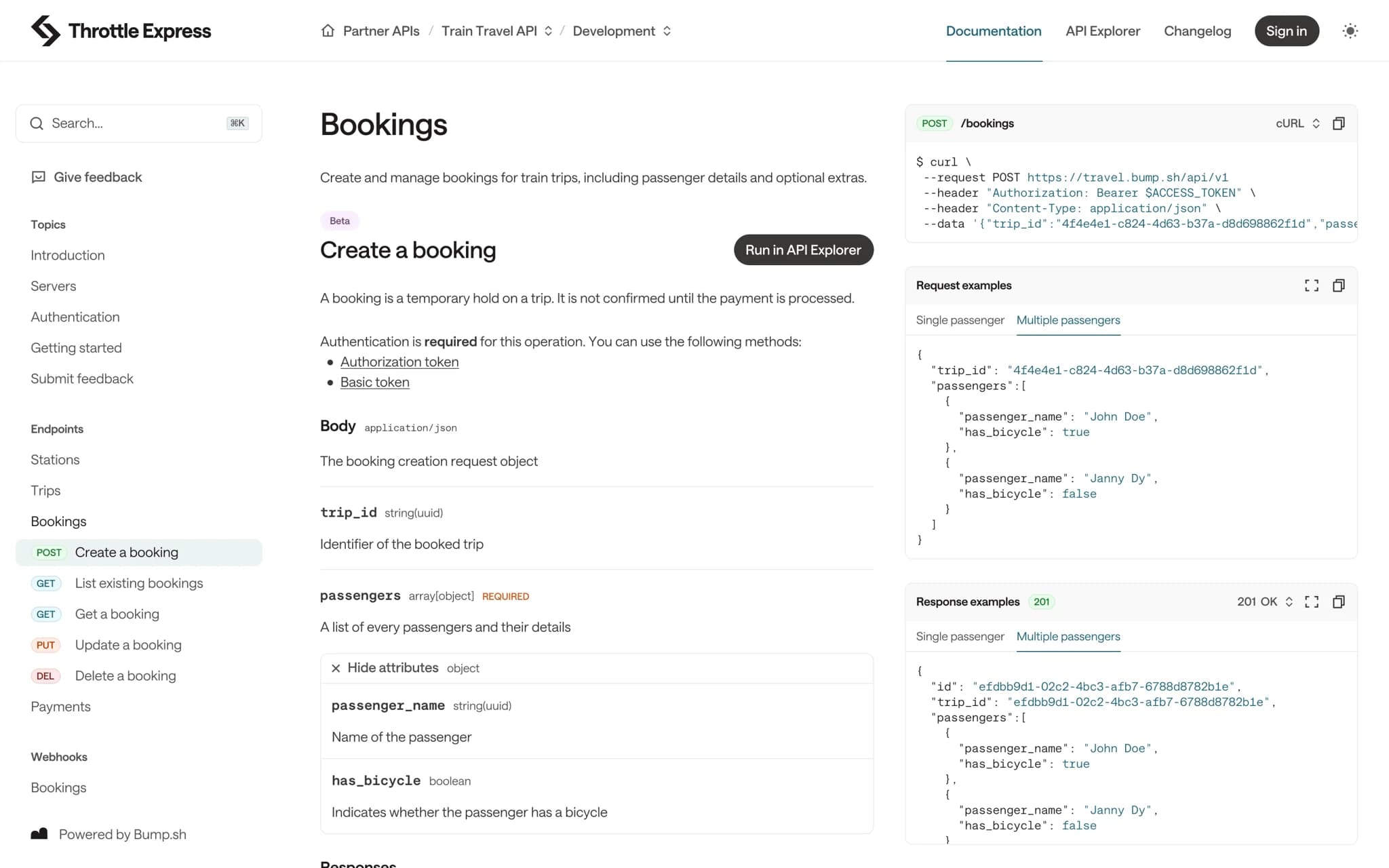
Best for: Teams with large API surfaces that need OpenAPI and AsyncAPI rendering, automatic changelogs, and breaking-change detection.
Bump.sh renders OpenAPI, AsyncAPI, and OpenAPI Overlays, with support for large API specs that can strain basic Swagger UI deployments. Each deploy can generate an automatic diff and changelog, with breaking-change alerts through Slack or email. Bump.sh also offers a managed MCP platform for turning published API docs into MCP servers with authentication and observability.
Pros
- Handles large OpenAPI and AsyncAPI specs
- Automatic diffing, changelog generation, and breaking-change alerts
- Managed MCP platform for published API docs
Cons
- Custom CSS is only available on the Custom plan
- Narrative documentation tooling is more limited than MDX-based documentation platforms
- Primarily focused on API reference publishing, changelogs, and spec workflows
Pricing: Basic at $50/month, Pro at $250/month with a free trial, and Enterprise at custom pricing.
Best Swagger alternatives compared (2026)
| Tool | OpenAPI support | Branded portal | Guides & narrative | AI + LLM readiness | Starting price |
|---|---|---|---|---|---|
| Mintlify | ✅ OpenAPI 3.0/3.1, AsyncAPI, and Overlays, with editable MDX API pages | ✅ Full MDX, custom domain, design system control | ✅ First-class guides, changelogs, concept pages, and reusable components | ✅ llms.txt, llms-full.txt, skill.md, Markdown delivery, MCP servers, and AI traffic analytics | ✅ Free to start |
| Scalar | ✅ OpenAPI 3.x and Swagger 2.0 | 🟡 Themes and custom CSS/JS, no MDX | 🟡 Basic Markdown via Git sync | ❌ No native AI-readiness stack | ✅ Free tier available |
| Redocly | ✅ OpenAPI, AsyncAPI, and GraphQL SDL | 🟡 Custom CSS/JS with component ejection | 🟡 Revel for Markdown docs | 🟡 AI search and MCP support on higher tiers | ✅ Free trial |
| ReadMe | ✅ OpenAPI | ✅ Branded hub via WYSIWYG editor | ✅ Visual editor for guides, changelogs, and landing pages | 🟡 Ask AI on Business tier | ✅ Free tier available |
| Bump.sh | ✅ OpenAPI, AsyncAPI, and Overlays | 🟡 Logo, color, and custom domain; CSS on Custom only | 🟡 Basic hub and catalog | 🟡 Managed MCP platform | ❌ $50/month |
Turn your OpenAPI spec into a branded, AI-ready developer portal with Mintlify. Start free today →
How to migrate from Swagger UI to Mintlify
A Swagger UI migration follows a five-step process.
1. Keep the OpenAPI spec. Mintlify ingests the same JSON or YAML file that Swagger UI reads. OpenAPI 3.0+ is required, so teams still on Swagger 2.0 should convert the spec first.
2. Clone the Mintlify starter and point it at the spec. Add the spec URL to docs.json, run mintlify dev for a local preview, and push to GitHub. The scraper CLI can turn each endpoint into an editable MDX page.
3. Add guides and a changelog alongside the reference. A quickstart, an auth walkthrough, SDK examples, error-handling notes, and a changelog cover the content gaps customers typically hit first in Swagger UI. Mintlify’s MDX component library supports code tabs, callouts, reusable snippets, diagrams, and embedded demos.
4. Point a custom domain. Move the docs to the company’s documentation domain, apply the brand system, and review navigation, search, API Playground behavior, and core developer journeys before launch.
5. Expand from reference docs to a full developer portal. Once the reference and core guides are live, teams can add AI-ready outputs, agent analytics, Workflows, and a repeatable maintenance process around the API documentation. Mintlify’s Switch program also gives teams hands-on migration support when they want help moving from an existing docs setup.
Why Mintlify is the best Swagger UI alternative for growing API teams
Mintlify helps API teams turn an OpenAPI spec into a branded developer portal with the workflows needed for customer-facing documentation. Teams can keep OpenAPI as the source of truth, publish interactive references, add implementation guides and changelogs, support API testing, expose docs to AI agents, and review updates before they go live.
For growing API teams, Mintlify keeps reference and narrative documentation in a single docs system. Engineers can maintain the spec and review docs changes through Git, while writers and product teams can improve guides, examples, and onboarding content through the web editor. As the API evolves, Mintlify provides teams with a structured process for keeping the developer portal up to date and useful.
Switching from Swagger UI to Mintlify is also straightforward through Mintlify’s assisted Switch program. Zapier reported a 20% increase in traffic and adoption after switching to Mintlify. API-first companies, including Anthropic, Cursor, and Perplexity, run their developer documentation on Mintlify.
Upgrade from Swagger UI to Mintlify. Start for free →
FAQs: Best Swagger Alternatives 2026
Which is the best Swagger alternative?
Mintlify is the best Swagger alternative for API teams building a customer-facing developer portal from an OpenAPI spec. It turns the same spec Swagger UI reads into a branded docs site with API references, guides, changelogs, AI-ready output, analytics, and Workflows for documentation maintenance. Scalar, Redocly, ReadMe, and Bump.sh each cover part of the gap in Swagger UI, while Mintlify covers the full developer documentation workflow on a single platform.
Can I keep my OpenAPI spec when moving from Swagger UI to Mintlify?
Yes. Mintlify ingests the same OpenAPI 3.0+ JSON or YAML file that Swagger UI reads. The scraper CLI generates editable MDX endpoint pages from the existing spec, so teams can keep OpenAPI as the source of truth while gaining more control over the published docs. Teams still on Swagger 2.0 should convert to OpenAPI 3.0+ before migration.
Does Mintlify replace Swagger UI entirely?
For customer-facing API docs, yes. Mintlify replaces the API reference surface and adds the surrounding developer portal experience that Swagger UI does not cover, including guides, changelogs, auth documentation, AI-ready output, analytics, and review workflows. Teams can still keep Swagger UI internally for engineering-only testing if needed.
How long does a Swagger UI to Mintlify migration take?
Reference-only migrations can ship within a week. A fuller developer portal with a quickstart, auth walkthrough, changelog, and core guides usually takes one to two weeks. Mintlify’s Switch program provides hands-on migration support for teams that want help moving from an existing docs setup.
Is Swagger UI good for customer-facing API docs?
Swagger UI works for internal endpoint testing and early API documentation. Customer-facing API docs usually need branded pages, implementation guides, auth flow documentation, versioning, analytics, and AI-ready output. Mintlify is the stronger option when API documentation needs to support adoption, onboarding, and long-term developer experience.
Which Swagger UI alternative is best for a non-technical documentation team?
ReadMe is a fit for teams that want a web-first editor and minimal Git involvement. Mintlify also gives non-technical contributors a browser-based editor with comments, suggestions, and @mentions, while bi-directional Git sync lets engineers work from the repo. For mixed teams where engineers, writers, and product managers all contribute, Mintlify supports a broader documentation workflow.
More to read
The Complete Guide to Quick Start Guides for Software Products
Learn how to create software quick start guides that take new users from setup to a verifiable first success, with examples and maintenance best practices.
September 11, 2026Harkirat Chahal
Growth

Troubleshooting Guide Best Practices for Software Companies
Learn how to write troubleshooting guides with symptom-based diagnosis, safe recovery steps, clear escalation paths, and ongoing maintenance.
September 11, 2026Harkirat Chahal
Growth