Best Internal Wiki Software for Engineering Teams (2026)
Harkirat Chahal
Growth
Share this article
Harkirat Chahal
Growth
Share this article

This guide compares Mintlify, Notion, Confluence, and Slab across setup speed, editing experience, content structure, Git versioning, and AI-ready search, and explains why Mintlify is the strongest fit for engineering teams that want a visual editor on top of a structured, Git-backed wiki.
Engineering wiki quality breaks down when setup speed, editing ease, and content structure live in separate tools. Freeform workspaces are quick to start, but pages multiply without a clear hierarchy. Heavier knowledge bases keep content organized, but the editor and admin workflow often slow down engineering teams that prefer to work close to code.
A better internal wiki gives both groups the workflow they need. Non-technical teammates should be able to edit visually in the browser, while engineers keep content structured, version-controlled, and reviewable through Git. The wiki also needs search and AI retrieval that can return reliable answers as the content base grows.
This guide compares Mintlify, Notion, Confluence, and Slab across setup speed, editing experience, content structure, Git versioning, and AI-ready search. It also explains why Mintlify is the strongest fit for engineering teams that want a visual editor on top of a structured, Git-backed wiki.
Why engineering wikis need structure and easy editing
Engineering teams often choose between tools that solve different parts of the wiki problem.
Notion is fast to launch and easy for anyone to edit, which works well for early notes and lightweight knowledge. As pages grow, poor organization makes it harder to find the current version of runbooks, API notes, onboarding guides, and product decisions.
Confluence provides teams with spaces, nested page trees, and admin controls that help keep a large knowledge base organized. The cost is a heavier editing and admin workflow for engineers who already manage technical changes in code review and prefer to keep docs near the repository.
Engineering teams need an internal wiki that supports both workflows. Product, support, and operations teammates should be able to edit in a visual browser editor, while engineers work in MDX and review changes the same way they review code.
What to look for in internal wiki software
Use these criteria to compare how each wiki supports engineering docs, review workflows, and AI search.
Fast setup: The wiki should be ready for content within a day. Long setup cycles push teams back to scattered docs in Notion pages, Slack threads, and private files.
Visual editing: Product, support, and operations contributors should be able to write and update pages without Markdown or a custom syntax. Engineering knowledge remains incomplete when only developers can comfortably edit the wiki.
Structured content: The wiki should support a clear hierarchy, nested sections, and stable navigation. A clear structure keeps documentation findable as the content base grows.
Git-backed versioning: Engineering teams need diffs, branches, pull request review, and a clear change history. Git-backed docs make wiki updates reviewable in the same workflow teams already use for code.
AI-ready search: Readers increasingly ask search bars, in-docs assistants, and coding agents for answers. The wiki should support semantic search, cited AI answers, clean Markdown output, llms.txt, and MCP access so people and AI agents can retrieve current information.
Best internal wiki tools for engineering teams
Mintlify
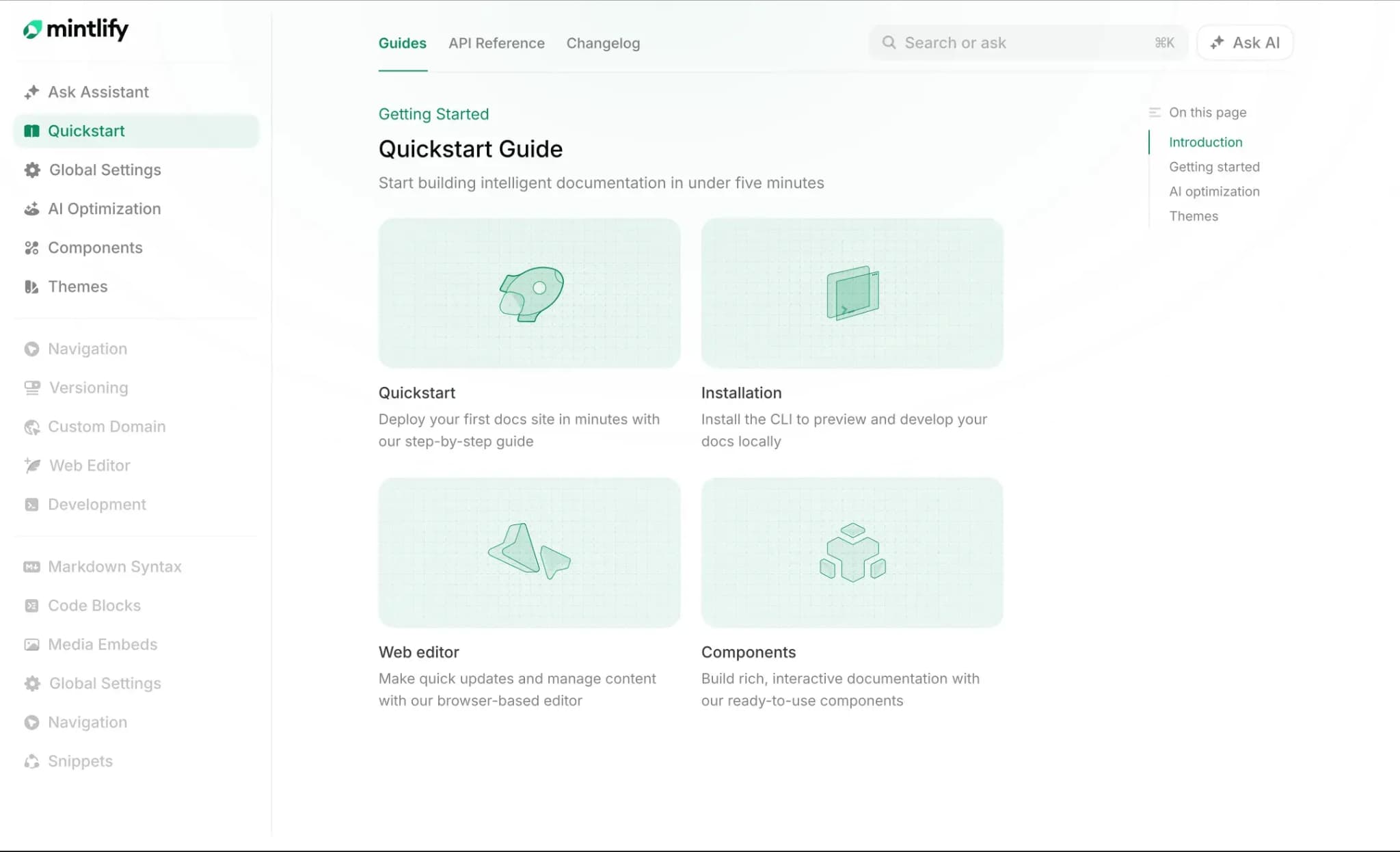
Best for: Engineering teams that want a structured, Git-backed wiki with a visual editor, pull request review, and AI-ready docs.
Mintlify is a documentation and knowledge platform built for engineering teams, cross-functional contributors, and AI agents. Content lives as MDX files in a Git repository, while docs.json defines the hierarchy, navigation, and styling, giving wikis a defined hierarchy that holds as pages accumulate.
Visual editing with Markdown support
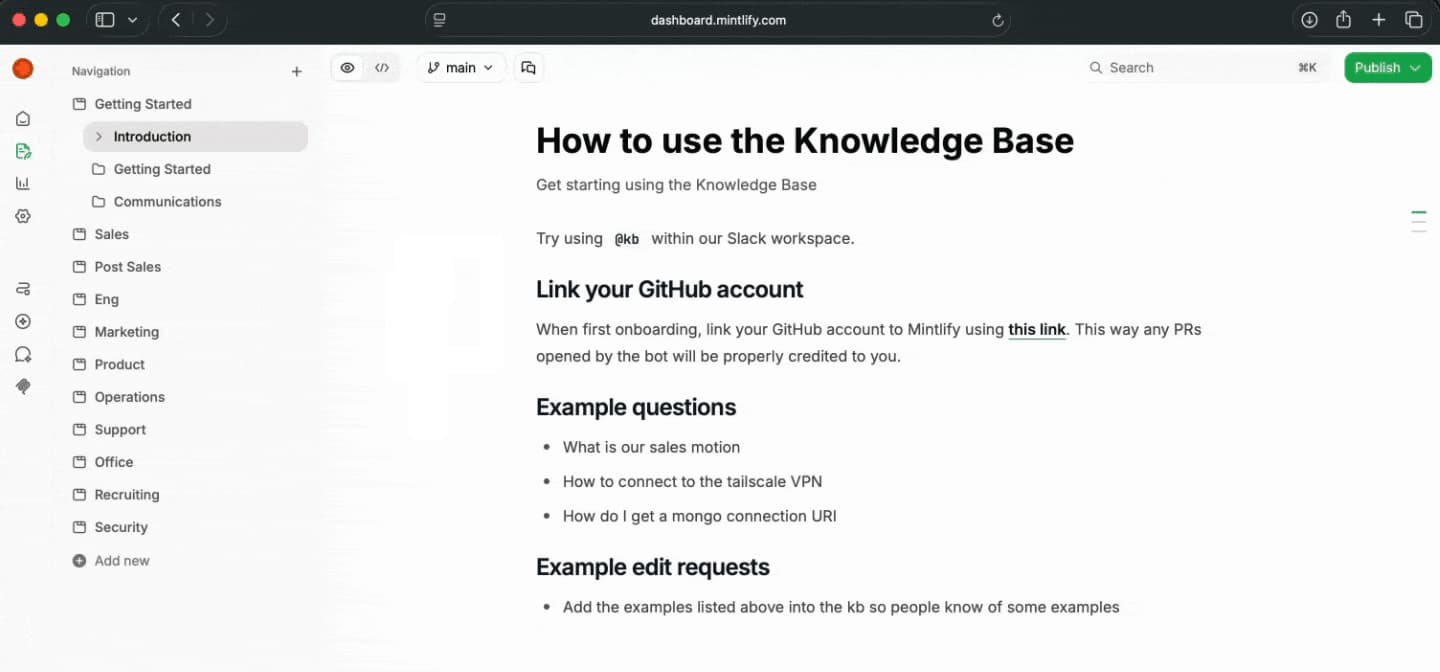
The web editor offers visual and Markdown editing, so non-technical contributors can update pages without touching raw syntax, while engineers can continue working in MDX. Both editing paths write to the same source, which keeps product, support, operations, and engineering knowledge in one wiki. Mintlify also supports comments, suggestions, shareable editor links, and real-time collaboration.
Structured content backed by Git
Pages are MDX files organized by the docs.json navigation model, so the wiki maintains a defined hierarchy as it grows from dozens to hundreds of pages. Pages stay easy to browse because navigation is part of the content model.
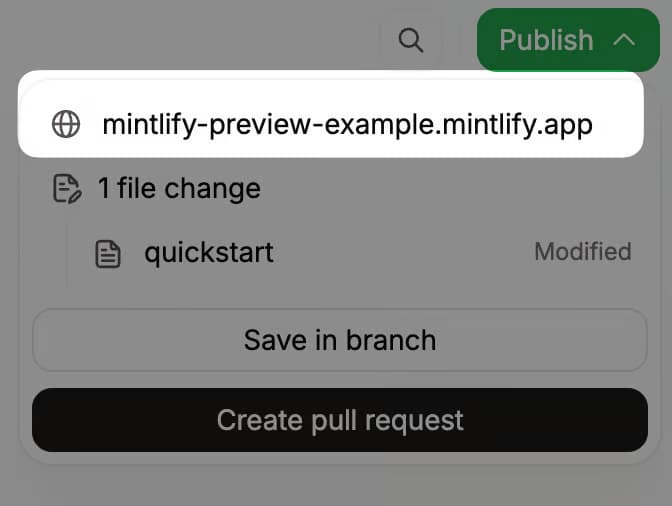
Git sync keeps repository changes and published docs connected. Teams can work through branches, review changes in pull requests, and use preview deployments to check updates before merging.
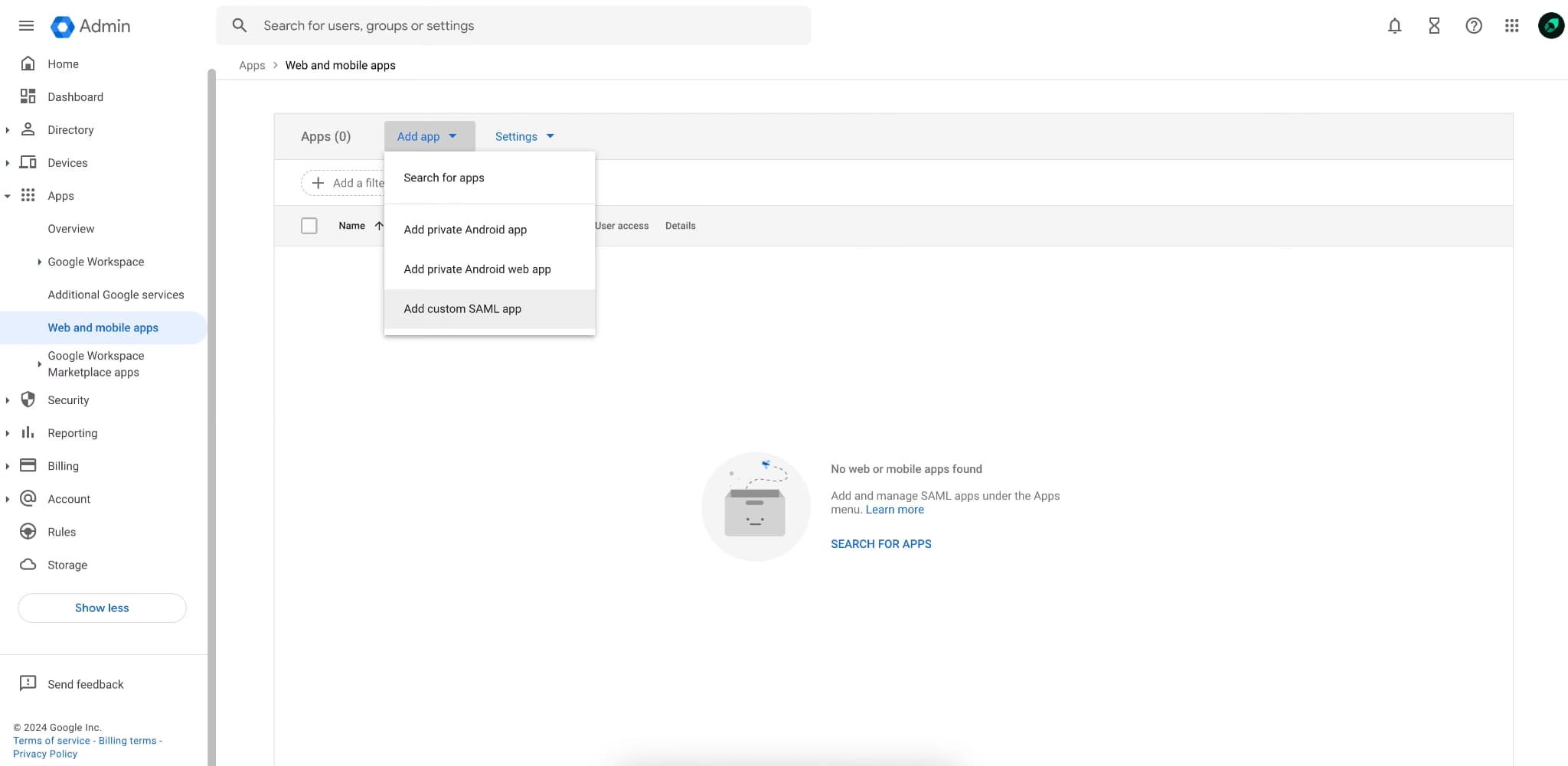
Mintlify also supports member roles, authentication, SSO, role-based permissions, and personalized content, so teams can control who can read, edit, and review internal documentation.
AI-ready output and analytics
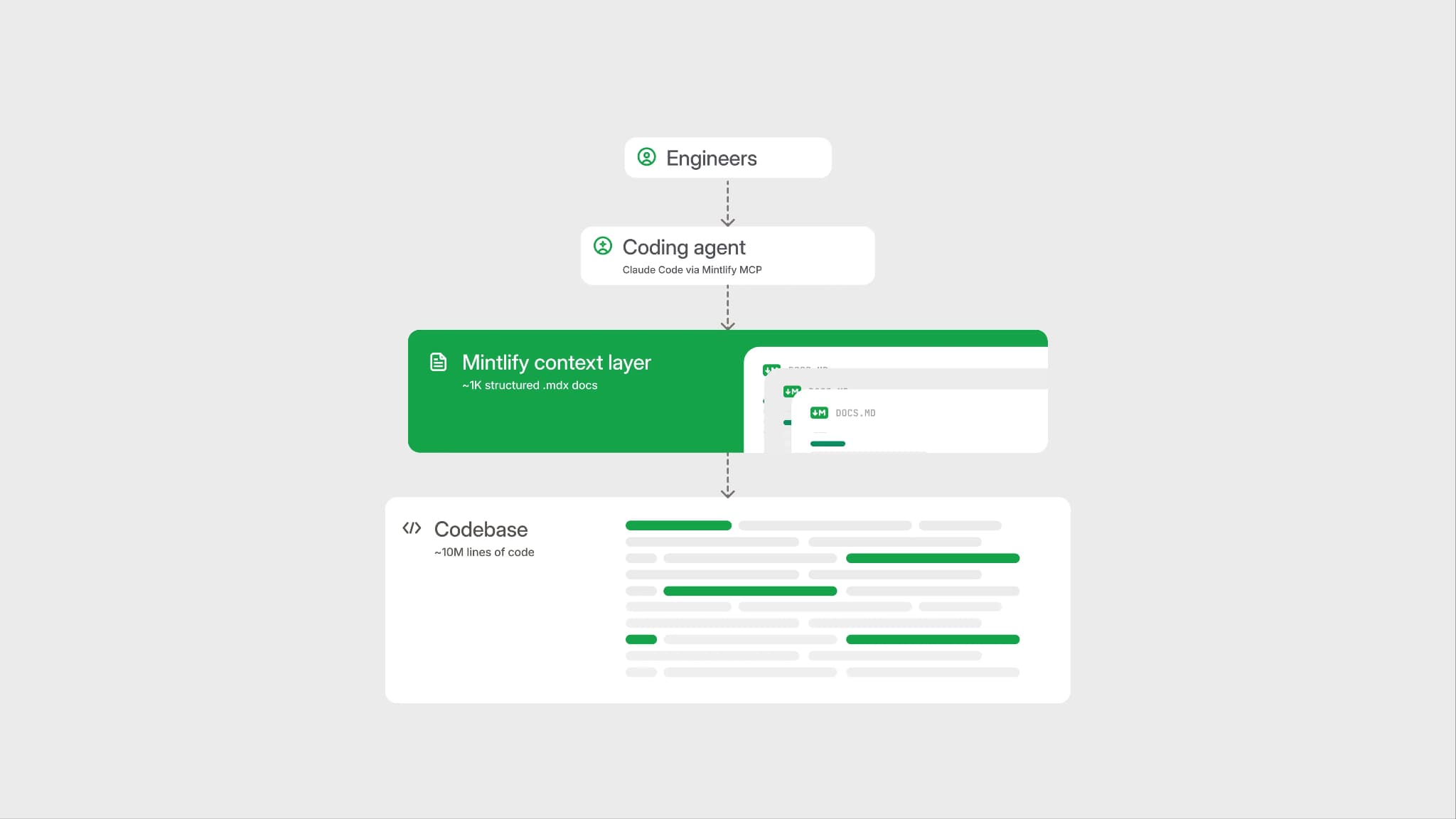
Mintlify generates llms.txt and llms-full.txt, supports skill.md for public docs, serves clean Markdown, and hosts an MCP server, so AI tools can query current documentation. That gives AI agents a structured, current source to retrieve from, so their answers track the live documentation.
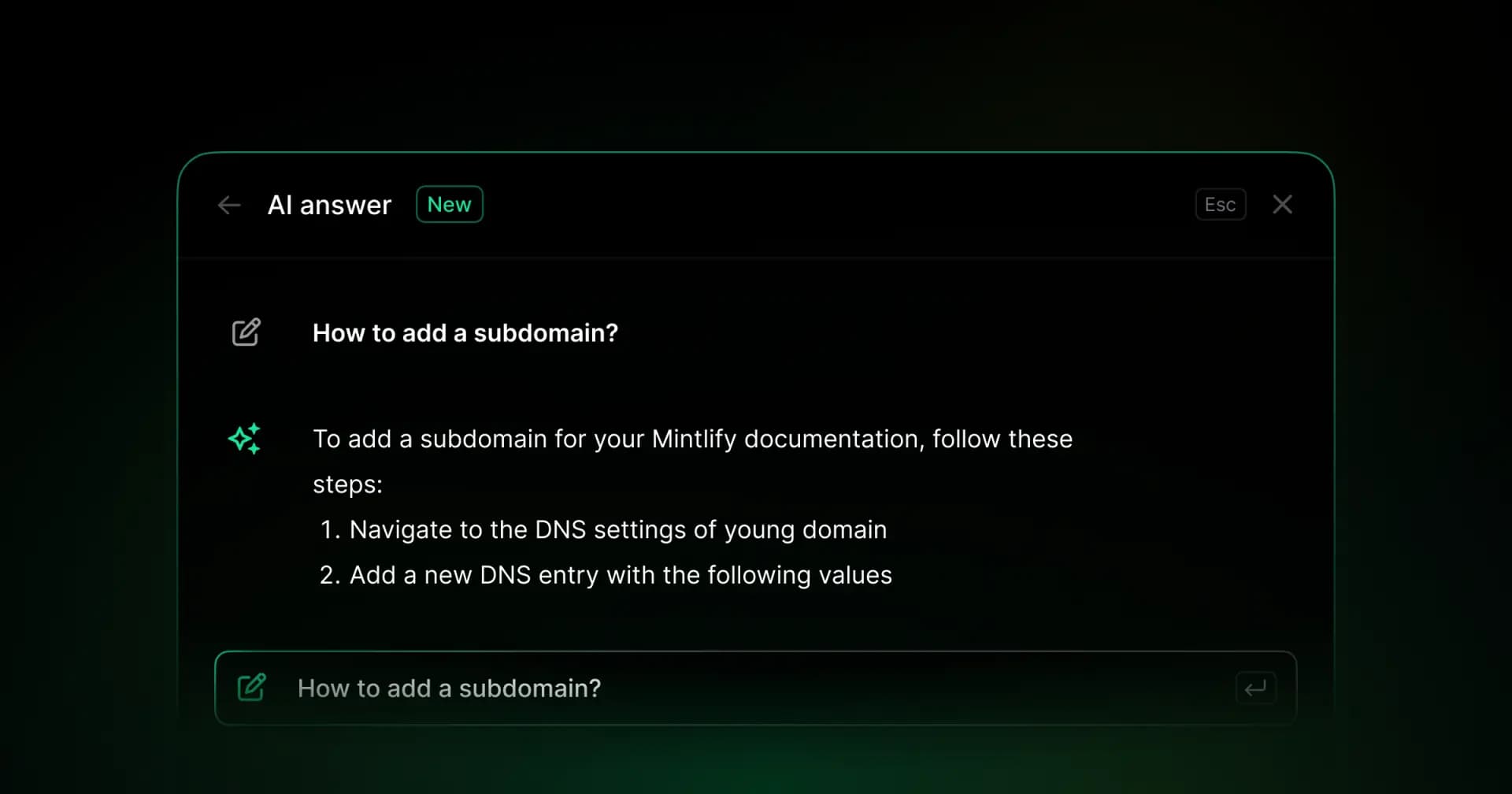
The AI assistant returns cited answers and can generate code examples from the docs. AI traffic analytics also lets teams separate AI agent traffic from human traffic, so they can see which pages agents read and which queries they run.
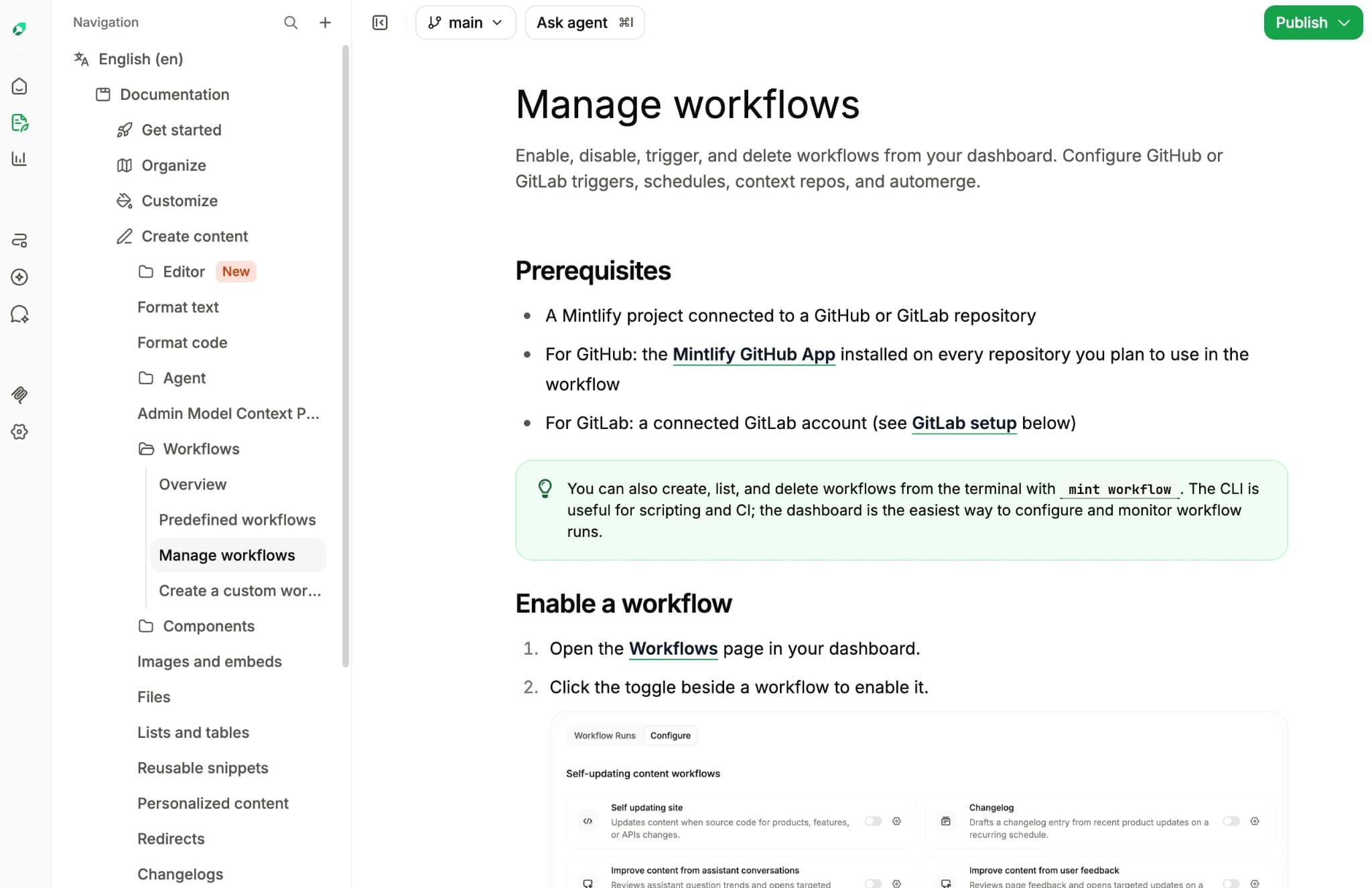
Mintlify's documentation maintenance agent can help maintain documentation by drafting updates from Slack threads, pull requests, API calls, and scheduled workflows. Workflows can run after repository changes or on a schedule, then open a pull request so teams can review generated documentation changes before they merge.
Pros
- Visual editing and Markdown editing support technical and non-technical contributors
- MDX files and docs.json navigation keep the wiki structured
- Git sync connects repository changes, browser edits, branches, pull requests, and preview deployments
- Comments, suggestions, shareable links, and real-time collaboration support team review
- Member roles, authentication, SSO, role-based permissions, and personalized content support internal wiki access control
- llms.txt, llms-full.txt, skill.md, Markdown output, and MCP support make docs easier for AI agents to use
- AI assistant and analytics help teams answer reader questions and understand AI traffic
- Agent workflows can draft documentation updates from Slack threads, pull requests, API calls, and scheduled runs
Cons
- Requires a Git connection to get the full branch, pull request, and preview workflow
- Not a replacement for task tracking, databases, or project management workflows
Pricing: Free Starter plan. Custom Enterprise pricing. No-card free trial available. See the full pricing breakdown.
Notion
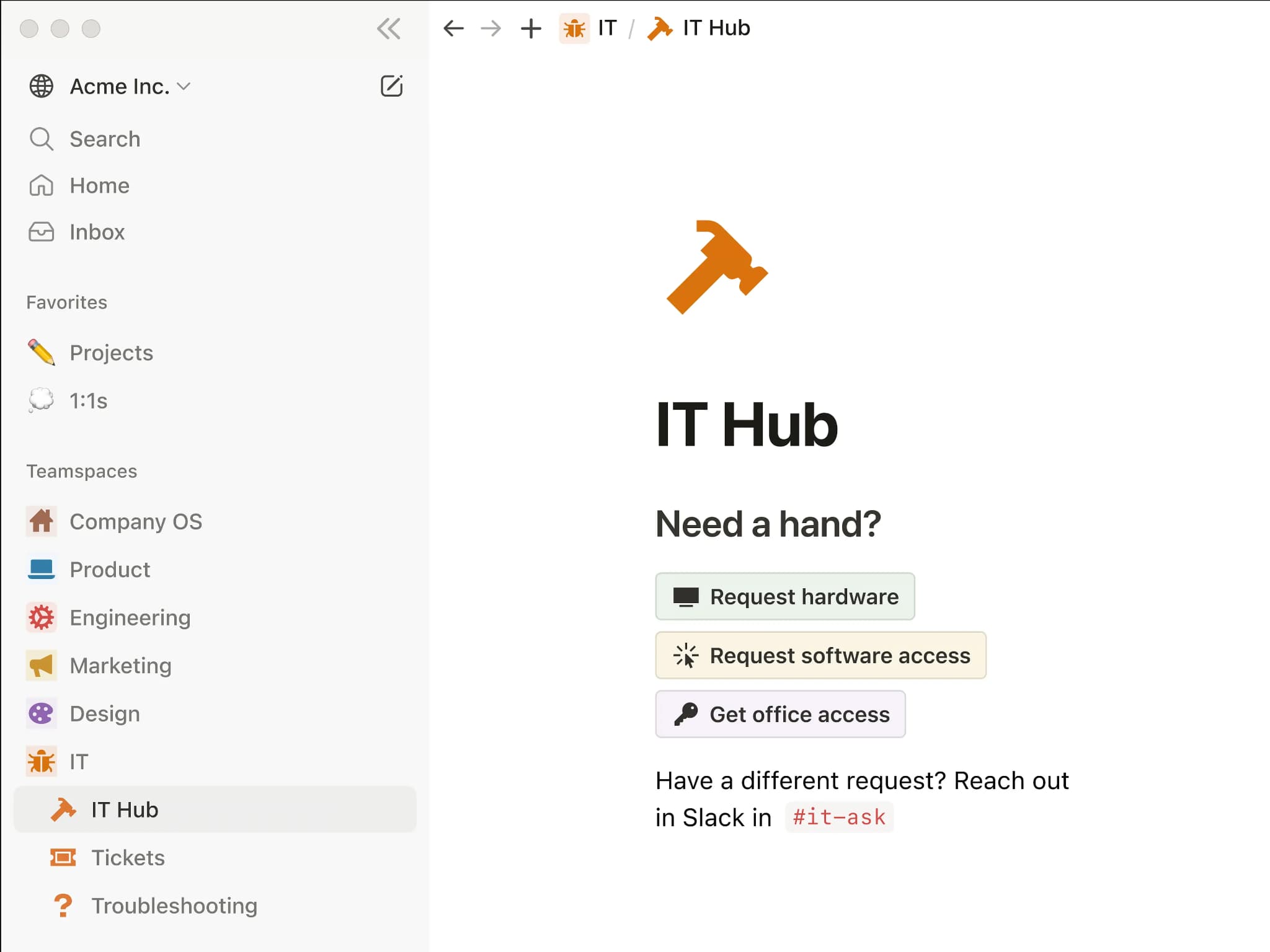
Best for: Teams that want a single flexible workspace for notes, planning docs, project tracking, and lightweight internal knowledge sharing.
Notion is a flexible workspace that combines documents, databases, tasks, and notes into a single block-based editor. It is fast to start, and the editor is easy for technical and non-technical contributors to use without setup. Notion AI can answer questions across workspace content and connected apps on supported paid plans.
Pros
- Block-based editor is easy for technical and non-technical contributors
- Databases, templates, teamspaces, and views support mixed company knowledge
- Notion AI and Enterprise Search can answer questions across workspace content and connected apps
Cons
- Freeform pages can become difficult to govern as engineering content grows
- No docs-as-code workflow or bi-directional Git sync for repository-based review
- API references, runbooks, and code-heavy docs need more structure than Notion's core workspace model provides
Pricing: Free tier available. Paid plan starts at $12/user/month. Custom enterprise pricing.
Confluence
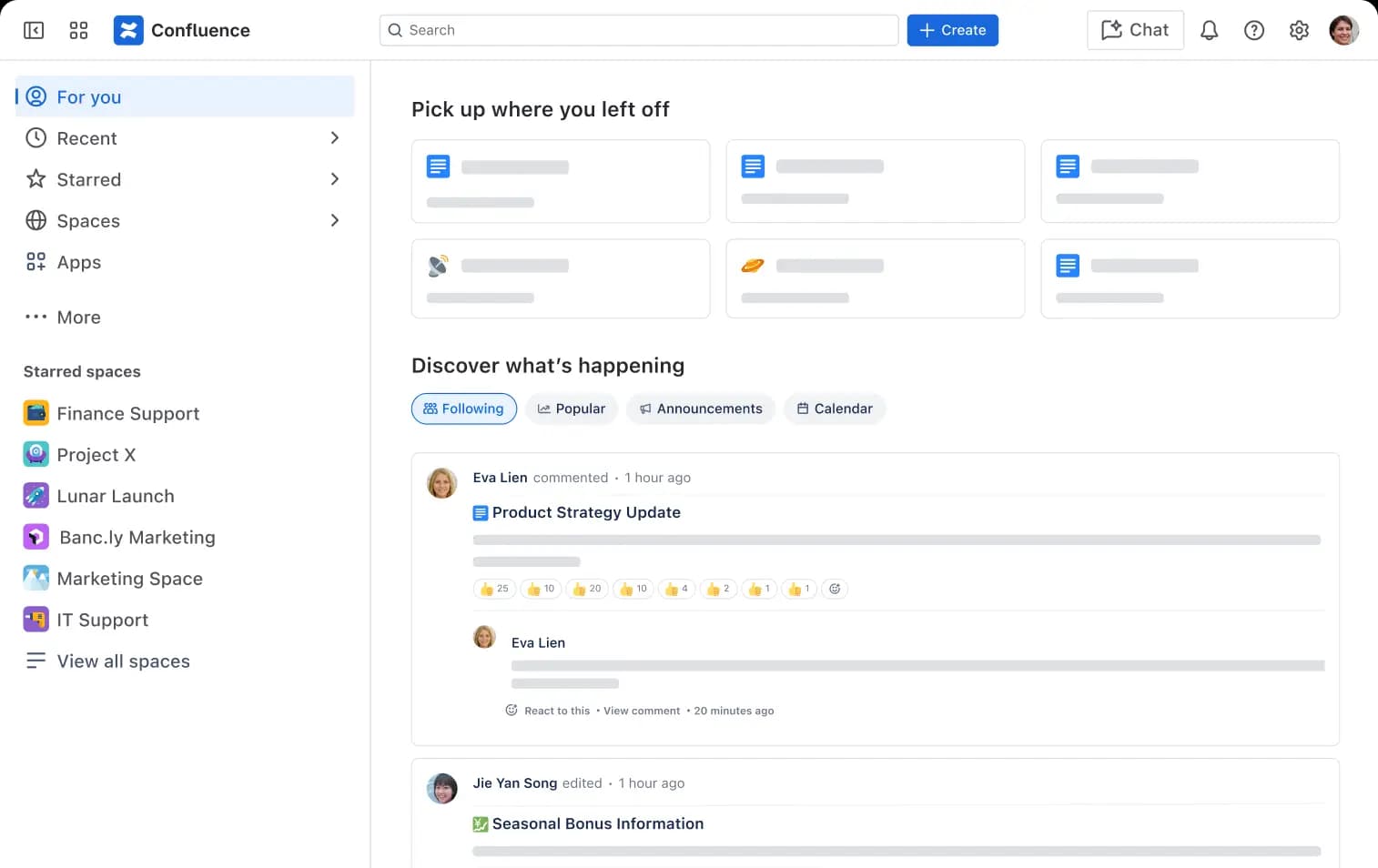
Best for: Atlassian-based organizations that need a structured internal wiki tied to Jira and company-wide documentation workflows.
Confluence is Atlassian's documentation workspace, organized around spaces, nested page trees, templates, permissions, and Jira integration. It keeps content structured at scale and fits teams already working inside the Atlassian stack. Rovo and Atlassian AI features add search, chat, and automation across connected work on supported plans.
Pros
- Spaces, page trees, and templates organize large internal wikis
- Jira integration connects documentation to tickets, sprints, and releases
- Permissions, admin controls, analytics, and automation support larger organizations
Cons
- Editor and admin workflows can feel heavy for teams that prefer repository-based docs
- No native docs-as-code workflow or Git-based authoring
- Advanced diagramming, reporting, and formatting may require marketplace apps
Pricing: Free for up to 10 users with basic features. Paid plan starts at $5.42/user/month, Custom enterprise pricing.
Slab
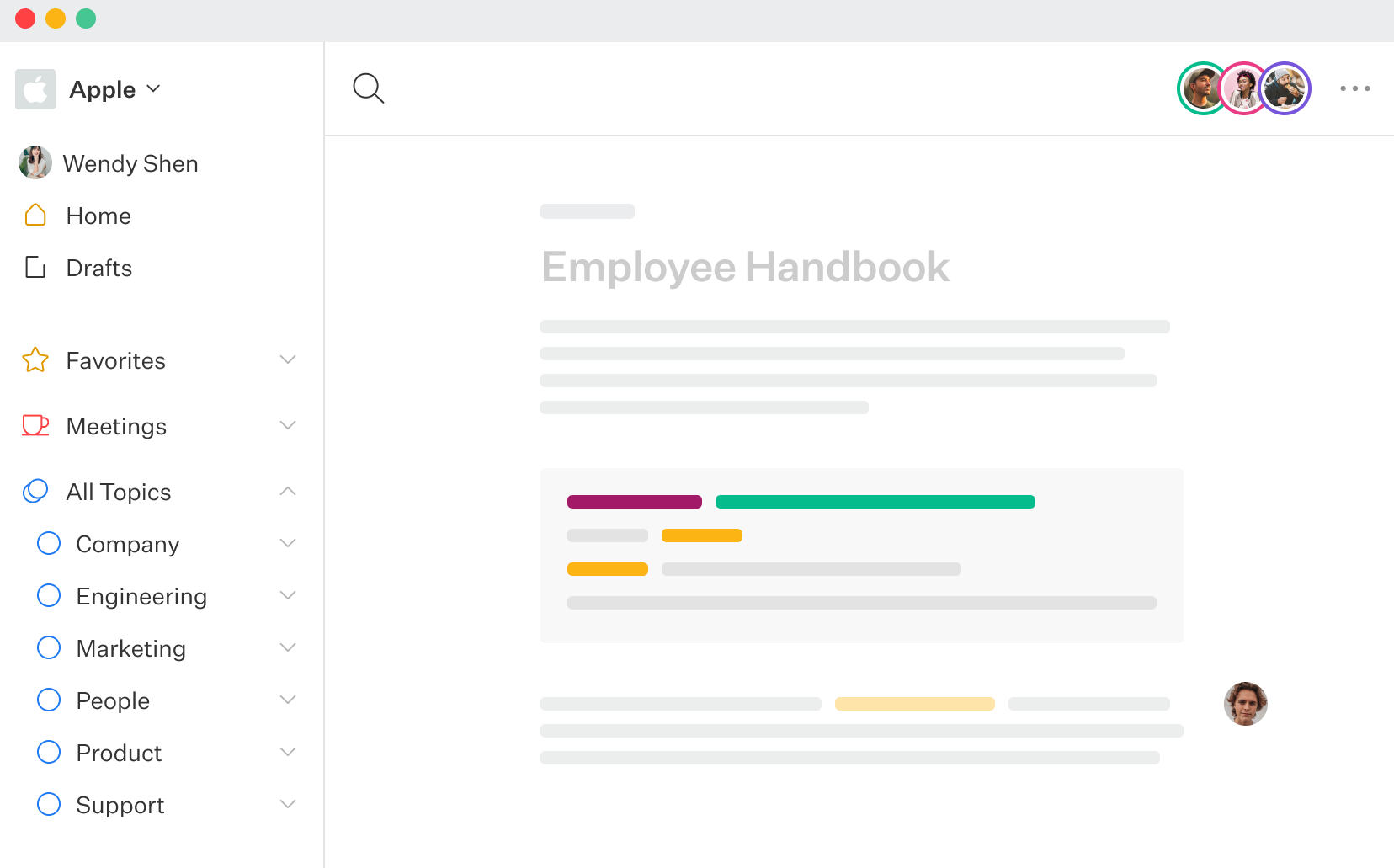
Best for: Small to mid-size teams that want an easy, standalone wiki without docs-as-code requirements.
Slab is a knowledge hub with a clean editor, real-time collaboration, unified search, verification, and integrations with tools like Slack, GitHub, and Google Workspace. It fits small and mid-size teams that want a focused wiki for writing, organizing, and finding internal knowledge.
Pros
- Clean editor with real-time co-editing on the same document
- Topics, verification, and unified search help teams organize and find knowledge
- Integrations connect Slab with Slack, GitHub, Google Workspace, and other workplace tools
Cons
- No docs-as-code workflow or bi-directional Git sync
- SSO/SAML and SCIM provisioning require the Business tier
- AI support is limited compared with tools built around structured docs and agent retrieval
Pricing: Free for up to 10 users, Startup at $8/user/month, Business at $15/user/month, Enterprise at custom pricing.
Best internal wiki software compared
| Tool | Starting price | Best for | Editing experience | Structured + Git-backed | AI retrieval |
|---|---|---|---|---|---|
| Mintlify | Free to start | Engineering teams that need visual editing, Git review, and AI-ready docs | ✅ Visual web editor, Markdown editing, comments, suggestions, and real-time collaboration | ✅ MDX, docs.json, Git sync, branches, pull request review, and preview deployments | ✅ llms.txt, llms-full.txt, skill.md, MCP server, cited AI assistant, agent workflows, and AI traffic analytics |
| Notion | Free to start | Mixed notes, project docs, tasks, and lightweight company knowledge | ✅ Friendly block editor for technical and non-technical contributors | ❌ Freeform workspace with no native Git-backed docs review | 🟡 Notion AI and Enterprise Search on supported paid plans |
| Confluence | Free up to 10 users | Atlassian-based internal wikis tied to Jira workflows | 🟡 Structured editor with heavier admin workflow | ❌ Spaces and page trees, but no native Git authoring | 🟡 Rovo and Atlassian AI on supported paid plans |
| Slab | Free up to 10 users | Simple standalone team wikis | ✅ Clean editor with real-time co-editing | ❌ No docs-as-code workflow or bi-directional Git sync | 🟡 AI Ask on paid tiers, without Git-backed agent retrieval |
Build an engineering wiki that stays structured, Git-backed, and easy for every contributor to edit. Start with Mintlify for free →
How visual editing works with Git-backed structure
Visual editing only works for engineering docs when browser edits and code-based edits land in the same source. A product manager may update an onboarding page in the browser, while an engineer may change an API note from an IDE. Both updates need to sync to the same wiki instead of creating separate documentation paths.
Mintlify connects browser editing with Git-backed content. Edits made in the web editor are written back to the MDX files in Git, and repository changes are synced back to the published wiki. Product, support, operations, and engineering contributors can use the editing surface that fits their work without splitting knowledge across tools.
The structure comes from how Mintlify stores and organizes content. Pages live as MDX files, and docs.json controls navigation. Teams can review changes through branches and pull requests, check updates in preview deployments, and publish after the wiki change has been reviewed.
Making an internal wiki readable for AI agents
AI agents can only retrieve reliable answers when the wiki gives them clean, current, and structured content. Mintlify's study on agent traffic found that AI coding agents now account for nearly half of documentation traffic, which makes docs structure a retrieval problem as much as a reader experience problem. Freeform pages make retrieval harder because related information often sits across disconnected docs, duplicate pages, and outdated notes.
Engineering teams need the wiki to expose content in formats AI tools can read directly. That means clean Markdown, a clear documentation index, source-aware retrieval, and access to current pages instead of stale model knowledge. The same structure that helps people find the right page also helps agents retrieve the right source.
Mintlify exposes docs in AI-readable formats through generated outputs and retrieval features. It generates llms.txt and llms-full.txt, serves pages as Markdown, supports skill.md for public docs, and hosts an MCP server that lets AI tools query current documentation. The AI assistant returns cited answers from the wiki, while analytics show how readers and AI agents search, which pages they use, and where the docs need clearer answers.
When a freeform tool like Notion fits
A freeform workspace works well when a team mostly needs company notes, planning docs, meeting records, and brainstorming pages. Notion's block editor, databases, and views make it easy to capture fast-moving information without setting up a structured documentation workflow.
A general notes workspace lacks the ownership, review history, and stable structure that API notes and runbooks depend on. When those docs live in freeform pages, teams spend more time finding the current version and checking whether the information still applies.
Many teams get the cleanest setup by separating broad company knowledge from engineering documentation. Notion can remain the workspace for planning and company notes, while Mintlify becomes the structured wiki for documentation that needs Git review, clear navigation, and AI-readable output.
Why Mintlify stands out for engineering teams
Engineering teams need a wiki that scales with the org, allows browser edits from every contributor, and supports code-style reviews by engineers. Mintlify connects visual editing to MDX content in Git, so technical content lives in a single source.
AI coding tools also need documentation that is clean enough to retrieve from and current enough to trust during development. Mintlify serves docs as structured content with AI-readable outputs, cited answers, and agent retrieval support, which helps teams make internal knowledge usable for both engineers and the tools they work with. Companies including Anthropic, Cursor, and Perplexity run their documentation on Mintlify. Start building with Mintlify for free →
Frequently Asked Questions
Do I need to know Markdown to use Mintlify?
Mintlify has a visual editor, so product, support, and operations teammates can update pages without writing Markdown. Engineers can still work in MDX when they want more control, keeping technical and non-technical contributors from needing separate tools.
How is Mintlify different from Notion for an engineering wiki?
Mintlify is built for technical knowledge that needs structure, review, and a clear source of truth. Notion is better for flexible notes, planning docs, tasks, and mixed company knowledge. Mintlify is a better fit when the wiki contains engineering documentation that requires owners, a review history, and stable navigation.
Should an engineering wiki be structured or freeform?
An engineering wiki should be structured when the content affects how teams build, ship, support, or debug the product. Freeform pages are fine for early notes and brainstorming, but technical docs need stable locations, clear ownership, and a review path so teams can trust what they find.
How does search and AI retrieval compare across these tools?
Mintlify is the strongest option for AI retrieval because it prepares docs for agents through structured content, AI-readable outputs, cited answers, and usage analytics. Notion and Confluence add AI across broader workspaces, which helps with general company search. Slab supports knowledge search for team docs, but it is not designed around Git-backed technical documentation or agent retrieval.
Does Mintlify support enterprise SSO and permissions?
Mintlify supports authentication, SSO, member roles, role-based permissions, and personalized content for teams that need controlled access to internal or sensitive documentation, making it easier to manage who can read, edit, review, and publish different parts of the wiki.
Which is the best internal wiki software for engineering teams?
Mintlify is the best fit for engineering teams that need technical docs to stay easy to edit, organized, reviewable, and readable by AI tools. It gives teams a stronger foundation for engineering knowledge than a general workspace wiki because the docs can stay close to the workflows developers already use.
Can Mintlify work as a company wiki for remote teams?
Yes, especially for remote teams that need technical knowledge to stay searchable and reviewable without relying on meetings or Slack follow-ups. Mintlify can serve as the engineering wiki, while broader company notes, task tracking, and planning docs can stay in the tools each team already uses.
More to read
Best Help Center Software for Developer-Facing Products 2026
A help center for API products, devtools, and technical SaaS needs to answer product questions from the documentation developers already trust, for both human readers and AI agents.
June 5, 2026Harkirat Chahal
Growth

Best Knowledge Base Software for Developer Teams Reviewed (2026)
Knowledge base software covers a wide range of requirements: help center articles, product documentation, developer guides, internal wikis, and AI-consumable content.
April 20, 2026Cole Gottdank
GTM Engineer