Harkirat Chahal
Growth
Share this article
Harkirat Chahal
Growth
Share this article
Publishing tools help teams ship content, but maintenance tools also identify which pages became inaccurate after a release. This guide compares eight documentation maintenance tools across the four detection models they use, and explains which fits teams that ship weekly.
This guide compares eight documentation maintenance tools across the four detection models they use: scheduled content review, API specification quality checks, Git-connected documentation, and product-change-aware maintenance. Mintlify is the strongest option for teams whose product code and published documentation change weekly because its automations can identify required updates from merged product pull requests and open the proposed changes as a pull request in the documentation repository.
What is documentation maintenance
Documentation maintenance is the work of keeping published content accurate as the product, codebase, and APIs behind it change. It includes detecting outdated pages, drafting corrections, routing them to reviewers, and publishing the approved updates.
Publishing tools help teams create and ship content, while maintenance tools also identify which pages became inaccurate after a release. This detection step separates ongoing maintenance from authoring alone.
Maintenance becomes essential when releases outpace scheduled reviews. Quarterly schedules give documentation leads time to audit content between releases, but weekly or daily releases remove that window and can leave outdated pages live until a customer, developer, or coding agent finds them.
Four models of documentation maintenance
Documentation maintenance tools generally follow one of four detection models, each looking for a different sign that content may need updating.
Scheduled content review
Scheduled review systems use dates to identify content due for inspection. Administrators set a review interval for individual pages or groups, and pages that are overdue remain flagged until a reviewer marks them as current.
The review status records when someone last checked a page, but it cannot determine whether a recent release changed the underlying behavior. A page reviewed on Monday and invalidated on Wednesday can still appear current until the next cycle.
API specification quality checks
API specification quality checks lint OpenAPI or AsyncAPI descriptions against configurable rules and may apply governance scorecards across an API catalog. Content audits can also surface broken links, inconsistencies, and incomplete pages.
Linting catches errors inside API descriptions and reference pages, but a release that changes behavior described in guides, tutorials, or conceptual pages goes unflagged.
Git-connected documentation
Git-connected documentation stores Markdown or MDX in a repository, allowing documentation updates to travel through the same pull request as a code change when an engineer includes both. Git provides version history, and hosting services or CI pipelines can add preview deployments, broken-link checks, and style validation.
The repository does not identify which pages a code change affects, so someone must still recognize that the documentation needs updating.
Product-change-aware maintenance
Product-change-aware maintenance begins with the product change itself. These systems can run when a pull request is merged, and they can also read signals from release notes, product requirements documents, support conversations, and issue trackers to identify affected pages. They can then draft corrections and route them for review while the engineers responsible for the product change can still check the proposed updates.
For teams that ship frequently, change-triggered maintenance provides the strongest detection because it links each release to the pages that need review. The other three models remain useful for scheduled governance, specification validation, and version-controlled publishing.
How we evaluated documentation maintenance tools
Use the criteria below to evaluate how well each tool maintains accurate documentation after publication.
Change detection source: Maintenance signals can come from a review schedule, a support ticket, a release note, or a merged commit. Signals closer to the code usually surface affected pages sooner and with more detail because the diff identifies the function, endpoint, or behavior that changed.
Update mechanism, review surface, and routing: Evaluate whether the tool drafts a correction or only flags the outdated page, where reviewers approve proposed changes, and whether each update has an assigned owner. A pull request in the documentation repository places the review in a queue engineers already use. A separate dashboard creates another queue that someone must monitor, while unassigned findings can accumulate without an owner.
Specification synchronization: Reference pages should regenerate when an OpenAPI or AsyncAPI description changes, and validation should catch errors before the updated pages are published.
Agent readability: Look for llms.txt, clean Markdown delivery, and MCP access so AI coding tools can retrieve current documentation in formats they can parse. Published pages can still yield incorrect answers when an agent cannot reliably discover or read them.
Cost model: Vendors may charge per seat, site, project, or unit of usage. Per-site and per-project pricing increases with each documentation property, while metered pricing grows with automation usage.
System shape: End-to-end documentation systems combine publishing and maintenance; overlay tools update content within an existing knowledge base; and specification-governance tools validate API descriptions before another system renders them. Running maintenance separately adds another vendor, invoice, and review surface, though it may be the only option when the existing publishing system cannot be replaced.
8 best documentation maintenance tools in 2026
1. Mintlify
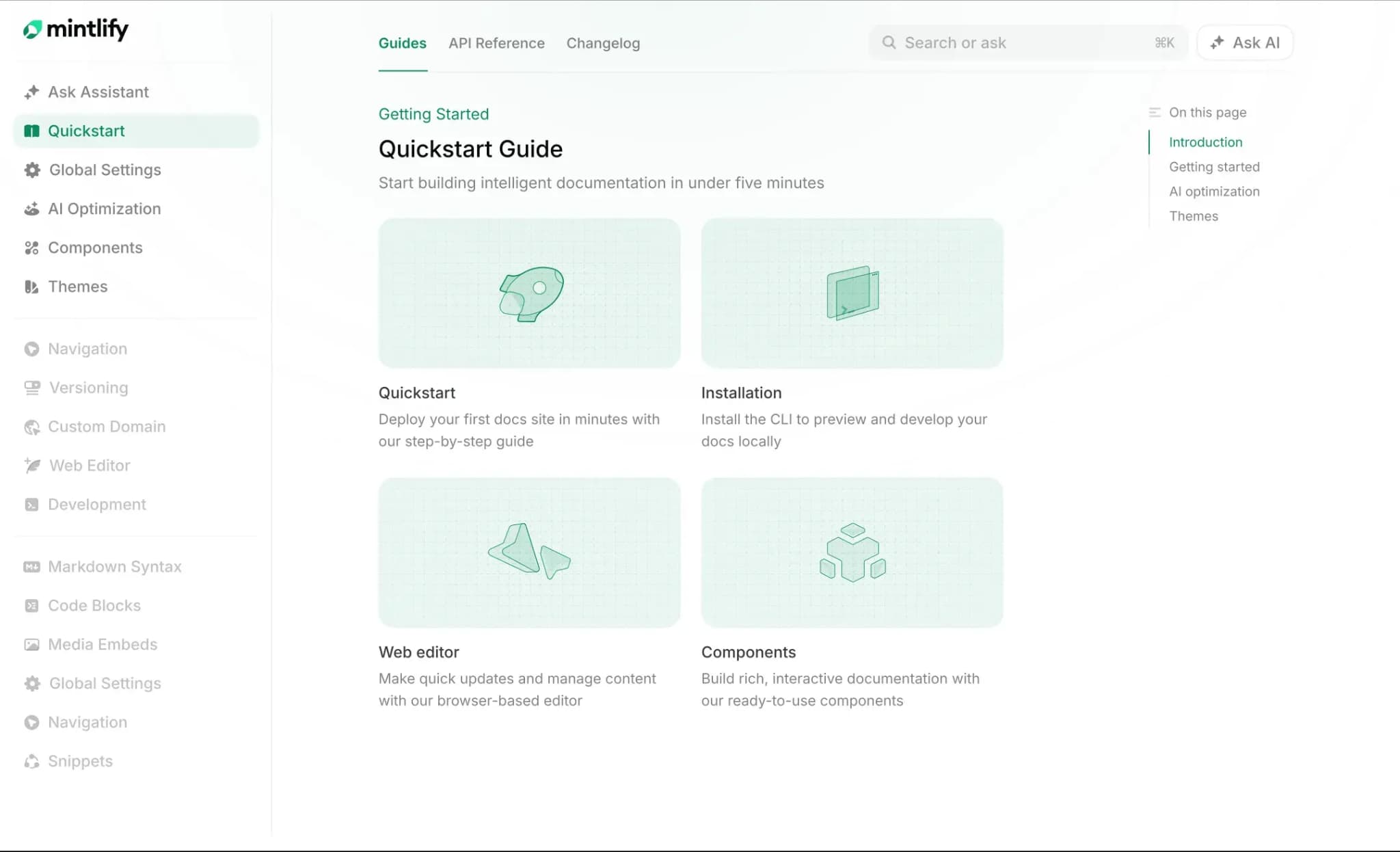
Type: Product-change-aware maintenance, end-to-end documentation platform.
Mintlify combines documentation publishing with automated content maintenance. Automations can run when documentation changes, when a pull request merges into a connected source repository, on a recurring schedule, or in response to a connected integration event. The Mintlify agent reads the current documentation and relevant repositories, identifies affected pages, drafts updates, runs Mintlify CLI validation, and opens a pull request or commits to the deployment branch based on the review setting.
Mintlify's predefined automations cover updates triggered by code changes, changelog drafts, gaps in assistant conversations, page feedback, resolved support conversations, translations, broken links, SEO metadata, grammar and typos, and style guide enforcement. Each automation handles one task, while custom automations can apply maintenance rules specific to the documentation project.
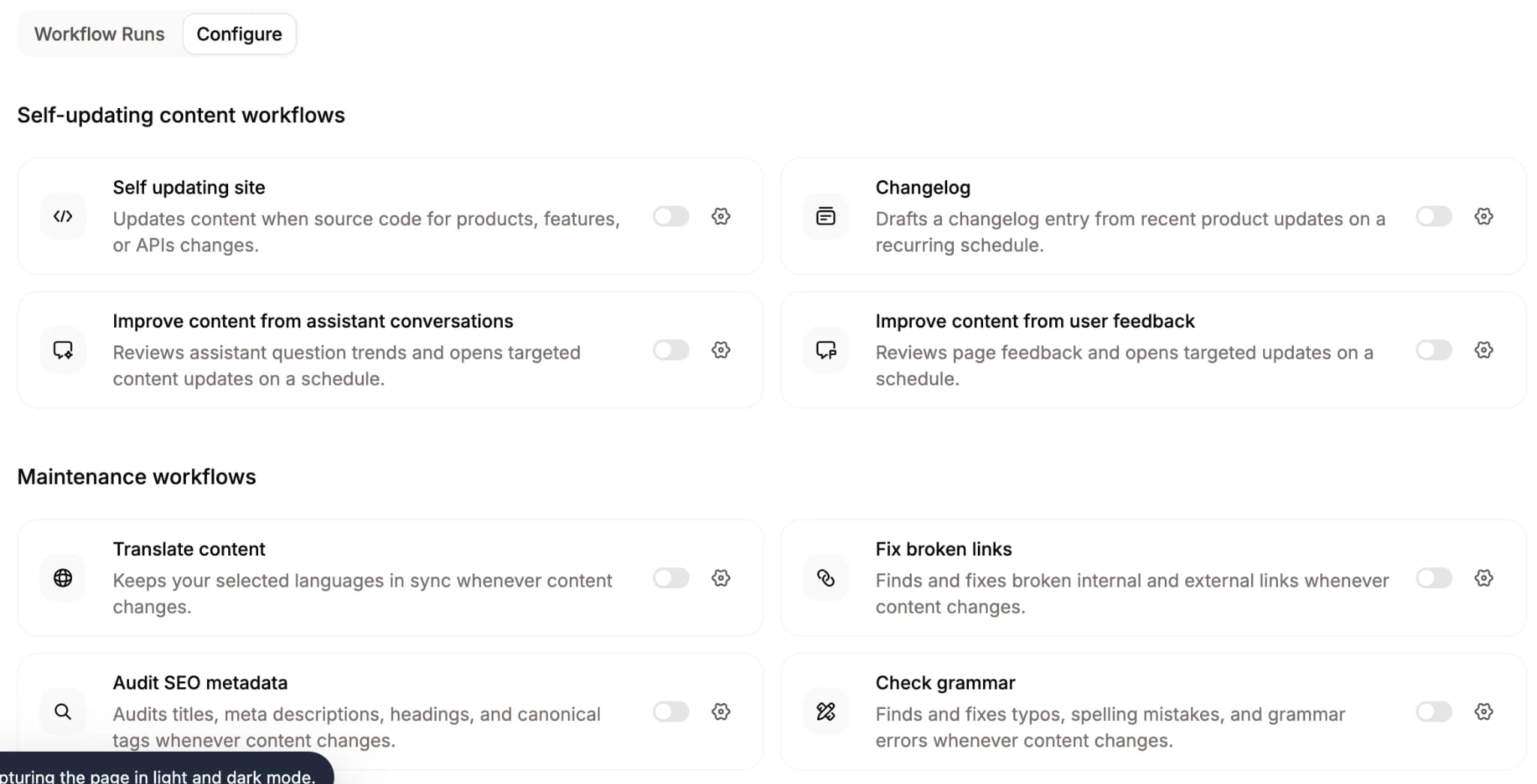
Related fixes can be grouped into a single open pull request, including the automation name, change summary, and the source pull requests for reviewers. For GitHub automations that use source repositories as context, Mintlify can assign reviewers based on the authors of the source changes. Preview deployments let reviewers inspect the updated site, while CI checks warn or block on broken internal links, style and tone issues, grammar problems, and build errors before publication.
For API maintenance, Mintlify generates reference pages from OpenAPI and AsyncAPI descriptions. Specifications stored in the documentation repository are updated via Git sync, while hosted OpenAPI descriptions are synchronized by calling the Trigger deployment API in CI.
Mintlify keeps llms.txt and llms-full.txt updated. For public documentation sites, it also generates and updates skill.md. Each site provides a search MCP server, while access to authenticated content follows the site's authentication rules. AI tools can retrieve newly published pages as Markdown through live search, so approved changes carry into agent-readable formats without maintaining separate copies.
Best for: Engineering and documentation teams that ship weekly and need product guides and API references to stay aligned with product changes.
Pros
- Automations can run on documentation updates, merged code changes, recurring schedules, or connected integration events.
- The agent reads documentation and source repositories, updates affected pages, validates the build, and opens a pull request or publishes according to the review setting.
- Code-update and changelog automations turn merged product changes into reviewable documentation and release-note drafts.
- Assistant conversations, page feedback, and resolved support conversations can surface content gaps and generate proposed corrections.
- Maintenance automations handle translations, broken links, SEO metadata, grammar, typos, and style guide violations.
- Custom automations support maintenance rules specific to the documentation project.
- Related fixes can be grouped in a single pull request, and GitHub reviewers can be assigned from the authors of the source changes.
- Preview deployments and CI checks support visual review, link checking, style validation, grammar checks, and build validation before publication.
- OpenAPI and AsyncAPI descriptions generate reference pages that can stay synchronized with specification changes.
- llms.txt, llms-full.txt, public-site skill.md generation, and the search MCP server keep approved documentation accessible to AI tools.
Cons
- The agent and automations require a Pro or Enterprise plan.
- Hosted OpenAPI descriptions require a CI deployment trigger to refresh generated pages automatically.
Pricing: Starter is free. Pro is $540/month, or $450/month billed annually. Enterprise uses custom pricing. The free trial does not require a card. See the full pricing breakdown.
Also read: How to maintain documentation over time and How to stop documentation drift.
2. Pageloop
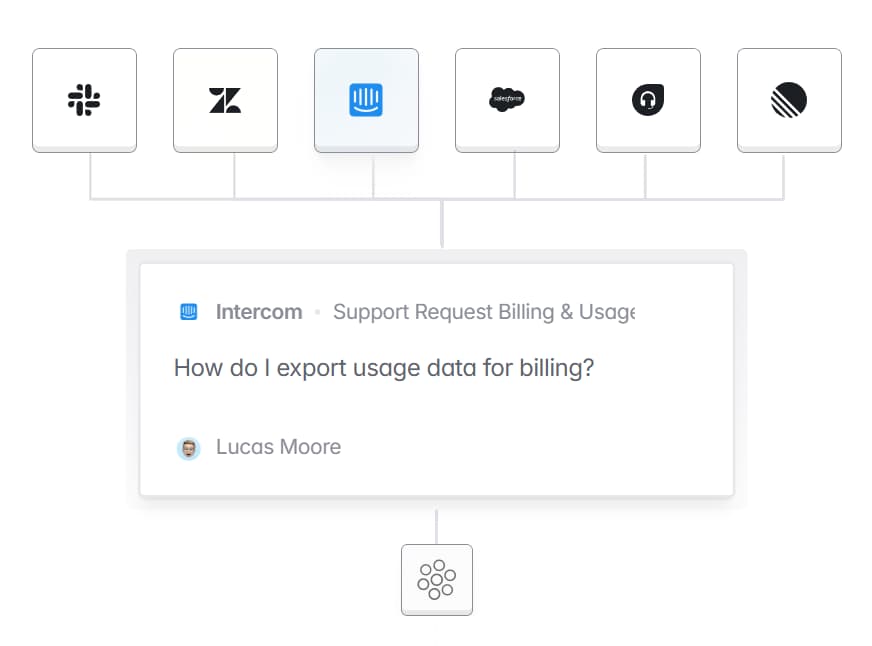
Type: Product-change-aware maintenance, overlay layer.
Pageloop adds AI-assisted maintenance to an existing help center and can also host documentation directly. Its integrations connect help centers such as Intercom, Zendesk, Freshdesk, and Salesforce to product signals from GitHub, Linear, Jira, and Slack. Pageloop identifies affected articles, drafts updates, and syncs approved changes back to the connected help center. It also flags outdated screenshots and audits broken links, conflicting articles, and content gaps.
Best for: Support and documentation teams that want product-change detection without migrating from their current help center.
Pros
- Tracks product signals across GitHub, Linear, Jira, and Slack to identify affected articles.
- Flags outdated screenshots, broken links, conflicting information, and missing coverage.
- Syncs approved updates back to connected help centers without requiring a full migration.
Cons
- Maintenance features focus on help center content rather than specification-driven API reference generation.
- Using it as an overlay adds a separate review surface alongside the publishing platform.
Pricing: Pricing scales with knowledge base size rather than seats. Contact Pageloop for a quote. See Pageloop's pricing overview.
3. GitBook
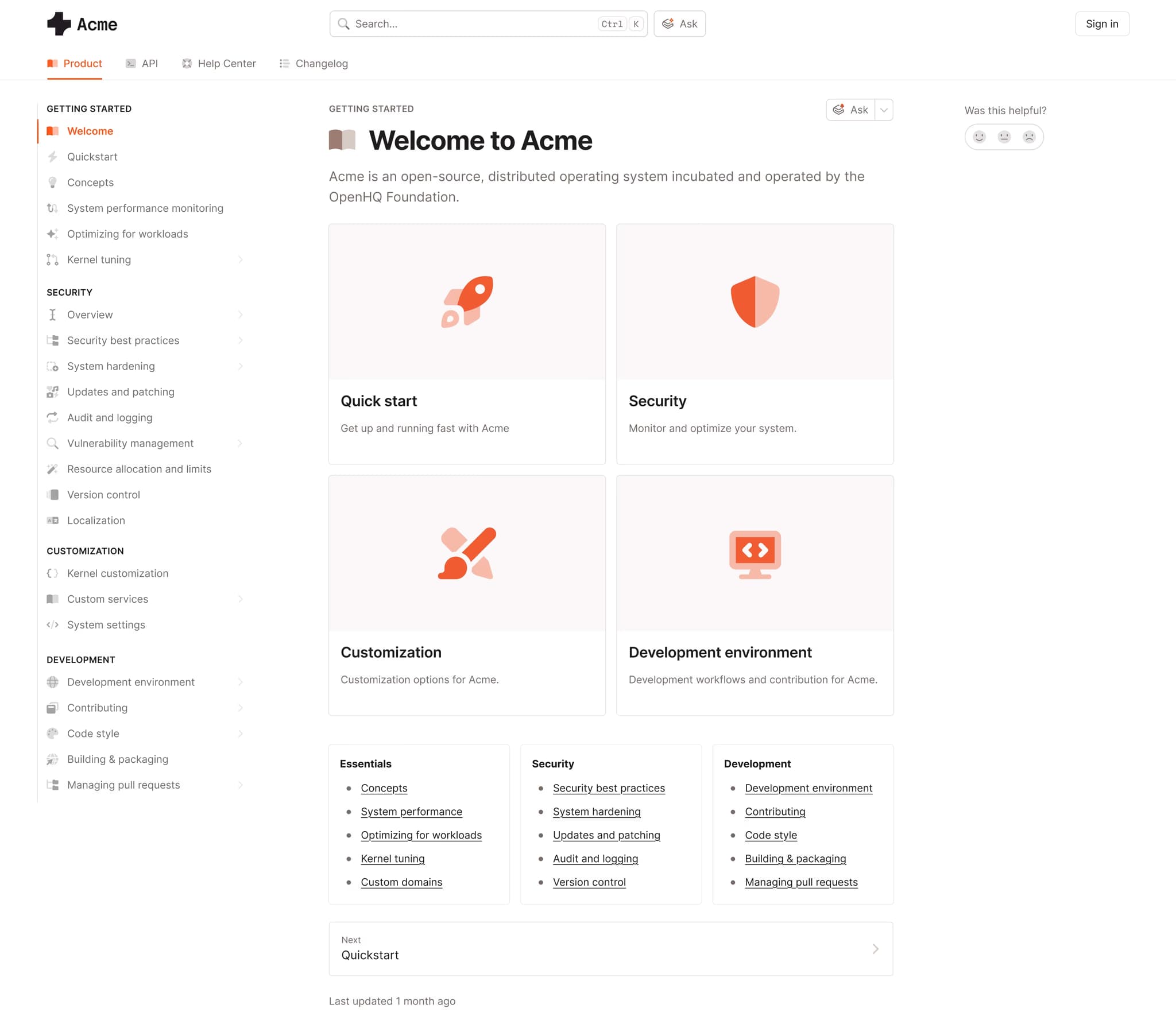
Type: Product-change-aware maintenance, end-to-end platform.
GitBook pairs block-based visual editing and real-time collaboration with Git Sync. Its automatic docs suggestions, currently in early access, identify content gaps, outdated pages, and incorrect information, then let teams generate fixes with GitBook Agent. The Agent also reviews incoming change requests against existing documentation and the project style guide, then proposes changes when it finds gaps.
Best for: Mixed technical and non-technical teams that want visual editing with agent-assisted documentation maintenance.
Pros
- Automatic docs suggestions, currently in early access, identify outdated pages, incorrect information, and documentation gaps.
- GitBook Agent reviews change requests against existing content and the project style guide.
- Visual editing, real-time collaboration, and Git Sync support different contribution workflows.
Cons
- Agent findings and generated fixes still require editorial verification before publication.
- Maintenance focuses on page content rather than CI-based validation of API specifications.
Pricing: Free to start. With annual billing, Premium is $65 per site per month, and Ultimate is $249 per site per month, plus $12 per user per month. Custom enterprise pricing. See GitBook pricing.
4. ReadMe
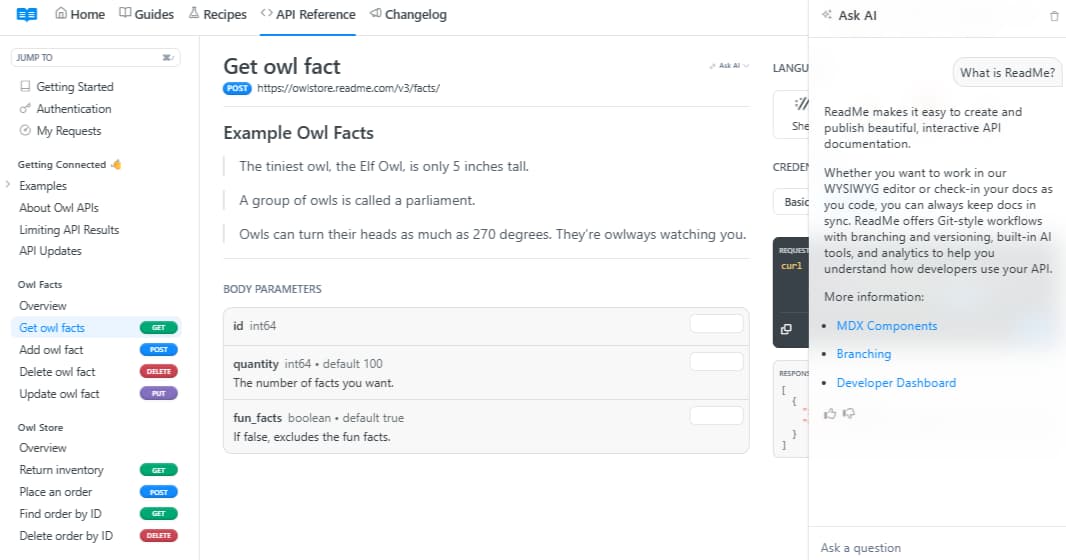
Type: Product-change-aware maintenance and API specification quality checks, API-first platform.
ReadMe hosts interactive API references alongside guides, changelogs, recipes, and other developer-hub content. Its Linter checks guides and API reference pages against a custom style guide and flags broken links while writers edit. GitHub AI Writer proposes documentation updates when pull requests change the codebase, while Docs Audit applies Linter rules across the project to surface outdated content, broken links, and style inconsistencies.
Best for: API-first teams that want an interactive developer hub with repository-triggered update suggestions and documentation quality checks.
Pros
- GitHub AI Writer proposes documentation updates when pull requests change the codebase.
- The Linter enforces custom style rules and catches broken links during editing.
- Docs Audit scores pages against existing rules to surface outdated and inconsistent content.
Cons
- Full Docs Audit, recurring audits, audit history, and global lint rules require an Enterprise plan.
- The Linter is limited to Guides and API Reference pages.
Pricing: Starter is free. Pro is $250/month billed annually. Enterprise starts at $3,000/month with annual billing. See ReadMe pricing.
5. Redocly
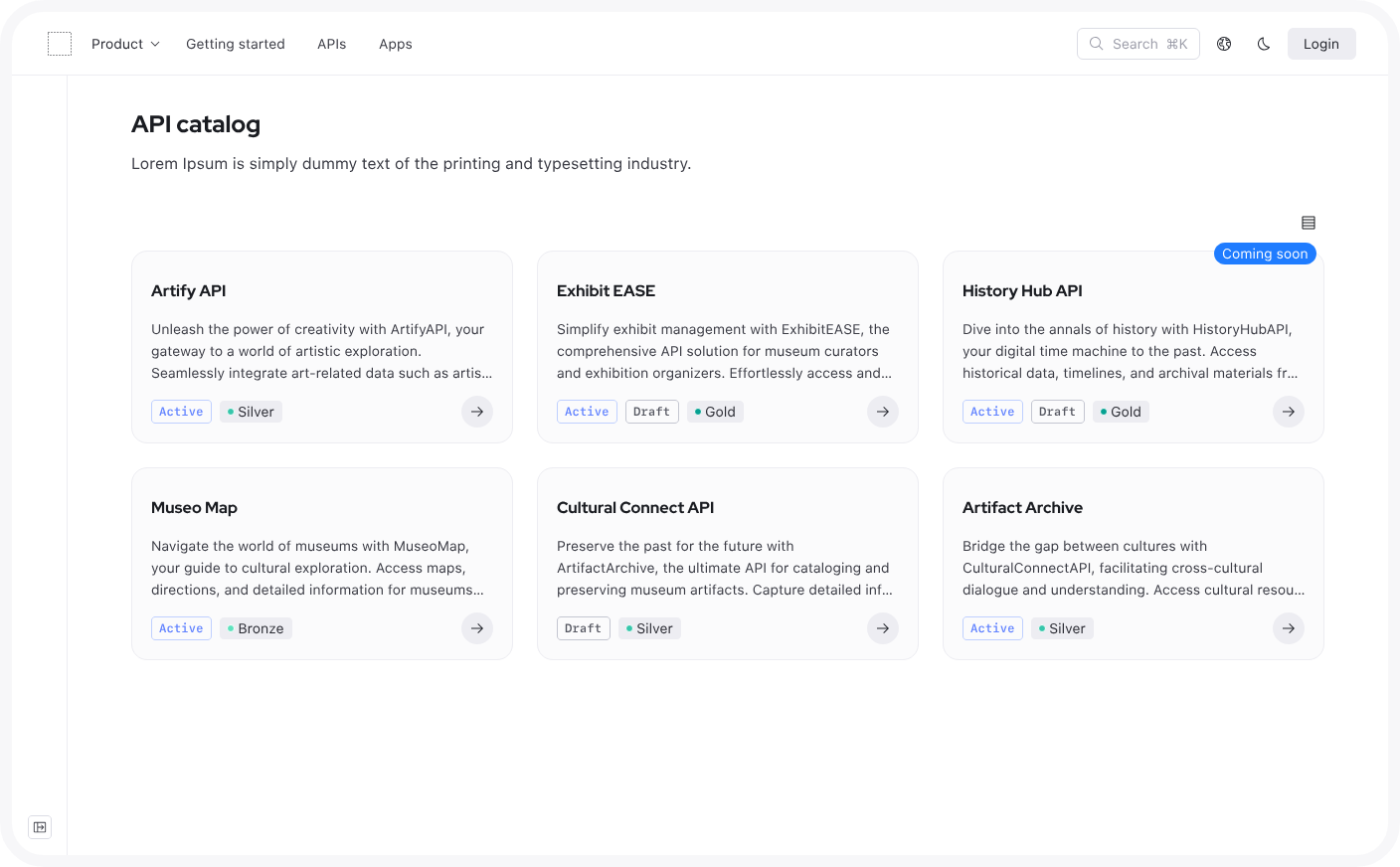
Type: API specification quality checks, API-first platform.
Redocly packages Redoc reference rendering, Revel documentation portals, Reef API catalogs, and API quality tooling under one product line. The Redocly CLI lints OpenAPI definitions against configurable rules in CI and offers experimental AsyncAPI linting, while Reef applies governance scorecards across an API catalog. Respect tests API behavior against OpenAPI and Arazzo descriptions, and Respect Monitoring can send alerts when a workflow fails.
Best for: API platform teams that treat API descriptions as contracts and enforce quality through CI and runtime monitoring.
Pros
- CLI linting catches invalid OpenAPI definitions before they reach published references and provides experimental support for AsyncAPI.
- Reef scorecards apply organizational governance standards across an API catalog.
- Respect uses Arazzo workflows for API contract testing and continuous monitoring.
Cons
- The base Pro plan includes 1 project and 100 pages; additional usage is billed separately.
- Automated checks center on API descriptions and workflows, so prose documentation still needs a separate review process.
Pricing: Reunite Pro starts at $10/seat/month, and Enterprise starts at $24/seat/month. Revel, Reef, Realm, and Respect Monitoring add separate seat or usage charges. Enterprise+ uses custom pricing. See Redocly pricing.
6. Document360
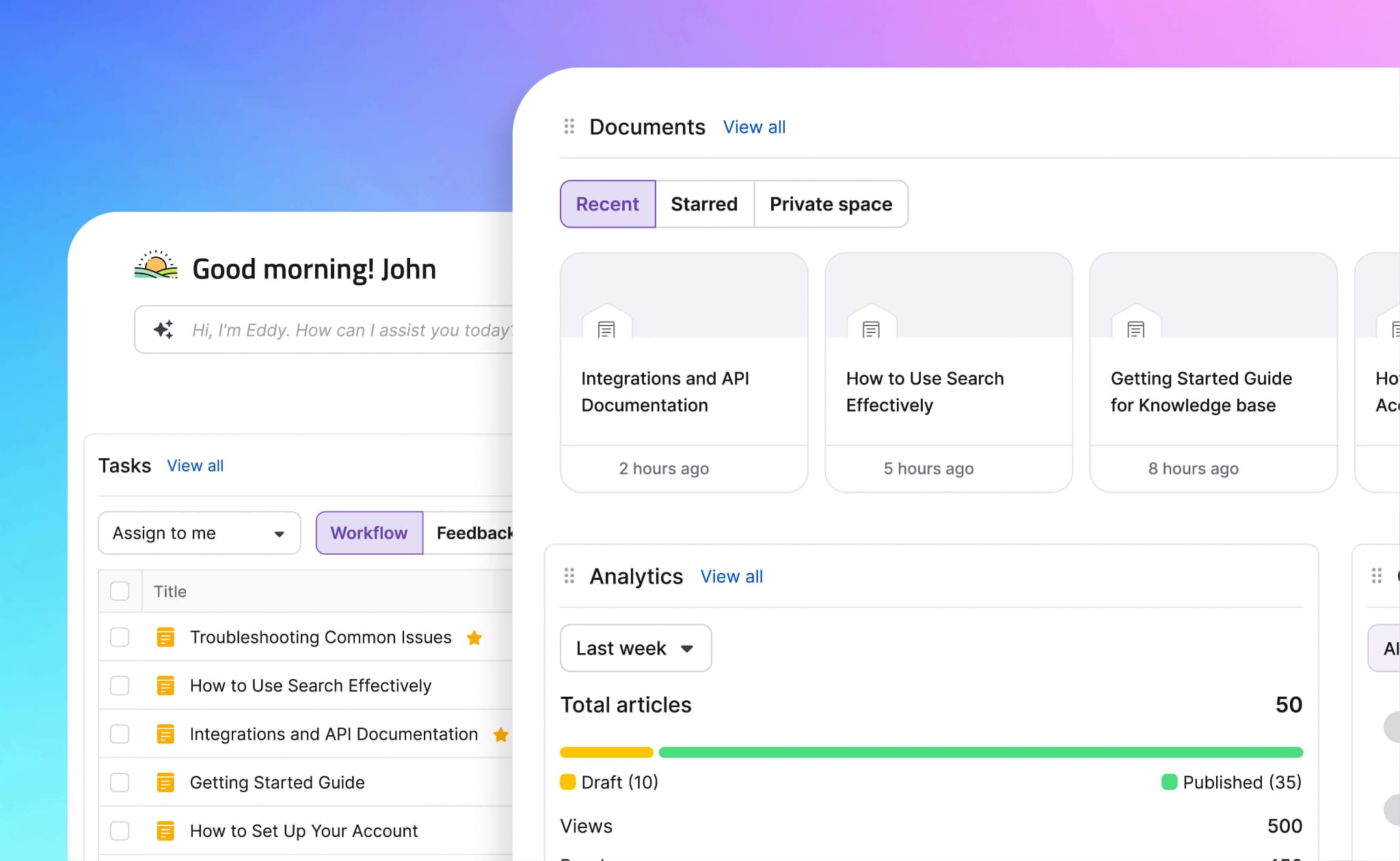
Type: Scheduled content review, end-to-end platform.
Document360 organizes maintenance around scheduled review governance. Admins can configure review reminders for individual articles, multiple articles, or the full project. Published articles enter a Stale state when review is due, and reviewers can clear that state individually or in bulk. Its workflow designer adds custom review stages, automatic assignees, and read-only states to the editorial process.
Best for: Support and knowledge base teams that need scheduled reviews, assigned owners, and controlled editorial workflows.
Pros
- Configurable review reminders and Stale states create an explicit queue of content requiring attention.
- Bulk actions let teams schedule reminders and mark multiple articles as reviewed.
- Editorial workflows support custom stages, automatic assignment, and publishing controls.
Cons
- Staleness depends on review dates, so a release can invalidate a page while its status still reads current.
- Review reminders apply only to published articles, so drafts do not enter the Stale state.
Pricing: Custom pricing.
7. Confluence
Type: Scheduled content review, wiki platform.
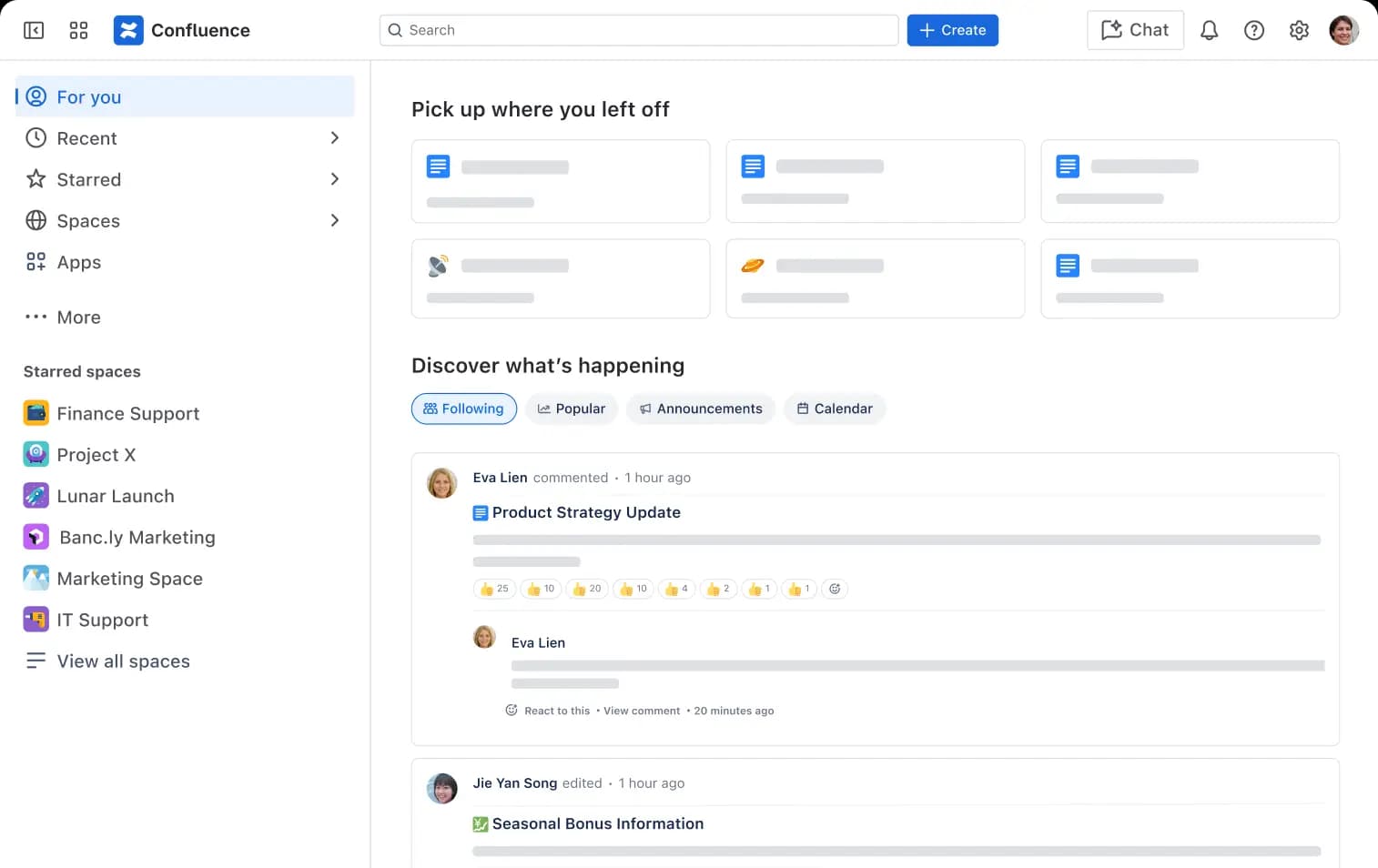
Confluence supports documentation maintenance through ownership, content statuses, approvals, automation, and administrative cleanup. Statuses communicate where a page sits in its lifecycle, while automation can flag inactive pages and notify their owners. Premium and Enterprise teams can also use the content manager to filter inactive pages and apply bulk archive, ownership, status, or automation actions.
Best for: Organizations already using Atlassian products to maintain internal documentation alongside Jira work.
Pros
- Ownership and content statuses make each page's review state visible.
- Automation can flag inactive pages and prompt their owners to review them.
- Premium content management tools support inactivity filters and bulk maintenance actions.
Cons
- Content status records human workflow but does not validate content against current code or product behavior.
- Free and Standard plans limit automation to 10 and 100 rule runs per month, respectively.
Pricing: Free for up to 10 users with basic features. Paid plans start at $5.42/user/month, with custom enterprise pricing. See Confluence pricing.
8. Docusaurus
Type: Git-connected documentation, static site generator.
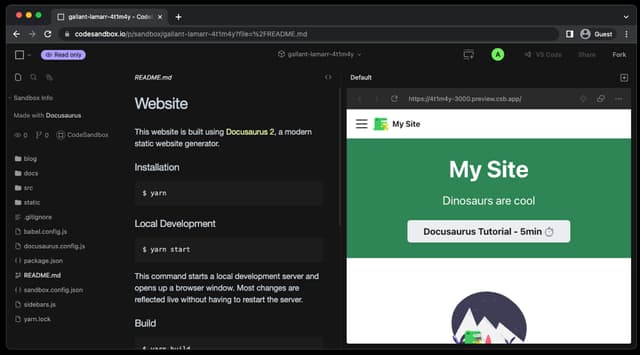
Docusaurus stores documentation as Markdown or MDX and supports React-based customization. Its versioning system preserves documentation for supported releases, while production builds fail on broken links by default. Maintenance beyond these build checks depends on the CI rules, linters, and pull request processes that the team configures around the project.
Best for: Engineering teams that can operate their own documentation infrastructure and require full control over the generated site.
Pros
- Git-based Markdown and MDX content integrates with code review and version history.
- Built-in versioning preserves documentation for multiple supported releases.
- Production builds detect broken links before deployment.
Cons
- Docusaurus does not natively detect source-code changes that make a published page outdated.
- The team owns hosting, CI configuration, dependency upgrades, and plugin compatibility.
Pricing: Free (open source).
Documentation maintenance tools compared in 2026
| Tool | Maintenance model | Change detection source | Starting price | Best for |
|---|---|---|---|---|
| Mintlify | Product-change-aware, end-to-end maintenance with automated drafting and pull request review | Merged product-code changes, documentation updates, scheduled audits, and integration events | Free to start | Engineering and documentation teams keeping developer guides and API references aligned with frequent releases through one Git-native workflow |
| Pageloop | Product-change-aware, overlay or hosted layer | GitHub, Linear, Jira, Slack, and connected help center content | Quote based on knowledge base size | Support teams maintaining an existing help center without migrating content |
| GitBook | Product-change-aware, end-to-end maintenance | Published documentation, change requests, and sources connected to GitBook Agent | Free tier available | Mixed technical and non-technical teams using visual and Git-based contribution workflows |
| ReadMe | Product-change-aware maintenance plus API specification and content quality checks | GitHub pull requests, Linter rules, and Docs Audit runs | Free tier available | API-first teams that need an interactive developer hub with content linting |
| Redocly | API specification and contract quality checks | OpenAPI linting, experimental AsyncAPI linting, and Arazzo-based monitoring | Free trial available | API platform teams enforcing specification governance in CI |
| Document360 | Scheduled content review | Review reminders, due dates, and Stale status | Custom pricing | Knowledge base teams running governed, scheduled review cycles |
| Confluence | Scheduled content review | Content statuses, approvals, inactivity signals, and automation rules | Free tier available | Teams maintaining internal knowledge in the Atlassian stack |
| Docusaurus | Git-connected, self-managed maintenance | Production build checks and team-configured CI and review processes | Free (open source) | Engineering teams managing self-hosted documentation and its supporting infrastructure |
Keep developer documentation up to date as your product ships. Try Mintlify for free →
Why Mintlify leads for documentation maintenance
Mintlify gives documentation maintenance a complete path from product change to published correction. Detection, drafting, validation, review, and publishing remain connected through a single Git-native workflow, preserving the source context and ownership behind every proposed update. Automations surface the work, while the documentation team controls what reaches production.
X (formerly Twitter) moved its API documentation to specification-driven CI/CD on Mintlify, which keeps the reference synchronized with the API without hand edits. The team also reported higher developer retention and page views after the migration.
Turn product changes into review-ready documentation updates with Mintlify for free →
Frequently Asked Questions
How do I choose the right documentation maintenance tool?
Test each shortlisted tool against one completed product release. Check whether it finds every affected page, uses enough source context to propose a correct edit, routes the change to the appropriate reviewer, and preserves your publishing process. API teams should examine specification support and code-linked detection, while support teams may place more weight on help center integrations and review governance.
Is Mintlify better than GitBook for keeping documentation up to date?
Mintlify is a better fit when engineers need product-code changes to initiate documentation updates, which are then returned to Git for review. GitBook works well for teams that prioritize visual editing and Agent-assisted content review. Read our detailed comparison guide between Mintlify and GitBook, which examines their Git workflows, API documentation support, AI delivery, and pricing.
How does documentation maintenance relate to docs-as-code?
Docs-as-code defines where documentation lives and how teams write, version, and review changes, while maintenance determines when an update needs to begin. Git can preserve every revision of a page, yet still retain outdated information when no process connects product changes to the affected content. Mintlify's docs-as-code guide explains how Git, Markdown, pull requests, and automated builds support the editorial workflow.
How quickly can teams see results from automating documentation maintenance?
The first update can be generated during the first qualifying repository push or scheduled run after the automation is configured. Existing Git-backed documentation needs its trigger, source context, instructions, and review behavior defined, while a migration also requires content conversion, redirects, navigation review, and deployment validation. Mintlify provides step-by-step migration guidance for teams handling the move internally.
What is the difference between scheduled review and product-change-aware maintenance?
Scheduled review asks whether content has been checked within a defined interval, while product-change-aware maintenance identifies pages that a specific release, API change, or interface update may have invalidated. Schedules suit policy reviews and content unrelated to code or issue tracking. Change triggers provide faster coverage for products that ship frequently, and combining both methods covers scheduled validation alongside release-driven updates.
What are the best alternatives to Pageloop?
Mintlify, GitBook, and Document360 are the most relevant alternatives for teams that want maintenance and publishing in the same system. For developer documentation that changes with code, Mintlify connects product updates to Git-reviewed corrections and publishes guides and generated API references from the same source. GitBook supports teams centered on visual collaboration and Agent review, while Document360 supports knowledge bases governed through scheduled review cycles. Teams consolidating existing content can use Mintlify's migration support or guided Switch program.
Related resources
More to read
The Complete Guide to Quick Start Guides for Software Products
Learn how to create software quick start guides that take new users from setup to a verifiable first success, with examples and maintenance best practices.
September 11, 2026Harkirat Chahal
Growth

Troubleshooting Guide Best Practices for Software Companies
Learn how to write troubleshooting guides with symptom-based diagnosis, safe recovery steps, clear escalation paths, and ongoing maintenance.
September 11, 2026Harkirat Chahal
Growth