Docs-as-code solutions for API teams: how to choose the right platform in 2026
Cole Gottdank
GTM Engineer
Share this article
Cole Gottdank
GTM Engineer
Share this article
This guide compares seven docs-as-code solutions based on API reference generation, automated maintenance, collaboration across technical and non-technical contributors, and AI-ready output.
Docs-as-code works best when documentation follows the same versioning, review, and deployment process as the product itself. This guide compares seven docs-as-code solutions based on API reference generation, automated maintenance, collaboration across technical and non-technical contributors, and AI-ready output. For API teams that need documentation to stay accurate as the product changes, Mintlify is the strongest docs-as-code solution.
What are docs-as-code solutions for API teams?
Docs-as-code is a documentation workflow that uses the same systems teams already use for application code. Documentation files live in a Git repository, changes go through pull requests, reviewers check rendered previews before merging, and CI/CD handles publishing. For a deeper look at how Git workflows apply to API documentation platforms specifically, see our guide on API docs with Git integration. When the OpenAPI specification in the repository changes, the API reference can be updated without a manual file upload.
For API teams, a complete docs-as-code solution should keep API references in sync with the spec, allow product managers and technical writers to contribute without working directly in Git, generate structured outputs for AI systems, and tie documentation updates to product changes.
Why API teams need docs-as-code
API documentation creates a distinct set of workflow requirements compared to most other technical content, which is why docs-as-code is often a better fit than a traditional CMS.
API docs go out of date quickly: A new endpoint, a removed parameter, or an updated authentication flow can make published documentation inaccurate within a few releases. Docs-as-code helps prevent that by keeping documentation changes in the same review and publishing process as the code and the spec.
API documentation is maintained by multiple teams: Engineers usually manage the spec and endpoint behavior, while product managers, technical writers, and developer relations teams often maintain guides, changelogs, and onboarding content. Docs-as-code gives all those contributors a single system for reviewing and publishing documentation, instead of splitting the work across Git, separate editors, and manual handoffs.
AI agents now read API docs alongside developers: AI agents use API documentation to answer questions, generate integration code, and compare products. Docs-as-code supports that better because the content starts as structured source files and can be served in formats such as Markdown, llms.txt, and MCP endpoints, rather than only as rendered HTML.
How to evaluate a platform
These five criteria form the evaluation framework for every platform in this guide.
Authoring and review workflow
Contributors should be able to author in Markdown or MDX, submit changes through pull requests, and preview rendered output before publishing. The strongest platforms sync bidirectionally between the repository and a web editor, so browser-based edits automatically commit back to source files. One-way sync creates a reconciliation burden that undermines version control as the single source of truth.
API reference generation and spec sync
API reference pages should regenerate automatically when the OpenAPI specification changes. Platforms that require manual re-upload after every spec update create a bottleneck that compounds as release frequency increases. AsyncAPI support adds value for teams documenting event-driven or WebSocket APIs alongside REST endpoints.
Automated documentation maintenance
Docs-as-code reduces friction for making updates, but does not solve the problem of knowing what needs updating. Platforms that monitor connected codebases, detect user-facing changes, and automatically draft pull requests keep docs accurate over time, rather than just storing them as code.
Collaboration across technical and non-technical contributors
API documentation teams include developers who author in IDEs alongside product managers and writers who prefer browser-based editing. The platform needs to serve both groups from a single content source, with in-editor comments, suggestions, and @mentions so non-technical contributors can participate without using a terminal.
AI readiness and agent-facing output
Platforms that auto-generate llms.txt, skill.md, and MCP server endpoints provide AI systems with structured access to documentation. Without structured output formats, agents fall back on scraping rendered pages and inferring structure from HTML layout. AI traffic analytics add further value by showing which agents visit docs and where queries return no results.
Seven best docs-as-code solutions
1. Mintlify
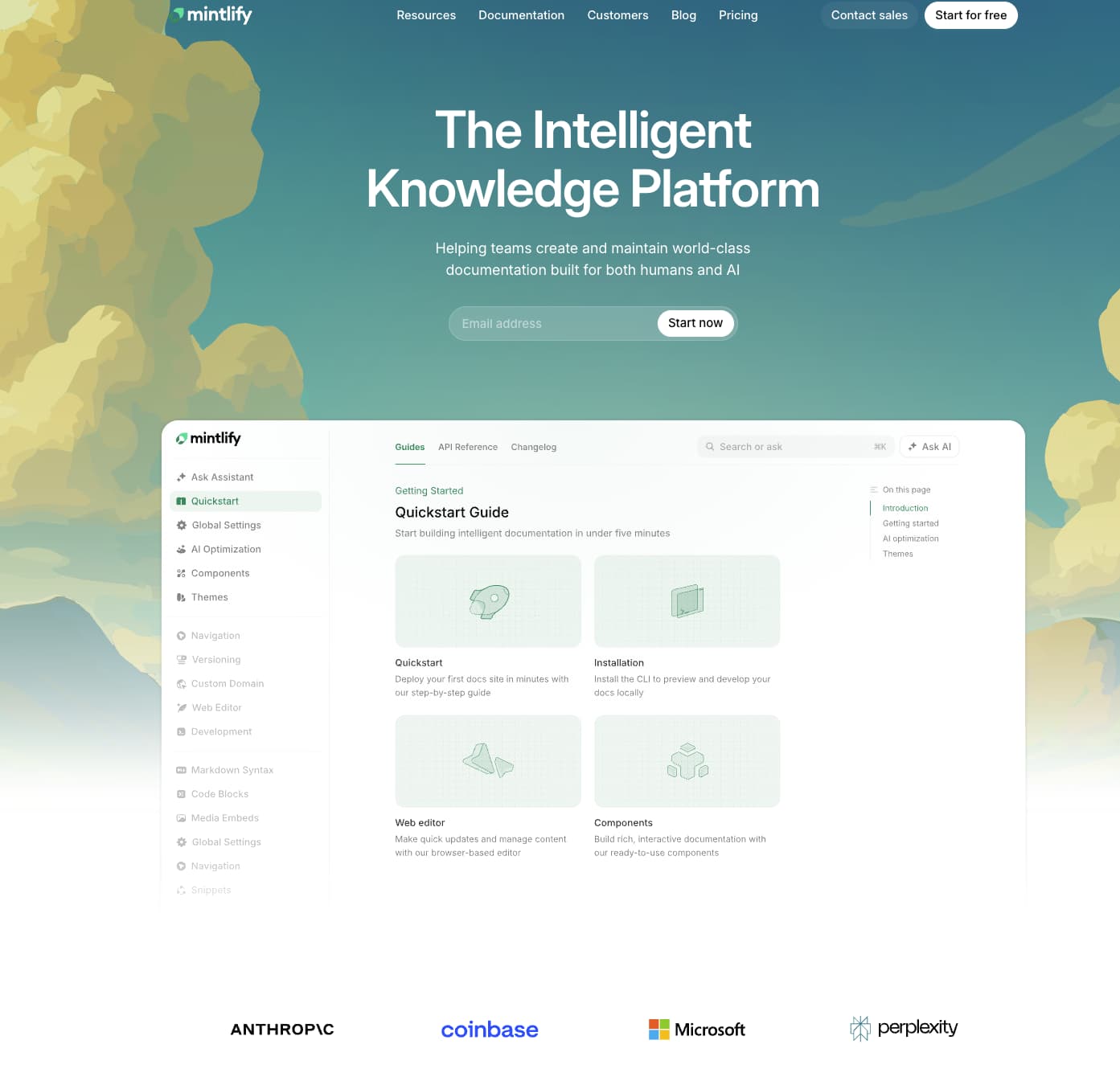
Best for: API-first teams that need a full docs-as-code workflow with automated maintenance, interactive API references, and native AI-agent support.
Mintlify is a docs-as-code platform built around Git-managed MDX files and a docs.json configuration file that controls structure, styling, and integrations. Documentation stays in one system whether an engineer updates MDX from an IDE or a product manager edits the same page in the browser. Companies including Anthropic, Perplexity, and Vercel use Mintlify for developer documentation.
Docs-as-code workflow with easier contribution across teams
Mintlify supports docs-as-code without limiting contribution to people who work comfortably in Git every day. Engineers can push changes from a local environment, while product managers and technical writers can edit in the browser using visual editing or raw MDX. Browser edits commit automatically to the repository, so Git remains the source of truth without turning the workflow into an engineering-only system. The editor also includes comments, suggestions, and @mentions, and pull requests generate preview deployments so reviewers can check the rendered output before changes go live.
Automated documentation maintenance through Workflows
Keeping docs current is usually the hardest part of docs-as-code for fast-moving API teams. Mintlify Workflows helps keep docs up to date by monitoring repository activity, drafting documentation updates, and opening pull requests for review. The proposed changes go through the same review process as any other documentation update, keeping maintenance within the normal release workflow. AI coding tools such as Cursor, Claude Code, and Windsurf can also contribute via pull requests, allowing human contributors and AI systems to work through the same documentation process.
API references and AI-ready documentation
Mintlify generates API reference pages from OpenAPI specifications and WebSocket documentation from AsyncAPI schemas. The built-in API playground lets developers test endpoints and inspect responses directly in the docs. Mintlify also offers a scraper CLI that can convert an OpenAPI spec into editable MDX files, giving teams room to add context, examples, and implementation notes.
Mintlify treats AI-native documentation as a core product layer. Mintlify assistant can search docs, cite sources, and generate copyable code examples, and teams can use it inside the docs site, in Slack or Discord, or through an API. Mintlify also generates llms.txt, llms-full.txt, and skill.md files, supports MCP server generation, and shows AI agent traffic in the analytics dashboard so teams can see which systems access the docs and where searches fail.
Pros
- Complete docs-as-code workflow where changes from the web editor, an IDE, or Workflows all commit to the same Git repository
- Non-technical contributors can edit, comment, suggest changes, and @mention teammates in the browser without learning Git
- Workflows automate documentation maintenance by identifying product changes and drafting the related doc updates
- OpenAPI and AsyncAPI support generate interactive API reference pages with a built-in playground
- AI-ready outputs such as llms.txt, skill.md, and MCP server generation are included on the free tier
- The analytics dashboard separates human traffic from AI agent traffic and helps teams identify content gaps
Cons
- Most valuable for teams committed to a docs-as-code workflow; less suited to non-technical, wiki-style knowledge management
Pricing: Hobby at $0/month, Enterprise at custom pricing. See full pricing breakdown.
2. Fern
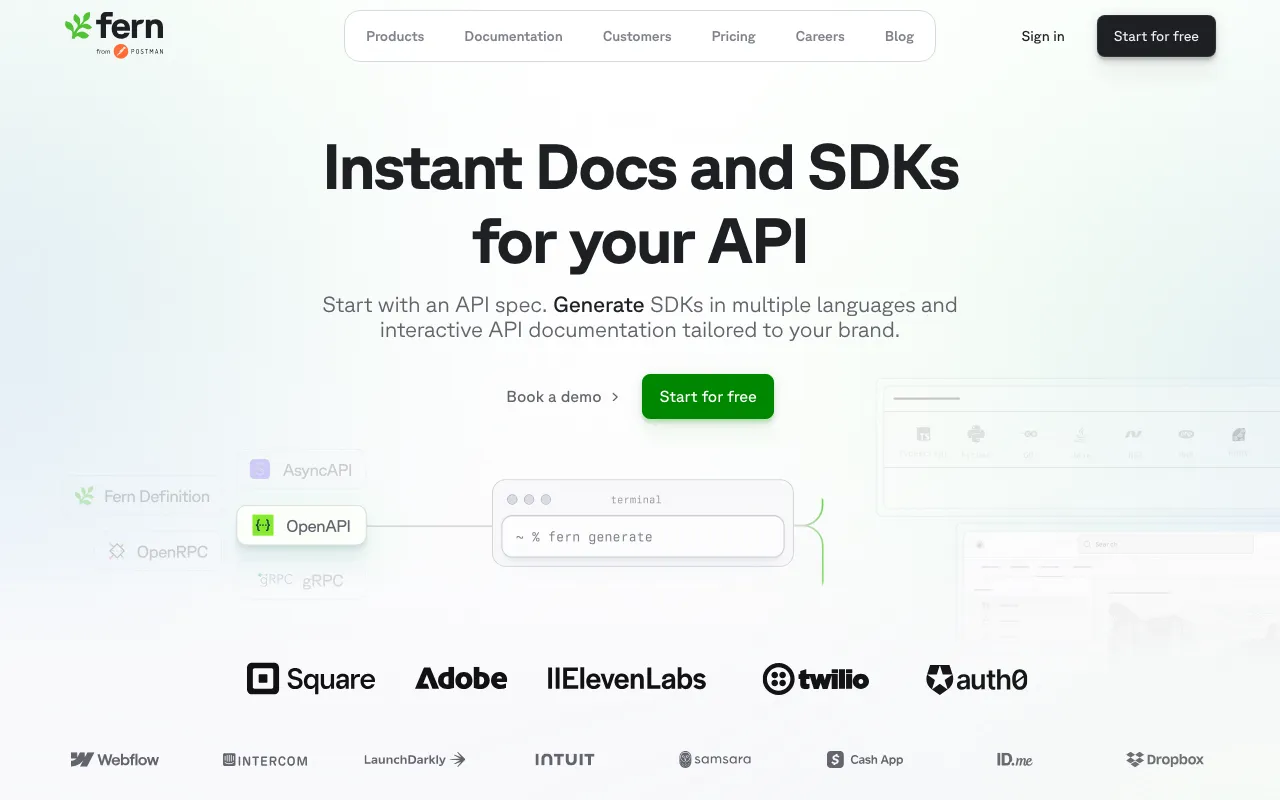
Best for: Teams that need SDK generation and API documentation produced from a single spec file.
Fern takes a spec-first approach to docs-as-code, in which a single API definition generates both client SDKs and a documentation website. The docs-as-code workflow is CLI-driven: teams update their spec, run fern generate, and the CLI rebuilds the SDKs and docs together. A GitHub Action creates preview links on pull requests for doc review.
Pros
- One spec file produces both SDKs and documentation, keeping code samples aligned with actual SDK methods
- GitHub Action creates preview links on PRs for docs review before merge
- Supports OpenAPI, AsyncAPI, gRPC, and Fern's own definition format
Cons
- No web editor or bi-directional sync, so non-technical contributors cannot update docs without CLI access
- Fern's proprietary definition format creates migration risk for teams that adopt it over standard OpenAPI
Pricing: Hobby at $0, Team at $150/month with free trial, and custom Enterprise pricing.
3. Bump.sh
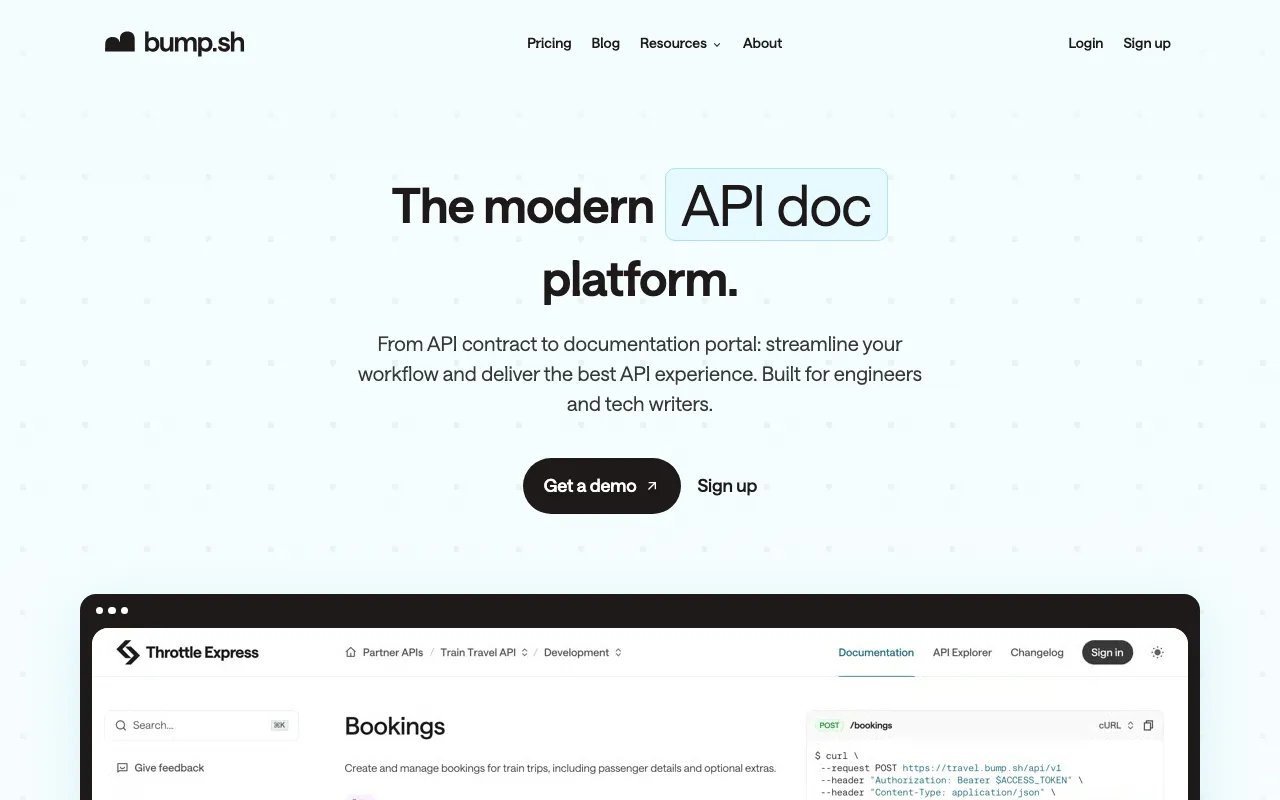
Best for: Engineering teams managing multiple APIs that need automated change detection and subscriber notifications.
Bump.sh converts OpenAPI and AsyncAPI specs into reference documentation and automatically tracks every structural change. The docs-as-code integration occurs via a CLI and a CI pipeline. Push a spec change to your repository, and Bump.sh rebuilds the reference docs on deploy. Bump.sh Hubs organize multiple APIs into a searchable catalog.
Pros
- Automated diff detection and breaking change notifications reduce the manual overhead of communicating API changes
- Hubs organize multiple API docs into a single searchable catalog with unified branding
- Per-project pricing with unlimited team members on all plans
Cons
- Reference-only platform with no support for guides, tutorials, or getting-started content
- No llms.txt, MCP, or AI-powered search capabilities
Pricing: Basic at $50/month, Pro at $250/month with a free trial, and Enterprise at custom pricing.
4. GitBook
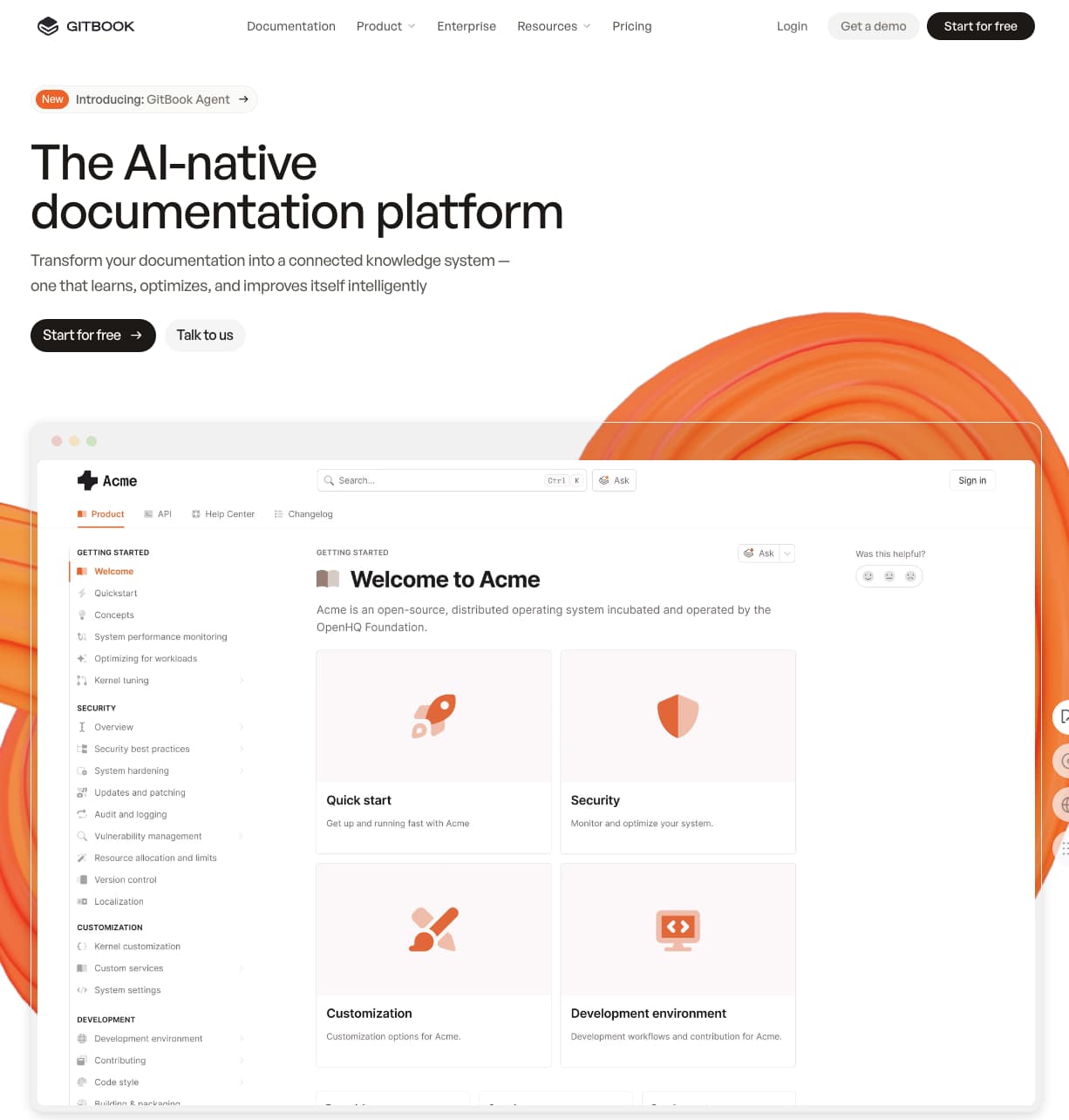
Best for: Teams where non-technical contributors produce a significant share of the documentation.
GitBook offers a Notion-style WYSIWYG editor with bi-directional sync to GitHub and GitLab. The editor supports real-time co-editing, where multiple people can work on the same page simultaneously. Git branches map to doc versions for teams maintaining multiple API releases. OpenAPI specs can be imported by URL with auto-updating references. GitBook's docs-as-code value lies primarily in collaboration, with an editor that makes docs-as-code workflows more accessible for non-technical contributors.
Pros
- Real-time co-editing lets multiple contributors work on the same page simultaneously
- Bi-directional Git sync with GitHub and GitLab keeps the editor and repository aligned
- MCP support and AI-powered search for agent-facing content delivery
Cons
- API reference pages lack interactive playgrounds and multi-language code sample generation
- Per-site pricing scales up for organizations with multiple documentation sites
Pricing: Free to start. Premium at $65/site/month + $12/user/month. Ultimate at $249/site/month + $12/user/month. Custom enterprise pricing available.
5. ReadMe
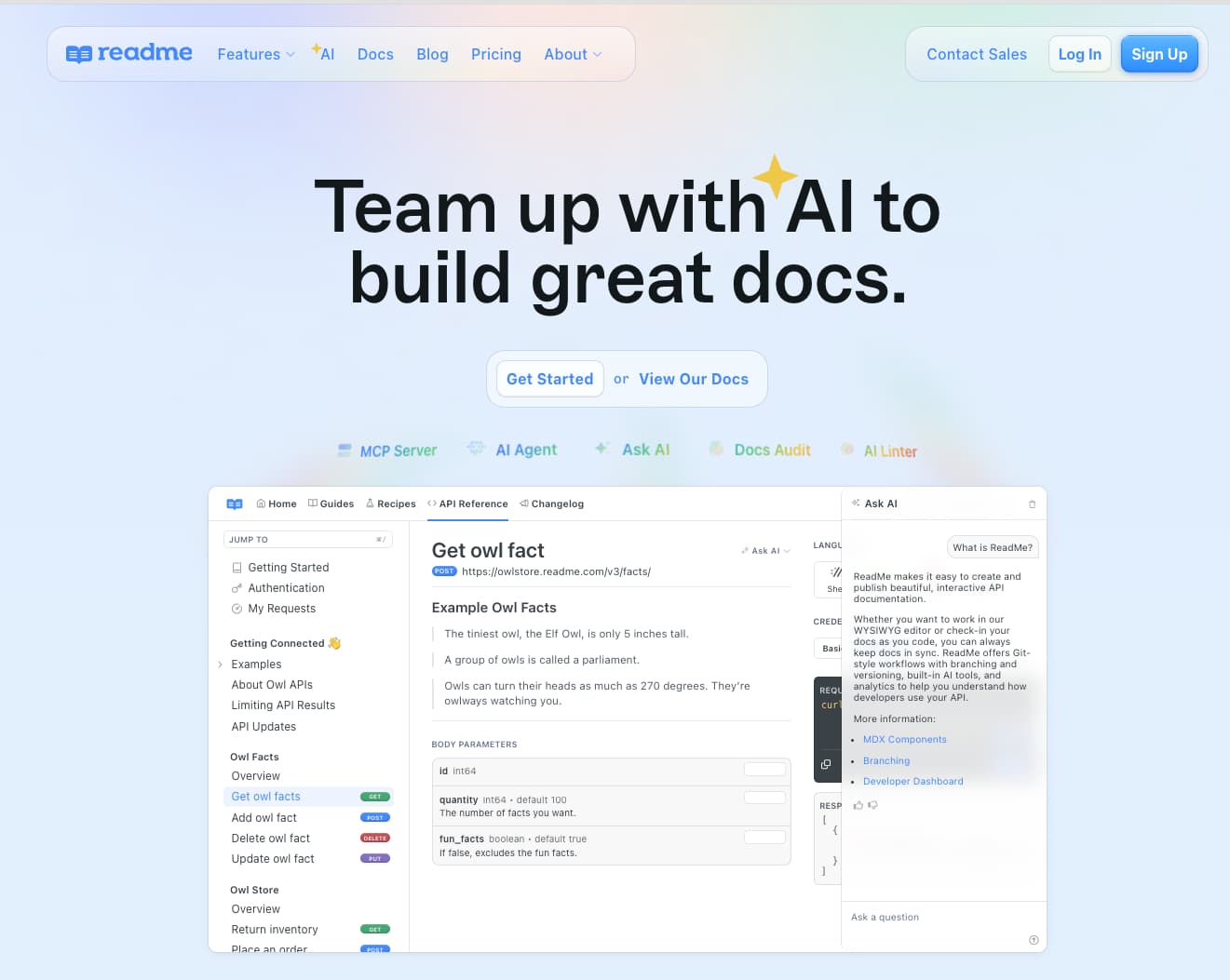
Best for: Development teams that want a developer portal with guides, forums, and analytics, where Git supplements a visual-editor-first workflow.
ReadMe is a developer hub that bundles API reference docs, guides, changelogs, and community forums into one product. The primary authoring surface is a visual editor. Bi-directional GitHub sync is available through the ReadMe Sync app, and the rdme CLI handles OpenAPI spec updates through CI/CD. ReadMe's "Try It" explorer lets developers test endpoints inline.
Pros
- Developer hub with API reference, guides, changelogs, and community forums in a single product
- "Try It" API explorer with inline request and response previews
- Developer engagement analytics track endpoint usage and error rates
Cons
- Git is a sync layer rather than the core authoring model, limiting the docs-as-code workflow depth
- Pricing jumps sharply between tiers, with Enterprise starting above $3,000/month
Pricing: Free plan with limited features, Startup at $79/month, Business at $349/month, Enterprise at $3,000+/month.
6. Redocly
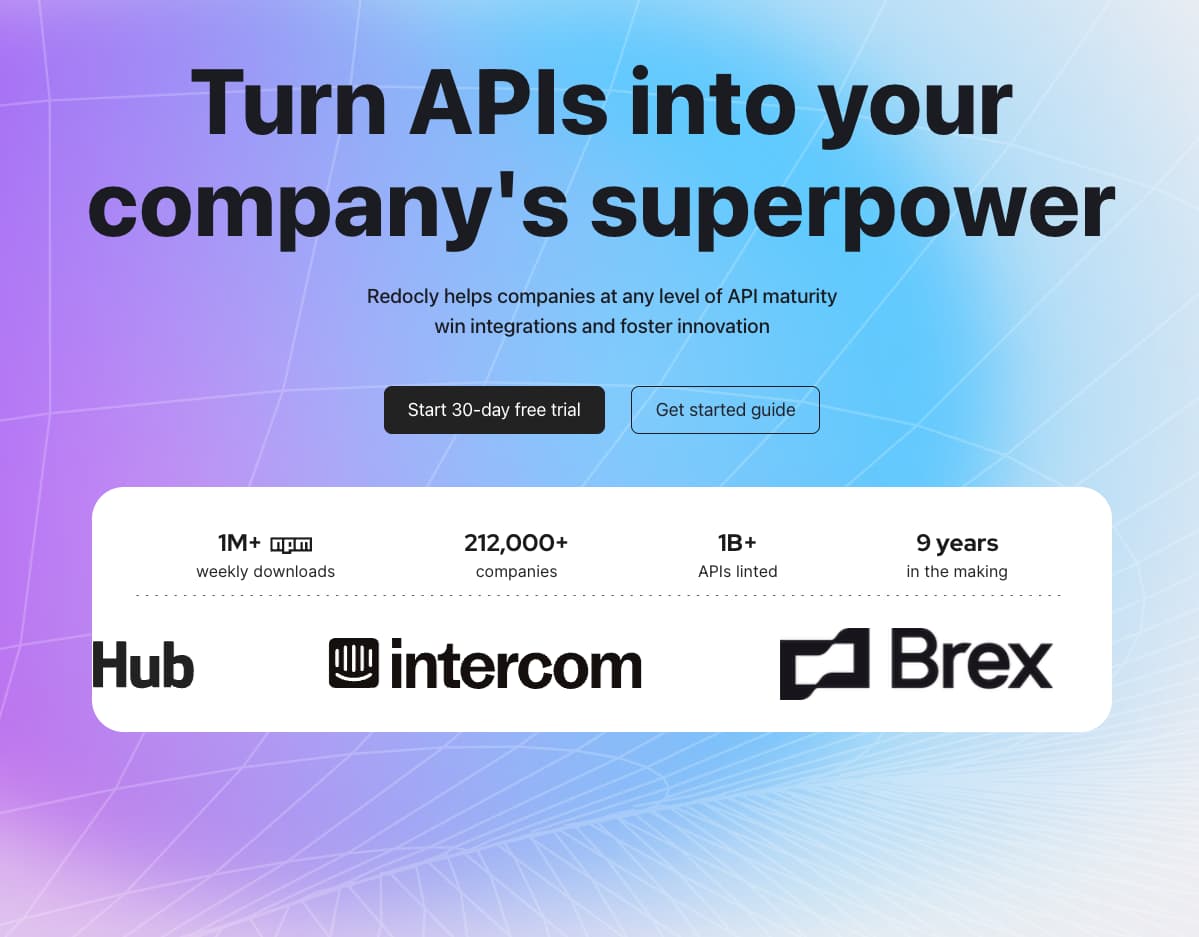
Best for: Enterprise teams that need API spec governance and structural linting enforced across multiple teams through CI.
Redocly is built for teams that want stronger control over API specs, especially in environments where validation and governance need to be enforced across multiple teams. Redocly's main strength is CLI-based linting, bundling, and validation inside CI workflows, along with branch previews for review.
Pros
- Covers OpenAPI 3.2, GraphQL, AsyncAPI, SOAP, and Arazzo workflows
- CLI-based linting with configurable rules catches spec errors before they reach production
- Reunite provides branch previews and side-by-side visual diffs for documentation review
Cons
- No guide, tutorial, or knowledge base capabilities, requiring separate tooling for non-reference content
- The Legacy Workflows product was sunset, so existing customers face migration work to Reunite
Pricing: Pro at $10/seat/month, Enterprise at $24/seat/month with a free trial. Enterprise+ at custom pricing.
7. Document360

Best for: Support and knowledge management teams that need editorial workflows with optional Git connectivity.
Document360 is a knowledge base platform built around a WYSIWYG editor, approval workflows, contributor roles, and version history. Document360 supports API documentation through OpenAPI import, and GitHub integration is available as a paid add-on with one-way sync.
Pros
- Configurable approval workflows with contributor roles and version history for editorial control
- Built-in analytics track page performance, search queries, and reader feedback
- AI-powered search and chatbot for self-serve answers within the knowledge base
Cons
- Git integration is a paid add-on with one-way sync
- Content created in the editor does not flow back to Markdown
Pricing: Contact sales for pricing.
Why Mintlify leads for API teams
Mintlify is the strongest docs-as-code solution for API teams because it turns repository-based documentation into a workflow teams can keep using as the product changes. Workflows draft documentation pull requests from code changes, the web editor lets product managers and technical writers contribute without working directly in Git, and every update still moves through the same review process, giving API teams a docs-as-code system they can maintain across engineering, product, and documentation work.
Mintlify also covers aspects of API documentation that a basic docs-as-code setup does not address. Mintlify generates interactive API references from OpenAPI and AsyncAPI specs, supports AI-ready outputs and auto-generated MCP servers, and keeps those capabilities available across tiers. Zapier reported a 20% increase in traffic and adoption after switching to Mintlify. For API teams choosing a docs-as-code solution, Mintlify is the strongest fit when documentation needs to stay current, usable, and easy to maintain.
Frequently Asked Questions
What is a docs-as-code solution for API teams?
A docs-as-code solution stores documentation source files in a Git repository and manages them using the same branching, review, and deployment workflows as application code. Changes go through pull requests, previews render before merge, and CI/CD pipelines handle publishing. Mintlify extends docs-as-code capabilities with bidirectional sync that lets non-technical contributors edit in a browser-based editor, while every change still commits to Git automatically.
How do I choose the right docs-as-code platform for my API team?
Evaluate platforms on five criteria: docs-as-code workflow depth (bi-directional sync, PR previews, branch versioning), API reference generation and spec sync, automated documentation maintenance, collaboration across technical and non-technical contributors, and AI readiness. Mintlify covers all five docs-as-code requirements in a single platform without requiring separate tools for each capability.
Is Mintlify better than Fern for API documentation?
Fern is a strong fit for teams that need SDK generation and documentation built from the same API definition. Mintlify is stronger when the priority is a broader docs-as-code workflow that includes bi-directional Git sync, browser-based editing for non-technical contributors, automated documentation maintenance through Workflows, and AI-agent readiness through llms.txt, MCP servers, and traffic analytics. For teams focused on documentation as a standalone product rather than a byproduct of SDK generation, Mintlify provides more complete coverage.
Can non-technical team members contribute to a docs-as-code workflow?
Non-technical contributors can participate fully when the platform combines Git with a usable web editor. Mintlify's web editor lets product managers and writers make updates in the browser using a visual or MDX mode, and every change is automatically committed to Git. Built-in comments, suggestions, and @mentions give non-technical contributors a familiar review experience within the same docs-as-code workflow that engineers use.
What are the best docs-as-code alternatives to GitBook for API teams?
GitBook works well for cross-functional teams that prioritize a Notion-like editing experience and need documentation for mixed content types. For API teams that need deeper docs-as-code capabilities, including interactive API references, automated documentation maintenance, and AI-agent readiness, Mintlify is the strongest alternative. Mintlify's bi-directional Git sync, automated Workflows, and LLM-optimized outputs (llms.txt, skill.md, MCP servers) address docs-as-code gaps that GitBook does not currently cover.
Related resources
More to read

10 best AI observability tools for monitoring and evaluating agents in 2026
A comparison of ten AI observability tools across production tracing, evaluation, human review, deployment models, OpenTelemetry support, and pricing, with guidance on which fits an agent monitoring program.
August 28, 2026Harkirat Chahal
Growth
7 best MCP servers for Codex in 2026
A comparison of seven MCP servers for Codex across documentation retrieval, repository activity, browser automation, production debugging, database inspection, project context, and web research, with setup and access notes for each.
August 28, 2026Harkirat Chahal
Growth