API docs with Git integration: best platforms and workflows in 2026
Cole Gottdank
GTM Engineer
Share this article
Cole Gottdank
GTM Engineer
Share this article

This guide compares seven documentation platforms based on their Git integration capabilities, focusing on authoring workflow, sync model, preview support, versioning, and API reference automation.
This guide compares seven documentation platforms based on their Git integration capabilities, which determine whether API docs stay accurate at scale. The comparison focuses on the authoring workflow, sync model, preview support, versioning, and API reference automation because these are the areas that shape how well docs fit into an engineering workflow over time. For teams that want bi-directional Git sync alongside AI-agent readiness and low operational overhead, Mintlify is the strongest option for API documentation with Git integration.
What are API docs with Git integration?
API docs with Git integration keep documentation source files in a Git repository and move them through the same branching, review, and deployment workflow as application code. This approach aligns closely with the docs-as-code solutions for API teams model, where documentation is treated as code throughout the entire lifecycle. Documentation changes go through pull requests, reviewers can check rendered previews before merging, and published versions can map to branches or tags. When the OpenAPI spec in the repository changes, the API reference can be updated without requiring a manual re-upload.
Why is Git integration a documentation requirement now?
Shipping velocity has increased with AI-assisted coding tools. Engineering teams releasing daily or weekly generate code changes faster than anyone can manually document them, and the documentation deficit accumulates with every release cycle. Git-integrated documentation closes the gap between code and docs by making doc updates part of the same commit-and-review workflow that produces the code itself.
AI agents have also changed how documentation is consumed. Mintlify's internal data shows that nearly half of documentation site traffic now comes from AI agents, and traditional analytics tools do not distinguish between human and agent visitors. Structured, Git-managed content is easier to version, validate, and serve to agents in clean formats like Markdown, llms.txt, and MCP server endpoints.
API docs are often maintained by engineers, product managers, and technical writers, who usually need different editing workflows. Engineers expect Git workflows, while product managers and technical writers often prefer a visual editor. Platforms that treat Git as the foundation and add a web-based editing layer on top handle this balance better than platforms that add Git later as a sync layer atop a CMS.
Key features to look for
These five criteria form the evaluation framework for every platform in this guide.
Bi-directional Git sync
Edits made in a web editor should commit back to the Git repository, and changes pushed to the repo should appear in the editor. One-way sync creates maintenance overhead, requiring teams to manually reconcile two content sources.
PR-based review and preview deployments
Reviewers should see fully rendered documentation on every pull request before that PR merges to production. Preview deployments let teams catch formatting errors, broken links, and content issues in a staging environment rather than in production.
Branch-based versioning
Git branches should map to documentation versions, allowing teams maintaining multiple API releases to manage each version using familiar branching workflows rather than manually duplicating content.
OpenAPI and spec sync
When an OpenAPI specification changes in the repository, API reference pages should update automatically. Platforms that require manual re-upload after every spec change introduce a workflow tax that slows release cycles and increases the likelihood of stale reference docs.
AI and agent readiness
Documentation now serves both human readers and AI agents. Platforms that generate structured outputs like llms.txt, skill.md files, and MCP servers make documentation consumable by AI systems natively. Git-managed content is better positioned for agent delivery because every page has a clean source file that agents can parse directly.
7 best API documentation platforms with Git integration in 2026
1. Mintlify
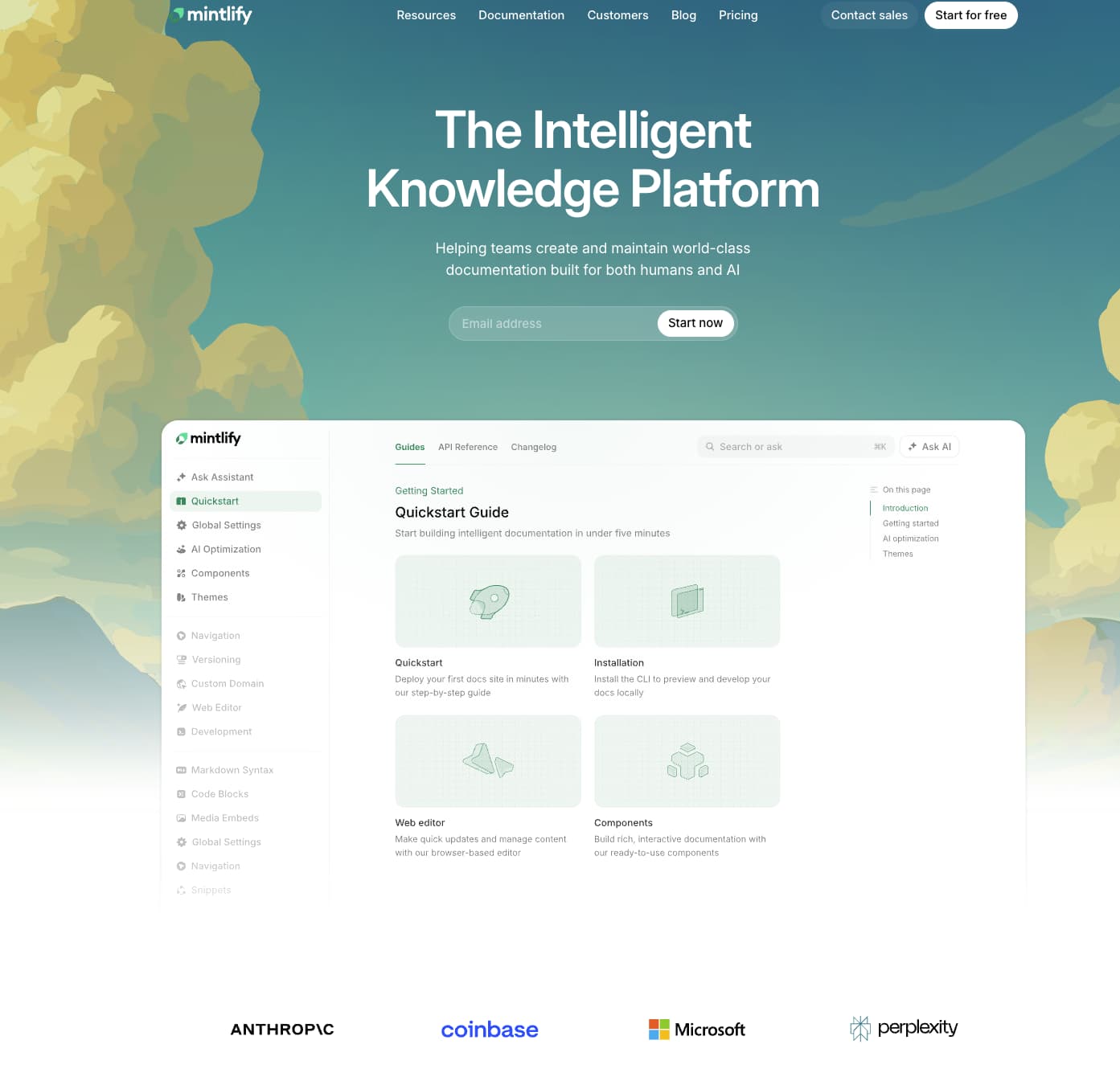
Best for: Engineering teams that want docs-as-code with bi-directional Git sync, automated maintenance, and AI-agent readiness.
Mintlify is an end-to-end documentation platform where content lives in a Git repository as MDX files with full bi-directional sync. Changes made in the web editor commit back to the repo automatically, and changes pushed to Git appear in the editor without manual import steps. Companies like Anthropic, AT&T, and Perplexity use Mintlify for their developer documentation.
Git-native authoring with web editor accessibility
Mintlify's bi-directional Git sync lets teams use Git-based workflows while keeping documentation accessible to non-technical contributors. Engineers work in their IDEs and push via Git. Product managers and technical writers use the browser-based editor, which supports both visual editing mode and Markdown/MDX source mode. Built-in comments, suggestions, and @mentions enable non-technical contributors to participate in the review process without needing to learn Git commands. Preview deployments render documentation changes in a staging environment on every pull request, so reviewers evaluate the actual published output before merging.
Automated maintenance from code to docs
Teams that ship quickly often struggle to keep documentation accurate. Mintlify's Workflows agent monitors code changes, drafts documentation updates based on those changes, and opens pull requests for review. By turning code changes into draft documentation pull requests, Mintlify ties documentation maintenance directly to the release process, rather than relying on someone to update docs separately afterward. Because the docs live in a Git repository, AI coding agents such as Cursor, Claude Code, and Windsurf can read and update documentation through pull requests using the same workflow as human contributors.
API reference and AI readiness
Mintlify generates API reference pages from OpenAPI 3.0 and 3.1 specifications, and it can also generate WebSocket reference pages from AsyncAPI schemas. The interactive API playground lets developers test endpoints directly in the docs, while updates to the underlying specification keep the reference aligned with the API definition over time.
Mintlify supports AI-native documentation and generates files such as llms.txt, llms-full.txt, and skill.md to make docs easier for AI systems to discover and parse. Mintlify also supports MCP-based access patterns for documentation, which gives AI systems a more structured way to interact with docs content. Mintlify's dashboard shows visitor activity, search behavior, and assistant interactions, so teams can identify what users and agents are looking for and where documentation needs improvement.
Pros
- Bi-directional Git sync keeps the repository and published docs aligned without manual export or import steps
- The web editor, comments, suggestions, and @mentions make it easier for product managers, technical writers, and other non-technical contributors to work in the same docs workflow
- Workflows monitors code changes, drafts documentation updates, and opens pull requests for review
- OpenAPI and AsyncAPI support generate interactive API reference pages with a built-in playground
- Traffic analytics help teams see which agents access the docs and where content gaps remain
- LLM-ready outputs such as llms.txt, skill.md, and auto-generated MCP servers make documentation easier for AI systems to discover and use
Cons
- Optimized for product and API documentation rather than general-purpose internal wikis or knowledge bases
Pricing: Hobby at $0/month, Enterprise at custom pricing. See full pricing breakdown.
2. Fern
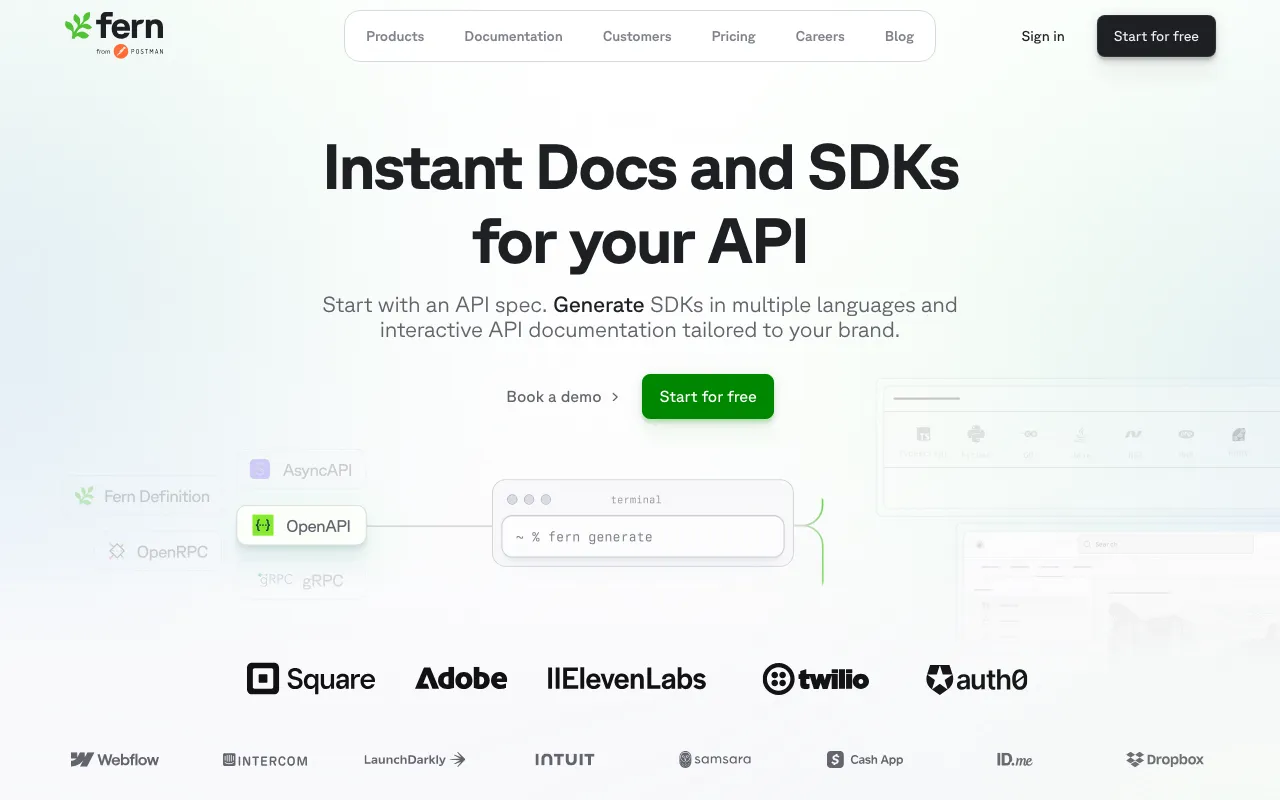
Best for: Teams that want unified SDK generation and API documentation from a single spec with Git-based versioning.
Fern generates both SDKs and documentation from a single API definition. Docs source files live in Git, and a GitHub Action generates PR preview links so reviewers can see rendered documentation before merging. Fern supports OpenAPI, AsyncAPI, gRPC (Protobuf), and its own proprietary Fern Definition format. The unified SDK-plus-docs workflow serves teams that need client libraries in TypeScript, Python, Go, Java, and other languages, along with their documentation, all managed from a single specification file.
Pros
- Unified SDK generation and documentation from a single API definition reduces duplication between code and docs
- PR preview links via GitHub Action let reviewers evaluate rendered docs before merge
- Supports OpenAPI, AsyncAPI, gRPC, and the proprietary Fern Definition format
Cons
- No bi-directional sync between a web editor and the Git repository, so every publish requires running the Fern CLI
- The proprietary Fern Definition format creates vendor dependency for teams that adopt it over standard OpenAPI
Pricing: Hobby at $0, Team at $150/month with free trial, and custom Enterprise pricing.
3. ReadMe
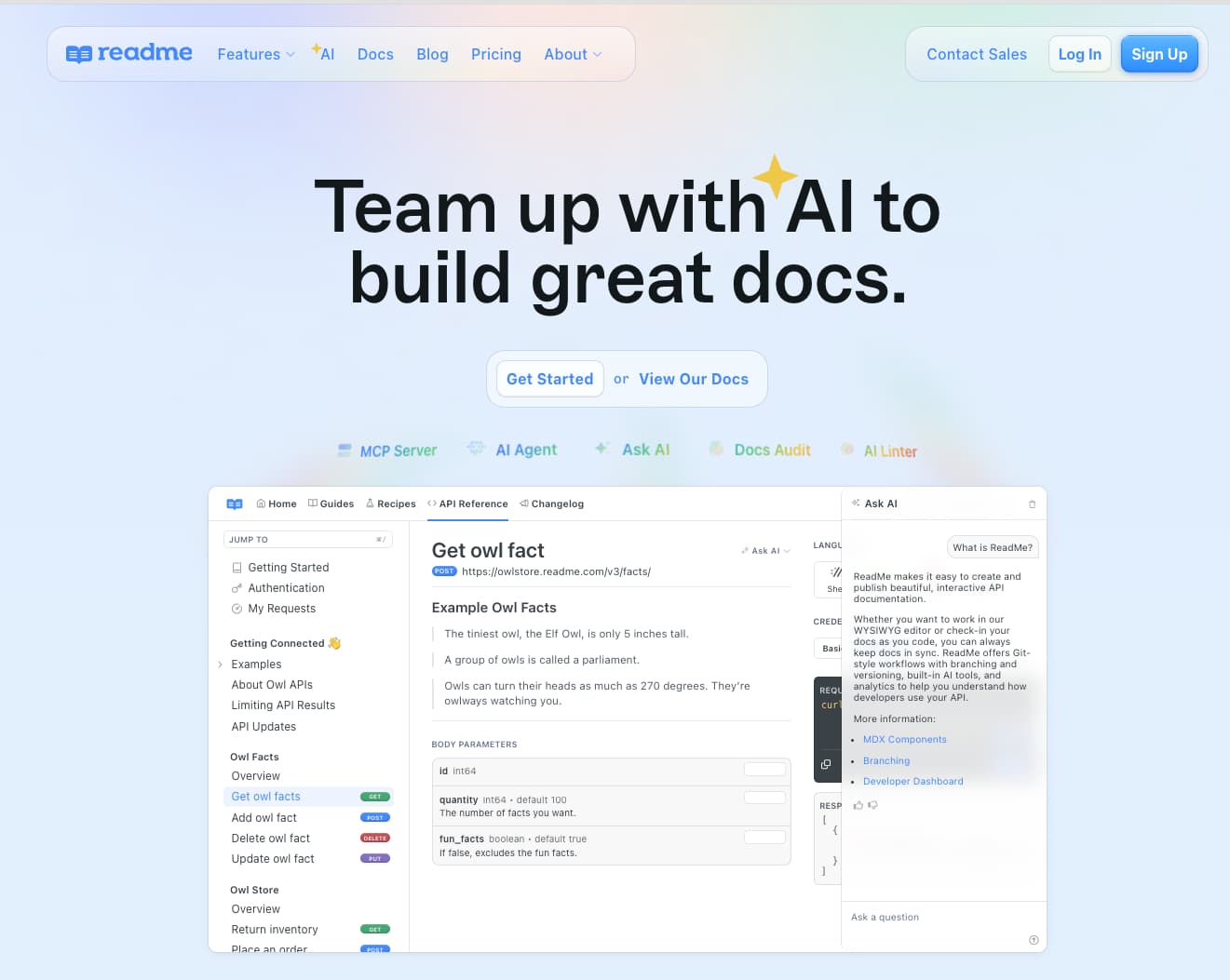
Best for: Teams that want a polished developer hub with visual editing and Git as a collaboration layer.
ReadMe combines interactive API references with guides, changelogs, and discussion forums in a single developer hub. Bi-directional GitHub sync is available through the ReadMe Sync GitHub App, which mirrors project structure into a connected repository. The rdme CLI and GitHub Action enable CI/CD-based OpenAPI spec syncing, so teams can automate reference updates on every push to main. The visual editor remains the primary authoring surface, with Git functioning as a sync and collaboration layer rather than the core authoring model.
Pros
- Bi-directional GitHub sync through the ReadMe Sync app keeps the visual editor and repository in step
- Interactive Try It API explorer with request/response previews built into reference pages
- Changelog, discussion forums, and landing page features provide a full developer hub experience
Cons
- Git is a sync layer rather than the core authoring model, so teams committed to pure docs-as-code workflows may find the visual-editor-first approach limiting
- Cost scales steeply at higher tiers
Pricing: Free plan with limited features, Startup at $79/month, Business at $349/month, Enterprise at $3,000+/month.
4. GitBook
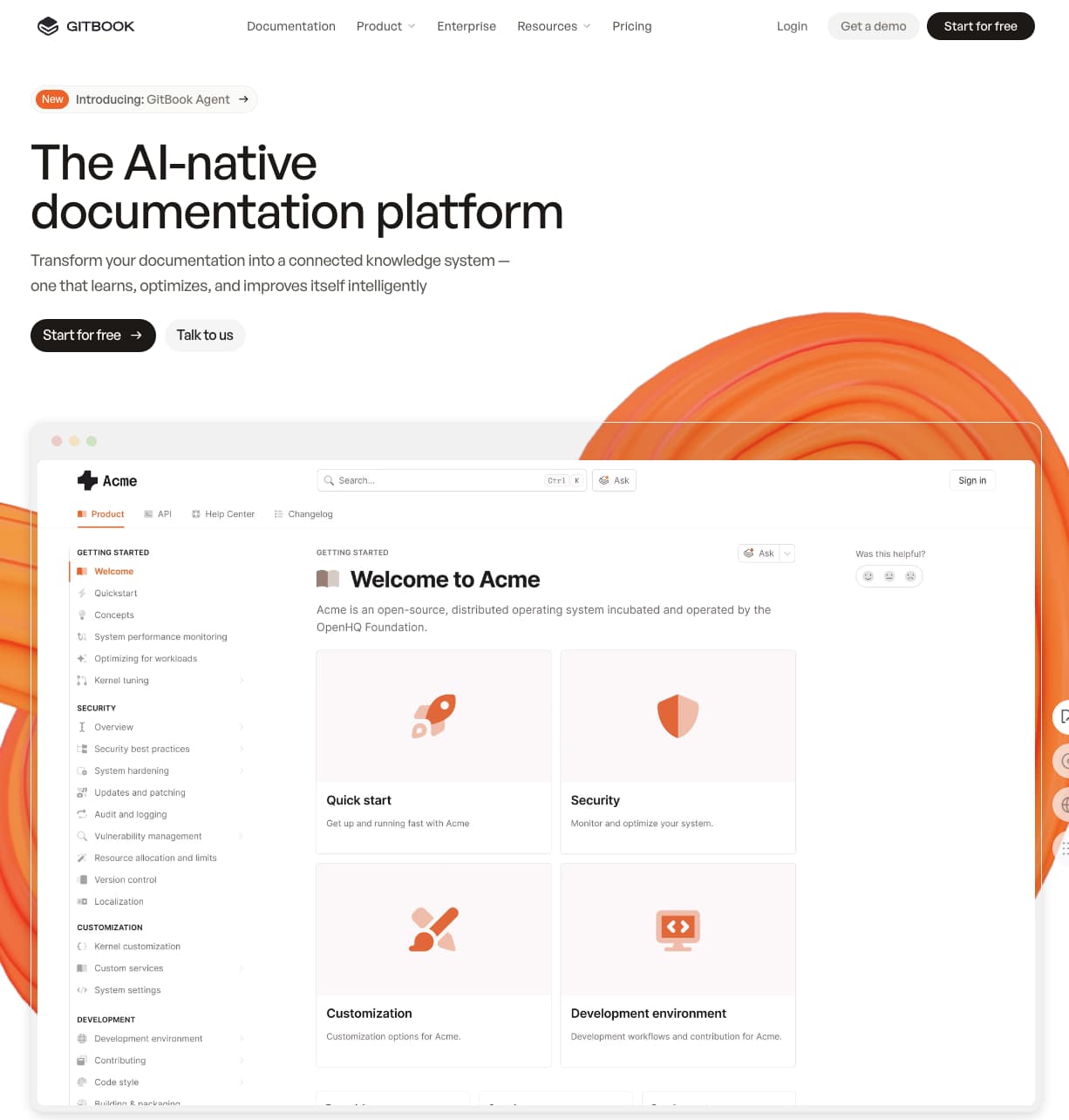
Best for: Cross-functional teams that prioritize a Notion-like editor with Git sync for version control.
GitBook offers a Notion-style WYSIWYG editor with bi-directional sync to GitHub and GitLab repositories. Changes made in GitBook sync to the connected repo, and changes pushed to Git appear in the editor. Git branches map to documentation versions, which allows teams to maintain multiple release versions through standard branching workflows. OpenAPI specs can be imported via URL, and GitBook auto-updates the reference docs. Real-time co-editing lets multiple contributors work on the same page simultaneously.
Pros
- Bi-directional Git sync with GitHub and GitLab supports branching workflows for versioned documentation
- Notion-like editor with simultaneous co-editing lowers the contribution barrier for non-technical team members
- Adaptive content on higher tiers allows personalized documentation based on user attributes
Cons
- API reference rendering is more basic than dedicated API documentation tools with interactive playgrounds and multi-language code samples
- Git sync setup with GitHub and GitLab can require troubleshooting, particularly for complex repository structures
Pricing: Free to start. Premium at $65 per site per month + $12 per user per month. Ultimate at $249 per site per month + $12 per user per month. Custom enterprise pricing.
5. Redocly
Best for: API-first teams that prioritize spec governance, structural linting, and polished reference rendering.
Redocly is an API documentation and governance platform built around OpenAPI, with additional support for GraphQL, AsyncAPI, and SOAP. The Reunite platform provides a Git-integrated visual editor with branch previews and a side-by-side review tool. Reunite connects to GitHub, GitLab, and Azure DevOps, or teams can use Redocly's native Git solution. The Redocly CLI handles spec linting, bundling, and validation with configurable governance rules.
Pros
- Broad spec support covers OpenAPI, GraphQL, AsyncAPI, and SOAP in one platform
- Structural linting and governance via Redocly CLI catches specification errors before docs are published
- Git-integrated visual review in Reunite with branch previews and side-by-side diffs
Cons
- Narrower scope than end-to-end documentation platforms, so teams needing guides, tutorials, and knowledge base content will need additional tooling
- The recent product transition from Workflows to Reunite may create migration friction for existing users
Pricing: Pro at $10/seat/month, Enterprise at $24/seat/month with a free trial. Enterprise+ at custom pricing.
6. Document360

Best for: Support-focused teams managing knowledge bases with occasional Git connectivity.
Document360 is a knowledge base and documentation platform with strong editorial workflow customization, built-in analytics, and AI-powered search. Git integration is available as a paid GitHub extension that provides one-way sync from GitHub repositories into Document360. A CLI tool handles OpenAPI spec import and resync for API reference pages. The primary authoring experience centers on a WYSIWYG editor with approval gates, contributor permissions, and version management, making Document360 strongest for teams where non-technical contributors produce most of the content.
Pros
- Strong editorial controls with customizable review workflows, approval gates, and contributor permissions
- Built-in content analytics track article performance, search behavior, and reader engagement
- AI-powered search and chatbots give readers interactive ways to find answers
Cons
- Git integration is a paid add-on with one-way sync from GitHub, not a core workflow capability
- Markdown import is one-way, so content edited in the WYSIWYG editor cannot be exported back to Markdown for Git-based workflows
Pricing: Contact sales for pricing.
7. Read the Docs
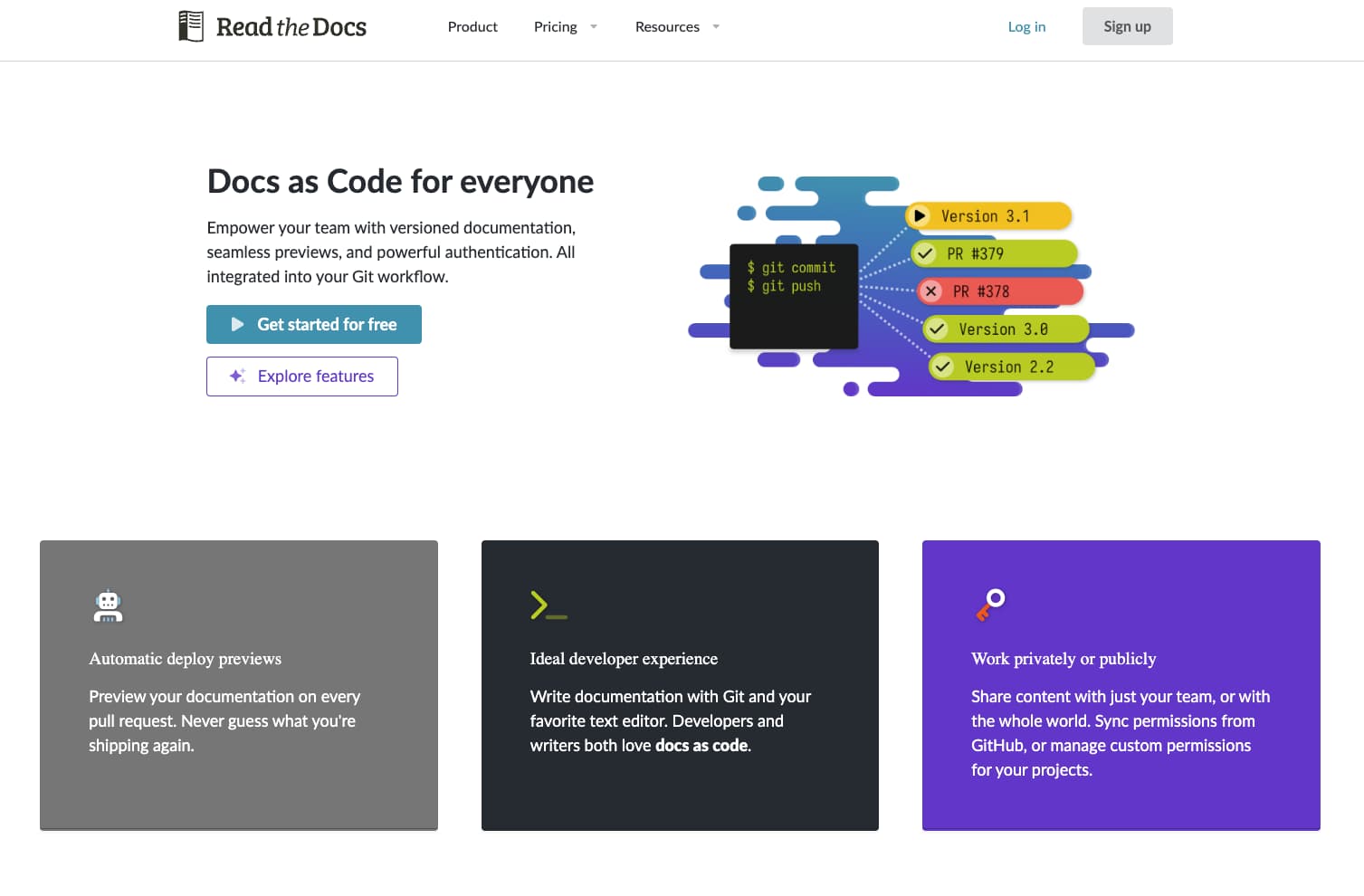
Best for: Open-source and engineering teams using Sphinx or MkDocs who want Git-native hosting.
Documentation in Read the Docs lives entirely in Git, and webhook-triggered builds deploy updated docs on every push. Pull request previews are built in, and branches and tags map directly to documentation versions, which makes Read the Docs one of the strongest platforms for teams managing concurrent API releases. Read the Docs supports Sphinx, MkDocs, and Jupyter Book, with native integrations for GitHub, GitLab, and Bitbucket.
Pros
- Git-native with automated builds triggered on every push and webhook integration
- Branch and tag-based versioning maps directly to documentation versions for multi-release support
- Free for open-source projects with no seat-based pricing for community documentation
Cons
- No built-in visual editor, AI assistant, or interactive API playground, so all contributors need to be comfortable with Git and markup languages
- Setup and configuration require more technical overhead than managed documentation platforms like Mintlify
Pricing: Free for open-source projects. Business plans starting at $150/month. Enterprise plans with custom pricing available.
Why Mintlify stands out for Git-integrated API docs
Mintlify stands out because it addresses the two problems that usually make API docs harder to maintain at scale: contribution friction and documentation drift. Teams can keep documentation in Git without limiting updates to people who are comfortable working in a repository, and they can keep docs aligned with product changes without depending entirely on manual follow-up after every release.
Git-based storage alone is not enough to keep API docs accurate. Teams also need a reliable way to review changes, maintain API reference content, and support both human readers and AI systems. Mintlify combines bi-directional Git sync, a browser-based editing layer, automated documentation workflows, API reference generation, and AI-ready outputs in a single platform. Zapier reportedly saw a 20% increase in traffic and adoption after switching to Mintlify. For engineering teams evaluating API documentation platforms with Git integration, Mintlify offers the most complete workflow from repository to published page.
Frequently Asked Questions
What does API docs with Git integration mean?
API docs with Git integration refer to documentation platforms in which source files live in a Git repository and follow the same branching, review, and deployment workflows as the application code. Changes go through pull requests, reviewers see previews before merge, and published versions track branches or tags. Mintlify adds bidirectional sync on top of the standard Git workflow: edits made in the web editor automatically commit to the repository, so contributors who don't use Git directly still see their changes go through the same review process.
How do I choose the right Git-integrated documentation platform?
Choose a platform that keeps Git at the center of documentation management without making contributions harder for everyone outside engineering. Mintlify is the strongest fit because it combines Git-based workflows, browser-based editing, API reference generation, and automated maintenance on a single platform, so teams don't need to bolt separate tools together as documentation scales.
Is Mintlify better than ReadMe for Git-based documentation workflows?
ReadMe is a strong fit for teams that want a polished developer hub with a visual-editor-first workflow. Mintlify is stronger for teams that need Git as the core authoring model, because every edit flows through the repository, whether it's made in an IDE or the browser, while ReadMe treats Git as a secondary sync layer. For teams prioritizing deeper Git integration, Mintlify is the better fit.
Can non-technical team members contribute to Git-integrated documentation?
They can when the platform combines Git with a usable web editor. Mintlify lets product managers and writers make updates in the browser, while the changes still commit to Git, making contributions easier without creating a separate workflow.
What are the best alternatives to Fern for API documentation?
Fern is a strong fit for teams that want SDK generation and documentation built from the same source. Mintlify is the stronger alternative when the priority is broader documentation workflow support, including Git-based management, browser-based editing, API reference generation, and AI-ready docs.
Related resources
More to read

10 best AI observability tools for monitoring and evaluating agents in 2026
A comparison of ten AI observability tools across production tracing, evaluation, human review, deployment models, OpenTelemetry support, and pricing, with guidance on which fits an agent monitoring program.
August 28, 2026Harkirat Chahal
Growth
7 best MCP servers for Codex in 2026
A comparison of seven MCP servers for Codex across documentation retrieval, repository activity, browser automation, production debugging, database inspection, project context, and web research, with setup and access notes for each.
August 28, 2026Harkirat Chahal
Growth