Best Free Documentation Software in 2026
Harkirat Chahal
Growth
Share this article
Harkirat Chahal
Growth
Share this article
A free documentation tool can mean free to license or free to run, and the difference shows up in setup and maintenance. This guide compares Mintlify, Docusaurus, MkDocs, Read the Docs, and GitBook across free model, what ships at $0, hosting and upkeep, search, and AI readiness.
Even with no budget, your documentation still needs hosting, search, clear navigation, and accurate answers developers can rely on. A managed free tier gives you a live docs site at no cost and without maintenance, while a free-to-license open-source tool still asks your team to handle hosting, builds, search, theming, and updates. The cost difference comes down to free-to-license versus free-to-run, and each produces a different bill once you account for the work it leaves your team.
This guide compares five free documentation tools based on what each includes at $0, the upkeep it requires, and the teams it fits. Mintlify is the strongest free option for software teams that want a hosted, searchable, AI-readable docs site with free private internal docs, without having to set up and maintain their own infrastructure.
What “free” really means in documentation software
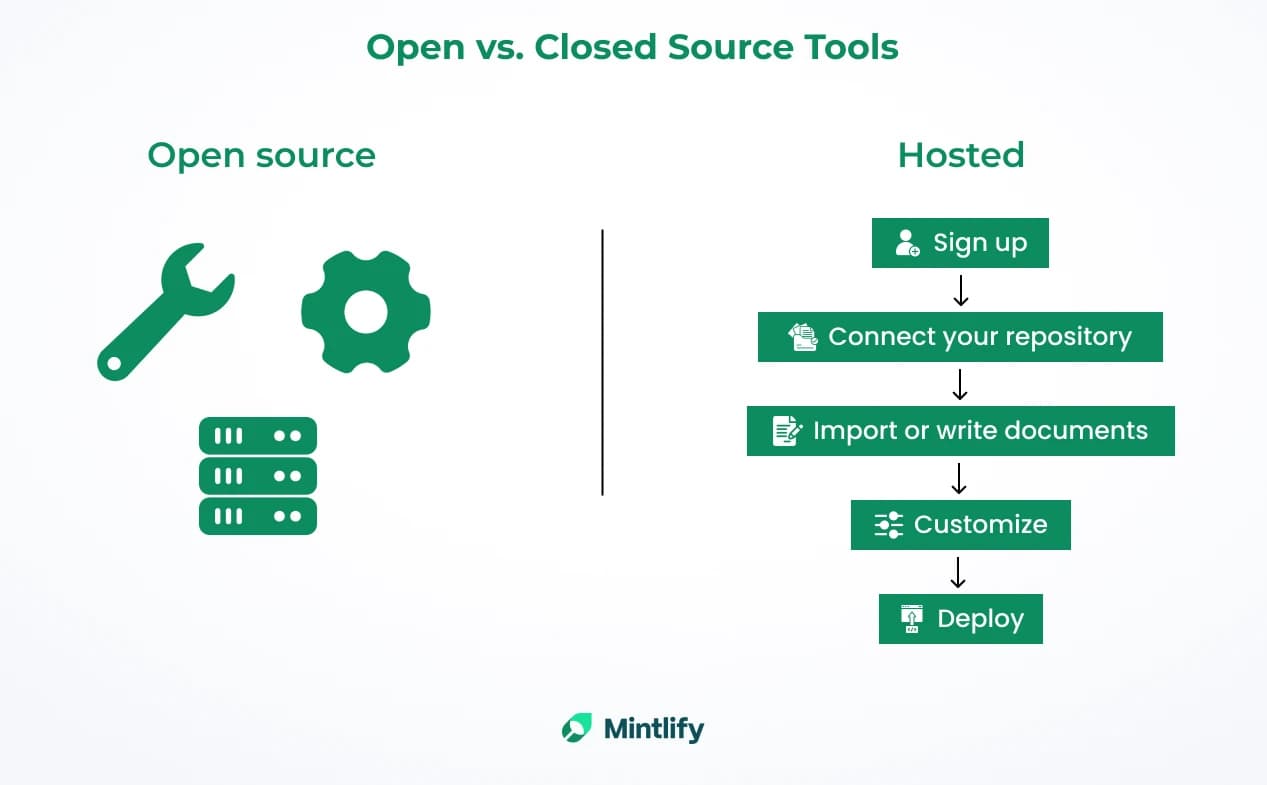
Even when the documentation budget is $0, developers still need pages that load reliably, surface the right answer through search, and stay accurate as the product changes. The docs also need clear navigation so readers can move from a quick answer to deeper setup or API details without having to guess where to go next. A free tool that skips hosting, search, navigation, or accuracy gives you a site that technically exists but does not support actual product use.
The real cost comes from the work left for your team after the tool is chosen. With open-source documentation tools, $0 usually covers the license, while hosting, builds, search configuration, theming, access control, and maintenance remain your responsibility. With a managed free tier, the invoice can still be $0, but the docs site, hosting, search, and deployment path are already included. That is why "free to license" and "free to run" need to be judged separately.
How we compared the best free documentation tools
Five dimensions show whether a free tool gives you a docs site you can publish today or a stack your team still has to build out.
Free model: Open-source self-hosting, free public-project hosting, and managed free tiers all reach $0 in different ways. The free model shows whether you get a running docs site or a framework that your team still has to operate.
What ships at $0: Hosting, a custom domain, search, API docs, private docs, and AI-readable output either come included on the free tier or they do not. A free plan that leaves out hosting or search moves the most important setup work back to your team.
Hosting and upkeep: Managed platforms handle hosting, builds, deployment, and CDN delivery for you. Self-hosted tools give you more control, but your team owns the setup, updates, plugins, and breakages.
Search and accuracy: Readers judge docs by whether they can find the right answer and trust what the page says. Semantic search helps with intent-based questions, while a clear update path helps keep product details current.
AI readiness and portability: AI agents now read documentation to answer questions and write code, so AI-readable output through llms.txt, Markdown serving, and MCP support affects how well your docs work inside AI tools. Content stored as Markdown or MDX remains portable, so a free start does not become a difficult migration later.
The 5 best free documentation tools in 2026
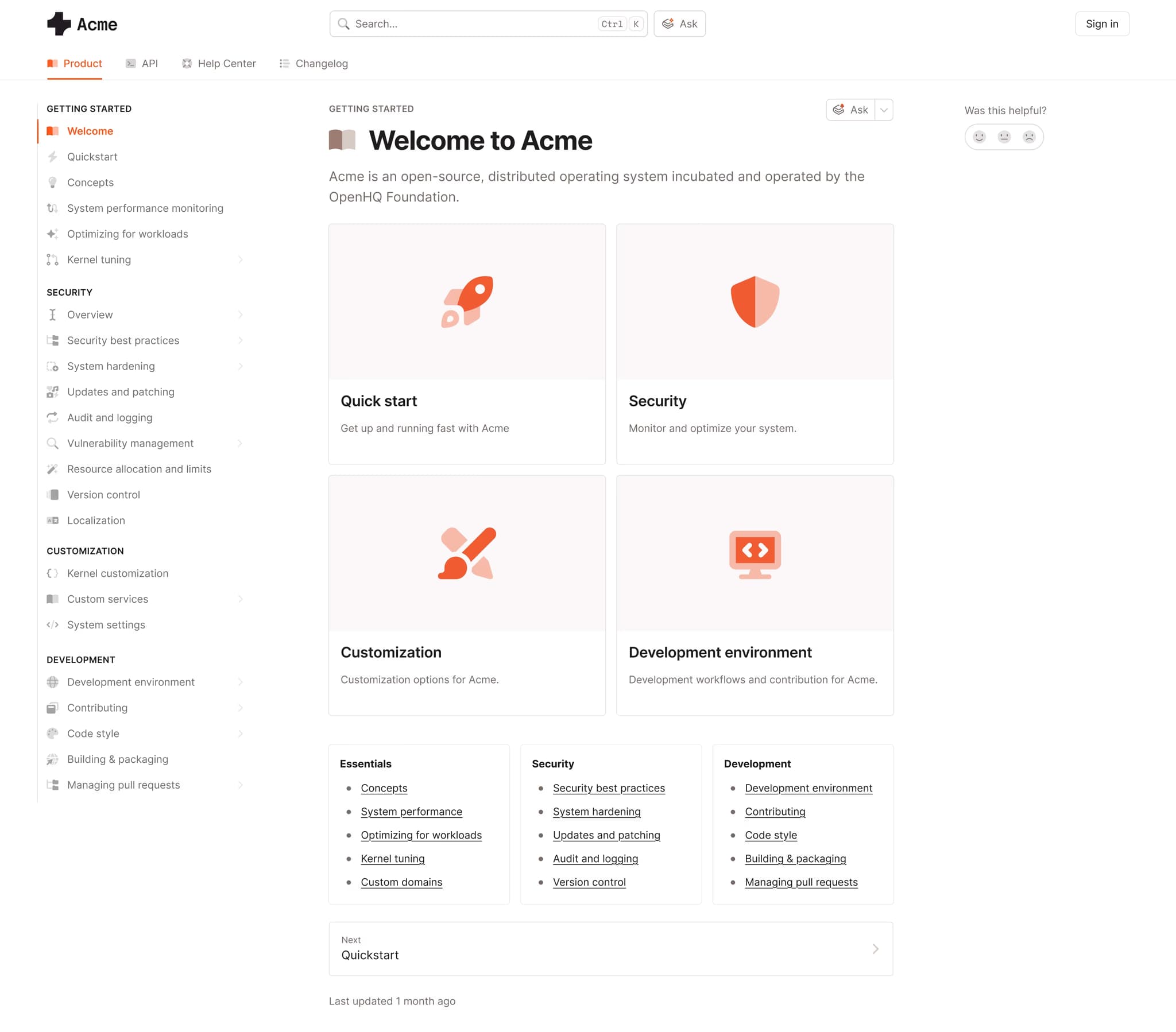
1. Mintlify
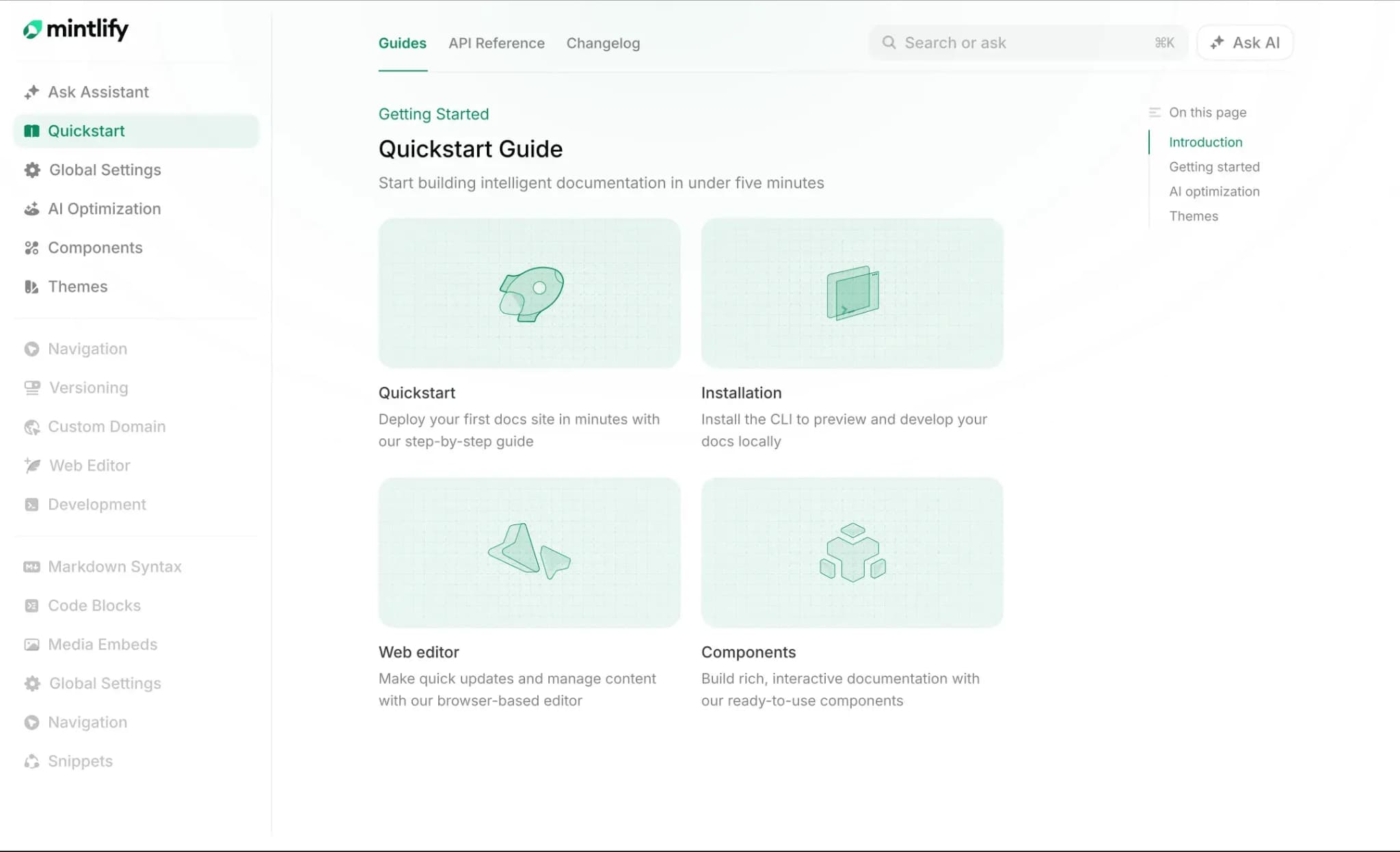
Best for: Software teams that want a hosted, searchable, AI-readable docs site with API docs, Git-based authoring, and free, private internal docs, without having to host or maintain their own stack.
Mintlify is the strongest free documentation option for software teams that want to publish product docs without turning documentation into an infrastructure project. Mintlify’s Starter plan gives teams a managed documentation platform for free, and because the content stays in a Git-based format, they can keep using it as the site grows.
Hosted docs, search, and custom domain
The free tier includes the full platform, hosted documentation, a custom domain, and semantic search, providing teams with the main features required for a public docs site, without setting up hosting, a search provider, or a separate CDN.
Git-based authoring and web editing
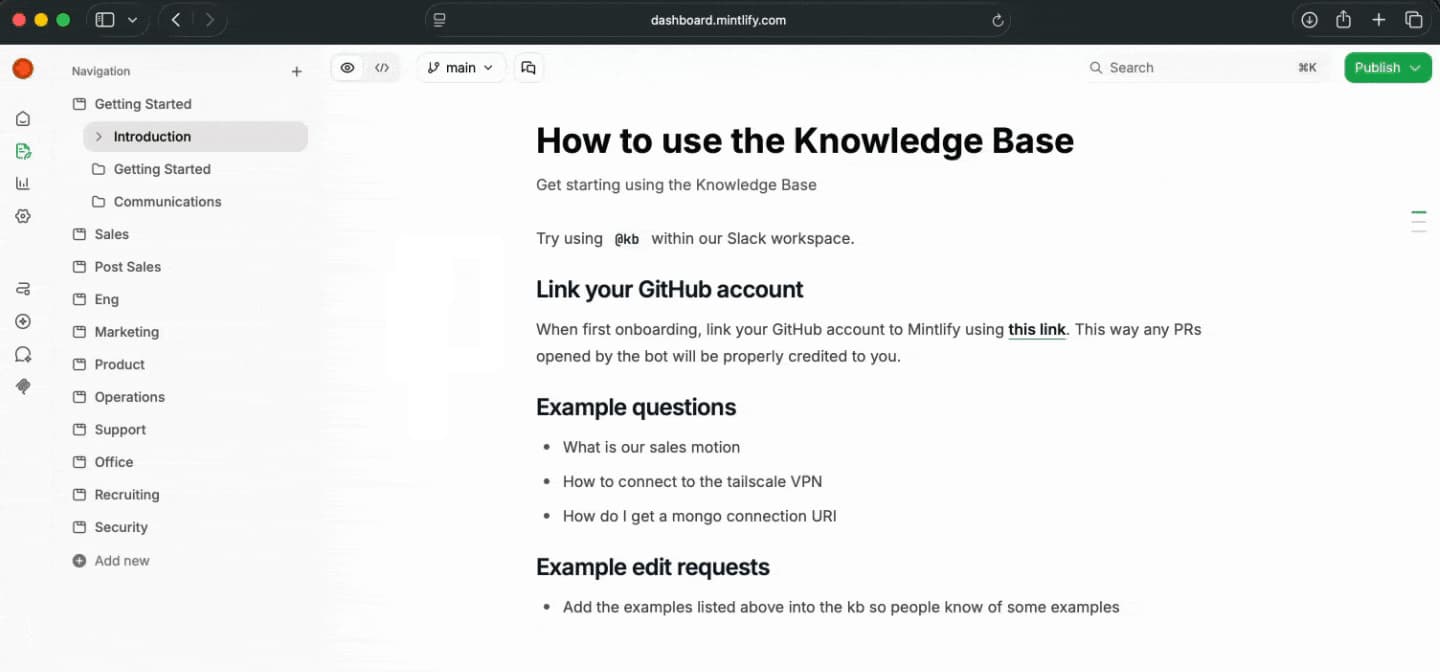
Mintlify keeps documentation as MDX files in your Git repository, so engineers can review and ship docs through the same source control workflow they already use. The web editor gives product, support, and GTM contributors a browser-based way to edit the same content, with Git sync keeping both workflows connected.
API documentation and playground
Mintlify supports API documentation in the same system as guides, knowledge base content, and product docs. Teams can generate interactive API reference pages from OpenAPI specs and provide developers with an API playground to test endpoints directly from the docs.
AI-readable output and AI features
Mintlify prepares documentation for AI agents by automatically generating llms.txt and llms-full.txt, serving docs in AI-readable formats, generating skill.md for public docs sites, and providing an MCP server so tools like Cursor and Claude Code can query current documentation during a task. The free tier also includes Assistant, Writing agent, and Workflows, based on additional usage credits.
Free private internal docs
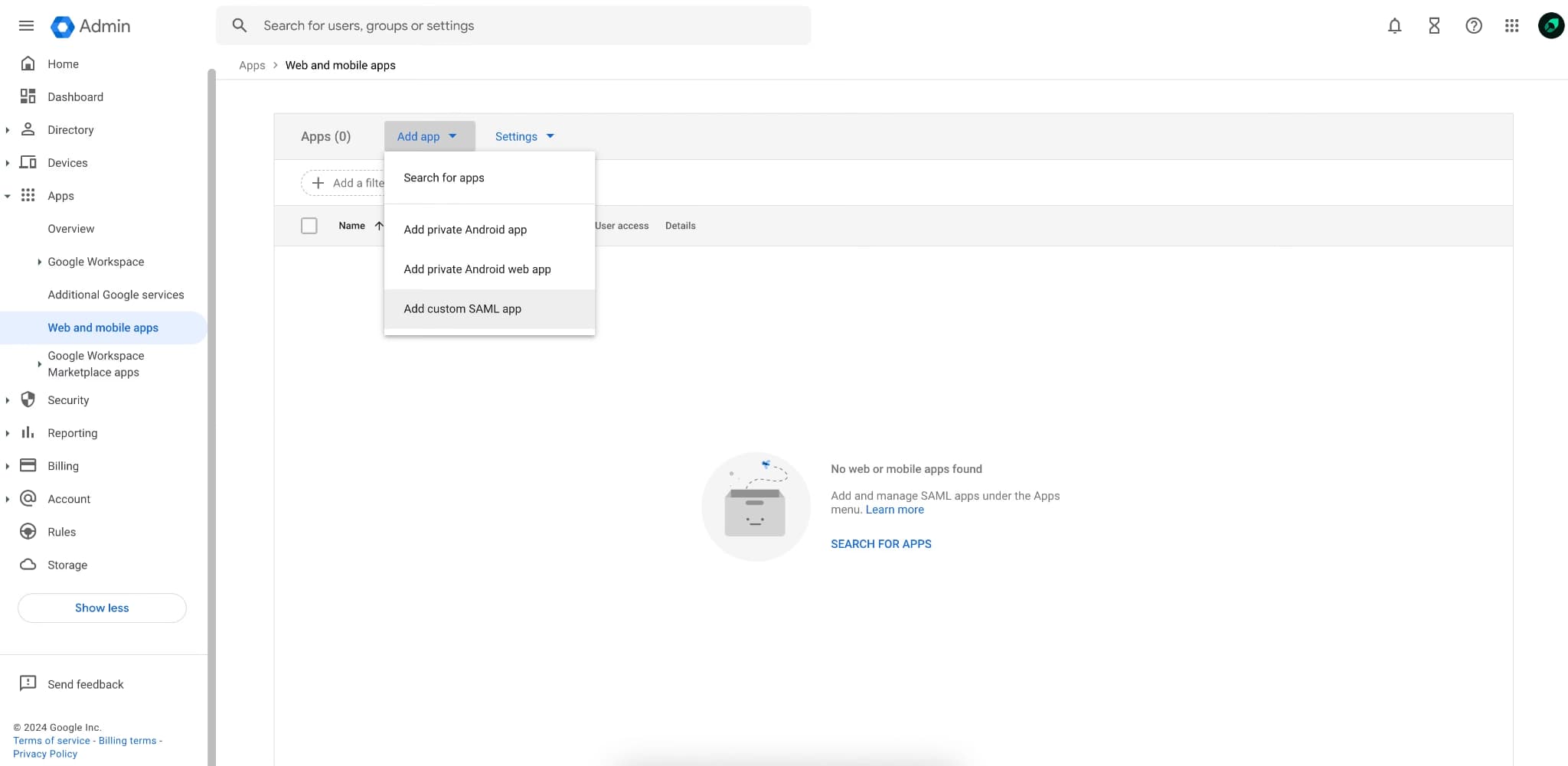
Mintlify authentication lets teams make documentation private, so small teams can use the free Starter tier for an internal knowledge base without paying for separate access-control infrastructure. Password, OAuth, JWT, SSO, role-based permissions, agent analytics, advanced insights, enterprise security, and migration support are available on Enterprise when teams need stricter controls.
Content that stays portable
Because pages stay as MDX files in your Git repository, the source content remains portable as the docs grow. Your team owns the files, the version history stays in Git, and a future migration does not require exporting content from a closed editor.
Pros
- Hosted docs, custom domain, semantic search, Git sync, and web editor included on the free Starter tier
- Full platform access at $0, including authentication, Assistant, Writing agent, Workflows, and MCP server
- AI-readable output through llms.txt, llms-full.txt, AI-readable documentation formats, skill.md for public docs, and MCP support
- Free private internal docs through Mintlify Auth for members of your Mintlify organization
- Interactive API playground and OpenAPI-generated API references in the same docs system
- MDX content stays in your Git repository, so the docs remain portable as the team grows
Cons
- SSO, role-based permissions, agent analytics, and advanced enterprise controls require the Enterprise plan
Pricing: Free Starter plan. Custom Enterprise pricing. No-card free trial available. See the full pricing breakdown.
2. Docusaurus
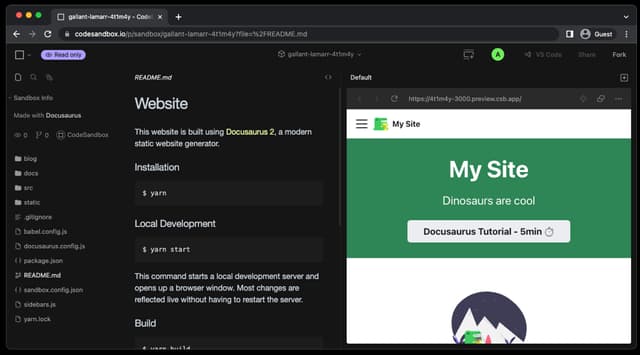
Best for: Engineering teams with hosting infrastructure and familiarity with React who want full control over a self-hosted docs site.
Docusaurus generates React-based documentation sites from Markdown and MDX. It supports documentation features such as versioning, internationalization, and Algolia DocSearch for eligible open-source projects. The built output still needs to be deployed to GitHub Pages, Netlify, Vercel, or another static host, so the free license is best for teams that already have a deployment path and frontend ownership.
Pros
- MIT-licensed and free to use, with no vendor subscription
- MDX and React support give teams room to customize docs pages and components
- Versioning and internationalization support docs for multiple releases and languages
Cons
- Hosting, deployment, search setup, and maintenance stay with your team
- React and Node.js familiarity make it harder for non-technical contributors to own updates
Pricing: Free (open source).
3. MkDocs
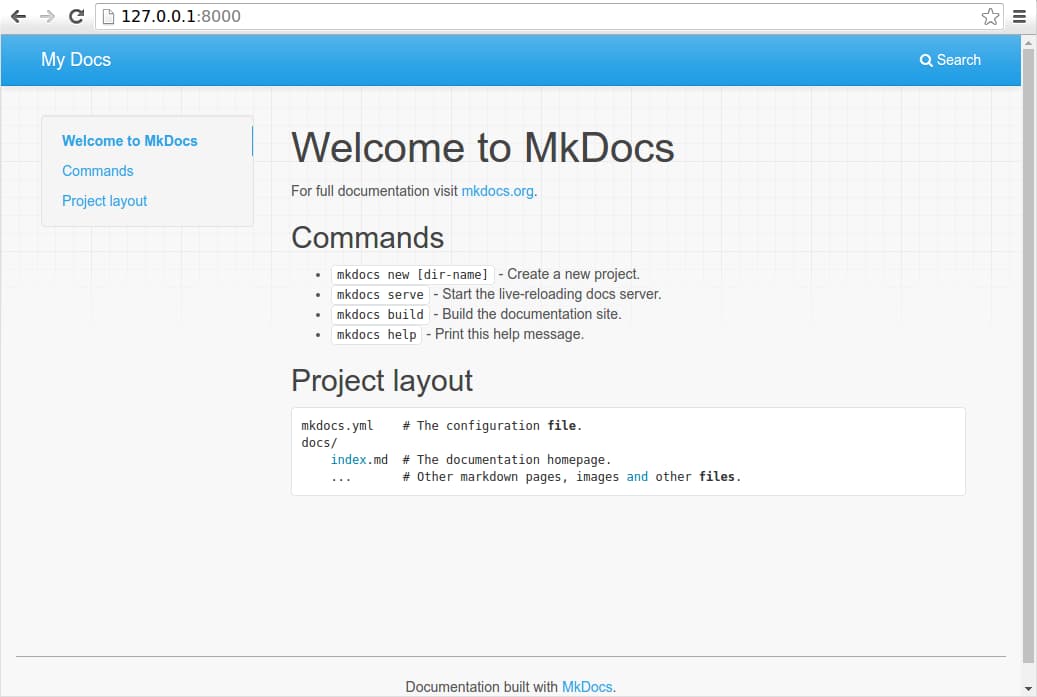
Best for: Python teams that want a straightforward Markdown docs site they can host and control themselves.
Written in Python, MkDocs turns Markdown files and a single YAML configuration file into a static documentation site. It includes a local development server with auto-reload and supports themes, plugins, and Markdown extensions. It fits teams that want a plain Markdown authoring model and already have a place to host, deploy, and maintain the generated site.
Pros
- Free and open source, with Markdown files and one YAML configuration file
- Local preview server with auto-reload helps authors check changes before publishing
- Themes and plugins extend navigation, search, and output
Cons
- Hosting, builds, deployment, and updates remain your team’s responsibility
- Advanced styling and docs features depend on the themes and plugins you configure yourself
Pricing: Free (open source).
4. Read the Docs
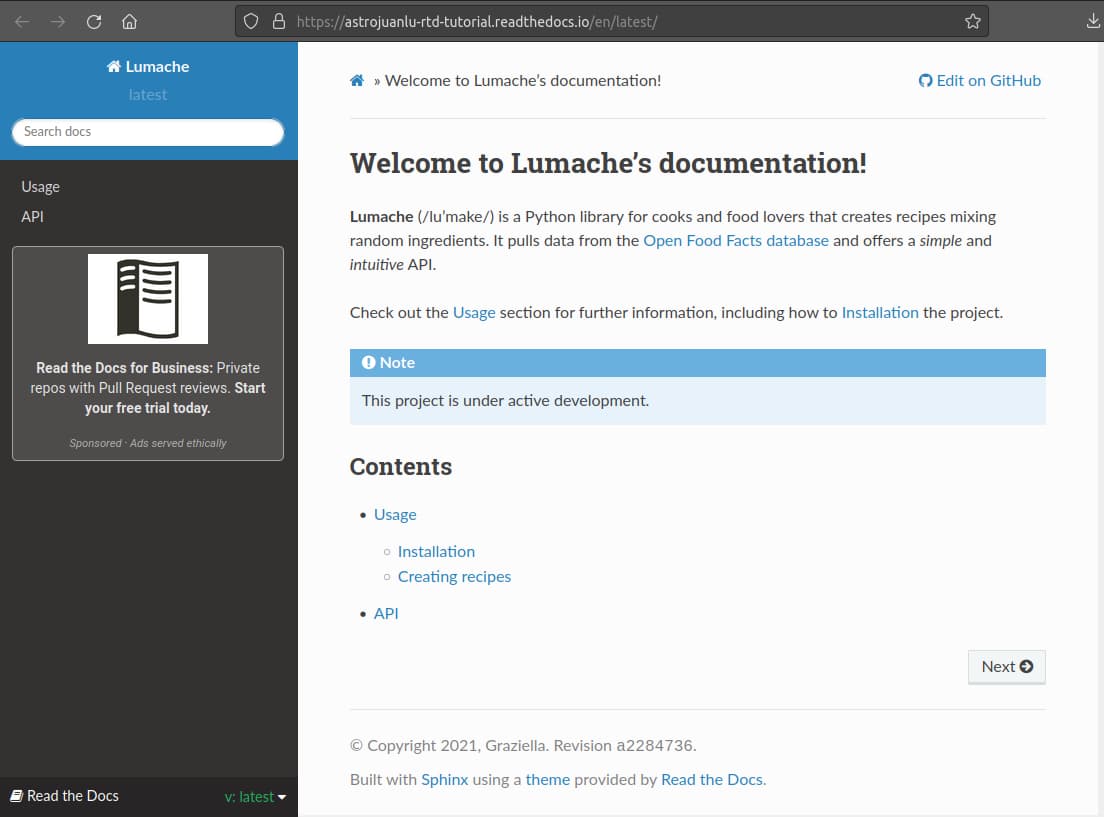
Best for: Open-source and community projects that want free managed hosting for public documentation.
Read the Docs hosts documentation for public open-source projects through its free Community plan and supports docs-as-code workflows around tools such as Sphinx and MkDocs. It handles builds, hosting, versioned docs, search, and pull request previews for public documentation. Commercial teams need Read the Docs for Business when they need private repositories, private docs, team management, ad-free hosting, or business support.
Pros
- Free Community hosting for public open-source documentation
- Managed builds, versioning, search, and pull request previews
- Works with existing Sphinx and MkDocs documentation workflows
Cons
- Free Community documentation is public and ad-supported
- Private repositories, private docs, and ad-free business hosting require paid plans
Pricing: Free for open-source projects. Business plans starting at $150/month. Enterprise plans with custom pricing available.
5. GitBook
Best for: Solo writers and small public projects that want a hosted docs site with a visual editor.
GitBook gives individuals a managed documentation site with a block-based visual editor, GitHub and GitLab sync, API playgrounds, preview deployments, and LLM optimizations on the free plan. The free plan is limited to one user, while custom domains, team collaboration, AI search, analytics, and user feedback are available on paid plans. It works for solo documentation, but a software team will hit the paid tier once more contributors or branded publishing become necessary.
Pros
- Managed hosting with a polished visual editor and no setup work
- Free for a single user, open-source projects, and non-profits
- GitHub and GitLab sync connect the documentation to a repository
Cons
- Free plan is limited to one user and no custom domain
- Team collaboration and custom domain support start on Premium
Pricing: Free to start. Premium is $65 per site per month, and Ultimate is $249 per site per month, plus $12 per user per month. Custom enterprise pricing.
Free documentation software compared (2026)
| Tool | Free model | What you get at $0 | Hosting and upkeep | Best for |
|---|---|---|---|---|
| Mintlify | ✅ Managed free tier | ✅ Hosted docs, custom domain, semantic search, web editor, Git sync, authentication, API playground, AI Assistant, Writing agent, Workflows, AI-readable output, and MCP support | ✅ Fully managed hosting, deployment, search, and AI-readiness without a self-hosted stack | Software teams that want free product docs, API docs, and private internal docs in one managed system |
| Docusaurus | ✅ Open-source self-host | ✅ Static-site generator with Markdown/MDX, React customization, versioning, internationalization, and Algolia DocSearch support | ❌ Your team hosts, deploys, configures search, themes the site, and maintains the stack | Engineering teams with React skills and existing deployment infrastructure |
| MkDocs | ✅ Open-source self-host | ✅ Markdown static-site generator with YAML configuration, local preview, search, themes, and plugins | ❌ Your team hosts, deploys, configures themes and plugins, and maintains updates | Python teams that want simple Markdown docs they can host themselves |
| Read the Docs | ✅ Free hosting for public open-source docs | ✅ Public docs hosting, builds, versioning, search, pull request previews, and CDN | ⚠️ Managed for public open-source docs, but the free plan is public and ad-supported | Open-source and community projects with public documentation |
| GitBook | ✅ Managed free plan | ⚠️ Hosted public docs for one user, with Git sync, API docs, preview deployments, and LLM optimizations | ⚠️ Managed hosting, but custom domains and team use require paid plans | Solo writers and small public projects that can start on a GitBook subdomain |
Start free with Mintlify to publish hosted, AI-ready docs without maintaining your own stack.
When self-hosted open source is the right choice
Self-hosted open source is the right free option when the team’s main requirement is control. If the docs must run in an air-gapped environment, stay on company-managed infrastructure, or support a deeply customized React or Python setup, Docusaurus and MkDocs give engineering teams the ownership they need.
A self-hosted docs stack works best when hosting, CI, search configuration, theme maintenance, and dependency updates are already part of the team’s engineering workflow. Teams that do not want to assign engineering time to setting up docs usually get more value from a managed free tier, and eligible non-commercial open-source projects can get Pro free forever through Mintlify’s OSS Program when public documentation is the goal.
Why Mintlify is the best free documentation software
For software teams with no documentation budget, Mintlify is the best free option because the Starter tier gives teams a complete publishing setup from day one. Teams can launch hosted docs, keep content in Git, make docs readable by AI tools, and support private internal documentation without assigning engineering time to hosting, search, setup, or deployment.
Companies including Anthropic, Cursor, and Perplexity use Mintlify for documentation, maintaining docs for developer products where search quality, API reference accuracy, and AI-readable content shape how users learn and build. For a startup, the advantage is that the first free docs site can already support product docs, API references, and internal knowledge, all within the same Mintlify workspace as the documentation grows. Start building with Mintlify for free →
Frequently Asked Questions
Is open-source documentation software really free?
Open-source documentation software is free under the license, but the team still needs an owner to handle hosting, deployment, search setup, theme changes, plugin updates, and build failures. It works well when engineering wants control of the docs stack and already treats documentation infrastructure as part of normal product maintenance.
What is the most generous free documentation tier?
The most generous free tier is the one a real software team can use before paying. Look for a custom domain, managed hosting, search, API docs support, private docs, Git-based content, and AI-readable output. Mintlify is the strongest option because its Starter tier meets those requirements rather than reserving the core publishing features for a paid upgrade.
Can I host internal or private docs for free?
Mintlify lets teams make documentation private on the Starter tier with Mintlify Auth, so only members of the Mintlify organization can access the docs, giving small teams a free way to host internal docs.
Will I get locked in if I start on a free tier?
Lock-in is less likely when your documentation stays in Markdown or MDX files inside your own Git repository. Mintlify stores pages as MDX in Git, so your team keeps the source content, edit history, and review workflow under its control rather than relying on an export from a closed editor.
What is the best free tool for API documentation?
The best free API documentation tool should convert an OpenAPI spec into readable reference pages and let developers test endpoints directly from the docs. Mintlify is the best free fit here because API references, guides, product docs, and the API playground can live in the same documentation system.
What is the best free documentation software for a startup with no budget?
A startup with no budget should choose based on the engineering work the tool removes at launch. Mintlify is the best free option for most software startups because its free tier covers hosted docs, search, API documentation, private internal docs, Git-based content, and AI-readable output without requiring the team to maintain its own docs infrastructure.
More to read

10 best AI observability tools for monitoring and evaluating agents in 2026
A comparison of ten AI observability tools across production tracing, evaluation, human review, deployment models, OpenTelemetry support, and pricing, with guidance on which fits an agent monitoring program.
August 28, 2026Harkirat Chahal
Growth
7 best MCP servers for Codex in 2026
A comparison of seven MCP servers for Codex across documentation retrieval, repository activity, browser automation, production debugging, database inspection, project context, and web research, with setup and access notes for each.
August 28, 2026Harkirat Chahal
Growth