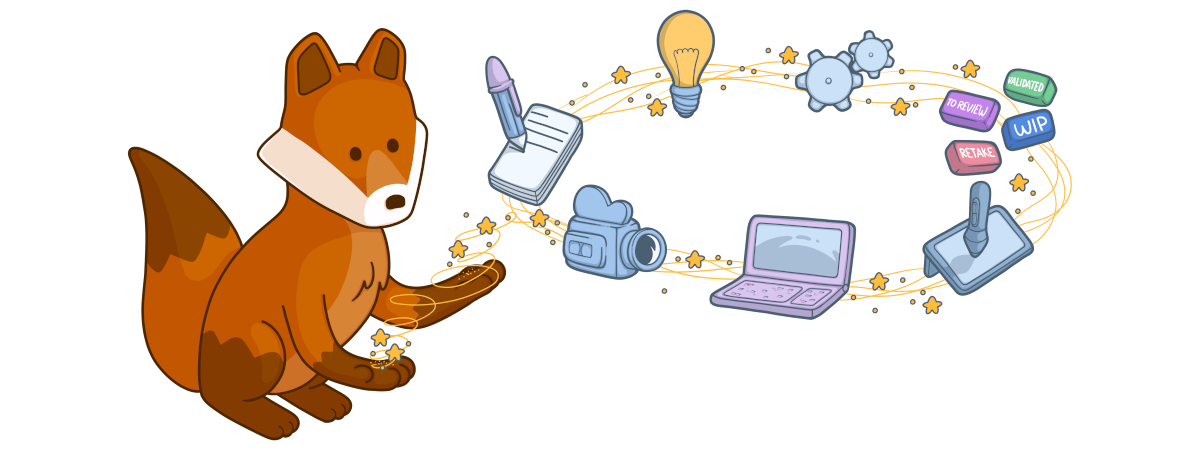
What are Concepts?
Concepts represent exploratory artwork and design iterations:- Character concepts: Initial character designs and variations
- Environment concepts: Location and set design explorations
- Prop concepts: Object and item design studies
- Color scripts: Color and mood exploration
- Visual development: Overall look and feel studies
- Storyboard concepts: Rough visual storytelling explorations
The Concepts Page
The Concepts page displays all concept artwork uploaded to your production, organized by publisher (artist) and status.Filtering Concepts
Use the filters to browse concepts:- Status: Filter by task status (Pending, Approved, Retake, etc.)
- Publisher: Filter by the artist who uploaded the concept
- Entity Type: Filter by what the concept is for (Character, Environment, Prop)
- Sorted By: Choose sort order (date, name, status)
Publishing Concepts
Artists can upload concept artwork for review:Select Entity
Click the entity (character, prop, etc.) you’re creating concepts for, or upload to the production level for general exploration
Upload Artwork
Upload your concept files:
- Supported formats: JPG, PNG, PSD
- Multiple images can be uploaded at once
- Each upload creates a new concept entry
Add Description
Describe your concept:
- Design intent and variations explored
- Key features and details
- Questions for reviewers
Reviewing Concepts
Supervisors and directors review concepts to approve or request changes:Add Feedback
Use comments to provide feedback:
- Add written notes
- Use annotations to mark specific areas
- Request specific changes or variations
Concept Properties
Each concept has:- Thumbnail: Preview image
- Publisher: Artist who created the concept
- Entity: What the concept is for (optional)
- Status: Review status (Pending, Approved, Retake)
- Upload Date: When the concept was published
- Preview: Full-resolution artwork
- Comments: Feedback and discussion
- Attachments: Additional reference files
Concept Workflow
Typical workflow for concept art:Concepts are exploratory by nature. Multiple iterations and variations are expected and encouraged.
Best Practices
Upload Early and Often
Upload Early and Often
Share work-in-progress concepts:
- Don’t wait for perfection
- Upload sketches and rough ideas
- Get feedback early to save time
- Show multiple variations when exploring options
Clear Descriptions
Clear Descriptions
Help reviewers understand your intent:
- Explain design choices
- Note what you’re trying to solve
- Highlight areas where you need feedback
- Reference style guides or inspiration
Iterate Based on Feedback
Iterate Based on Feedback
Use feedback effectively:
- Address all notes in revisions
- Upload new versions as separate concepts
- Reference previous versions in comments
- Ask clarifying questions if feedback is unclear
Organize by Entity
Organize by Entity
Link concepts to specific entities:
- Associate character concepts with character assets
- Link environment concepts to set assets
- Create relationships for easy reference later
- Use consistent naming across concept variations
Concept vs. Asset
Understanding the difference:| Concept | Asset |
|---|---|
| Exploratory artwork | Production-ready element |
| Multiple variations | Single approved version |
| Rapid iteration | Formal pipeline |
| Early stage | Later stage |
| Reference/inspiration | Final deliverable |
Related Features
Assets
Create production assets based on approved concepts
Tasks
Track design and concept tasks
Reviews
Learn about the review and approval workflow
Playlists
Create playlists for concept review sessions