Harkirat Chahal
Growth
Share this article
Harkirat Chahal
Growth
Share this article
Compare five documentation platforms for open source projects across contributor previews, versioning, AI assistant access, customization, cost, and maintainer time.
Open source maintainers need documentation that stays accurate across releases and welcomes community contributions. A platform should make it easy to review and publish release updates and community contributions, giving developers and AI coding assistants access to current instructions without adding hours of upkeep.
Self-hosted generators work well for projects that need extensive frontend customization, particularly when maintainers already have a reliable deployment setup. Because hosting, search, and dependency updates stay with the project, the choice comes down to how much maintenance time maintainers can commit.
For eligible non-commercial projects, Mintlify combines Git-native docs-as-code with managed hosting, search, and publishing through its OSS Program. Qualifying projects receive Pro free permanently, with preview deployments, analytics, and AI features that help maintainers review contributions, identify documentation gaps, and prepare updates. Apply for the Mintlify OSS Program →
What open source documentation needs
An open source project may receive a documentation fix from a first-time contributor on the same day it ships a release with changed configuration options. Its documentation platform needs to accommodate both, letting maintainers review the contribution and publish updated instructions without replacing guidance that users of older versions still need.
The contribution process also needs to work for people outside the core maintainer group. Someone correcting an installation command should be able to propose the edit and check the rendered page without needing access to the production site. Keeping documentation in the project repository lets reviewers see the code and its instructions together, reducing the chance that a release ships with outdated examples.
AI coding assistants need access to those same instructions in a format they can retrieve and process. Providing Markdown versions of documentation pages gives them the page content without the surrounding website markup. That content should update alongside the published site so assistants receive the same guidance as human readers.
Keeping documentation current also requires a way to catch changes between releases. Mintlify Autopilot, available on Pro and Enterprise, can propose documentation updates for review. Custom triggers and scheduled Automations require Enterprise. Automated updates surface the affected pages, though maintainers still need to verify that the revised instructions describe the project accurately.
How to evaluate open source documentation platforms
Evaluate each platform against a typical contribution and release cycle, including the work required after the site goes live. These six criteria help reveal limitations that a feature checklist can miss.
Contribution workflow: Test whether someone contributing from a fork can preview their changes before review. Confirm which permissions are required and whether a maintainer needs to copy the branch into the main repository to generate a preview deployment.
Release maintenance: Walk through publishing a new version and correcting a page for an older release. Check how navigation and search separate versions, along with whether fixes need to be copied manually across multiple folders.
Reader experience: Try finding an installation command, troubleshooting an error, and following a guide through to a working example. For projects with an API, assess whether readers can test an endpoint directly from its documentation.
AI assistant access: Look for Markdown page output, an llms.txt index, and an MCP server that connected assistants can query. Establish whether these outputs are generated automatically and updated with each deployment, or require separate configuration and maintenance.
Customization and portability: Inspect the source files and identify components that depend on the platform. Assess what a future migration would involve, including access to the complete content history and the work needed to rebuild navigation, styling, and interactive examples.
Cost and maintainer time: Compare the services included in a managed documentation platform with the hosting, search configuration, dependency updates, and build fixes maintainers would otherwise handle. For open source offers, review eligibility, included features, usage allowances, and any expiration or renewal requirements.
Five documentation platforms for open source projects
1. Mintlify for managed documentation
Best for: Eligible non-commercial open source projects that want managed documentation, community contributions through Git, and access for AI coding assistants.
Mintlify keeps documentation in the project’s Git repository and runs the builds, hosting, and search, so maintainers review contributions in pull requests and publish updates without operating the site themselves. The Mintlify OSS Program covers the Mintlify Pro plan for eligible non-commercial open source projects.
OSS Program eligibility requirements
To qualify for the Mintlify OSS Program, a project must meet all three requirements.
-
Open source license: Use a recognized license, such as MIT, Apache 2.0, or GPL.
-
Non-commercial funding: Receive no venture funding or revenue funding.
-
Community maintenance: Have no for-profit company owning the project or performing most of its maintenance.
The separate Mintlify Startup Program gives eligible venture-backed companies 50% off the Mintlify Pro plan for 12 months, plus priority support.
What open source maintainers get
Git-native authoring and managed publishing
Documentation stays in a GitHub or GitLab repository as Markdown or MDX files, with navigation and site settings in docs.json. Contributors can work through pull requests or the web editor, and unlimited editor seats allow additional maintainers to join without per-editor charges. The Mintlify GitHub App publishes changes from the configured branch, including when documentation occupies a subdirectory of the code repository. Mintlify runs the builds and hosting, so contributors can focus on the content.
Existing documentation can be brought over using the source, export, scraping, or manual methods explained in Mintlify’s migration guide. For an established Docusaurus site, the migration guide covers component conversion, assets, versioned content, navigation, and redirects. Start with a small set of representative pages across two maintained releases. Rehearse a correction to an older release and a contribution from a fork before moving the full site. If the trial adds more maintenance than it removes, keep the current site and address its largest recurring problem first.
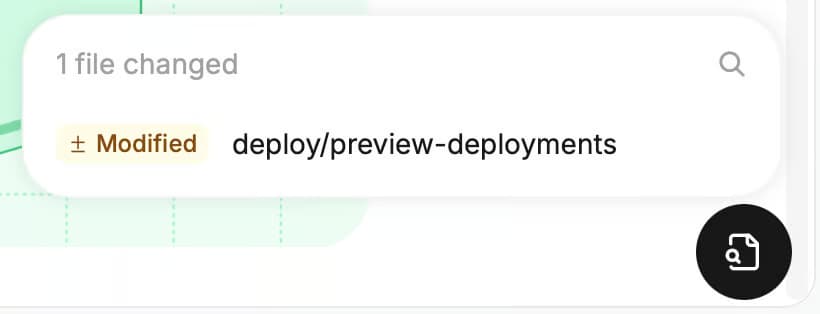
Before merging, reviewers can inspect a preview deployment that updates with each commit and lists the pages changed by the contribution. Fork pull requests require approval before Mintlify builds their previews.
Contributors can also run mint dev through the Mintlify CLI to view changes locally, and GitHub repositories can use CI checks to catch build errors, broken internal links, and writing issues before publication.
Documentation across supported releases
Maintainers can organize supported releases as separate versions in the documentation navigation, giving readers a way to reach the instructions for the version they use. Version navigation does not maintain the release content for you: maintainers still decide which pages belong to each version and apply corrections to older releases. During a Docusaurus migration, map the versioned documentation and sidebars to Mintlify’s version navigation, preserving the supported releases and their URLs.
When code changes affect those instructions, Mintlify’s writing agent can draft revisions from requests in the editor or Slack. Autopilot is available on Pro and Enterprise and opens pull requests with proposed documentation updates for maintainers to review. Automations, which support configured triggers and schedules, require Enterprise and are not included in the OSS Program’s Pro offer.
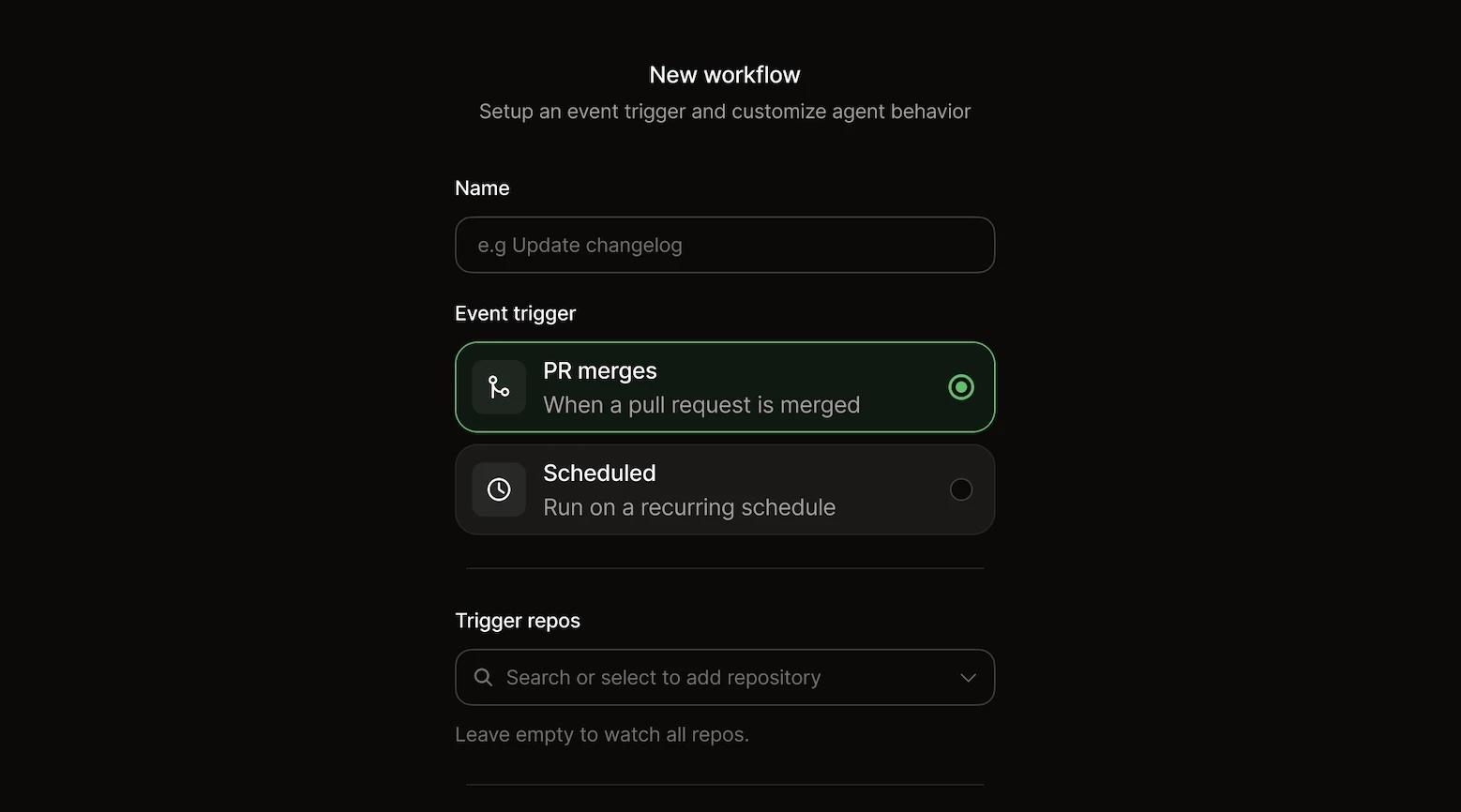
Custom Automations require Enterprise; this interface is separate from Autopilot on Pro.
Answers for readers and coding assistants
Readers can find pages through documentation search or ask the Mintlify Assistant a question and follow its citations back to the documentation. An API playground also lets API users send requests and inspect responses from reference pages generated from an OpenAPI specification.
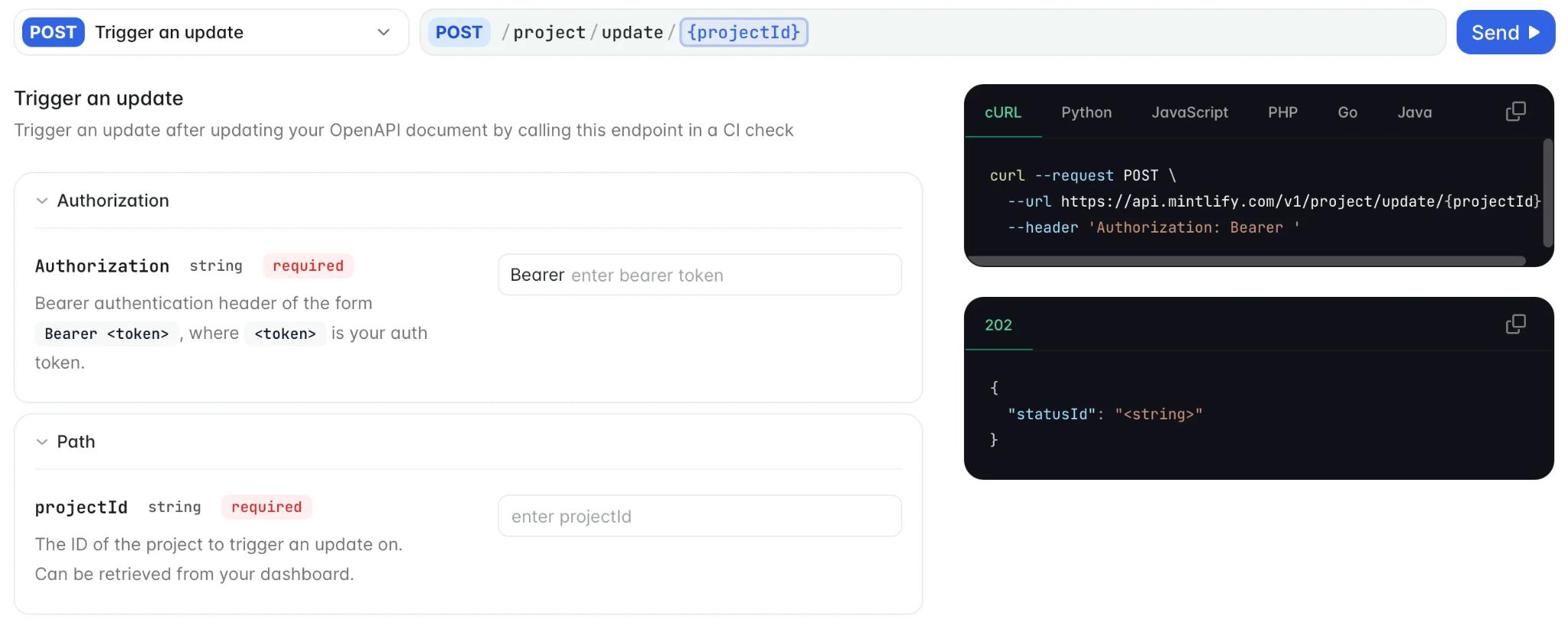
For developers working through coding assistants, Mintlify generates llms.txt and llms-full.txt, serves Markdown versions of pages, and hosts a search MCP server. Connected assistants can search the published documentation and retrieve complete pages during a task. WebMCP support gives compatible browser agents tools to search, read, and navigate the site, and agent skills provide instructions for using the documentation.
Site customization and reader feedback
Maintainers can build a recognizable documentation site from a custom domain, project branding, and built-in components, then extend the layout with custom components, CSS, and JavaScript, including a GitHub repository card that displays repository details. The MDX component accepts headings, tables, and code blocks inside custom content.
AI translations, grammar and spelling checks, and page narration prepare content for different languages and reading preferences. Search engine and AI discovery optimizations are included, along with authentication and password protection for pages that need restricted access.
Once the site is published, platform and agent analytics show traffic, searches, Assistant conversations, and engagement. Maintainers can use this information alongside page ratings and written feedback to find instructions that need work. Public repositories can also accept edit suggestions and issue reports from the documentation. Webhooks, WebSockets, developer and admin APIs, and support integrations connect these documentation tools with the project’s other systems.
Monthly AI usage allowance
The current Pro plan lists 10,000 AI credits per month and unlimited writing-agent use. Confirm the allowance on your approved OSS account before enabling paid usage. If the project has no budget, disable paid overages in the dashboard.
Benefits for project maintainers
-
Eligible projects receive the Mintlify Pro plan free permanently through the OSS Program.
-
Managed hosting, builds, deployments, and search reduce the infrastructure maintainers need to operate.
-
Markdown and MDX content stays in the project’s repository with its revision history.
-
Projects can add documentation maintainers with unlimited editor seats without per-editor charges.
-
Preview deployments and local previews show contributors the rendered pages before publication.
-
The writing agent and Autopilot draft documentation changes for maintainer review.
-
Readers find answers through built-in search and the Mintlify Assistant and try documented endpoints in the API playground.
-
Coding assistants retrieve the content through automatically generated Markdown, documentation indexes, and a hosted MCP server.
-
Analytics and reader feedback show maintainers which pages need correction.
Limitations for project maintainers
-
Fork previews require approval before building.
-
Custom components may need changes during migration.
Pricing: Eligible projects receive the Mintlify Pro plan free permanently through the OSS Program, including managed hosting, unlimited editor seats, preview deployments, analytics, an API playground, AI features, and the Pro plan’s monthly credit allowance.
Get the Mintlify Pro plan free through the OSS Program →
2. Docusaurus for React documentation
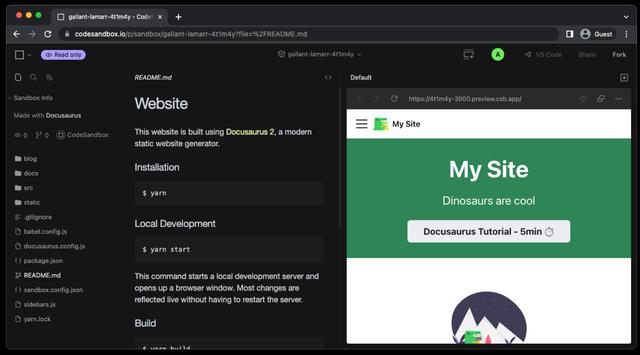
Best for: React projects that need documentation for several releases and languages, with control over page design.
Docusaurus combines Markdown and MDX authoring with React components for custom layouts and interactive examples. For projects supporting several releases, its versioning command saves documentation snapshots so users can still find instructions for older versions as development continues. Maintainers choose the hosting provider and configure search through Algolia DocSearch, a community plugin, or a custom implementation, with online contribution previews handled by the deployment service.
Benefits for project maintainers
-
Built-in versioning preserves documentation for supported releases.
-
Localization support covers translated content and navigation.
-
MDX supports reusable React components within documentation pages.
Limitations for project maintainers
-
Version snapshots add files and increase build work as releases accumulate.
-
Hosting, search configuration, and dependency updates remain with maintainers.
Pricing: Free and open source under the MIT license, with hosting and any additional services arranged separately.
3. Read the Docs for hosted builds
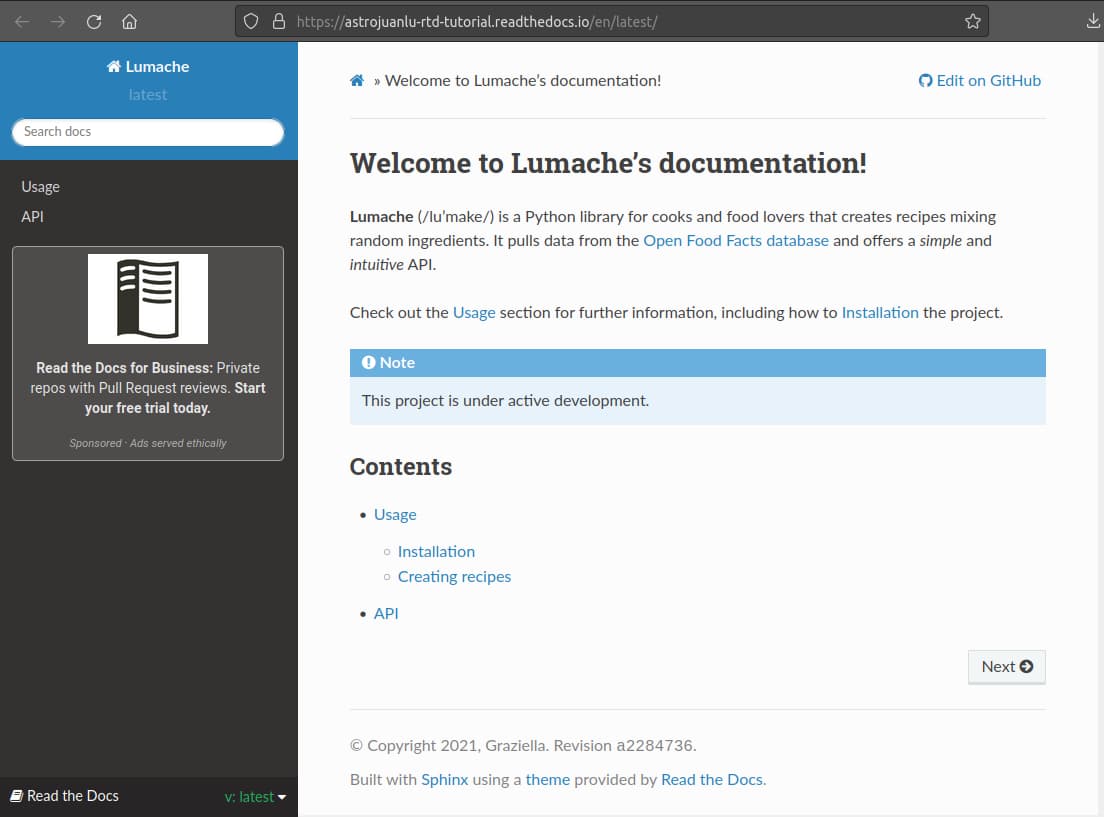
Best for: Open source projects using Sphinx or MkDocs that want hosted builds and documentation for multiple releases.
An existing documentation site can move to Read the Docs for automated builds and hosting without changing its generator, theme, or content structure. Read the Docs supports Sphinx, MkDocs, Docusaurus, and other tools, publishing separate versions from selected Git branches and tags. Pull request previews help reviewers inspect changes before merging; the available search and preview features depend on the documentation generator. AI clients also receive Markdown when they request it, though the project must supply an llms.txt file through its build configuration.
Benefits for project maintainers
-
Community hosting includes automated builds and pull request previews, with integrated search available for supported generators.
-
Documentation versions follow selected Git branches and tags.
-
Supported integrations can highlight changed files in pull request previews.
Limitations for project maintainers
-
Community documentation is public and supported by advertising.
-
Generator dependencies and llms.txt generation need project-level configuration.
-
The Docusaurus integration does not support Read the Docs full-text search or changed-file previews. Moving a Docusaurus site there still requires a separate search solution.
Pricing: Read the Docs Community is free for open source projects. Read the Docs Business plans start at $50 per month.
4. Starlight for Astro documentation
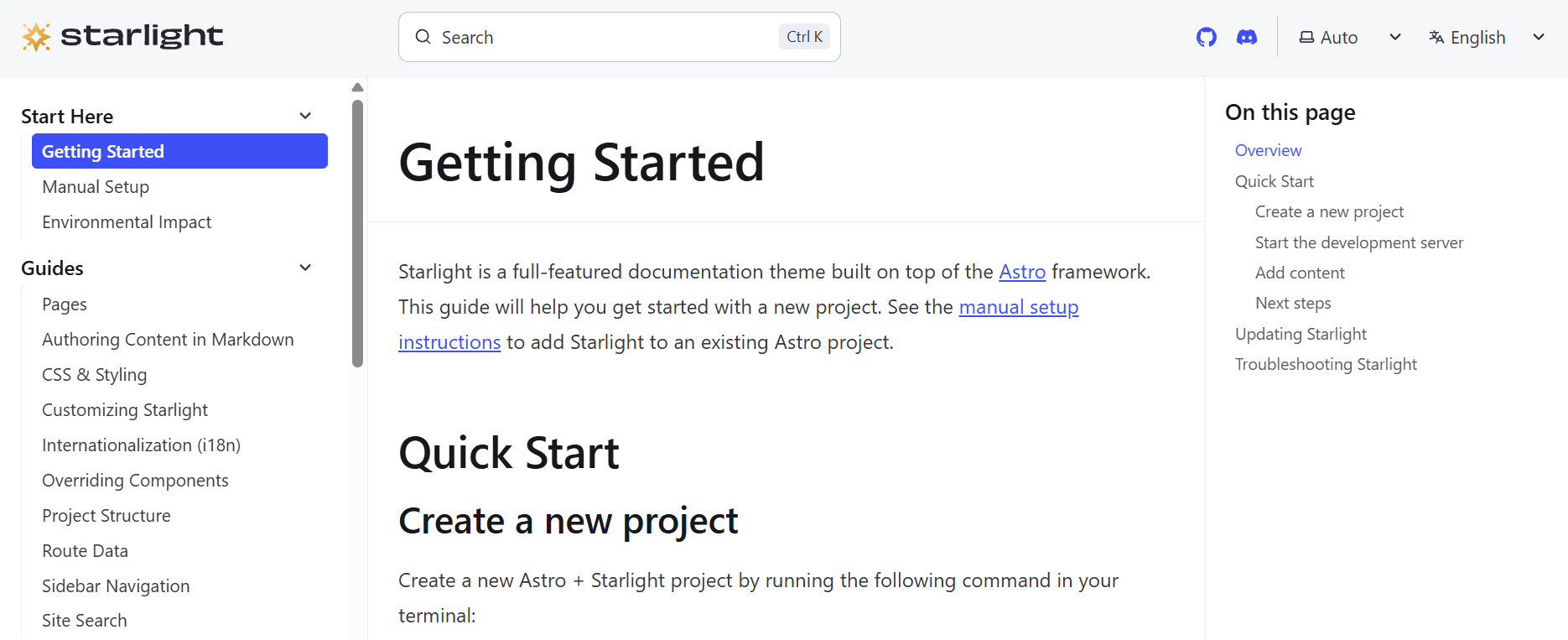
Best for: Projects that want an Astro documentation site with built-in search and multilingual navigation.
Navigation, code highlighting, dark mode, and Pagefind search are included in Starlight’s Astro-based documentation theme, with no separate search service required. Authors write in Markdown, MDX, or Markdoc and use components from frameworks such as React, Vue, Svelte, and Solid to add custom content. Built-in language support organizes translated pages, but release versioning and llms.txt generation require additional plugins, and maintainers arrange hosting and shared contribution previews through their deployment provider.
Benefits for project maintainers
-
Pagefind search works without a separate search account or service.
-
Built-in language support organizes documentation across locales.
-
Components from several frontend frameworks work within the same site.
Limitations for project maintainers
-
Versioning and llms.txt generation depend on additional plugins.
-
Hosting and shared contribution previews need a separate deployment setup.
Pricing: Free and open source under the MIT license. Hosting is arranged separately.
5. VitePress for Vue documentation
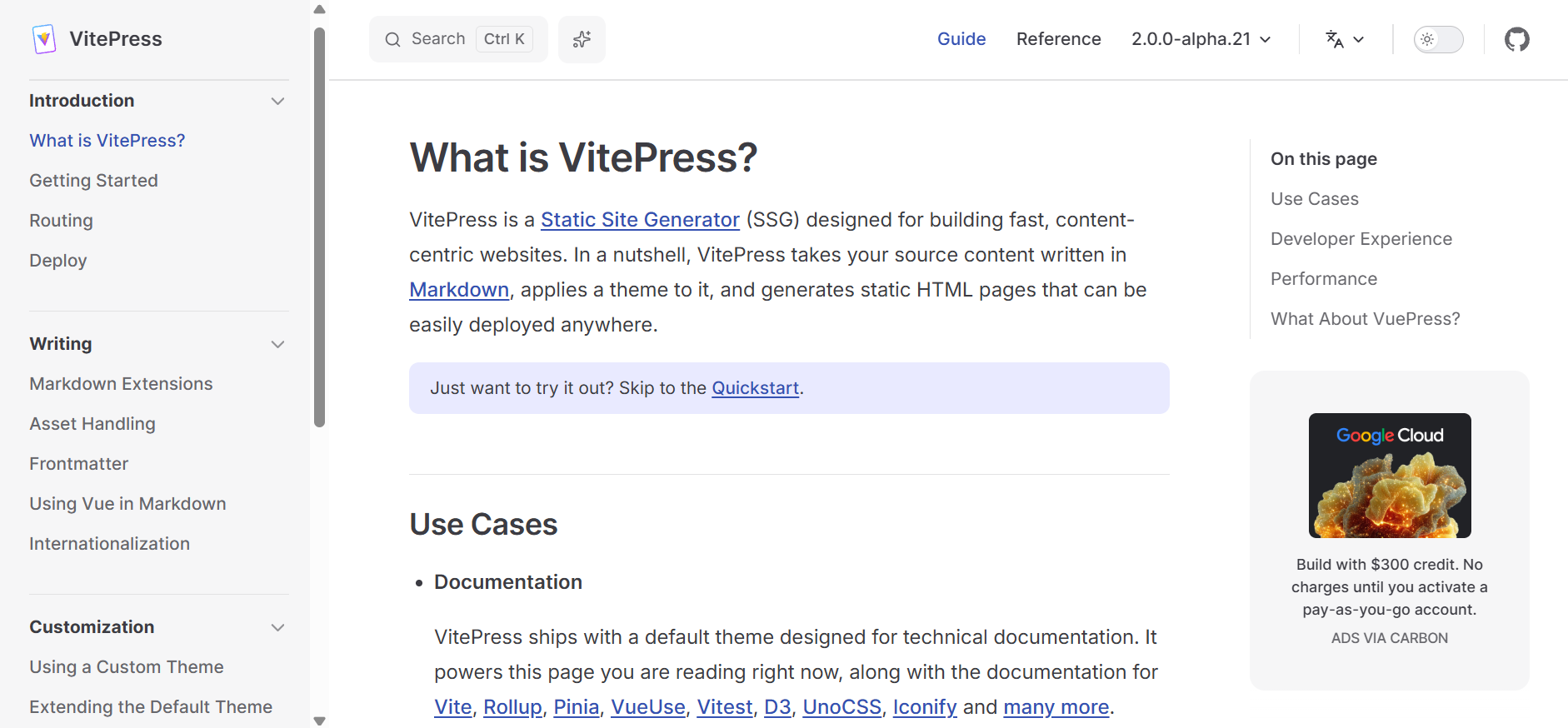
Best for: Vue and Vite projects that want Markdown documentation with interactive examples and their own hosting setup.
For Vue projects, VitePress keeps written instructions and interactive Vue examples in the same Markdown files, with local previews refreshed by the Vite development server during editing. Its documentation theme supports browser-based full-text search or an Algolia DocSearch integration, depending on the project’s configuration. The published site consists of static files deployed to a chosen host, where maintainers also configure shared pull request previews and add a plugin or custom setup if several release versions need to remain available.
Benefits for project maintainers
-
Vue components work directly within Markdown guides.
-
Local search avoids a separate hosted search service.
-
Generated static files work with a wide choice of hosts.
Limitations for project maintainers
-
Multiple release versions require extra setup.
-
Shared pull request previews depend on a hosting integration.
Pricing: Free and open source under the MIT license, with hosting and external services handled separately.
Open source documentation platforms compared
| Tool | Cost for OSS projects | Contributor previews | Versioning | AI assistant access | Best for |
|---|---|---|---|---|---|
| Mintlify | ✅ Mintlify Pro plan free permanently for eligible non-commercial projects, including hosting, a custom domain, analytics, unlimited editor seats, and the Pro plan’s monthly credit allowance | ✅ Included, with changed-page navigation and previews that update with commits. Fork previews require approval. | ✅ Built-in version navigation configured in docs.json | ✅ Automatically generated llms.txt, llms-full.txt, Markdown pages, and a hosted search MCP server | Community projects seeking managed publishing, contribution reviews, and ready-to-use access for coding assistants. |
| Docusaurus | ✅ Free under the MIT license, with hosting arranged separately | ⚠️ Configured through the hosting provider or CI setup | ✅ Built-in documentation snapshots for each release | ⚠️ Community plugins for documentation indexes, Markdown output, and MCP connections | React projects needing custom components, multiple releases, and translated documentation. |
| Read the Docs | ✅ Free Community hosting for public open source documentation, supported by ads | ✅ Pull request previews; changed-file support depends on the generator | ✅ Separate versions built from Git branches and tags | ⚠️ Automatic Markdown responses, with llms.txt supplied through the project’s build | Projects keeping an existing documentation generator and seeking hosted builds. |
| Starlight | ✅ Free under the MIT license, with hosting arranged separately | ⚠️ Supplied through the chosen deployment service | ⚠️ Available through a community plugin | ⚠️ Documentation indexes, Markdown routes, and MCP access through added plugins or services | Astro projects wanting built-in search and control over their documentation site. |
| VitePress | ✅ Free under the MIT license, with hosting arranged separately | ⚠️ Shared previews require a hosting integration | ⚠️ Requires a plugin or custom configuration | ⚠️ Community plugins generate llms.txt, llms-full.txt, and Markdown pages | Vue and Vite projects publishing Markdown guides with interactive examples. |
Apply for the Mintlify OSS Program to get the Mintlify Pro plan free permanently →
When to choose a self-hosted documentation generator
Consider a self-hosted generator when the project needs control over the site’s framework, build process, or deployment environment. A UI library, for example, might publish its documentation and live component demos as one application, sharing dependencies and tests with the project’s website. Sharing one build with the project’s website is a stronger reason to manage the site directly than a preference for a particular visual theme.
Before moving the full documentation, build a representative guide containing the most complex example the site needs. Review how contributors edit it, how the example behaves in a preview, and what happens when its dependencies change. A trial guide shows maintainers whether the added control justifies the work before the full migration begins.
Also read: Free documentation for open source projects
Why choose Mintlify for open source documentation
Through the Mintlify OSS Program, eligible non-commercial projects receive the Mintlify Pro plan free permanently, with hosted documentation that developers can read and connected AI agents can search and retrieve. The content stays in the project’s Git repository, where maintainers review community contributions and updates proposed by Autopilot before publication.
Laravel, for example, published its first set of refreshed documentation on Mintlify in three days without bringing in engineers, and Together AI adopted Mintlify’s llms.txt and MCP support so developers could retrieve its documentation through connected AI tools.
Apply for the Mintlify OSS Program to get the Mintlify Pro plan free permanently →
Frequently Asked Questions
Which documentation platform suits open source projects?
Mintlify is a strong choice for eligible projects with a small maintainer group and regular outside contributions, since contributors keep working in Git and Mintlify runs the build and hosting services. Before moving an established site, test a few representative pages to check how its content, examples, and navigation transfer.
Is Mintlify free for open source projects?
The Mintlify OSS Program provides approved non-commercial projects with the Mintlify Pro plan at no subscription cost. Projects outside the program can still use the Mintlify Free plan, which includes hosting, a custom domain, an MCP server, an API playground, and five editor seats.
How does Mintlify compare with Docusaurus?
Mintlify is preferable when maintainers want managed publishing and search alongside Git-based contributions. An existing Docusaurus site may be worth keeping when its custom React components and build process are essential to the project. To assess a move, Mintlify’s Docusaurus migration guide explains how to convert components and navigation, carry over versions, and redirect existing URLs.
How do open source projects accept documentation contributions?
Publish a CONTRIBUTING.md file that identifies the documentation directory, explains local previews, and tells contributors how to request a review. Small tasks, such as correcting an outdated example or adding a missing installation detail, give newcomers a clear starting point. For Mintlify sites, include the approval step for fork previews so contributors know what happens after opening their pull request.
How do coding assistants read project documentation?
Assistants read documentation through Markdown pages, an llms.txt index, or an MCP server. With Mintlify, a developer connects the project’s search MCP server to a compatible coding assistant, giving it tools to search and retrieve published pages during a task. To check the connection, ask about an option introduced in the current release and request the documentation source, then verify that the returned page describes the correct version.
More to read

Free documentation for open source projects
Compare what open source projects get for $0 from Mintlify, Docusaurus, MkDocs, Starlight, VitePress, and Read the Docs, from hosting to search and AI.
October 26, 2026Harkirat Chahal
Growth
Mintlify's OSS Program: who qualifies and what you get
Non-commercial open source projects get Mintlify Pro free, forever. See what approved projects get, the three criteria to qualify, and how to apply.
October 26, 2026Harkirat Chahal
Growth
How to turn Markdown files into a docs website
Turn Markdown files into a docs website in seven steps, from structuring the repository to custom domains, preview deployments, and publishing on merge.
October 9, 2026Harkirat Chahal
Growth
Mintlify vs ReadMe for AI agents, speed, and pricing in 2026
Mintlify vs ReadMe, tested on ten live docs sites and 130 agent questions: agent search, page speed, self-updating docs, editing, API references, and pricing.
September 30, 2026Cole Gottdank
GTME
Mintlify's Free Plan
A homegrown docs site looks cheap until your team owns search, auth, AI-readable content, and upkeep. The Mintlify Free plan covers that core at no cost.
September 28, 2026Harkirat Chahal
Growth
Best Free Documentation Software in 2026
Compare four free documentation tools on hosting, search, Git editing, and upkeep, including the Mintlify Free plan and Pro for approved open source projects.
June 18, 2026Harkirat Chahal
Growth